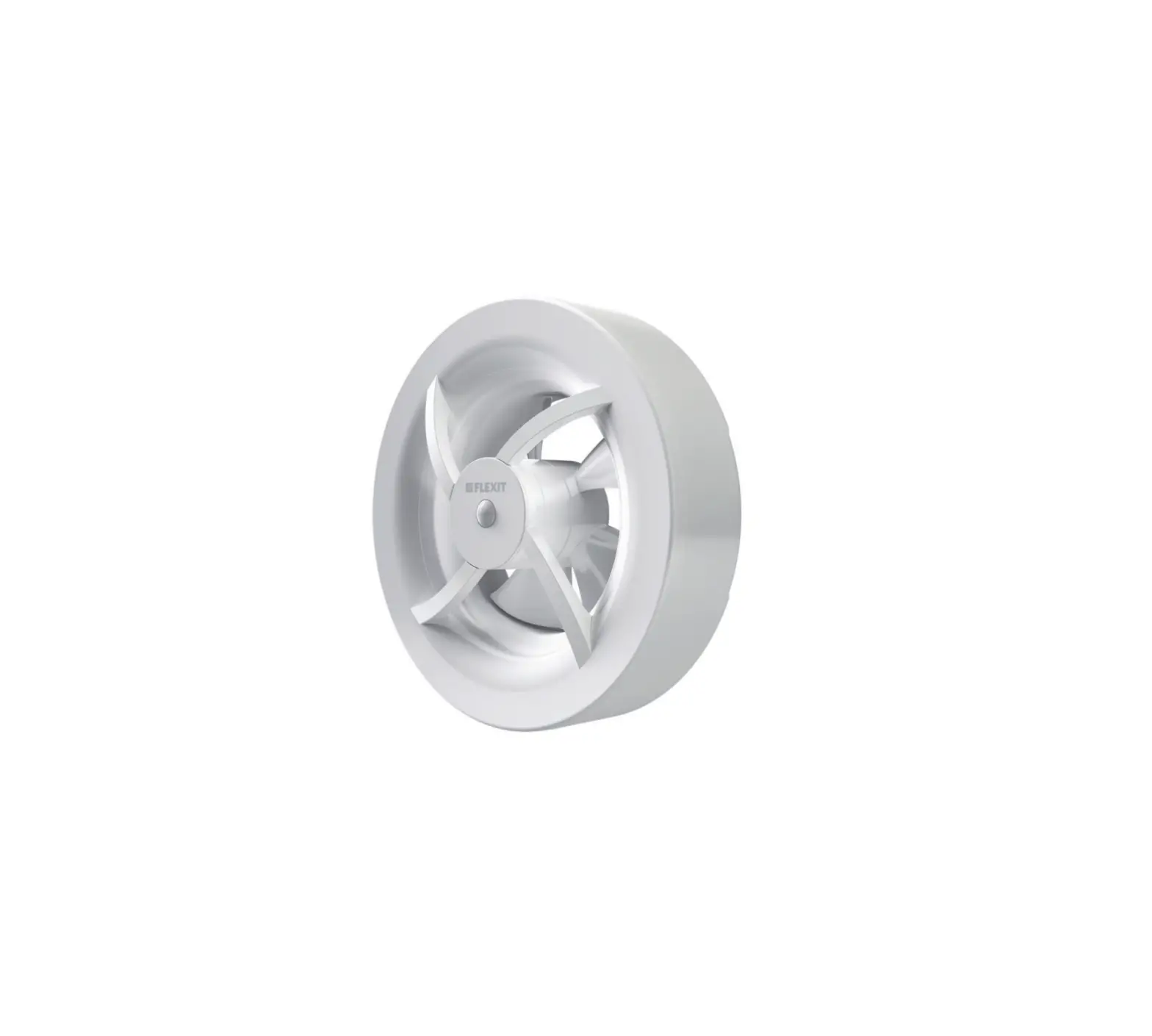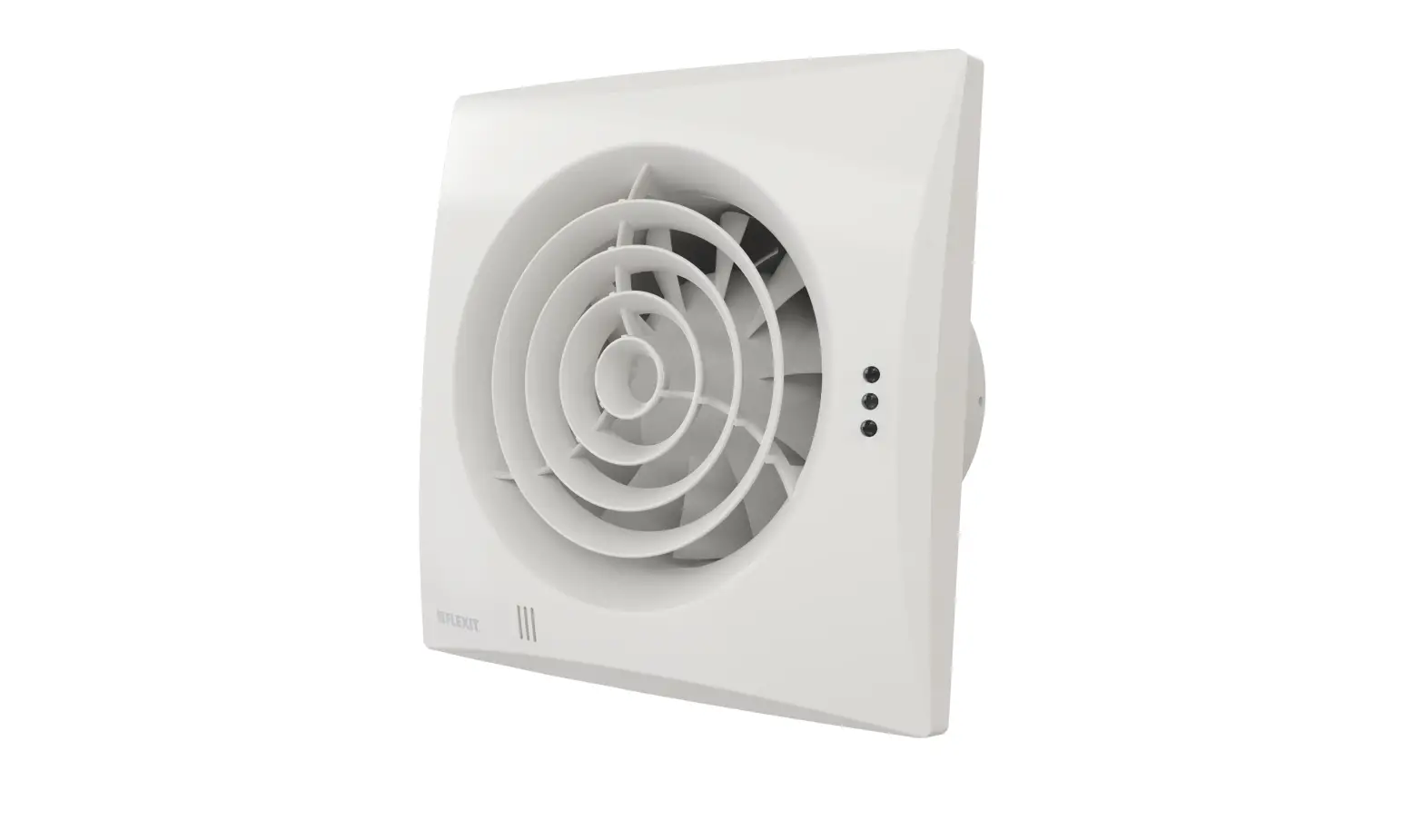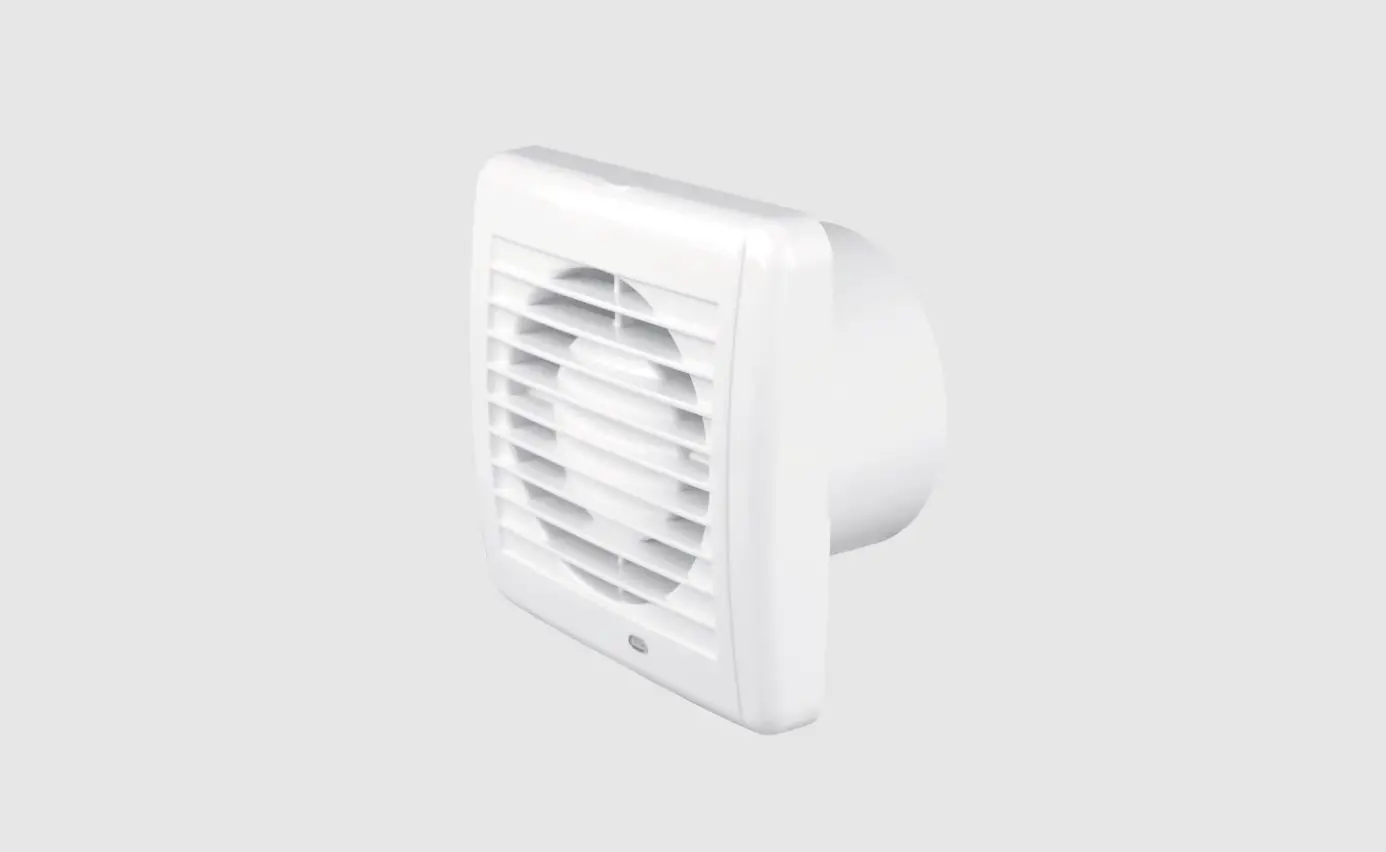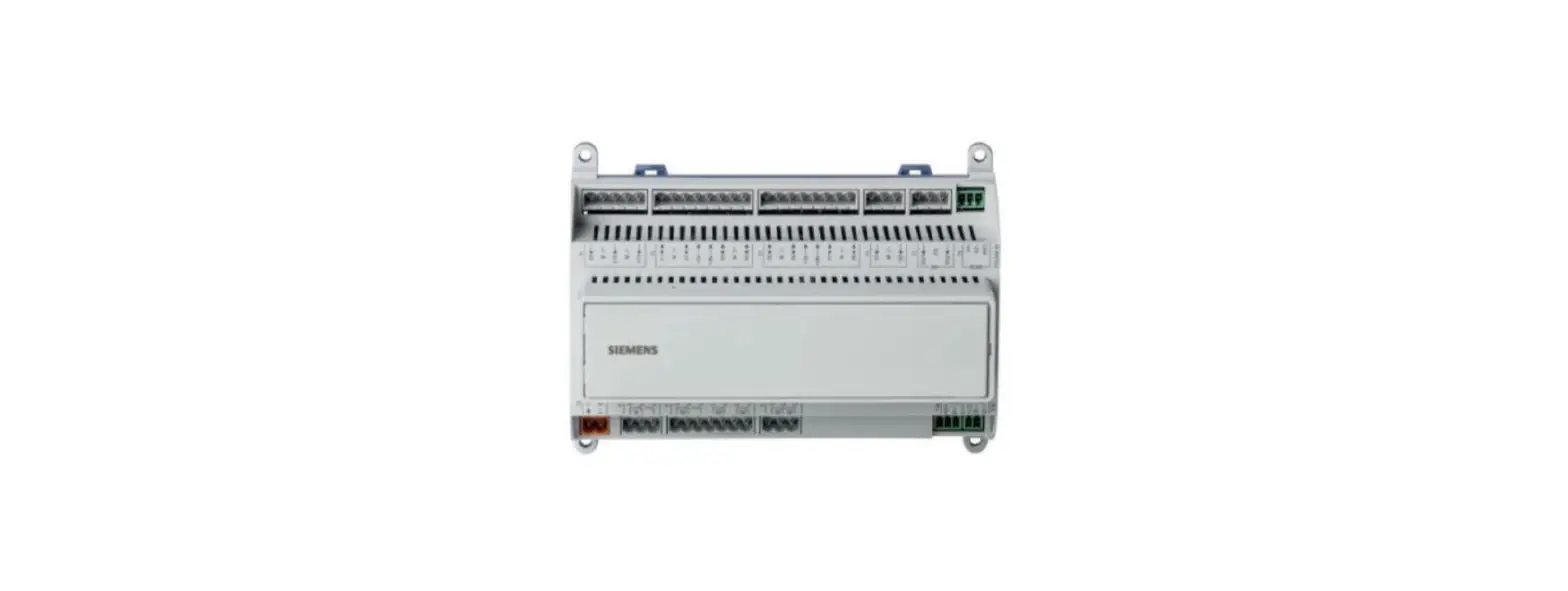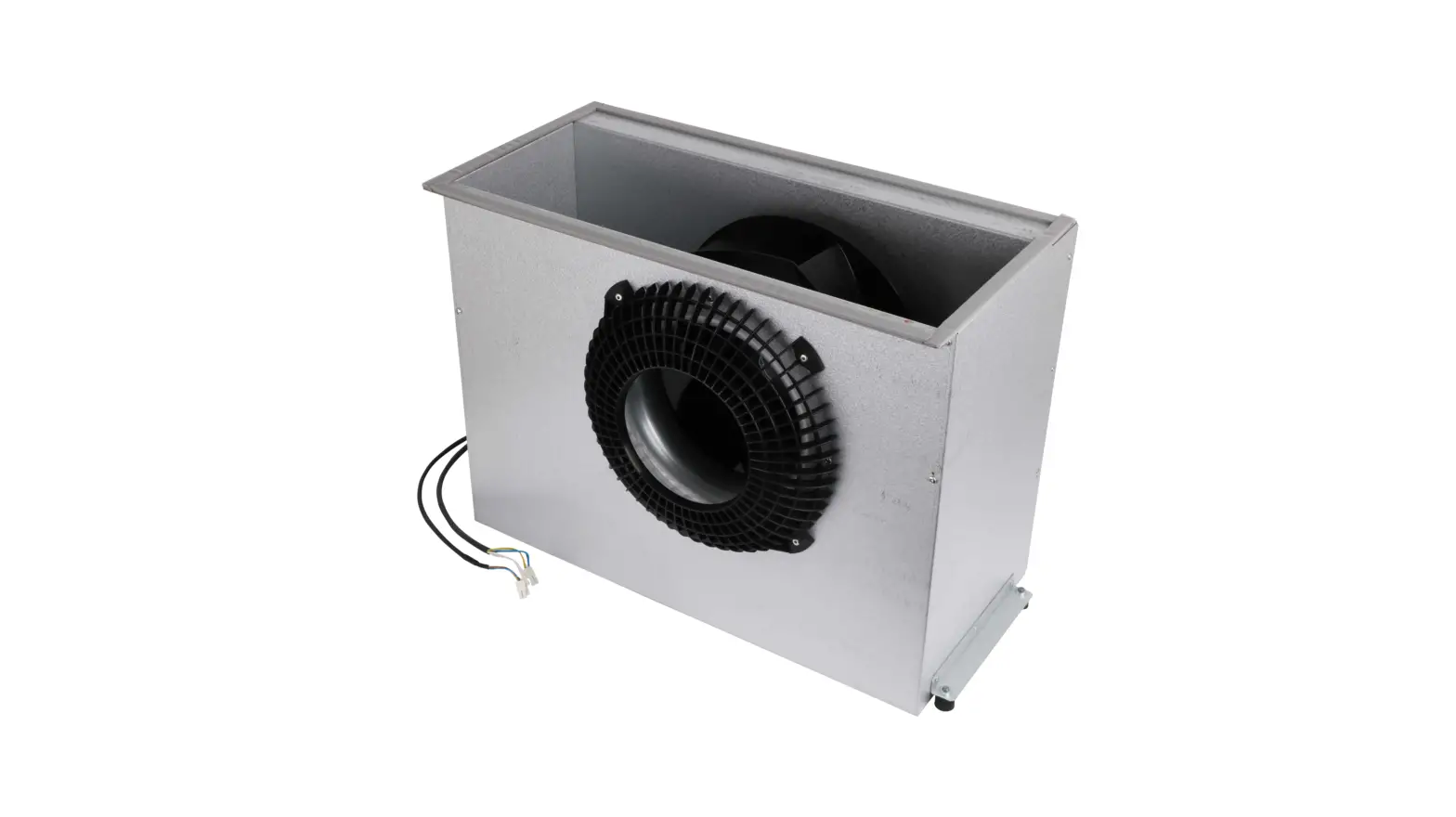
FLEXIT 118535 ProNordic Fan Instruction Manual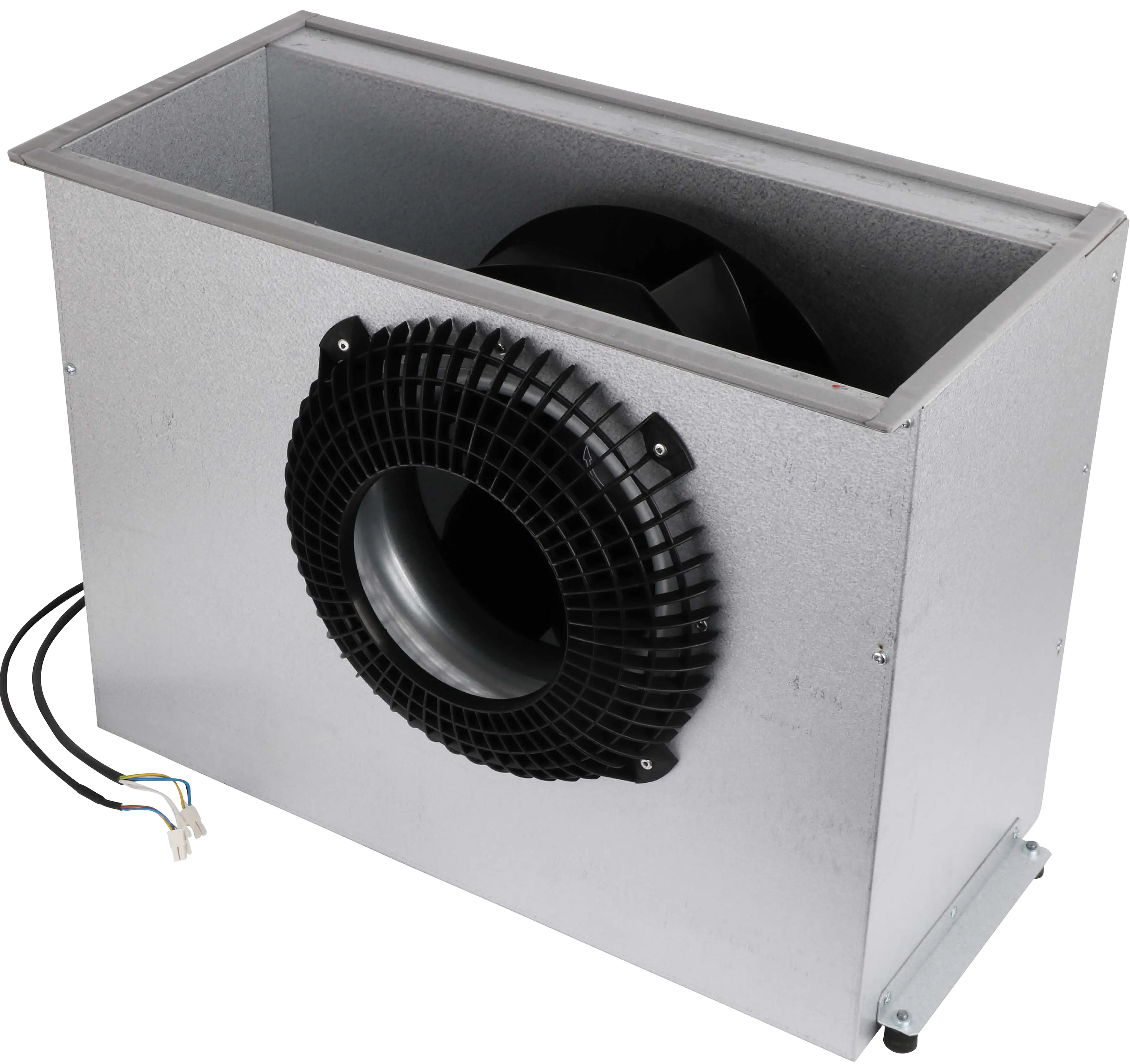
Important safety intructions:
 DANGER!
- Turn off the power to the unit before starting.
- Before opening the door, the unit must be disconnected from mains power supply, and the fans must have been given time to stop(min. 3 minutes).
- The unit contains heating elements that must not be touched when they are hot.
 INFO! Fan are delivered with the default setting 0-10V Control.
On ProNordic units with CS2500 control system the fans are controlled by modbus. When replacing a fan in these mode and if they should be exhaust air or supply air fan. To do this, do the following steps.
CAUTION! If you have to change both fans, you must connect and configure one fan at a time. Do NOT connect two unconfigured fans at the same time.
ProTouch
- Make sure the power is switched off and replace the fan.
- Make sure you know if it is the supply air fan or extract air fan you replaced
- Switch on the power.
- If you are not logged in, log in with password: 2000
- Make sure “SERVICE SWITCH” is set to “OFF”.
- Go to:
Main menu > Configuration > Configuration IOS > IntegrationS >+Fanconfiguration - Select the fan you want to configure (Supply air or Exhaust air) and select “Confirm””Supl.Fa 1”=Supply air fan ”Extr.Fa 1”=Extract air fan (“Supl.Fa 2” and “Extr.Fa 2” are only valid for units S34O and L35O)
- Wait until the selected fan first appears to the right of “+Fan configuration”, and then change to ”Success” in the same place.
- Press “+Fan configuration” again and select “Done”> “Confirm”.
- Wait until “Done” appears to the right of “+Fan Configuration”.
- Go to:
Main menu > Configuration > Configuration IOS - Go to “Configuration IOs” (next to the bottom line of the menu) and select “Done” > «Confirm».
- Go to “Restart required !” in the line below and select “Execute” > «Confirm».
- After restarting the unit, set the “SWITCH SERVICE” to “AUTO” and check the function.
ProPanel
- Make sure the power is switched off and replace the fan.
- Make sure you know if it is the supply air fan or extract air fan you replaced.
- Switch on the power.
- Press and hold the scroll wheel on the control panel until the login dialog appears.
- Login with password: 2000
- Make sure “SERVICE SWITCH” is set to “OFF”.
- Go to:
Main menu > Configuration > Configuration IOS > IntegrationS > +fan configuration - Select the fan you want to configure (Supply air or Extract air).“Till.Fl 2” och “Supl.Fa 1”=Supply air fan “Extr.Fa 1”= Extract air fan (“Supl.Fa 2″ and “Extr.Fa 2″ only valid for units S34O and L35O)
- Go to “fan configuration” again and select “Done”.
- Go one step back:
Main menu > Configuration > Configuration IOS - Go to “Configuration IOs” (next to the bottom line of the menu) and select “Done”.
- Go to “Restart required !” in the line below and select “Execute”.

- Start up the unit by switching “ SERVICE SWITCH” to “Auto” and check function of the new fan.
Flexit AS, Televeien 15, N-1870 Ørje www.flexit.no

 Bedre inneklima - Flexit