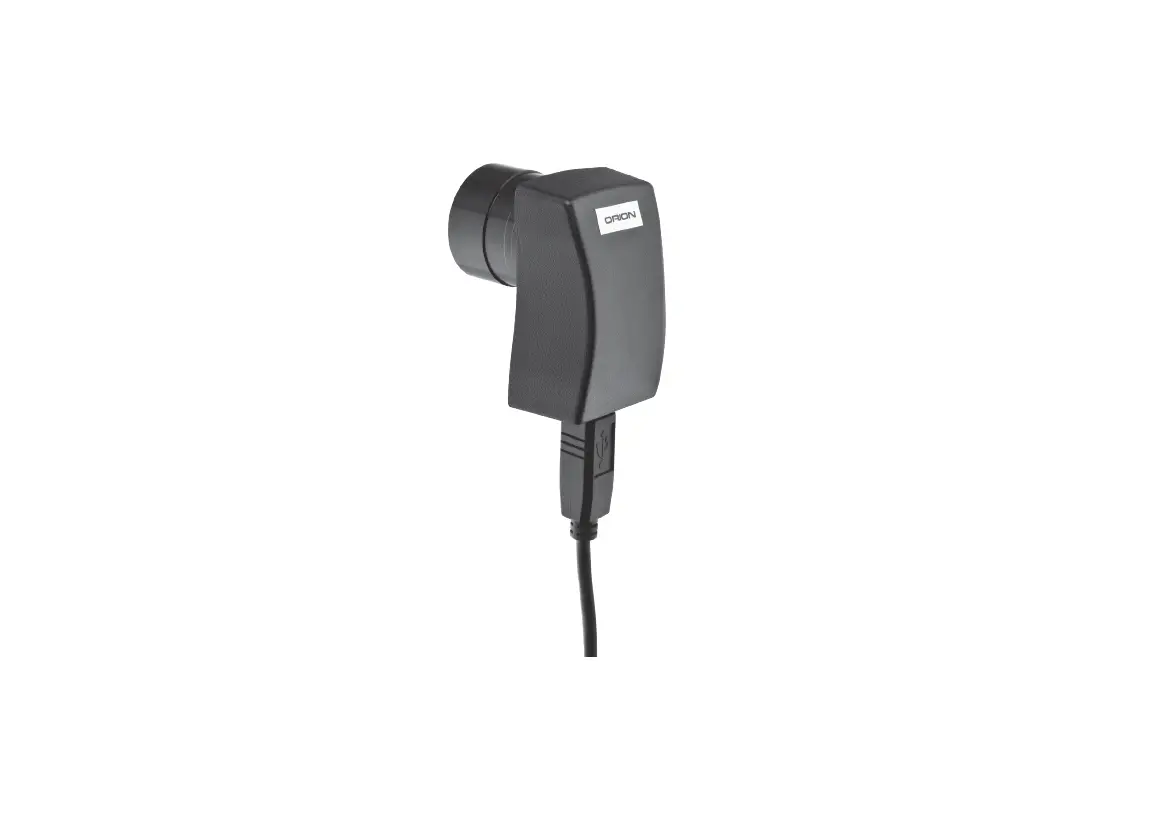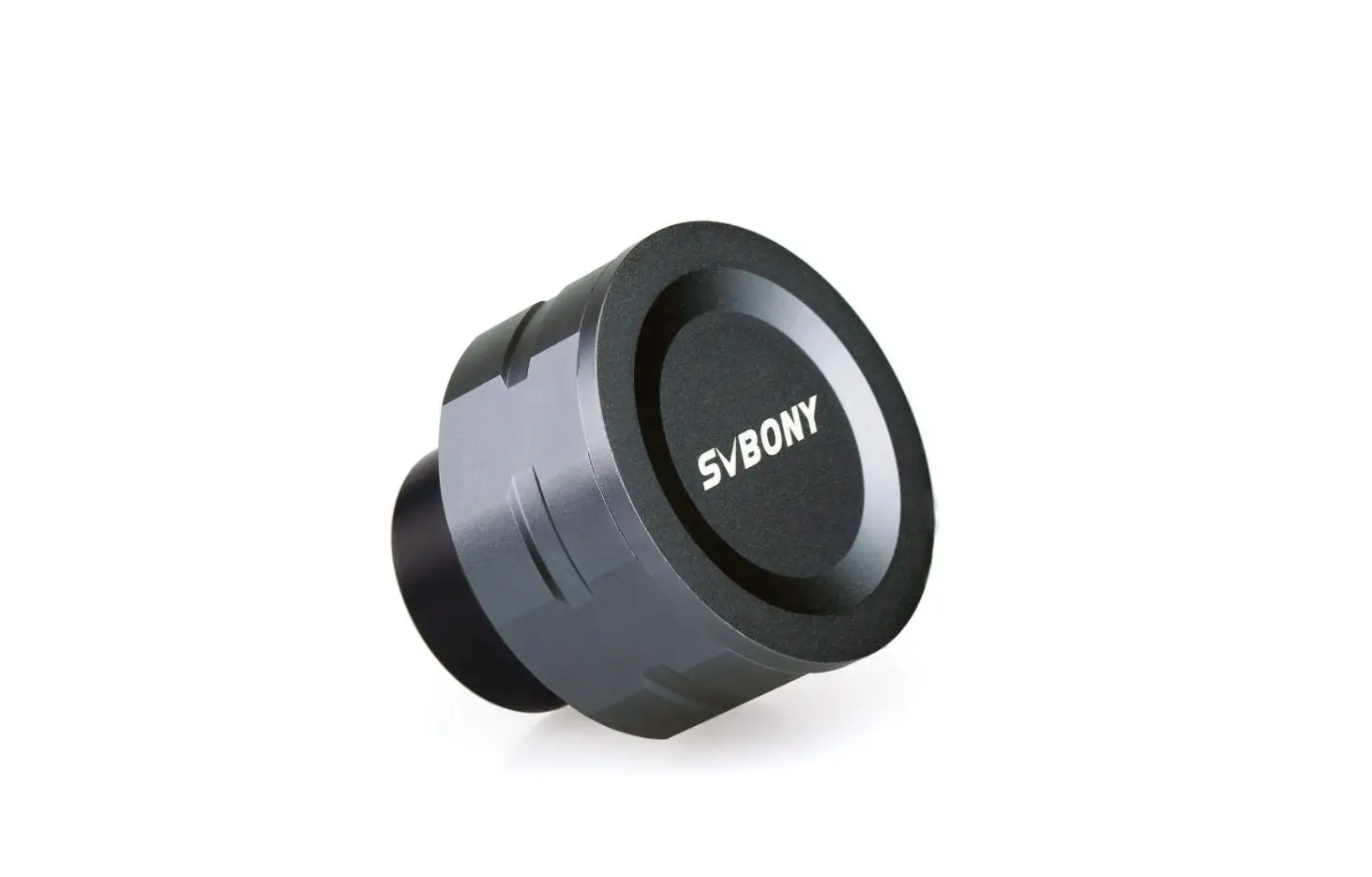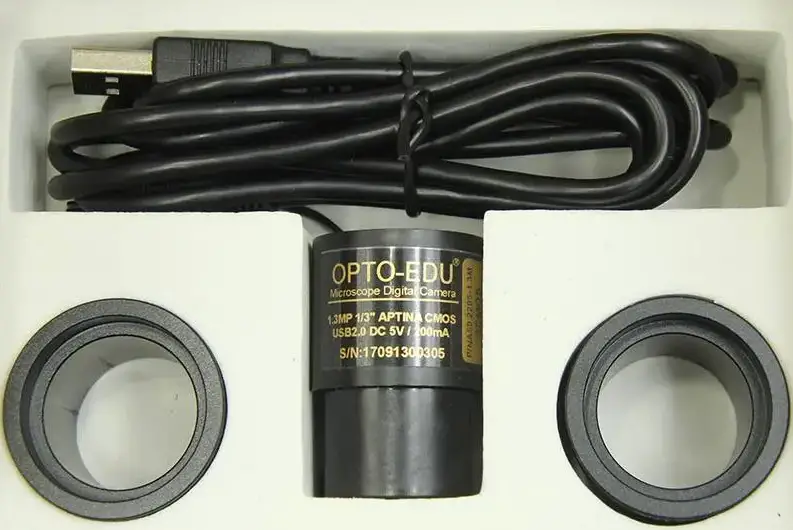

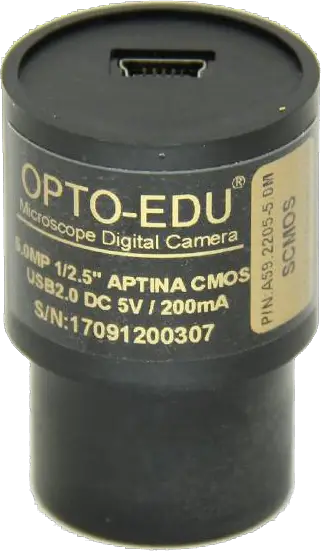
OPTO-EDU A59.2205 USB2.0 Digital Eyepiece Camera
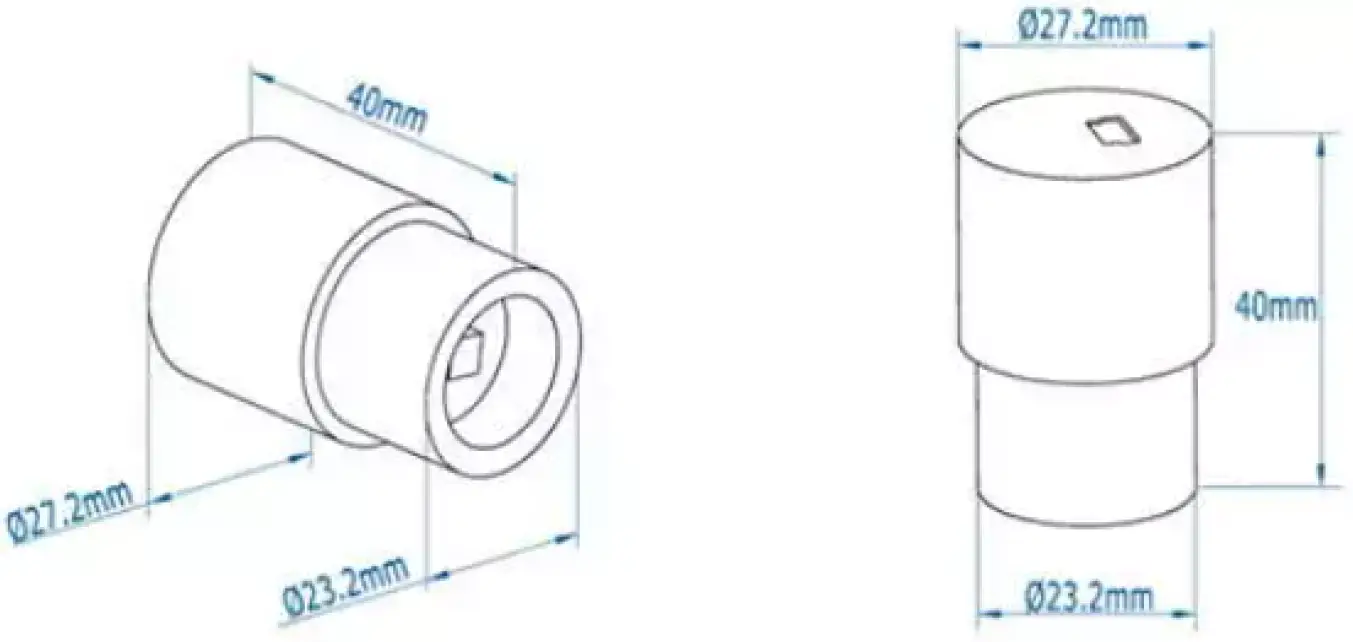
Dimensions for A59.2205
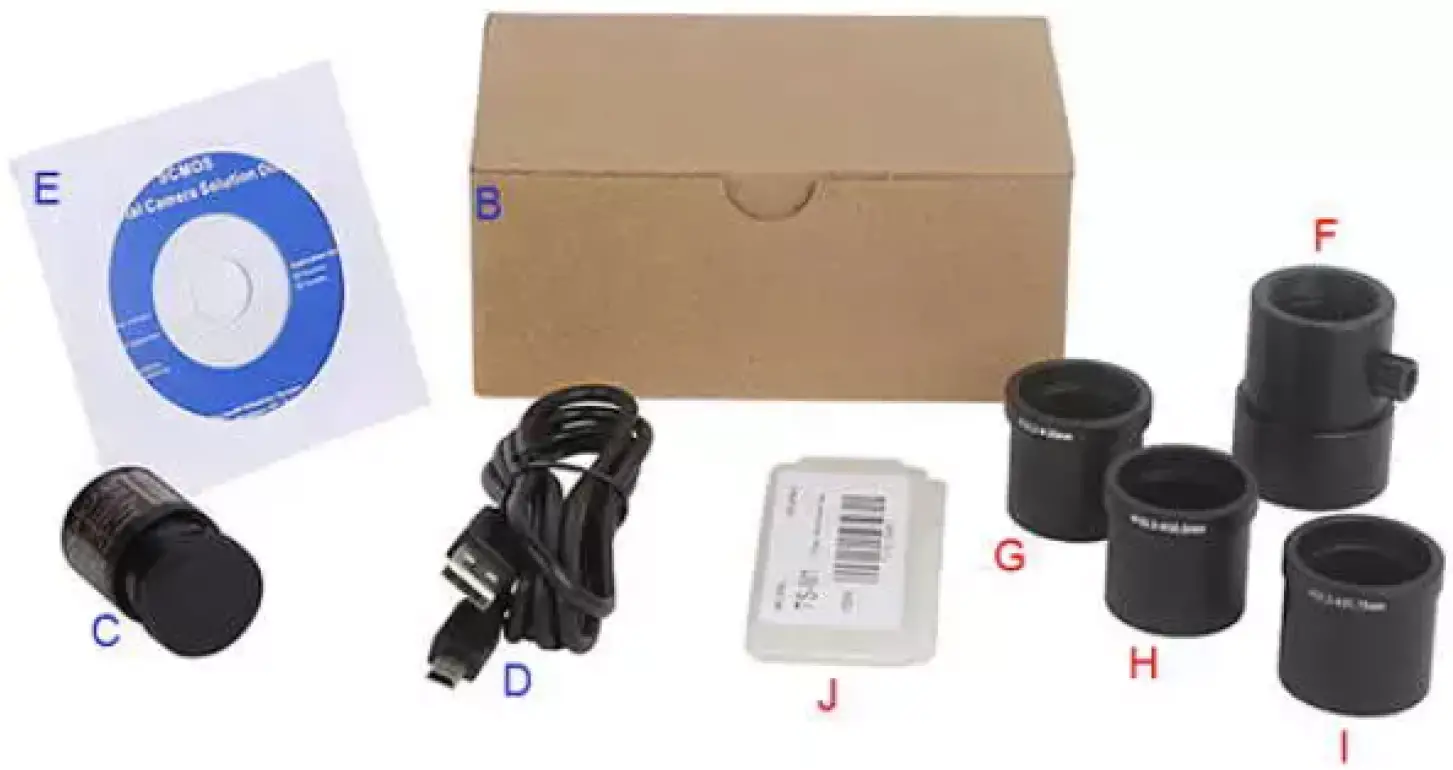
| Standard Package List | |||
| A | Carton L:52cm W:32cm H:33cm (50pcs, 12~17Kg/ carton), not shown in the photo | ||
| B | Gift box L:14.5cm W:9.5cm H:6.0cm (0.15~0.15Kg/ box) | ||
| C | SCMOS | ||
| D | USB 2.0 Wireless Network Card Adapter | ||
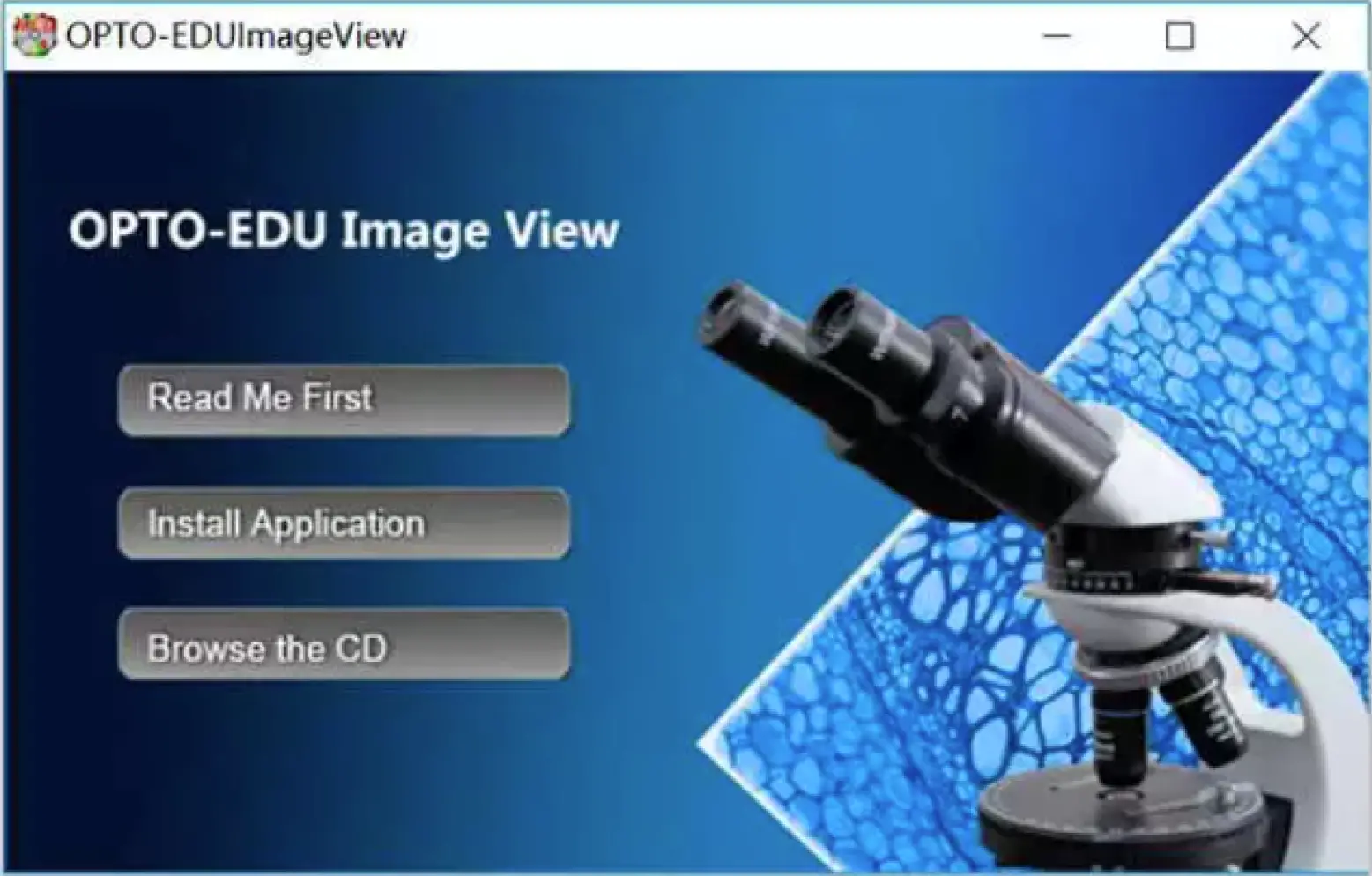
| E | CD (Driver & Utilities Software, Ø8cm) | ||
| Optional Accessories | |||
| F | C-Mount Adapter Housing | ||
| G | Dia. 23.2mm to 30.0mm Ring Adaptor for 30mm eyepiece tube | A55.2203-30 | |
| H | Dia. 23.2mm to 30.5mm Ring Adaptor for 30.5mm eyepiece tube | A55.2203-30.5 | |
| I | Dia. 23.2mm to 31.75mm Ring Adaptor for 31.75mm eyepiece tube | A55.2203-31.75 | |
| J | Calibration Kit | 106011/TS-M1(X=0.01mm/100Div.); 106012/TS-M2(X,Y=0.01mm/100Div.); 106013/TS-M7(X=0.01mm/100Div., 0.10mm/100Div.); | |
| Item No | Sensor & Size (mm) | Pixel (µm) | G Sensitivity Dynamic Range SN Radio | FPS / Resolution | Binning | Exposure |
| A59.2205-5.0MPA | 5.0M/Aptina(C) 1/2.5″(5.70×4.28) | 2.2×2.2 | NA | 2@2592×1944 3@2048×1563 5@1600×1200 7.5@1280×1024 | N/A | Auto |
| A59.2205-5.0MPB | 5.0M/SC5033(C) 1/2.7″(5.18×3.89) | 2.0×2.0 | 2.0/lux-sec 64dB 35dB | 20@2592×1944 20@2048×1536 20@1600×1200 30@800×600 | N/A | Auto |
| A59.2205-3.0MPA | 3M/Aptina(C) 1/2.7″(4.506×3.38) | 2.2×2.2 | NA | 3@2048×1536 5@1600×1200 7.5@1280×1024 | N/A | Auto |
| A59.2205-2.0MPA | 2M/Aptina(C) 1/3.2″(4.48×3.36) | 2.8×2.8 | NA | 5@1600×1200 7.5@1280×1024 7.5@1280×960 20@800×600 | N/A | Auto |
| A59.2205-2.0MPB | 2M/OV2710(C) 1/2.7″(5.76×3.24) | 3×3 | 3.3V/Lux-sec 69dB 39dB | 25@1920×1080 30@1280×1024 30@1280×720 | N/A | Auto |
| A59.2205-1.3MPA | 1.3M/Aptina(C) 1/3″(4.60×3.70) | 3.6×3.6 | NA | 7.5@1280×1024 12.5@1024×768 12.5@800×600 | N/A | Auto |
| A59.2205-920KPA | 0.92M/BG0703(C) 1/2.7″(5.76×3.24) | 4.5×4.5 | 5.8V/Lux-sec 65dB 43dB | 25@1280×720 25@640×480 | N/A | Auto |
| A59.2205-350KPA | 0.35M/Aptina(C) 1/4″(3.58×2.69) | 5.6×5.6 | NA | 30@640×480 | N/A | Auto |
| Other Hardware Configuration | |
| Spectral Range | 380-650 (with IR-Filter) |
| White Balance | Auto |
| Color Rendering Technique | NA |
| Capture / Control API | Native C/C++, Directshow, Twain |
| Recording System | Still Picture and Movie |
| Cooling System* | Natural |
| Operating Environment | |
| Operating Temperature | -10°C ~ 50°C |
| Storage Temperature | -20°C ~ 60°C |
| Operating Humidity | 30 ~ 80%RH |
| Storage Humidity | 10 ~ 60%RH |
| Power Supply | DC 5V over PC USB Port |
| Software Environment | |
| Operating System | Support Microsoft Windows XP / Vista / 7 / 8 (32 & 64 bit) OS X (Mac OS X), Linux |
| PC Requirements | CPU: Equal to Intel Core2 2.8GHz or Higher |
| Memory: 2GB or more | |
| USB Port: USB2.0 High-Speed Port | |
| Display: 1.7″ or Larger | |
| CD-ROM | |
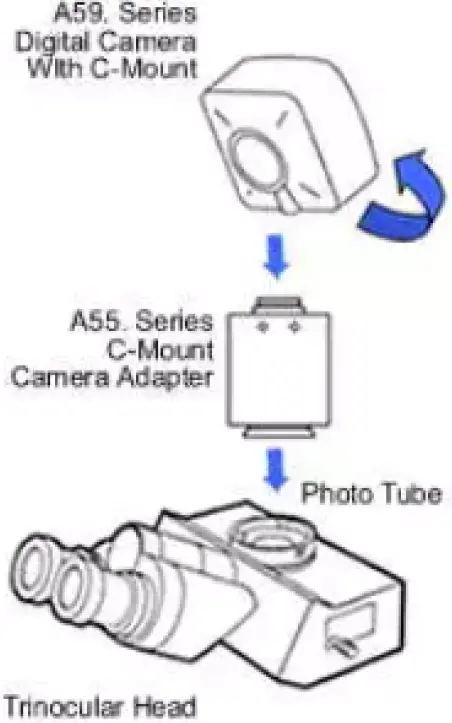
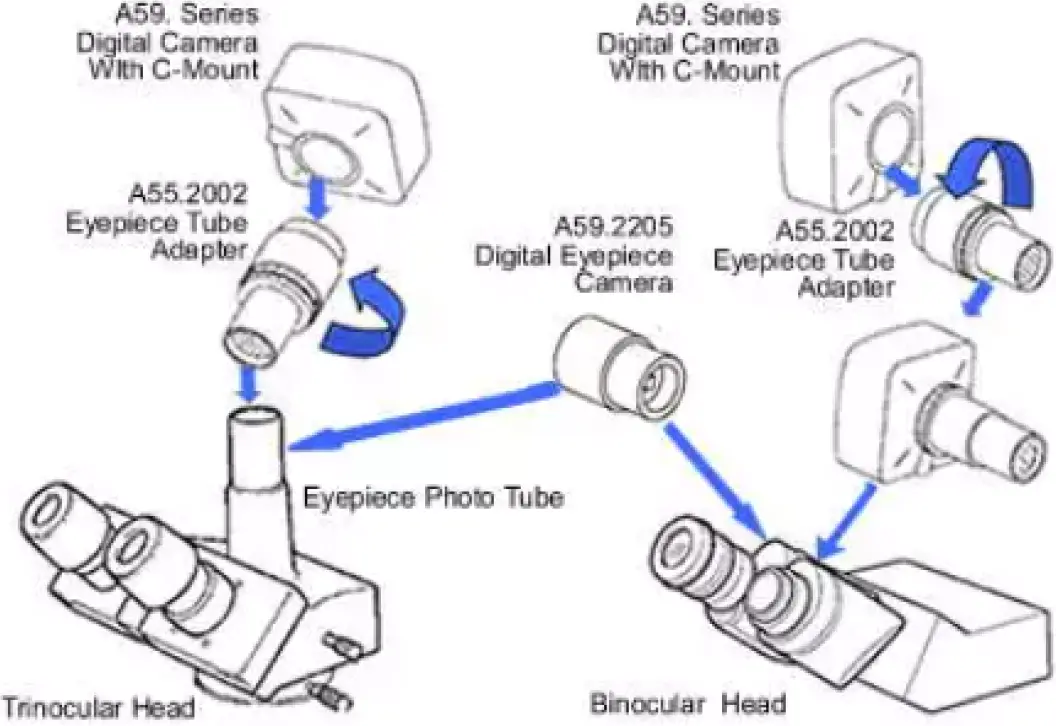
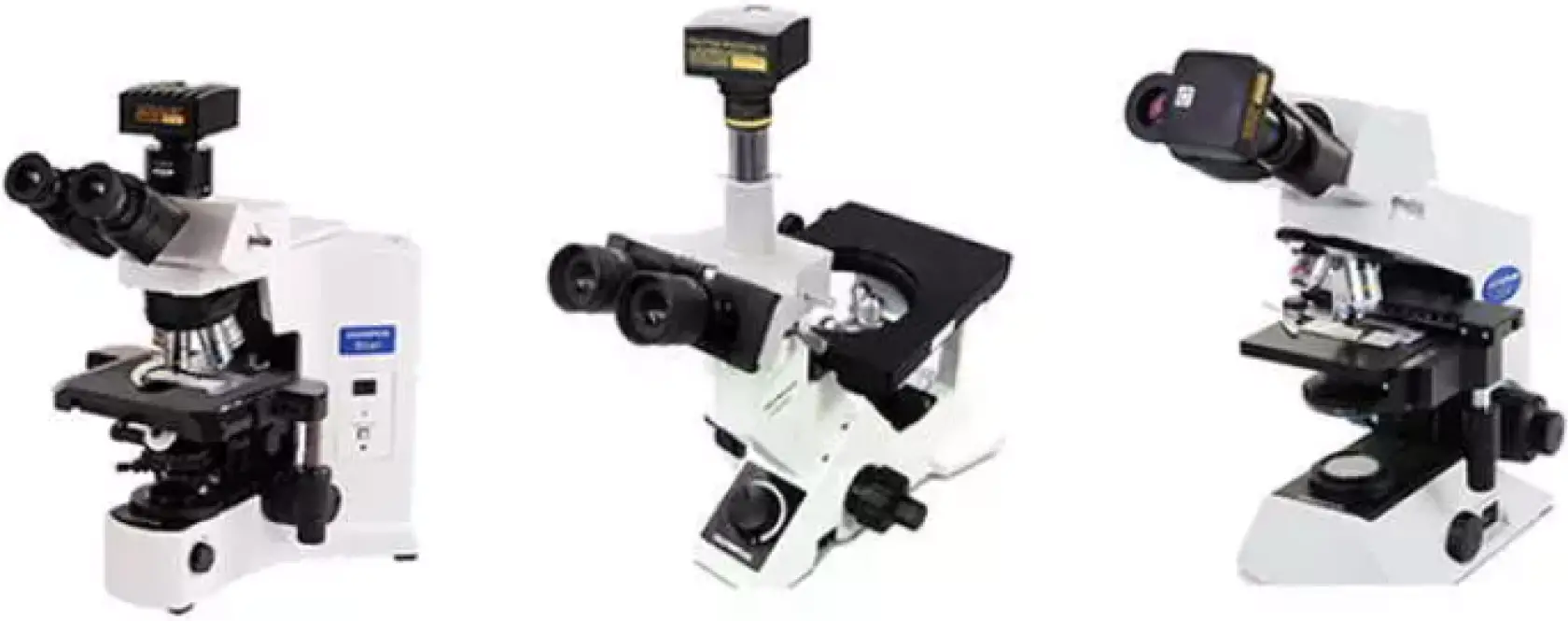
How Camera Connect to Microscope
- To Trinocular Microscope On Straight Photo Tube

- To Trinocular Microscope On Eyepiece Photo Tube
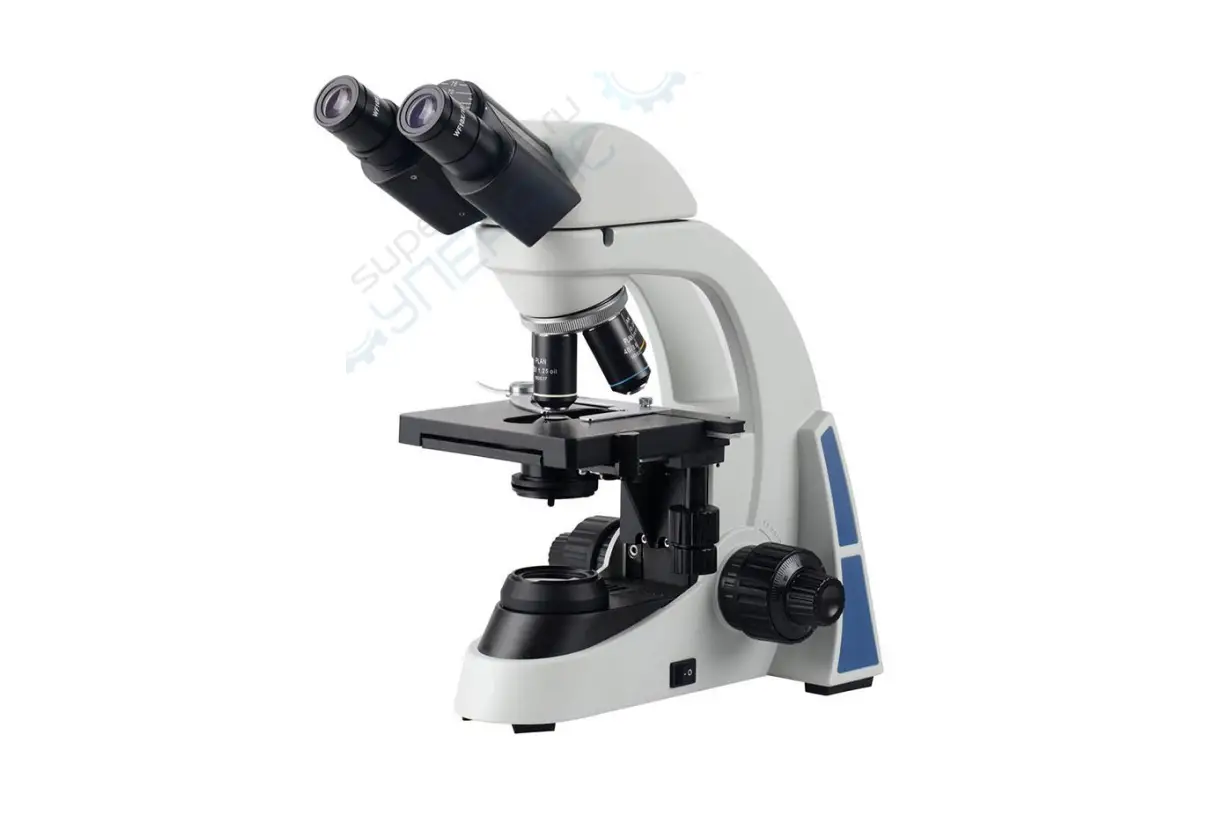
- To Binocular Microscope On Eyepiece Tube