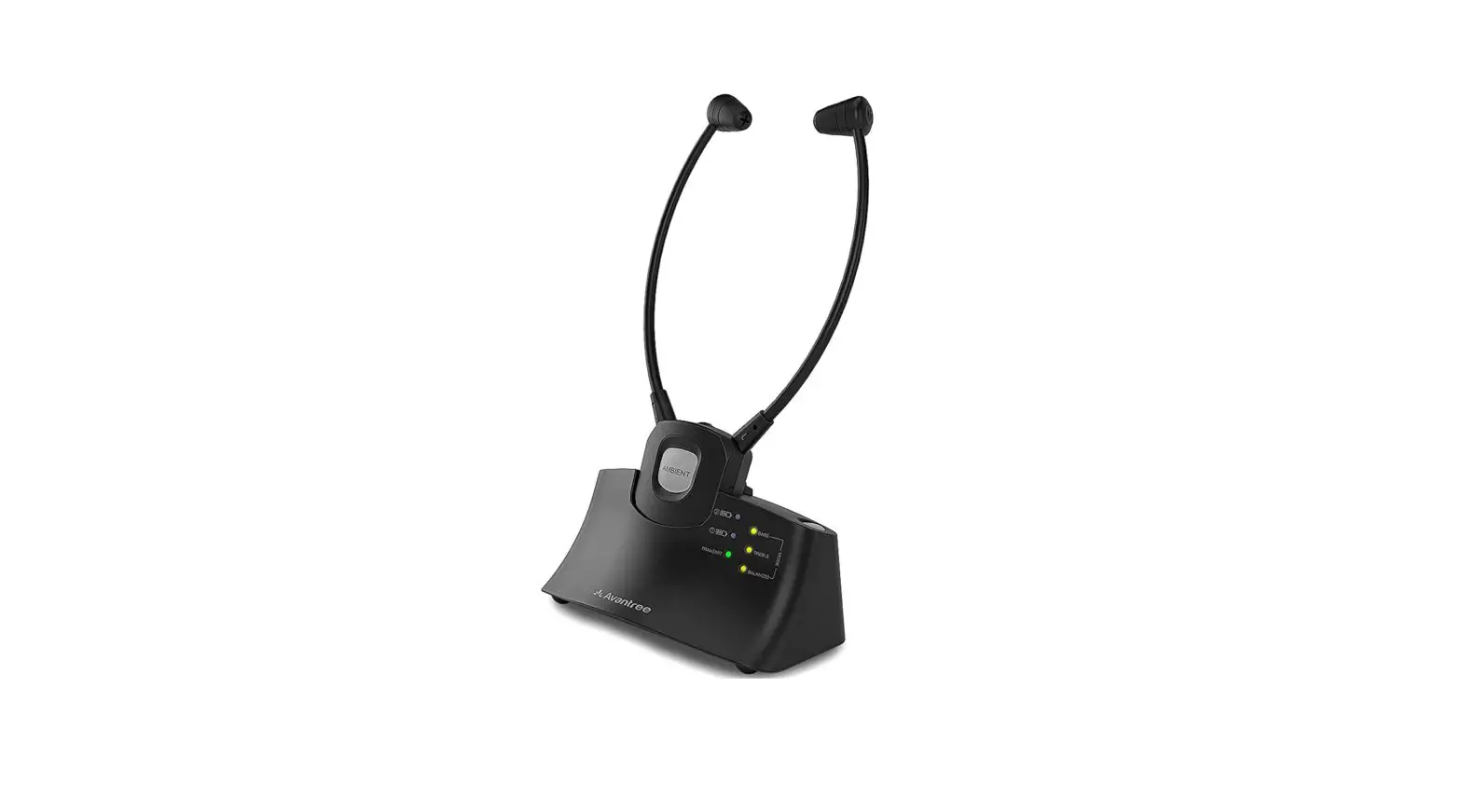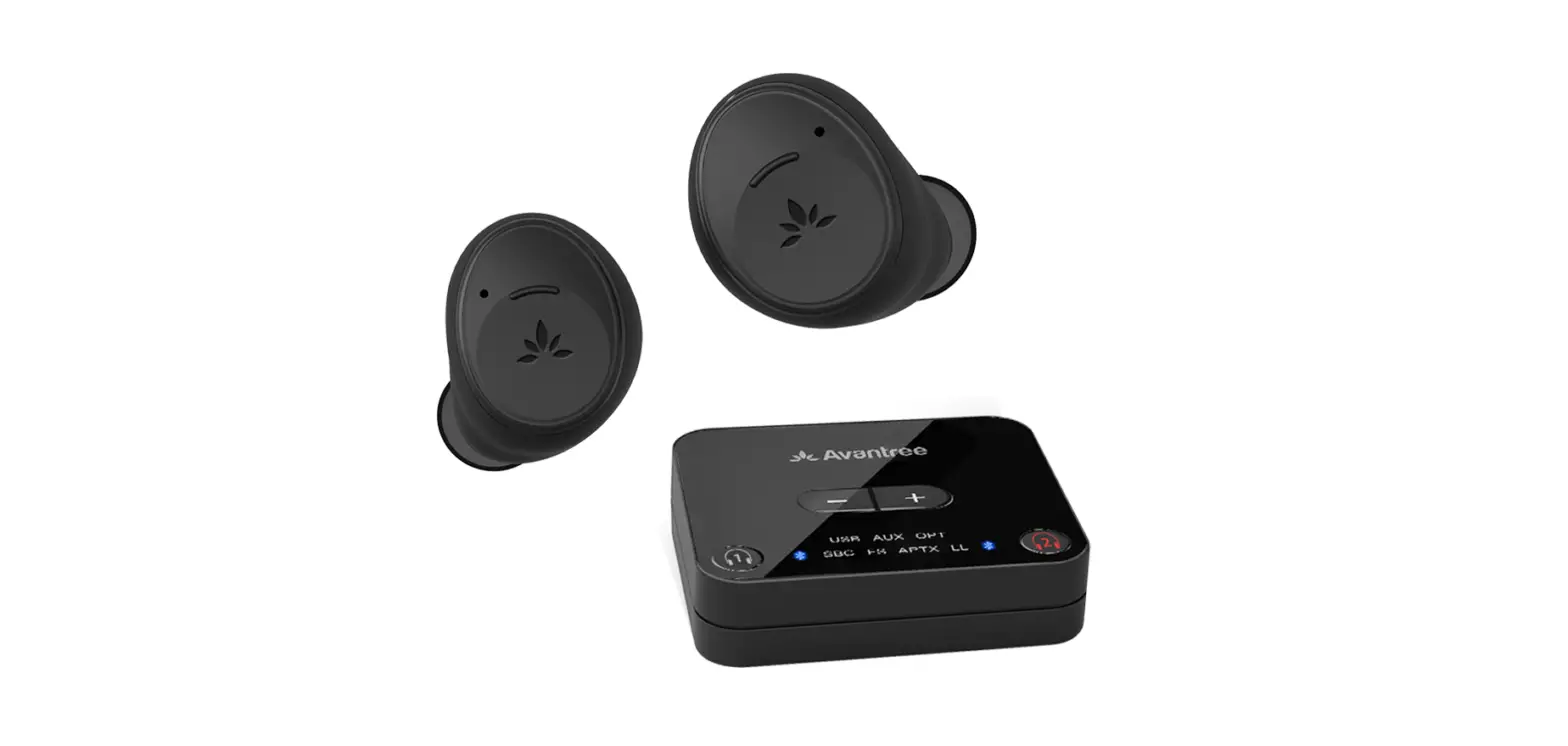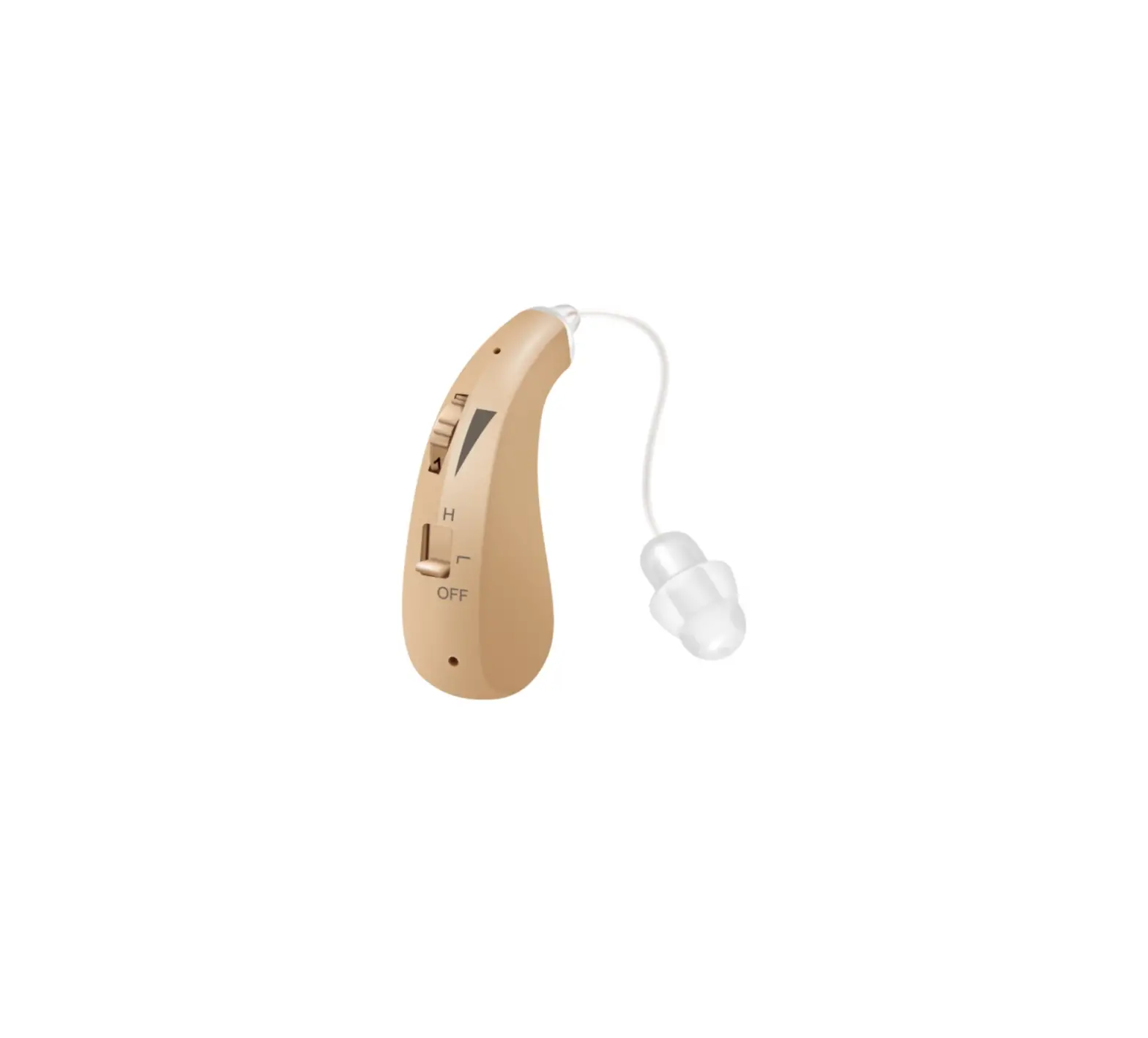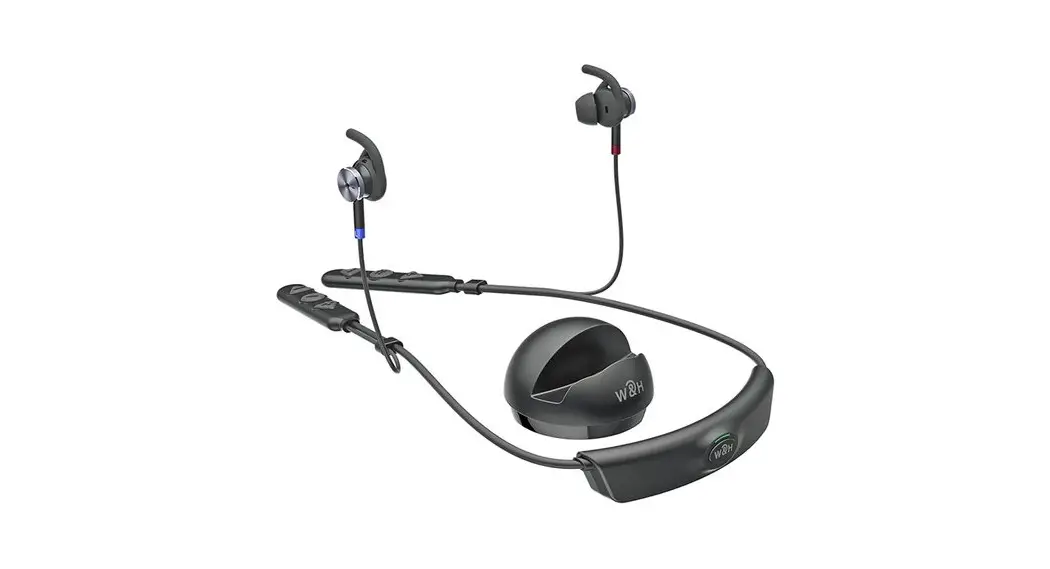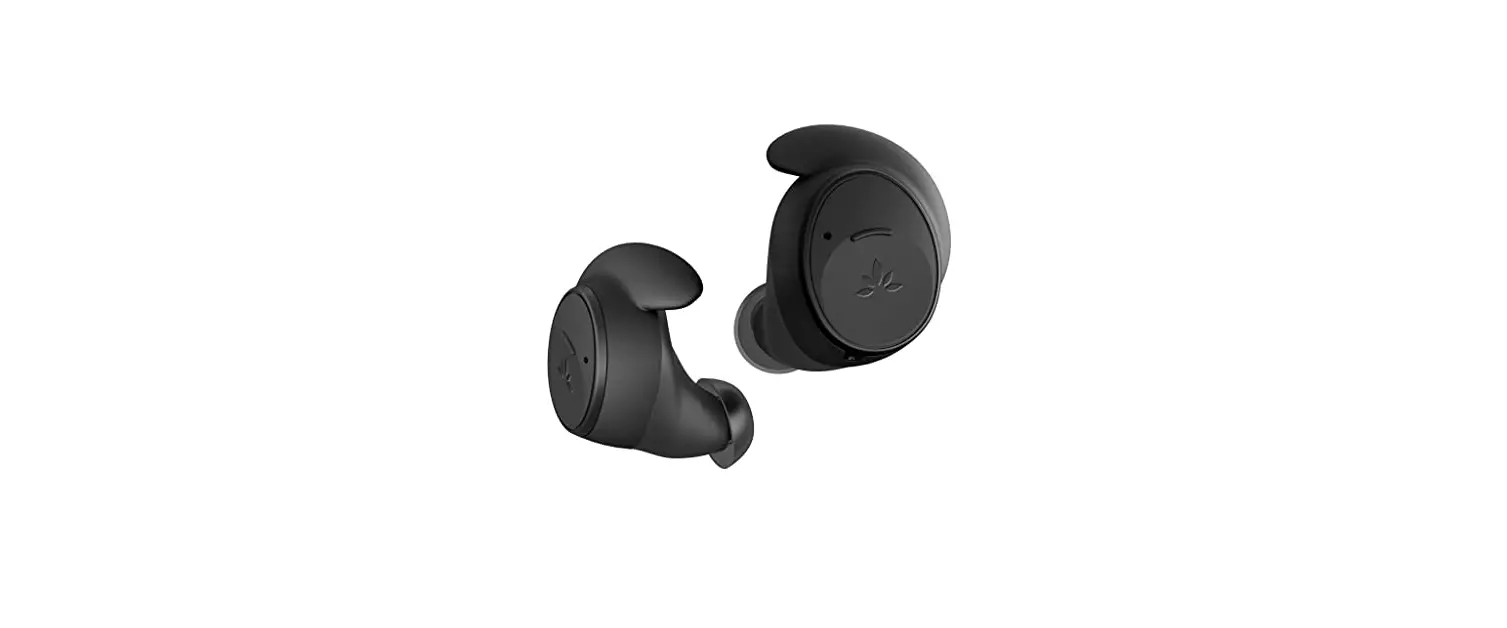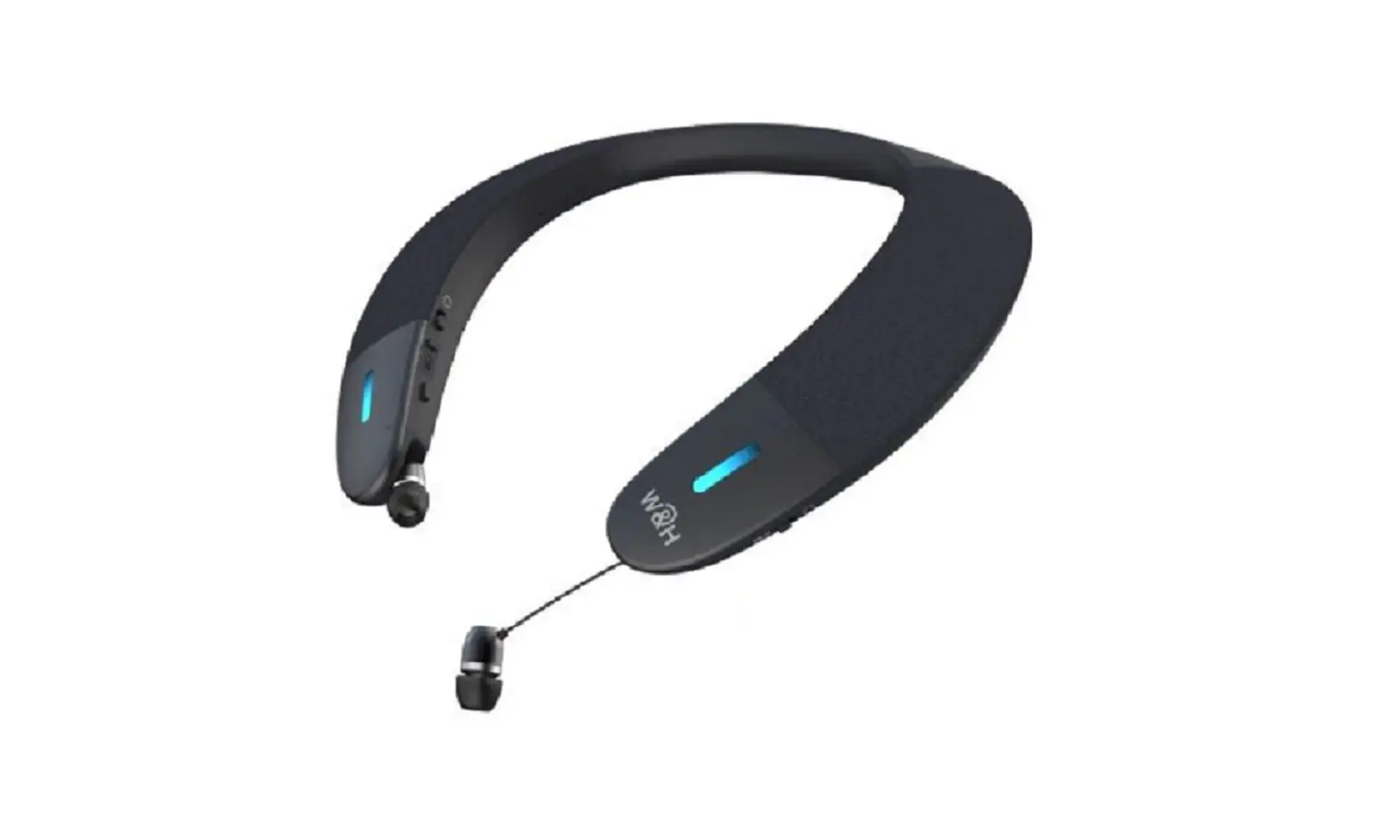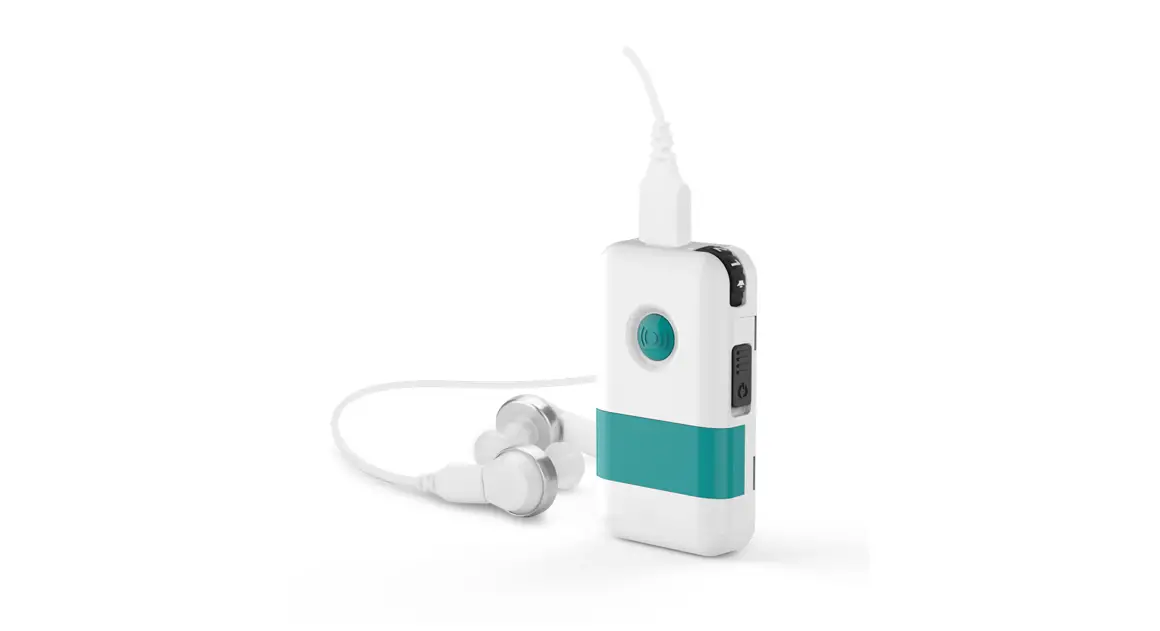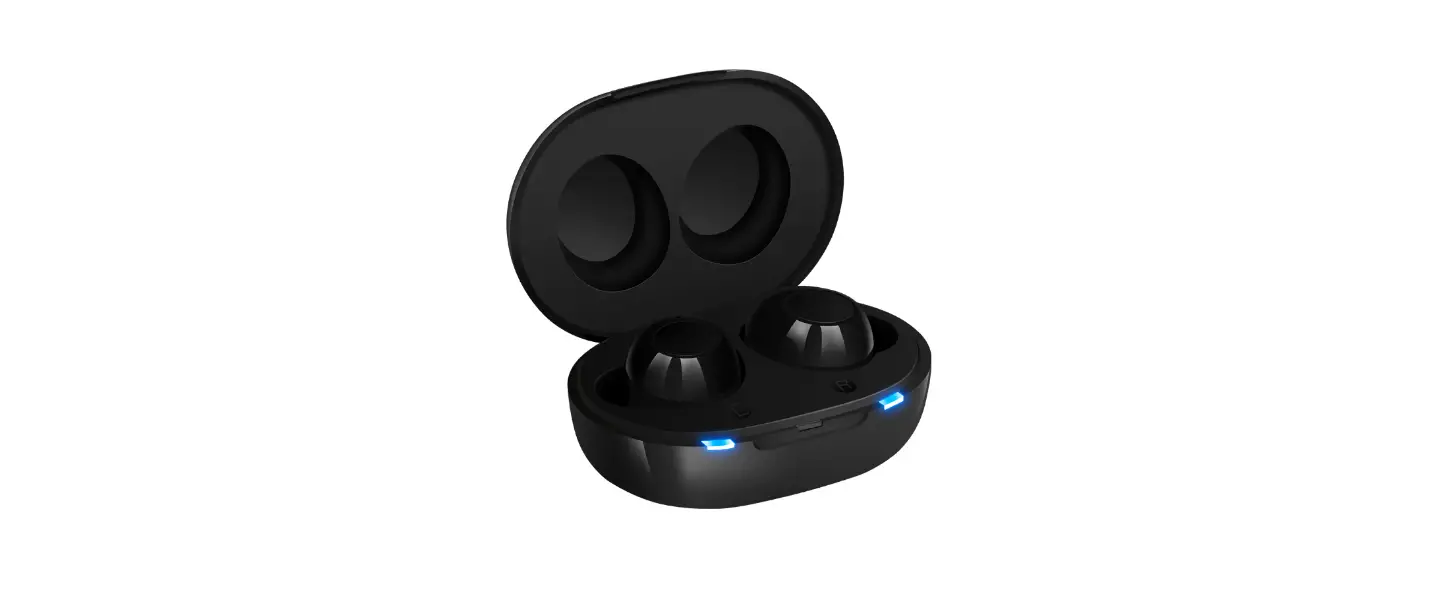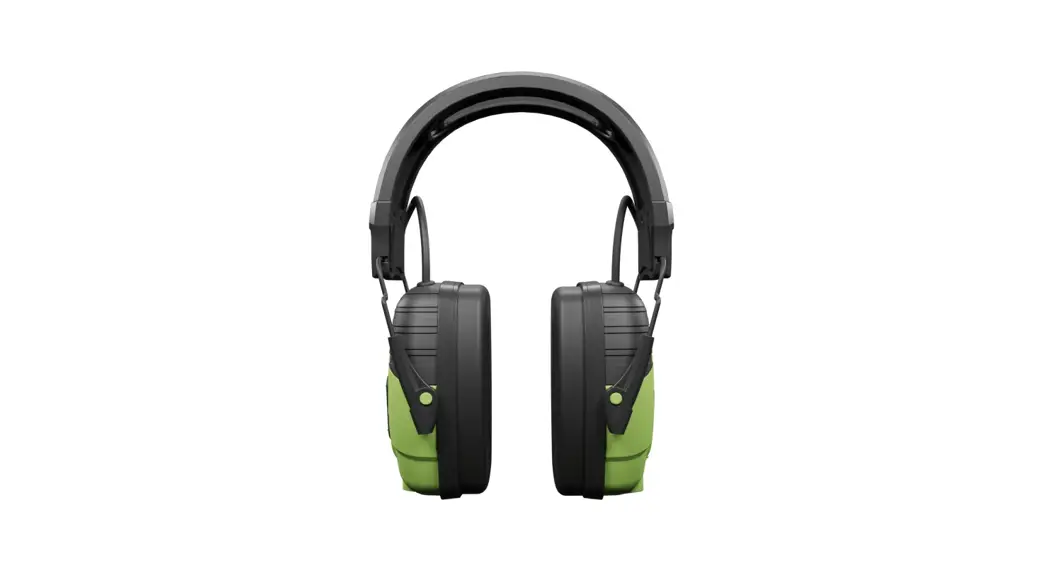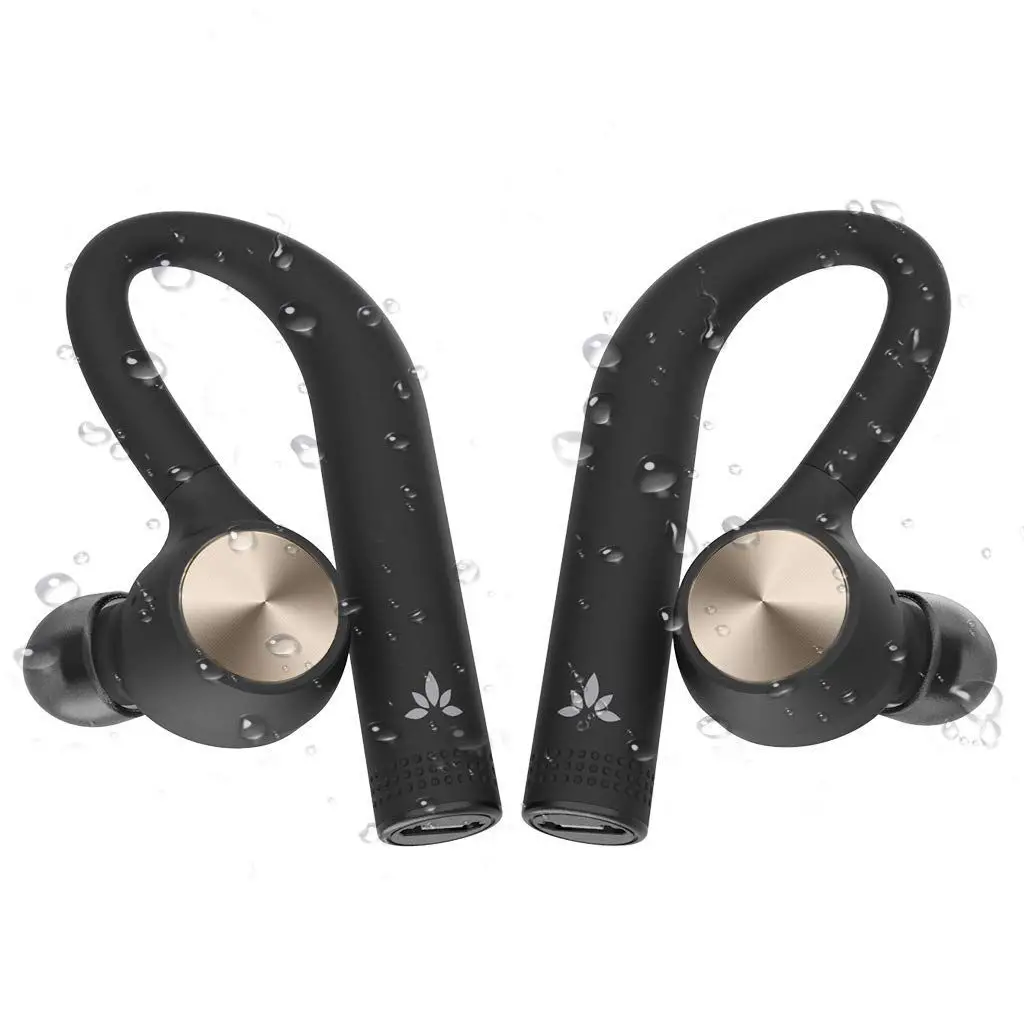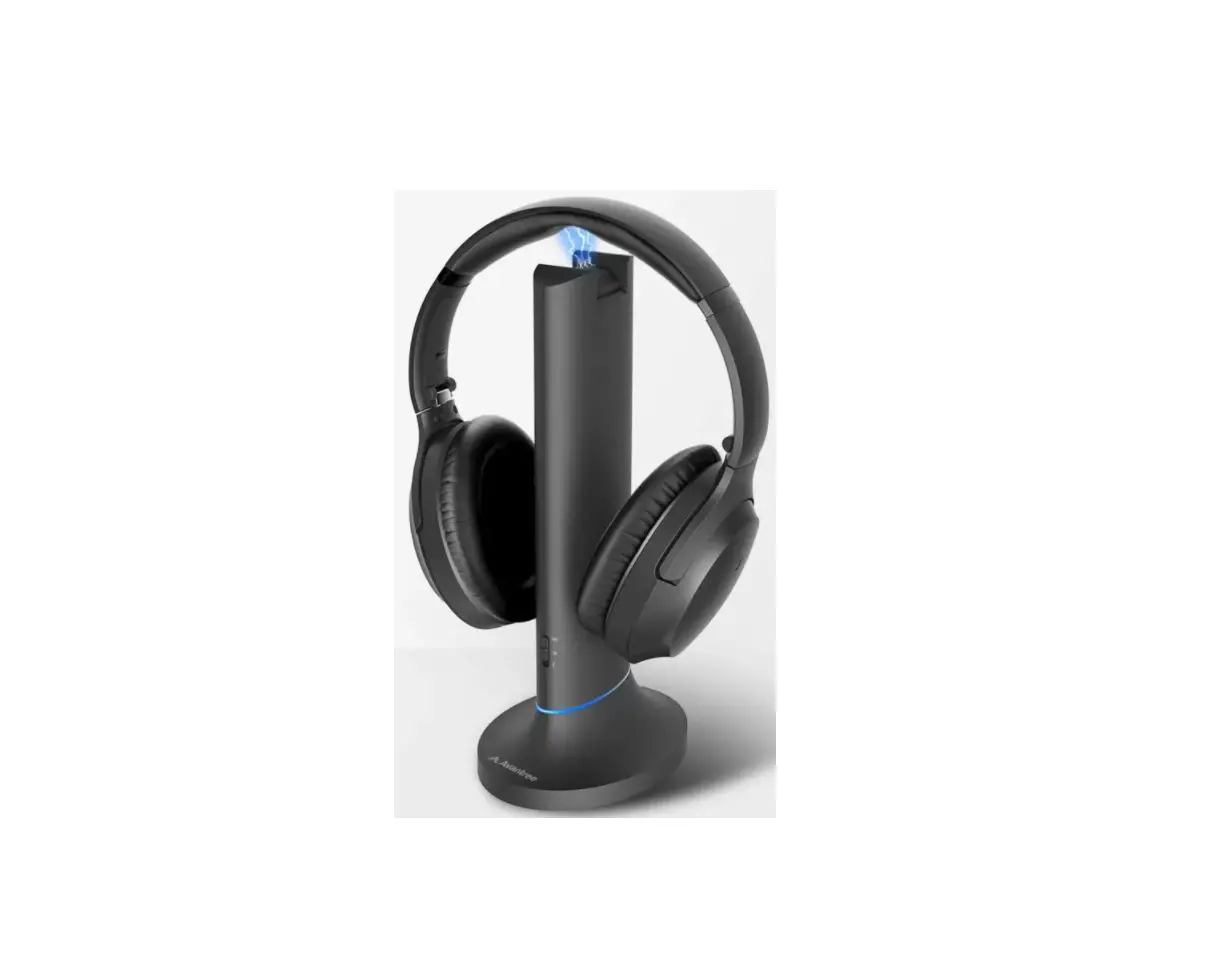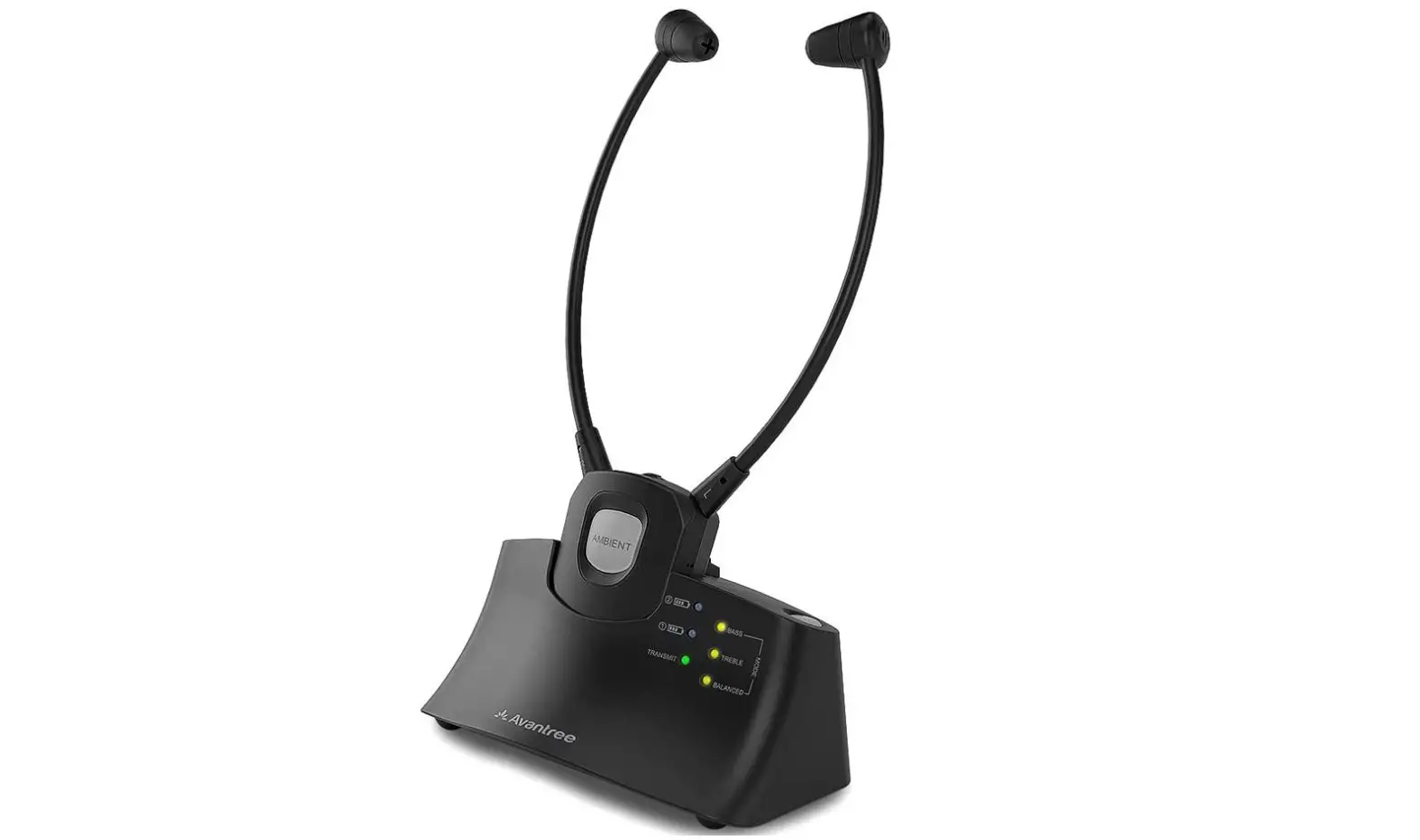

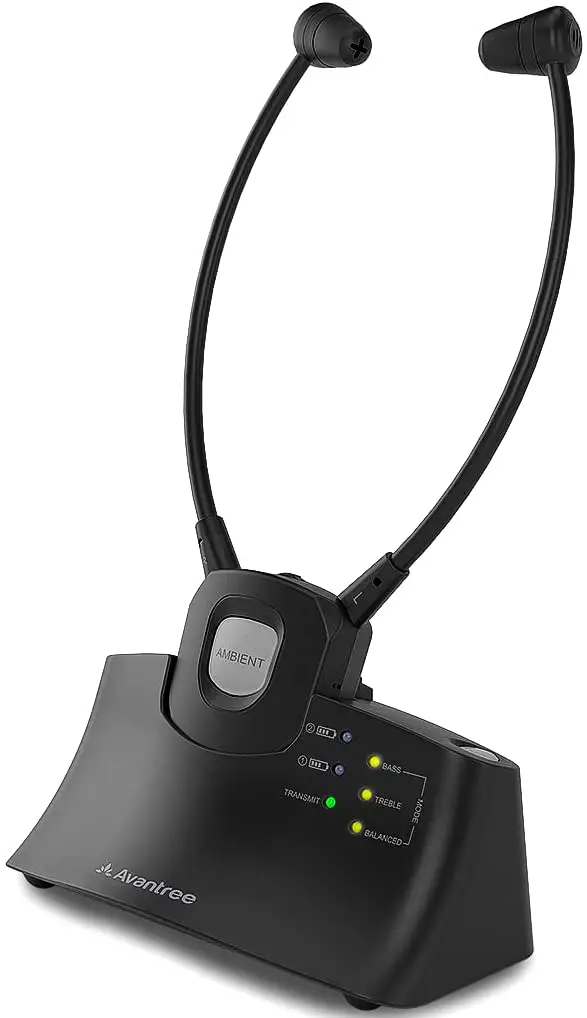
Avantree HT381 Wireless Hearing Enhancing System
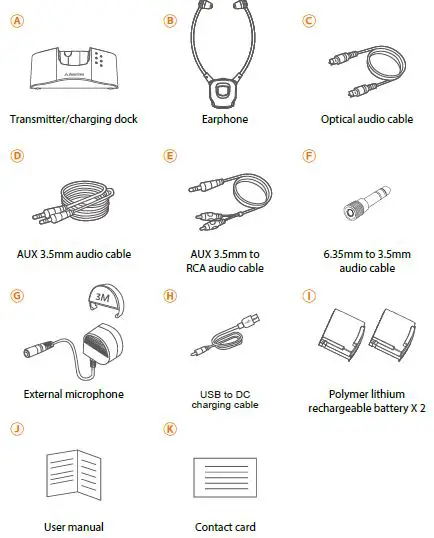
What’s in the box
WARNING
For safety precautions, please avoid using batteries other than the ones included in the package.
Product Overview
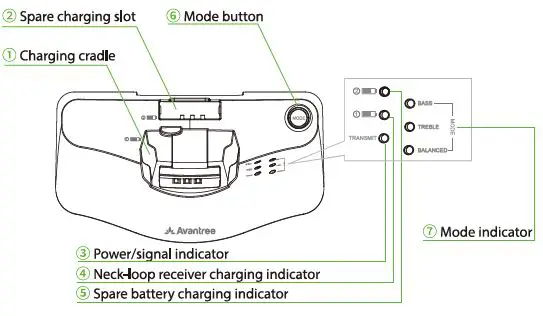
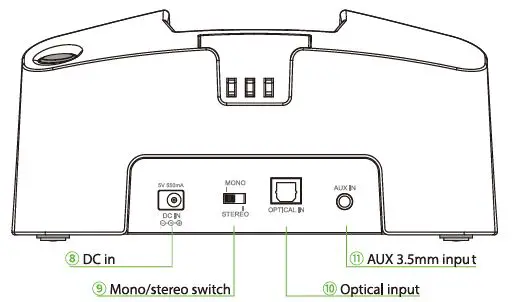
TRANSMITTER/CHARGING DOCK
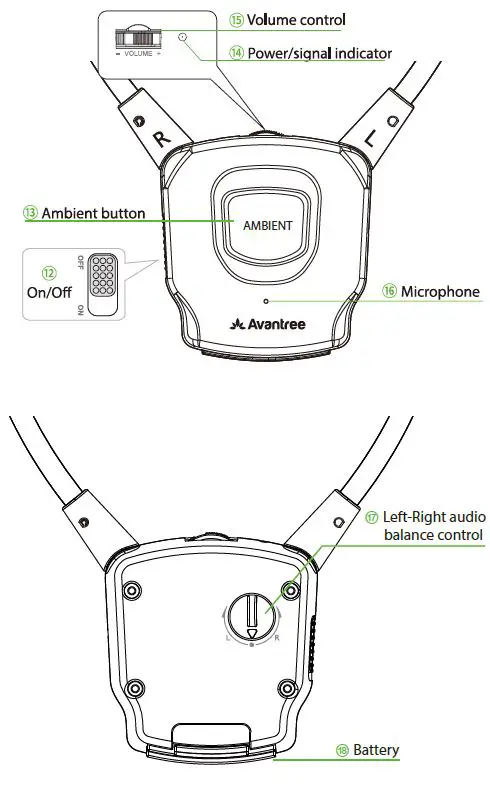
Earphone
Connecting the DOCK to your TV
Determine what types of audio ports you have. Do NOT turn anything on.
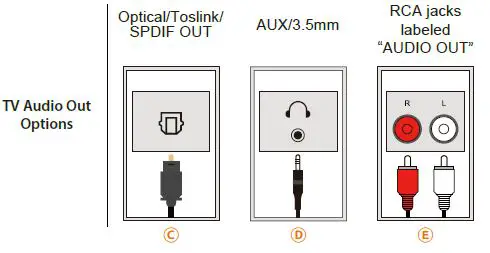
OPTION 1: Digital OPTICAL/TOSLINK/SPDIF – Recommended!
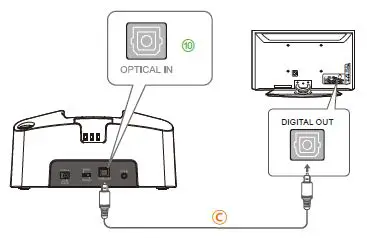
OPTION 2: AUX 3.5mm/ Headphone Out
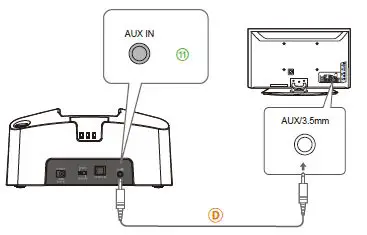
OPTION 3: Red/White RCA Audio Out*
NOTE: The Red & White RCA ports must be labeled “AUDIO OUT” to work.
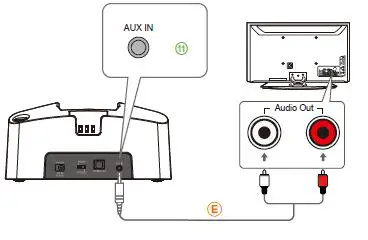
OPTION 4: Can’t Reach / Do Not Have Output Ports on TV?
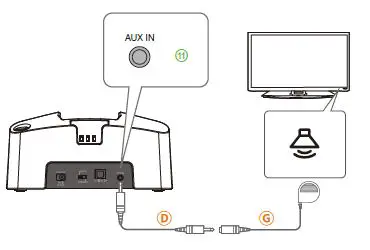
OPTION 5: If You Have a Soundbar or AV Receiver
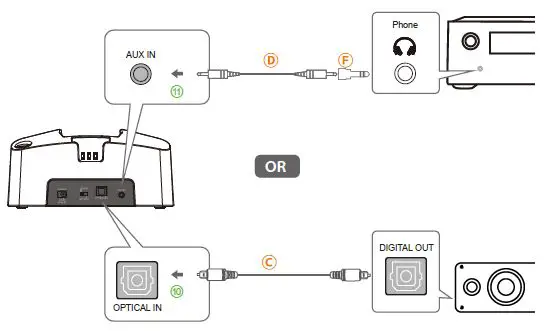
Connecting the Earphone to the Transmitter Dock
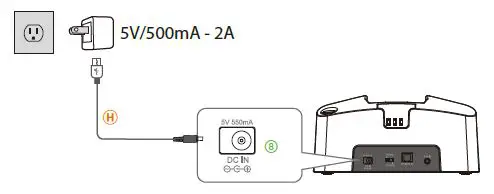
Part 1. Connect the transmitter dock to a power source. We recommend connecting it to a wall outlet using a USB wall adapter (not included).
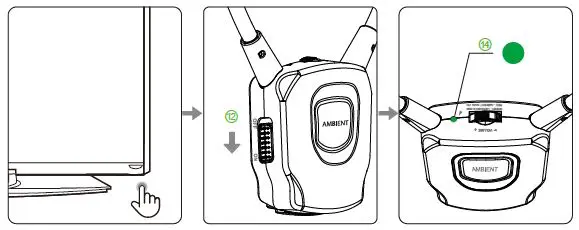
Part 2 – Follow instructions below to power everything on.
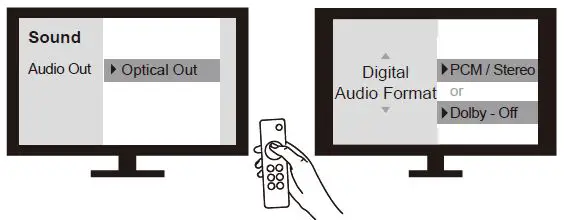
 Part 3 – TV Setting
Use your TV remote to go into your TV’s SETTINGS MENU, Set TV Audio Format to PCM/Stereo. Do NOT select AUTO, DOLBY, or BITSTREAM !
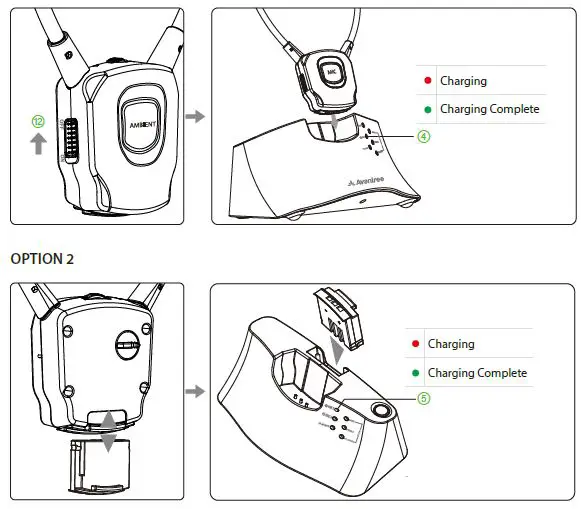
Charging
OPTION 1
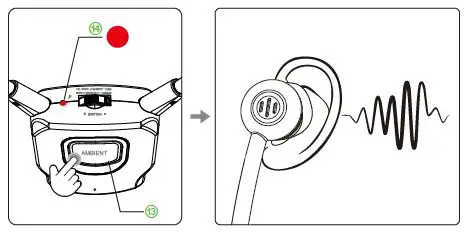
Ambient Function
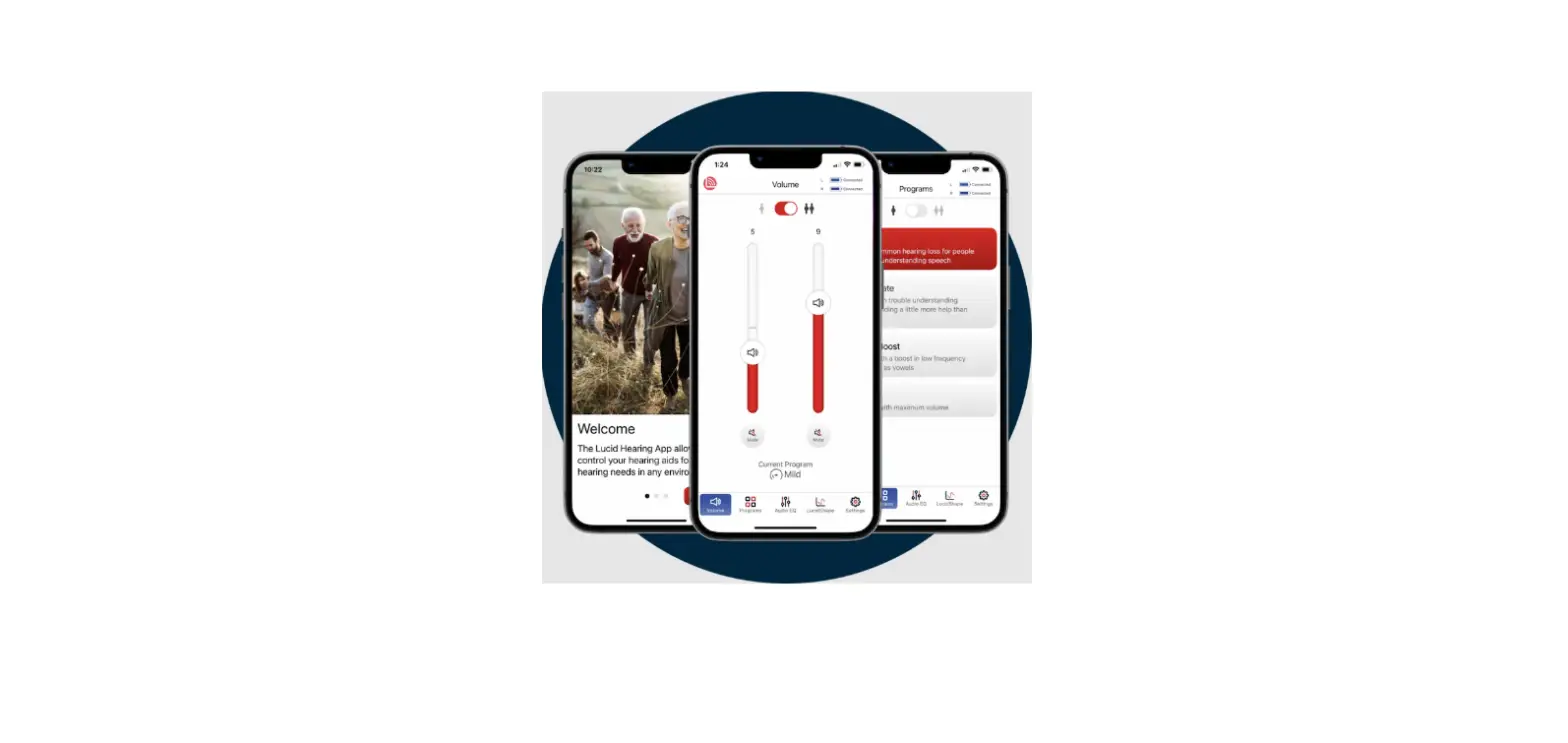
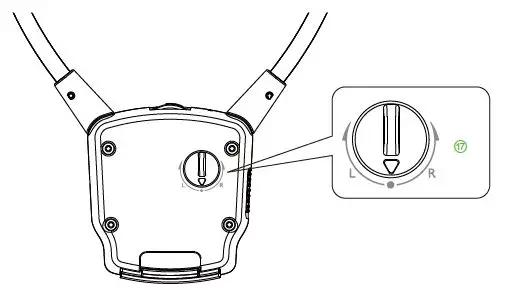
L/R Volume Control
Earphone fail to reconnect to the transmitter dock?No sound/not working?
For problems connecting or other troubleshooting tips go to the URL below support.avantree.com
Dispose of the packaging and this product in accordance with the latest provisions.
 Support Center | Avantree
 HT381 Product Support