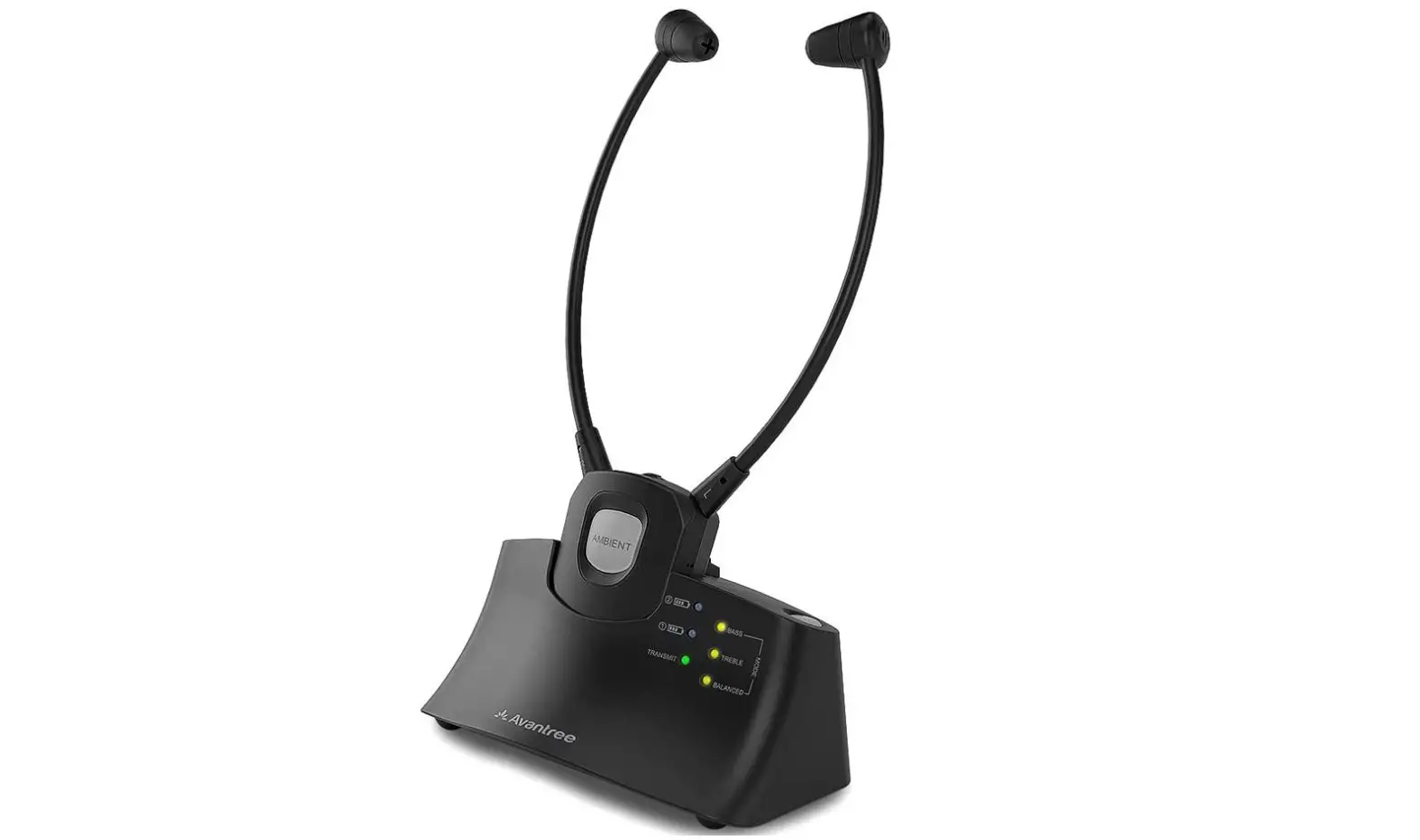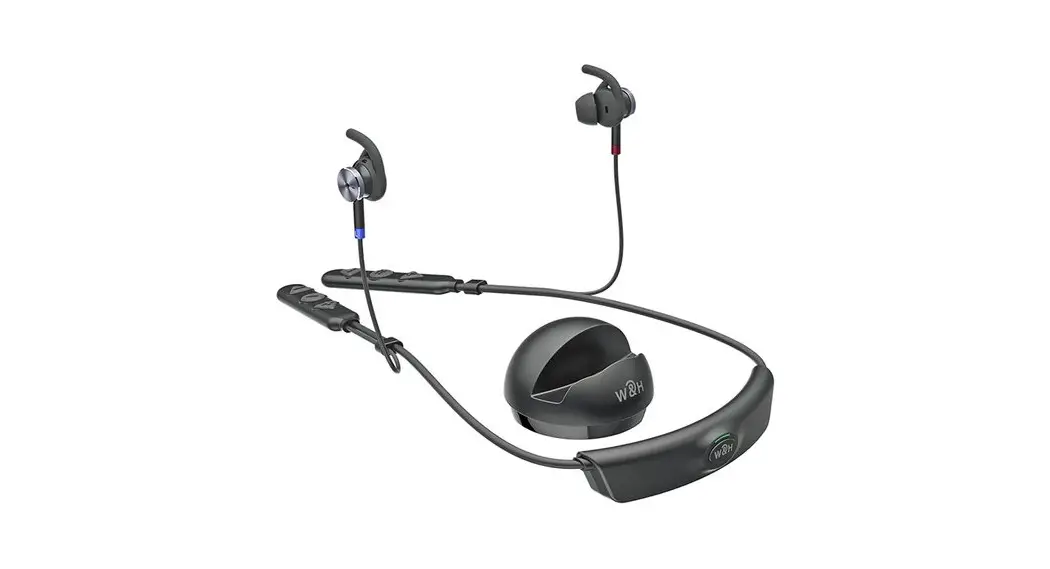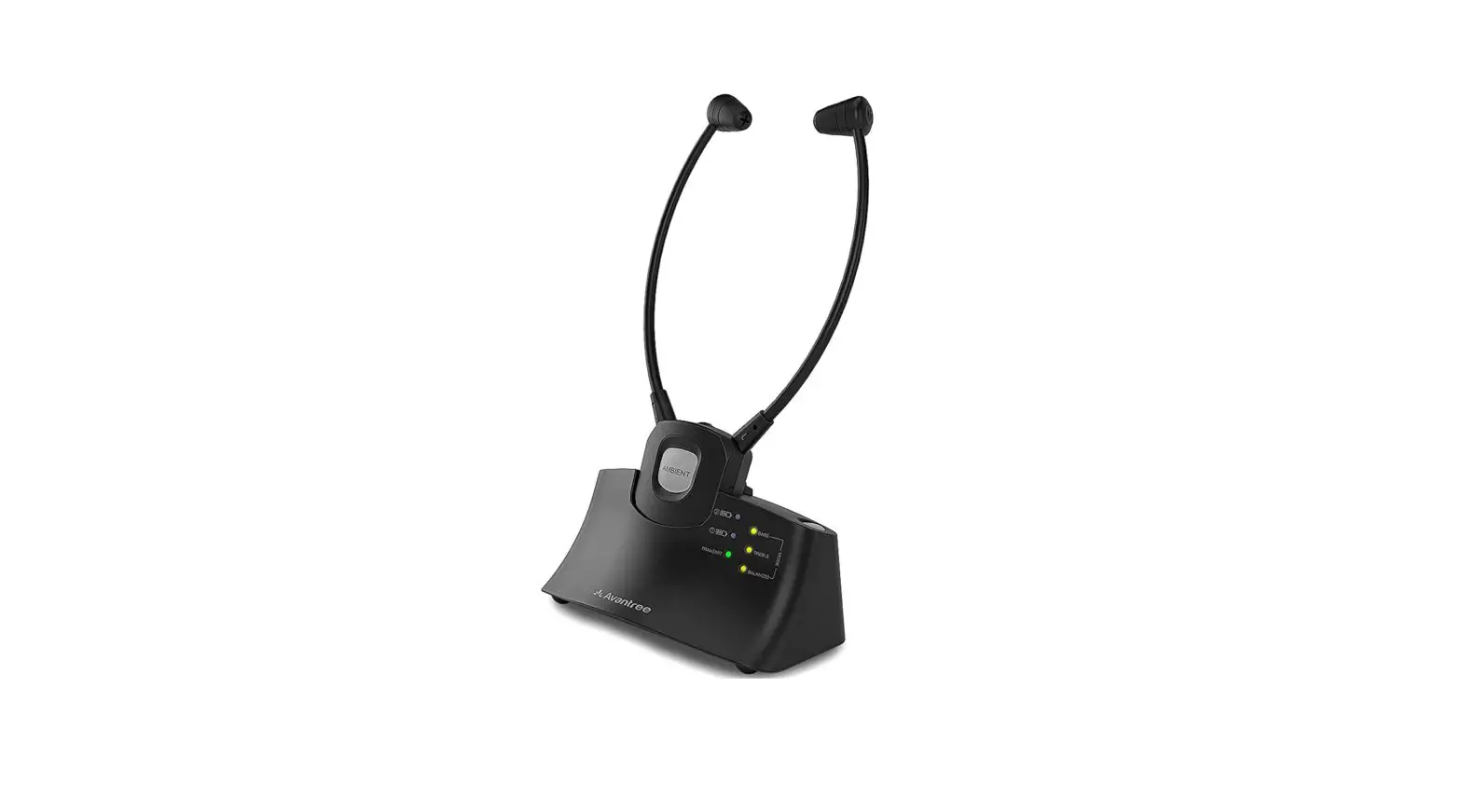
Avantree WSHT-381 Wireless Hearing-Enhancing System User Guide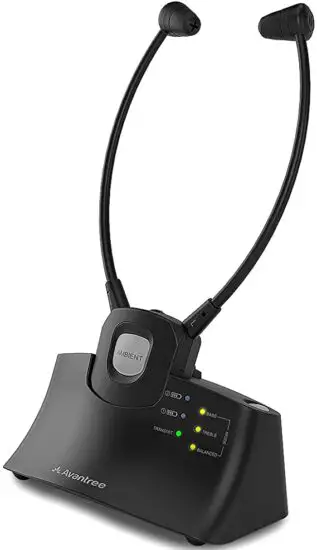
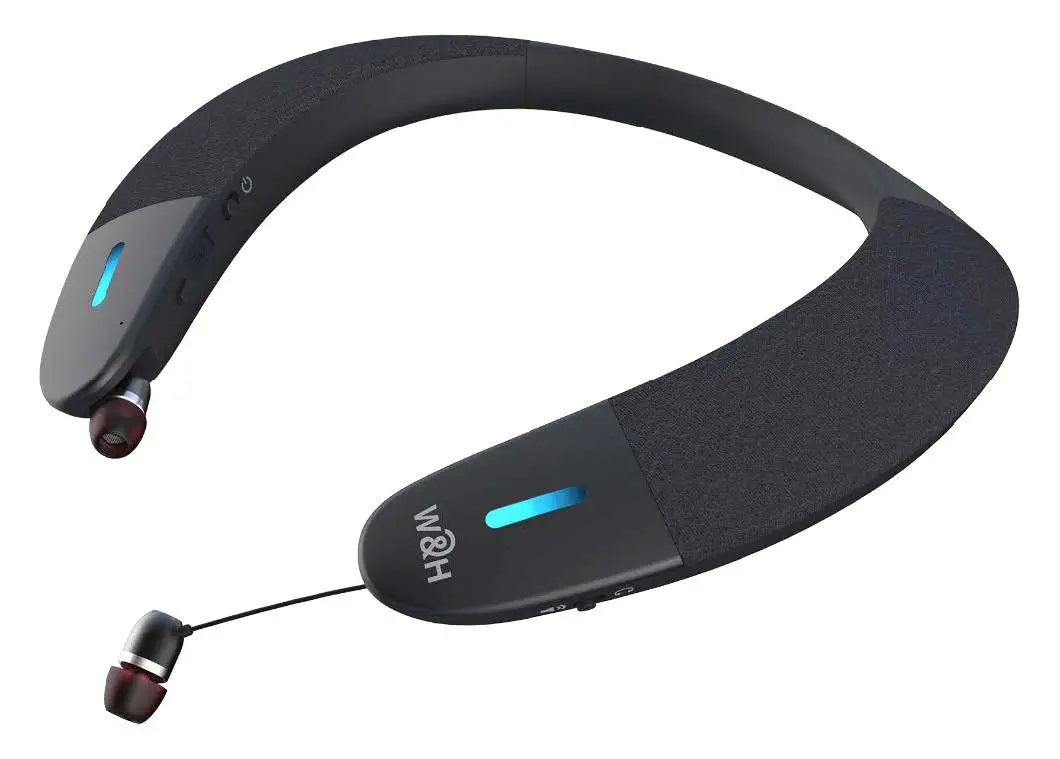
Product Overview
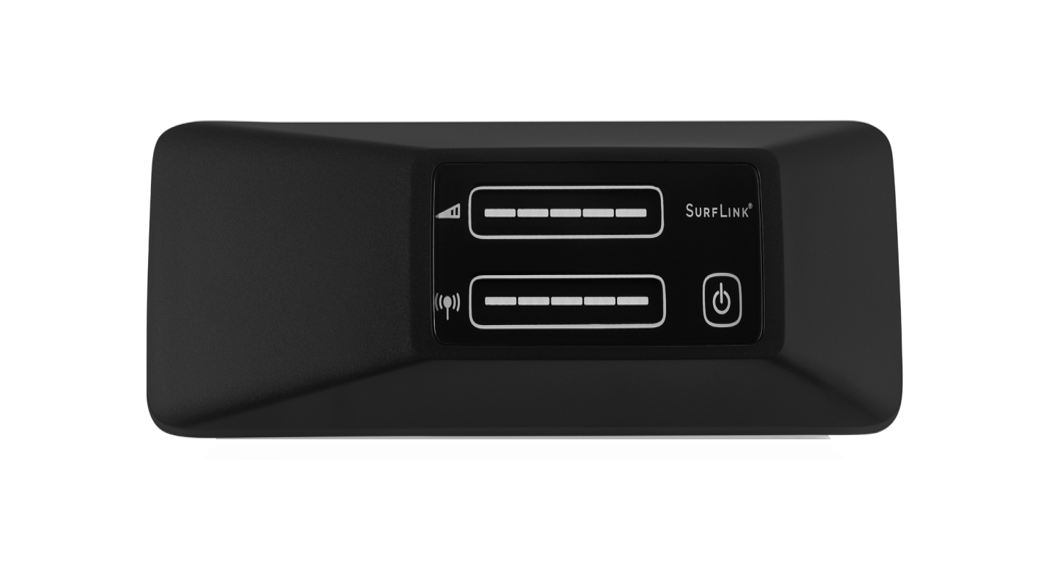
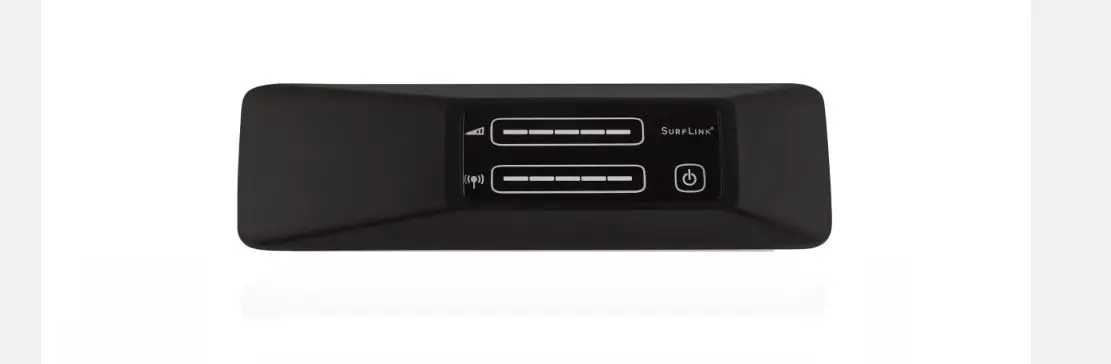
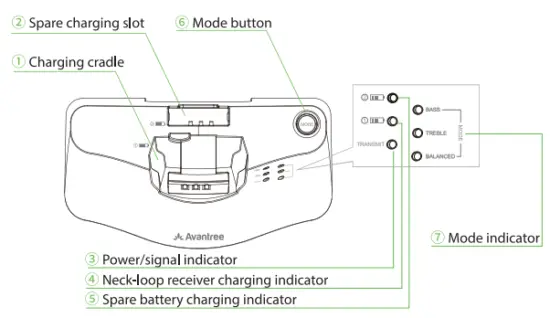
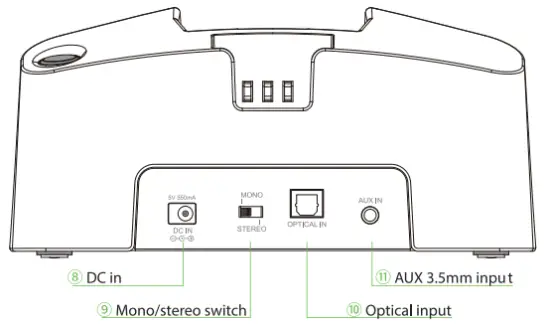
Transmitter/Charging Dock
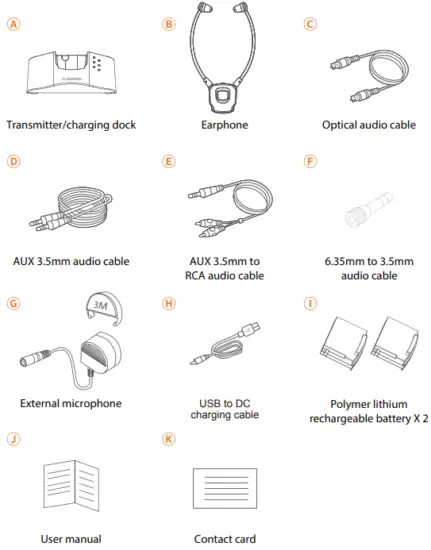
What’s in the box
 Warning
For safety precautions, please avoid using batteries other than the ones included in the package.
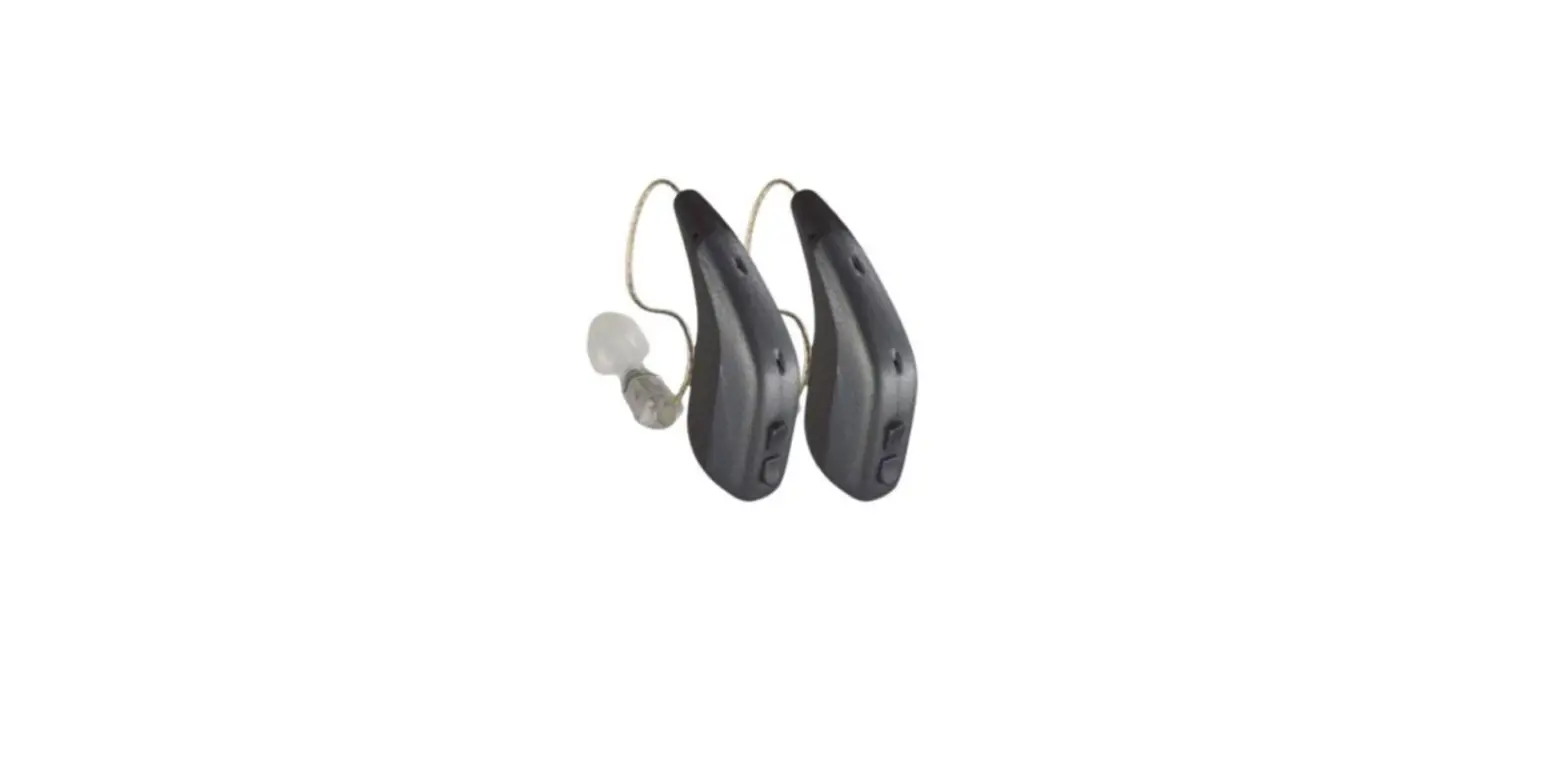
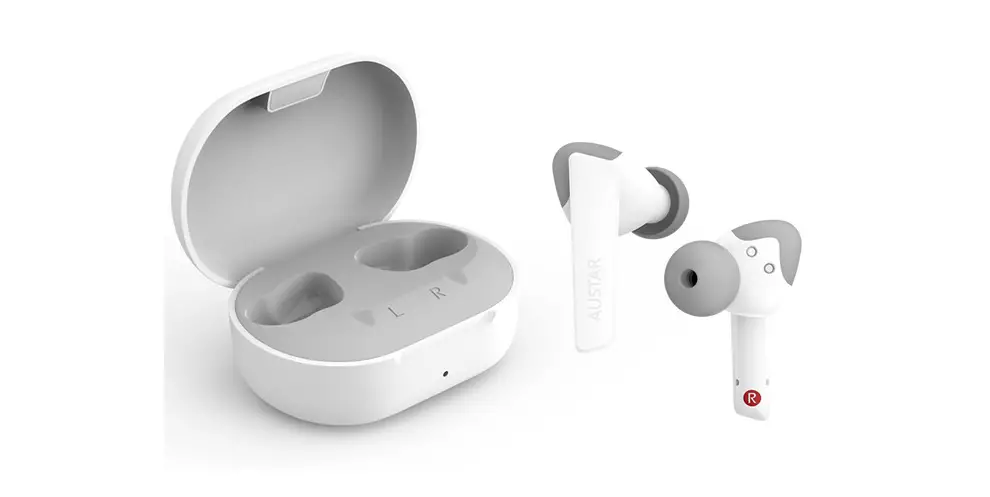
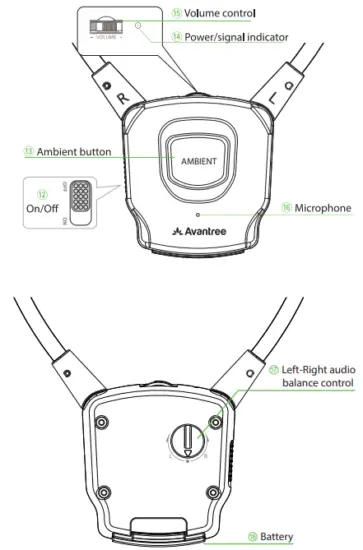
Earphone
Connecting the DOCK to your TV
Determine what types of audio ports you have.
Do NOT turn anything on.
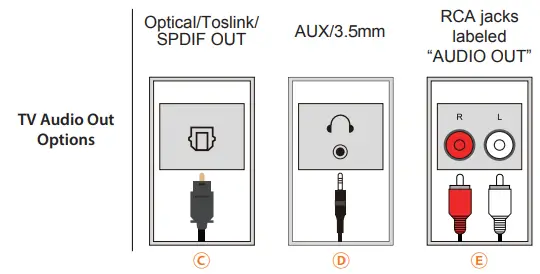
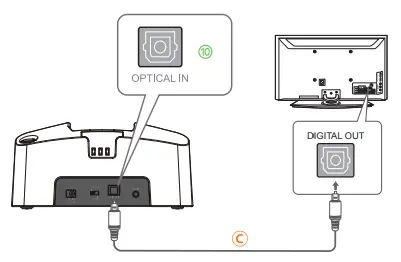
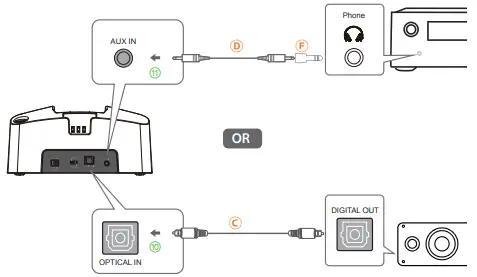
OPTION 1: Digital OPTICAL/TOSLINK/SPDIF – Recommended!
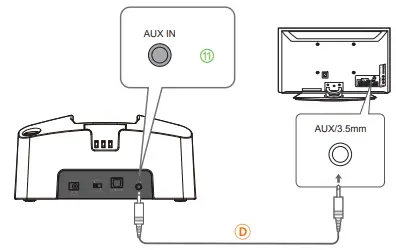
OPTION 2: AUX 3.5mm/ Headphone Out
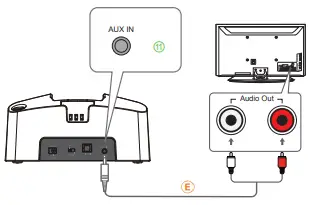
OPTION 3: Red/White RCA Audio Out*
NOTE: The Red & White RCA ports must be labeled “AUDIO OUT” to work.
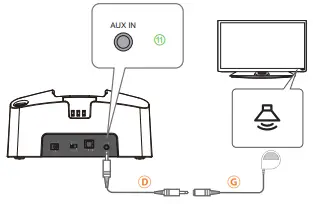
OPTION 4: Can’t Reach / Do Not Have Output Ports on TV?
OPTION 5: If You Have a Soundbar or AV Receiver
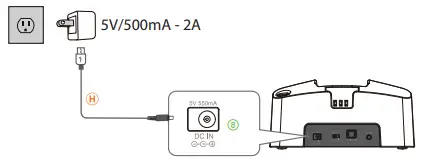
Connecting the Earphone to the Transmitter Dock
Part 1. Connect the transmitter dock to a power source. We recommend connecting it to a wall outlet using a USB wall adapter (not included).
Note: Contact us at [email protected] for a FREE USB wall charger (for US / UK / EU ) if you need one.
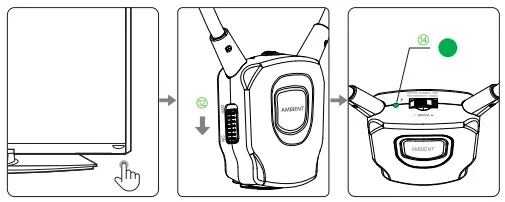
Part 2 – Follow instructions below to power everything on.
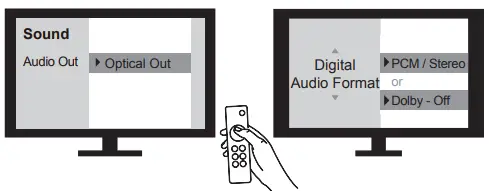
Part 3 – TV Setting
Use your TV remote to go into your TV’s SETTINGS MENU, Set TV Audio Format to PCM/Stereo. Do NOT select AUTO, DOLBY, or BITSTREAM !
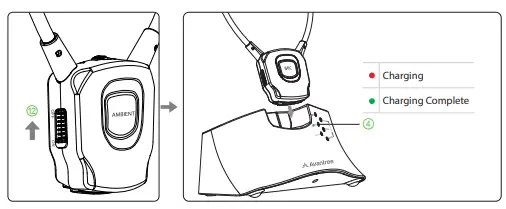
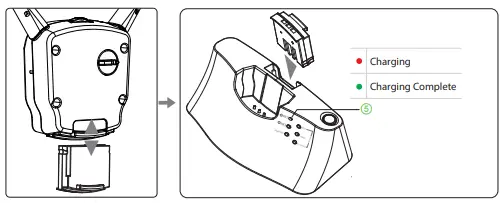
Charging
OPTION 1
OPTION 2
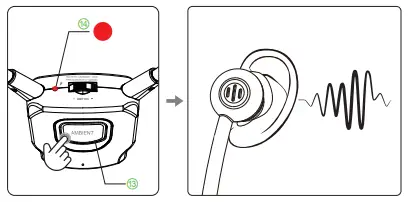
Ambient Function
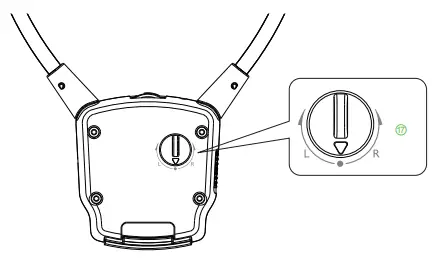
L/R Volume Control
Earphone fail to reconnect to the transmitter dock?
No sound/not working?
For problems connecting or other troubleshooting tips go to the URL below.
support.avantree.com
FCC Requirement
Any changes or modifications not expressly approved by the party responsible for compliance could void the user’s authority to operate the equipment. This device complies with Part 15 of the FCC Rules. Operation is subject to the following two conditions:
- this device may not cause harmful interference, and
- this device must accept any interference received, including interference that may cause undesired operation.
Note: This equipment has been tested and found to comply with the limits for a Class B digital device,pursuant to Part 15 of the FCC Rules. These limits are designed to provide reasonable protection against harmful interference in a residential installation. This equipment generates, uses, and can radiate radio frequency energy, and if not installed and used in accordance with the instructions,may cause harmful interference to radio communications. However, there is no guarantee that interference will not occur in a particular installation. If this equipment does cause harmful interference to radio or television reception, which can be determined by turning the equipment off and on, the user is encouraged to try to correct the interference by one or more of the following measures:
- Reorient or relocate the receiving antenna.
- Increase the separation between the equipment and receiver.
- Connect the equipment into an outlet on a circuit different from that to which the receiver is connected.
- Consult the dealer or an experienced radio/TV technician for help.

Dispose of the packaging and this product in accordance with the latest provisions.

Z-PKQG-HT381-V2
Please visit
www.avantree.com/product-support/WSHT-381-BLK
for detailed step-by-step setup guide
 Support Center | Avantree
 HT381 Product Support