
QUICK START GUIDE
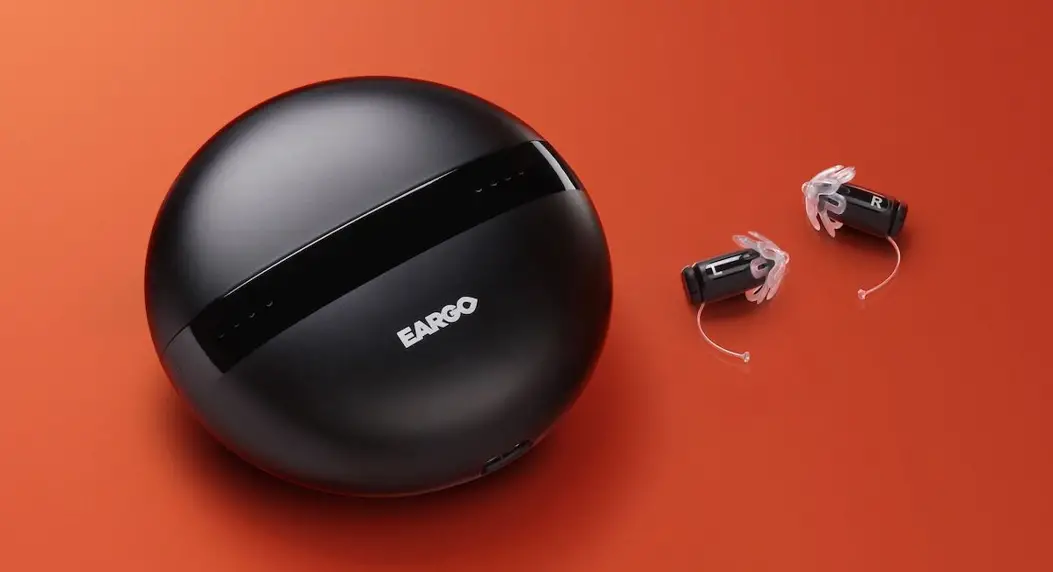
WELCOME TO EARGO!
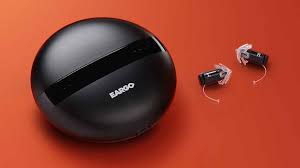
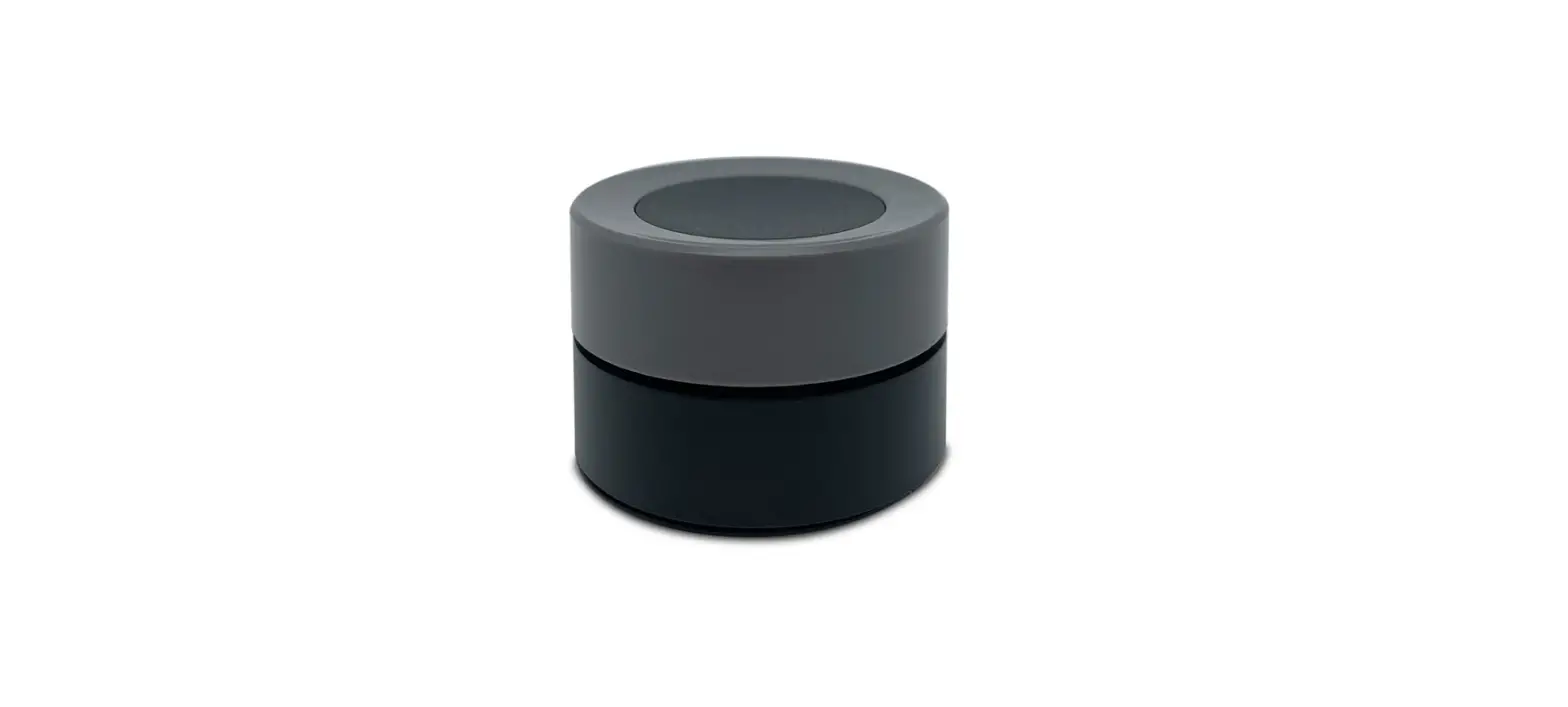
We’re super excited to have you join our Eargo family. Please charge your Charger using the provided USB-C cable for 4 hours before use.
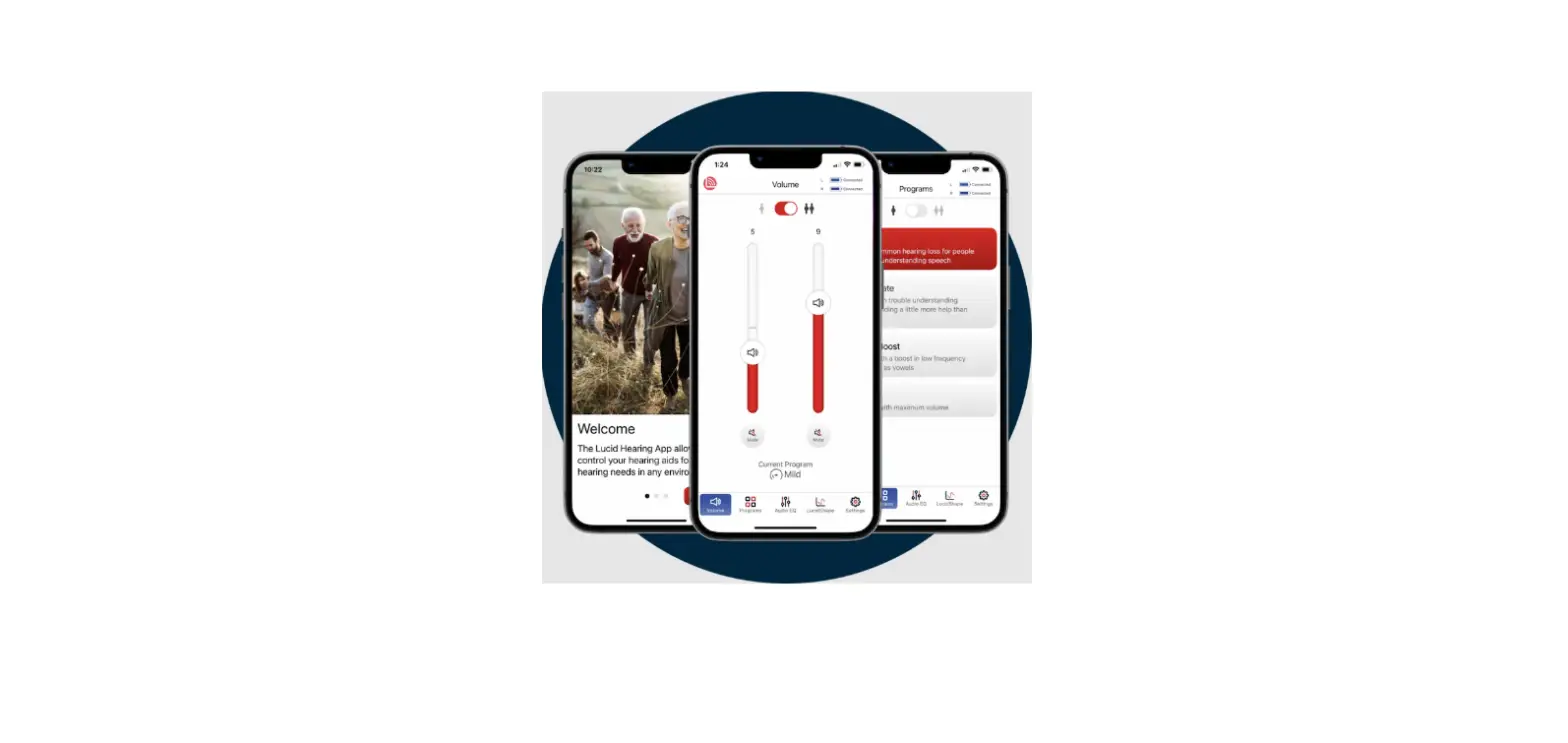
This guide is a quick reference. For more information and “how-to” videos, we strongly recommend you visit eargo.com/showme and download the Eargo app at your app store. You can view the User Informational Brochure at eargo.com/guides or request a print version by calling us at 1 (800) 61-EARGO.

What’s Included
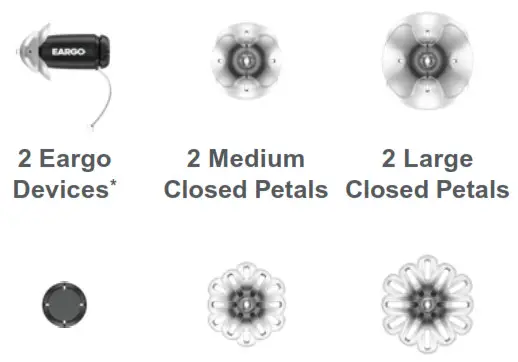 | 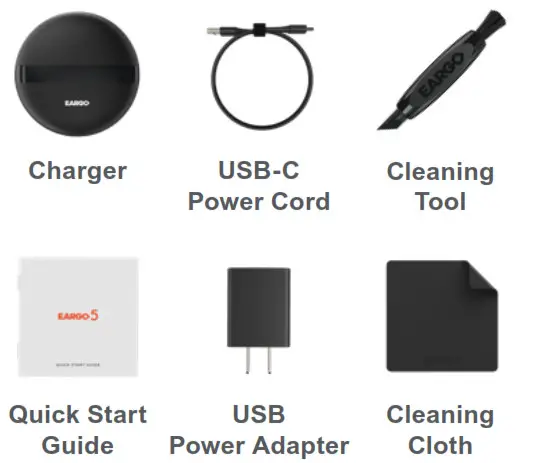 |
*Devices ship with Medium Closed Petals attached.
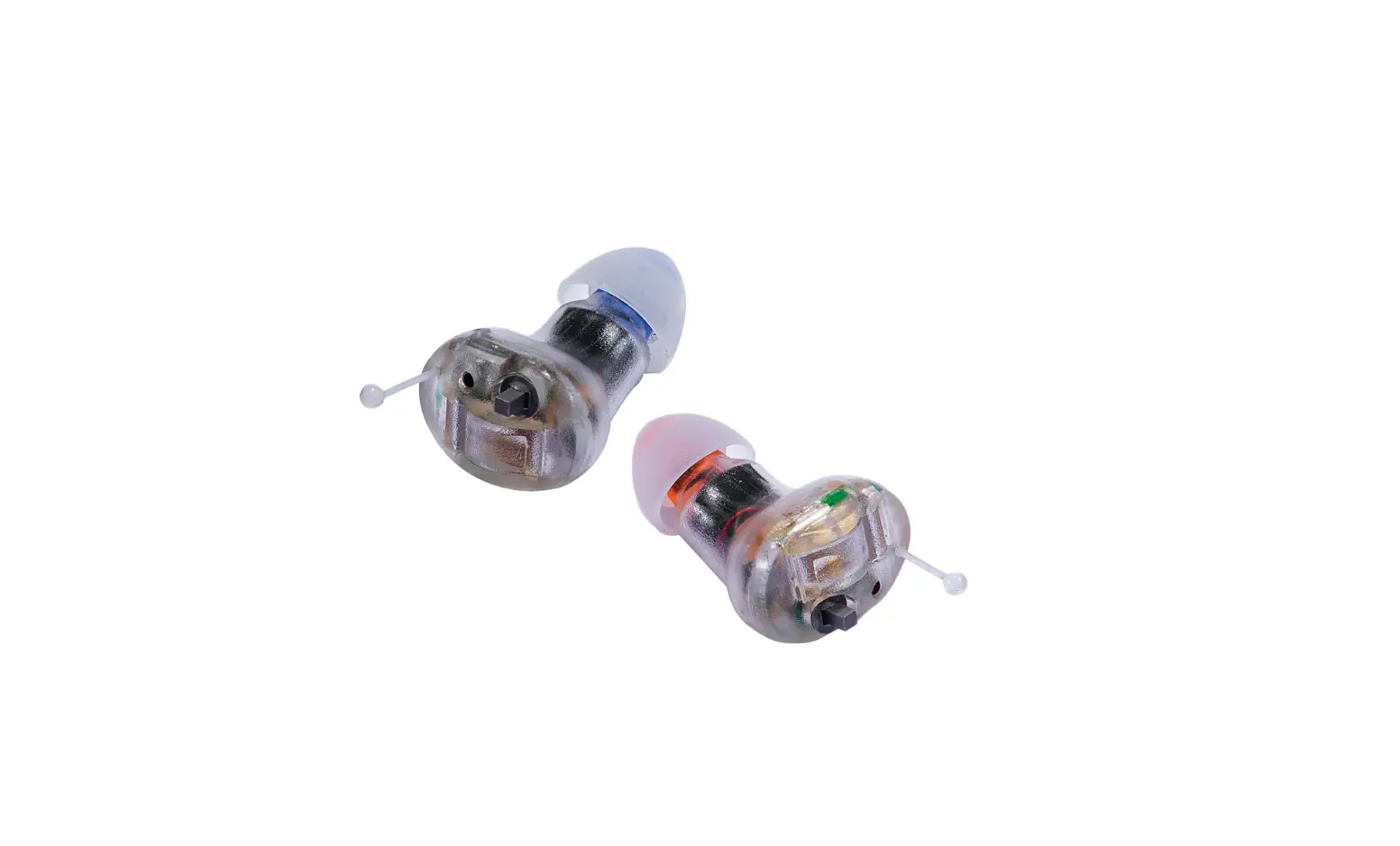
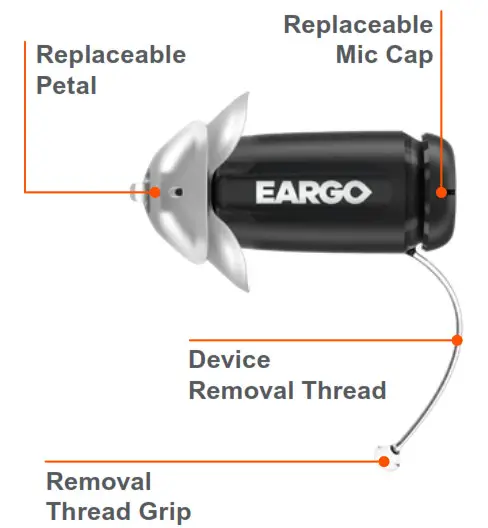
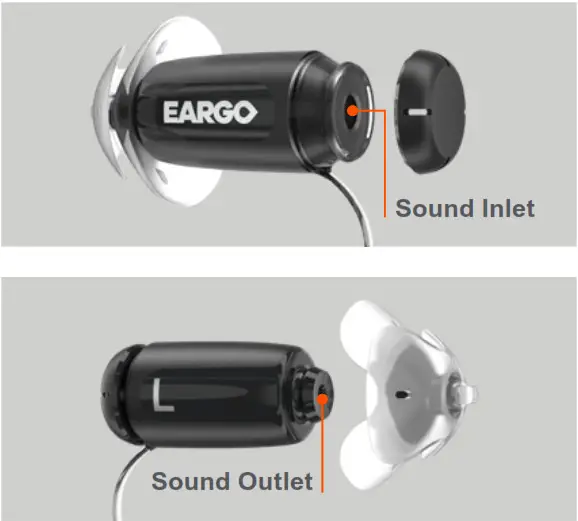
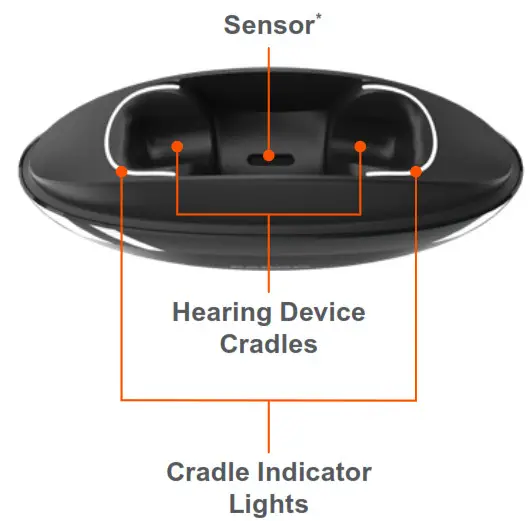
Get to Know Your Eargo & Charger
 |  |
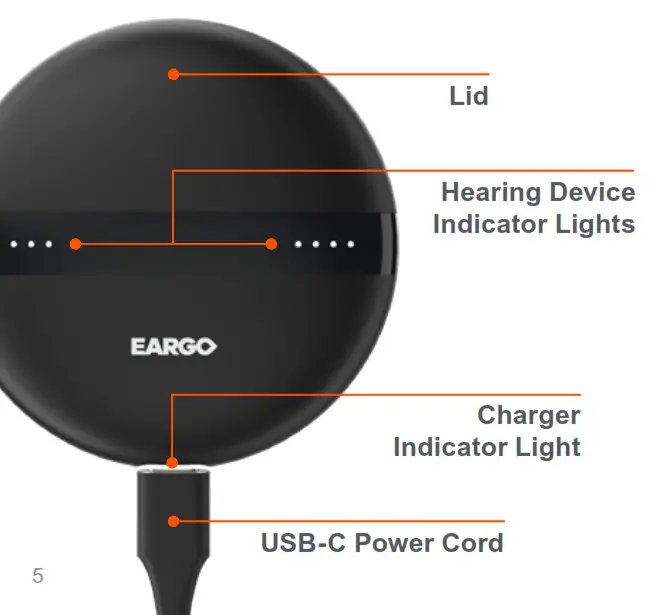 |  |
Device & Charger Indicators
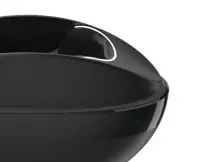 | The Cradle Indicator Lights stay solid white to guide correct Eargo placement. |
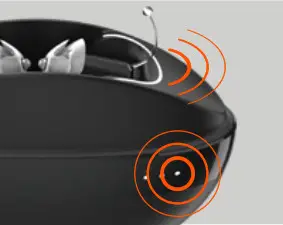 | When your Eargo devices are correctly placed and actively charging, the Hearing Device and Cradle Indicator Lights slowly pulse white. |
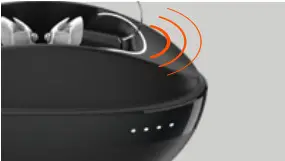 | Full Charge: Four solid white Hearing Device Indicator Lights and pulsing Cradle Lights. |
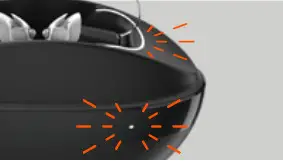 | Low Charge: Two rapid white double-flashes indicate less than 25% charge. |
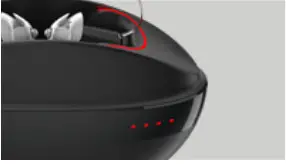 | Red Lights: Device is not charging. Remove the device from Charger to clear the red lights. |
The Charger Indicator Light shows the charge status of the Charger. The light slowly pulses white when plugged in and actively charging.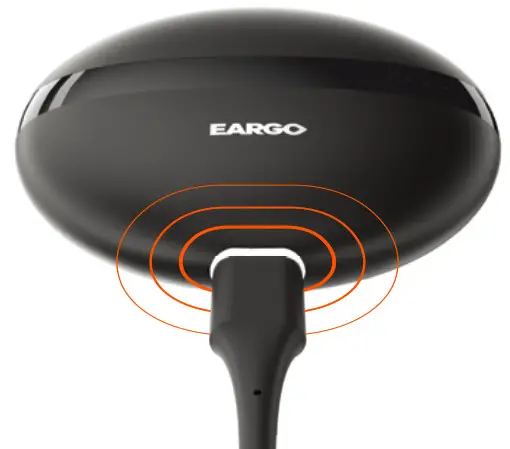
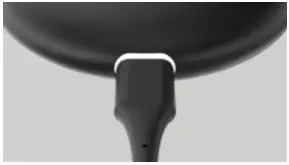 | Full Charge: Solid white when plugged in. |
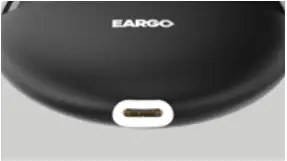 | Adequate Charge: Solid white when unplugged ( > 25% charge). |
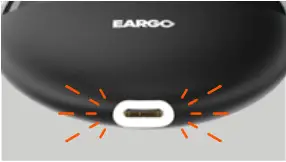 | Low Charge: Rapid white doubleflash. Plug in soon. ( <25% charge). |
Remove From Charger & Insert Into Ear
Lift by Removal Thread Grip.
Eargo devices automatically turn on after about 15 seconds. Charger and devices may feel warm from inductive charging.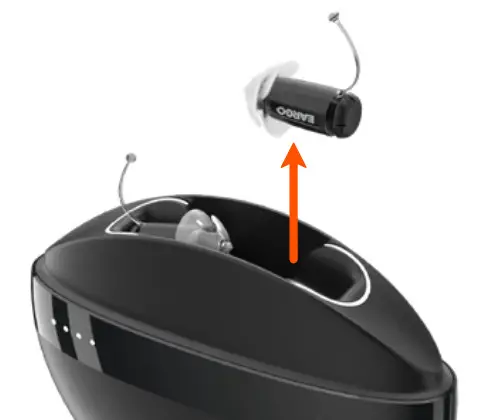
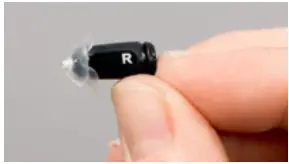 | Hold with the L (left) or R (right) facing you. Grasp the Device Removal Thread. |
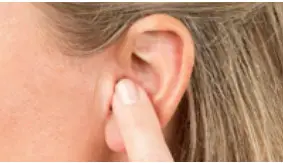 | Gently press into place. Hit a wall? Lift the top of your ear and angle the device towards your nose as you insert it. |
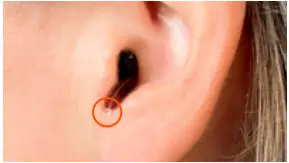 | Removal Thread Grip should rest here (see photo). |
Adjust the Program & Remove From Ear
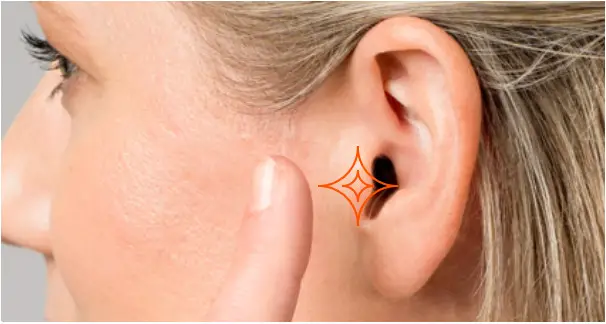 | Eargo devices come with four Preset programs for you to try. Amplification, especially for speech, increases as you go from Preset Program 1 to Preset Program 4. To move from one program to the next, use your finger to rapidly double-tap where indicated, or use the Eargo app. |
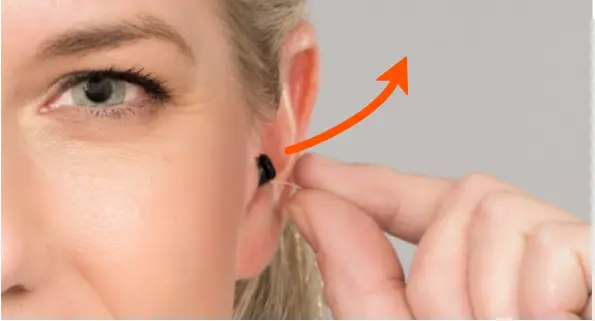 | Grasp the Removal Thread Grip. Gently pull up and out to remove. Before replacing devices in the Charger, wipe them gently with the Cleaning Cloth. |
Charge Your Eargo Devices
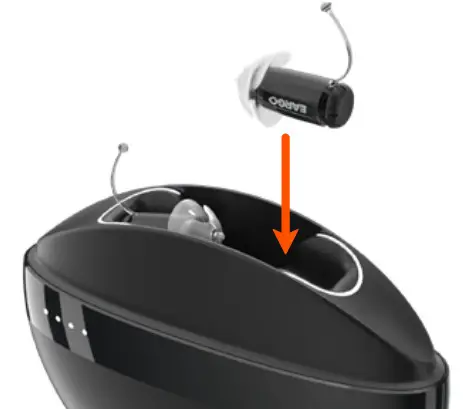 | Ensure Device Removal Thread is pointing up. Position over the Charger, Petals pointing in. Release the device. Feel a slight magnetic pull as it settles into place. |
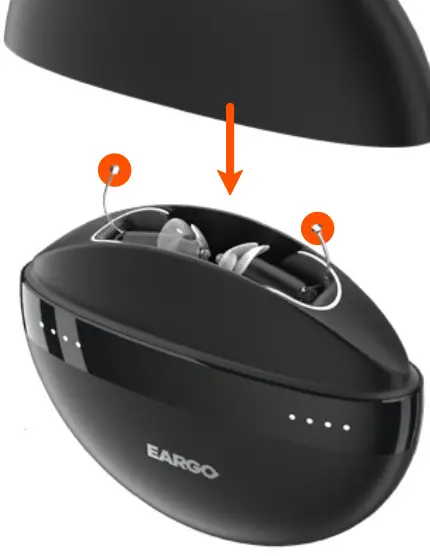 | Make sure that Device Removal Threads are centered inside the Lid when you close the Charger. |
Find the Perfect Fit
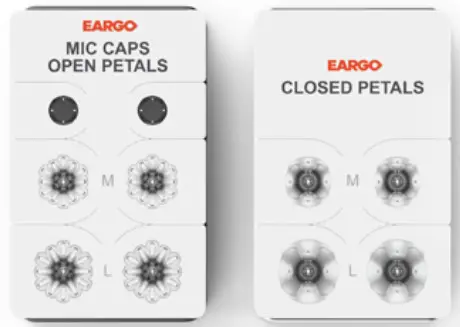
Your Eargo devices ship with Medium Closed Petals. We have included other size options for you to ensure your ears are comfortable.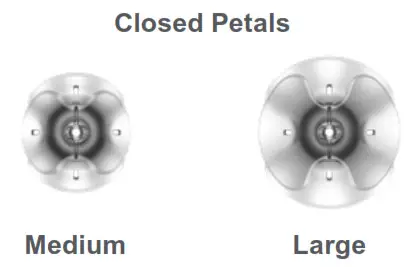 Closed Petals maximize amplification across the sound range. If you feel the fit is loose, size up!
We have also included some other style options to meet individual sound quality and hearing loss needs.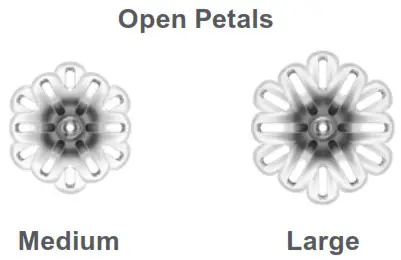 Visit eargo.com/guides or ask your Eargo Personal Hearing Professional for more information on Petal styles.
Daily & Additional Care
It’s important to keep your Eargo devices clean because wax, oil or debris can affect their sound quality and performance. We’ve made it pretty easy to do!
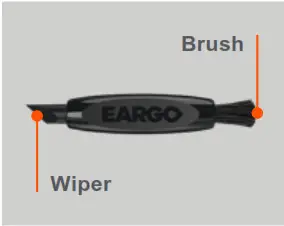 | The Cleaning Tool has a Wiper and a Brush. |
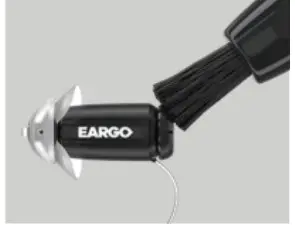 | Brush the Mic Cap to remove wax and debris. |
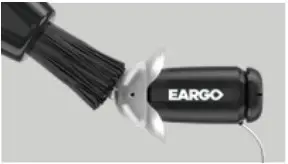 | Brush the Petal to remove wax and debris from the tip and holes. |
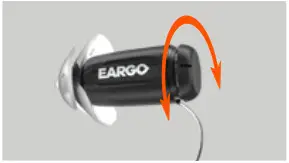 | Twist the Mic Cap 180 degrees back and forth to clean the Sound Inlet. |
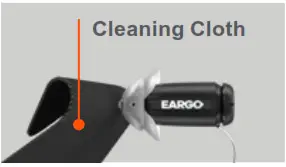 | Wipe devices with the cleaning cloth. |
Change Mic Caps and Petals about every 2 months, or when sound quality is decreased.
Inspect Petals regularly and replace them if any wear and tear is visible.
If not replacing, Petals may be soaked in warm soapy water for 3-5 minutes to clean them.
Rinse and dry Petal thoroughly. Brush and wipe the Sound Outlet on the bare Eargo device, then securely reattach the Petal.
For more details on caring for your Eargo devices, please visit our online video library at eargo.com/guides. Need help, accessories or want to learn more? Visit us at eargo.com.
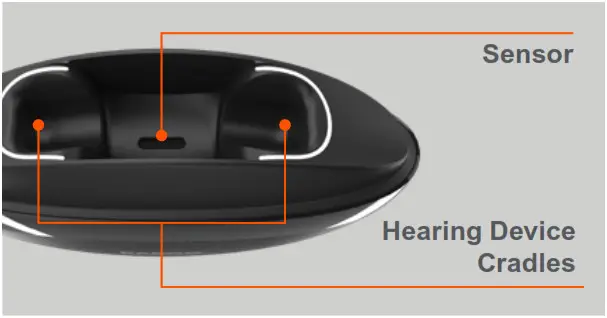
Use the Cleaning Tool Wiper to remove wax and debris from the Sensor and Hearing Device Cradles.
Finish removing wax and debris from the Sensor with the Cleaning Tool Brush.
Wipe the Hearing Device Cradles with the Cleaning Cloth.
Remove the Petals & Mic Caps
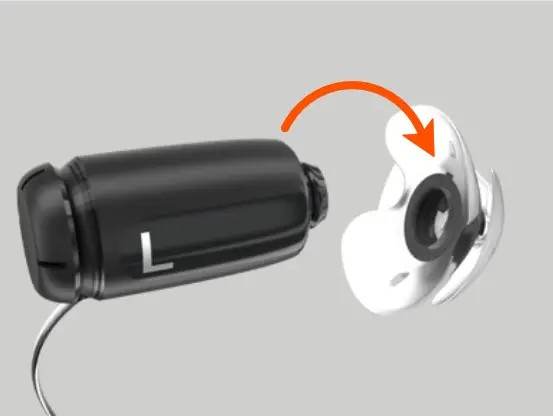 | Hold the device firmly around its middle. With your other hand, grasp both layers of the Petal and peel it away. |
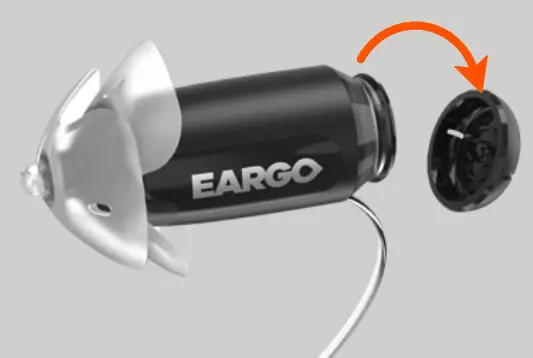 | Hold the device firmly around its middle. With your other hand, use your fingernail to peel the Mic Cap away. |
Replace the Petals & Mic Caps
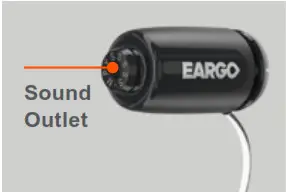 Wipe the Sound Outlet with the Cleaning Cloth. Wipe the Sound Outlet with the Cleaning Cloth. | 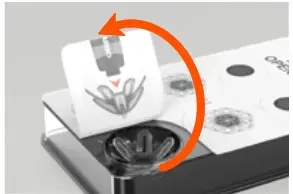 Select a new Petal. Peel the tab up. Select a new Petal. Peel the tab up. |
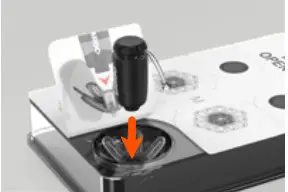 Align the Sound Outlet with the center of the new Petal. Align the Sound Outlet with the center of the new Petal. | 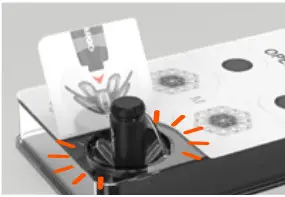 Press into place until you feel a click. Press into place until you feel a click. |
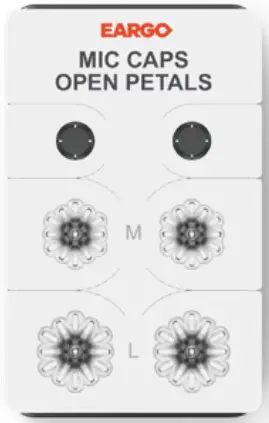
Replacement Mic Caps are packaged with the extra Open Petals. From timeto-time you need to replace the Mic Caps to ensure the best sound quality.
Locate the tray and place it label side up.
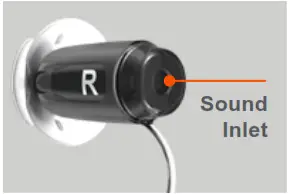 Wipe the Sound Inlet with the Cleaning Cloth. Wipe the Sound Inlet with the Cleaning Cloth. | 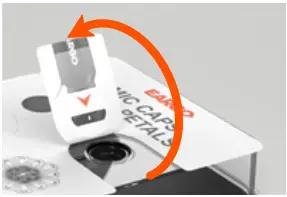 Select a new Mic Cap. Peel the tab up. Select a new Mic Cap. Peel the tab up. |
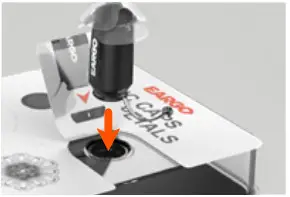 Align the Sound Inlet with the center of the new Mic Cap. Align the Sound Inlet with the center of the new Mic Cap. | 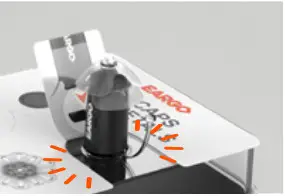 Press into place until you feel a click. Press into place until you feel a click. |
Appendix
Indications for Use: The hearing device is intended to amplify and transmit sound to the ear and thereby compensate for mild to moderate high-frequency hearing loss in adults.
Additional Notices: A hearing aid will not restore normal hearing and will not prevent or improve a hearing impairment resulting from organic conditions.
In most cases infrequent use of a hearing aid does not permit a user to attain full benefit from it. The use of a hearing aid is only part of hearing rehabilitation and may need to be supplemented by auditory training and instruction in lip reading.
Possible Side Effects: Minor itchiness, redness, and irritation may occur as your ear becomes accustomed to having an object in it. If this or anything related may arise, please contact Eargo.
If an actual allergic reaction occurs or you experience inflammation, discharge from the ear, excessive wax or other unusual conditions, contact a physician.
If, for any reason, your hearing devices do not operate properly, do NOT attempt to fix them yourself. Not only are you likely to violate any applicable warranties, you could cause further damage.
Caution: Always wear an Eargo device with a Petal. Make sure that the Petal is correctly attached. In rare cases, the Petal could remain in your ear when removing the Eargo device. If this happens, do not attempt to remove the Petal yourself. Have the Petal removed by a healthcare professional.
Warning to Hearing Aid Dispensers: Please see eargo.com/guides for Warning to Hearing Aid Dispensers.
Important Notice for Prospective Hearing Aid Users: Please see eargo.com/guides for Prospective Hearing Aid Users.
Children with Hearing Loss: In addition to seeing a physician for a medical evaluation, a child with a hearing loss should be directed to an audiologist for evaluation and rehabilitation since hearing loss may cause problems in language development and the educational and social growth of a child. An audiologist is qualified by training and experience to assist in the evaluation and rehabilitation of a child with a hearing loss. Eargo devices are for those that are at least 18 years of age.
Recycling and Disposal: Eargo packaging is recyclable. Eargo devices, Charger, USB-C Power Cord, and Power Adapter must be recycled at an e-waste facility or sent back to Eargo. Everything else goes in normal waste. For more information, visit eargo.com.
1 (800) 61-EARGO
eargo.com
Eargo and the Eargo wordmark are registered trademarks of Eargo, Inc.
©2021 Eargo, Inc.
Quick Start Guide LBL0256 Rev D