TAWFFIR
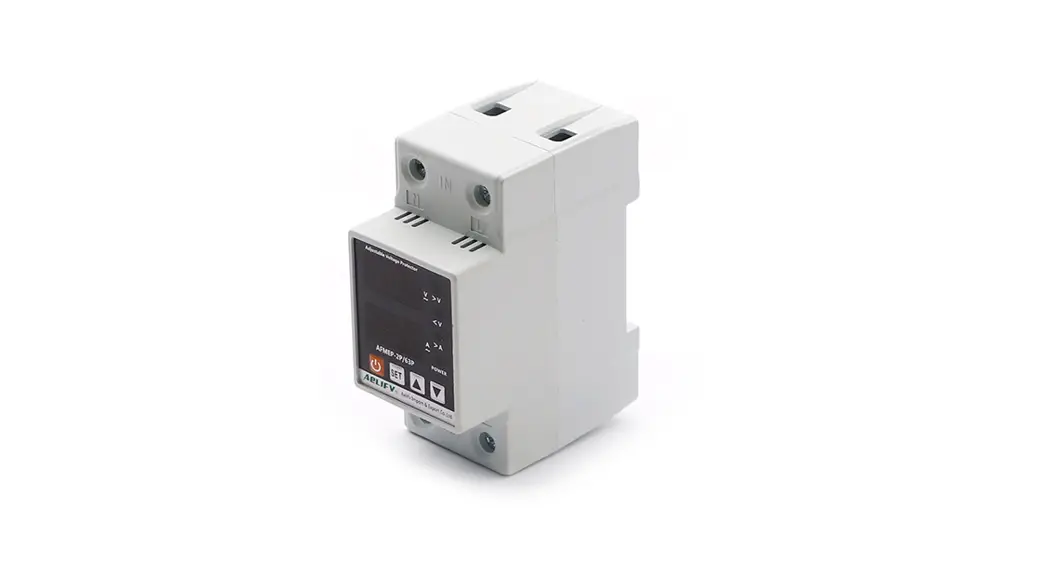
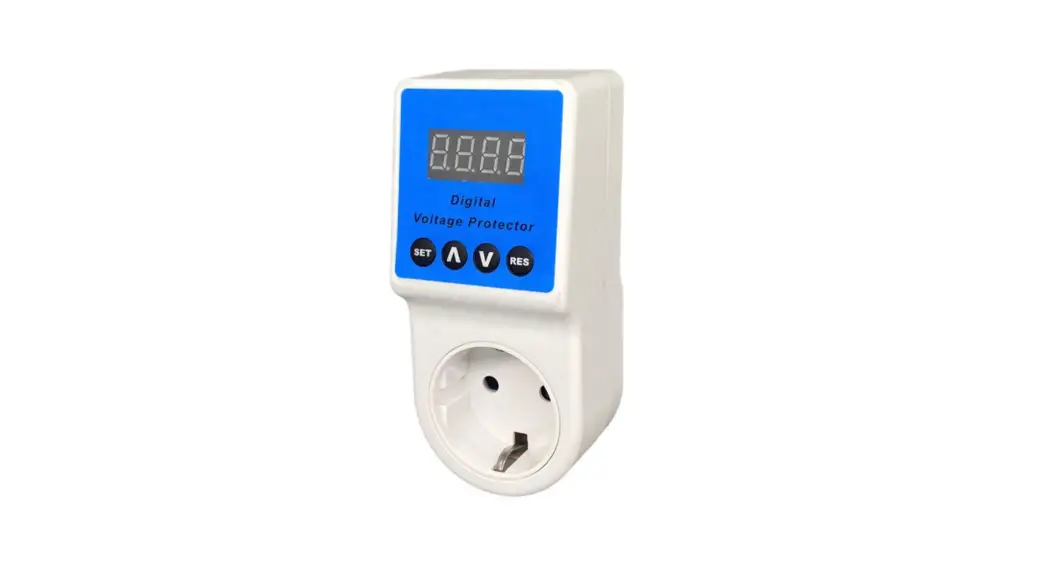
Digital Voltage Protector
Model:PF-201
User Manual 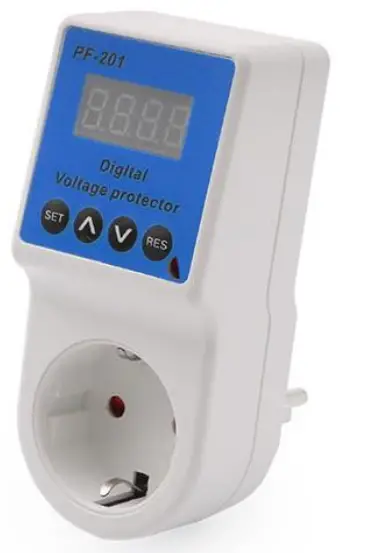
Operation Instruction:
After display finished of the company logo/name / mode No.
Press button 3 seconds, then turn into the setting state.
- Set up high cut voltage: press button
 flash “H” Symbol, then press
  to get your needed high voltage, the system will work as a new setting.
 - Set up low cut voltage: press the button flash “L” Symbol, then press to get your needed low voltage, the system will work as a new setting.
- Set up delay time: press button flash “d” Symbol, then press to get your needed delay time, Delay time adjusting range: 5-999S.
- After all parameters setting, wait 6 seconds, the product will save your adjusting numbers automatically.
- Set up default: press button “RES“ 3 seconds, system back to default setting state.
 to get your needed high voltage, the system will work as a new setting.