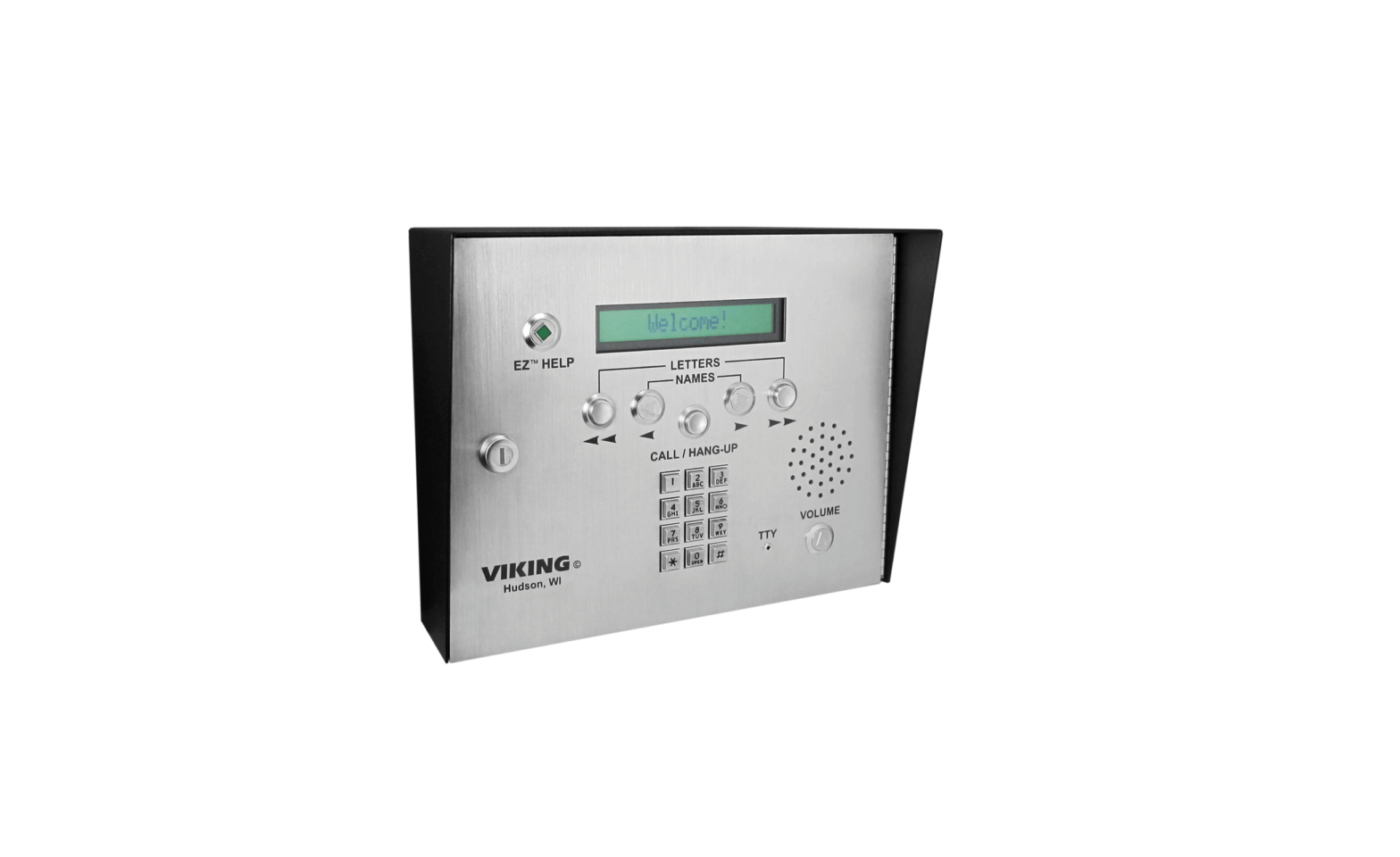
VIKING AES-2000 Access Control Door Entry System Instruction Manual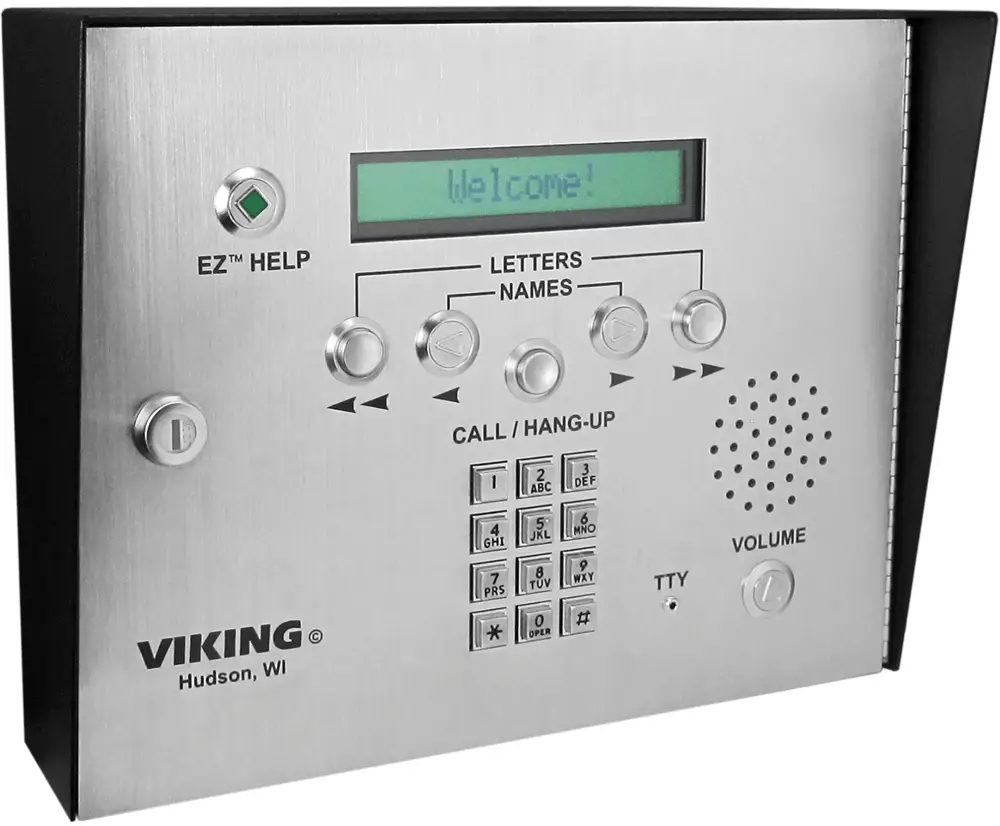
Introductions
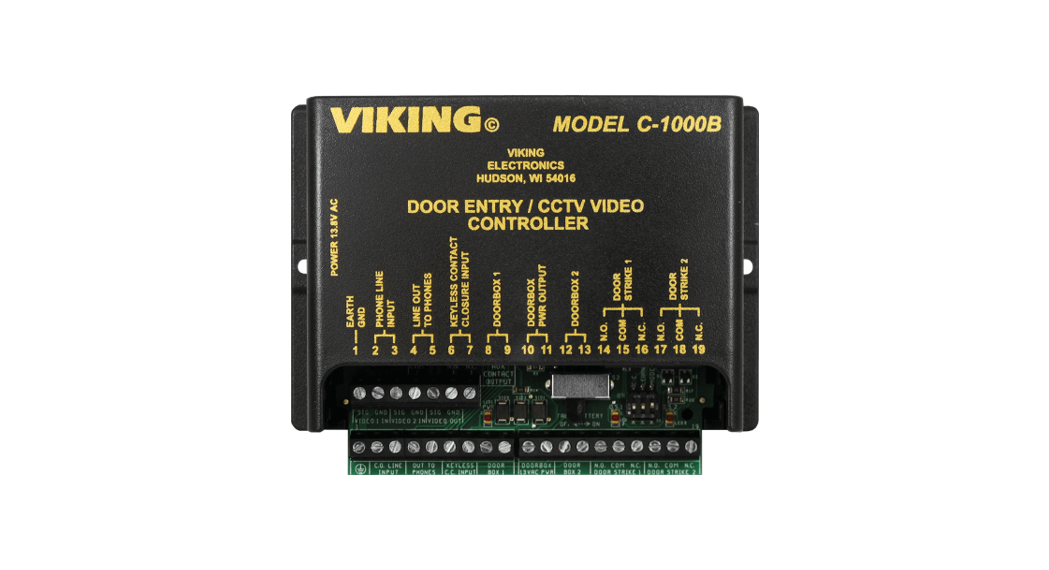
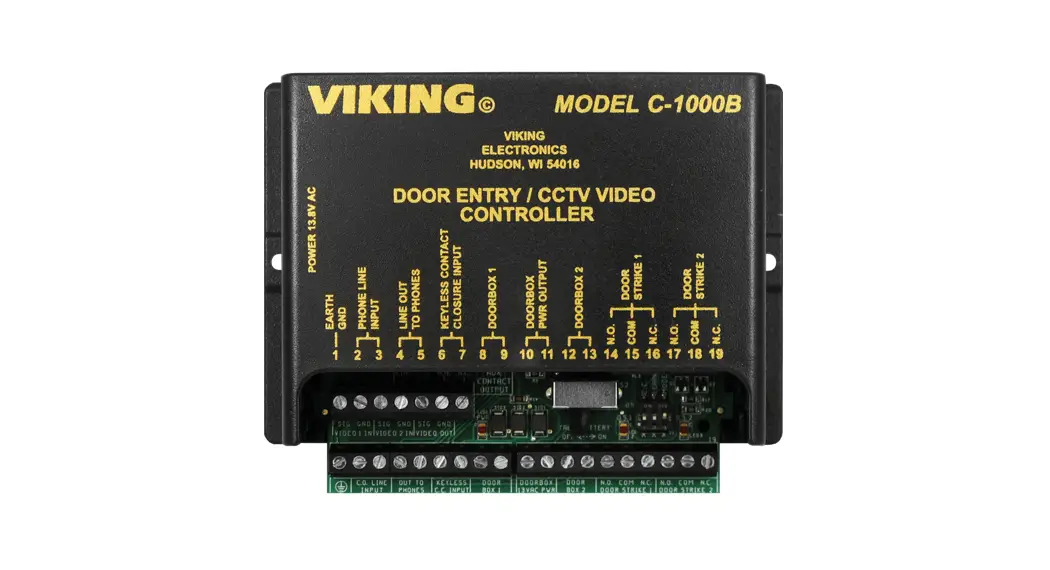
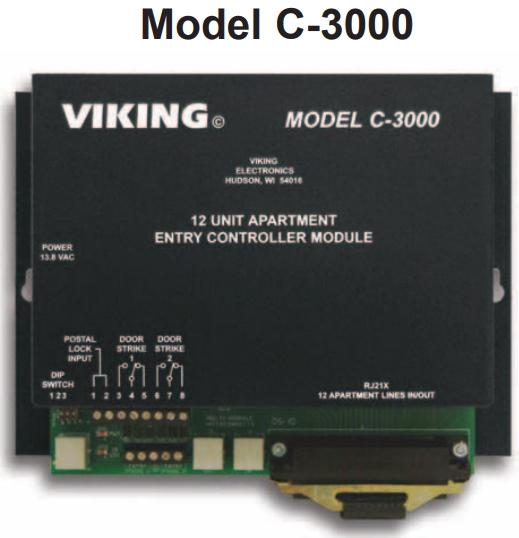
A bank of eight C-3000’s has a 96 tenant capacity. By using a C-1000B, three groups of eight C-3000’s can be combined, expanding tenant capacity up to 288.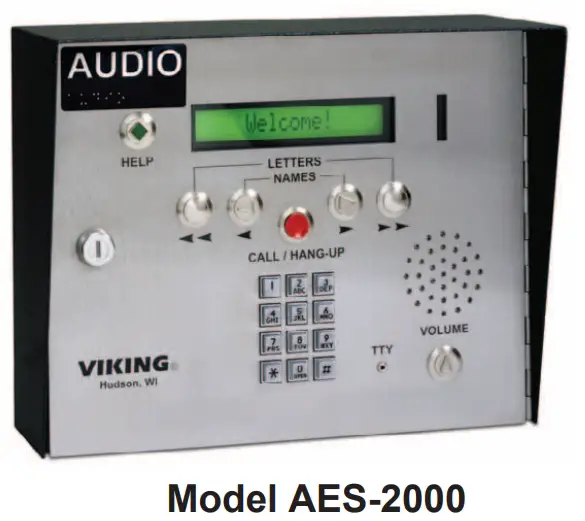
Installation
The following steps are to be used in conjunction with the diagram on the following.
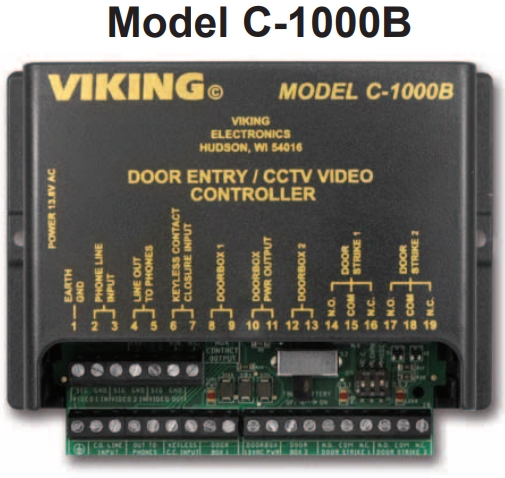
- Step 1. Connect a pair of wires from the AES-2000’s C-3000 screw terminals to the C-1000B’s LINE OUT TO PHONES screw terminals.
- Step 2. To connect the first group of eight C-3000s: Connect the C-1000B’s LINE IN screw terminals to the Primary 1 C-3000’s ENTRY 1 screw terminals.
- Step 3. To connect the second group of eight C-3000s: Connect the C-1000B’s DOOR BOX 1 terminals to Primary 2 C-3000’s ENTRY 1 screw terminals.
- Step 4. To connect the third group of eight C-3000s: Connect the C-1000B’s DOOR BOX 2 terminals to Primary 3 C-3000’s ENTRY 1 screw terminals.
- Step 5. Set DIP switch 3 of the C-1000B to the OFF position and set Talk Battery switch to OFF.
- Step 6. A telephone line can be connected to the AES-2000’s CO screw terminals for remote AES-2000 programming or calling tenants that have phone service
Note: Connect the group of eight C-3000s in a Primary/Secondary configuration as shown in the C-3000 Technical Practice.
Programming
For the AES-2000 and the C-3000 to work in harmony, program them to have identical phone entry Call Times and Ring Counts. Failure to do so will result in unexpected disconnects. The AES-2000 Call Time and Ring Count fields are found in the Building Selection’s “Setup” pull down menu, under “Parameters.” See the C-3000 Technical Practice, Programming section B for programming the Call Time and Ring Count on the C-3000s.
Additional C-3000 Programming:
- A. Program alll C-3000’s with “#4” to disable the C-3000 relay activation.
- B. Each primary C-3000 must be programmed with the total number of units in the group. For a group of 8 units, program “8##8” into the groups primary unit, for a group of 7 enter “7##8”, ect.
When programming the AES-2000’s Apartment Selection screen, a “C” is entered before the tenant’s phone number to access the first C-3000 group. The second and third C-3000 groups require a”C” and a “#1” or a “#2” before the tenant’s phone number.
For Example: C01 – C96 for group one, C#1,01 – C#1,96 for group two, C#2,01 – C#2,96 for group three.
Important: The comma shown in the dialing string is for a 2 second pause, which is required for the C-1000B to switch to group 2 or 3.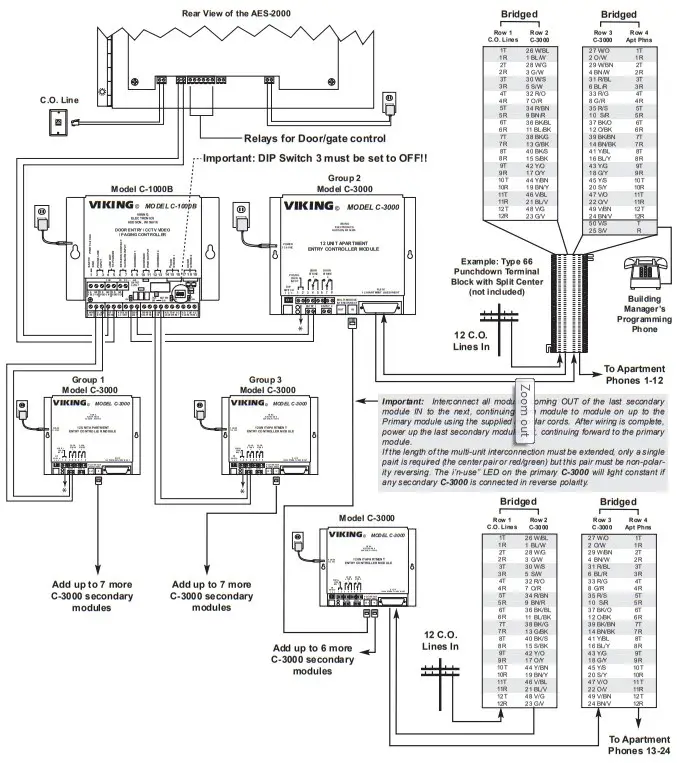
Support
Product Support: 715-386-8666
Fax Back Line: 715-386-4345
Due to the dynamic nature of the product design, the information contained in this document is subject to change without notice. Viking Electronics, and its affiliates and/or subsidiaries assume no responsibility for errors and omissions contained in this information. Revisions of this document or new editions of it may be issued to incorporate such changes.