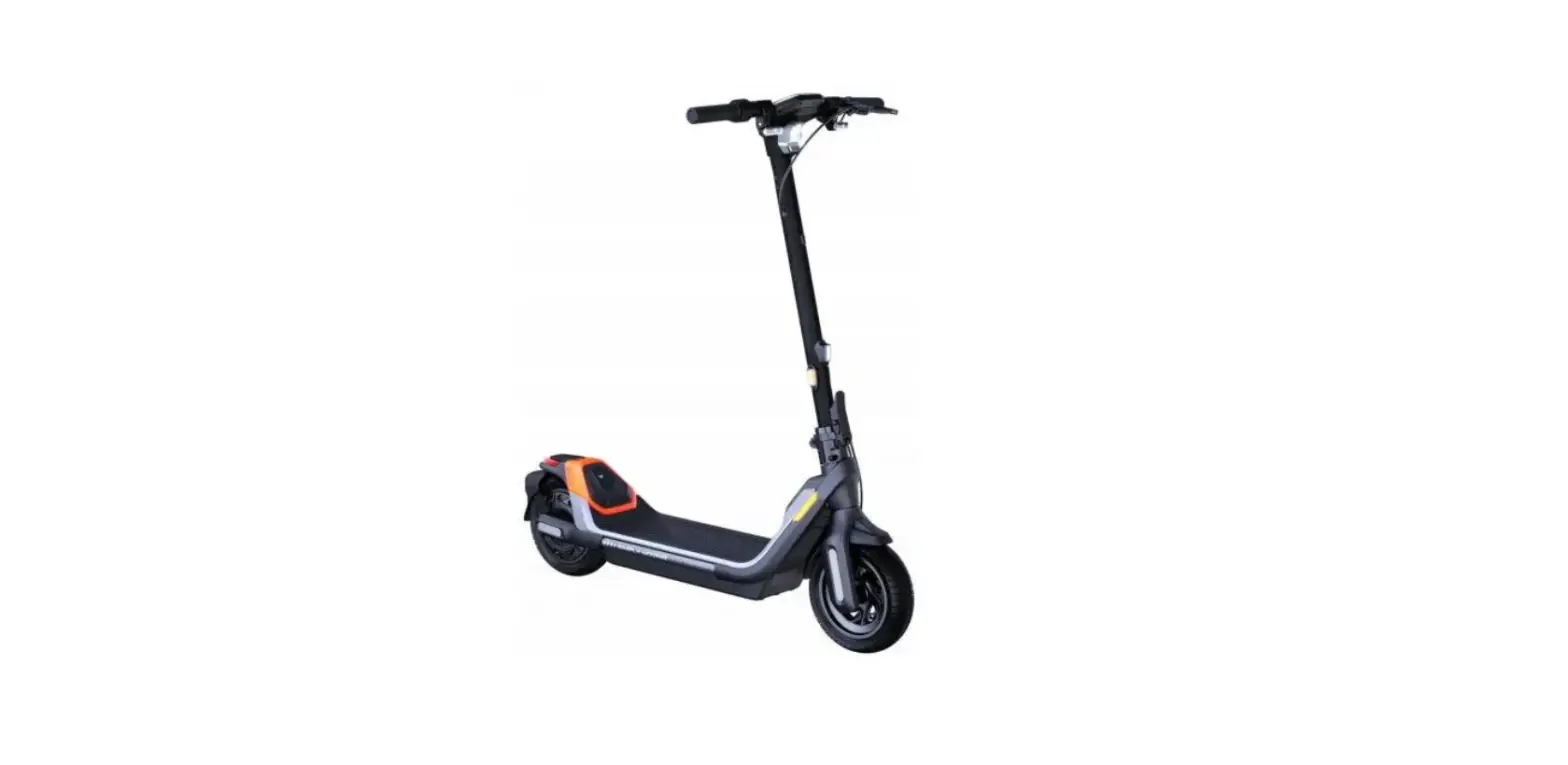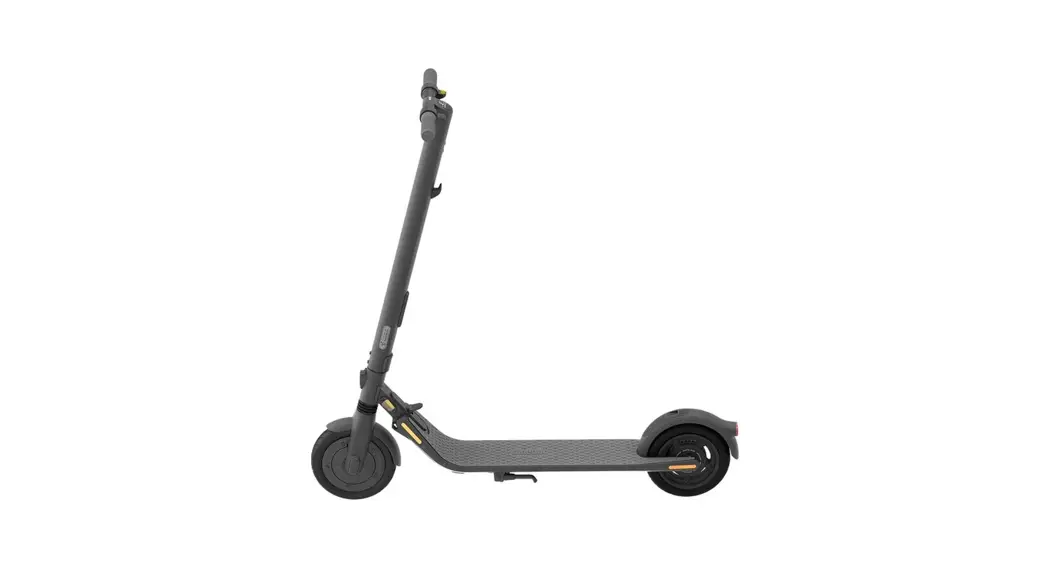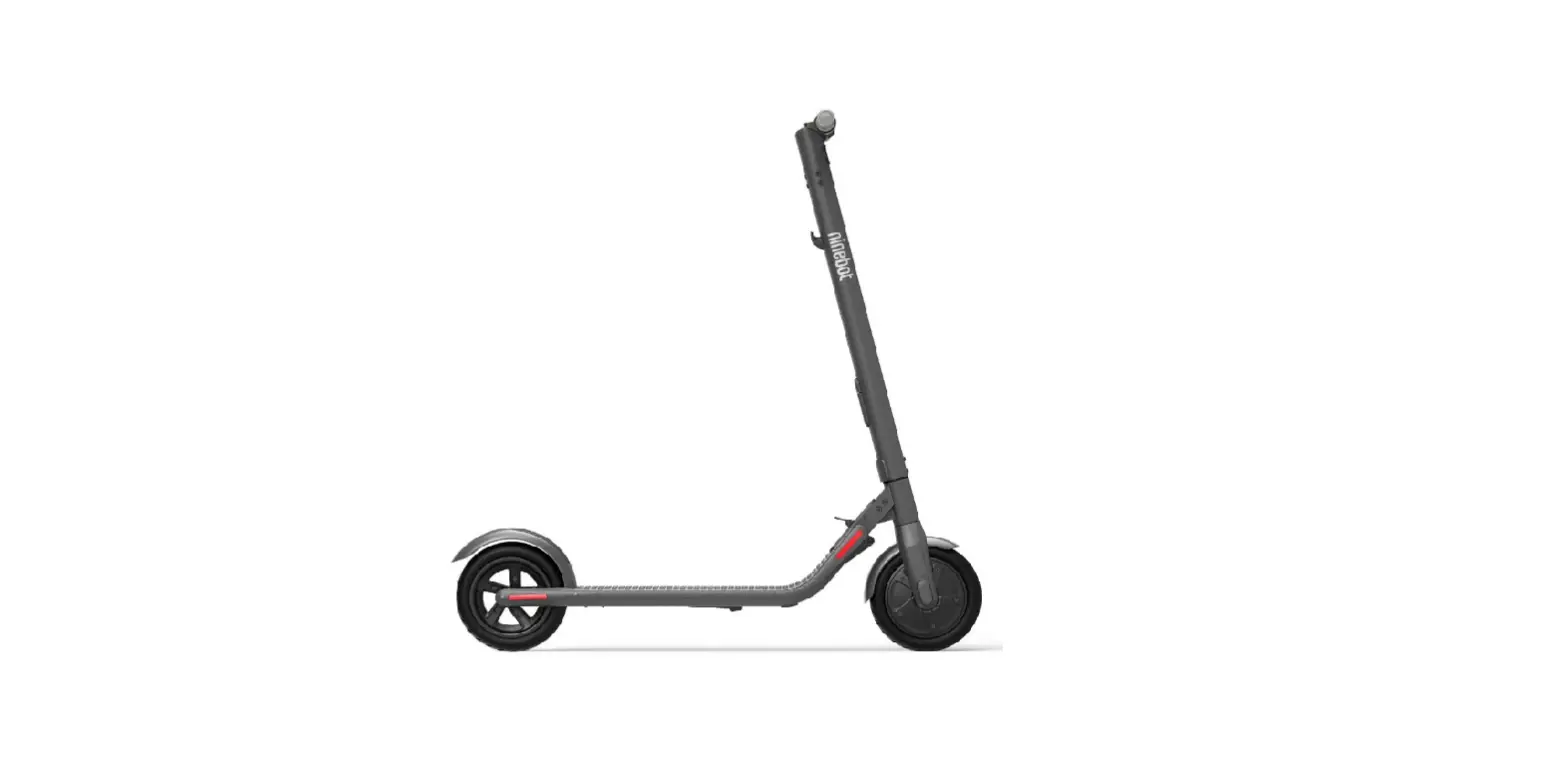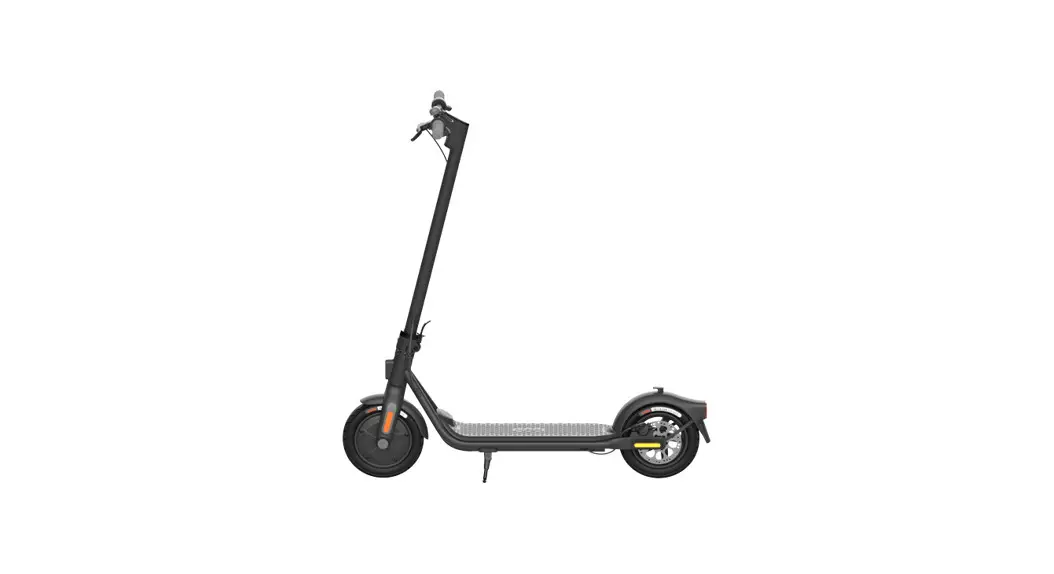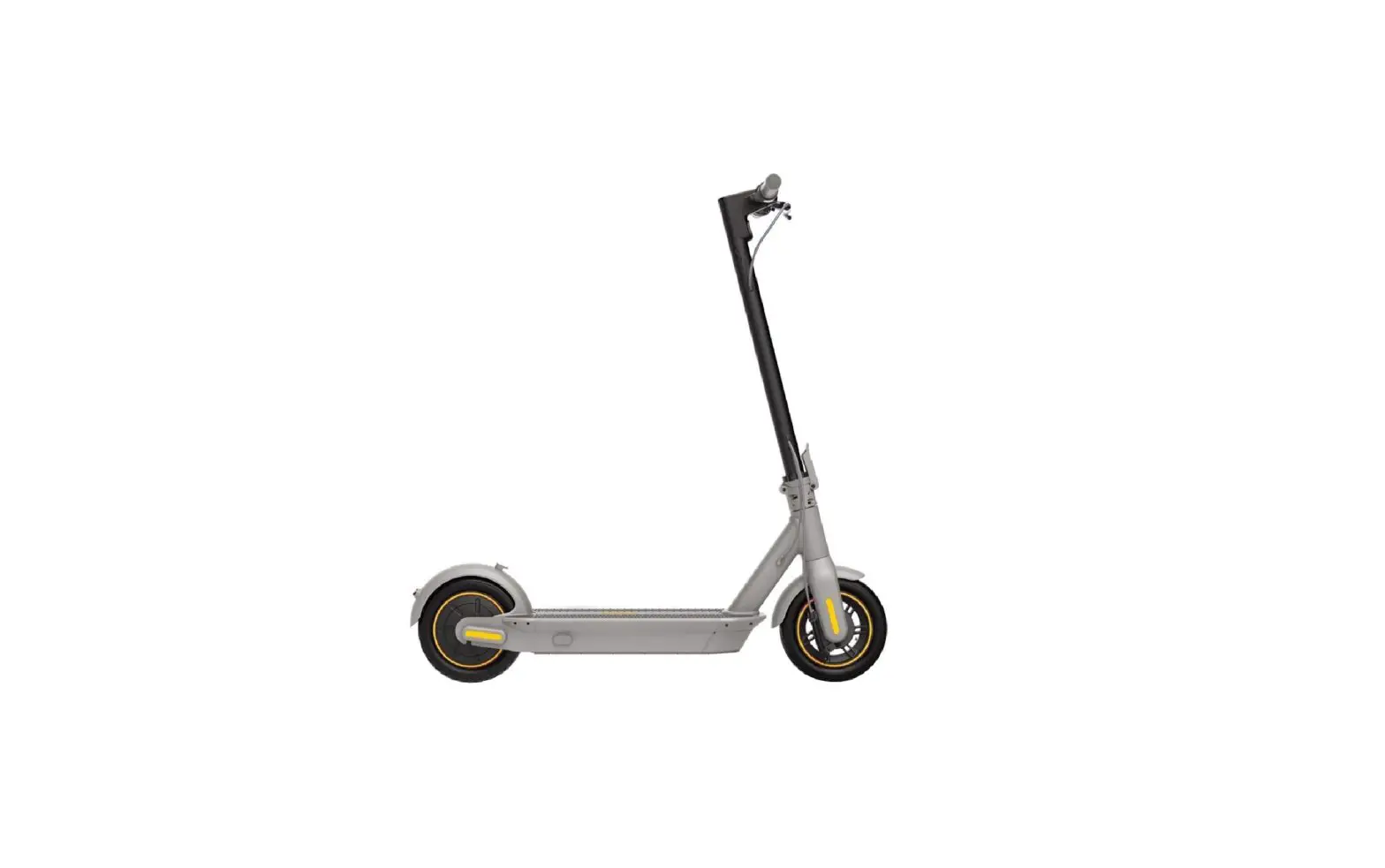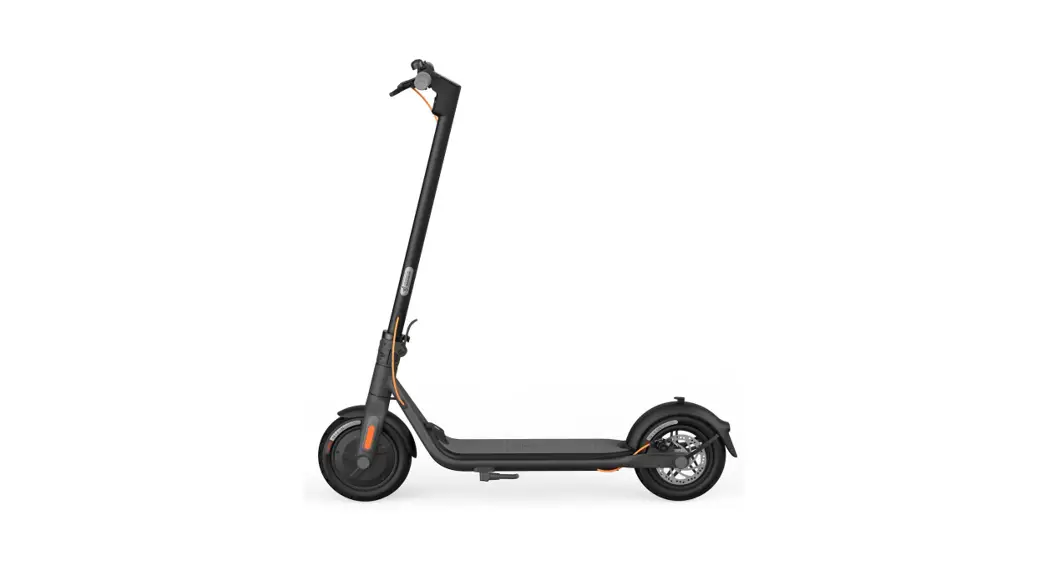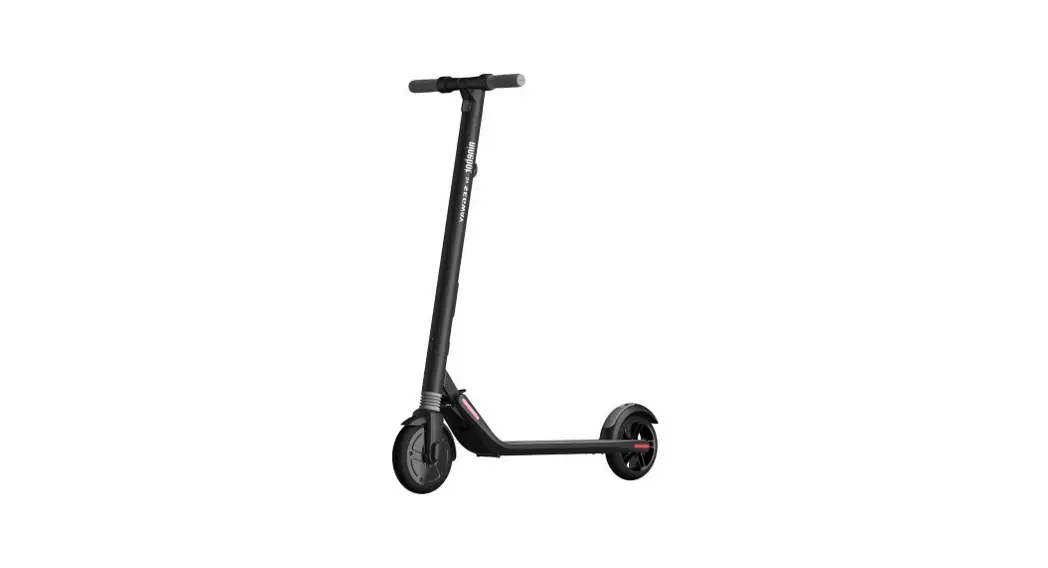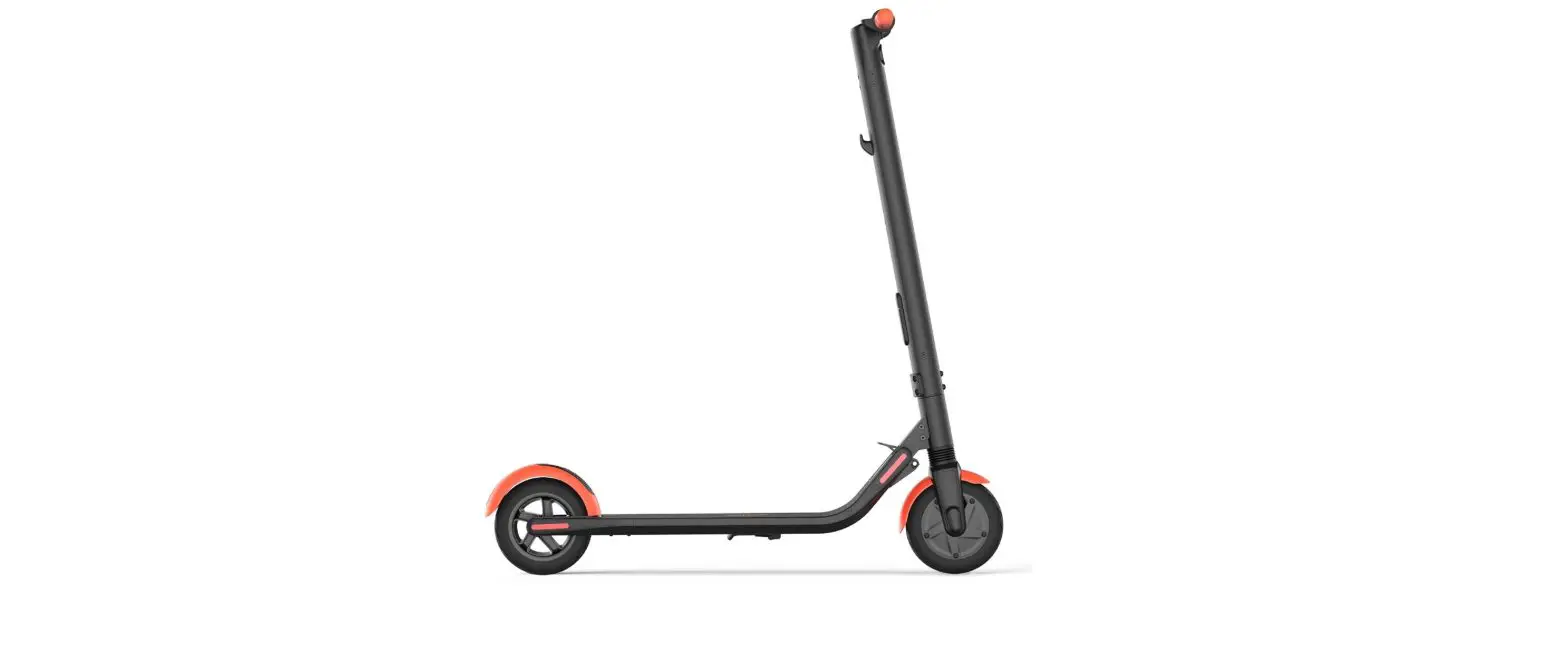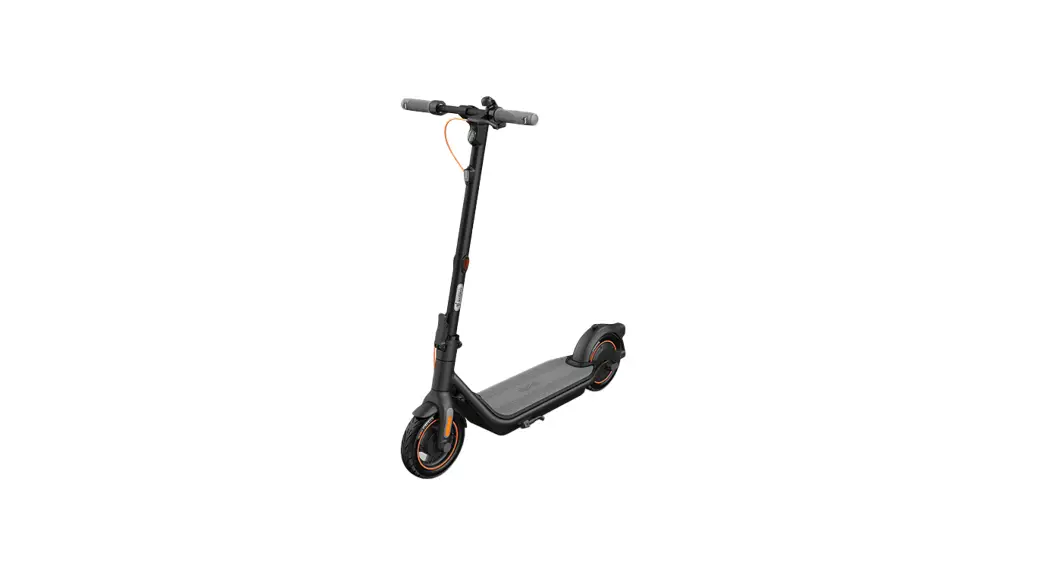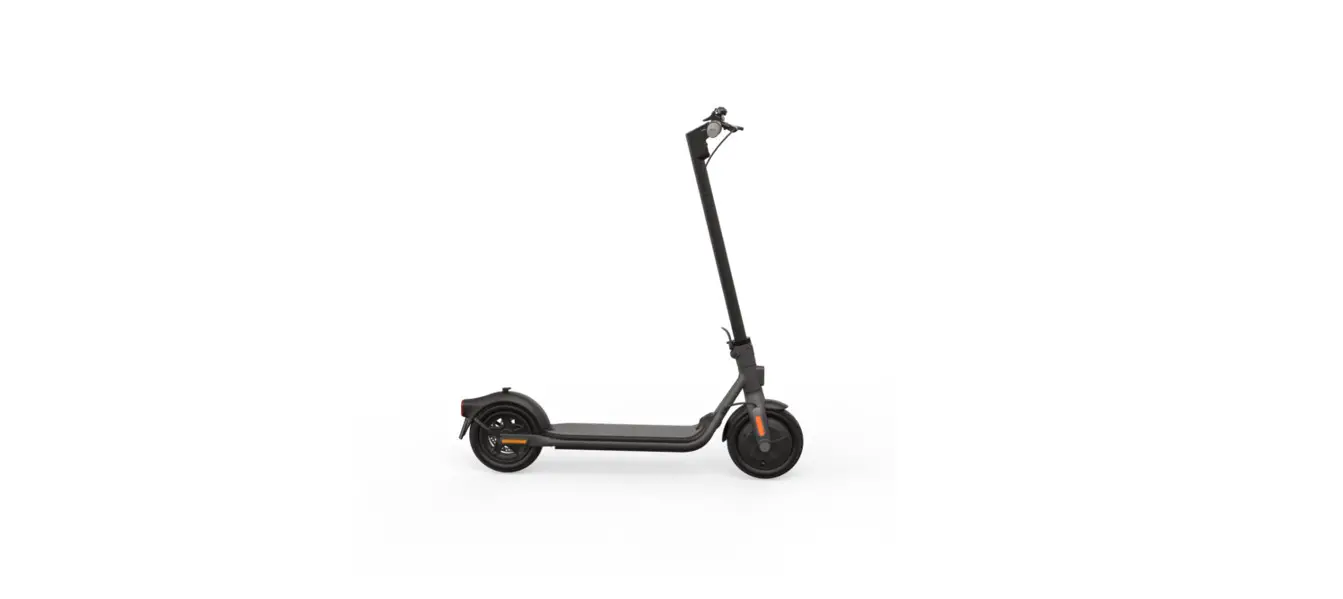

SEGWAY E22 KickScooter
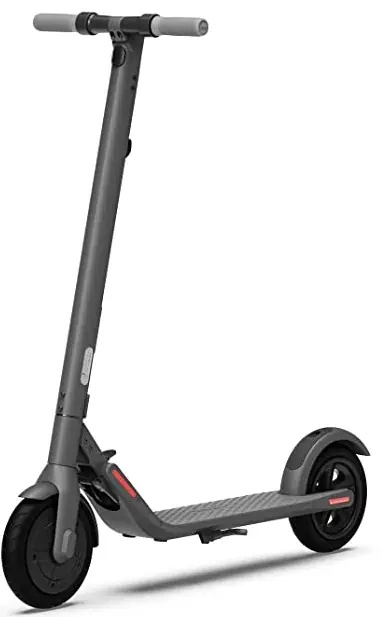
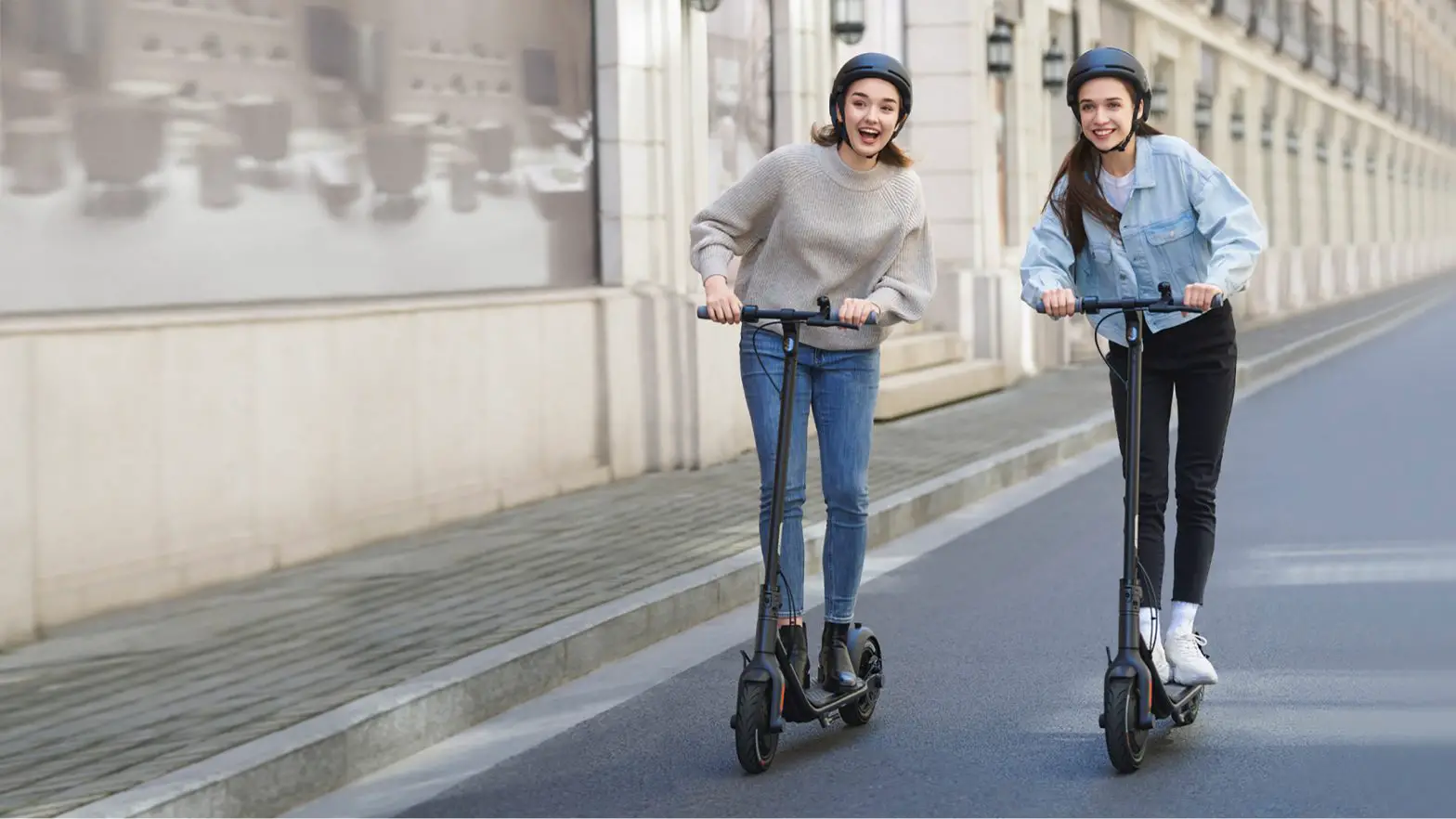
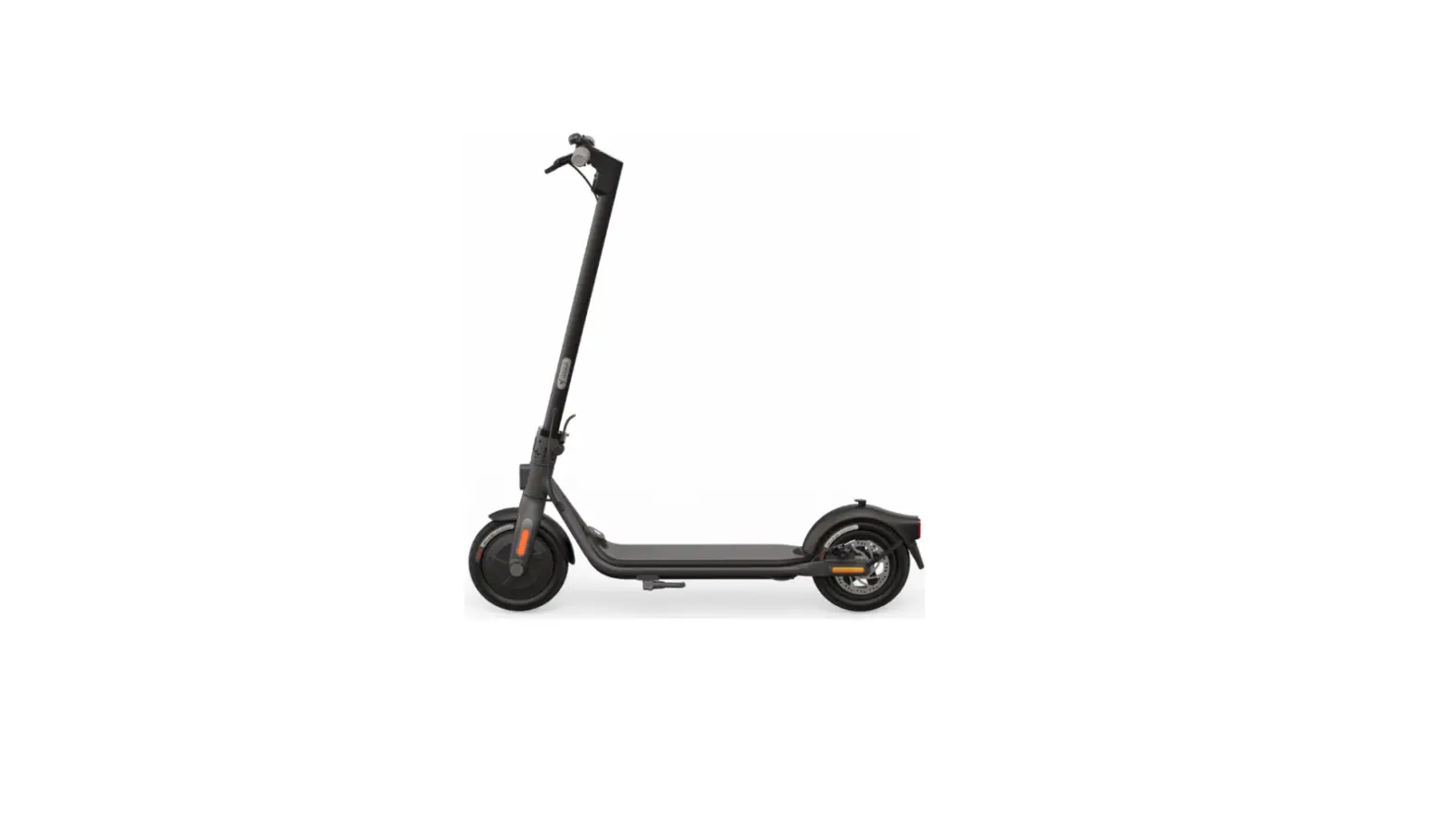
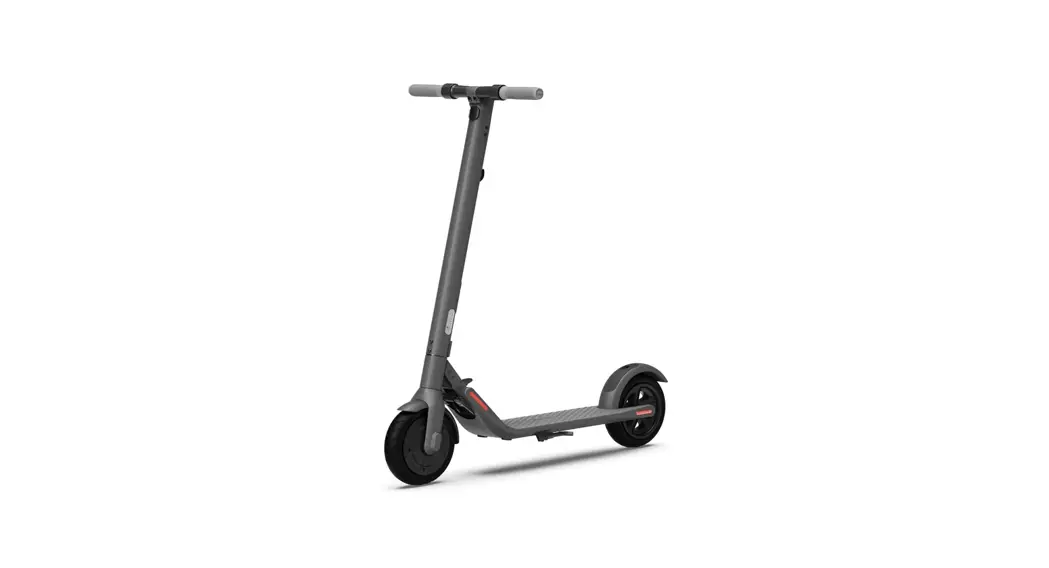
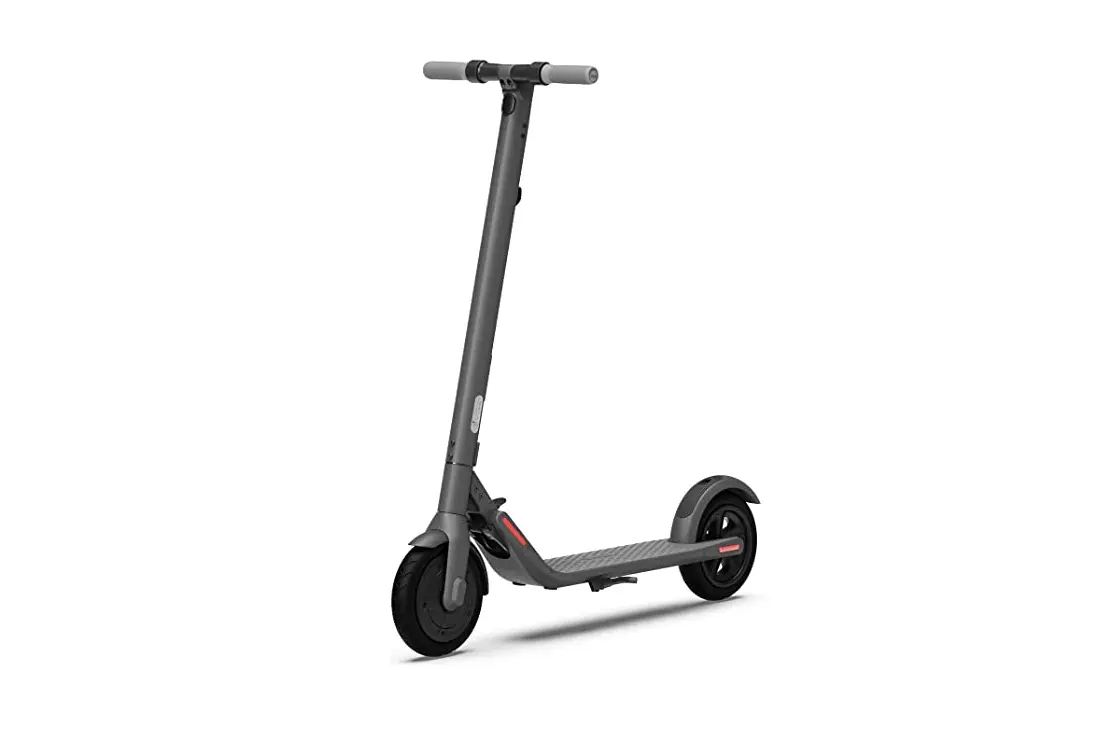
The pictures shown are for illustration purposes only. Actual product may vary.
Welcome
Thanks for choosing the Segway KickScooter (hereinafter refered to as KickScooter)! Your KickScooter is a recreational product with high performance, good quality and stylish design. Enjoy your ride and have more fun!
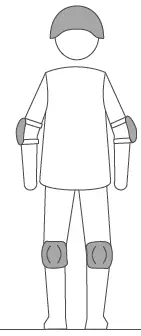
Always wear a helmet, elbow pads and knee pads when riding.
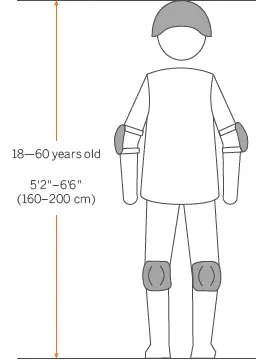
The pictures shown are for illustration purposes only. Actual product may vary.
Packing List
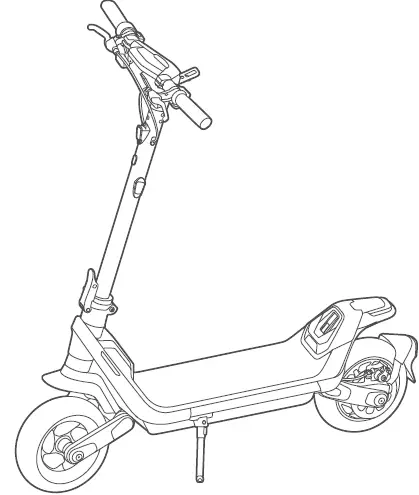
 Product Manual
User Manual
Important Information
Limited Warranty
Accessories
Hex Wrench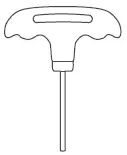
M5 Screw × 7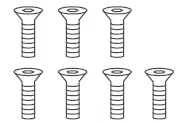
Hook and loop fastener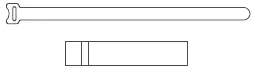 Valve Stem Extension

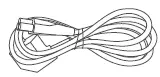
Power Cord
NFC Card × 2

Assembly
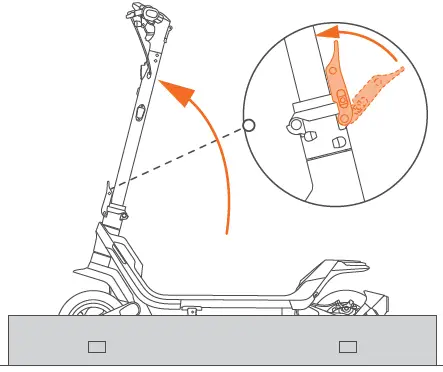
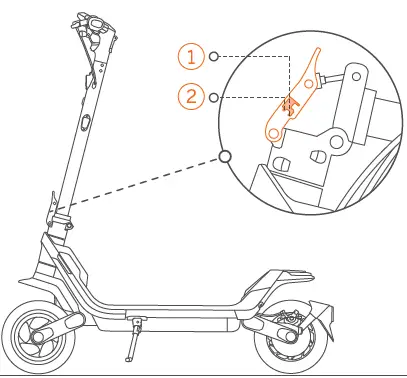
- Unfold the stem and close the quick-release lever

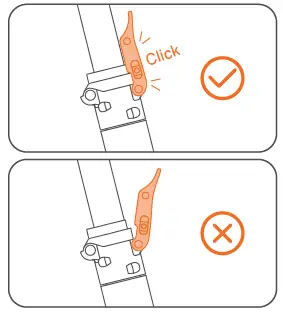
- First-lock (pre-locked)

- Second-lock (locked into position)
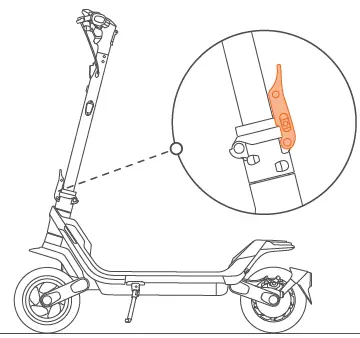
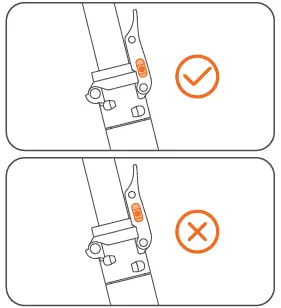
Press the quick release lever firmly to make sure the folding mechanism is tightened. * The scooter will make a “click” sound when the folding mechanism is tightened.
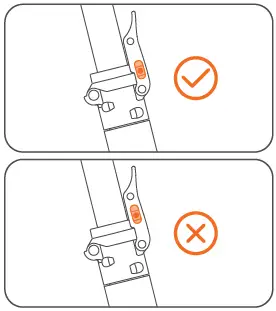
Make sure the safety button is in the locked position before riding!
- First-lock (pre-locked)
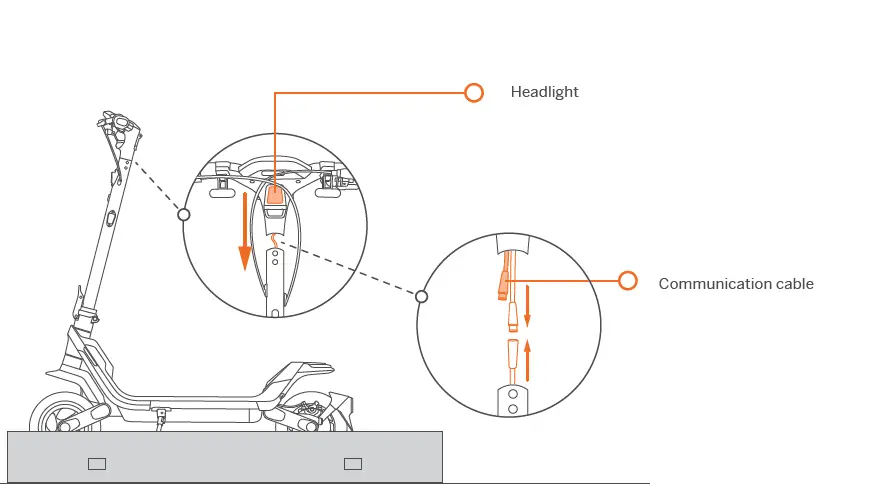
- Slide the handlebar and the wires into the stem with the headlight facing forward.
Make sure the wires inside the handle and the stem are connected.
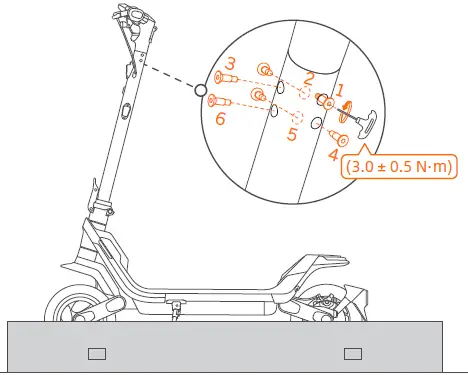
- Install the six screws in order with the included Hex wrench.

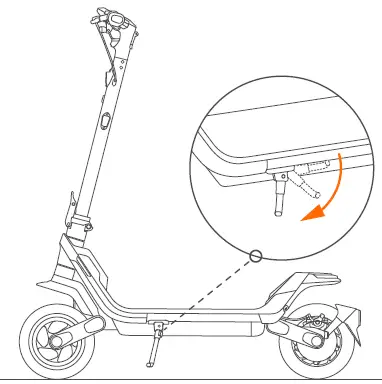
- Place the KickScooter on the ground and unfold the kickstand.

Activation
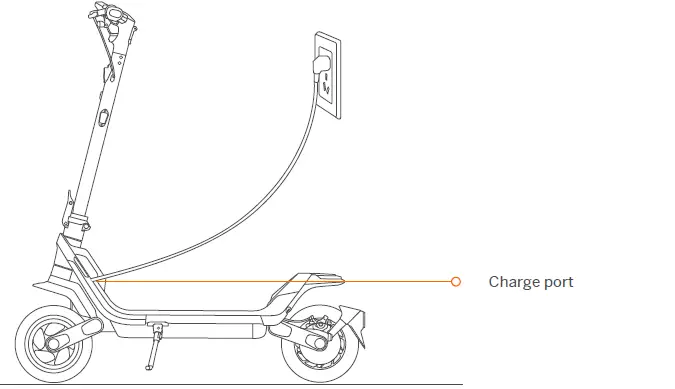
- Charge the KickScooter for three seconds to activate the battery before the first use.

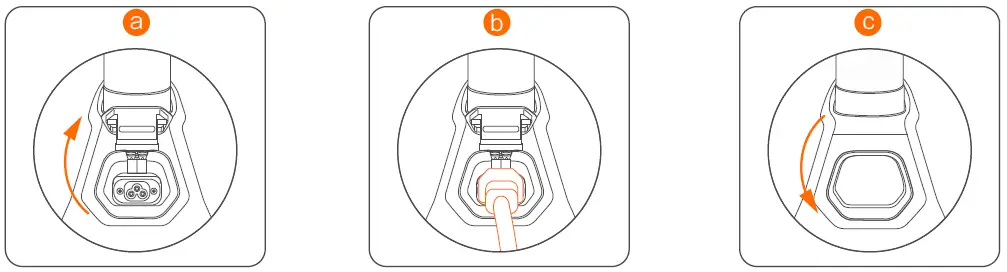
a. Open the charging port cover.
b. Insert the power cord and plug into a wall outlet.
c. Close the charging port cover when charging is finished.
An inactivated KickScooter will keep beeping when powered on, and its speed is limited to 9.3 mph (15 km/h).* The speed mode is set to ECO mode by default and the DRIVE and SPORT modes are not available. - Power on
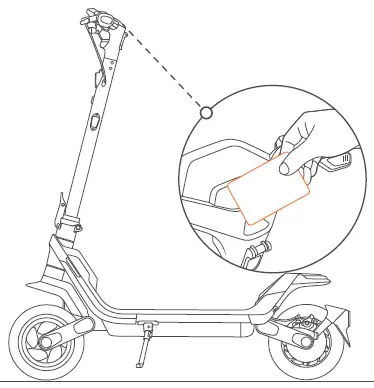
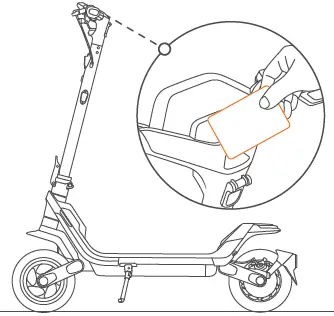
Method 1: Tap the NFC card on the dashboard.
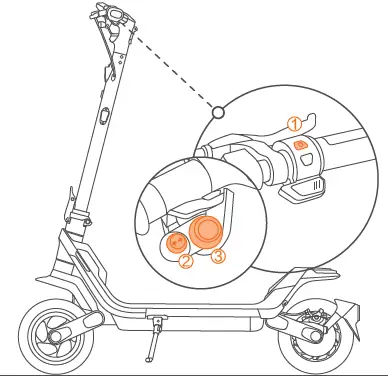
Method 2:- Press the power button to wake up the dashboard.
- Press the left/right side of the direction indicator button (left is minus,right is plus) to enter the default password 1-2-3-4 successively.
- Press the multi-function button to confirm the password every time after entering.

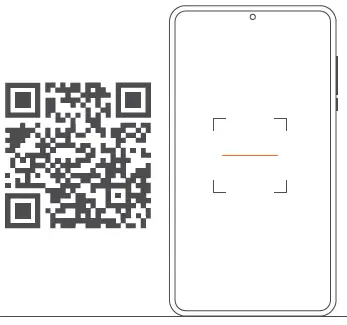
- Scan the QR code to download the Segway-Ninebot app and register/log in.

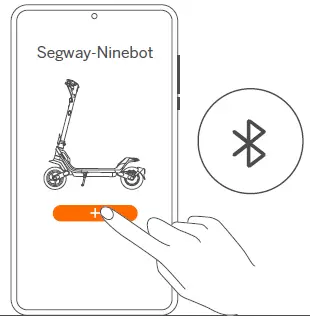
Additional and/or supplemental warnings and instructions on how to use the product are also in the Segway Ninebot app, and such information and/or notice is part of the user materials that an user shall know and learn. - Click “Search vehicle” and pair with your KickScooter.
The scooter is connected to the Segway-Ninebot app when the Bluetooth symbol lights up.
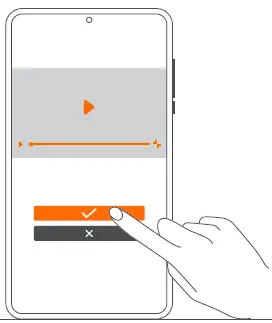
- Follow the instructions to watch the Riding Safety.

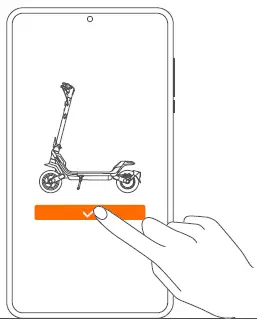
- Click to activate the KickScooter.

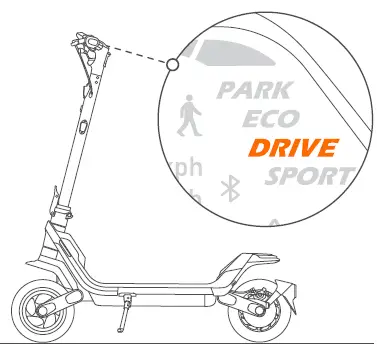
- When the scooter is activated, it is set to DRIVE mode by default.

How to Ride
Check the remaining battery power and tire pressure before riding.
The recommended tire pressure is 30-45 psi.
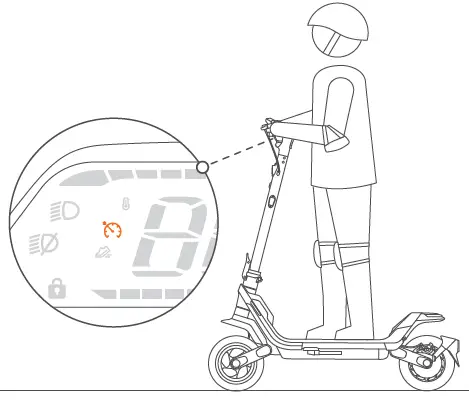
- Power on the KickScooter and choose a speed mode.

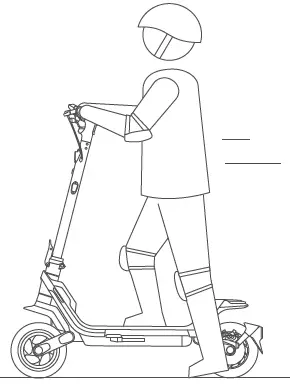
- Stand on the footboard with one foot and push off with the other foot to start gliding.

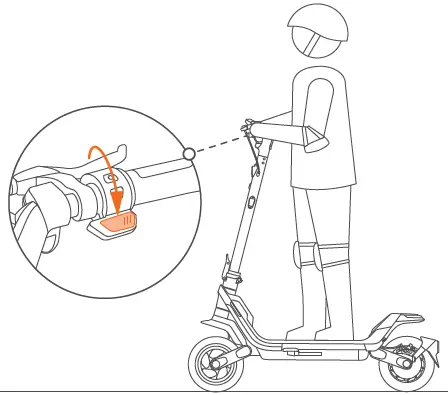
- Put both feet on the footboard and stand stably. Press and hold the throttle to speed up. * The motor will not engage untill the speed reaches 1.9 mph (3 km/h). Set the start speed (0–3.1 mph [0–5 km/h]) via the Segway-Ninebot app (for P100SU only).

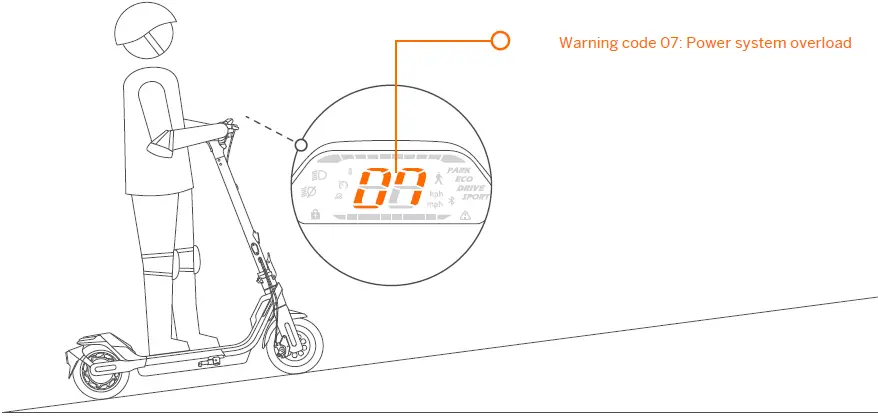
When you ride the scooter with overload (factors that affect the load include the rider’s weight, bad road conditions such as slopes,etc.), the scooter control system will shortly provide power that exceeds the rated power. After 15 seconds, a warning code 07 will display on the dashboard. At this point, the scooter will decrease the output power and limit the maximum speed to 18 km/h. The power system and scooter speed will automatically recover after 15 seconds.
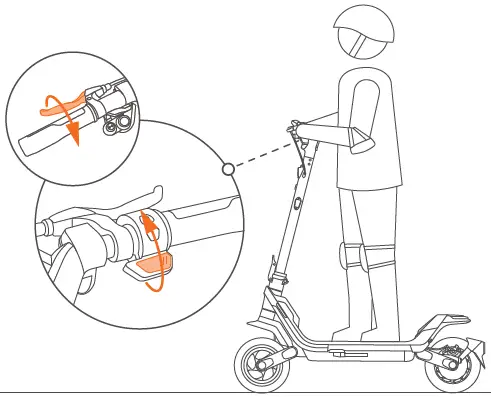
- Slow down by releasing the throttle and/or squeezing brake levers.

If the cruise control function is engaged and activated, releasing the throttle will not reduce speed. please press the throttle to inactivate the cruise control or squeeze brake levers to stop.
- To turn, shift your body and turn the handlebar slightly.
Please watch out for road conditions, because sufficient turning space is required.
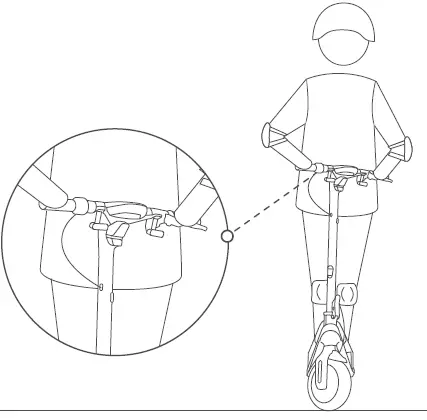
When hard braking, you risk serious injury due to loss of traction and falling. Maintain a moderate speed and look out for potential hazards.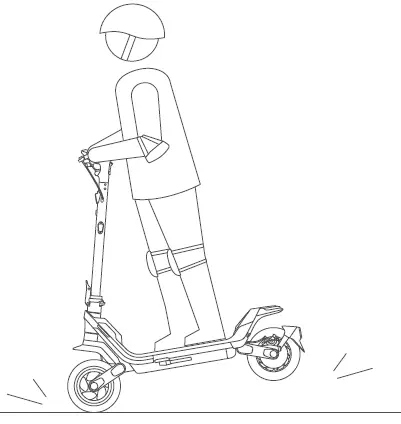
Charging
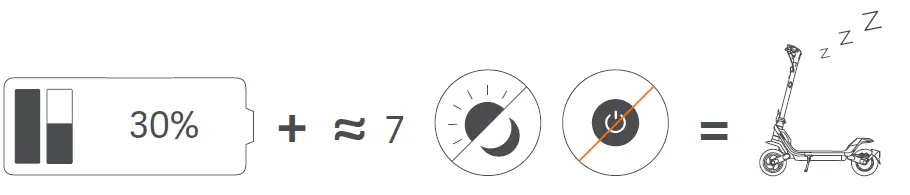
When the battery power is under 30% and the scooter is not powered on for about 7 consecutive days, the battery will enter into sleep mode.
If this happens, your scooter cannot be powered on. Please charge it for three seconds to activate the battery.
Your kickScooter is fully charged when the ambient lights change from yellow to solid green. * For some models only.
WARNING
- Do not charge the battery if the charge port, the battery charger or power cord is wet.
- Only use the original battery charger provided by the manufacturer. Do not use a charger from any other product.
- Do not charge or use the battery if it is damaged or you can see traces of water.
- Close the charge port cover when not charging the battery.
- For indoor use only.
APP Features
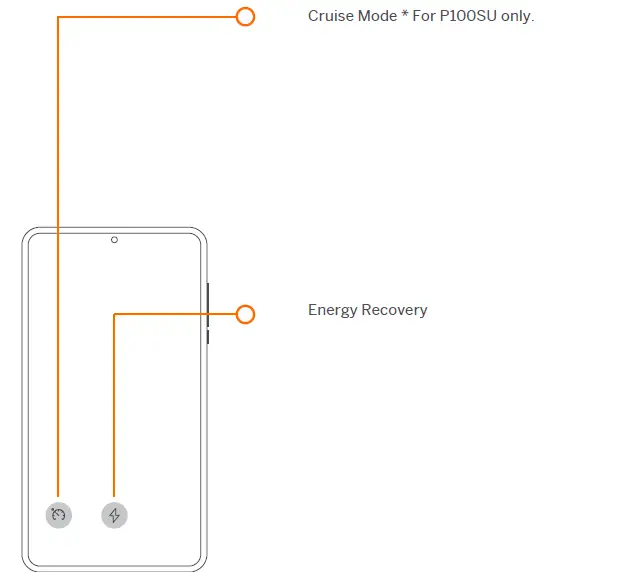
You may customize more features via the Segway-Ninebot app.
WARNINGS
Always wear a helmet, elbow pads and knee pads when riding.
Make sure the folding mechanism is firmly tightened before riding!
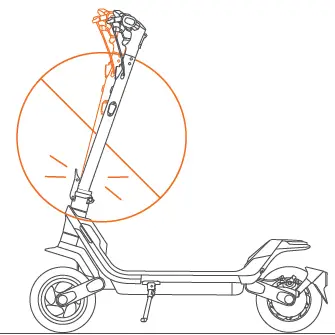
DO NOT ride the scooter if the folding mechanism cannot be tightened!
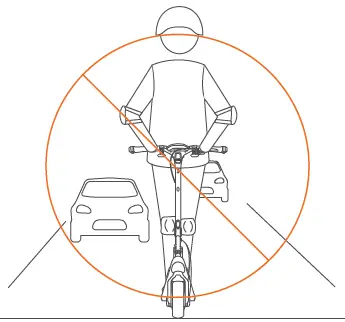
DO NOT ride on public roads, motorways, or highways unless the local laws or regulations have exceptions.
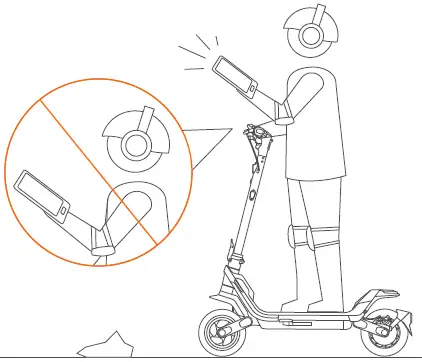
DO NOT use a mobile phone or wear earphones when riding the KickScooter.
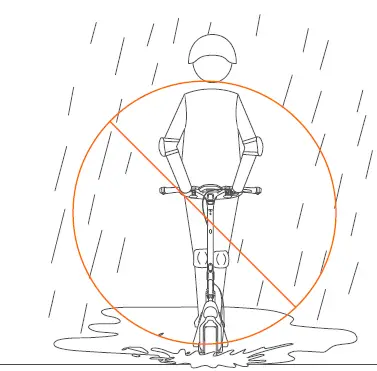
DO NOT ride the scooter in the rain. DO NOT ride through puddles or other obstacles.
DO NOT ride the scooter with only one foot or one hand.
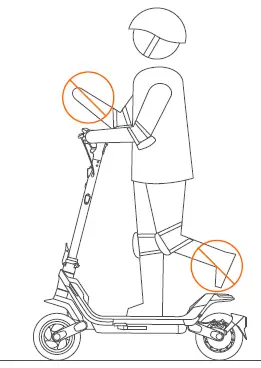
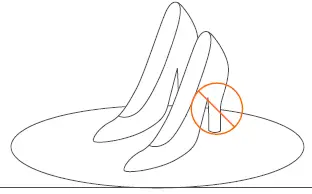
DO NOT wear high heels when riding.
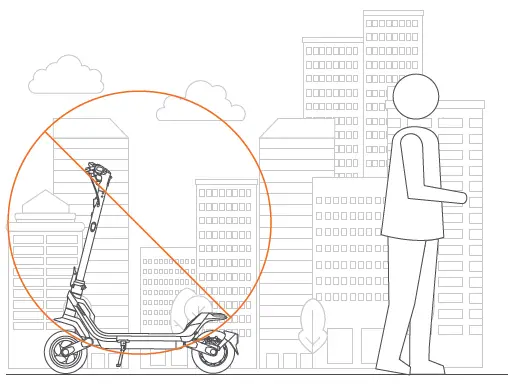
DO NOT park in the open air or outdoors for a long time.
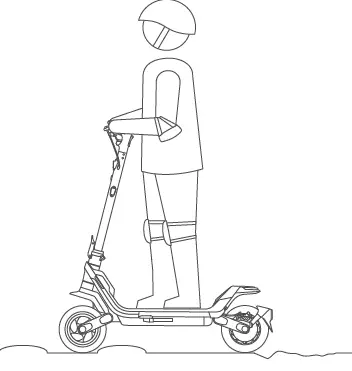
Keep your speed between 3.1–6.2 mph (5–10 km/h) when you ride through speed bumps, or other uneven surfaces.
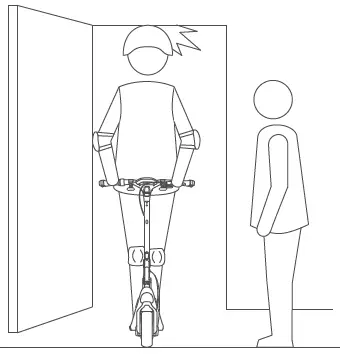
Watch your head when passing through doorways.
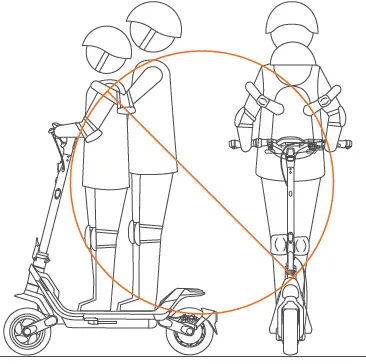
DO NOT carry any passengers.
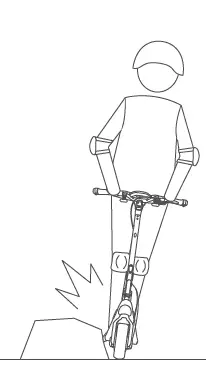
Avoid contacting obstacles with the tire/wheel.
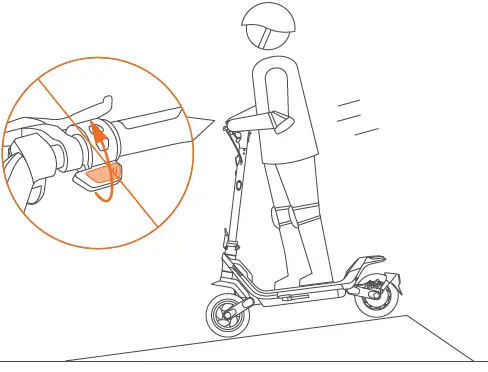
Attention! Reduce the speed while going downhill.
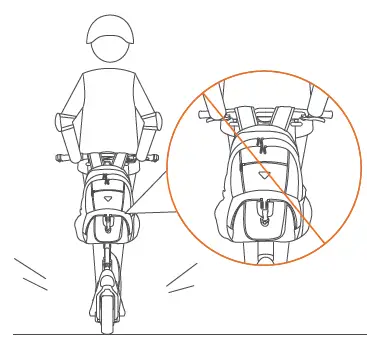
DO NOT carry heavy objects on the handlebar.
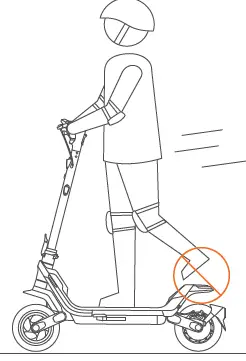
Do not keep your feet on the rear fender.
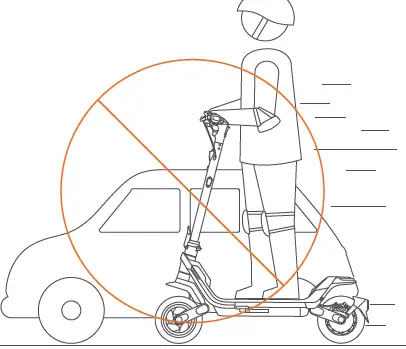
DO NOT overtake.
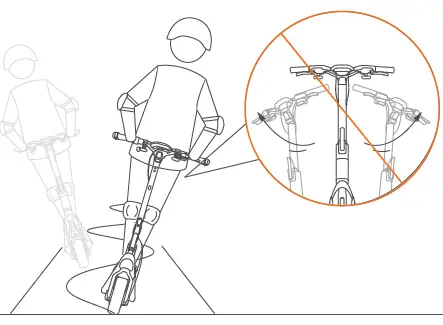
DO NOT rotate the handle violently while driving at high speed.
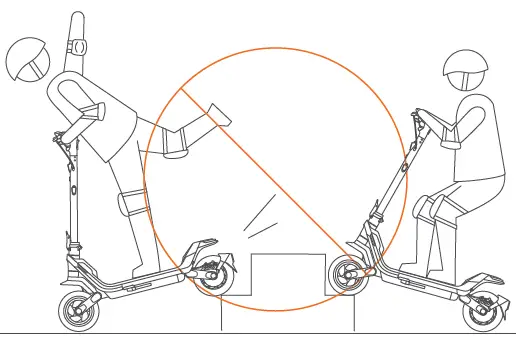
DO NOT ride up and down stairs or jump over obstacles.
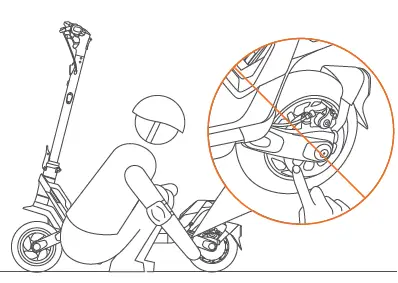
DO NOT touch the disc brake.
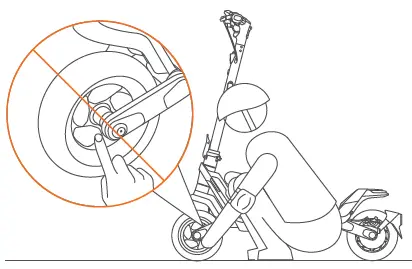
DO NOT touch the hub motor after riding because it can get hot.
Disassemble the Handlebar
When the scooter is on and unlocked (battery power ≤ 70%), press brake levers and the horn button at the same time, and hold for more than 15 seconds. If the warning code “19” displays on the dashboard and automatically off, then you can disassemble the handlebar.
If the warning code “18” displays on the dashboard, it indicates that the scooter has too much battery power, please discharge the battery through riding and try again later.
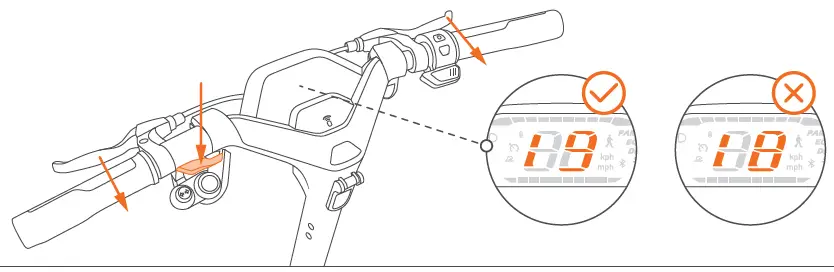
The handlebar contains high voltage, so if you need to transport the scooter, please follow the steps above to disassemble the handlebar.
Folding
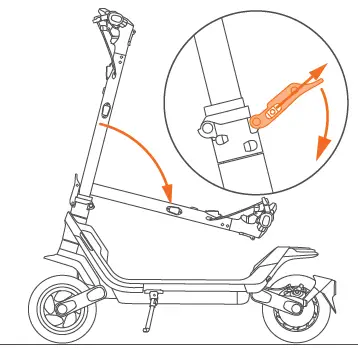
Lift the safety button and then release it, open the quick release lever.
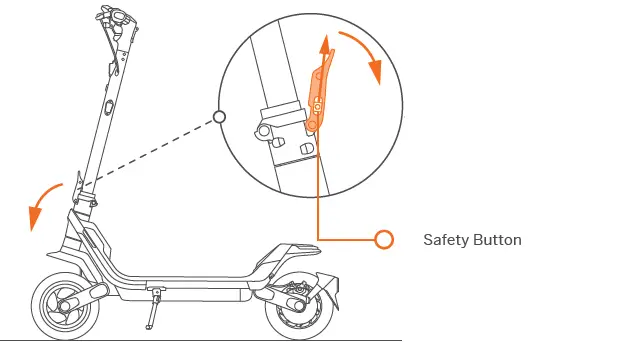
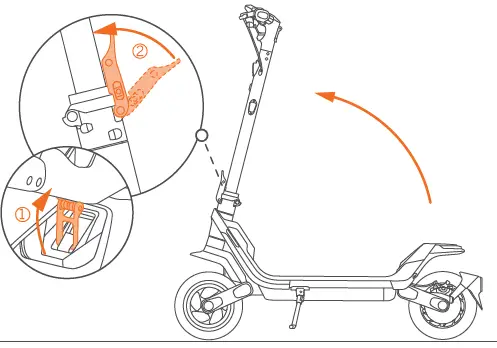
Always hold the handlebar to maintain stability while folding and unfolding!
Lift up the safety button again, push the quick release lever down. Then fold the stem.
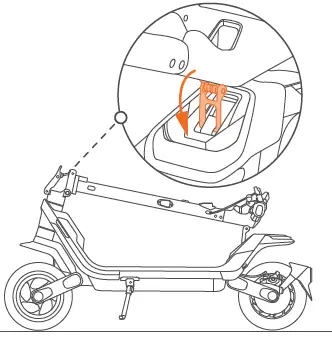
Align the snap hook with the snap hook fender and push down, then lift upward to hook them.
Extend the snap hook to its limit.
Unfolding
Turn the snap hook and lift the handlebar, then disengage the snap hook from the buckle.
Press the quick release lever firmly to make sure the folding mechanism is tightened. * The scooter will make a “click” sound when the folding mechanism is tightened.
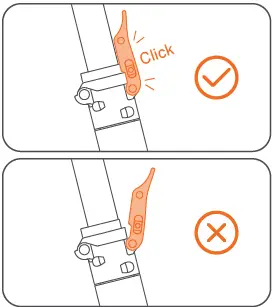
Make sure the safety button is in the locked position before riding!
Carrying
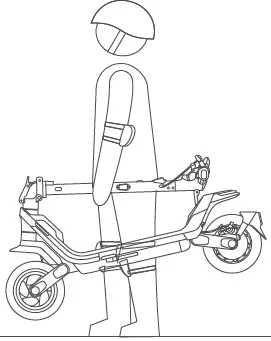
Lift by the stem to carry.