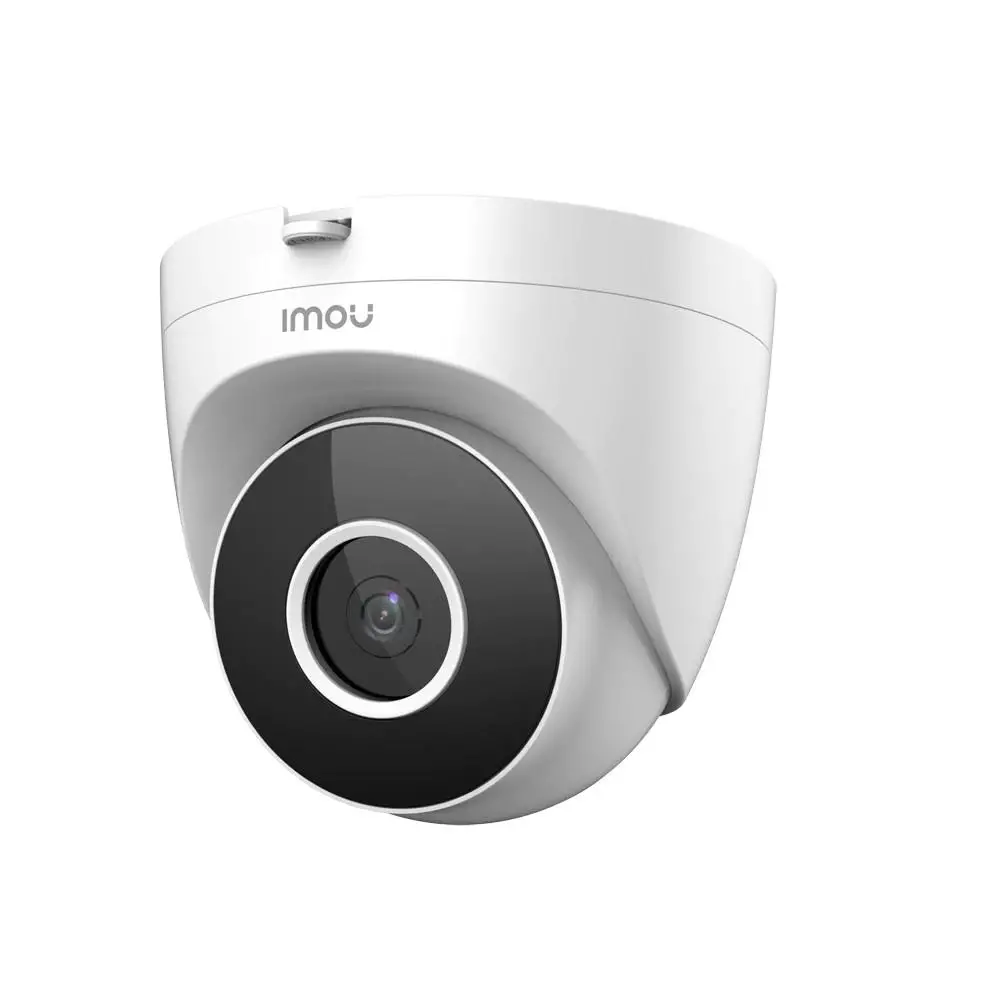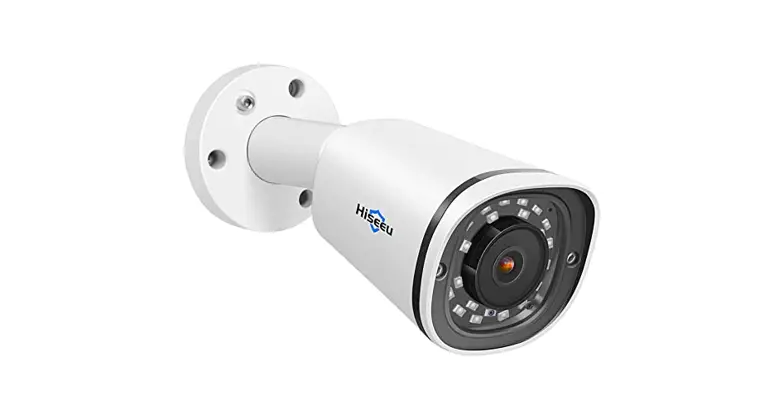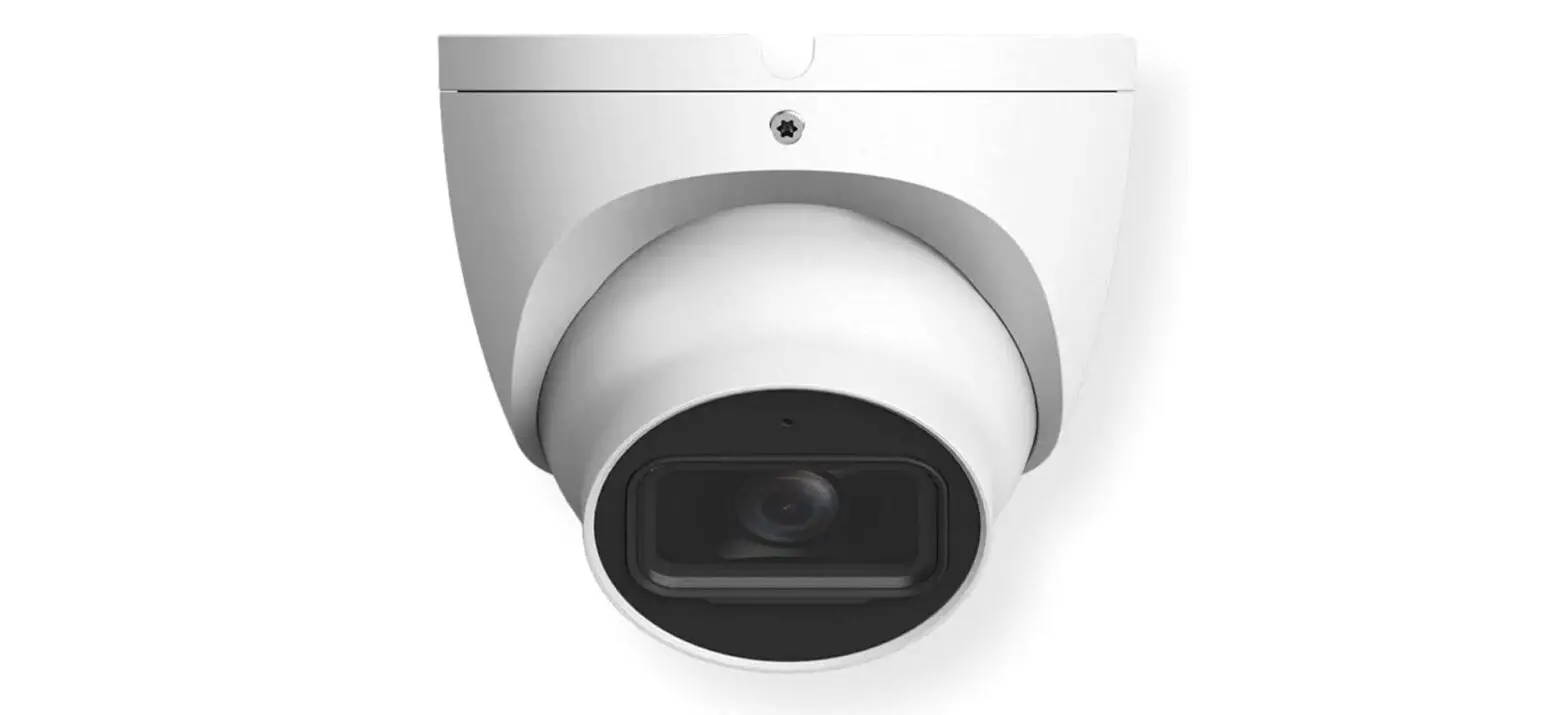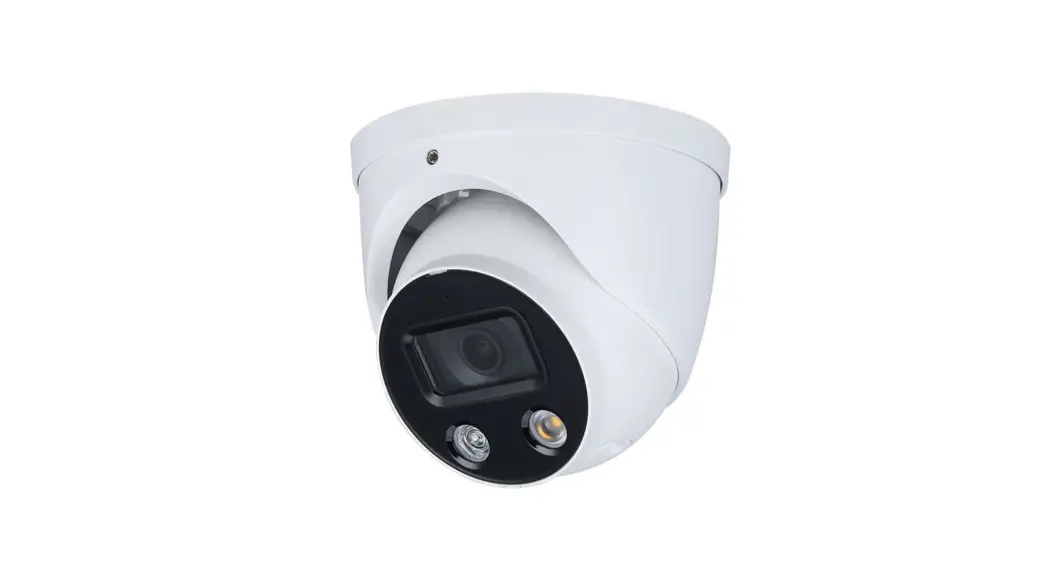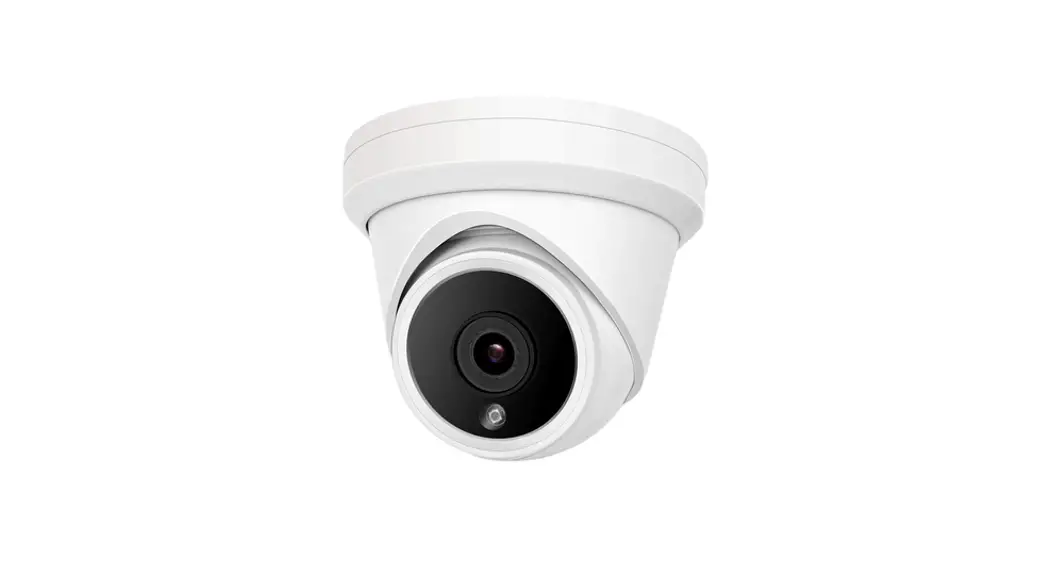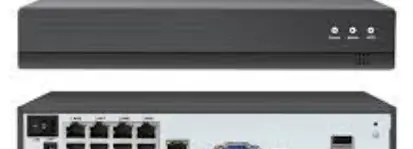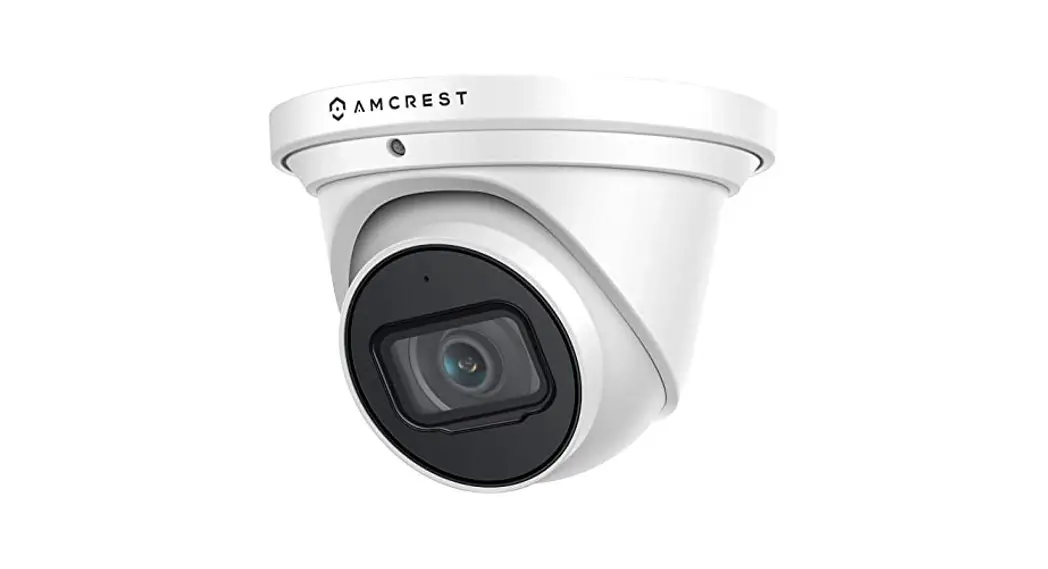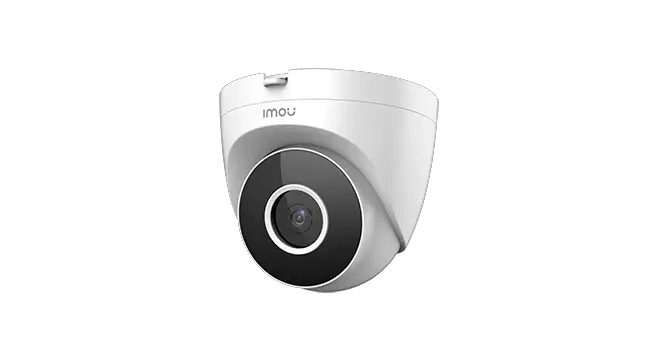

IMOU IPC-T22A 1080p HD Eyeball PoE Camera Human Detection and Motion Detector
Thank you for choosing IMOU.
We are devoted to providing you easy smart home products. If you have problems using the product, please contact our service team before returning your product.
Our service mail: [email protected]
Frequently asked questions can be found at imoulife.com/support/help
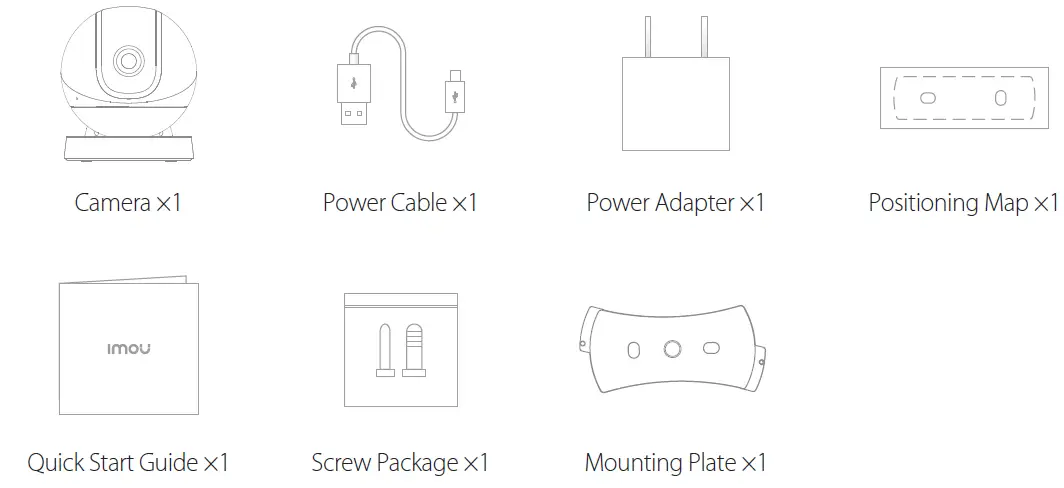
Package content
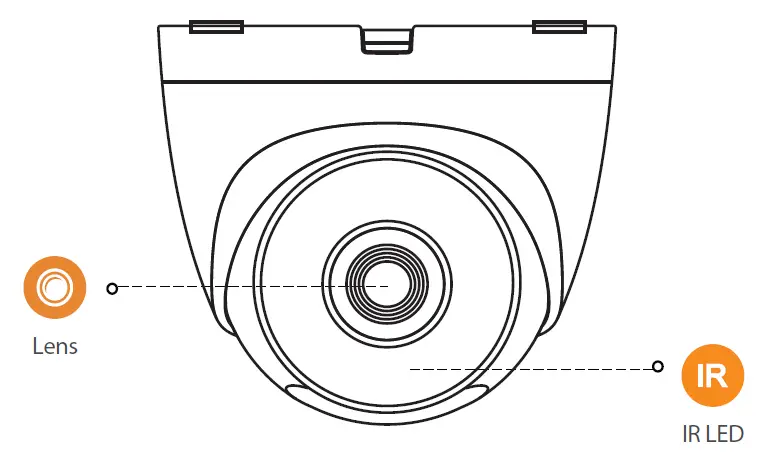
Camera introduction
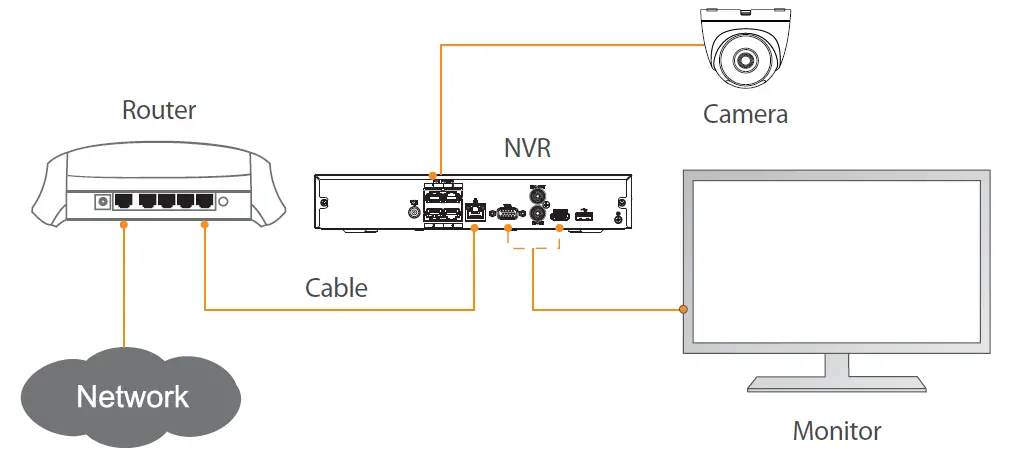
Scene1:
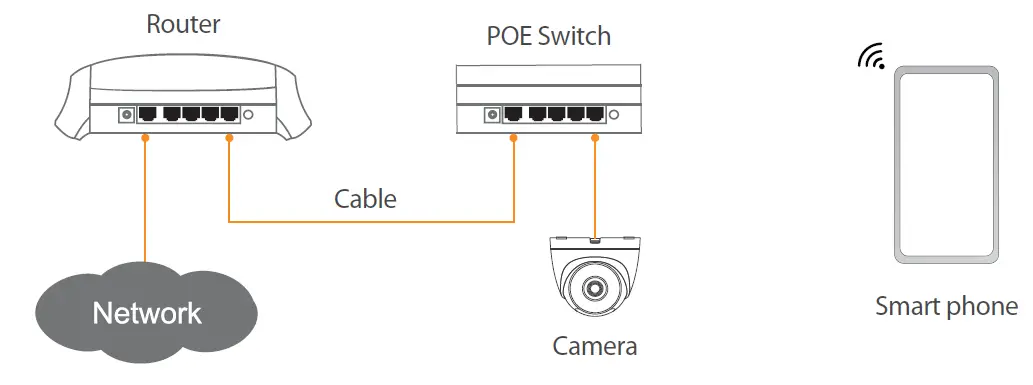
Scene2:
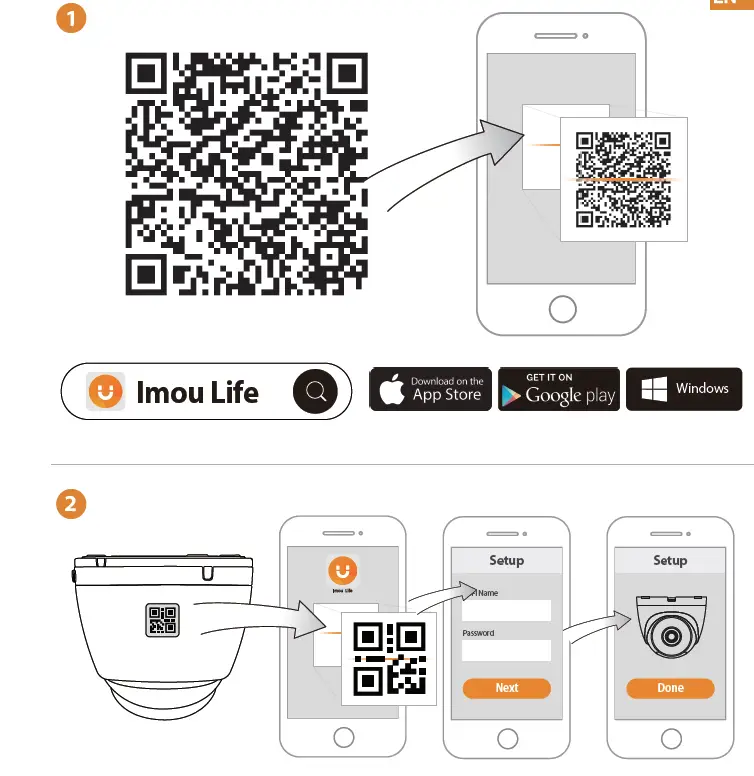
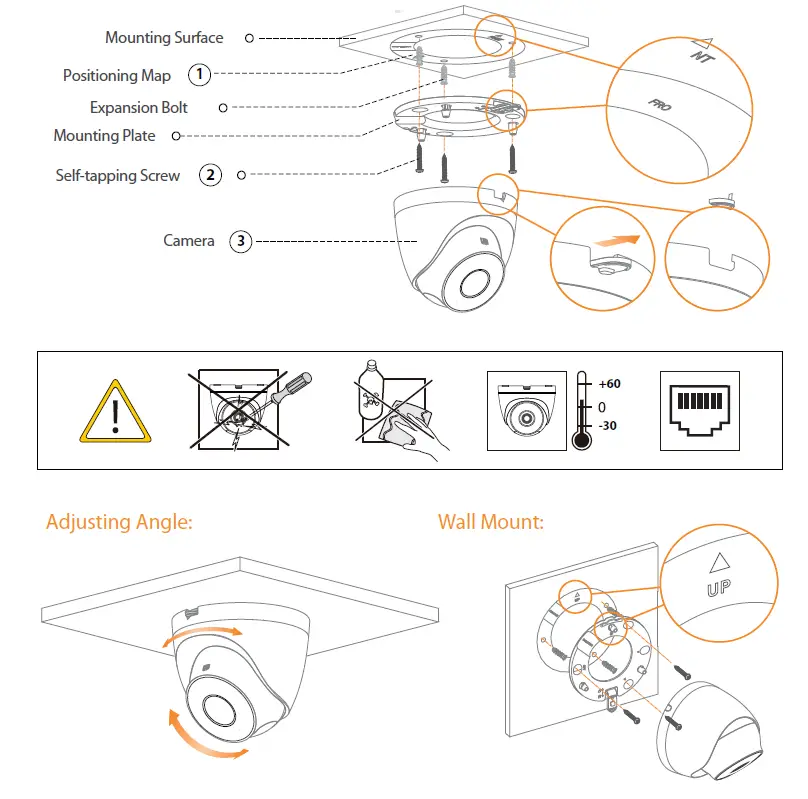
Ceiling Mounting
Troubleshooting
| Problem | Solution |
| The camera cannot work normally or start | • Make sure that the network cable is connected well, and the NVR or switch supports POE power supply. When the indicator light on the NVR or switch flashes, it means that the camera is powered up. |
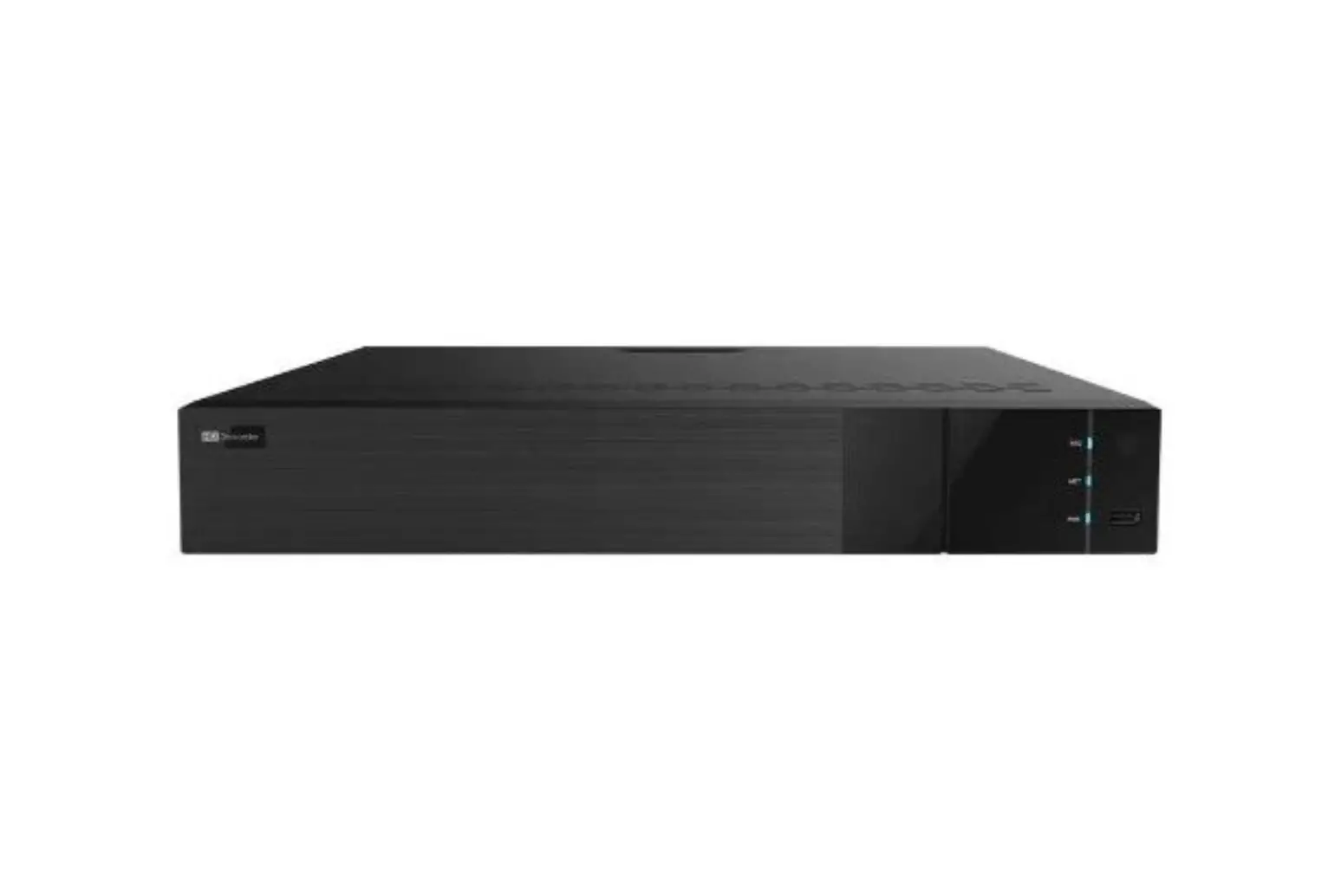
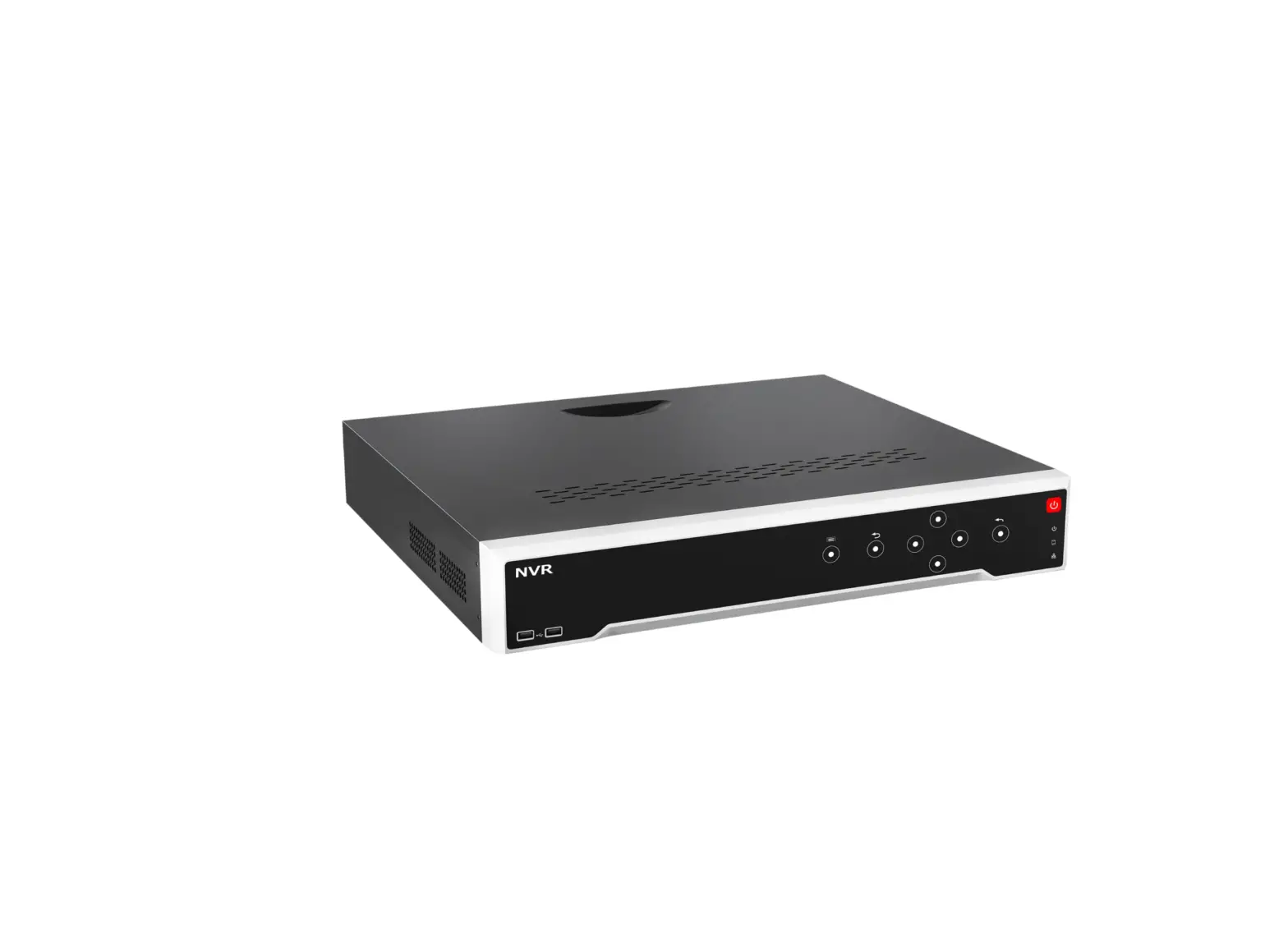
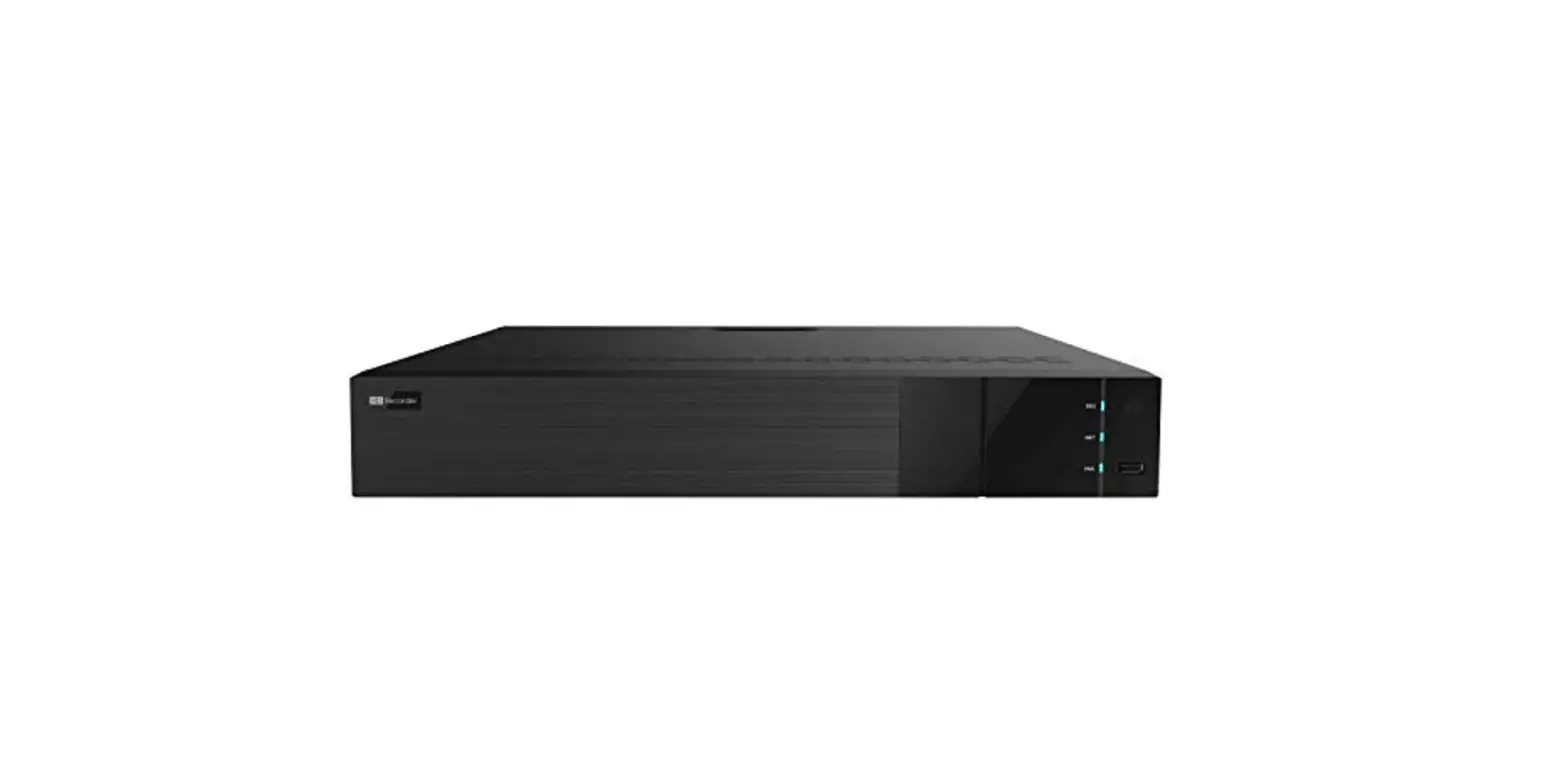
| Where are the recorded videos saved | • Scene1 Recorded videos are saved in NVR. • Scene2 When the Imou cloud is enabled, recorded videos are saved in Imou cloud. |
| The IR effect is not good | • The infrared light is reflected to the lens, so the effect is not good.Adjust the ens angle to avoid occlusions around the lens. |
 Imou | Enjoy Smart Life
 Imou | Enjoy Smart Life