 The serviced apartment company
CT251 Montpellier Hob
Instruction Manual
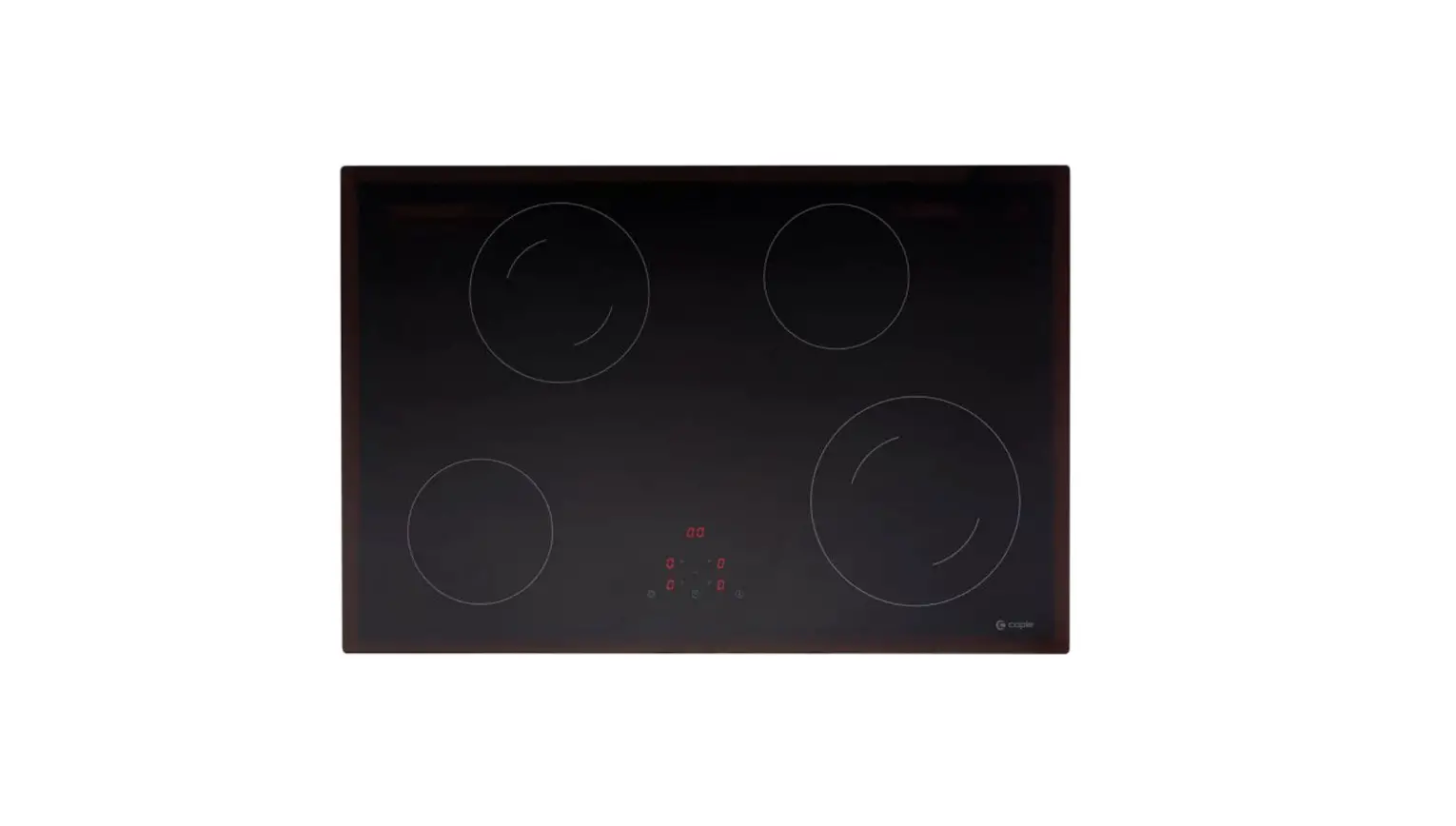
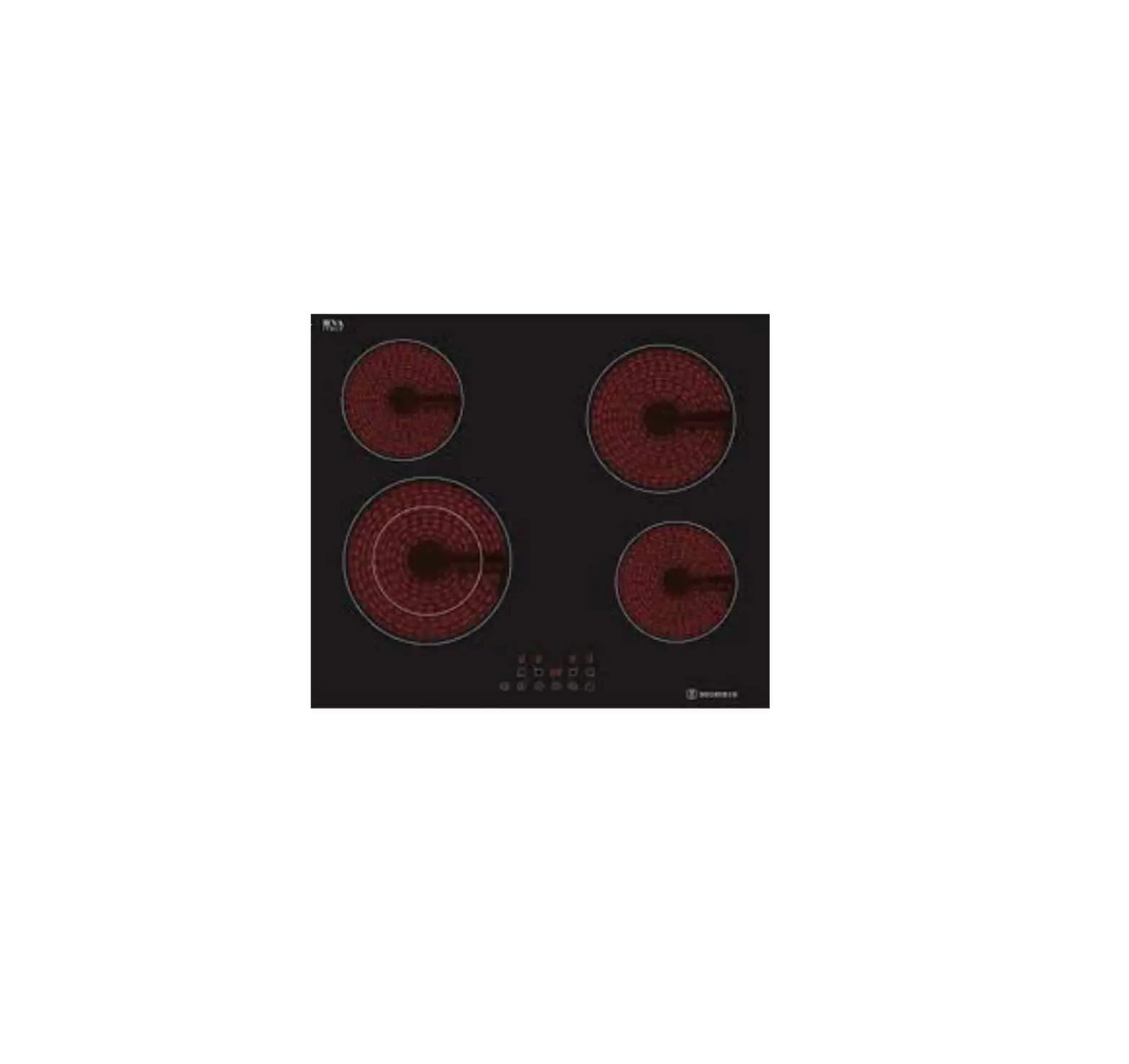
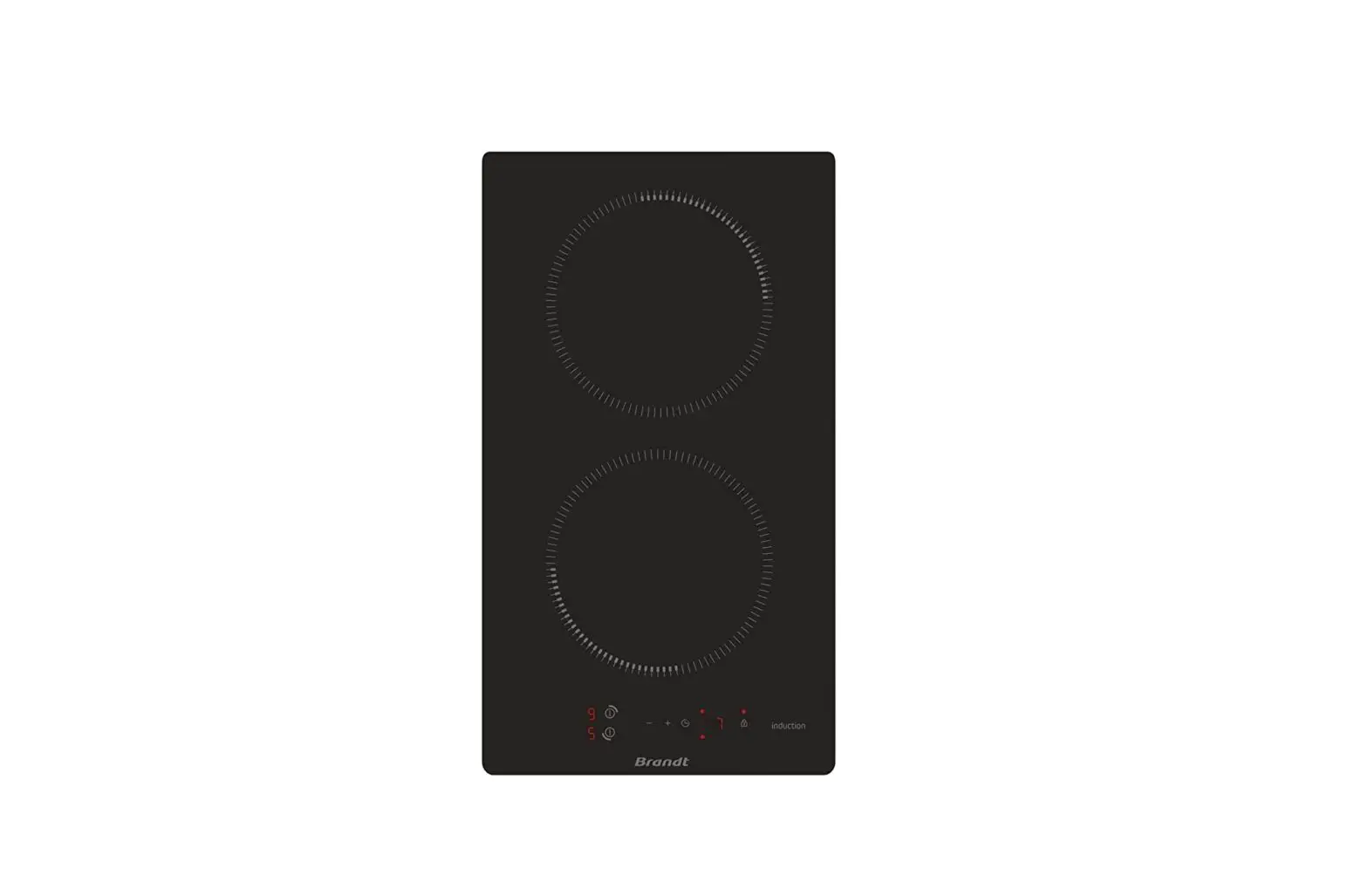
Description of the appliance
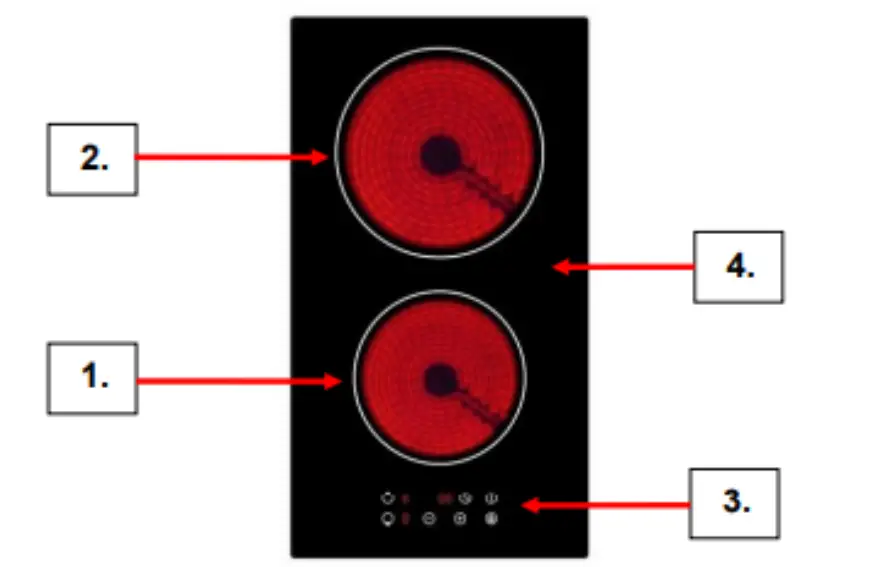
| 1. 1200W Cook Zone | 3. Function Controls |
| 2. 1800W Cook Zone | 4. Ceramic Glass Plate |
Control Panel
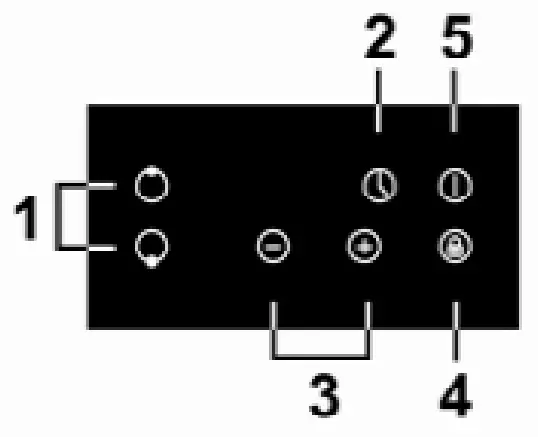
| 1. Cook Zone Selection Controls | 4. Child Lock Control |
| 2. Timer Control | 5. On/Off Control |
| 3. Power & Time Regulation Controls | |
Timer, Power and Cooking Functions
On-Off
To turn the appliance on or off, press and hold the Power On/Off control until you hear a ‘beep’. When the appliance powers up, the heat zone indicators will display.
Setting the Zone Temperature]
Press the required heat zone and then use the ‘+’ or ‘-‘ to increase or decrease the power for the required zone.
Power settings range from ‘0’ to ‘9’. If you don’t select a power setting within 1 minute, the hotplate will automatically switch off.
Press the heat zone control Off when you have finished and then turn the appliance off by pressing the Power Control.
When using the center Cook Zone (3) you can use the dual 2200/1000W heat setting by pressing the Dual Zone Control (4).
Timer (1 to 99 minutes)
You can use the Timer to operate one of the heat zones for a time period of between 1 and 99 minutes:
- Press the heat zone button that you want to operate the timer on and select the heat setting level.
- Press the Timer Control.
- Select the required time between 1 and 99 minutes by using the ‘+’ or ‘-‘
- Now the heat zone will operate for the selected time and automatically turn off at the end of the period. An audible signal will also be heard at the end of the time period.
- If you need to cancel prior to the end of the set time, simply press the heat zone control and then the Timer Control.
Hot surface warning indicator
Please note, a hot surface indicator (H) will show when one or more of the heat zones has been used – it will go out when the zone is completely cool.