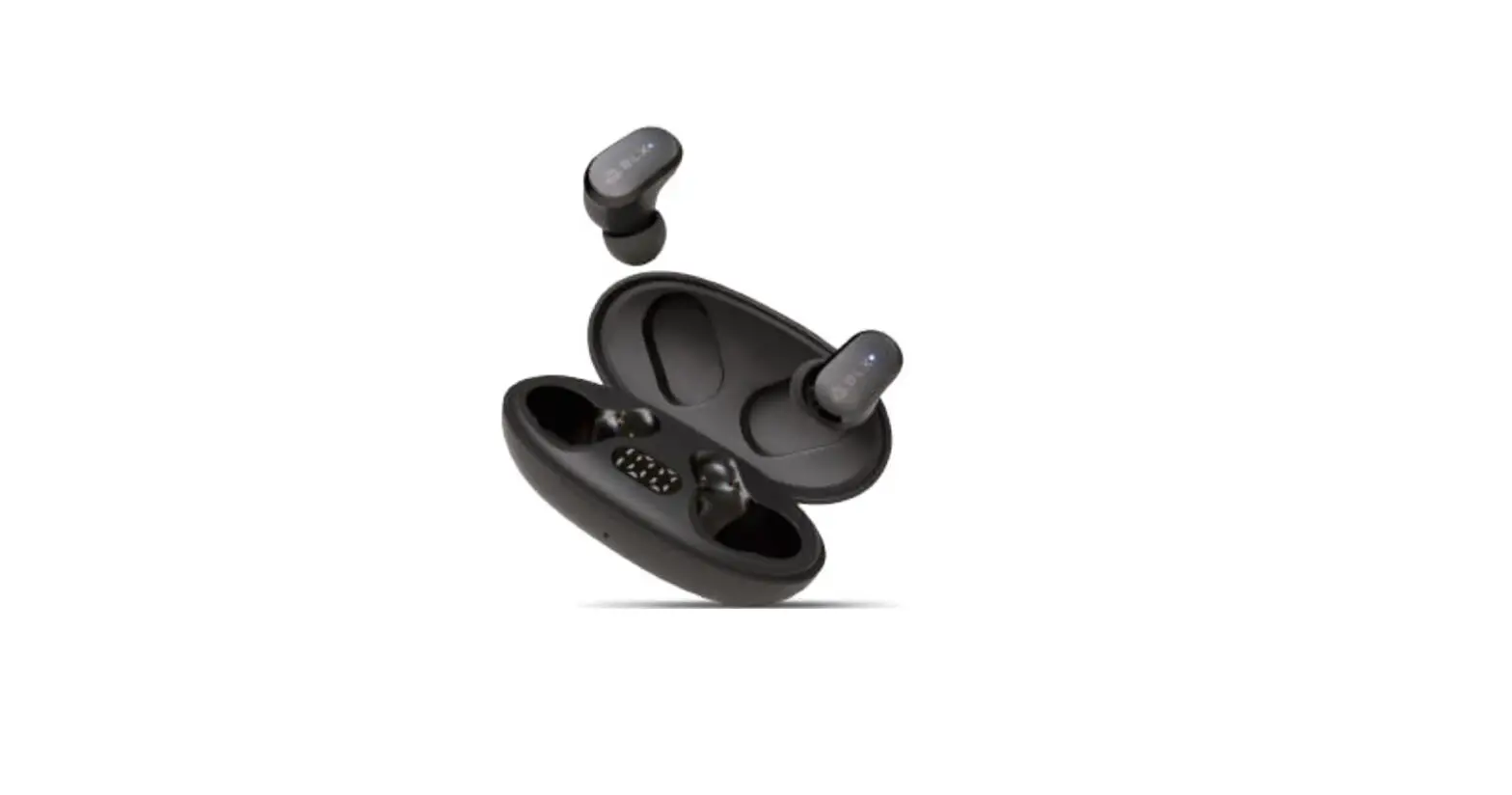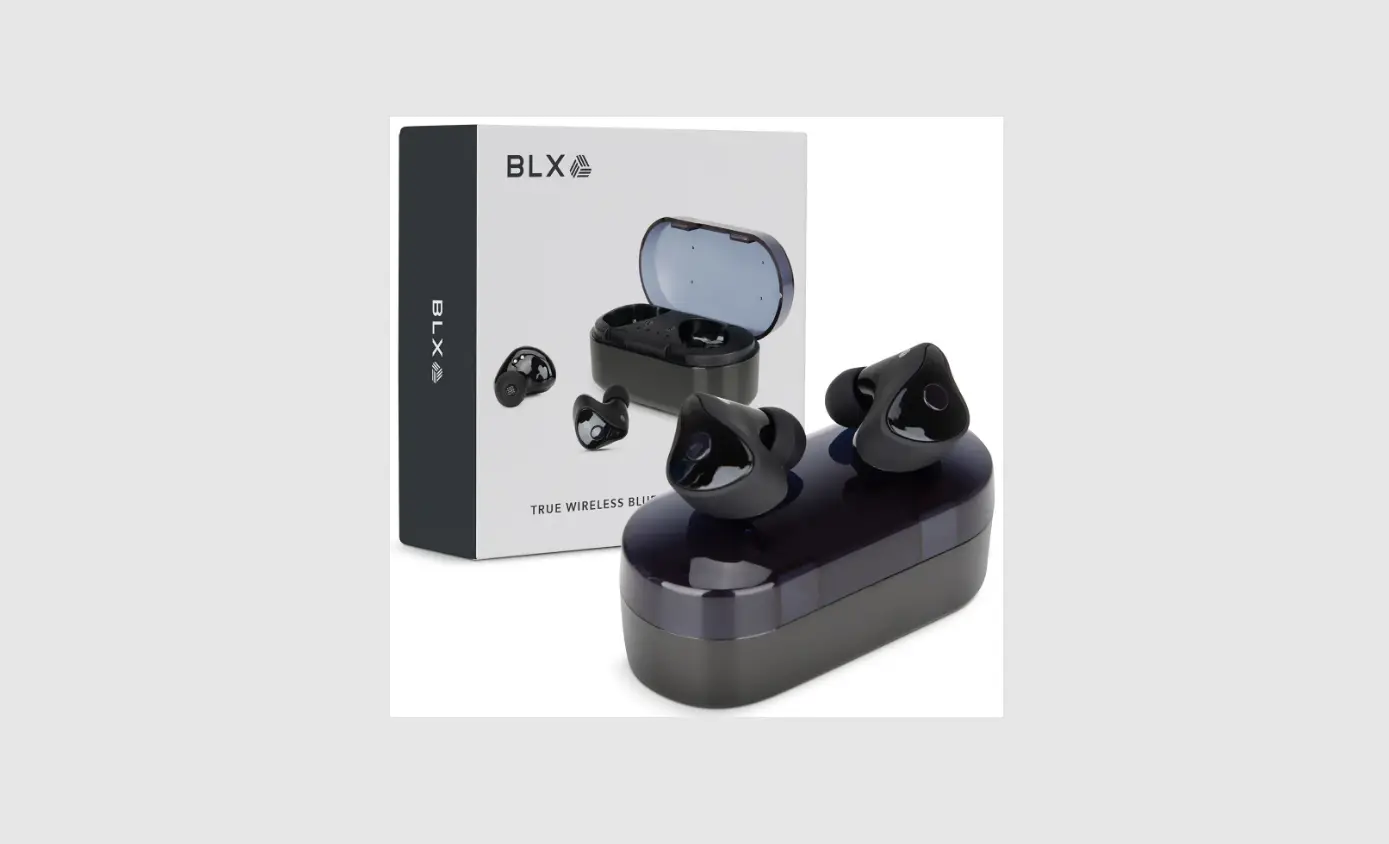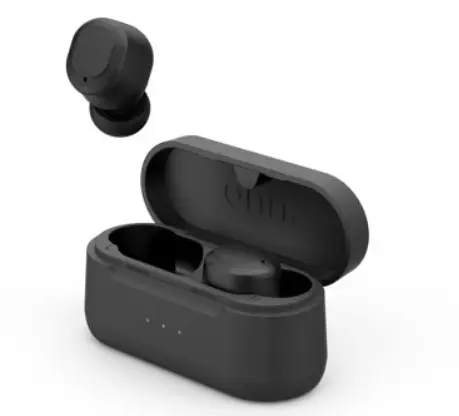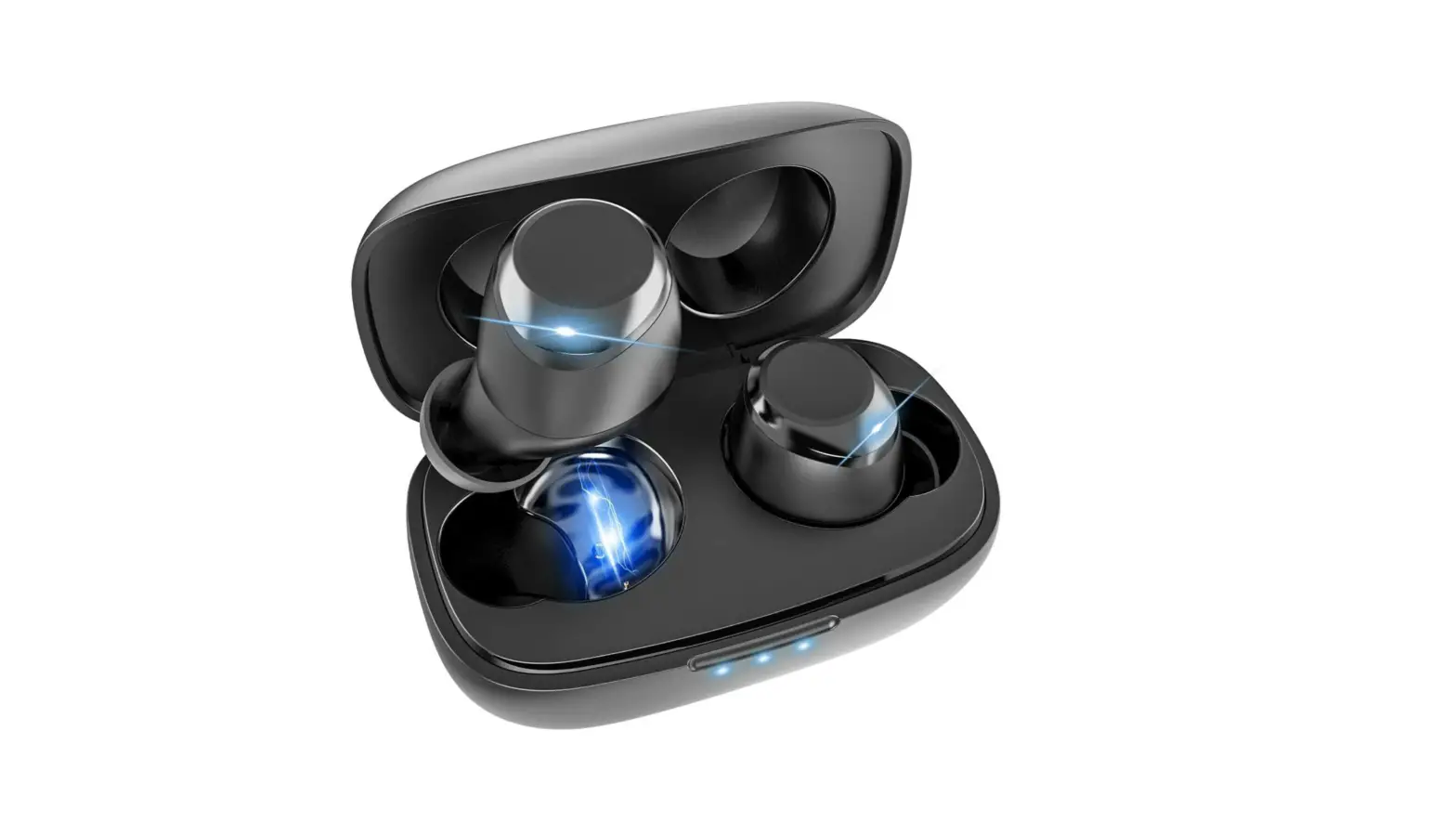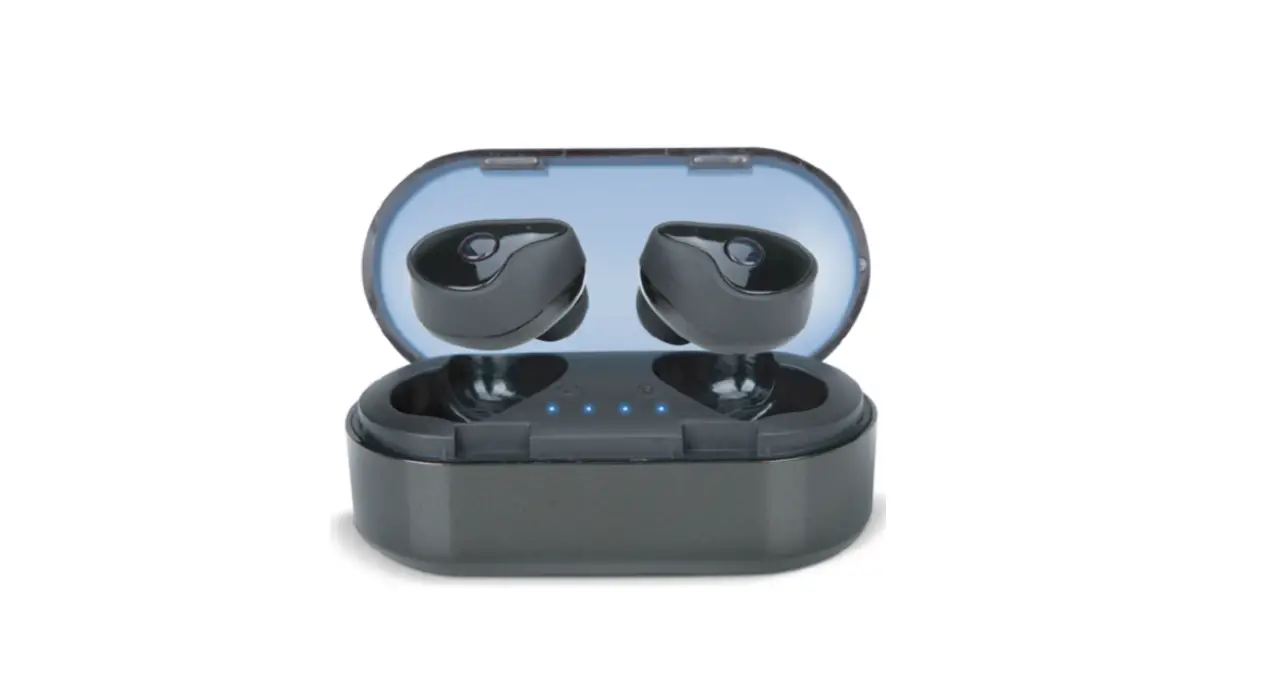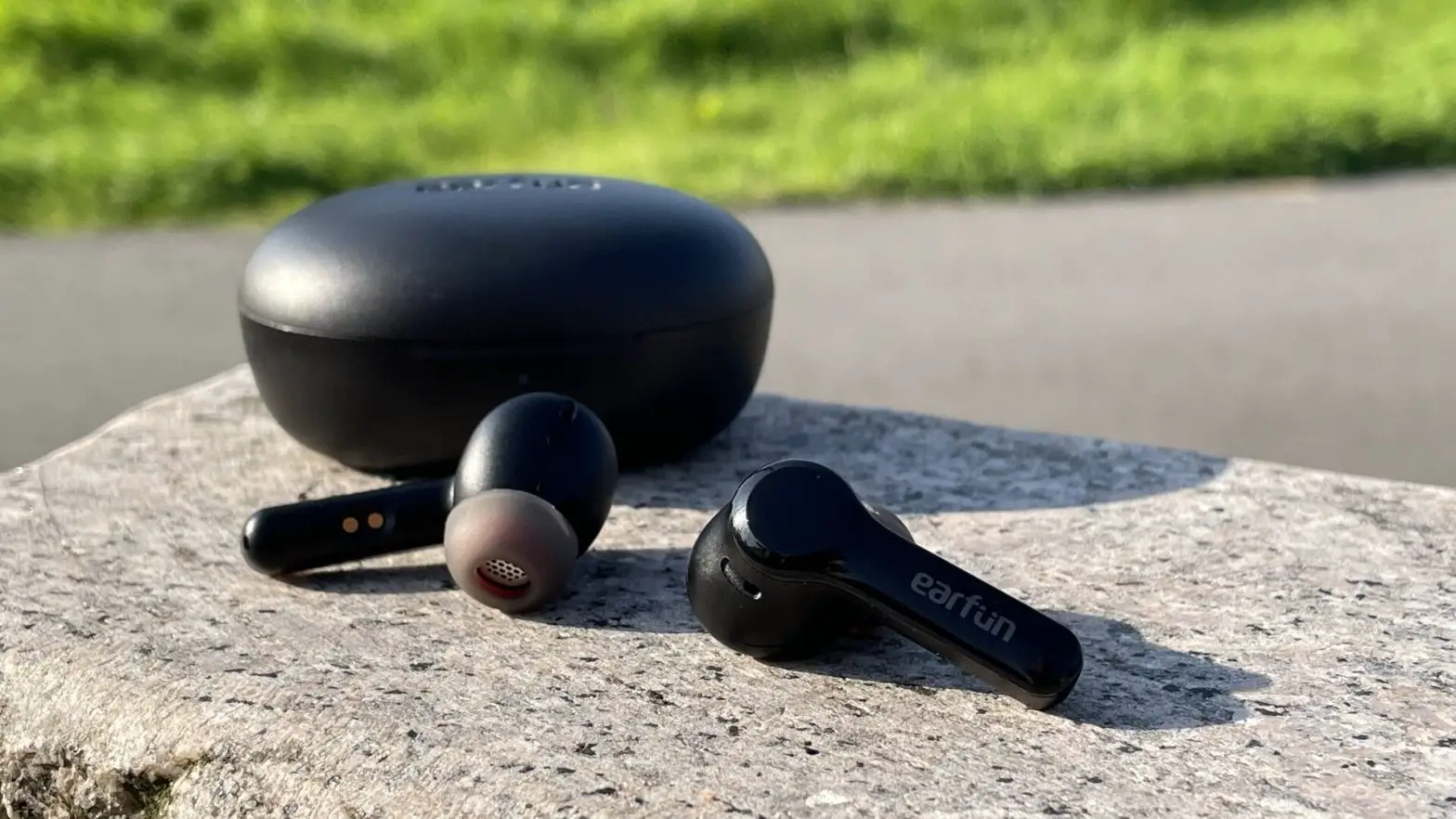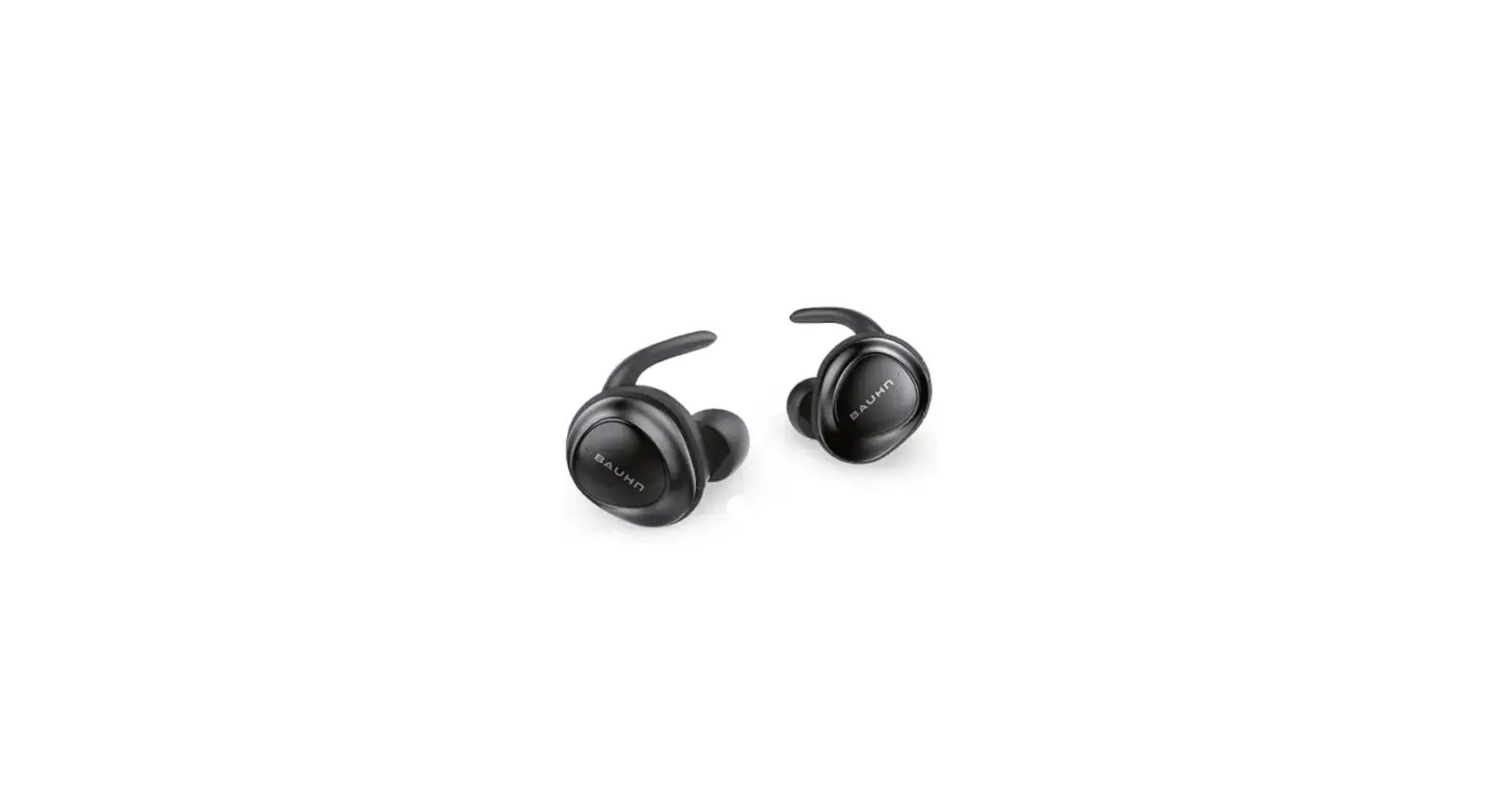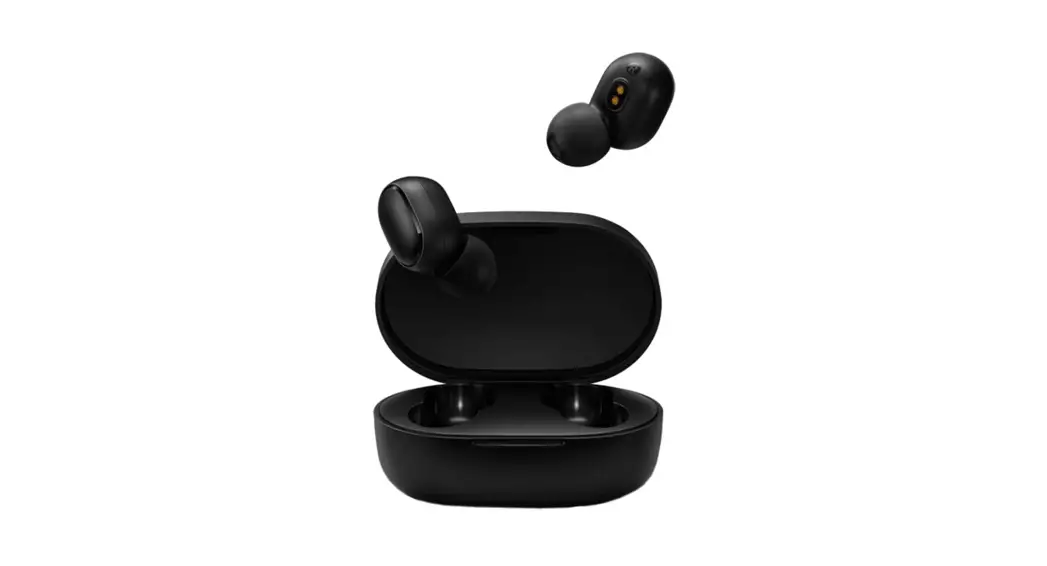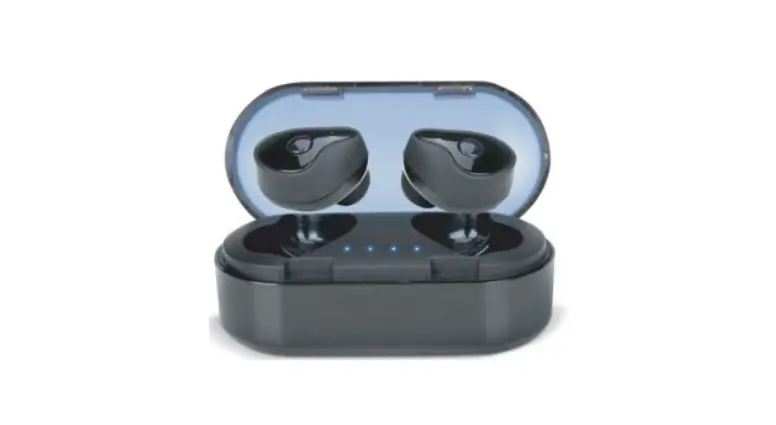
 TRUE WIRELESS BLUETOOTH
EARBUDS
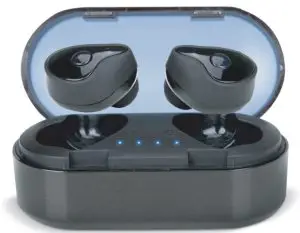
BlauxBuds
USER MANUAL
THANK YOU
For choosing BlauxBuds!
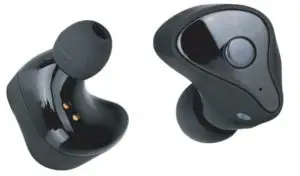
Listen to music and take calls without getting tied up in a bunch of wires.
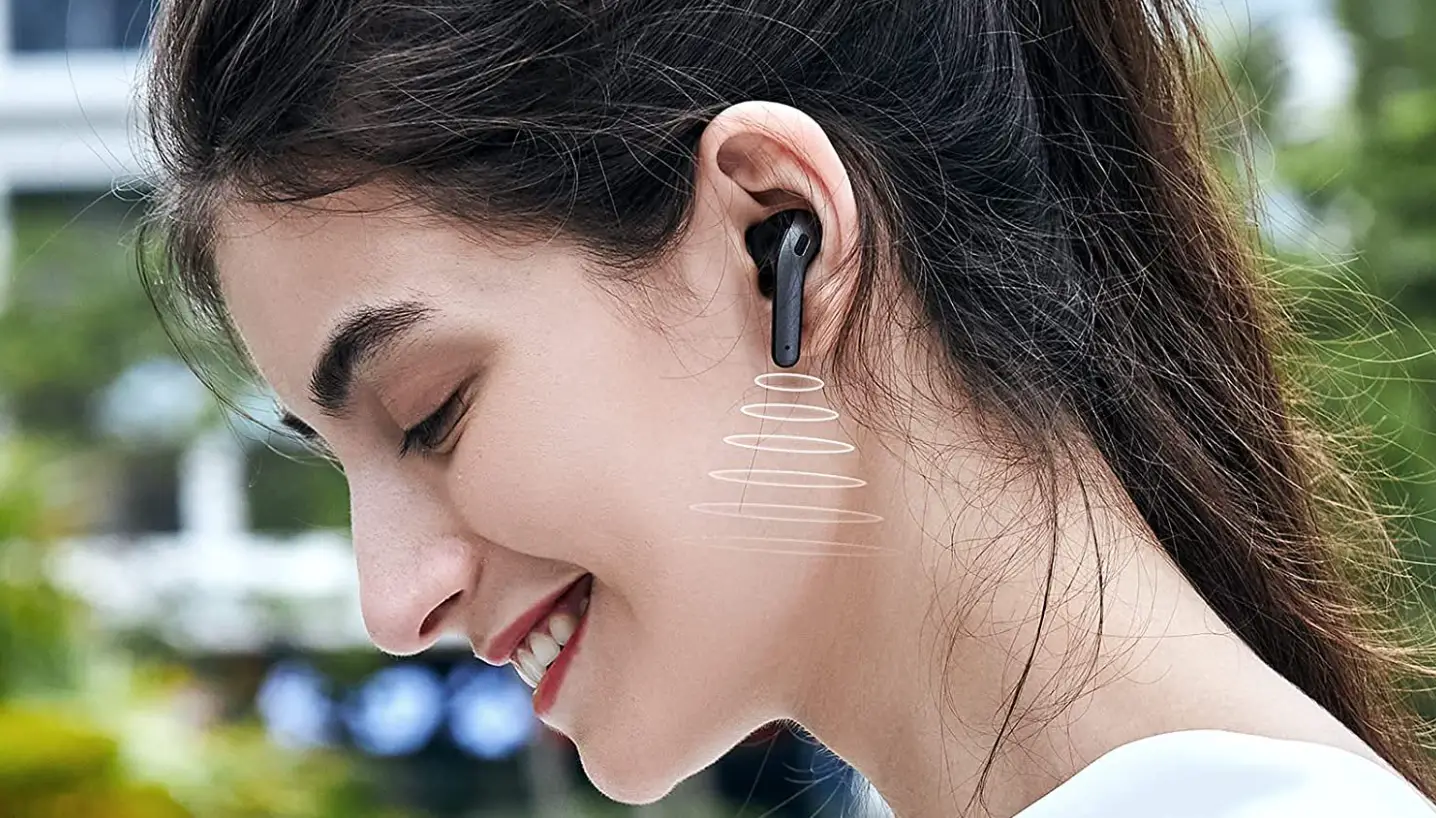
BlauxBuds are true wireless earbuds that use Bluetooth® 5.1 to seamlessly connect with your phone or other compatible devices. Enjoy hours of music, hands-free calls, and crystal-clear audio thanks to BlauxBuds’ advanced audio engineering.
Kindly read this user manual before using your new wireless earbuds. Make sure to keep this document for future reference.
BLUETOOTH ® 5.1
PRODUCT SPECIFICATIONS
Wireless Stereo Earbuds
- Bluetooth Connection Name: BlauxBuds
- Bluetooth Version: 5.1
- Size: 2.9 x 1.4 x 1.3 inches (75.3 x 35.3 x 33.5 mm)
- Weight: 44.5g (Earbuds and charging case)
- Earbuds Input: DC 3.7V 40mA
- Charging Case: Input: DC 5V 300mA Output: DC 5V 100mA
- Working Time: 4.5 hours
- Earbuds Battery Capacity: 40mAh
- Charging Case Battery Capacity: 300 mAh
- Sensitivity: 101.8±3Db
- Frequency Response Range: 20 – 20,000 Hz
- Impedance: 32 Q
- Water Resistance Rating: IPX4
QUICK USE GUIDE
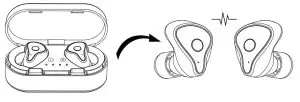
- Take the BlauxBuds out of the charging case. The indicators will blink Red and Blue until your BlauxBuds are paired with your device.

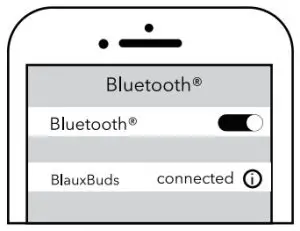
- To pair, open your phone’s Bluetooth settings. Look for “BlauxBuds” and click to pair your phone with the earbuds. Once they are connected, the lights will blink blue a few times then stop blinking.
Note: If the earbuds do not connect with your phone within 1 minute, they will power off. To fix this, put your earbuds back in their case to restart them.
- Once you’re done listening, put the BlauxBuds back in the charging case. They will automatically turn off and start charging.
- When you want to use your BlauxBuds again, simply take them out of the case. They will automatically turn on and connect with your phone.
| L/R Short Press |  Play/Pause Play/Pause Answer/Hang Up Answer/Hang Up |
| L/R Long Press (5 Seconds) |  Power On Power On In “On’ State: Power Off In “On’ State: Power Off |
| L/R Double click |  – Previous Song – Previous Song |
| L/R Triple-click |  Next Song Next Song |
 Long Press (2 Seconds) Wake Up Siri Long Press (2 Seconds) Wake Up Siri |  Long Press (2 Seconds) Call back Long Press (2 Seconds) Call back |
CHARGING GUIDE
Earbuds Steady red light – Charging No light –
 Fully charged Charging Time: About 1.5 hours
 Note: Flashing red lights
  indicate a low battery
Charging Case
Blinking white lights – Charging Steady white lights – Fully charged Charging Time: About 2 hours 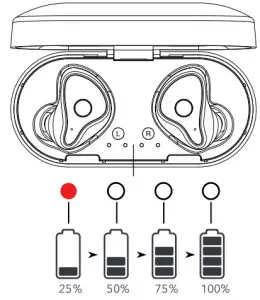 REMAINING POWER
WHAT’S INCLUDED
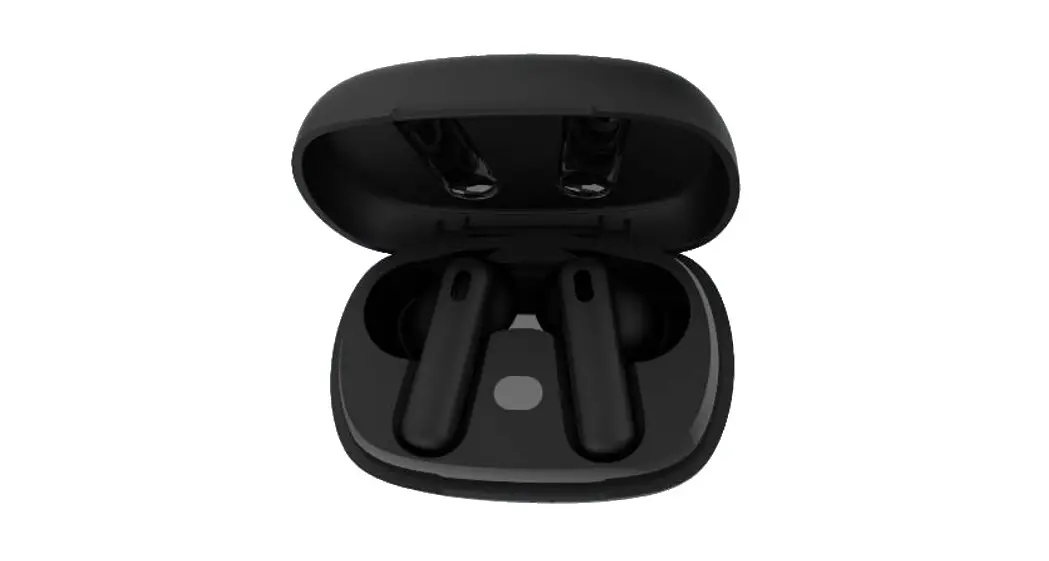
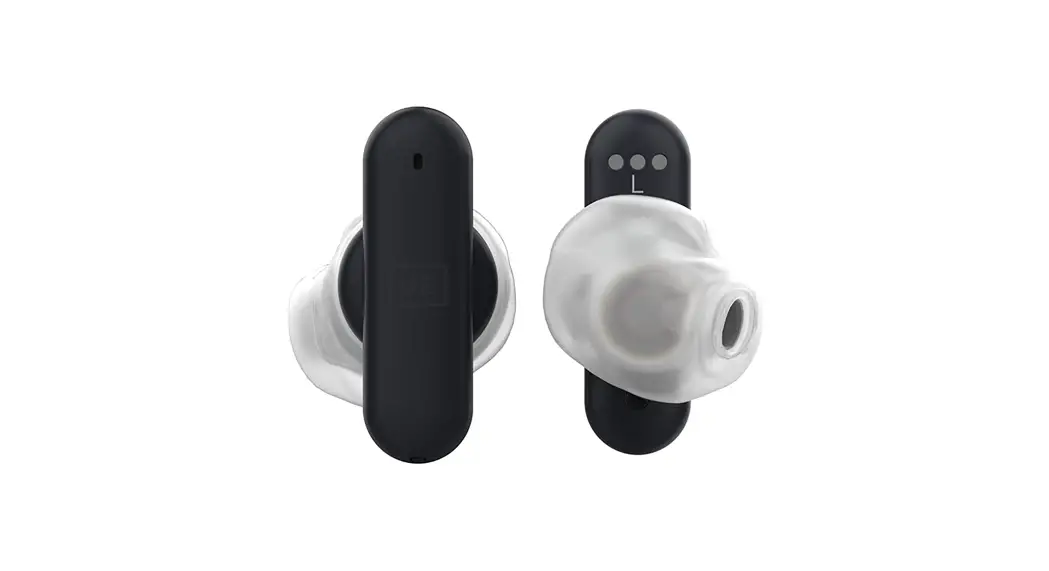
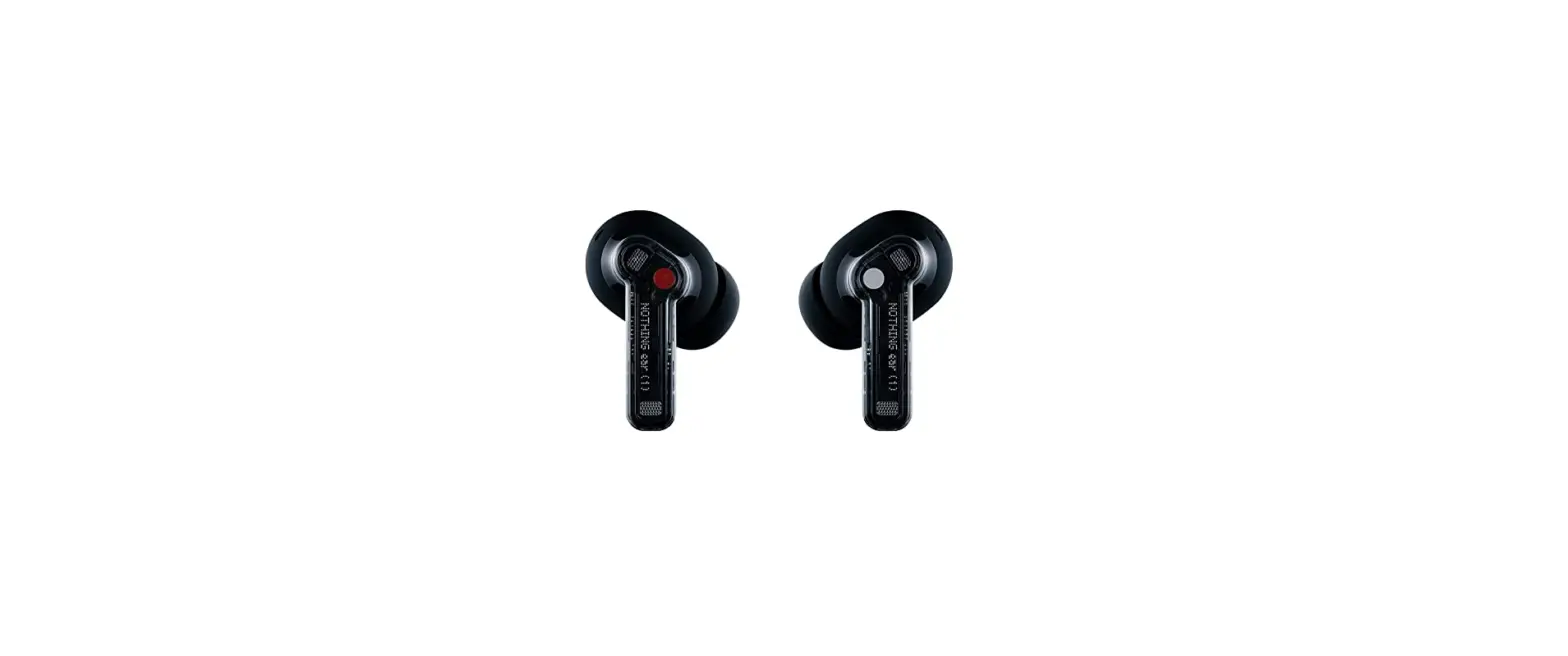
Earbuds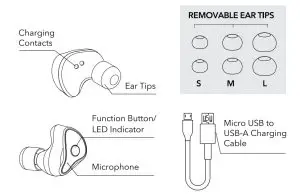
Charging Case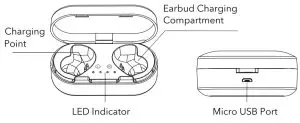
TROUBLESHOOTING
My phone cannot find the BlauxBuds.
- Turn off your phone’s Bluetooth® connection. Turn it back on, then search for the BlauxBuds again.
The earbuds were interrupted or disconnected during a call or while listening to music. This may be due to: - Low battery
- The distance between the phone and BlauxBuds exceeds 33 feet (10 meters).
- There are signal-blocking objects between the phone and the BlauxBuds
Only one earbud is working. - You may have activated single earphone mode. To fix this, while your BlauxBuds are powered on, double click the right earbud’s function button to go into pairing mode. Then pair your BlauxBuds to your device again.
- One earphone may have run out of battery. To fix this, put your earphones back in the case to charge them up before listening again.
GET IN TOUCH
Thank you for choosing BlauxBuds!
Have questions about our products? You can contact our helpful customer service team by going to https://support.blakixstore.com/hden-us or by scanning the QR code on the right. We’re always happy to help!
 https://support.blauxstore.com/hc/en-us
This device complies with Industry Canada licence-exempt RSS standard(s). Operation is subject to the following two conditions:
(1)this device may not cause interference, and (2) this device must accept any interference, including interference that may cause undesired operation of the device.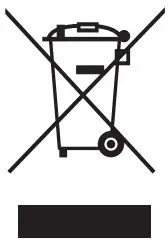 At the end of its service life, this product may not be disposed of in the normal household waste, but rather must be disposed of at a collection point for recycling electrical and electronic devices. The materials are recyclable according to their labeling. You make an important contribution to protecting our environment by reusing, recycling, or utilizing old devices in other ways. Please ask the municipal administration where the appropriate disposal facility is located.
 This device complies with Part 15 of the FCC Rules. Operation is subject to the following two conditions:
(1) This device may not cause harmful interference, and (2)this device must accept any interference received, including interference that may cause undesired operation. Caution: The user is cautioned that changes or modifications not expressly approved by the party responsible for compliance could void the user’s authority to operate the equipment.
Note: This equipment has been tested and found to comply with the limits for a Class B digital device, pursuant to part 15 of the FCC Rules. These limits are designed to provide reasonable protection against harmful interference in a residential installation. This equipment generates, uses, and can radiate radio frequency energy and, if not installed and used in accordance with the instructions, may cause harmful interference to radio communications. However, there is no guarantee that interference will not occur in a particular installation. If this equipment does cause harmful interference to radio or television reception, which can be determined by turning the equipment off and on, the user is encouraged to try to correct the interference by one or more of the following measures:
—Reorient or relocate the receiving antenna.
—Increase the separation between the equipment and receiver.
—Connect the equipment into an outlet on a circuit different from that to which the receiver is connected.
—Consult the dealer or an experienced radio/TV technician for help. This equipment complies with FCC’s RF radiation exposure limits set forth for an uncontrolled environment. End-user must follow the specific operating instructions for satisfying RF exposure compliance. This transmitter must not be co-located or operating in conjunction with any other antenna or transmitter.
FCCID: 2AX4F-30691
IC:27073-30691
HVIN: 30691