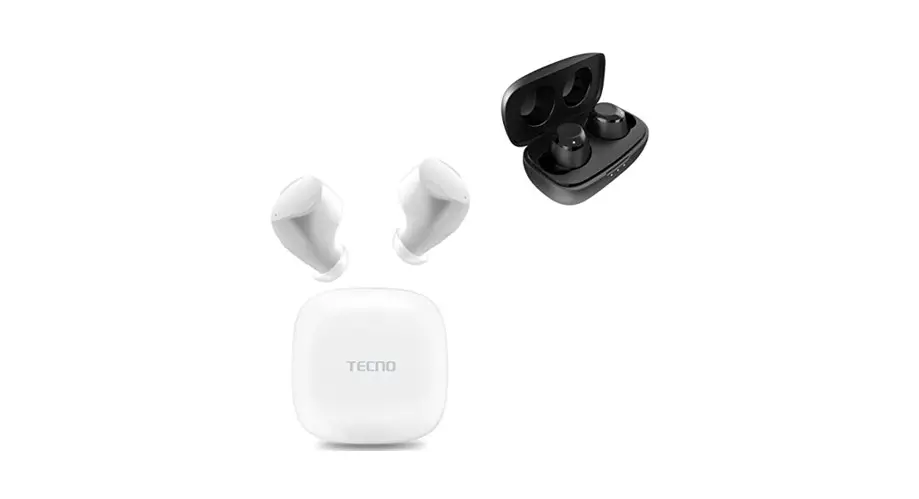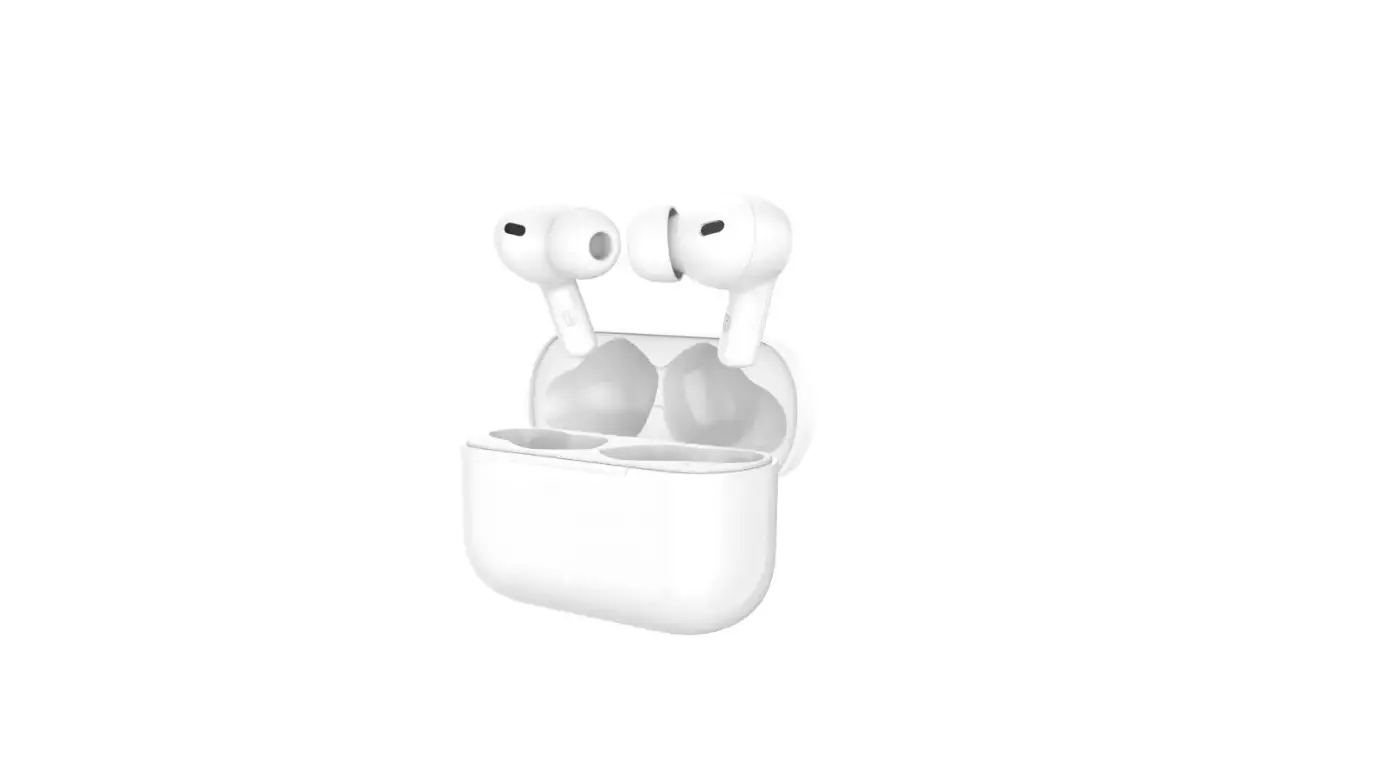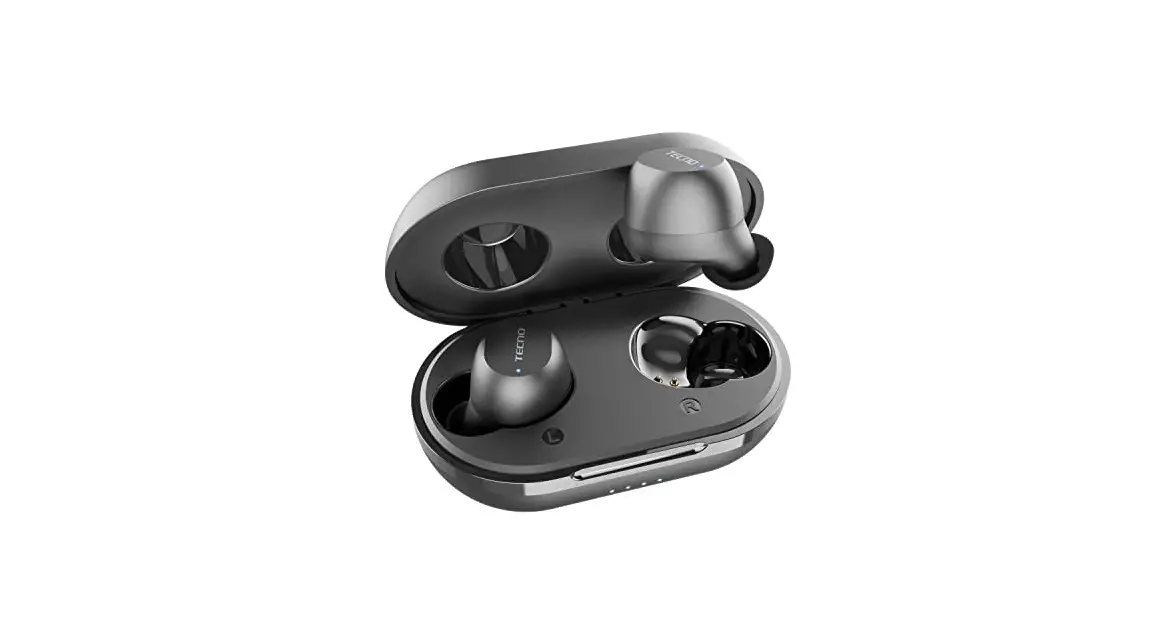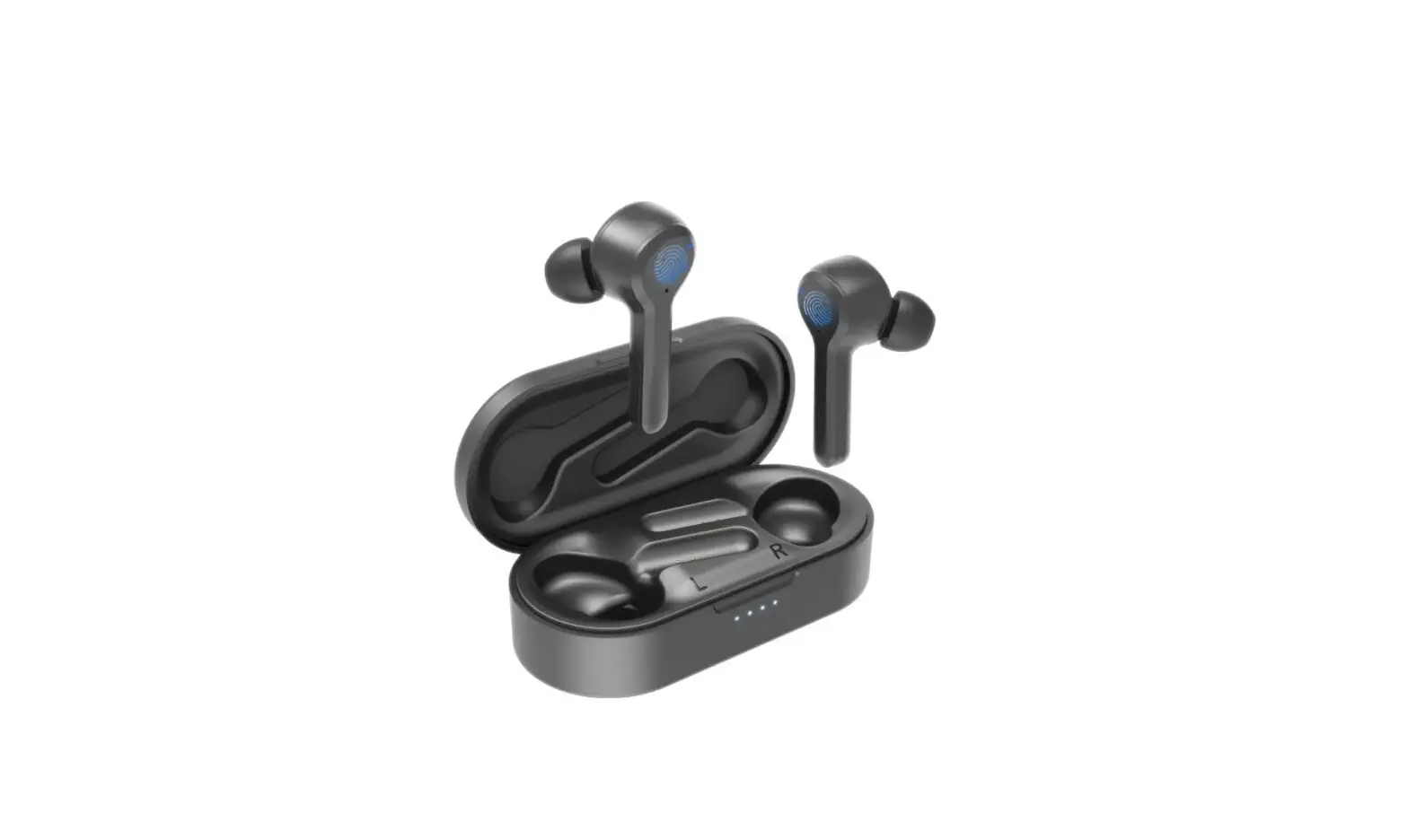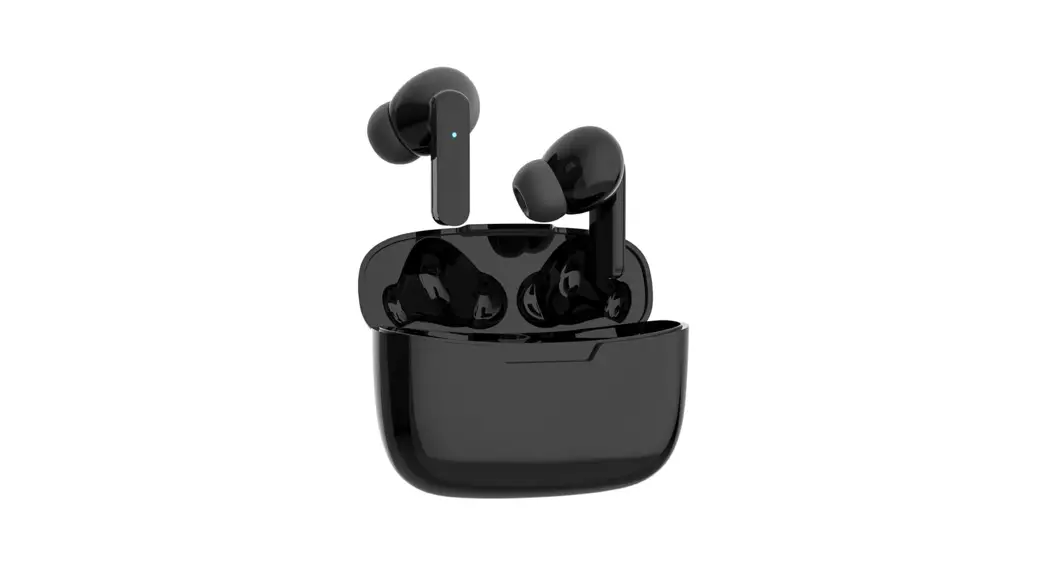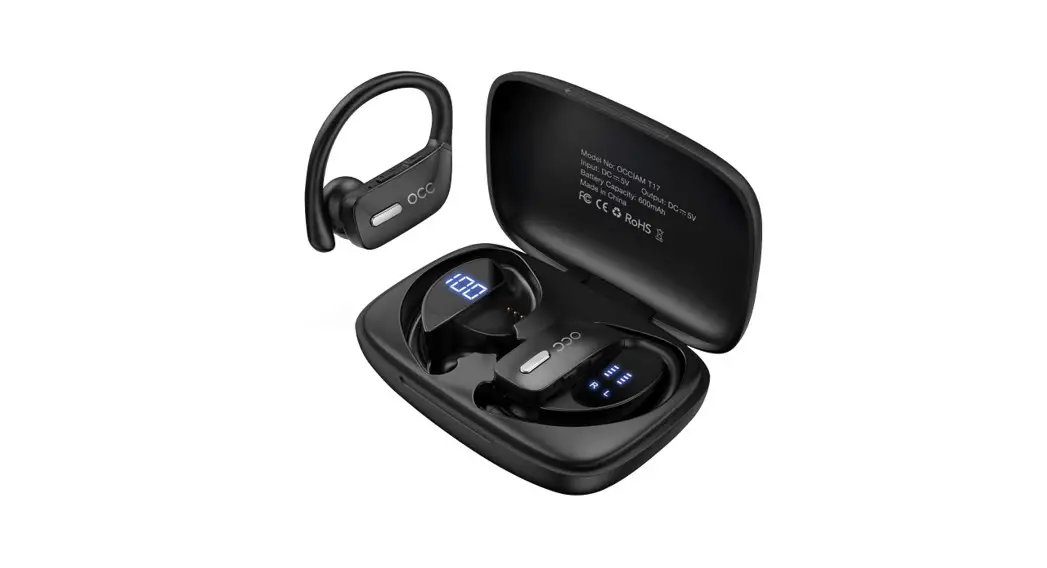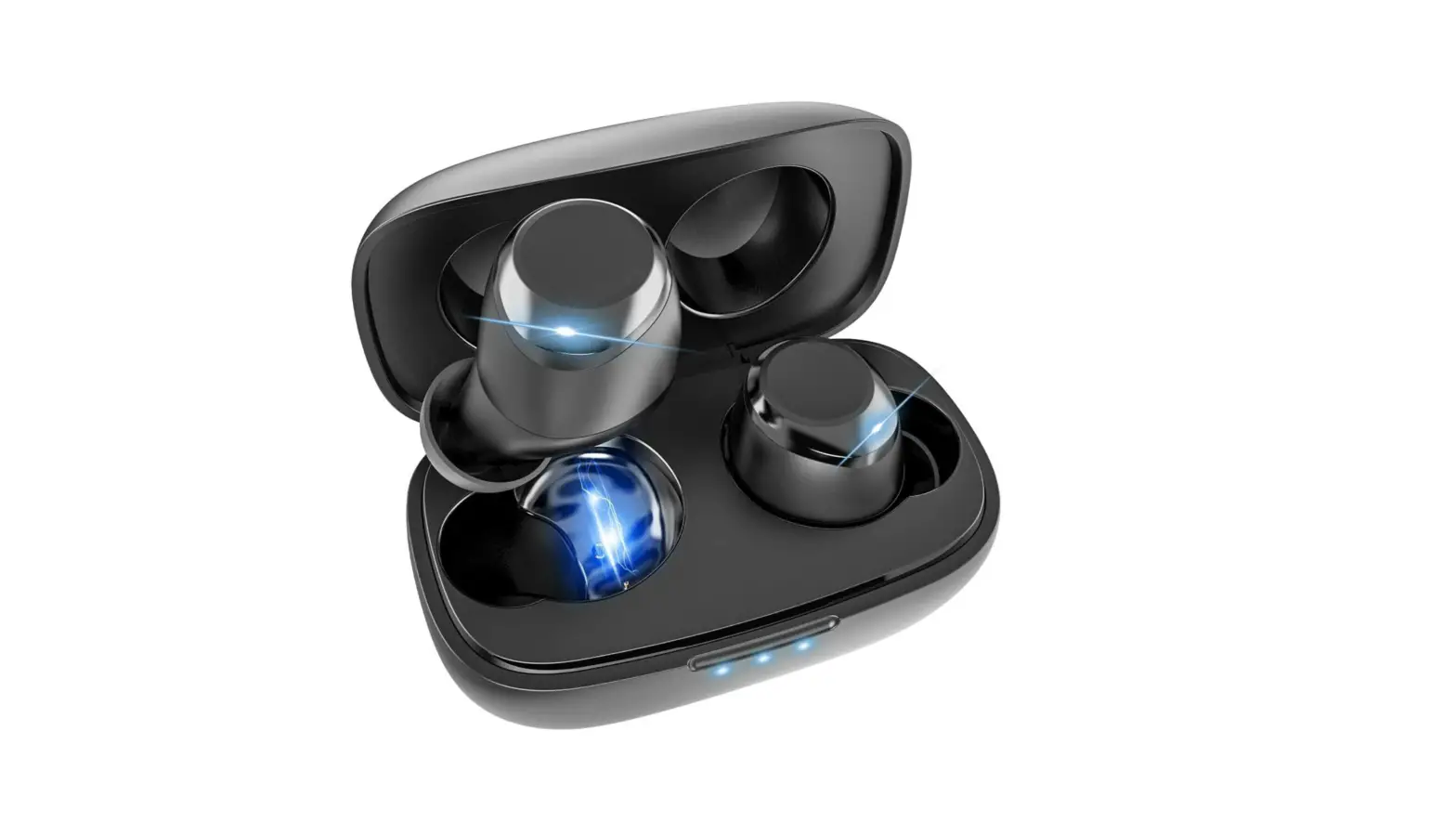

TRUE WIRELESS EARBUDS
User Manual | Model: BDE01

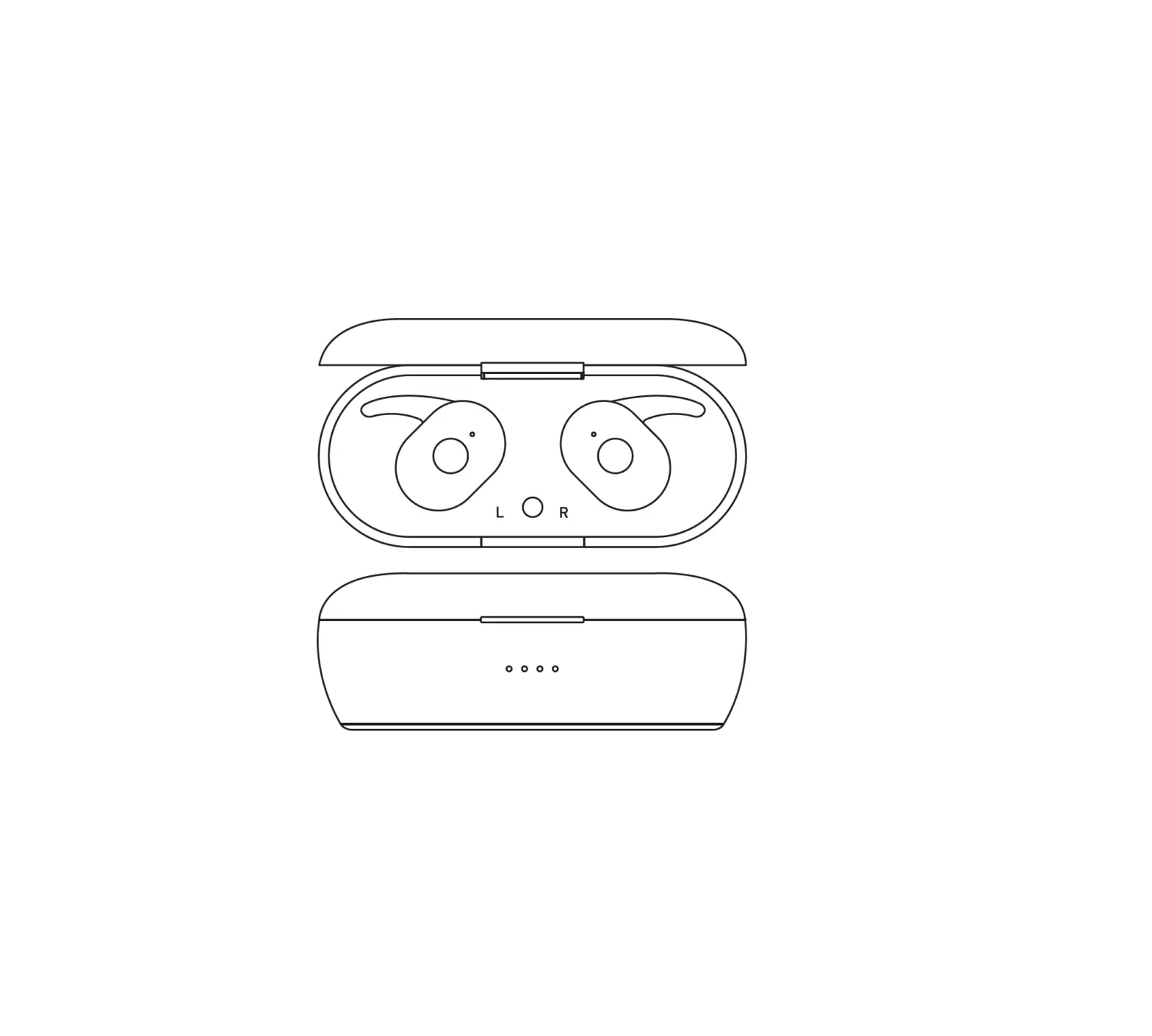
PRODUCT OVERVIEW
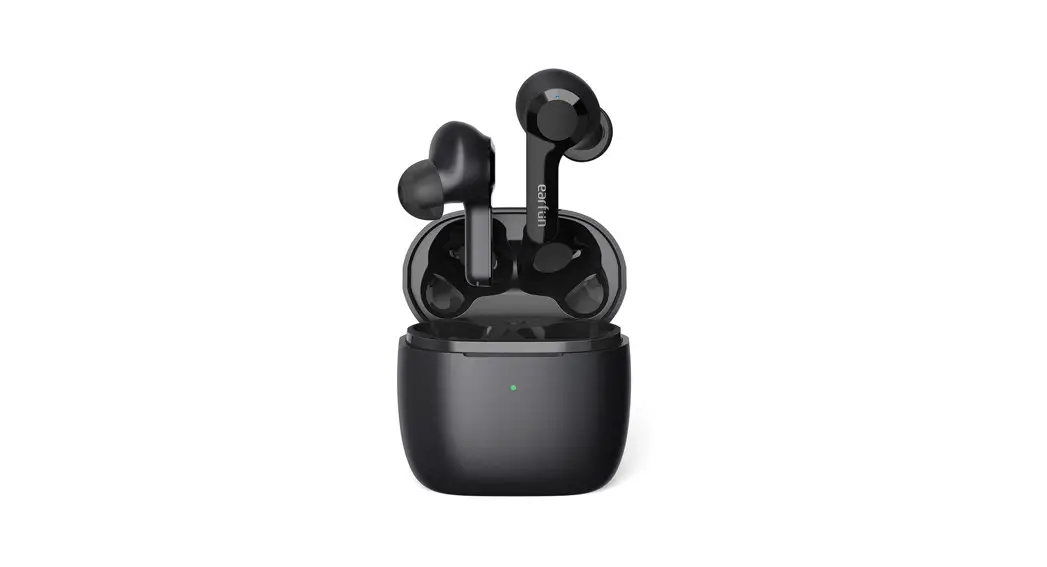
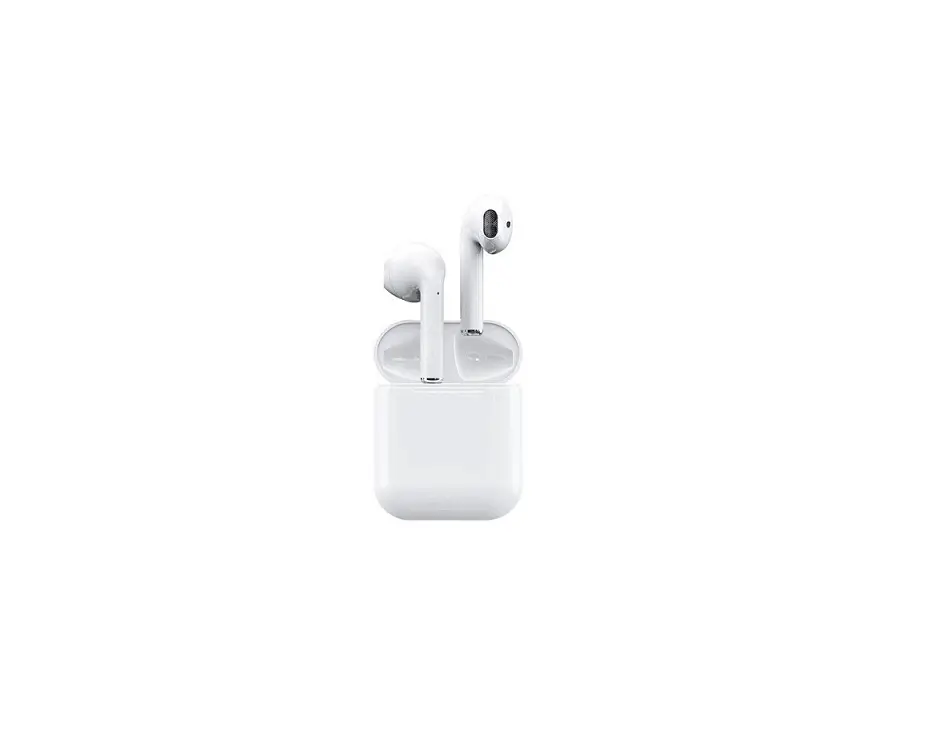
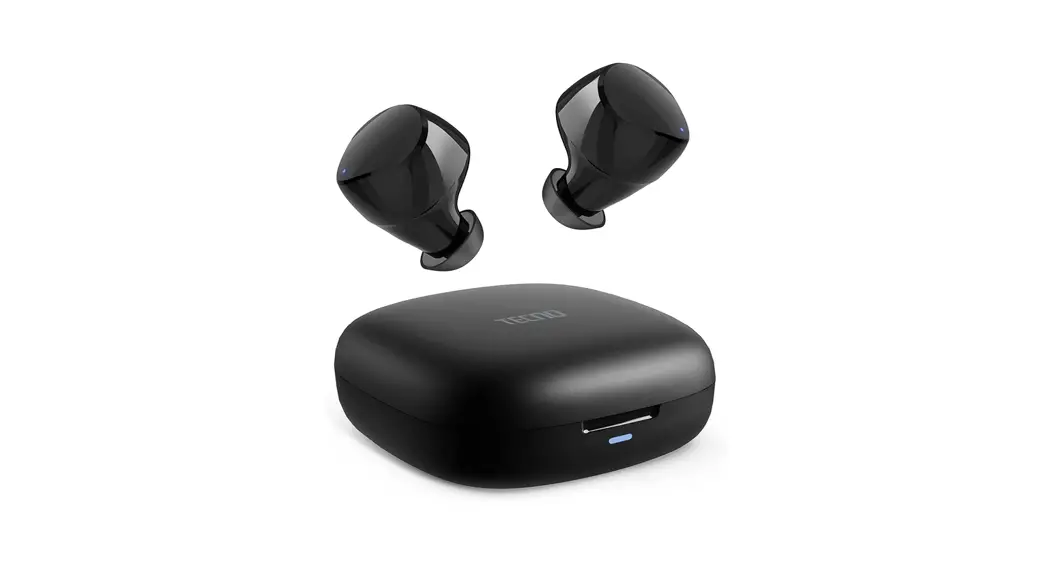
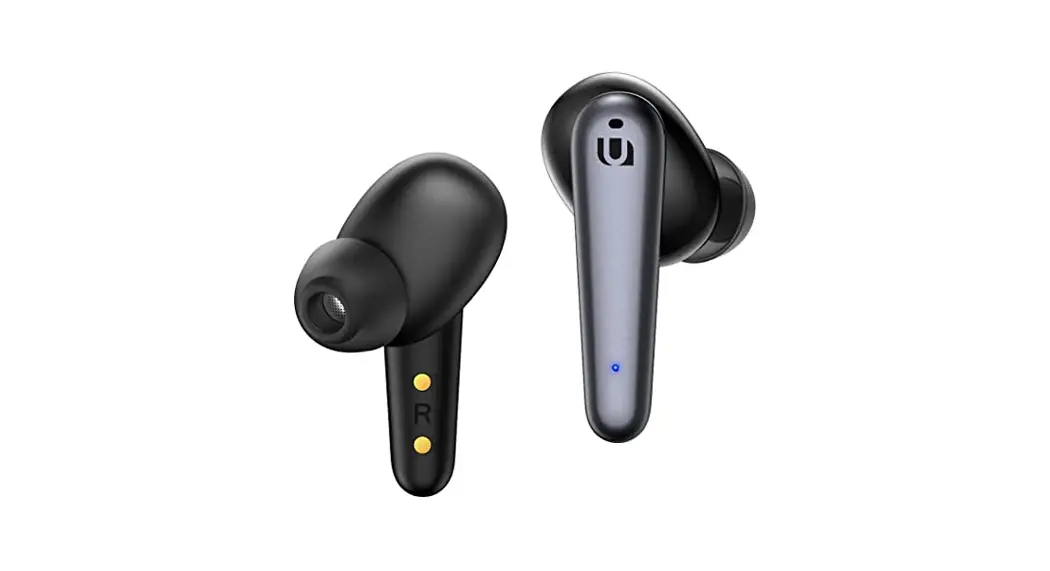
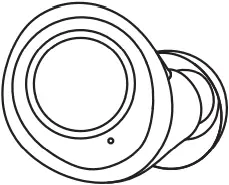
Earbuds
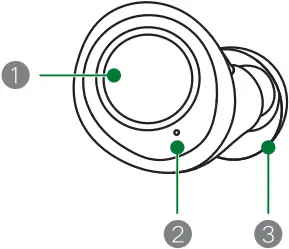
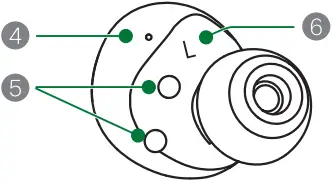
- Touchpad
- LED Indicator and Microphone
- Silicone Ear Tip
- Sound Hole
- Pogo Pin Charging Contacts
- L / R Marking
Charging Case
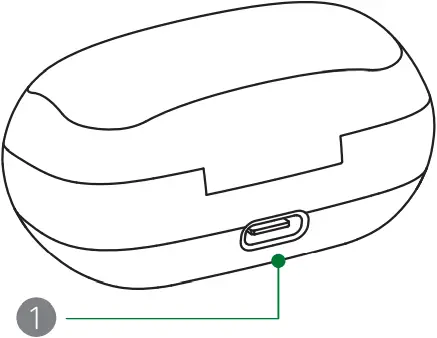
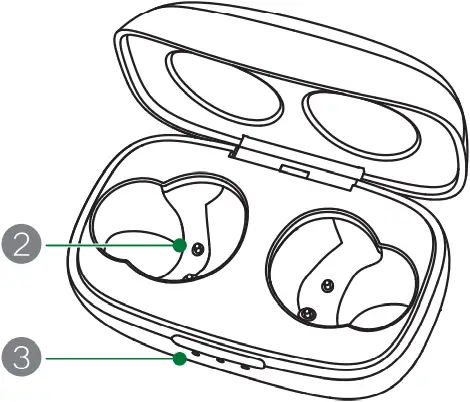
- Charging port
- Pogo Pin Charging Contact
- LED Indicator
SPECIFICATION
| Product | TECNO BDE01 True Wireless Stereo Earbuds |
| Model | BDE01 |
| Version | Bluetooth 5.0 |
| Profiles | HFP, AVRCP, A2DP |
| Bluetooth Frequently | 2402MHZ-2480MHZ |
| Bluetooth Range | 33ft/10M (Without Obstacles) |
| Codec | Qualcommaptx, AAC, SBC |
| Speaker Sensitivity | 105±3db@1KHZ |
| Microphone Sensitivity | -38dB |
| Earbuds Capacity | 2*60mAh |
| Charging Case Battery | Built-in Lithium polymer battery |
| Charging Case Capacity | 300mAh 3.7V(1.11Wh) |
| Charging Limited Voltage | 5V |
| Charging Port | USB-C |
| Fully Charge the Earbuds | 1.5h |
| Fully Charge the Case | 2h |
| Charging case Input | 5V⎓250mA |
| Charging Case Output | 5V⎓150mA |
| Frequency Response | 20 HZ-20K HZ |
| Speaker Impedance | 32Ω±15% |
| Operating Time | 8h music play on a single charge 14h music play with charging case |
GET READY FOR FIRST USE
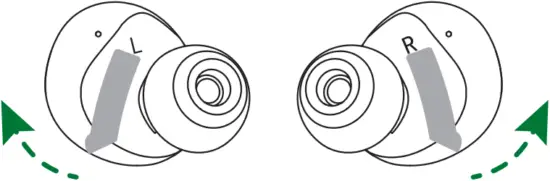
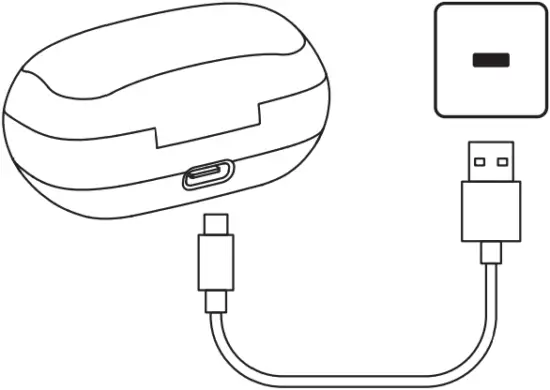
Ensure to remove the insulating film of both earbuds when first use, and then fully charge the earbuds and charge case by a specified 5V/1A USB adapter.
POWER ON/OFF
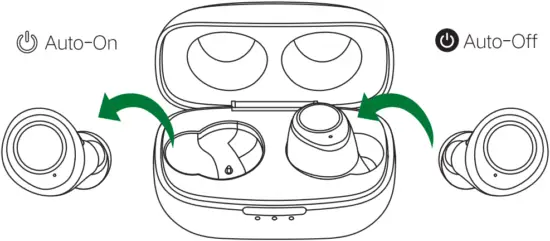
Auto-On
Take out the earbuds from the charging case, blue LED indicator will light up for 1 second, earbuds power on automatically.
Auto-Off
Place the earbuds into the charging case, white LED indicator will light up for 1 second, earbuds power off automatically.
GET READY FOR FIRST USE
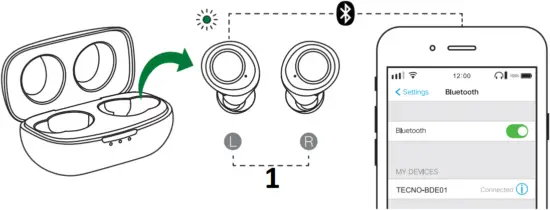
- TWS Connection
TWS Mode
Tips: The left earbud is the central earbud during TWS Mode.
- TWS Connection Between Left and Right Earbuds.
Taking out both earbuds from the charging case, LED indicators flash blue, and the connection between the left and right earbuds will be established automatically - Bluetooth Pairing with Phone
Then earbuds enter pairing mode, LED indicator of the left earbud will flash blue and white alternately, and indicator of the right earbud will turn off. Open Bluetooth settings on your phone and select TECNO-BDE01 via the Devices list of your phone. - Successful Connection
The voice prompts of “Connected” in the left earbud means a successful connection. Then indicators turn off. - Auto Reconnection
Once taken out of the charging case left and right earbuds will automatically connect with each other, and then make an automatic Bluetooth reconnection with the last paired phone.
Mono Mode
Both left and right earbuds can be used individually. Please take out only one earbud from the charging case to use Mono Mode, and refer to the steps of TWS Mode while pairing with your phone.
- Using left earbud: search “TECNO-BDE01” in the Bluetooth Devices list and connect.
- Using right earbud: search “TECNO-BDE01-R” in the Bluetooth Devices list and connect.
Note:
- If you power on the left earbud while using right earbud individually, the right earbud will be disconnected and left and right earbuds will automatically reconnect. Then, the left earbud will connect with your phone and enter TWS mode.
- If you power on the right earbud while using left earbud individually, they will automatically reconnect and then enter TWS mode. The left earbud keeps working during this process.
FACTORY RESET
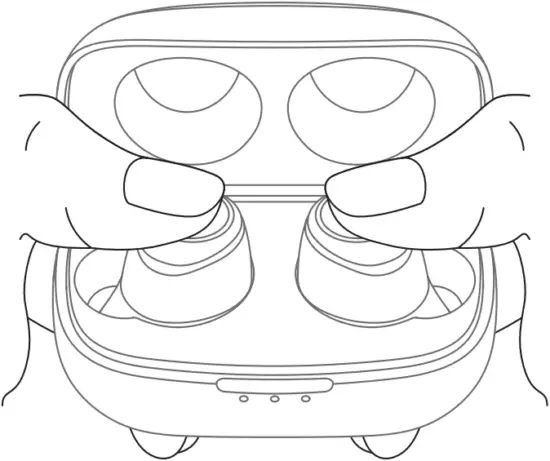
If one or both of your BDE01 earbuds become completely unresponsive or can not pair or conned successfully, please try the following factory reset steps.
- Before starting this process remember to delete / forget the “TECNO-BDE01” pairing in the Bluetooth menu on your smartphone.
- Place your earbuds into the charging case and make sure they are being charged, then long-press both earbuds for 8 seconds until LED indicators flash blue and white 3 times.
Note:
Resetting the earbuds clears all paired devices as well as the TWS connection between left and right earbuds. When first use after factory reset you’ll need to re-pair the earbuds to your smartphone referring the above-mentioned Bluetooth Pairing & Connection steps.
OTHER FUNCTIONS
- Manual on: When earbuds are OFF, long-press the Touchpad for 2 seconds to manually turn them on.
- Manual off: When earbuds are ON, long-press the Touchpad for 6 seconds to manually turn them off.
- During Pairing Mode with phone, if the earbuds are not connected to any device within 5 minutes, they will automatically turn off.
- While using the BDE01 earbuds, if you turn off the Bluetooth of phone or the devices exceed the effective Bluetooth range (10m), you’ ll hear a Bluetooth disconnect tone “Disconnected”. If the earbuds are not connected to any device within 5 minutes, they will automatically turn off.
TOUCHPAD CONTROL
L
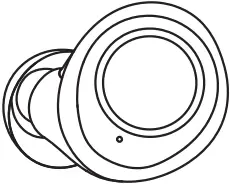
Music Playback
(Just can be used in the TWS mode) Hold L 2s: Previous Track
Making Calls Single Tap: Answer/End a Call
Using Voice Assistant
(Just can be used in the TWS mode) Tap the multifunction key of L earphone twice.
Reject a Call Long-press the Touchpad for 2 seconds
R
Music Playback Hold R 2s: Next Track (Just can be used in the TWS mode)
 x2 Tap R: Play / Pause
Making Calls Single Tap: Answer/End a Call
Reject a Call Long-press the Touchpad for 2 seconds
EARBUDS BATTERY LEVEL & CHARGING
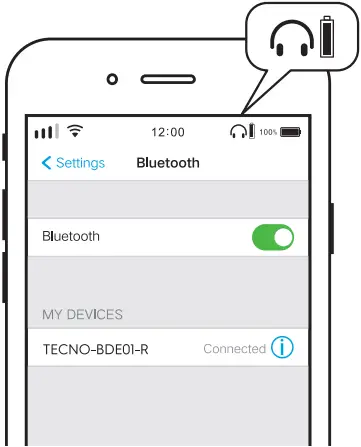
- Battery level:
You can check the earbuds battery level on the top right corner of the phone screen (smartphone should support the function) - Low battery signs:
Voice prompts “Battery level low” will be announced every 3 minutes. Please recharge earbuds in time when battery charge is low.
• Charging status:
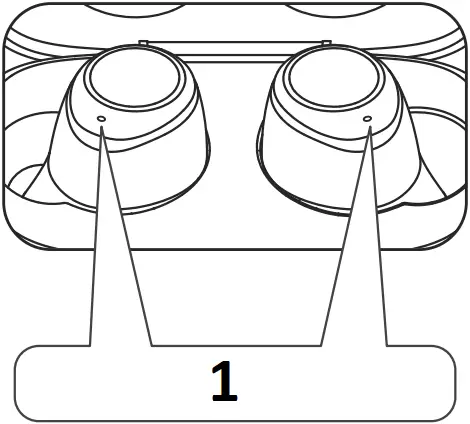
Earbuds indicators checking
1
• Solid: during charging
• Turn off: fully charged
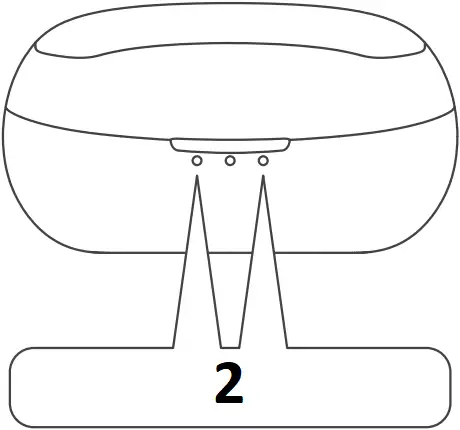
Charging case indicators checking
2
• Blinking: during charging
• Solid: fully charged
CHARGING CASE BATTERY LEVEL & RECHARGE
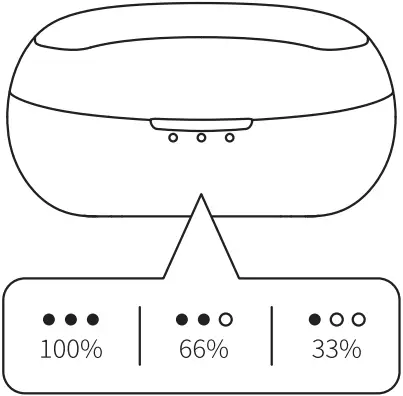
- Charge the case
Please charge with a specified or certified 5V/1A USB adapter and the enclosed USB-C charging cable. - Low battery signs
Left indicator keeps flashing when battery is low. Please charge the case in time.
EARBUDS VOICE PROMPTS STATUS
| Status | Voice Prompts |
| Power On | Power On |
| Device Connected | Connected |
| Activate Voice Assistant | Ding |
| Device Disconnected | Disconnected |
| Low Battery | Battery level low |
| Power Off | Power Off |
EARBUDS INDICATORS STATUS
| Status | LED Indicator |
| Power On | Blue indicator lights up for 1 second |
| Charging Earbuds | White indicator lights up until fully charged |
| TWS Connection Between left and right Earbuds | Blue indicator flashes |
| Bluetooth Pairing with Phone | TWS Mode: LED indicator of the left earbud flashes blue and white alternately, and indicator of the right earbud turns off Mono Mode: LED indicator of left/right earbud flashes blue and white. |
| Working | Turn off |
| Power off | White indicator lights up for 1 second |
FAQ
1. What should I do if there are connection and pairing issues?
- Please make sure the BDE01 earbuds or your smartphone is not connected with any other similar Bluetooth device.
- Turn the Bluetooth on your smartphone off and then on.
- Delete the TECNO BDE01 pairing information from the Bluetooth device list on smartphone and connect
- When earbuds are OFF, long-press the Touchpad for 4 seconds to manually enter the pairing mode with phone.
- If the previous steps are unable to solve problems, please place the earbuds in the charging case and ensure the earbuds are being charged. Then, long-press both earbuds for 8 seconds until LED flash blue and white 3 times and complete the resetting.
2. The left earbud has lost connection to the right earbud. How do I reconnect them?
- Before starting this process remember to delete/forget the “TECNO-BDE01” pairing in the Bluetooth
- Place your earbuds into the charging case and make sure they are being charged, then long-press both earbuds for 8 seconds until LED indicators flash blue and white 3 times.
Note: When first using the earbuds after factory reset, please place both earbuds closer until blue LED indicators flash, TWS connection between left and right earbuds will be established within 5 seconds.
3. Can I use just one of my BDE01 wireless earbuds?
Yes, you can use the left/right earbud individually for mono playback or for calls. To use the earbuds alone please refer to the above-mentioned “Mono Mode” Operation to pair and connect with your phone device.
4. Does TECNO BDE01 wireless earbuds support APTX?
TECNO BDE01 is applicable to APTX format and APTX music play as long as your phone supports APTX; if not, the Android phone will play in SBC format and iphone will play in AAC format.
5. How to check the battery level of BDE01 earbuds ?
When the BDE01 is connected to an iphone or most Android phones, the current battery level can be displayed on the upper right corner of the phone.
6. Can I use my BDE01 wireless earbuds when swimming or bathing ?
No, your earbuds are tested and rated at IPX5 standards not protected from submersion in water. Furthermore, exposure to salt, chlorine, chemicals, and solvents can damage and deteriorate your earbuds.
NOTICES
- Please regularly clean the earbuds for optimal use.
- Please turn the volume down on your device before placing the earbuds, then turn the volume up gradually until reaching a comfortable listening level.
- DO NOT use the earbuds at a high volume for any extended period.
- Please stop using the earbuds and consult your physician if you feel uncomfortable or tinnitus occurs.
- DO NOT submerge or expose the earbuds for extended period to water, or wear while participating in water sports, e.g., swimming, surfing, etc.
- It is not recommended to use the earbuds for phone calls while driving. Please use the earbuds in accordance with local regulations.
- The earbuds contain small parts which may cause accidental ingestion and choking hazard. Please keep the earbuds away from children under age 3.
- For your safety, please wear or place the earbuds that far from your cardiac pacemaker (10cm away)
WARNINGS
- BDE01 earbuds have built-in lithium battery. Do not disassemble, crush, or expose the earbuds to fire.
- Stop using while the earbuds are swollen.
- Do not expose earbuds to excessive temperature.
- Stop using if the earbuds are submerged.
WHAT’S IN THE BOX
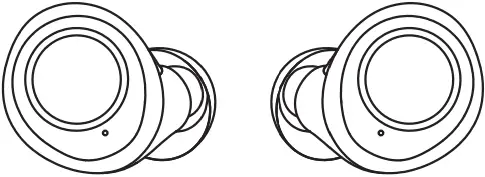
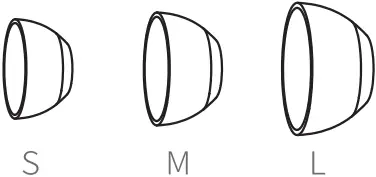
BDE01 Earbuds Silicone Ear Tips
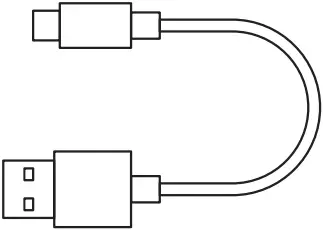
USB-C Charging Cable Charging Case
User Manual
WARRANTY TERMS&CONDITIONS
A limited 1-year warranty applies to TECNO BDE01 purchased from the Tecno-Mobile-Official store. Please feel free to contact us if you run into any problems. This warranty covers only original TECNO products. It does not apply to normal wear and tear, or any effects or damage caused by misuse of the product The warranty is for primary products only. Additional or free of cost products are not covered under warranty.
TECNO MOBILE LIMITED
TM and ©2019 TECNO Corporation. All rights reserved. Other product and company names mentioned herein may be trademarks or trade names of their respective owners. Specifications are subject to change without notice. Model names and the availability of particular products may vary by region.
 www.tecno-mobile.com
 [email protected]

FCC ID: 2ADYY-BDE01
FCC Caution:
Any Changes or modifications not expressly approved by the party responsible for compliance could void the user’s authority to operate the equipment. This device complies with part 15 of the FCC Rules. Operation is subject to the following two conditions: (1) This device may not cause harmful interference, and (2) this device must accept any interference received, including interference that may cause undesired operation.
IMPORTANT NOTE:
Note: This equipment has been tested and found to comply with the limits for a Class B digital device, pursuant to part 15 of the FCC Rules. These limits are designed to provide reasonable protection against harmful interference in a residential installation. This equipment generates, uses and can radiate radio frequency energy and, if not installed and used in accordance with the instructions, may cause harmful interference to radio communications. However, there is no guarantee that interference will not occur in a particular installation. If this equipment does cause harmful interference to radio or television reception, which can be determined by turning the equipment off and on, the user is encouraged to try to correct the interference by one or more of the following measures:
—Reorient or relocate the receiving antenna.
—Increase the separation between the equipment and receiver.
—Connect the equipment into an outlet on a circuit different from that to which the receiver is connected.
—Consult the dealer or an experienced radio/TV technician for help.
FCC Radiation Exposure Statement:
This equipment complies with FCC radiation exposure limits set forth for an uncontrolled environment.