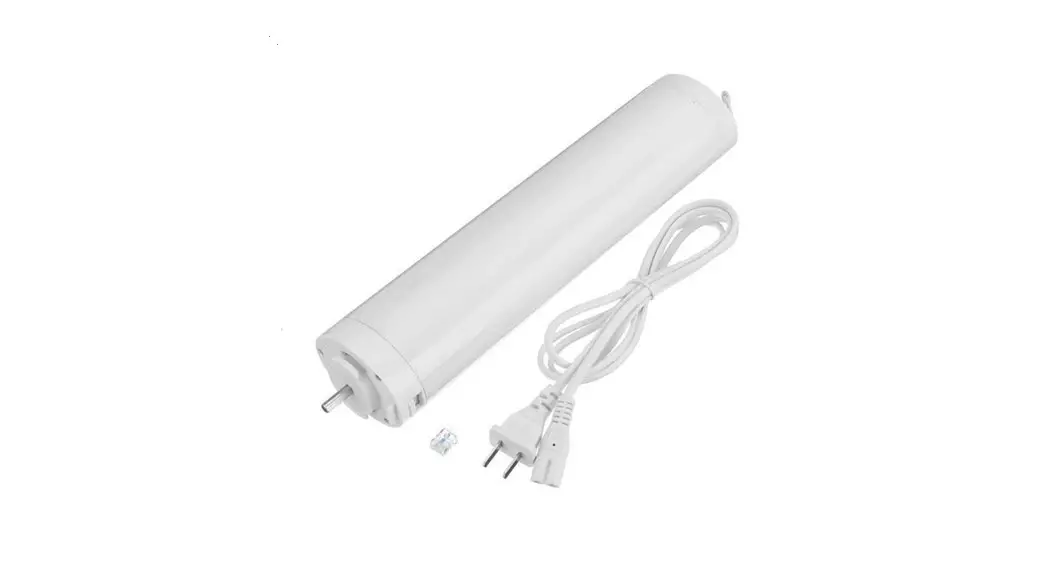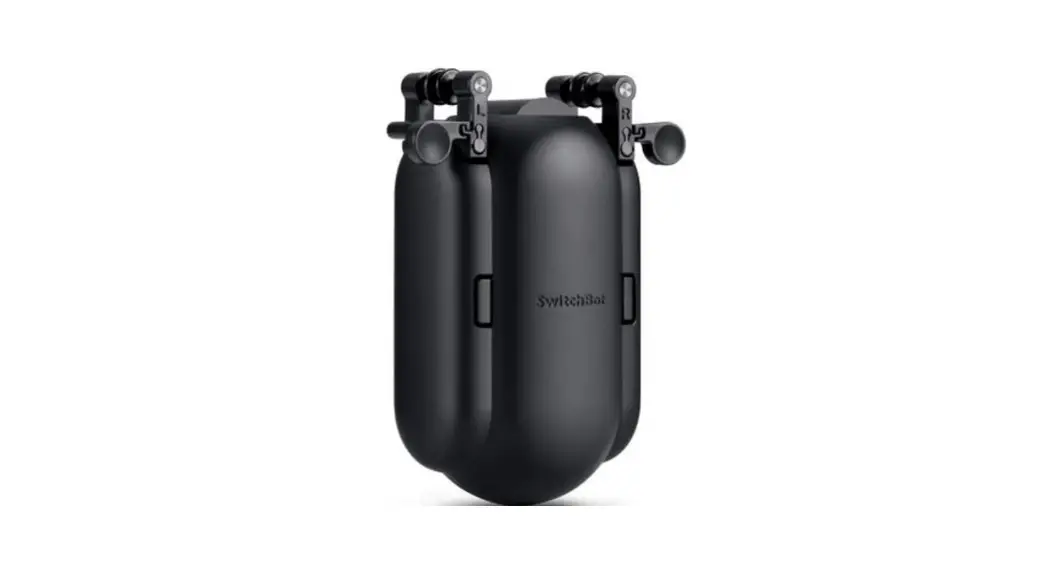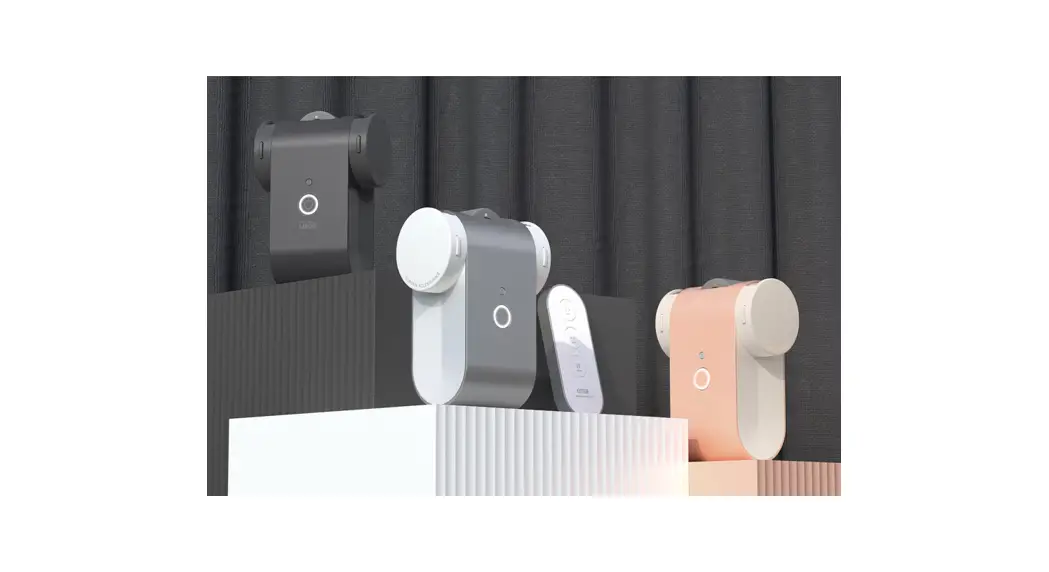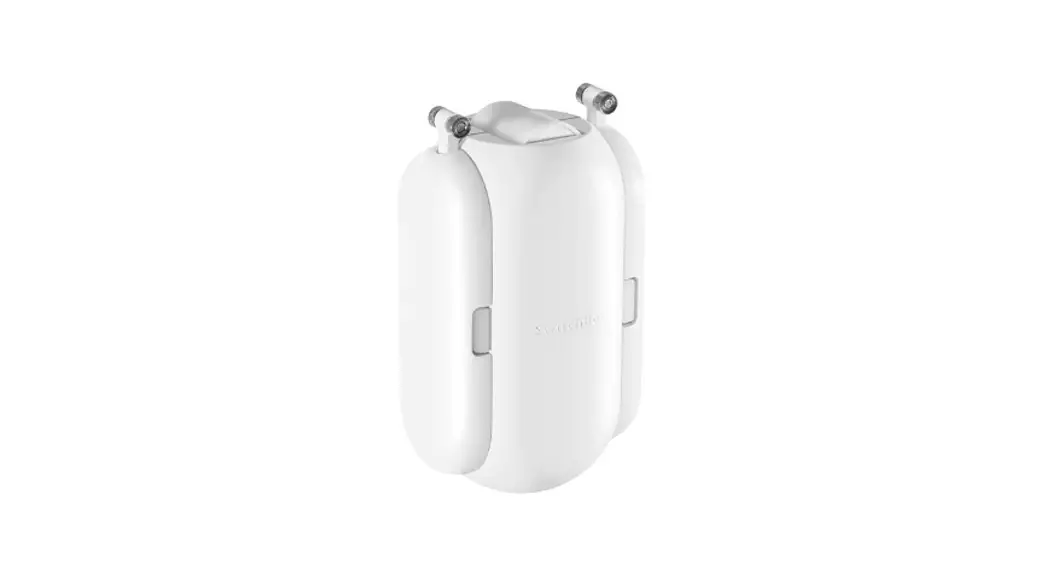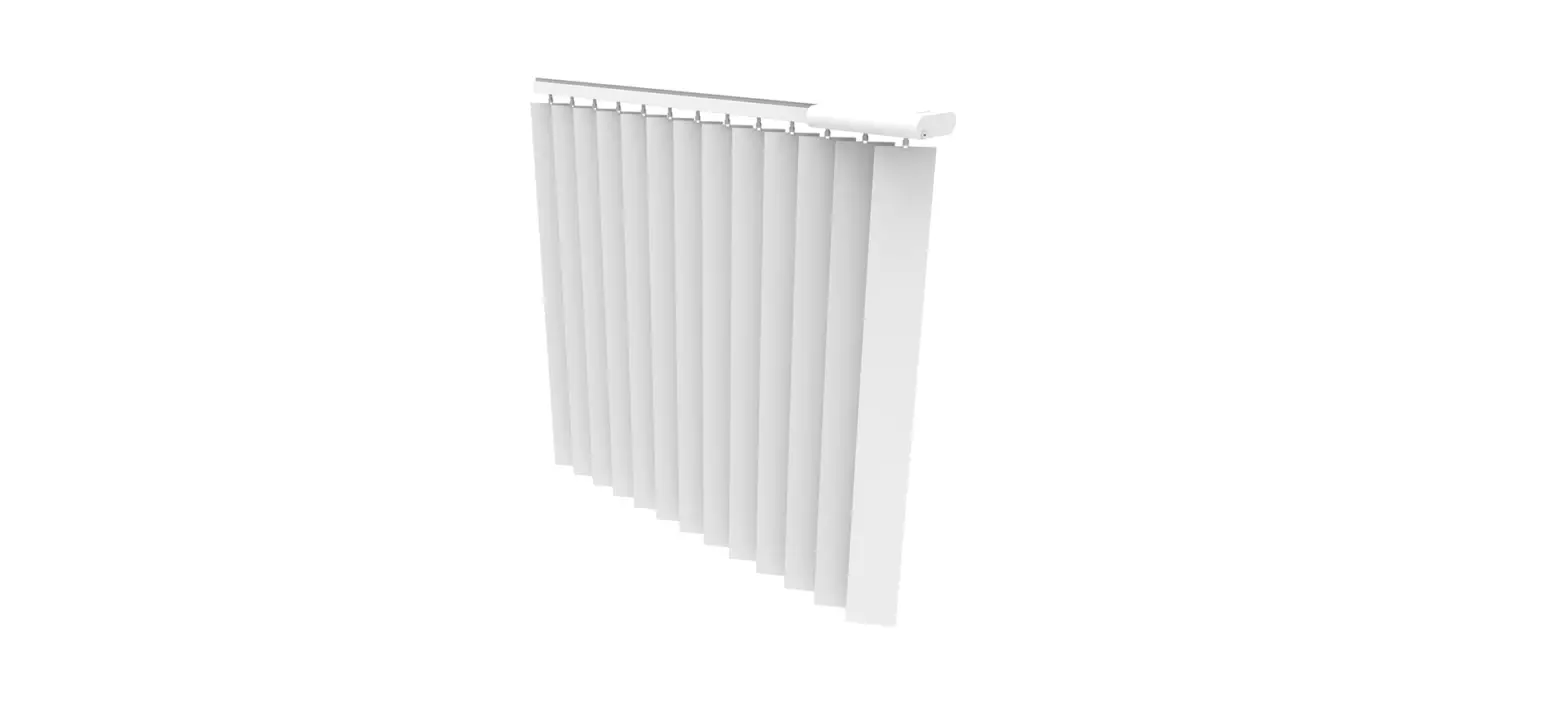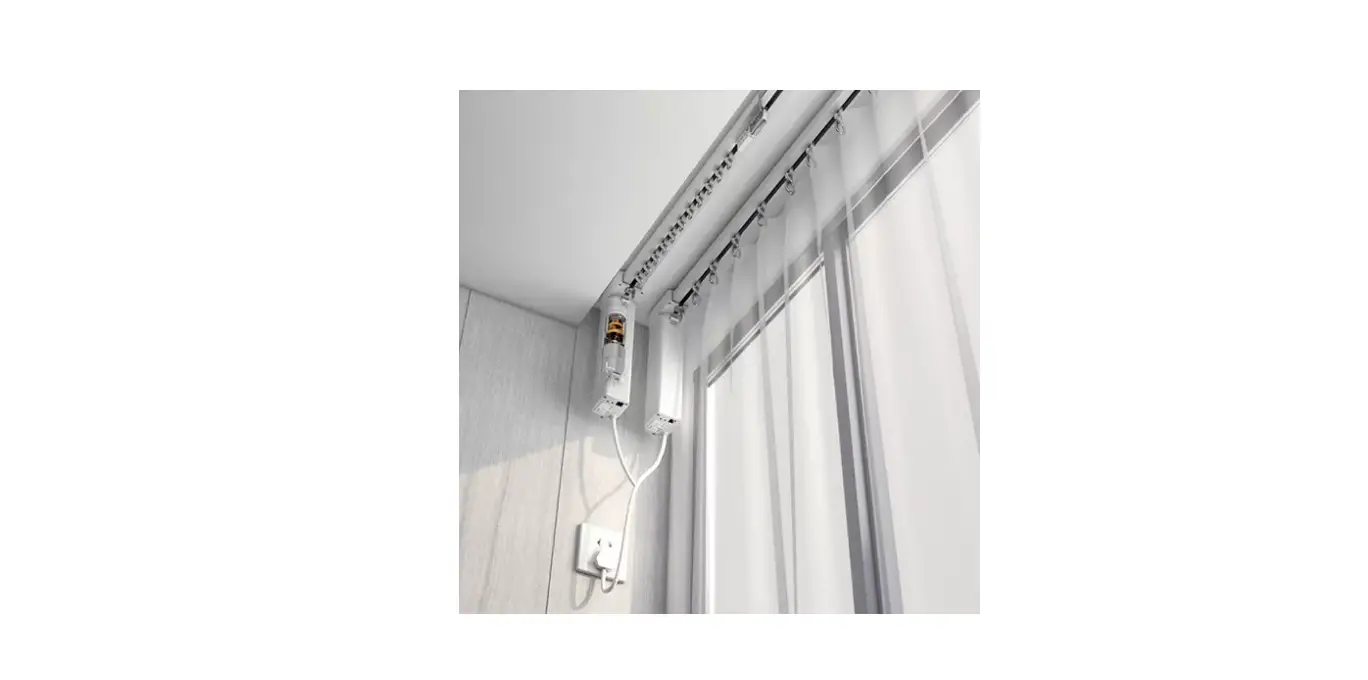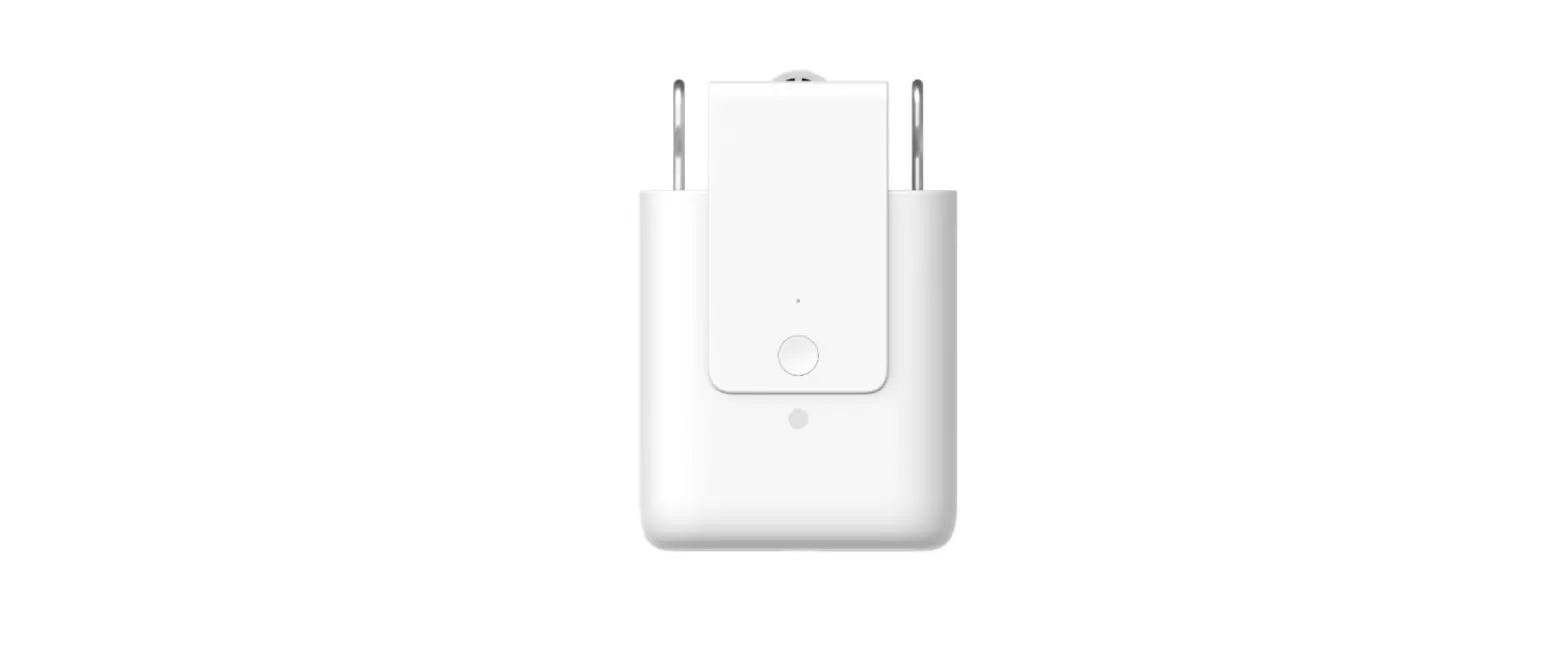

Motorized / Smart Drapes Belt Driven
Instruction Manual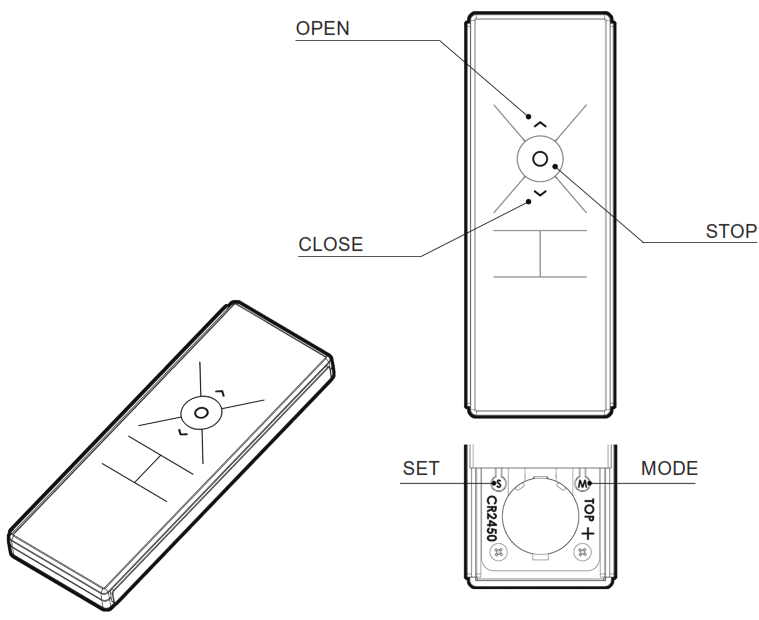
Motorized Smart Drapes Belt Driven
How to open Battery Compartment Cover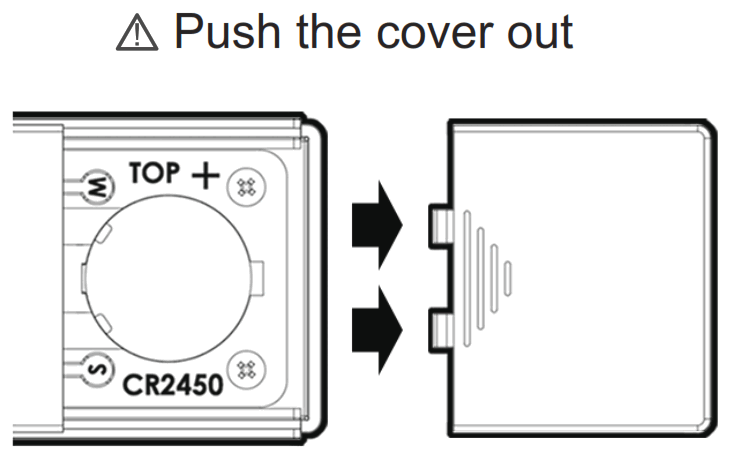
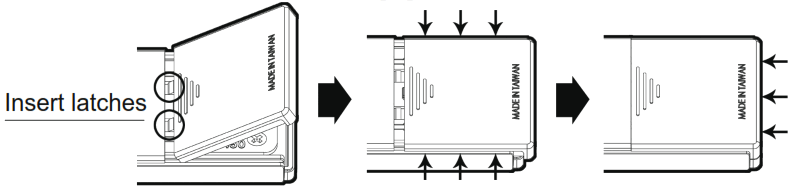
How to replace Battery Compartment Cover
- Insert latches into corresponding slots
- Place Battery Compartment Cover to engage it with Slides
- Push the cover in
Travel Distance Setting and Revising
STEP-1 Press [OPEN] + [SET] keys until a short beep sound occurs. A long beep sound will occur, indicating that the travel distance setting is completed.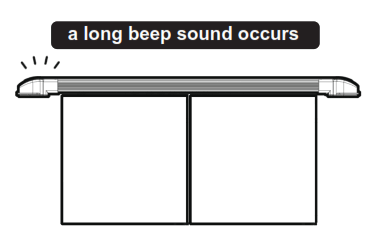
Setting Completed
Please repeat step 1-1 if there is something wrong with the travel distance of the Drape.
Adding another Remote Control Unit
STEP-1 Press and hold [SET] until three short beep sounds occur, indicating that the setting mode of Adding another Remote Control Unit is activated.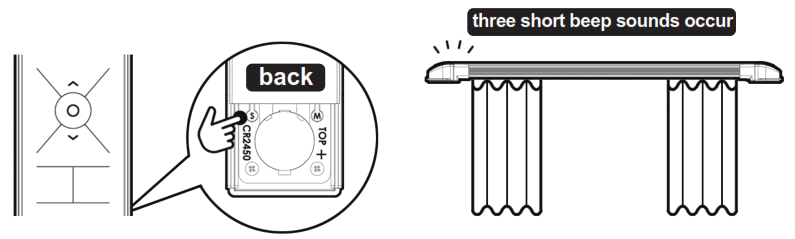 STEP-2 Now press [STOP] key of the Remote Control to be added; the adding process is completed when a short beep sound occurs.
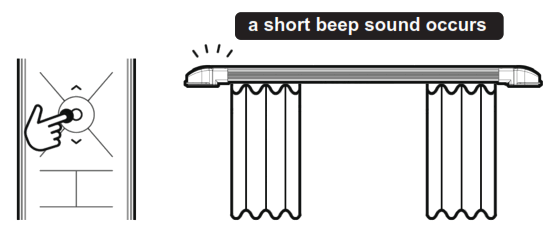 Setting Completed
After the setting is completed, a long beep sound will occur, indicating that the setting mode is deactivated.
Clear off Password
STEP-1 Unplug power supply of the Motor, wait for 15 seconds, resume power supply of it. Within 8 seconds, press [OPEN] + [STOP] + [CLOSE] + any of blank keys [LEFT] OR [RIGHT] altogether 4 keys, beep sounds will occur immediately, then, within 5 seconds, press and hold [OPEN] + [CLOSE]. A long beep sound will then occur, indicating that the Password is cleared off.
Setting Completed
When everything is done, only the password of this remote remains, others will be erased. If a new password is not added, the old password will not be erased.
Externally connected Manual Switch Box
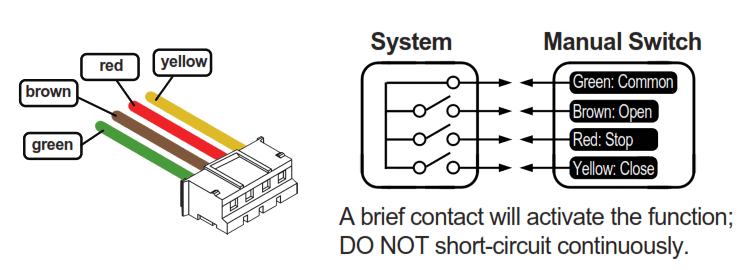
Instructions
Green + Brown = open the Drape
Green + Yellow = close the Drape
Green + Red = stop the Drape
Battery Replacement
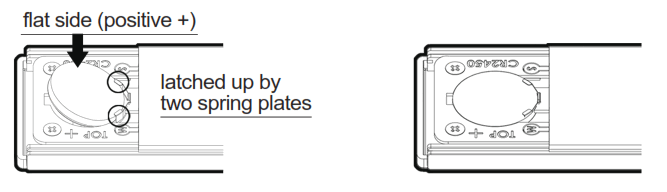
- With flat side (positive +) of the Battery facing upwards, making sure that the Battery is latched up by two spring plates, insert Battery in a slanted angle to enter it into the Battery Holder.

- Completed.
Product Specifications
Battery: CR2450 3V (One-time type lithium battery)
Dimensions: L 13CM, W 4.8CM, H 1.1CM
Standby Current: <1uA
Modulation Method: OOK
Encoding Method: Internally-burnt fixed coding
Transmission Frequency: 433.92MHz
Antenna Type: on board, Gain=0 dbi
Weight (including battery): 66g
Quick Setting Index
Travel Distance Setting and Revising: [OPEN] + [SET]
Add another Remote Control: [SET], (Remote Control 2) [Stop]
Clear off Password: [Open] + [Stop] + [Close] + any of [Left] or [Right] blank key, [Open] + [Close].
Instructions for using Remote Control Holder
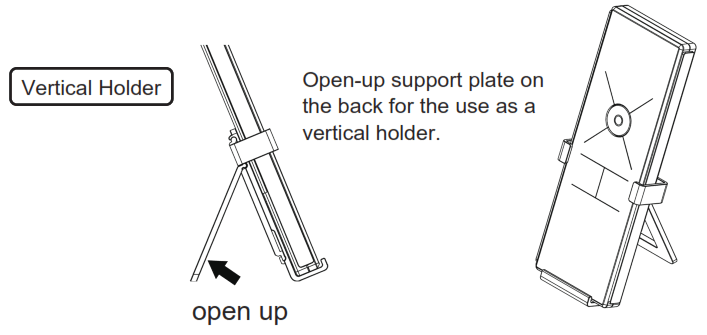
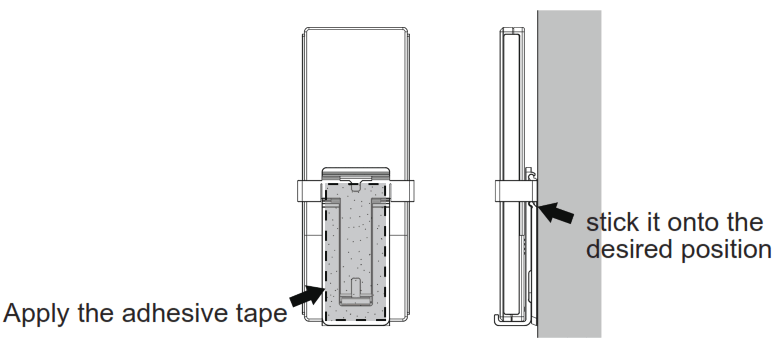
Wall-mount Holder
Apply the provided double-face adhesive tape on the back of Holder and stick it onto the desired position on the wall, as a wall-mounted holder.
 BINTRONIC ENTERPRISE CO., LTD
No.62, Bengong 5th Rd., Gangshan Dist., Kaohsiung City 82059, Taiwan (R.O.C.)
Email: [email protected]
This instruction manual version is v1.0.