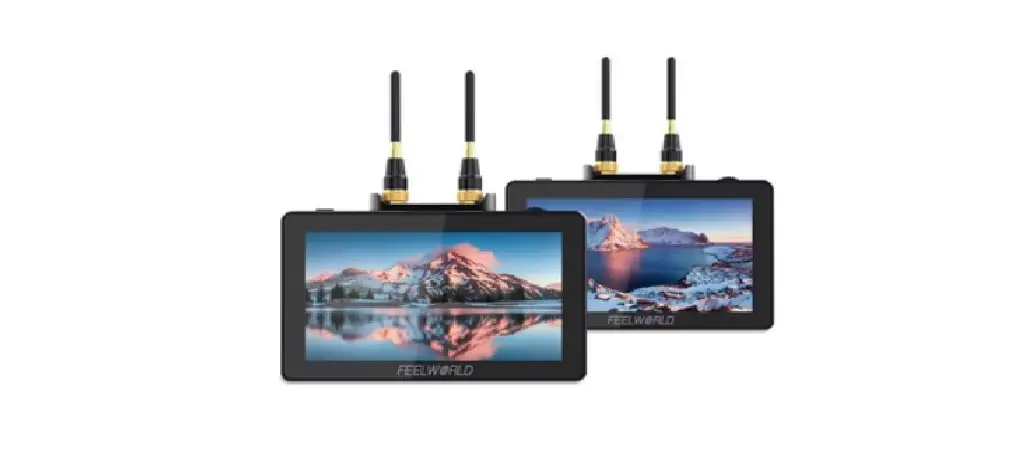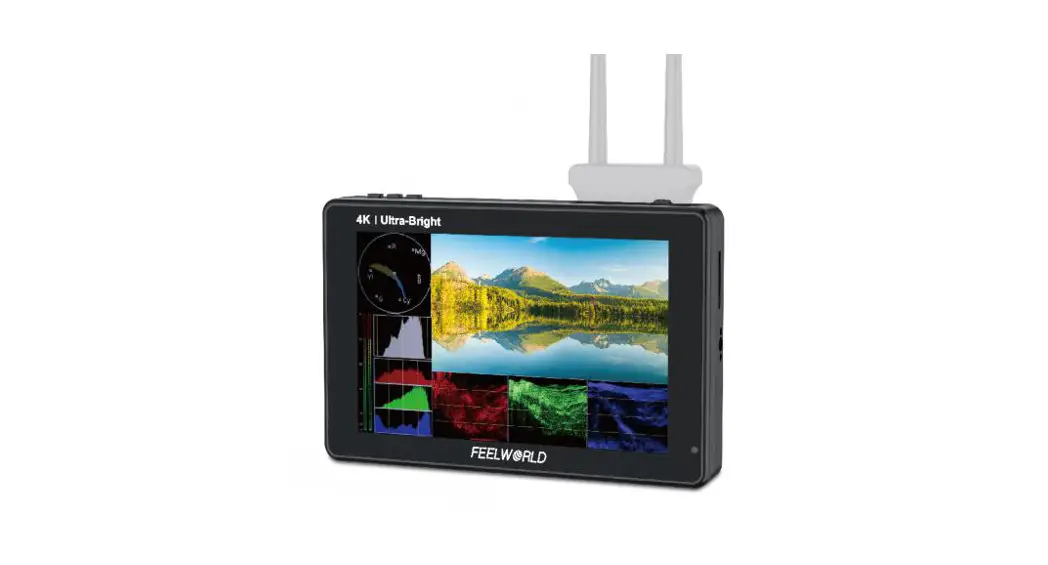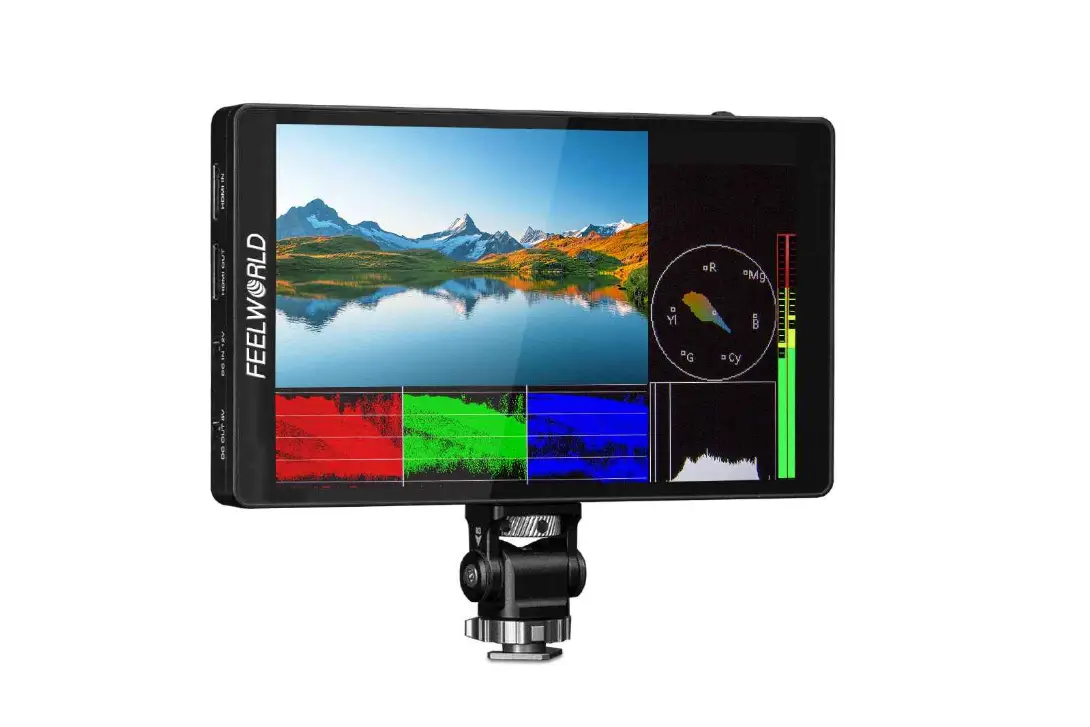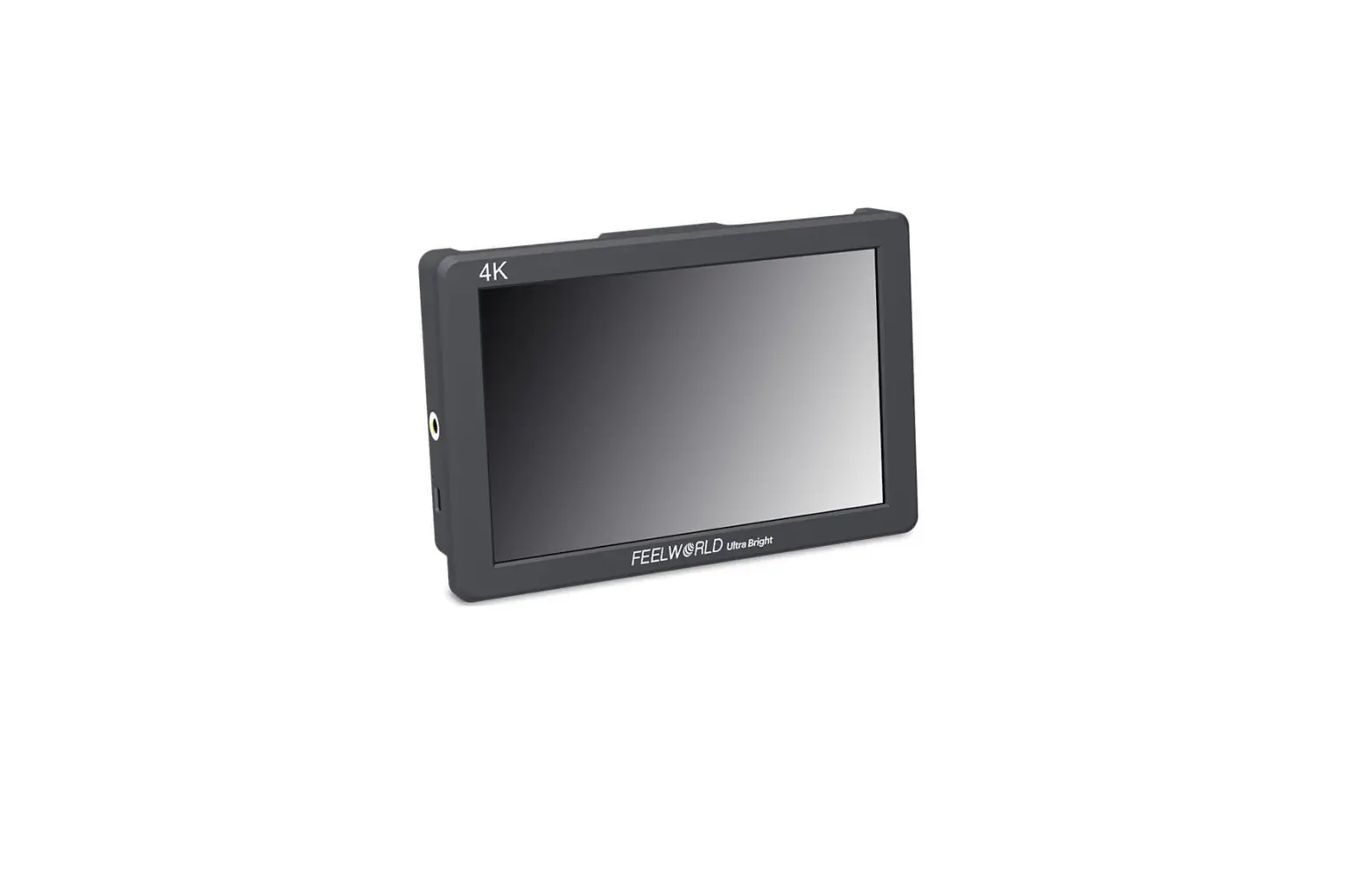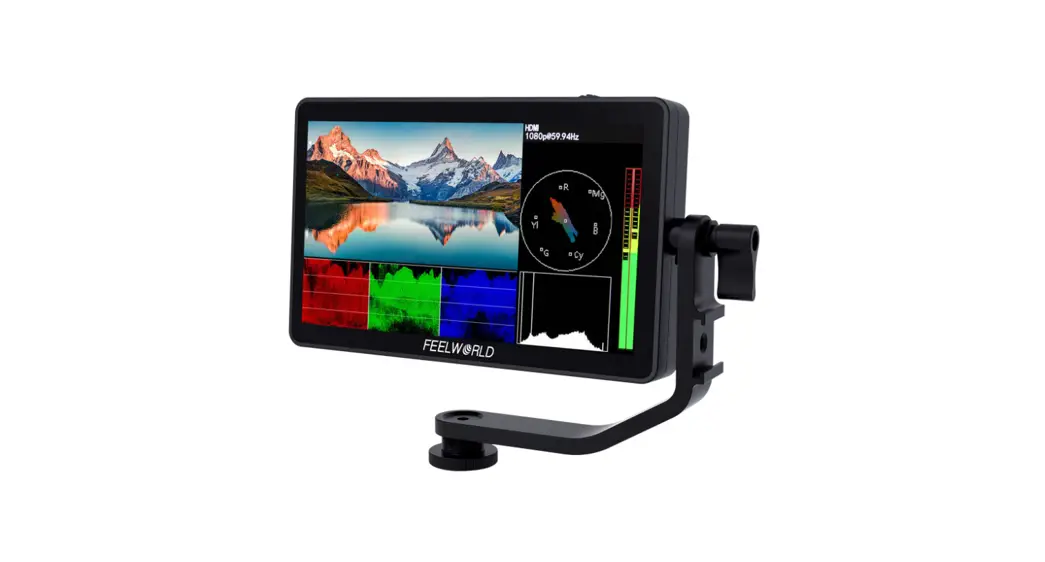
 6″ Full HD Field Monitor
F970 Install and Power Kit
User Manual
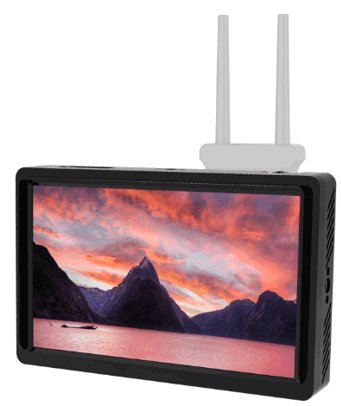
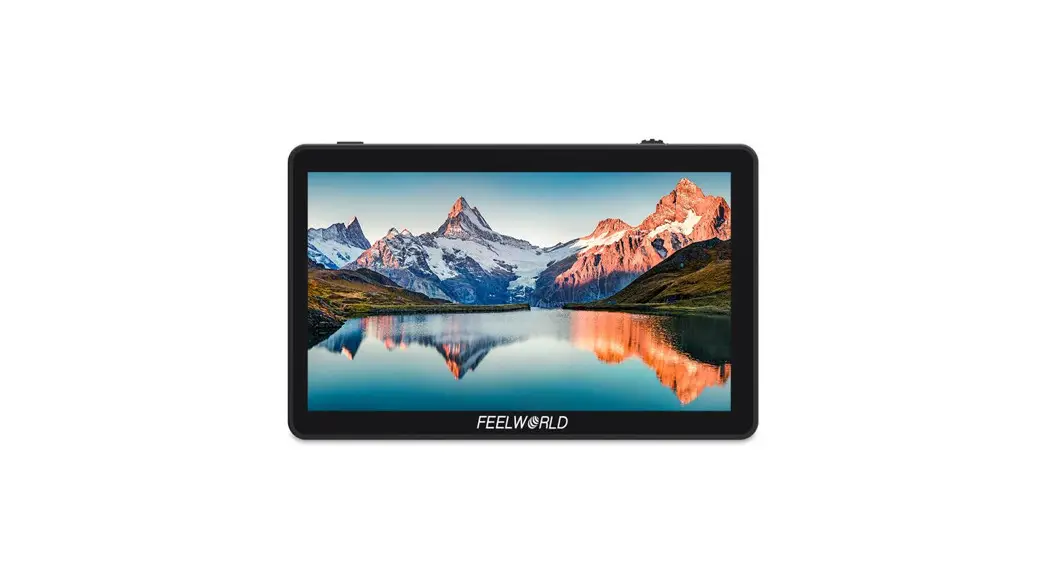
FW568S 6 Inch Full HD Field Monitor
Foreword
Thank you for purchasing our 6-inch Full HD monitor. Please read this manual carefully before using the unit. Have a great experience!
CAUTION
- Please avoid the heavy impact and drop onto the ground when move the product.
- Please do not cover the vents and holes on the enclosure and do not place the machine on a bed, sofa, and rug to ensure good ventilation. Otherwise it will lead to overheating and reduce the service life.
- The screen of this product is made of glass. Please do not drop the screen towards the ground. Keep away from injury if the screen is broken.
- Keep the product away from the heat source, such as the radiator, the water heater, the stoves and the other heating products.
- Avoid the prolonged exposures to the sun as the LCD screen will be damaged.
- To avoid damaging the product, please do not take apart or repair the unit by yourself without the adjustable components in the unit.
- To maintain the LCD screen better, please notice the ways as below to avoid the scratch, the discoloration and the other damages.
1. Please refrain from using the hard objects to hit the screen.
2. Please do not force to wipe the screen.
3. Please do not use the chemical solutions to clean the screen.
4. Please do not spray any detergent on the screen.
5. Please do not write on the screen directly.
6. Please do not stick on the screen.
7. Please simply wipe with a clean soft cloth and make sure no water on the screen.
● To protect the plastic cover better, please follow these ways as below to avoid the damages;
1. Please do not use the chemical solutions to clean the cover.
2. Please keep away from the volatile things.
3. Please do not clean the case hard.
4. Please simply wipe with a clean soft cloth and make sure no water on the cover.
Key Features
- 6-inch 1920x1080full HD IPS screen
- New UI interface, easier to setup
- Scroll Wheel button operation, a button can complete all the operations
- Supports 3D LUT Log to REC.709 and user 3D LUT upload (up to 32)
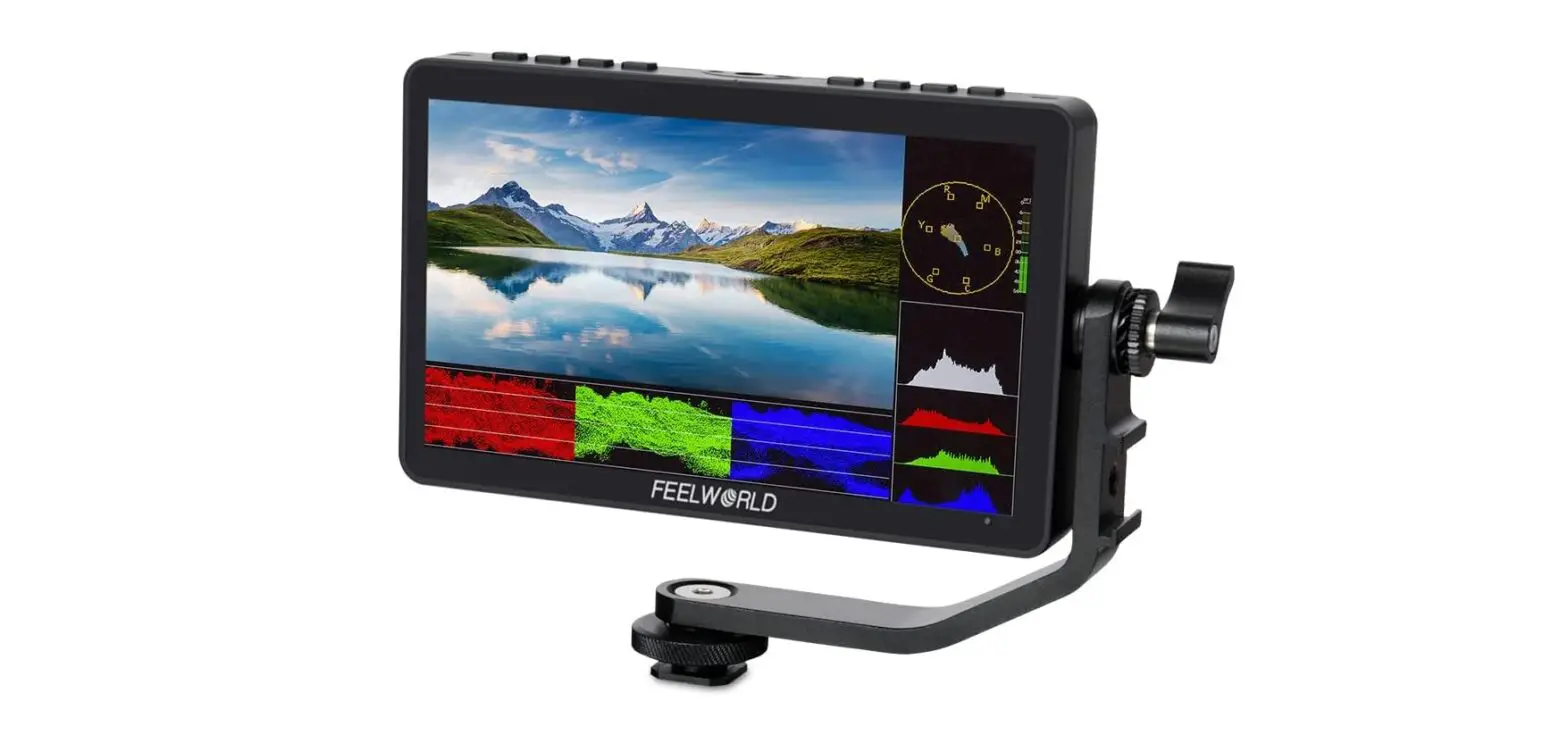
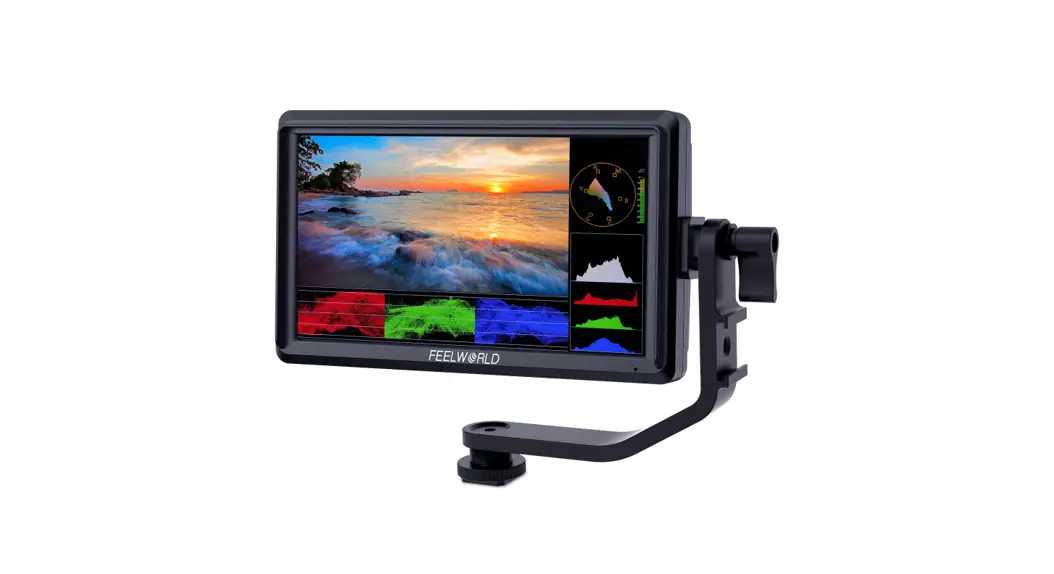
- With Waveform, Vectorscope, RGB Histogram, Focus Assist, Monochrome etc. functions, help you accurately exposure and focus every shot.
- Multiple power supply modes: DC IN 12V, Type-C 5V and NP-F battery slot, meet the different selection.
- Stereo Earphone output
- DC 8V power out to power your DSLR camera or mirrorless camera
Product Description
- Front Panel

- Back Panel

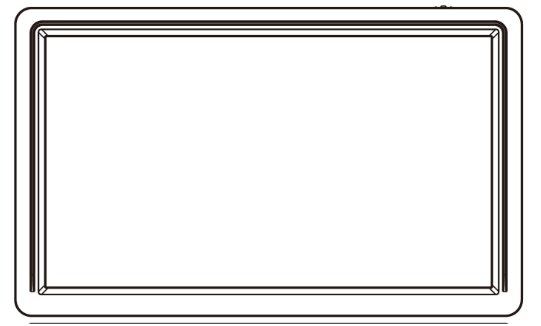
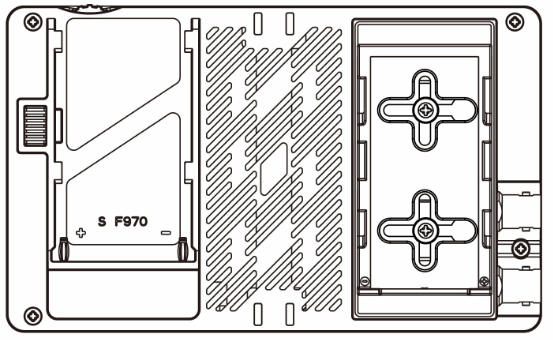
1.1 Button Instruction
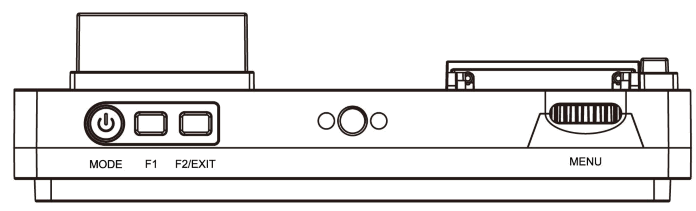
| Button | Function when OSD is not displayed | Function when OSD is displayed |
 MODE MODE | Long press turn ON/OFF power Short press signal mode switching | Long press turn off power |
| F1 | Custom button F1 | / |
| F2/EXIT | Custom button F1 | Return to previous OSD menu Exit the menu |
| MENU | Short Press to bring up main menu; Volume/Backlight adjustment | Scroll to select next menu item or function/parameters value adjustment; Short press to confirm the selected menu item or function; Long press return to previous OSD menu or exit the menu |
1.2 Port Instruction (bottom)
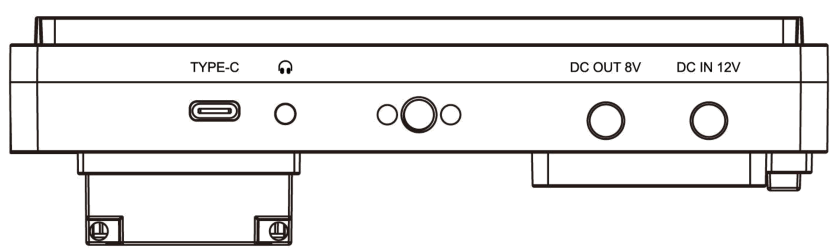
Type-C: Type-C power input. It is recommended to be used for local power supply only. It is not recommended to connect other devices to provide loop-out power. It also use to firmware update and LUT files import. : 3.5mm Earphone port output
 DC OUT 8V: DC power output interface, polarity as the output power Barrel output for powering your camera with a separately available DC coupler via
adaptor (like NP-FW50 Sony & LP-E6 Canon&DMW-BLF19 Panasonic).DC IN 12V: DC power input interface, polarity as the input power
1.3 Port Instruction (left)
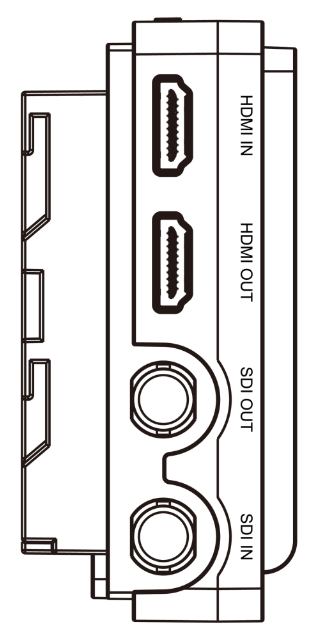
HDMI IN: V1.4, HDMI signal input, up to 4K@30Hz.
HDMI OUT: V1.4, HDMI signal output, up to 4K@30Hz.
SDI OUT: SDI signal output
SDI IN: SDI signal input
1.4 Power Supply Way
- The rear cover of the monitor is equipped with a F970 battery plate, which is applicable to F970 series of batteries.
● Sony F970 battery plate for battery of Sony DV: Sony F970 F960 F950 F930 F770 F750 F730 F570 F550 F530 series. It is recommended to use standard original F970 battery. When using battery power supply: two power output interfaces (DC OUT 8V interface and external install and power kit) can be connected to other device. When powering other device, it is recommended to choose a battery with a larger capacity, so the longer the use time.
Remark: Please take off the battery from the monitor if you don’t use the monitor in a long time. - The left side of the monitor has a DC 12V input power port (5.5mm outer, 2.1mm inner) and supports 7 ~ 24V wide voltage. The DC power adapter needs to be purchased separately. When using external adapter input: two power output interfaces (DC OUT 8V interface and external install and power kit) can be connected to other devices. When powering other equipment, it is recommended to equip at least 3A power adapter.
- The bottom of the monitor has a Type-C 5V input power port. This port can be connected to the power bank for power supply and is not used for data transmission; it is recommended to be used only for local power supply, and it is not recommended to connect other devices to provide loop-out power.
1.5 Sony F970 Install and Power Kit
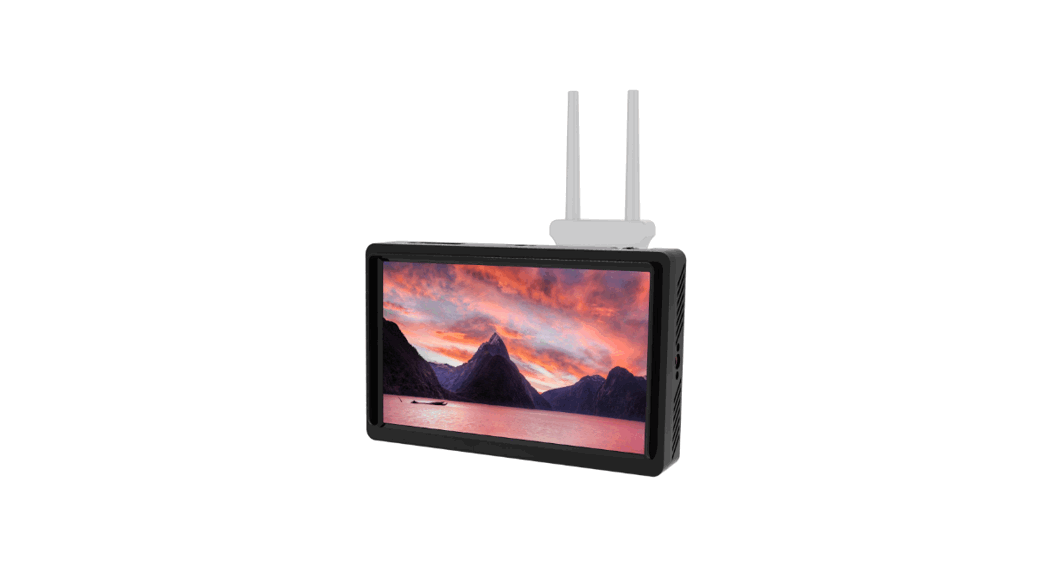
A Sony F970 external install and power kit design is added to the back of the monitor. The external kit can be used to install and install the external equipment, like wireless transmitter, LED light, video converter and others which can be powered by Sony F970 battery.
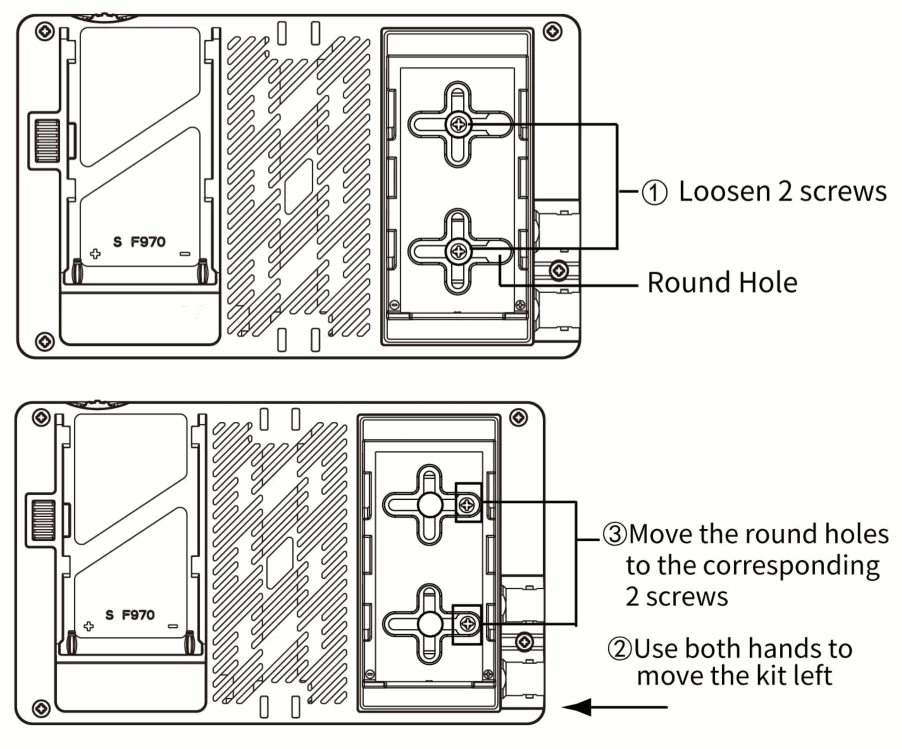
The kit has two cross grooves, you can adjust the position of the external device by loosening 2 screws up and down / left or right, or install the kit upside down. When you don’t need the kit, you can loosen the screws and remove the kit.
Note: Before disassembling the kit, make sure that the monitor is turned off, and then remove the battery or power adapter.
- Just move the kit: Loosen 2 screws, and then adjust up / down / left / right.
- Steps to remove the kit:
- Loosen the 2 screws.
- Use both hands to move the kit left.
- Move the round holes to the corresponding 2 screws.
(You can also install the kit upside down.)
- Then gently lift the kit upwards and carefully disassemble the 2P power cord.
- Then remove the 2 screws.
- Install back to the kit: first screw the 2 screws back to the screw hole used to install the kit on the back of the monitor, install the 2P power cable to the cutout, then
align the round hole of the kit with the screw, and then push the kit to the screw at the center of the kit cross, then tighten the screws.
1.6 Mount Points
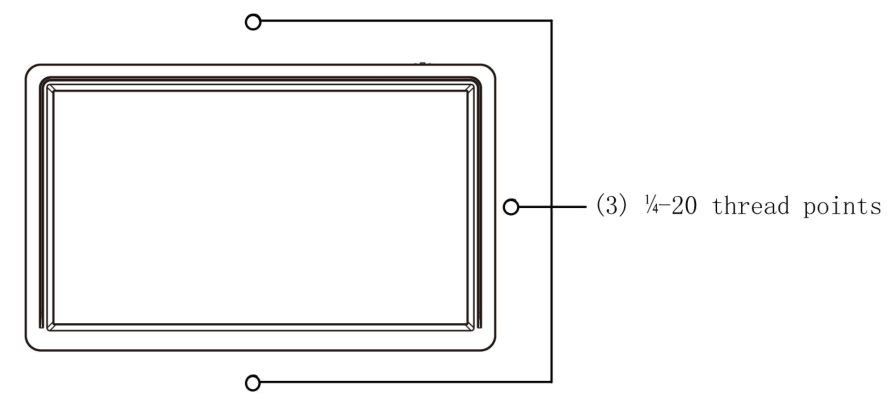
- ¼-20 Thread Points
There are (3) ¼-20 thread points (top, bottom, right side) can be easily connected to the hot shoe mount, tripod fixed installation.
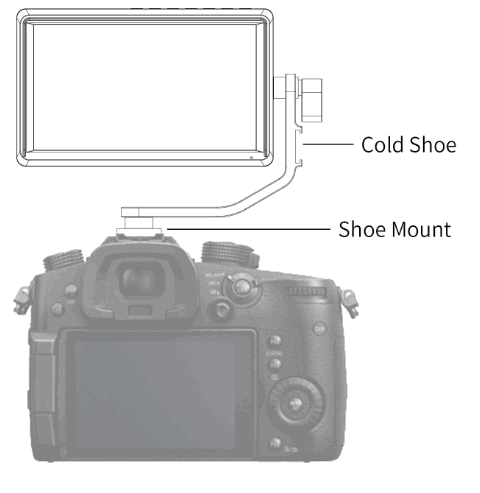
- Tilt Arm Mounting
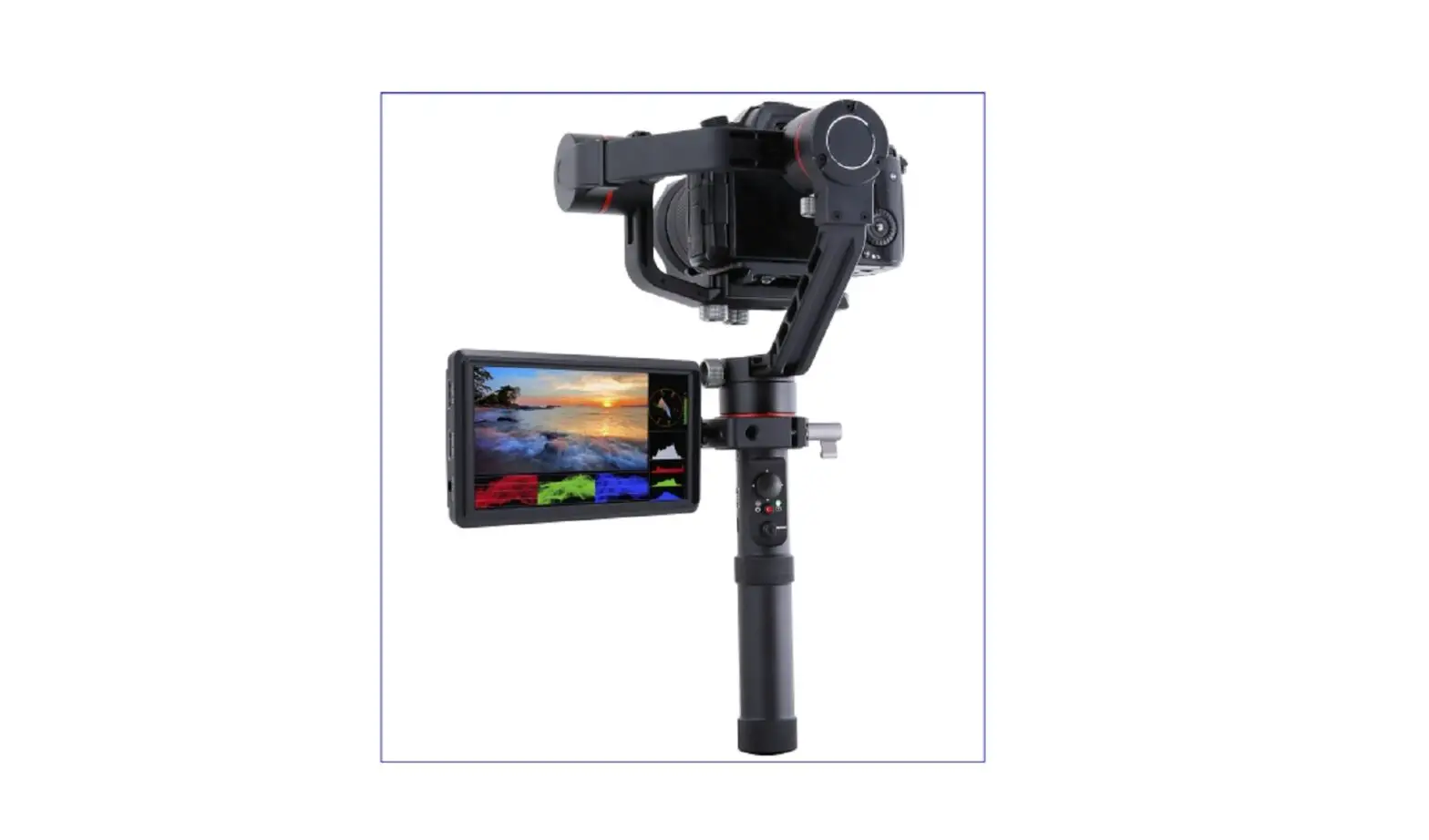
The monitor secures to your camera using the included Tilt Arm via shoe mount or 1/4″-20 thread. The Tilt Arm enables 180° of tilt for convenient monitoring at nearly any angle. A cold shoe on the Tilt Arm lets you secure equipment (like a microphone, LED light, or wireless receiver) that would otherwise be displaced from the
camera’s accessory shoe.
1.7 Sunshade
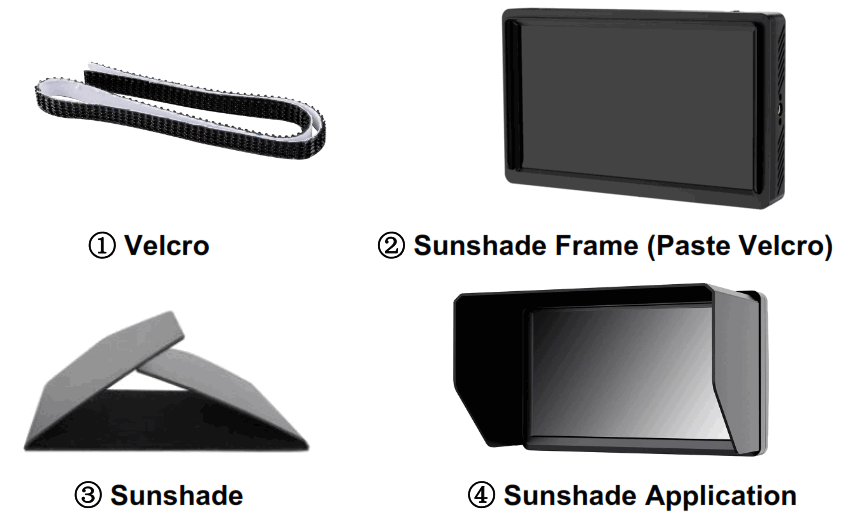
Attach the Velcro (hook side) ① to the outside of the sunshade frame of the monitor, open the sunshade ③, and align the Velcro (loop side) on the inside of the sunshade with the Velcro (hook side) ② on the monitor sunshade frame, and then complete the sunshade installation ④.
After correctly connect to the power supply, the indicator will turn (Red),
pressto turn on monitor power, the indicator will be Yellow, and then input signals, the indicator will turn Green from Yellow.
2.1 When the menu is not displayed, scroll the wheel to adjust the volume or backlight. You can select “Left and Right Key Set” in the menu “User Options” to set volume or backlight.
2.2 Press “MENU” scroll wheel button to enter OSD main menu, and scroll the wheel to go through the secondary menu function.
2.3 Press the “MENU” wheel key to enter the secondary menu, scroll the wheel to select the function and then press “MENU” to confirm.
2.4 Scroll the wheel to adjust the parameters value.
2.5 Long press MENU wheel button or press F1/EXIT to exit the menu.
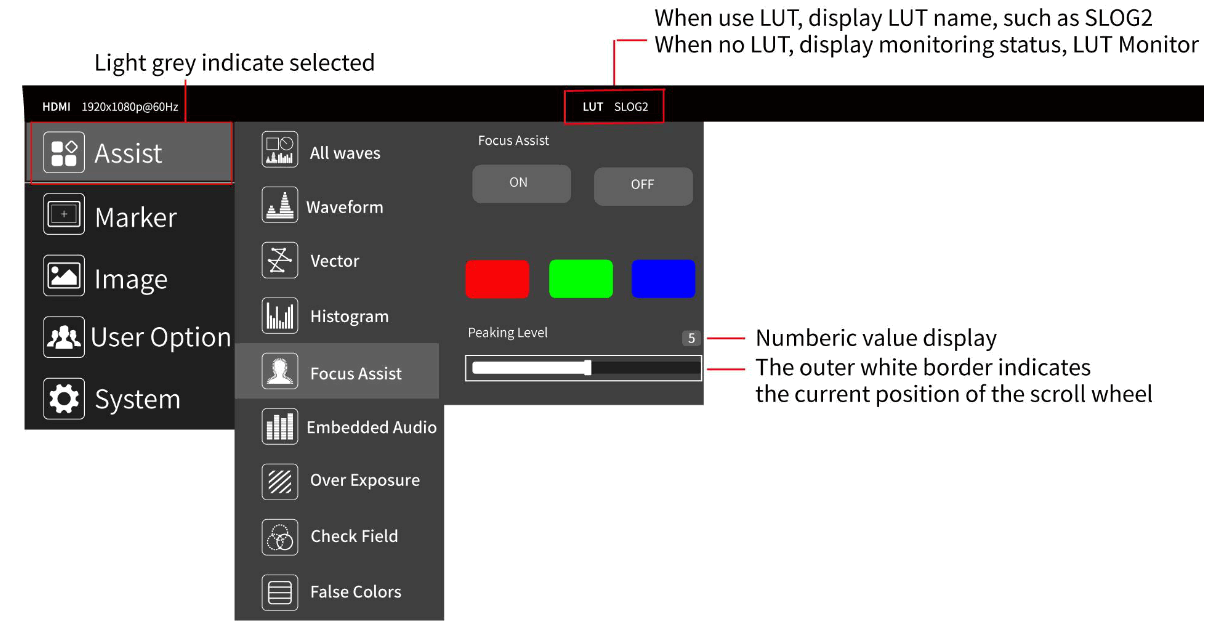
 Assist
 All Waves All Waves | On, Off After turning on, waveform, vector, histogram and embedded audio will be shown. |
| On, Off Mode:RGB、YUV、Y This essential feature assists with the calibration of professional video cameras. It shows the overall brightness of the image assisting the video professional in correcting exposure. The waveform feature also checks the evenness of the lighting when lighting a chromakey or background. Waves Trans.:Off, 25%, 50%, 75% |
| On, Off shows how saturated the image is and where the pixels in the image land on the color spectrum. |
| On, Off Mode:RGB1、RGB2、Y |
| On, Off Color:(Red, Green, Blue) Peaking Level:you can adjust the peaking level after turning on(1~10) |
| On, Off The Audio Level Meters provide numerical indicators and headroom levels. The audio meter is green, and will turn yellow when exceeds -20dB, and turn red when exceeds -9dB. |
| On, Off Exposure Level:you can adjust the exposure level after turning on(10~100) |
| On, Off Mode:Red, Green, Blue, Mono |
| On, Off |
 Waveform
 Vector
 Histogram
 Focus Assist
 Embedded Audio
 Over Exposure
 Check Field
 False Colors
 Marker
| On, Off Color: Red, Green, Blue, Black, White, Gray |
| On, Off Mode: 80%, 85%, 90%, 93%, 96%, 2.35:1 Color: Red, Green, Blue, Black, White, Gray |
| On, Off Color:Red, Green, Blue, Black, White, Gray |
| On, Off Mode: 4:3、13:9、14:9、15:9、16:9、1.85:1、2.35:1 Color: Red, Green, Blue, Black, White, Gray Modified Mark:0~5 |
 Nine Grid
 Safe Frames
 Center Marker
 Ratio Marker
 Image
Image
| Under Scan, Over Scan |
| Auto, 16:9, 16:10, 4:3, 5:4, 1.85:1, 2.35:1, Full Screen |
 Anamorphic Anamorphic | On, Off Mode:1.33X, 1.6X, 2.0X, 2.0X MAG, User Under the User, can be customized(1.20X~2.00X) |
 Scan Mode
 Aspect Ratio
| On, Off Mode: H Flip, V Flip, H_V Flip |
| On, Off Mode:2X、4X、9X、16X、User Under the User, can be customized(100%~200%) |
| On, Off |
| On, Off |
 Image Flip
 Zoom Mode
 Image Freeze
 P2P
P2P User Option
 LUT LUT | On, Off After the LUT Switch is turned on, you can use the Lut (SLOG2, SLOG3, LOGC, VLOG). Lut Import:Confirm After copying the 3D LUT file to the USB flash drive and inserting it into the TYPE-C to USB Connector, press “MENU” wheel button Confirm to import the 3D LUT file. Lut Table Show the 4 built-in Lut and the custom load Lut (up to 32) |
| Backlight:0~100 Brightness:0~100 Contrast:0~100 Saturation:0~100 Tint:0~100 |
| Color Temp.:5600K, 6500K, 9300K, User Under the User, the red, green and blue of the image can be adjusted (0~255) |
| All Waves, Waveform, Vector, Histogram, Embedded Audio, Center Marker, Safe Frames, Nine Grid, Focus Assist, False Colors, Over Exposure, Anamorphic, Image Freeze, Check Field, Zoom, Image Flip, Aspect Ratio To set the 2 shortcut custom button F1, F2 on the panel e.g.: Using“MENU” scroll wheel keyto setting. Press it enter menu , then scroll to select User Option and press it to confirm. Then scroll to select Shortcut Key and press it to confirm, select F1 and confirm to pop-up function items,then scroll to select one of them and press to confirm, the cursor will be changed to gray color after confirmed.Same setting for F2 |
| Volume, Backlight |
 Display Adjustment
 Color Adjustment
 Shortcut Key
 Left Right Key Set
 System
| English |
| OSD Time:Off, 15Sec, 30Sec, 45Sec OSD Trans: Off, 25%, 50%, 75% No Signal: Red, Green, Blue, Black, White, Gray |
| On, Off 0~100 |
| Scroll the wheel to select Reset and press Confirm, the system back to original setting. |
| After copying the 3D LUT file to the USB flash drive and inserting it into the TYPE-C to USB Connector, press “MENU” wheel button Confirm to update. After the upgrade, monitor will automatically restart. |
 Language
 OSD Option
 Volume
 Reset
Reset Firmware Update
Technical Parameters
| Panel Size | 6″ IPS |
| Resolution | 1920×1080 pixels |
| Dot Pitch | 0.069 (H) × 0.069 (V) mm |
| Aspect Ratio | 16:9 |
| Brightness | 450cd/m2 |
| Contrast | 1000:1 |
| Viewing | 80°/80°(L/R) 80°/80°(U/D) |
| Backlight | LED |
| Input | SDI, HDMI, DC IN 5V (Type-C) Note: please use 5V/2A or more than 2A Type-C power |
| Output | SDI, HDMI, DC OUT 8V, Barrel (5.5mm outer, 2.1mm inner) |
| Audio | 3.5mm Stereo Headphone |
| HDMI Support Format | 480i /480p /576i /576p 720p(60/59.94/50/30/29/25/24/23.98) 1080i(60/59.94/50)1080p(60/59.94/50/30/29.97/25/24/24sF/23.98/23.98sF) 4K UHD 3840×2160p (30/29.97/25/24/23.98 Hz) DCI 4K 4096×2160p (24Hz) |
| SDI Support Format | 720p (60/59.94/50/30/29/25/24/23.98) 1080i (60/59.94/50) 1080p(60/59.94/50/30/29.97/25/24/24sF/23.98/23.98sF) |
| Input Voltage | DC: 7~24V |
| Power | ≦9W |
| Battery Plate | F970 Battery Plate |
| Install Way | 1/4-20 mount points (top, bottom, right) |
| Working | -20℃~50℃ |
| Storage | -30℃~60℃ |
| Unit Size | 151Lx92Hx31.4D (mm) |
| Unit Weight | 203g |
Trouble Shooting
6.1 Only black and white or monochrome picture:
- please check saturation, brightness & contrast adjustment.
- Please check “Check Field” is in black, white or monochrome image or other condition.
6.2 NO Image after put on the power
- Check if signal cable connecting is in good condition.
- Check signal cable connecting, and make sure to use the standard adapter to connect the monitor. If power is supplied by battery, please check if the battery is fully charged.
6.3 Earphone No sound
Check if Volume control do not open, press the volume button, and try to increase the volume.
- If there are still other problems, please contact with our related technologists.
★ As we are improving product features and product performance, so if there is any change on the specification without prior notice.