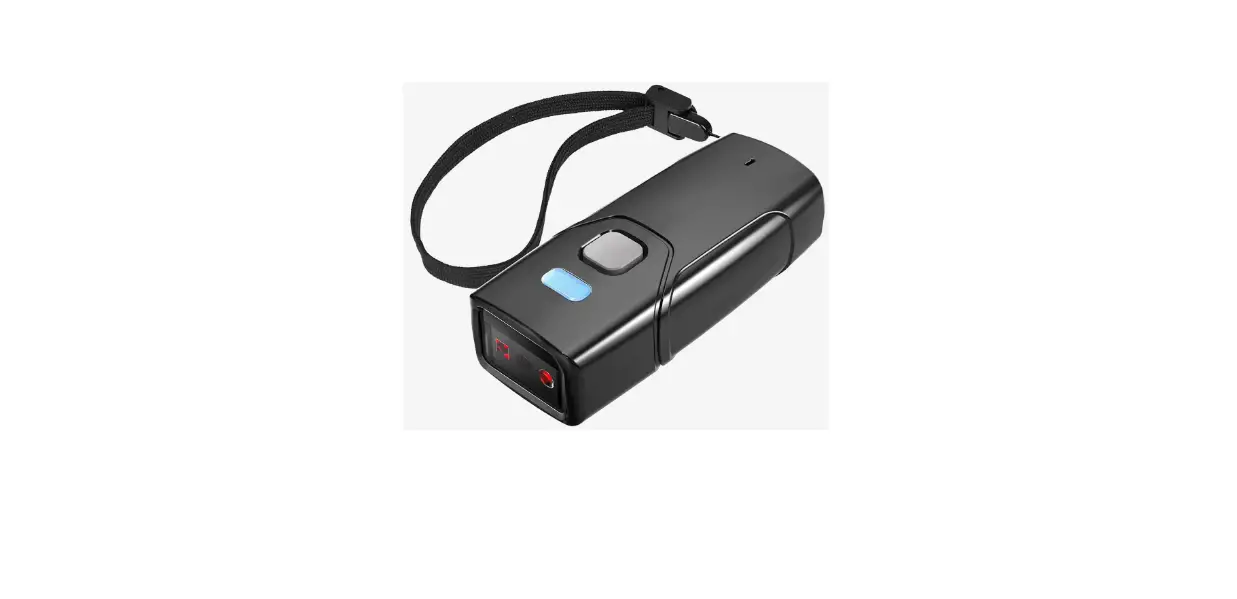
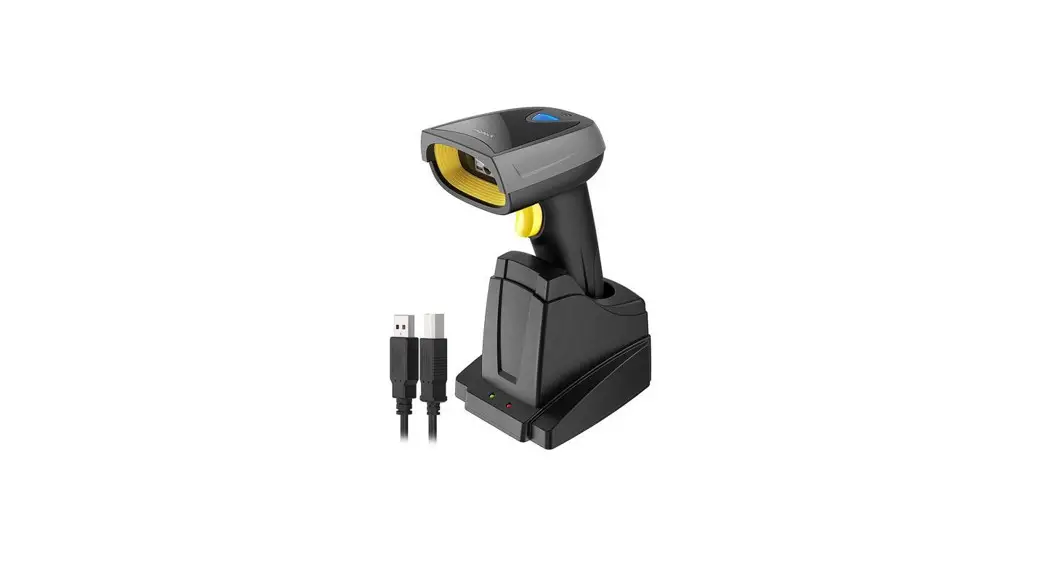
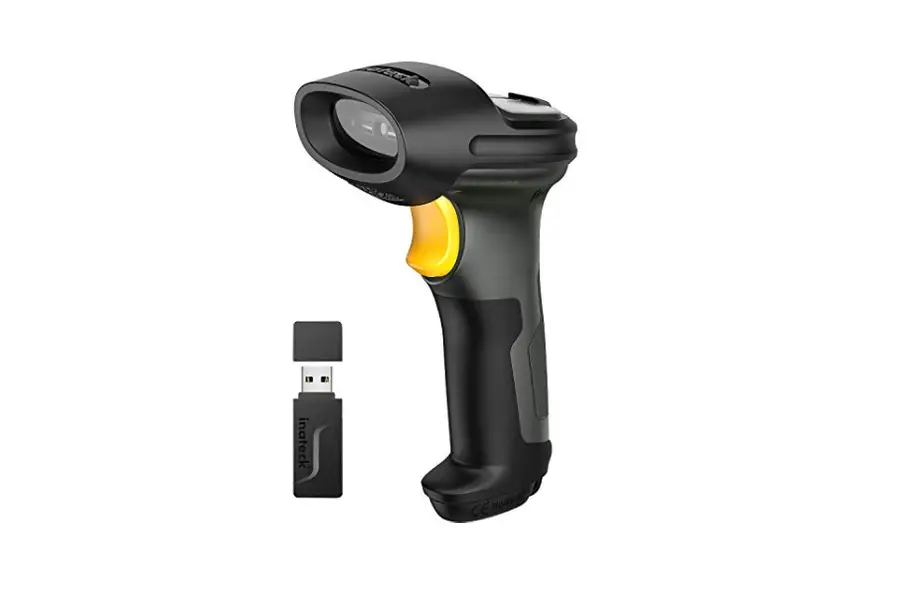
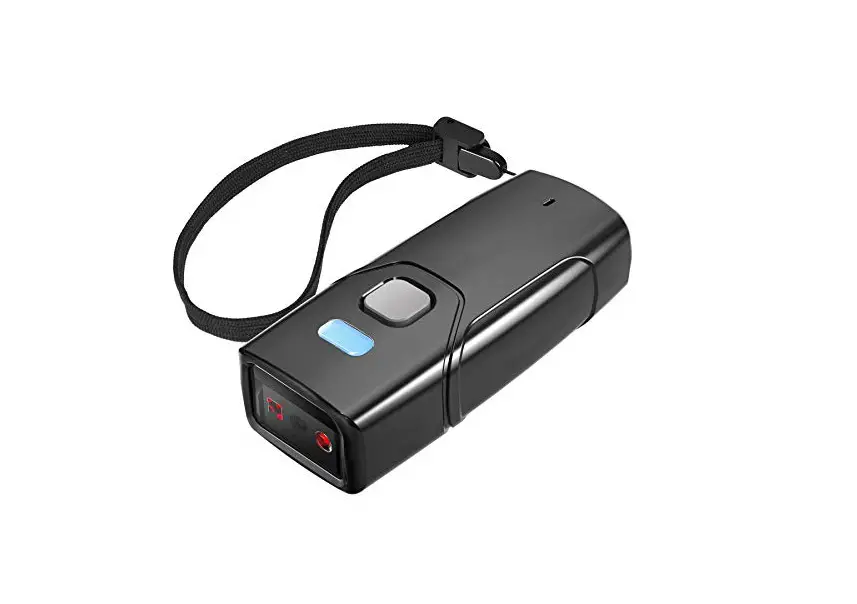
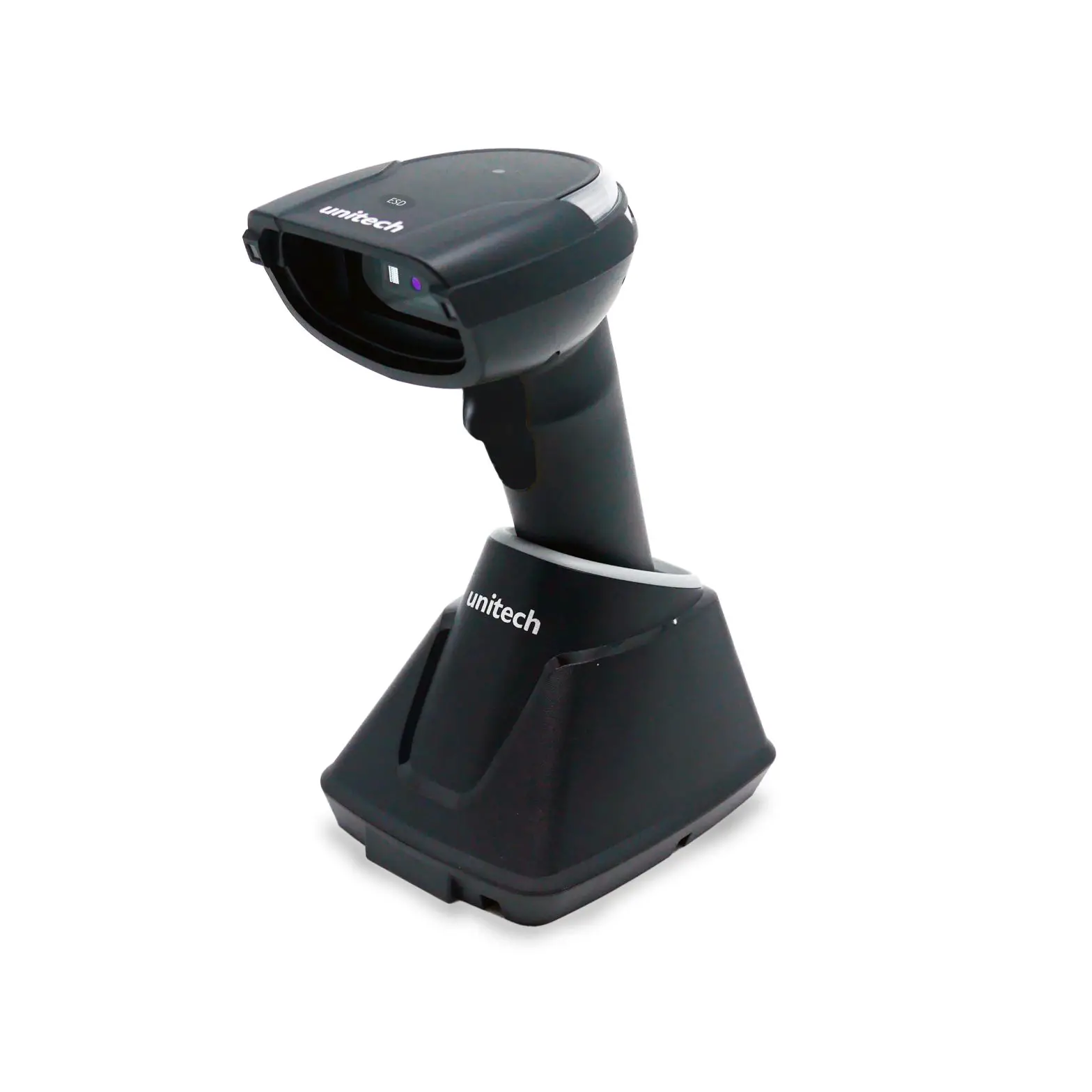
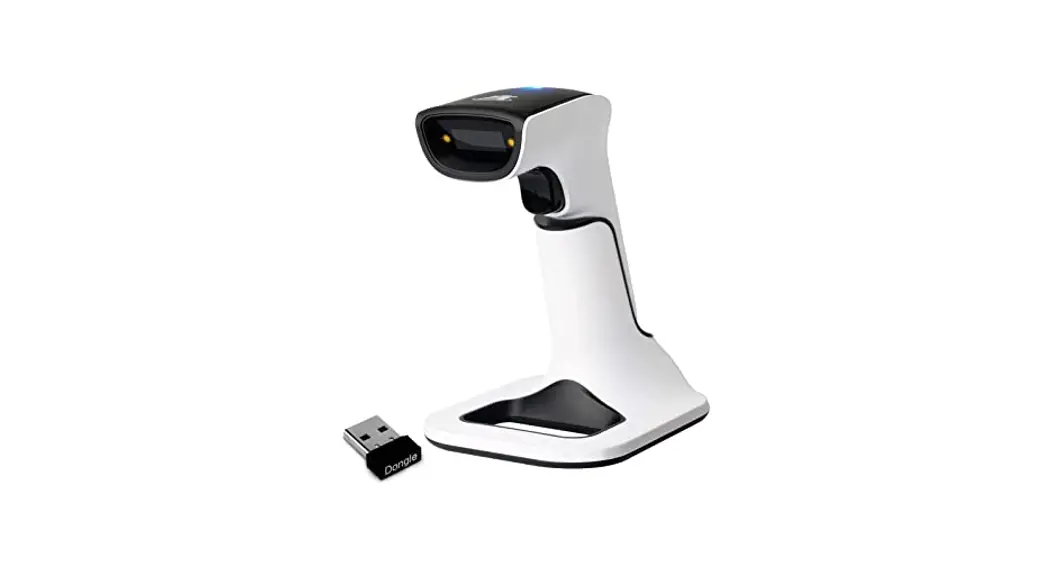
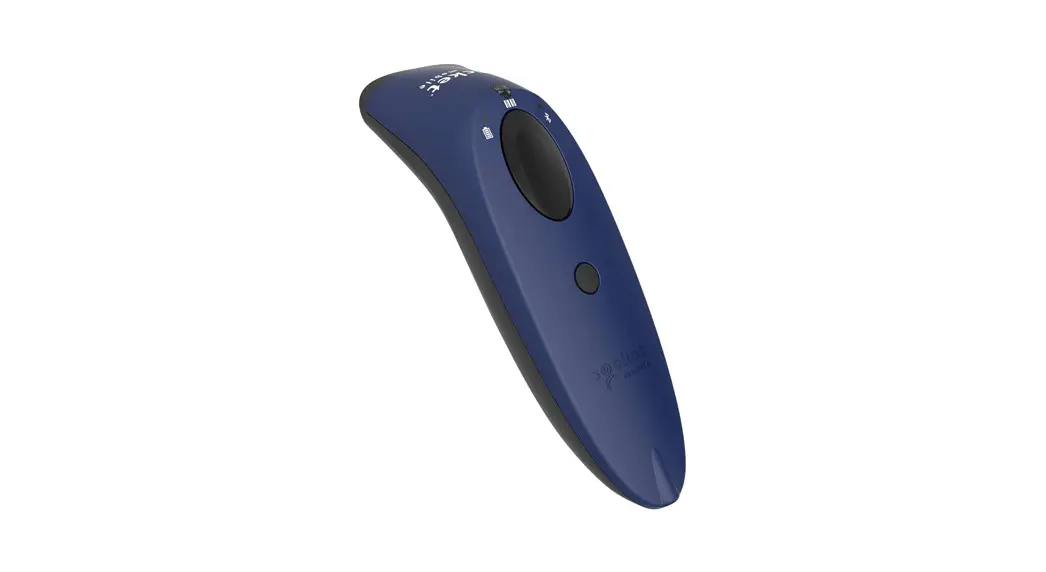
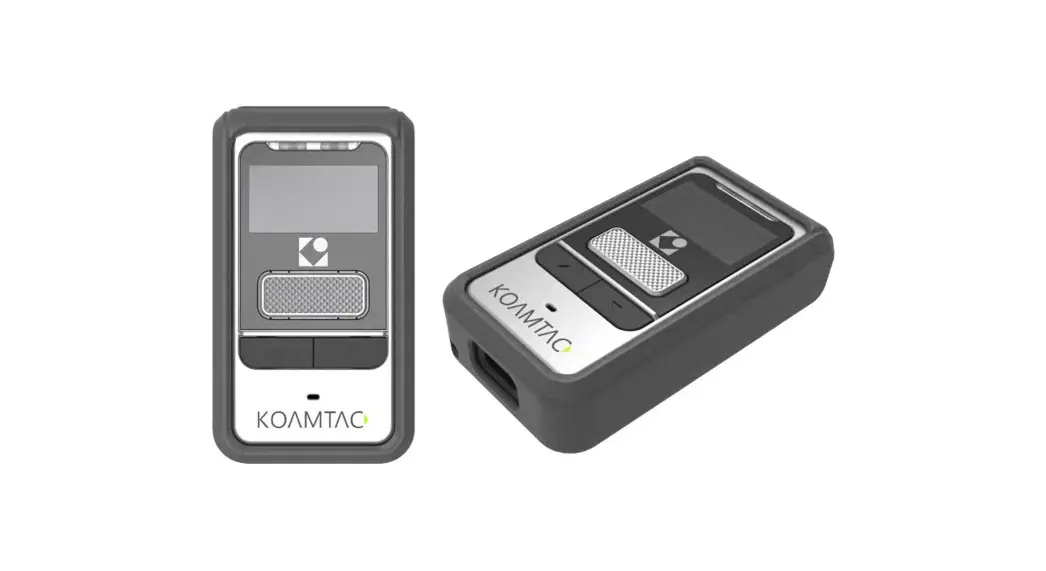
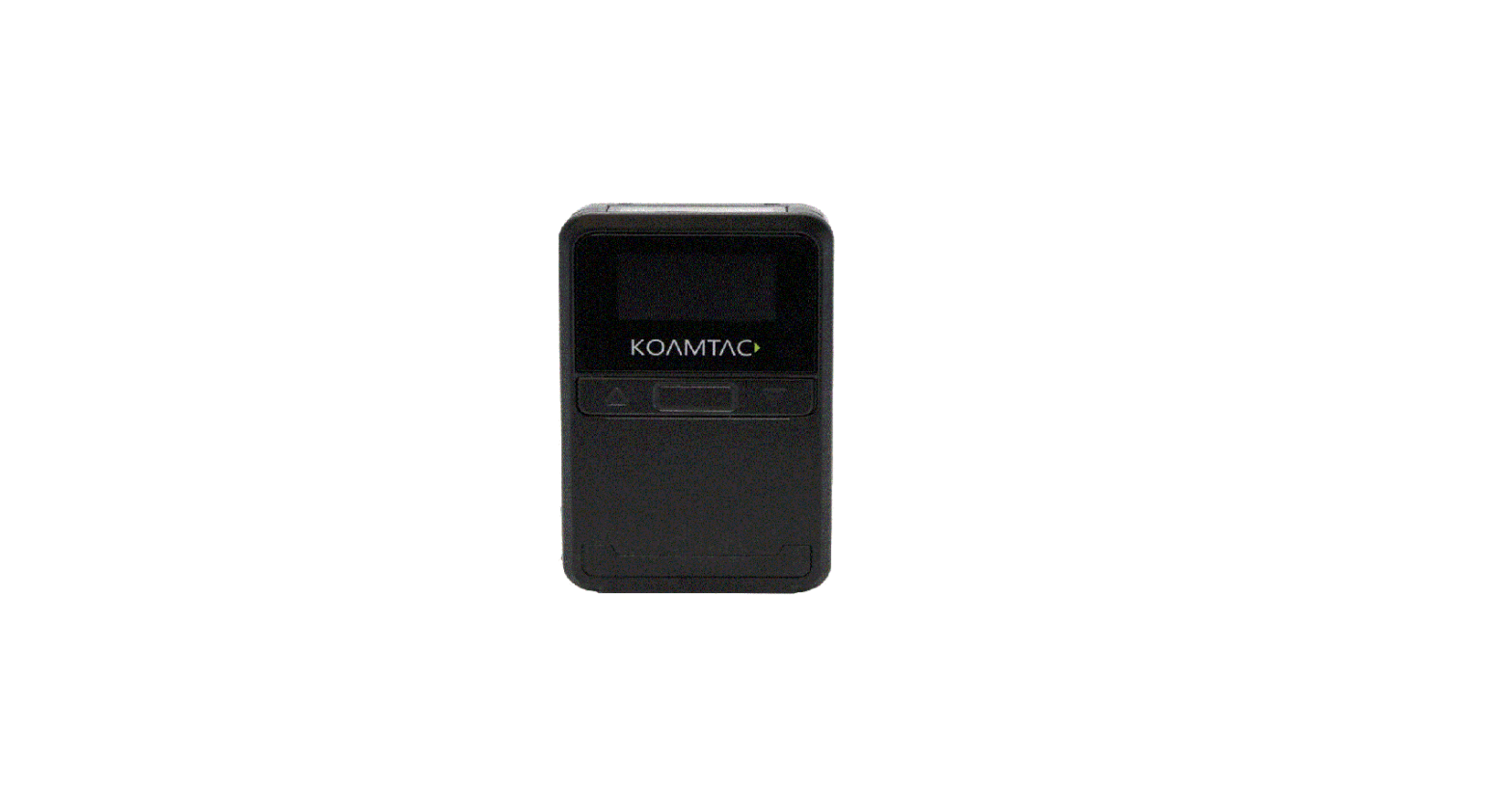
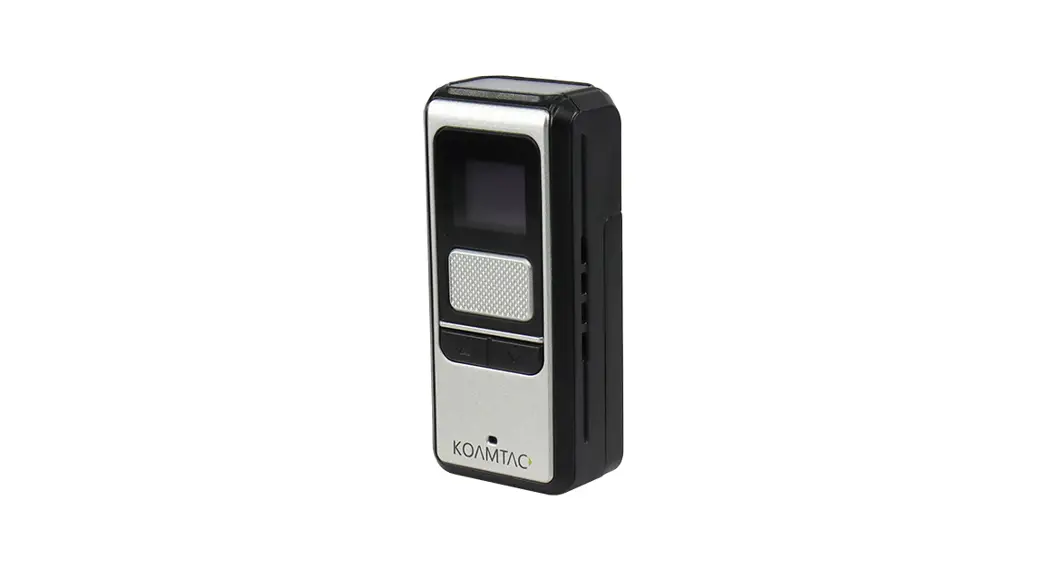
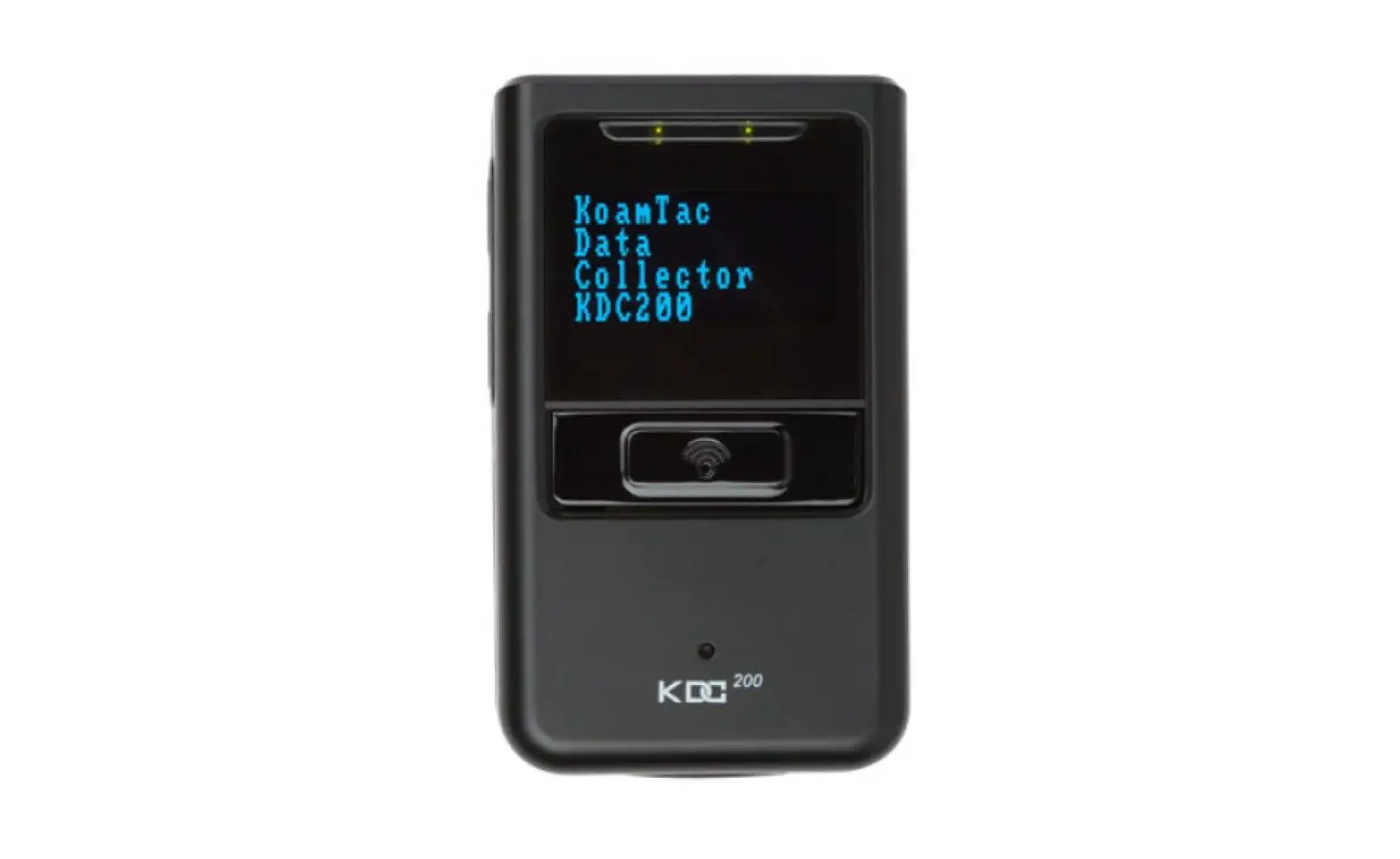
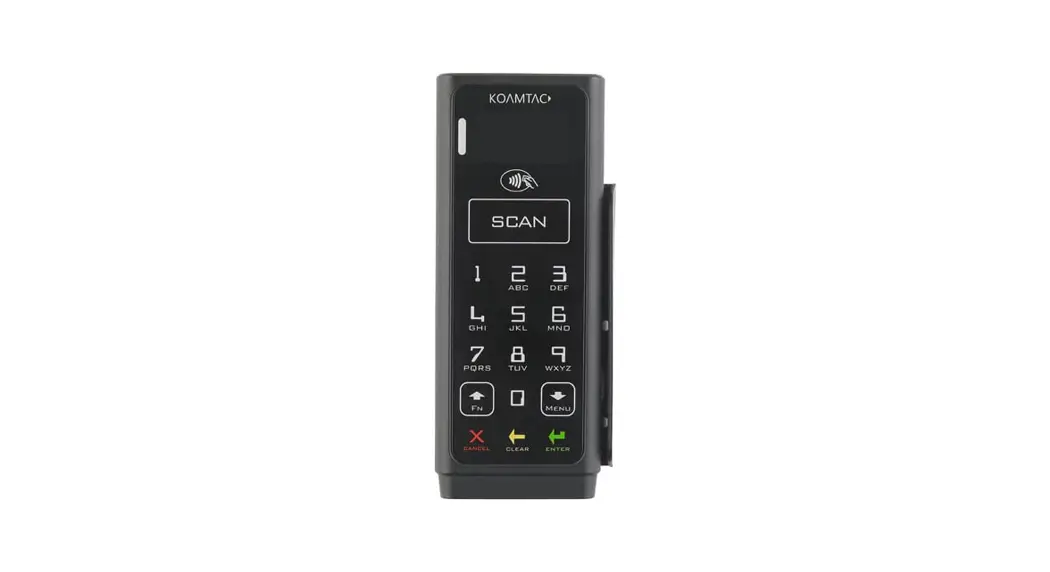
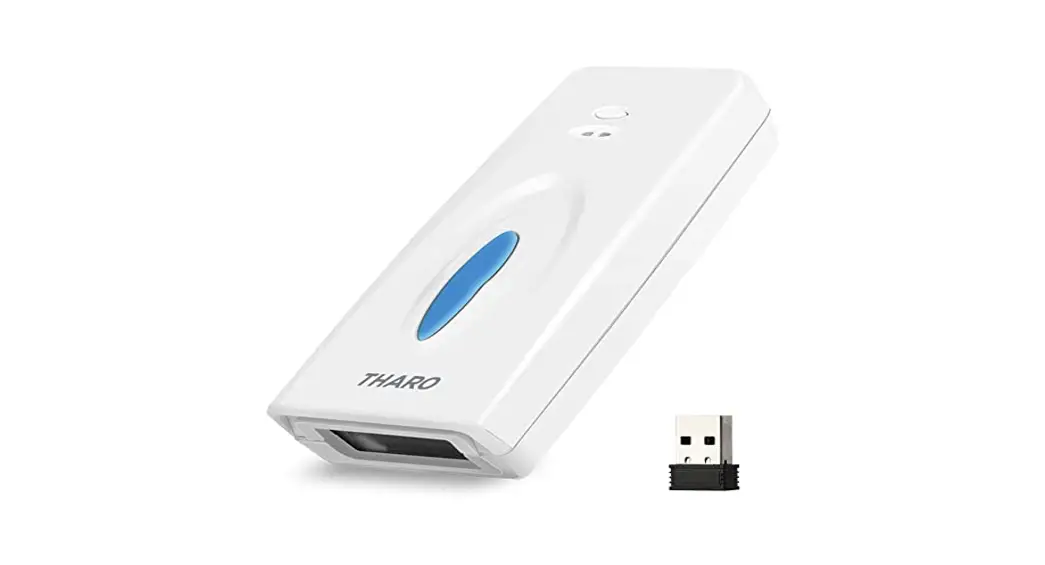
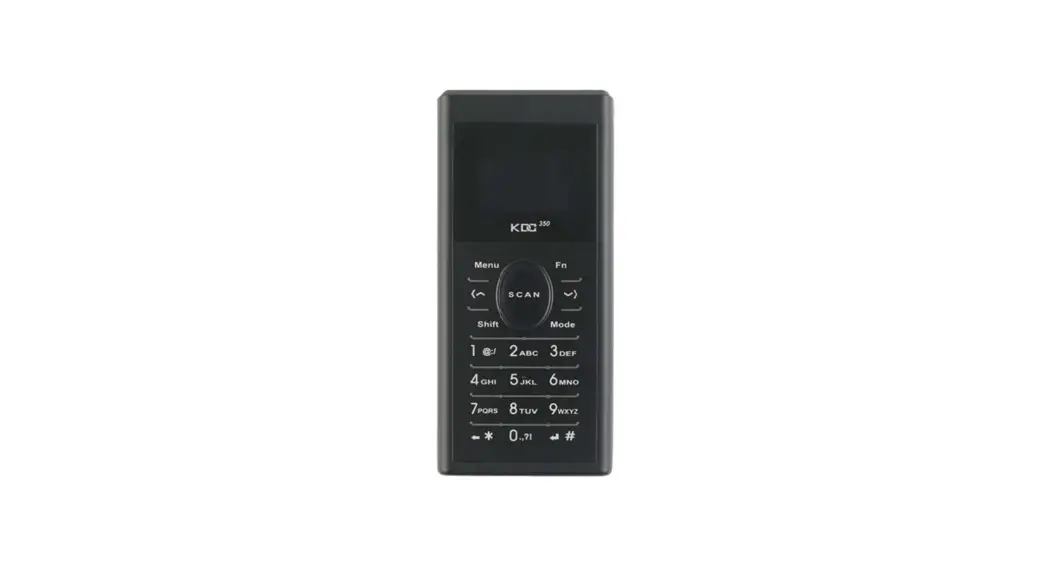
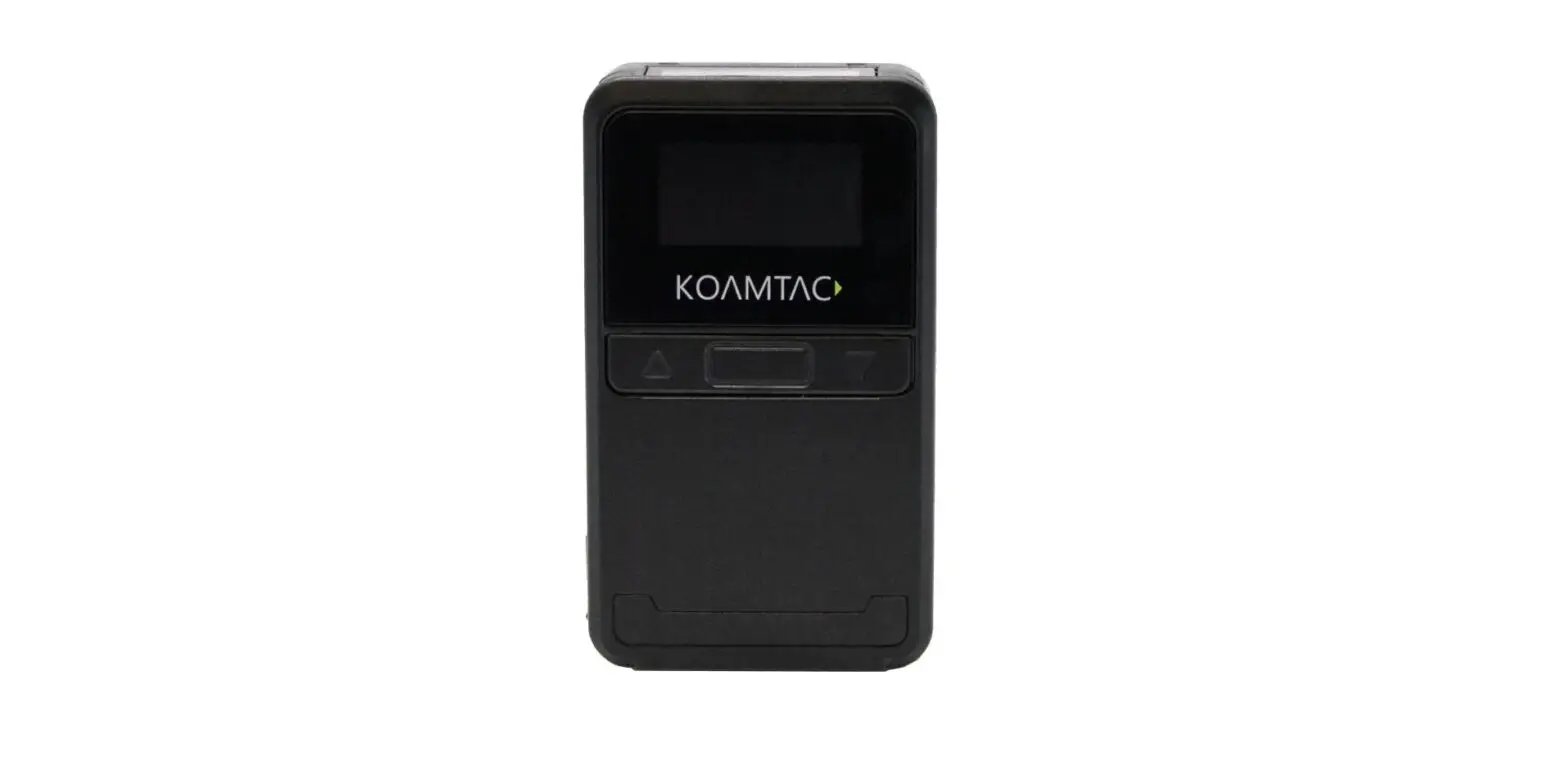
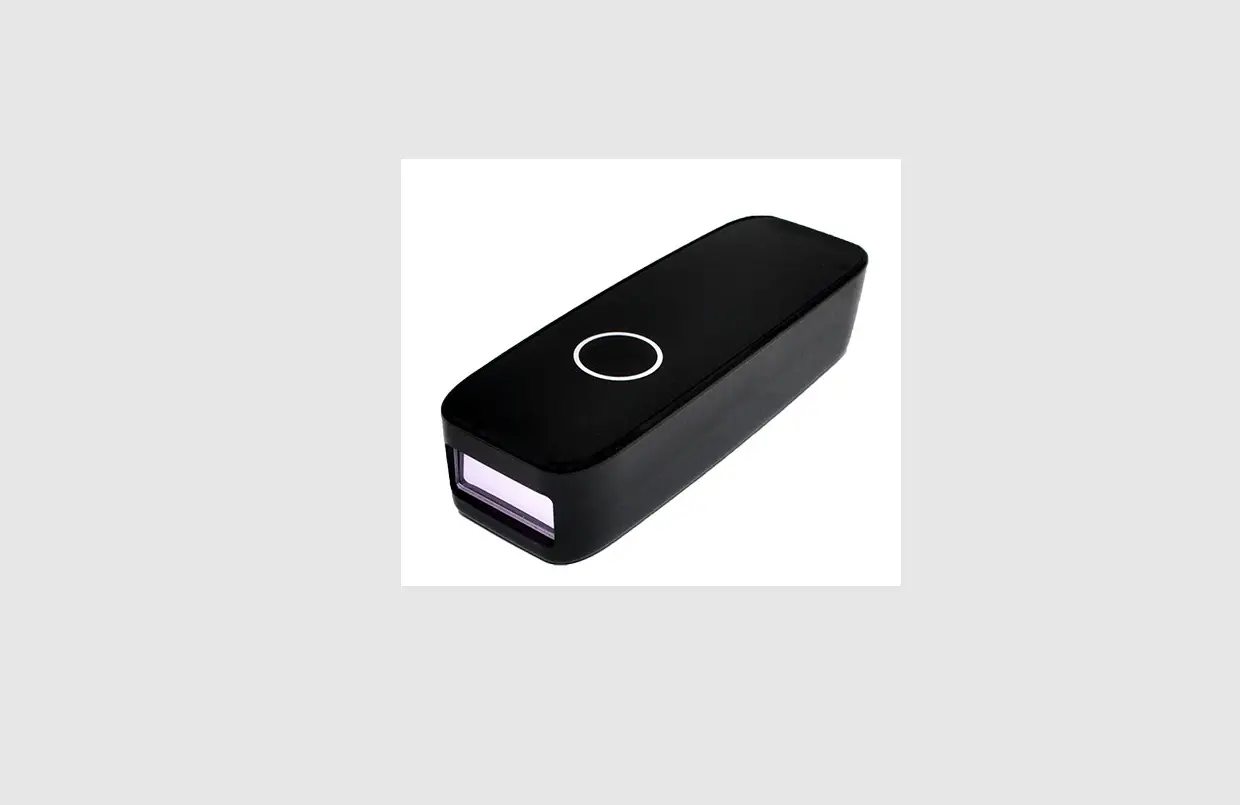
BC-BS80 Bluetooth 1D Barcode Reader
Product Information
Product Name: BC-BS80 Bluetooth 1D Barcode
Reader
Version: V2.0.0
Product Usage Instructions
- Make sure the BC-BS80 Bluetooth 1D Barcode Reader is fully
charged and turned on. - To scan a barcode, press the [SCAN] button on the device. Aim
the barcode reader at the barcode and ensure it is within
range. - The scanned barcode data will be transmitted wirelessly to the
connected device via Bluetooth. - To delete a scanned barcode, press the [Delete] button on the
device. - Ensure that the BC-BS80 Bluetooth 1D Barcode Reader is properly
paired with the target device before scanning. - For detailed instructions on pairing and connecting the BC-BS80
with a specific device, refer to the respective device’s user
manual or documentation.
Please note that for additional information and troubleshooting,
you can refer to the complete user manual provided with the
product.
Quick Start Guide
BC-BS80
BC-BS801DII
Bluetooth 1D Barcode Reader
V2.0.0
#$#4%
#$#4%% #MVFUPPUI)*%411#-&J04″OESPJE 8JOEPXT
#FFQ4$”/ #MVFUPPUI)*%#MVFUPPUI
0”
Y Y Y Y 64#5ZQF$64#5ZQF”Y
-&%
64#
6 4 #5 Z Q F $ 6 4 #5 Z Q F ”
4$”/ 0 ‘ ‘
0”
J1IPOF
4$”/ -&%
J 1 I P O F
#MVFUPPUI
#MVFUPPUI
9999
#49999
9999
“OESPJE “OESPJE#MVFUPPUI #MVFUPPUI”OESPJE 8FC
“OESPJE #MVFUPPUI #MVFUPPUI
# 4 9 9 9 9
9999
XXXX
#MVFUPPUI )*%411#-& #MVFUPPUI
NN DN
4mm 4mm
-&%
4$”/
-&%
-&%
%FMFUF
-&%
6 4 #5 Z Q F $
[ SCAN ] [ Delete ] <><>
J04
<4$”/><%FMFUF> -&%
<4$”/><> #MVFUPPUI 64#
<%FMFUF><> #MVFUPPUI
23
<8&#> #$#4% IUUQTXXXCVTJDPNDPKQINBOVBMIUNMCDCTEW
-&%
-&%
-&%
-&%
-&%
-&% #FFQ 4$”/%FMFUF
-&%
-&%
-&%
-&%
#MVFUPPUI
#MVFUPPUI
#MVFUPPUI
64#
64#64#
8JOEPXT#MVFUPPUI)*%
#MVFUPPUI)*%,#8
#MVFUPPUI411
#MVFUPPUI#-&
<> <>
<>
#MVFUPPUI
<>
23
<8&#> #$#4% IUUQTXXXCVTJDPNDPKQINBOVBMIUNMCDCTEW
64#
<>
#$#4%7
<>
<8&#> #64*$0.
IUUQTXXXCVTJDPNDPKQ
 POSレジのビジコム