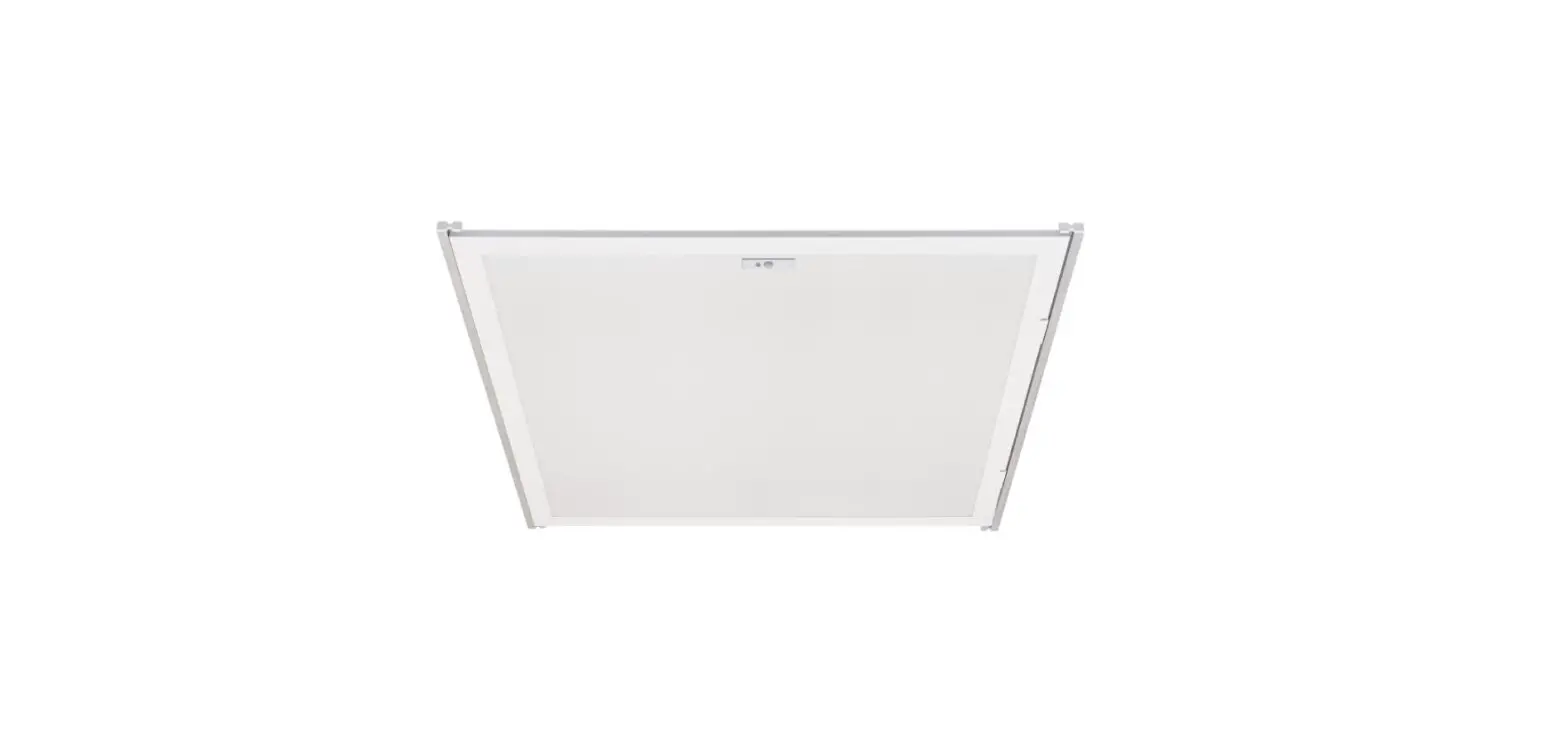
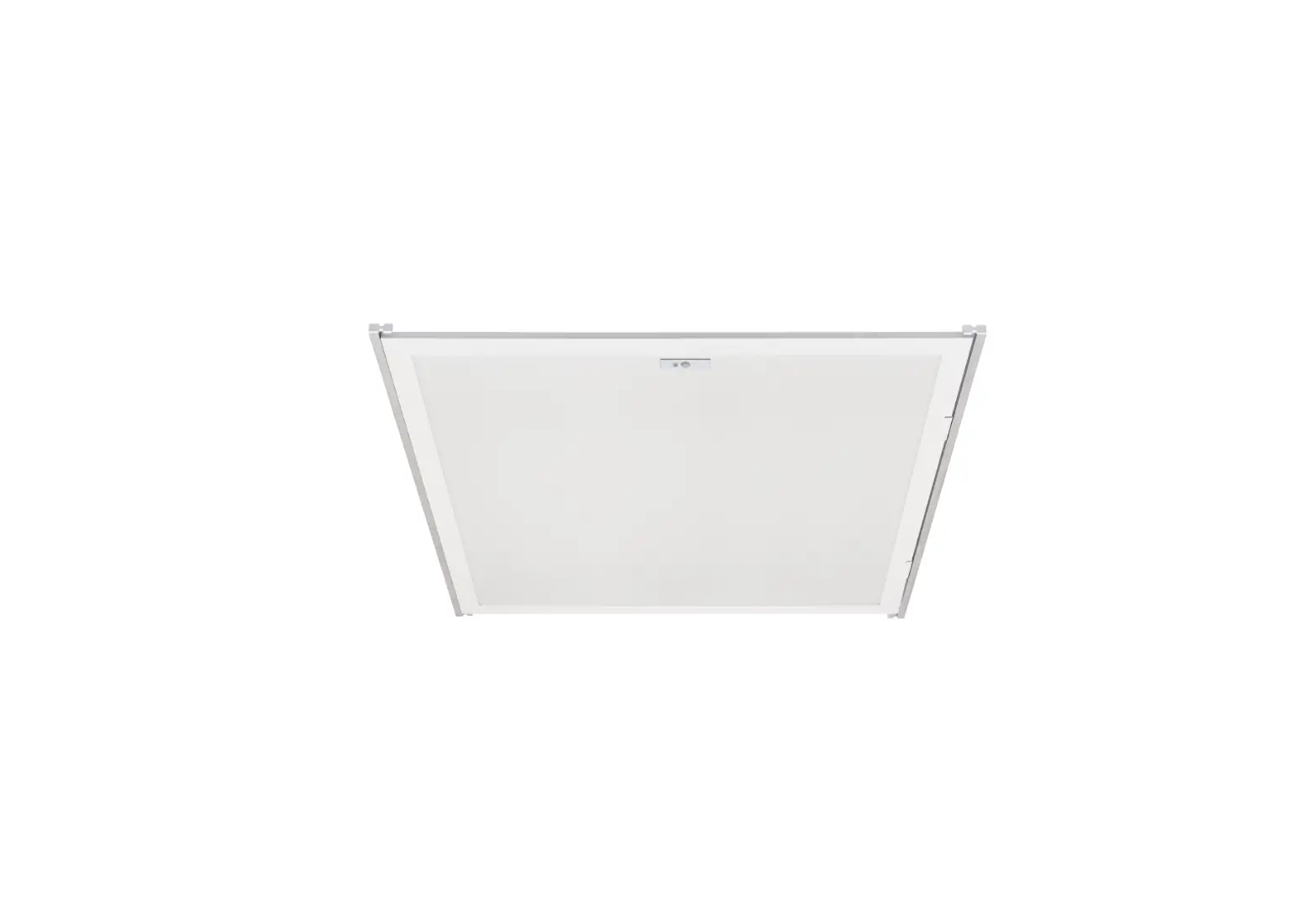
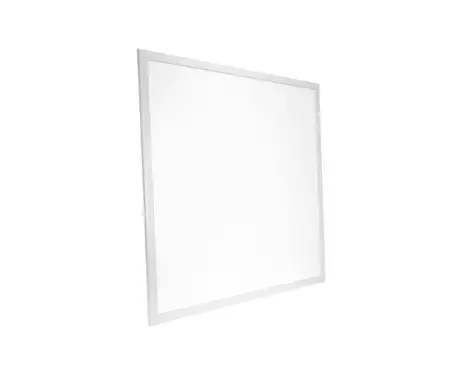
VLF Series Vivid LED Frame
Product Information:
The product includes the following items:
- (2) LStylebars
- (2) Straightbars
- (1) LEDDriver
- (1) Gridmountingclipandscrew
- (3) Wirenuts
- (1) Splitsnapbushing
- (1) Installationinstruction
The product is designed for installation and use in various
applications. It consists of LStylebars and Straightbars, which are
used to provide lighting in a specific area. The LEDDriver is
responsible for controlling the LED lights connected to the bars.
The Gridmountingclipandscrew is used to securely attach the bars to
a grid or mounting surface. The Wirenuts are connectors used for
electrical wiring connections. The Splitsnapbushing is a component
used for cable management. The Installationinstruction provides
guidance on how to install and use the product effectively.
Product Usage Instructions:
Follow the steps below to install and use the product:
- Identify the desired location for installation.
- Ensure that the installation surface is clean and free from any
obstructions. - Attach the Gridmountingclipandscrew to the installation surface
using appropriate tools. - Connect the LStylebars and Straightbars to the
Gridmountingclipandscrew, aligning them properly. - Securely fasten the bars using the provided screws.
- Connect the LEDDriver to the bars using the appropriate
connectors. - Ensure proper electrical connections by using the Wirenuts to
connect the wires. - Install the Splitsnapbushing to manage the cables, providing a
neat and organized appearance. - Refer to the Installationinstruction for any specific
instructions or additional steps. - Test the product to ensure proper functionality.
Please note that it is important to follow all safety
precautions and guidelines provided in the Installationinstruction.
If you require further assistance or have any questions, please
refer to the product manual or contact our customer support.
(2)LStylebars (2)Straightbars (1)LEDDriver (1)Gridmountingclipandscrew (3)Wirenuts (1)Splitsnapbushing (1)Installationinstruction
BEFOREBEGINNINGINSTALLATION,TURNOFFPOWERATTHECIRCUITBREAKER. 1.UnboxandinspecttheVividLEDFrametounderstandit’scomponents. 2.Turnoffpowerattheelectricalpanel, referto1. 3.AssembletheframebyconnectingthetwoLstylebars(part1)tothestraightbars(part2), referto2. 4.Lockthegridmountingclipondriverjunctionboxwithscrew,referto3. 5.Raisetheassembledfixtureabovethegrid,thenlowerituntilitrestsbetweenthetgrid andtile,referto4. 6.Selectthepreferredwattageandcolortemperaturebyadjustingtheslideswitches locatedonthedriver. Wattagesettings: ·2’x2’fixture:18W(2,250lumens)|27W(3,375lumens)|36W(4,500lumens) ·2’x4’fixture:24W(3,000lumens)|35W(4,375lumens)|45W(5,625lumens) CCTsettings: ·3500K|4000K|5000K. 7.Makewiringconnectionstothedriverwithwirenuts,followingtheguidelinesbelow, referto5. Black=ACLinePurple=Dimming(+) White=ACNeutralPink=Dimming() Green=Ground 8.Punchtheknockout,inserttheprovidedsnapbushingintotheknockouttoprotectthe wires,thenconnectthefemaleandmaleDCconnectors,referto6. 9.Clipthedrivertothetgridclosetothefixturepowercord,referto7. 10.Connectthesafetycableonmountingclip,referto8. 11.Yourinstallationiscomplete.Restorepower,referto9.
3/25/22