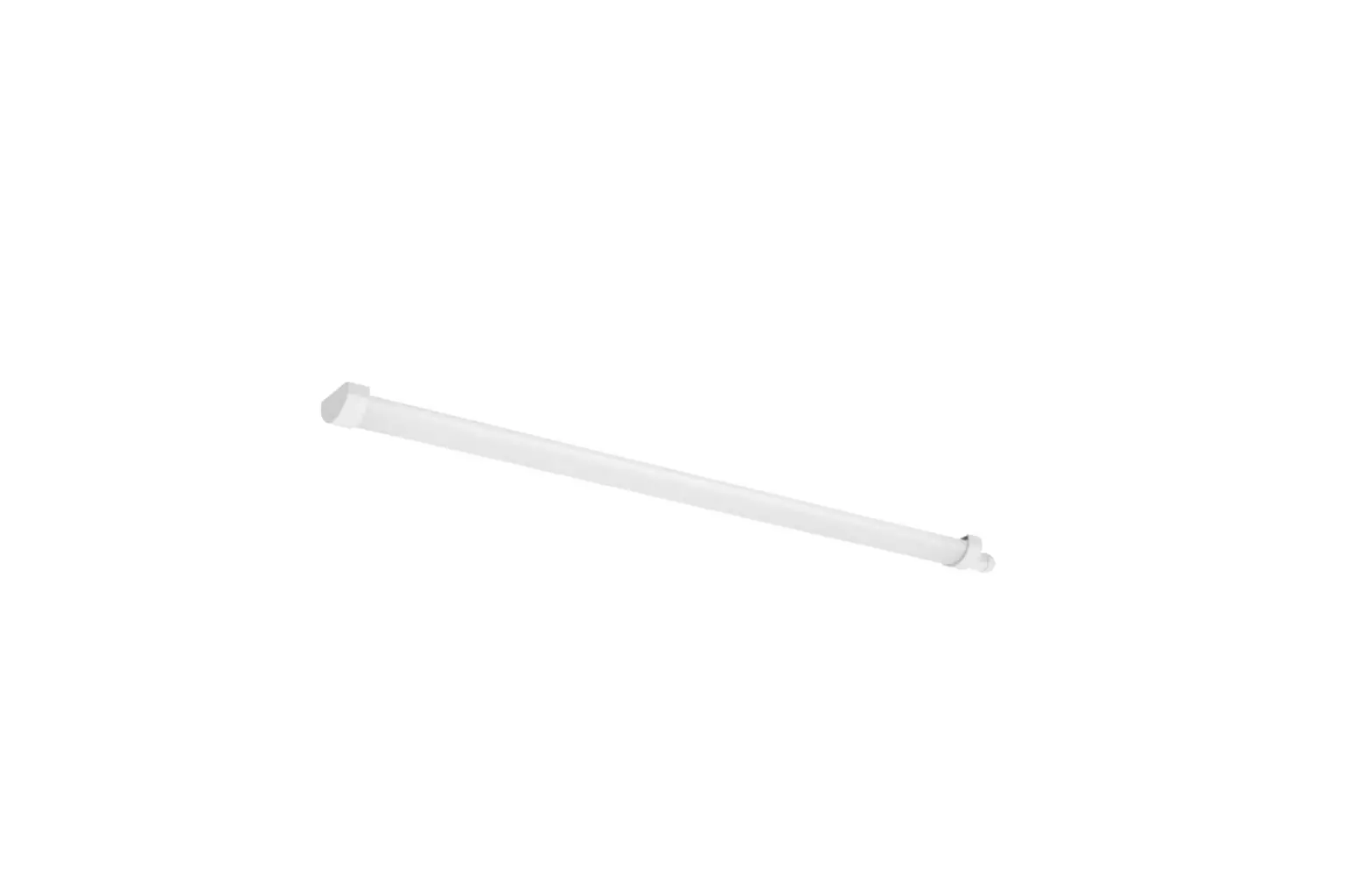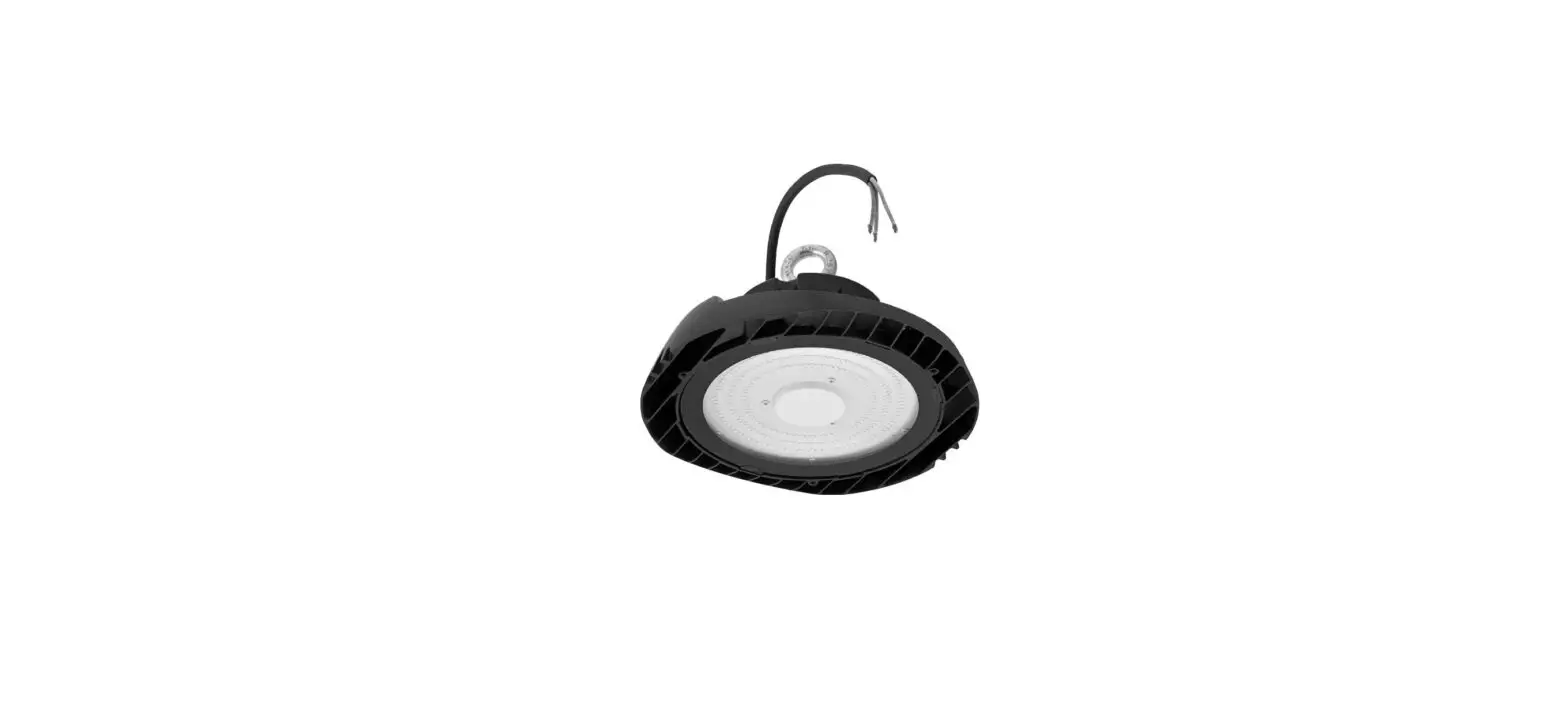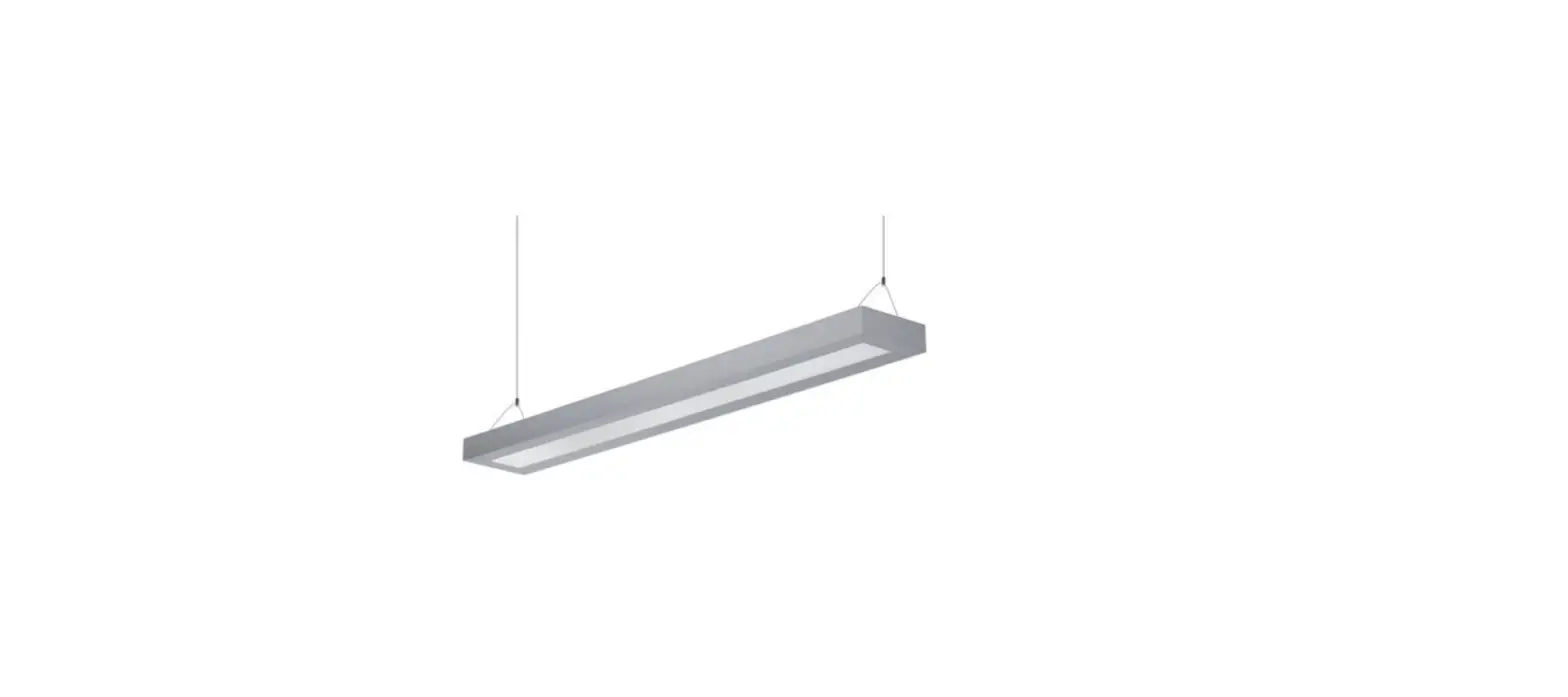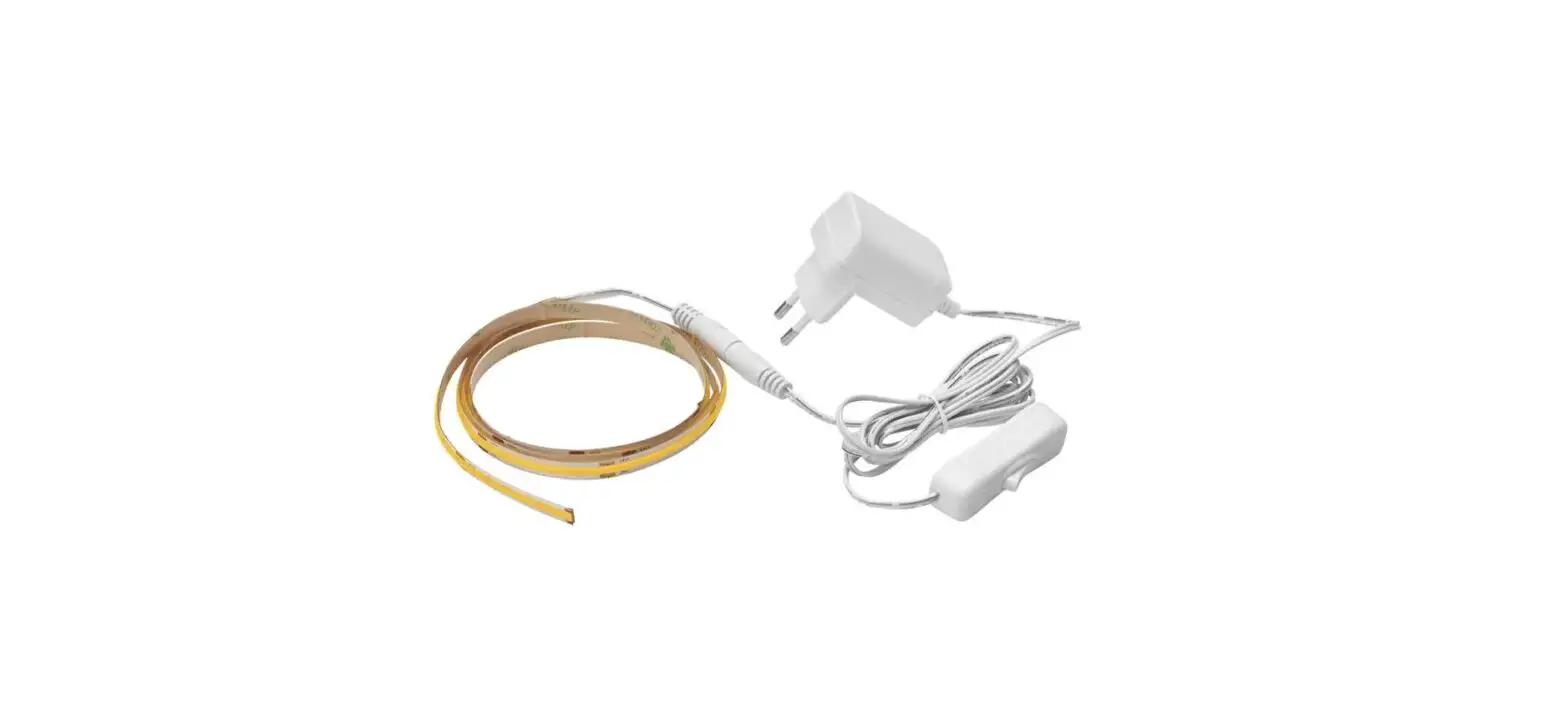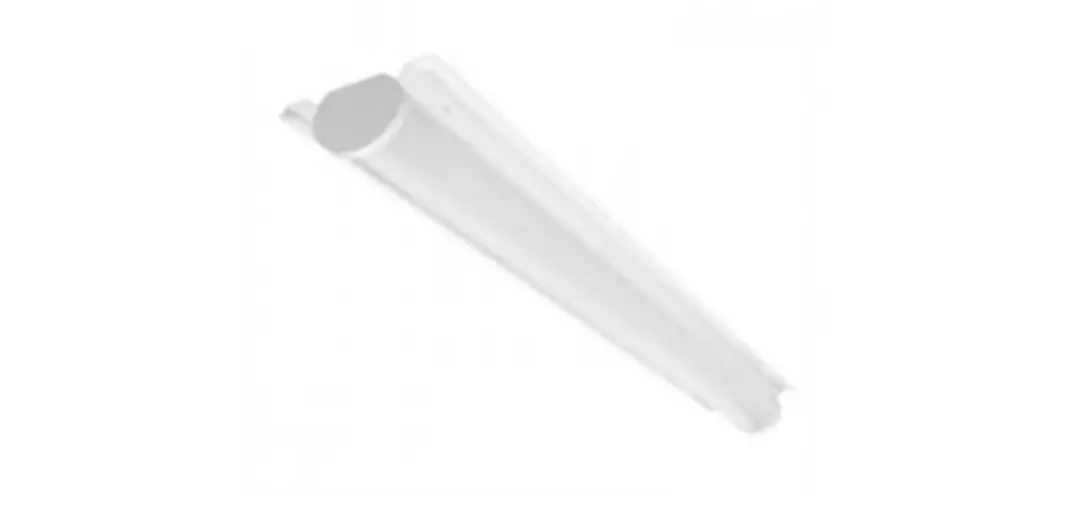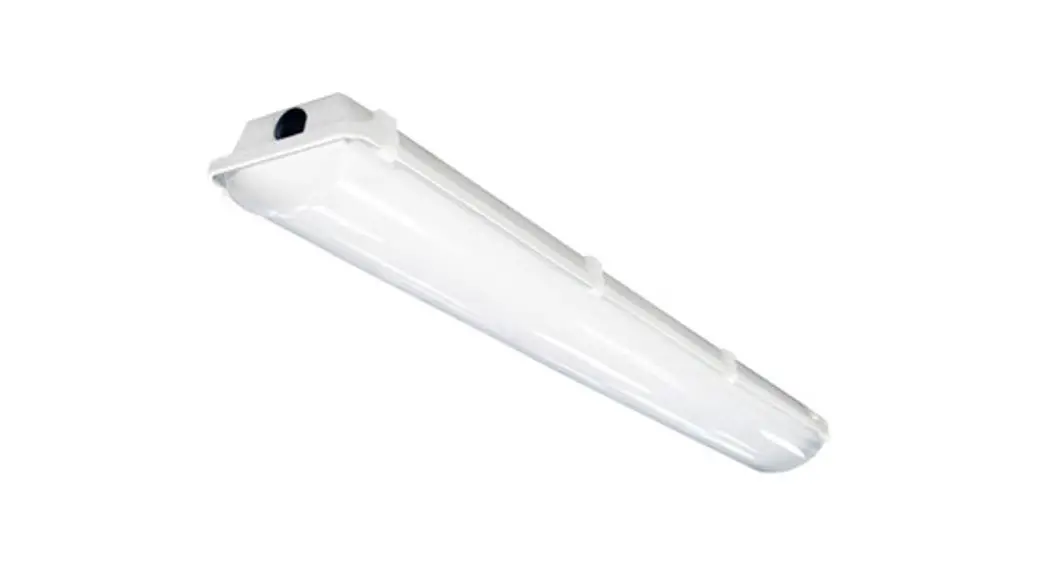
 LCS Series
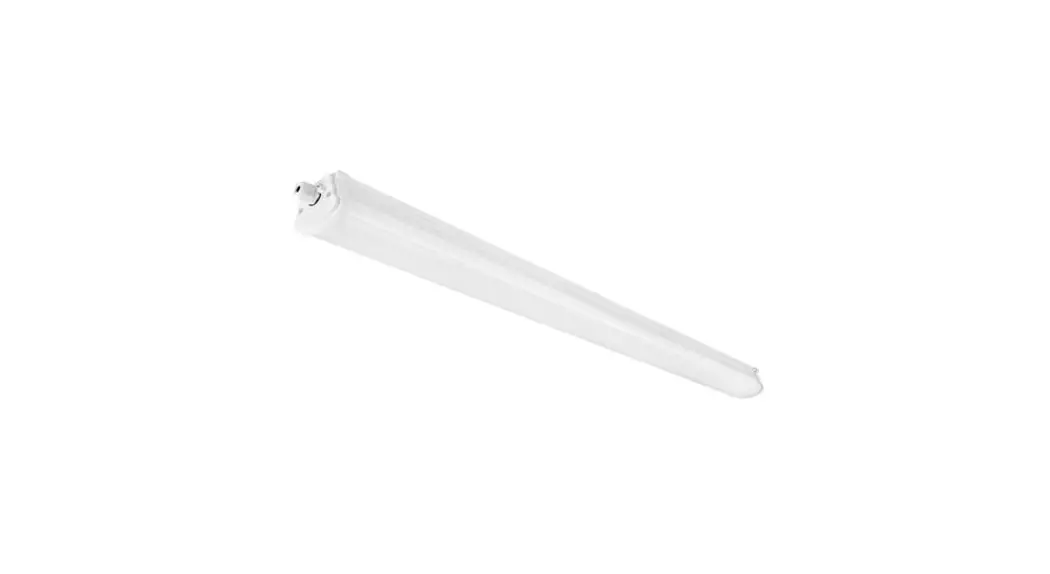
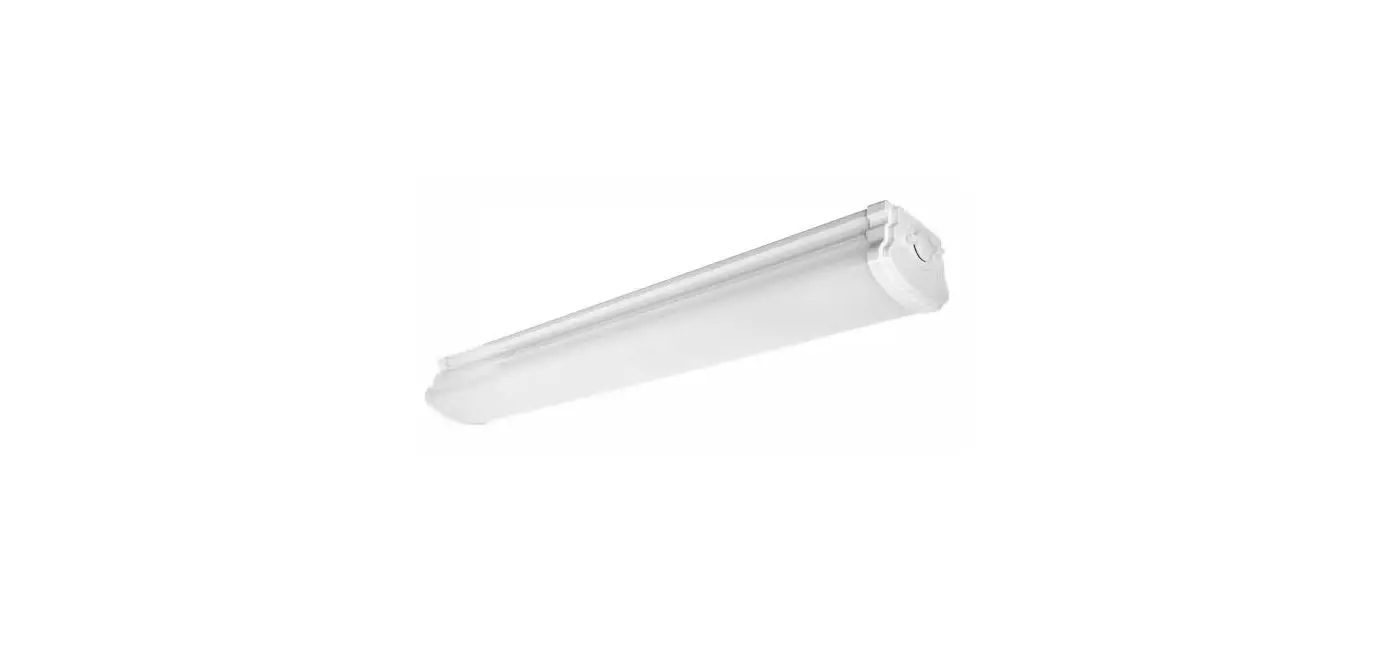
Led Strip Luminaire
Installation Instructions
LCS Series LED Strip Luminaire
WARNING
- To reduce the risk of death, personal injury or property damage from fire, electric shock, falling parts, cuts/abrasions, and other hazards read all warnings and instructions included with and on the fixture box and all fixture labels.
- Before installing, servicing, or performing routine maintenance upon this equipment, follow these general precautions.
- Commercial installation, service and maintenance of luminaires should be performed by a qualified licensed electrician.
- For the installation: If you are unsure about the installation or maintenance of the luminaires, consult a qualified licensed electrician and check your local electrical code.
- To prevent wiring damage or abrasion, do not expose wiring to edges of sheet metal or other sharp objects.
- Do not make or alter any open holes in an enclosure of wiring or electrical components during kit installation.
WARNING
- Turn off electrical power at fuse or circuit breaker box before wiring fixture to the power supply.
- Turn off the power when you perform any maintenance.
- Verify that supply voltage is correct by comparing it with the luminaire label information.
- All wiring connections should be capped with UL approved wire connectors.
CAUTION
- Avoid direct eye exposure to the light source while it is on.
- Account for small parts and destroy packing material, as these may be hazardous to children.
- Risk of burn. Disconnect power and allow fixture to cool before changing bulb or handing fixture.
Green ground screw provided in proper location. Do not relocate.
Minimum 90° supply conductors.
Specifications and dimensions subject to change without notice.
Suitable for dry or damp location.
GENERAL WIRING DIAGRAM
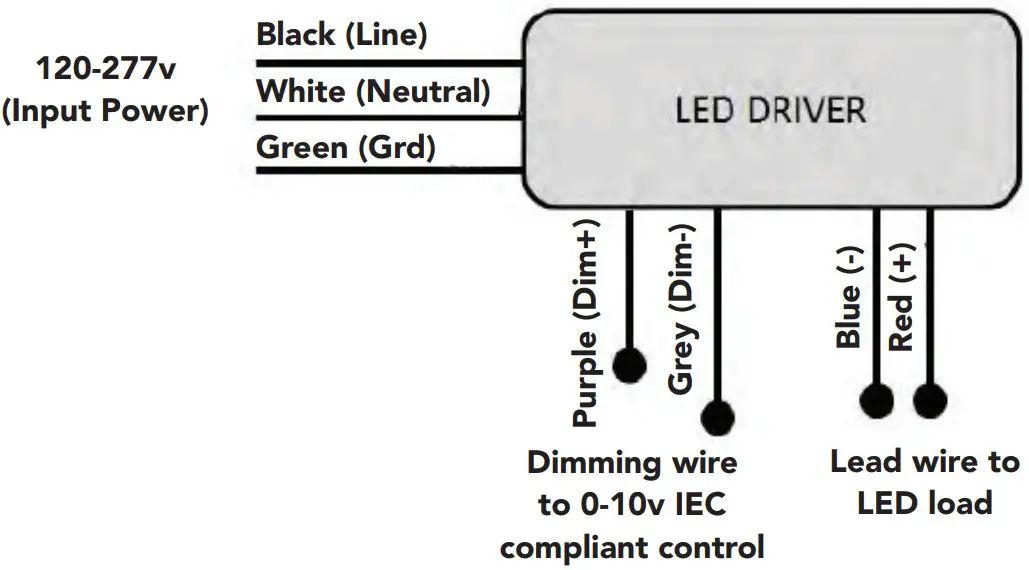
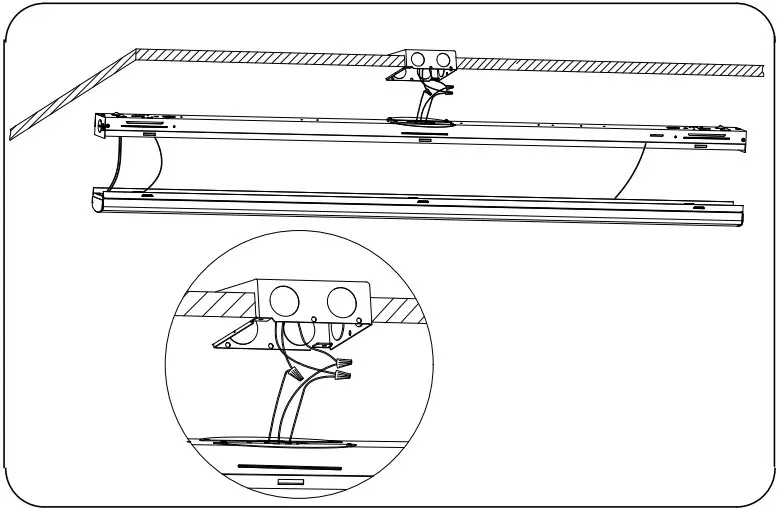
Surface Mounting (Default)
- Take out the light fixture and accessories package from the box.

- Fix the baffle on the lamp.

- Open the module board down.

- Fix the lamp to the ceiling with the plastic anchors and screws(not included).

- Wire to main power through the junction box.

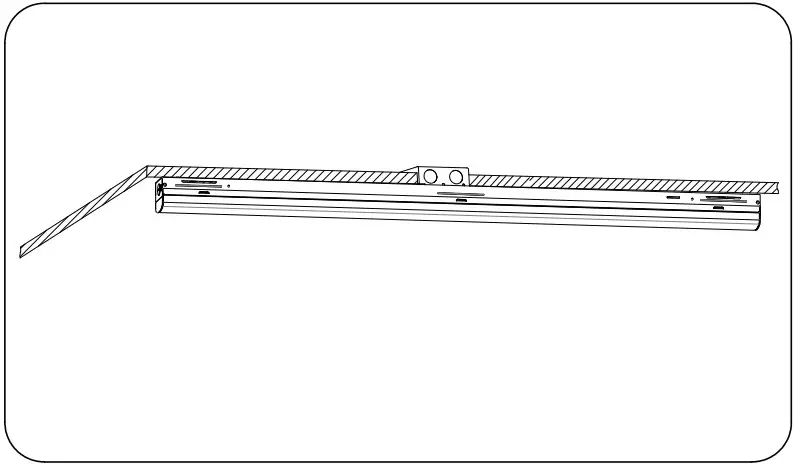
- Assemble the module board upwards.
The installation is completed.
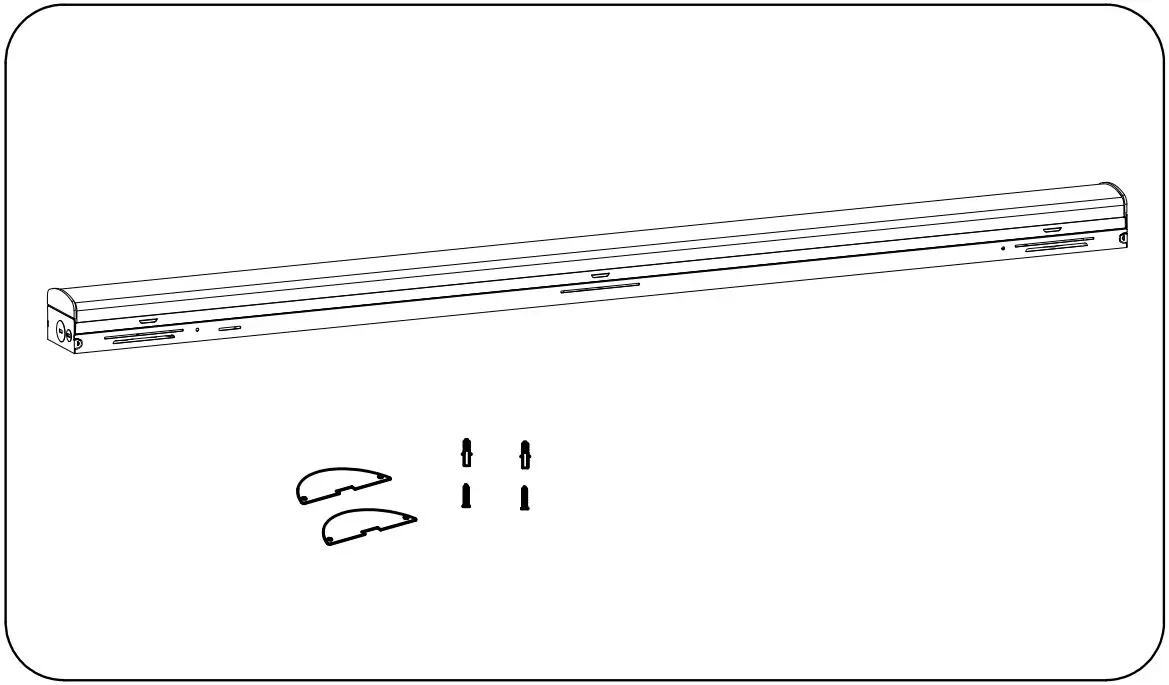
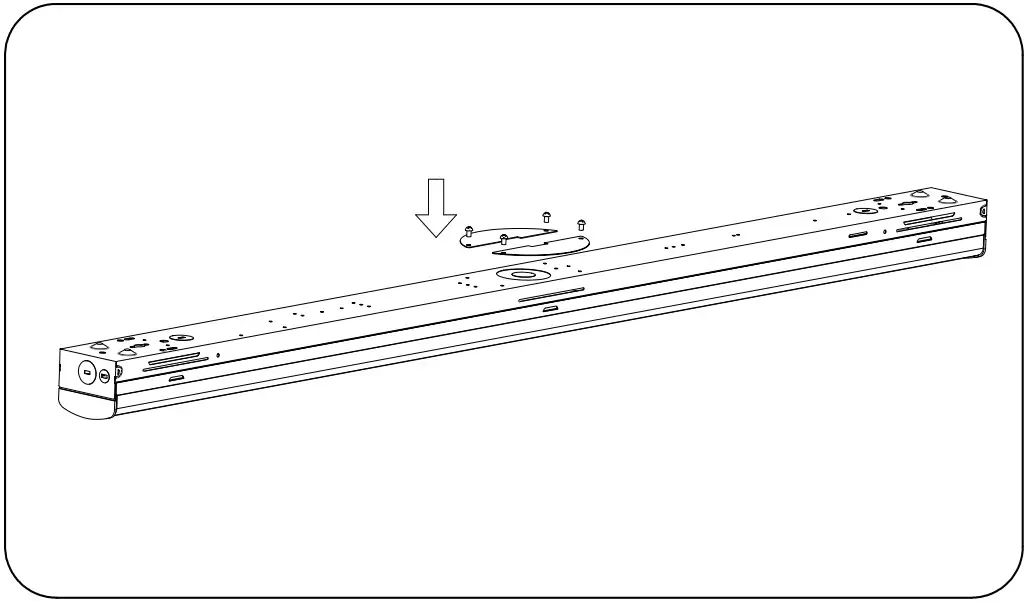
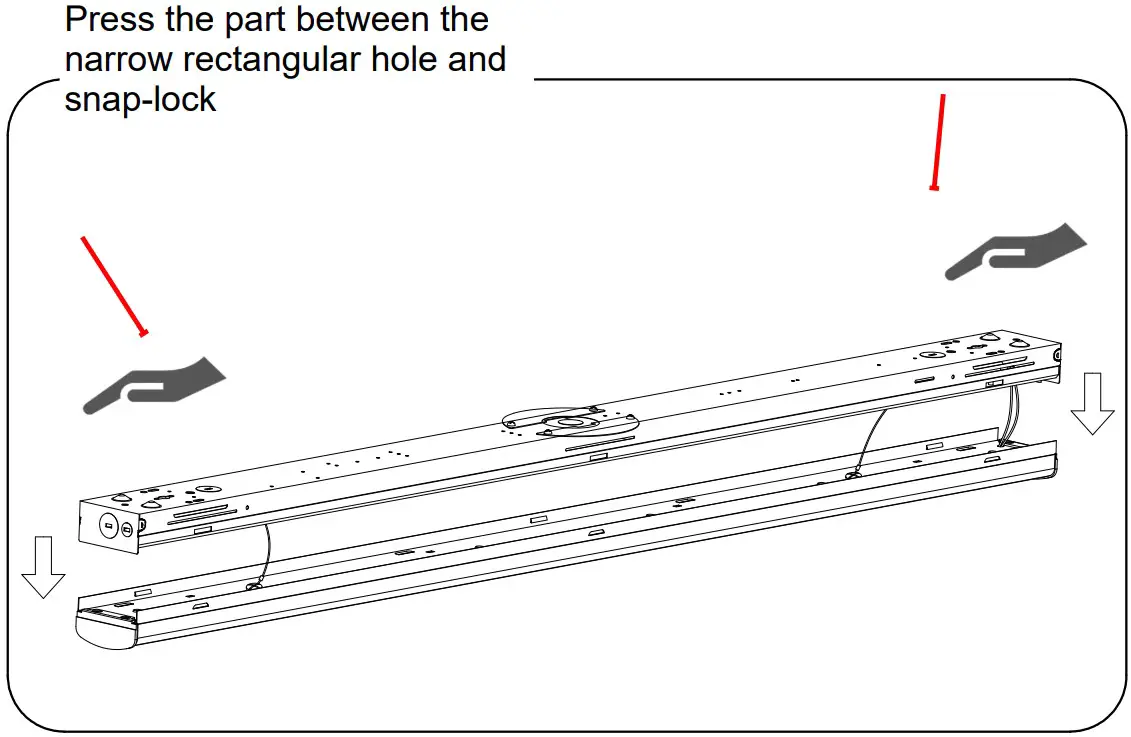
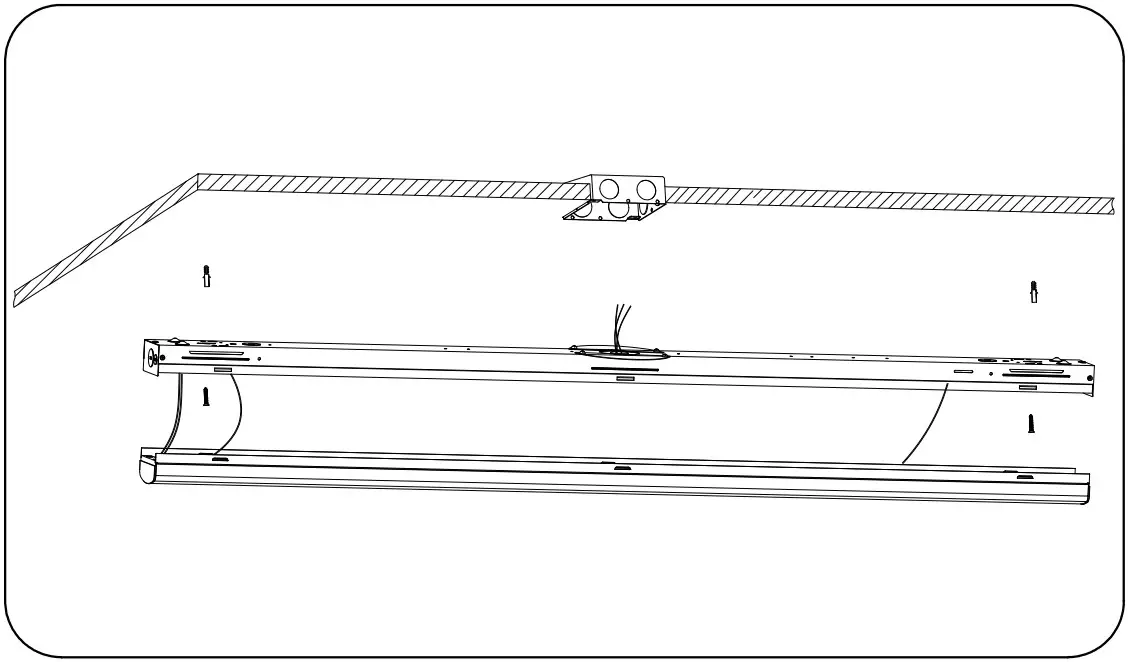
Field-Adjustable Wattage & CCT
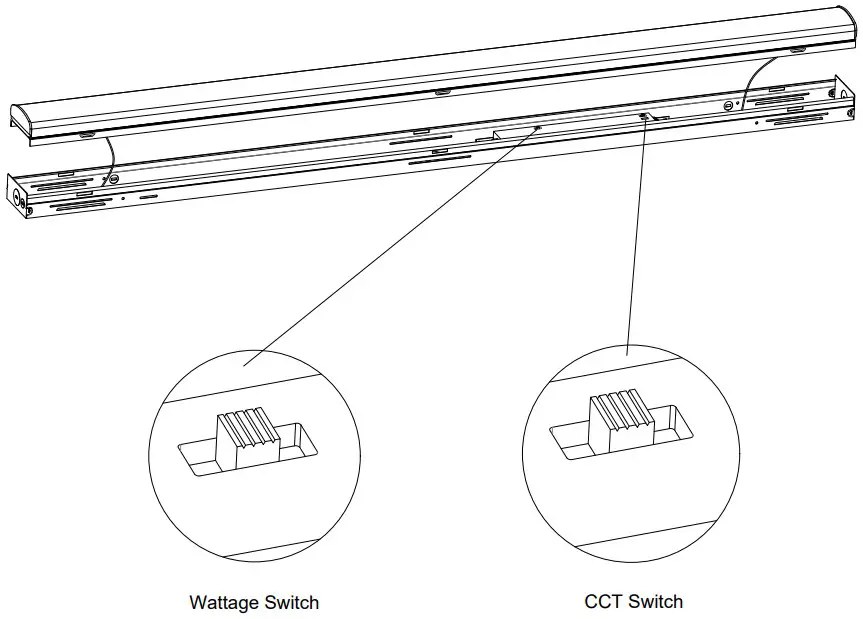
The end users may adjust the color temperature and lumen output respectively by the two DIP switch.
Each DIP switch is accommodated with 3 options (left, middle and right ),corresponding to 3 color temperatures and 3 powers respectively, which can perform the desired color temperature and lumen output combination.
- DIP switches are located onto the side of the fixture.
- Select a wattage and color temperature by sliding switch left or right respectively to the desired value.
Howard Lighting Products | 580 Eastview Drive | Laurel, MS 39443
(toll free) 800.956.3456 | (direct) 601.422.0033 | (fax) 601.422.1652
www.HowardLightingProducts.com