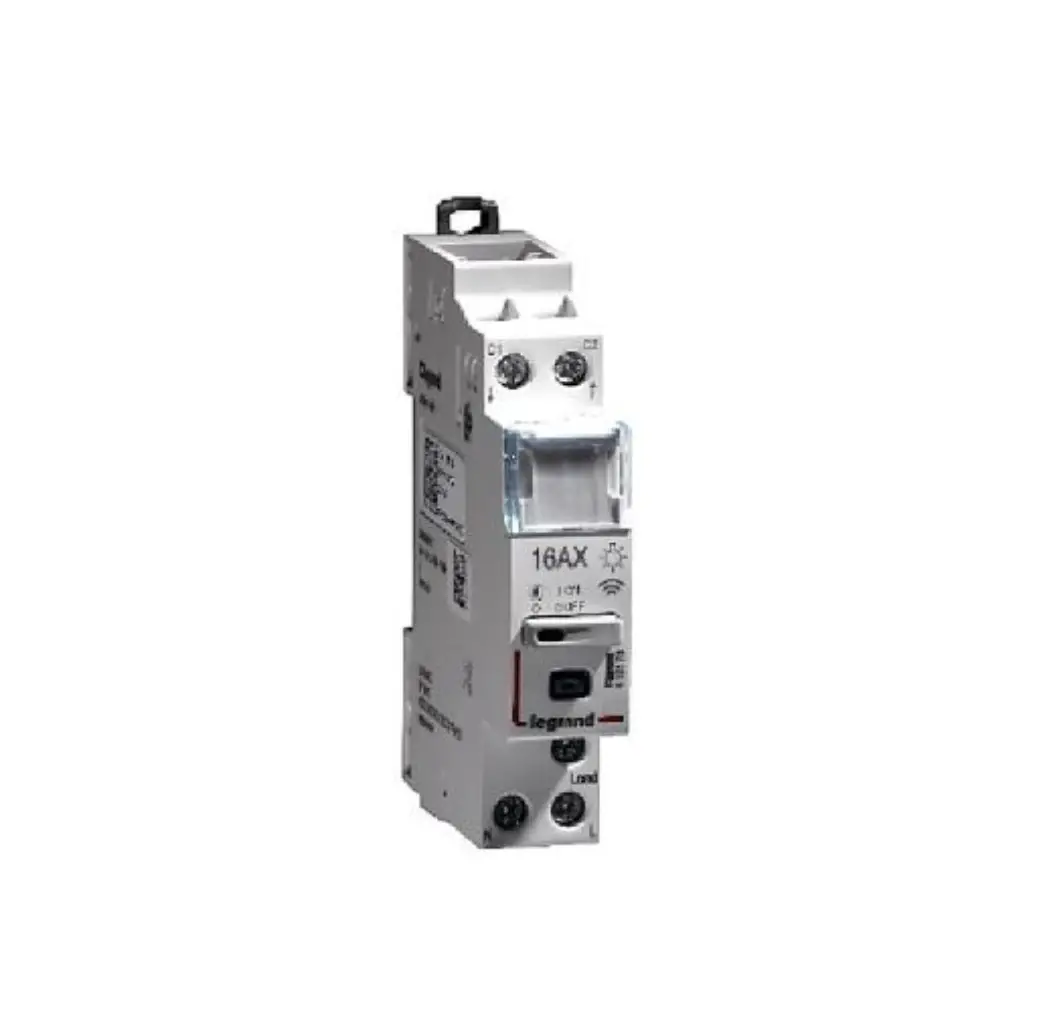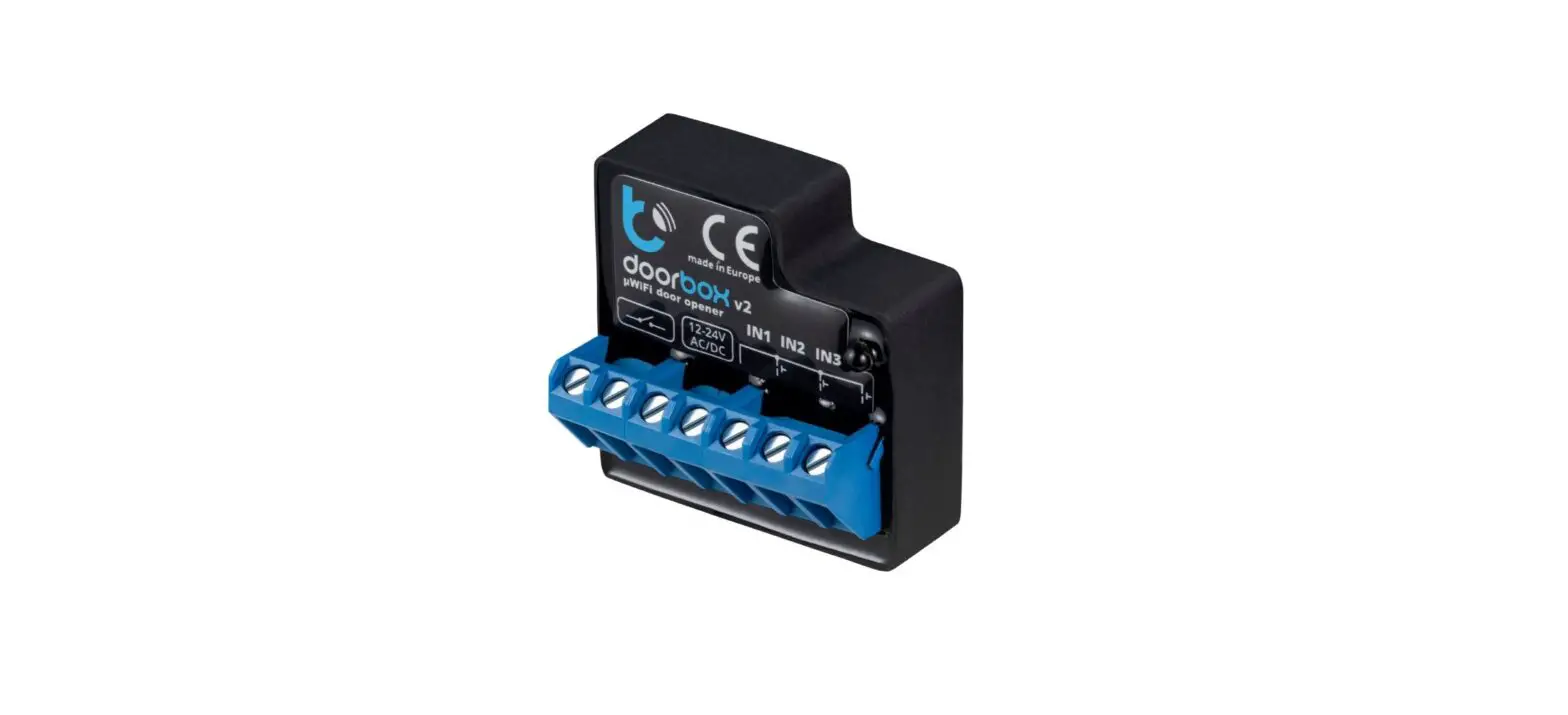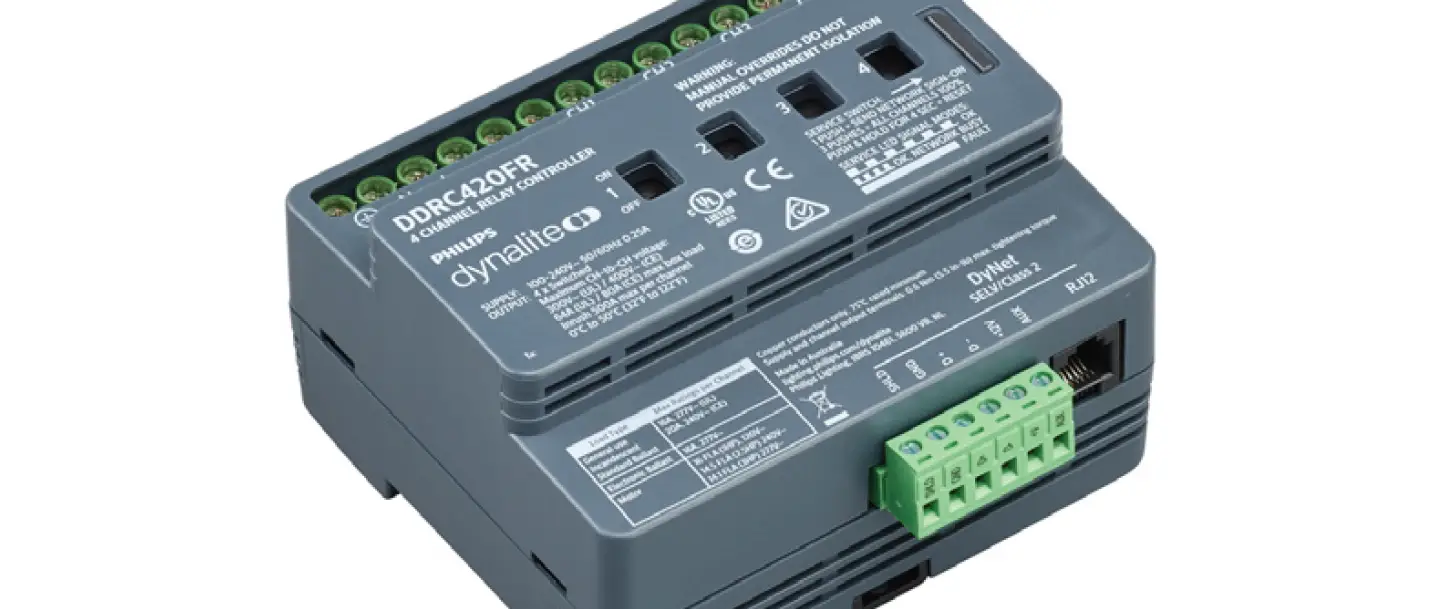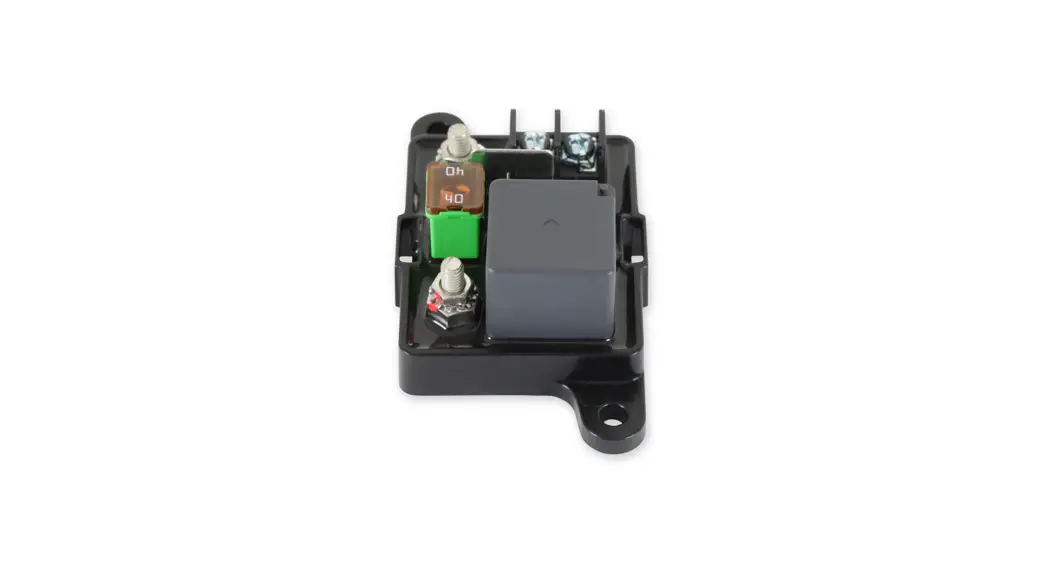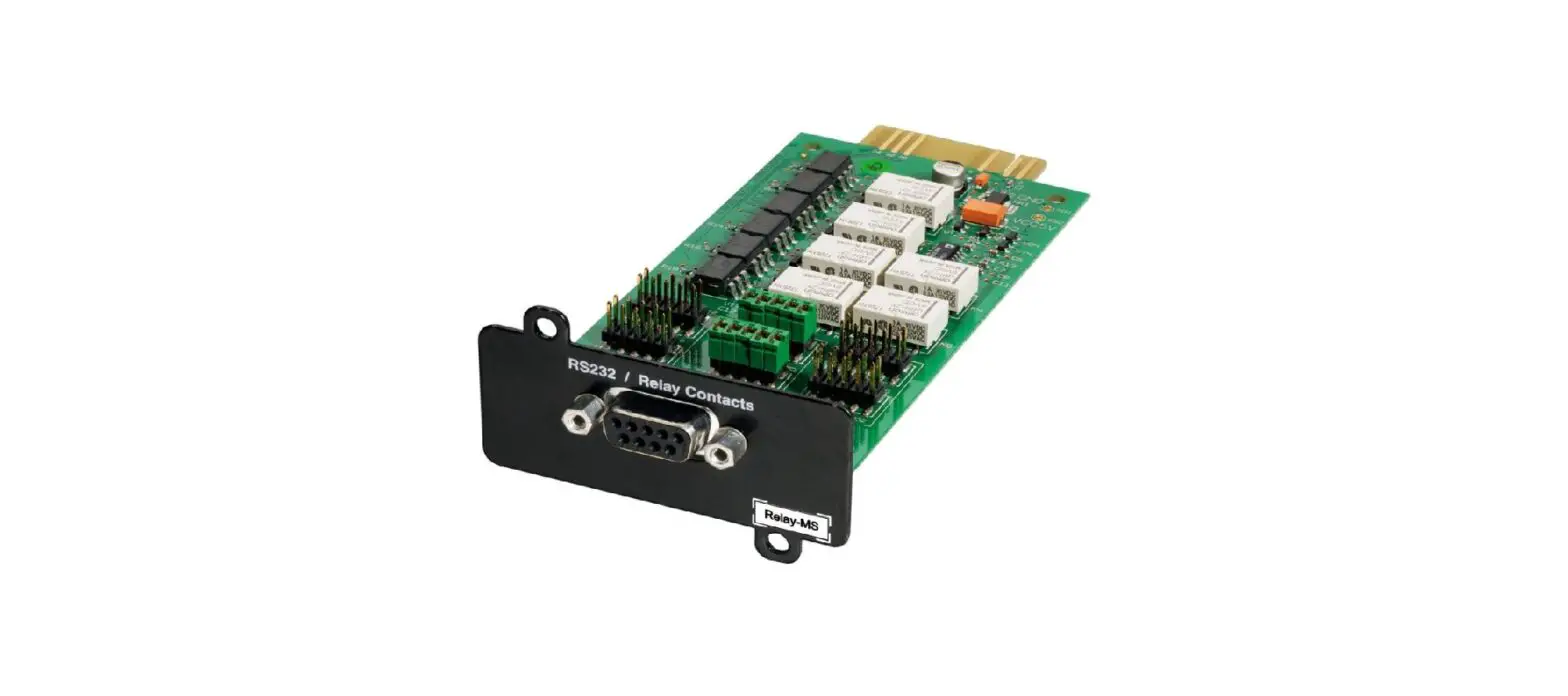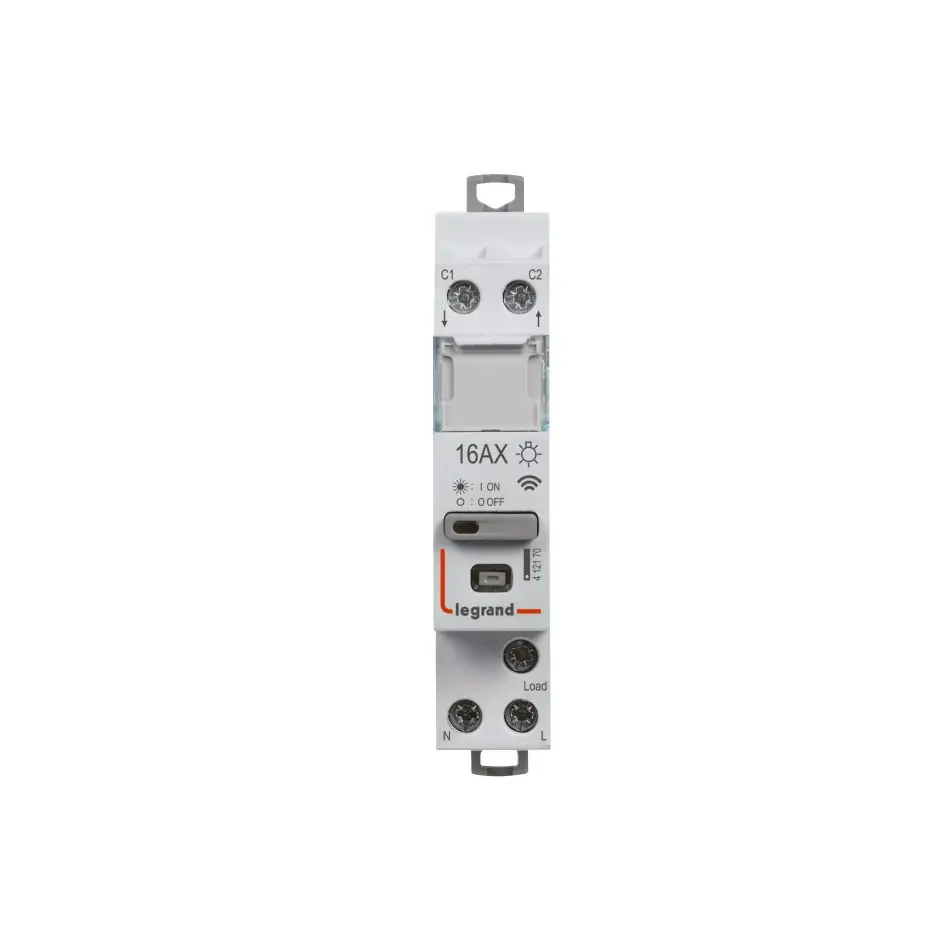
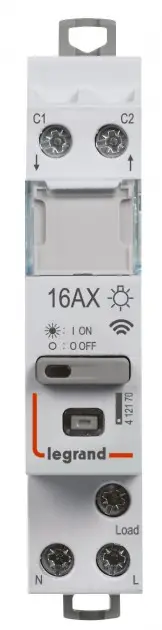
legrand 412170-199121 Connected Latching Relay
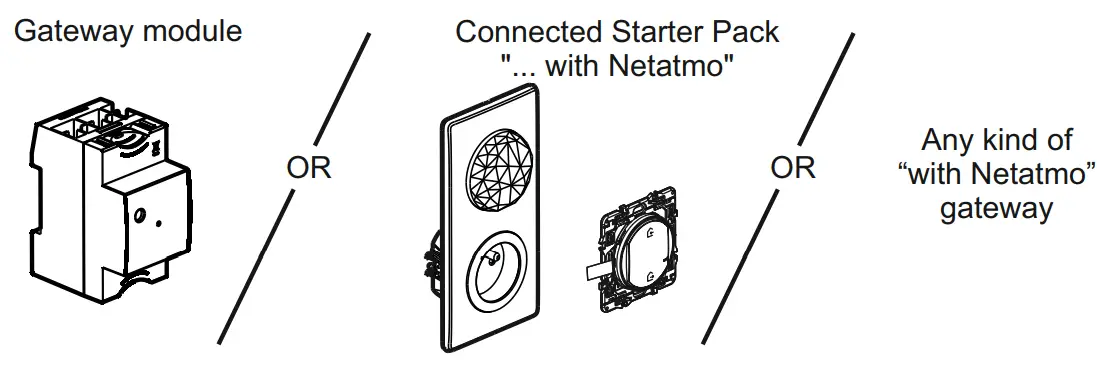
Requires the installation of a:
Composition
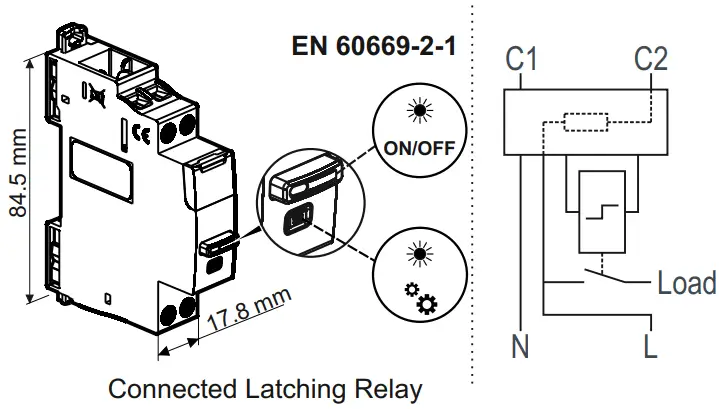
 | U | I |  |  | 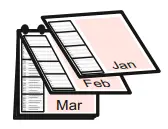 | 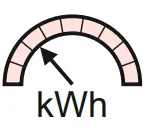 | 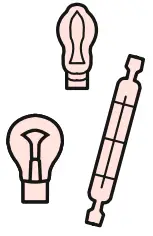 |  | 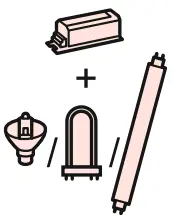 |
| -5°C +45°C | 100-240V~ 50/60Hz | 16A MAX | 2,4 à 2,4835Ghz <100 mW | Silent < 10dB | Planning | Measure | 3840W | 650W | 3000W |
Imperative security precaution
The instructions for installation and use must be strictly observed in order to avoid the risk of electric shock or fire.

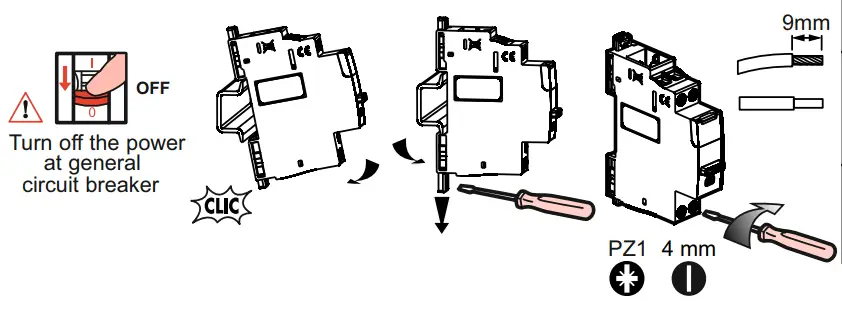
Preparation, connection
| C1, C2: MAX 2x 1.5mm² 2.5mm² |
| N, L, Load: MAX 2x 2.5mm² 6mm² |
| C1,C2, N, L, Load: C1,C2, N, L, Load: |
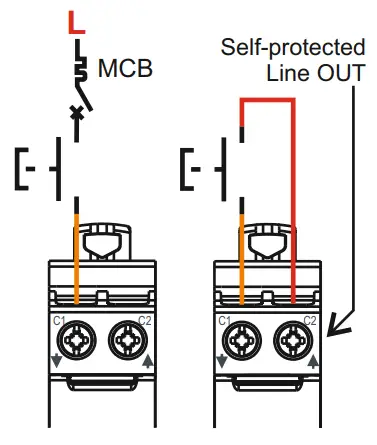
Wiring examples
 Do not use a switch (with dimmer option) connected to control a Connected Latching Relay.
The control circuit (upstream terminals C1 and C2) have an integrated power and an integrated protection.
For the protection of the Connected Latching Relay, it is recommended to use a circuit breaker or a gG fuse with current rating ≤ 16A.
- Wired installation

- Wired installation with junction box

- Mixed wired and wireless installation

- Wireless installation

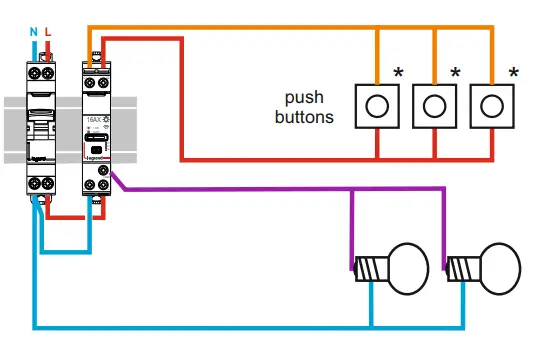
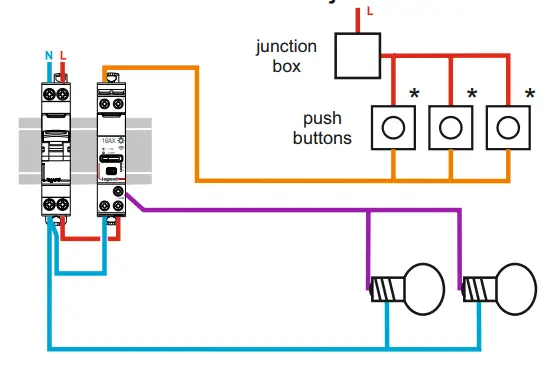
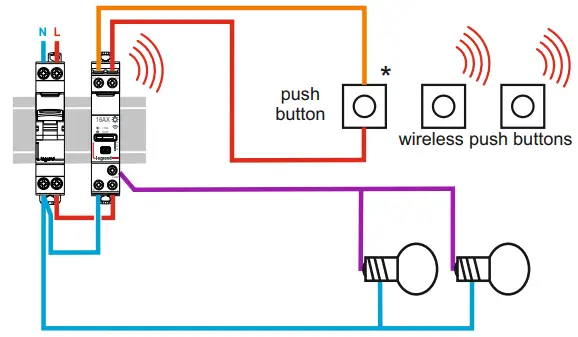
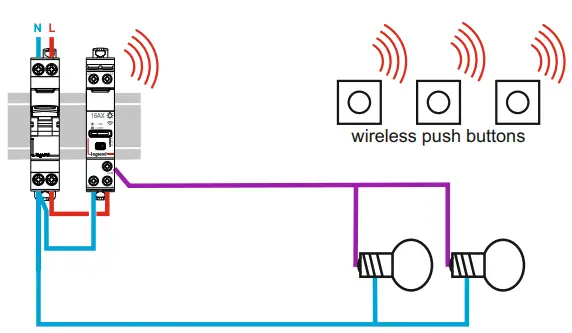
* : Non-functional indicator lights on push-buttons with indicator lights with connected latching relay
 N (neutral) = blue
 L (Line) = everything but blue and green/yellow
 Line after contact = usually purple, orange…
Tips: in case of replacement of an old push button by a wireless control, isolate wires that are no longer used.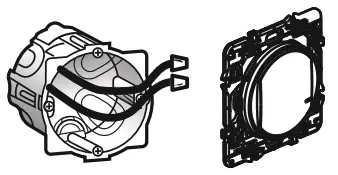
Add the Latching Relay in a connected installation
- Turn off the power at general circuit breaker

- Turn on the power at the general circuit breaker* once the installation completed and controlled**


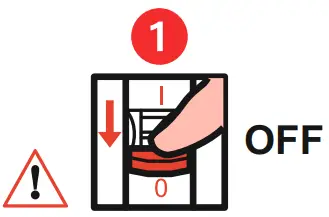
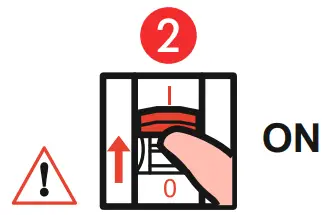
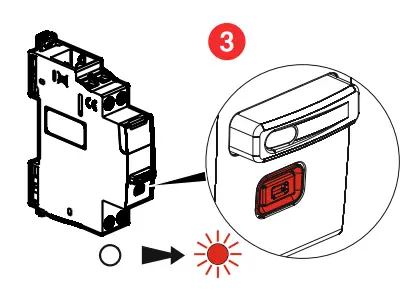
* In order to restart all connected products at the same time.
**: After wiring the installation, refit the front plate so that no active live part is accessible.
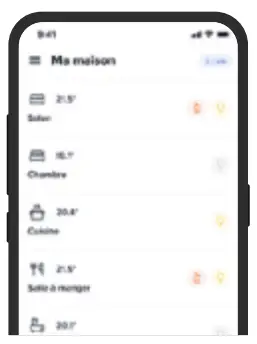
Finalize the installation in the Legrand Home + Control app
Download the Home + Control App and follow the instructions for adding the connected product in your setup.
You also have the option of controlling your installation via a voice assistant. and can customize your scenarios via the Home + Control App.
 |  |
 | |
 |
You also have the option of controlling your installation via a voice assistant, and can customize your scenarios via the Home + Control App.
 |  |  |
Use by manual control and status LED
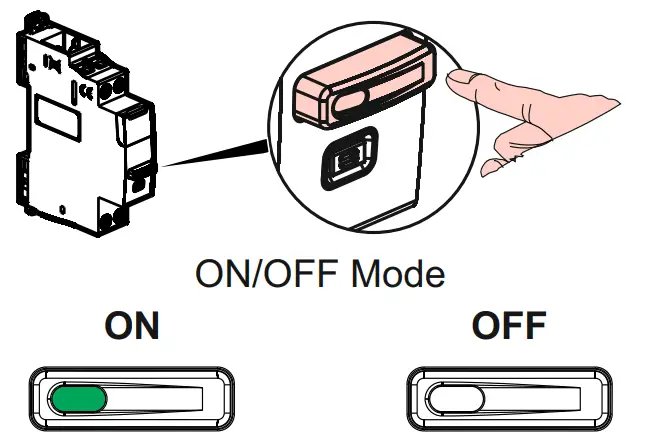
Press and hold the center of the push button until the LED lights up in orange, then briefly press on the center to confirm the reset.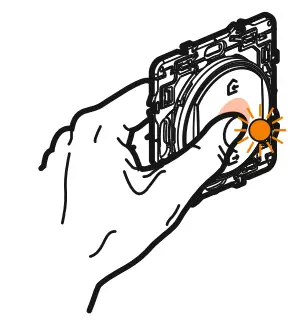
Reset a Connected Latching Relay to remove it from a connected installation
Press the configuration button of the Connected latching relay (> 5 seconds) until the configuration indicator lights up in fixed red. It is no longer associated with the gateway present in the installation.
Customer Service

www.legrand.fr/reference/412170
LEGRAND – Pro and Consumer Service – BP 30076
87002 LIMOGES CEDEX FRANCE • www.legrand.com
UE SIMPLIFIED DECLARATION OF CONFORMITY
The undersigned,
Legrand
declares that the radio equipment listed on this instruction sheet are compliant to the directive 2014/53/UE.
The full text of the UE declaration of conformity is available at the following website:
www.legrandoc.com

 Welcome to Legrand - Legrand
 legrandoc