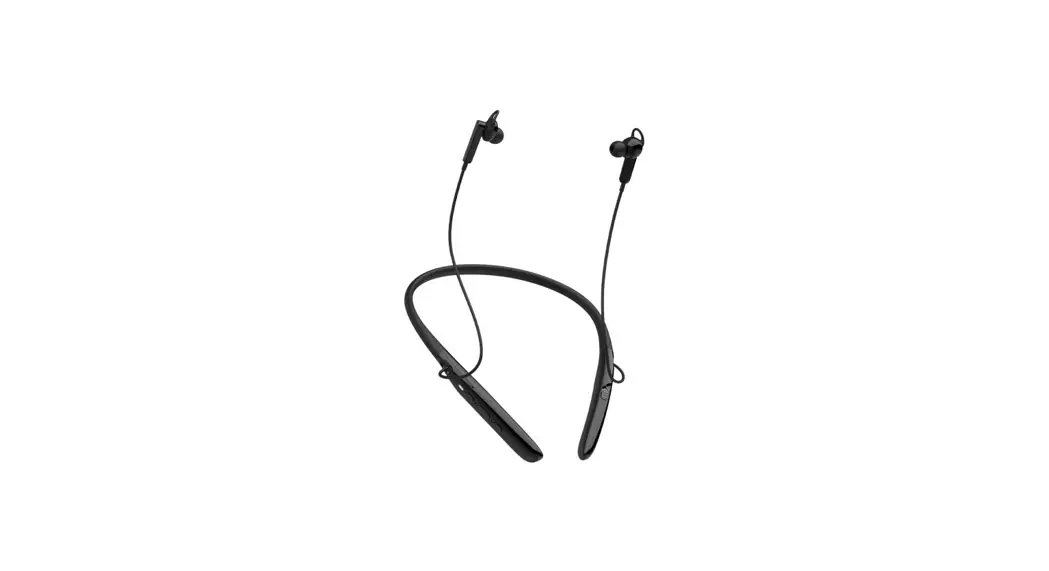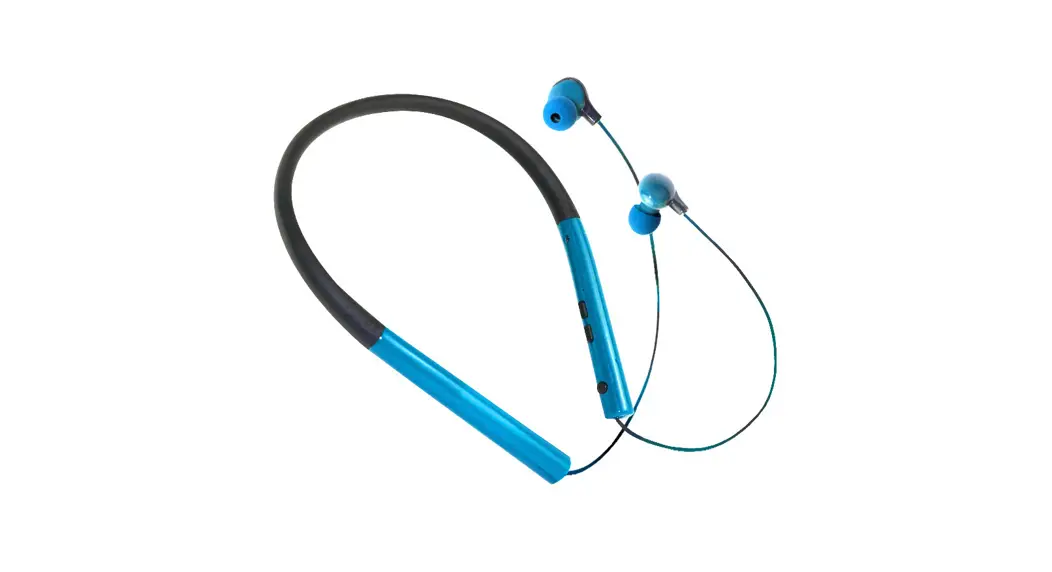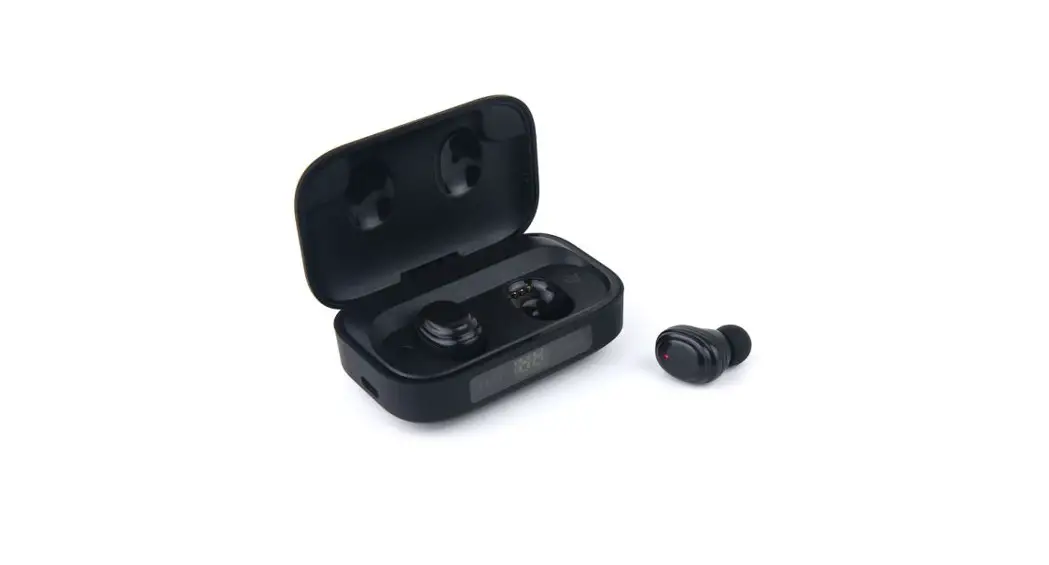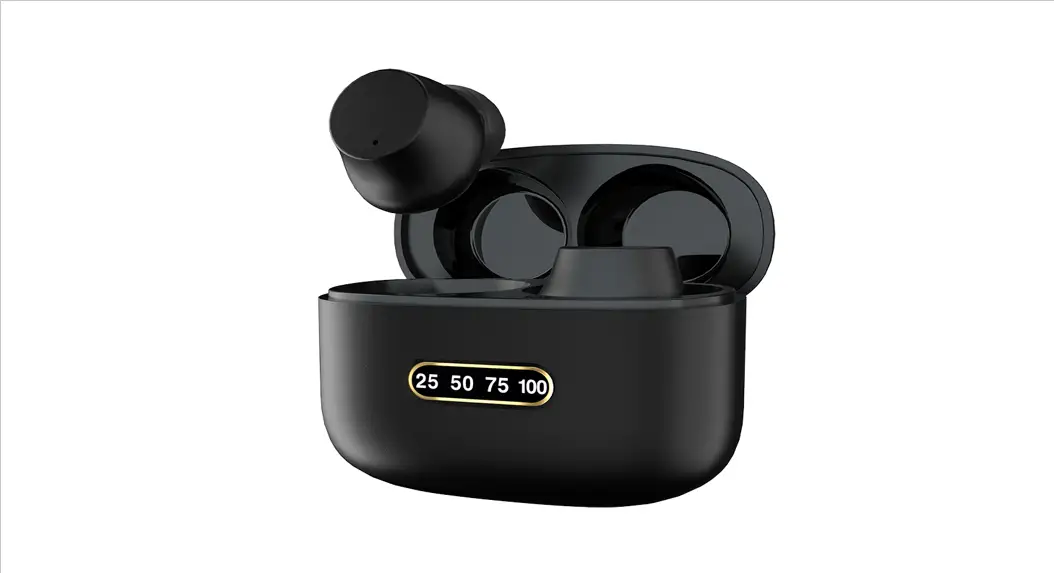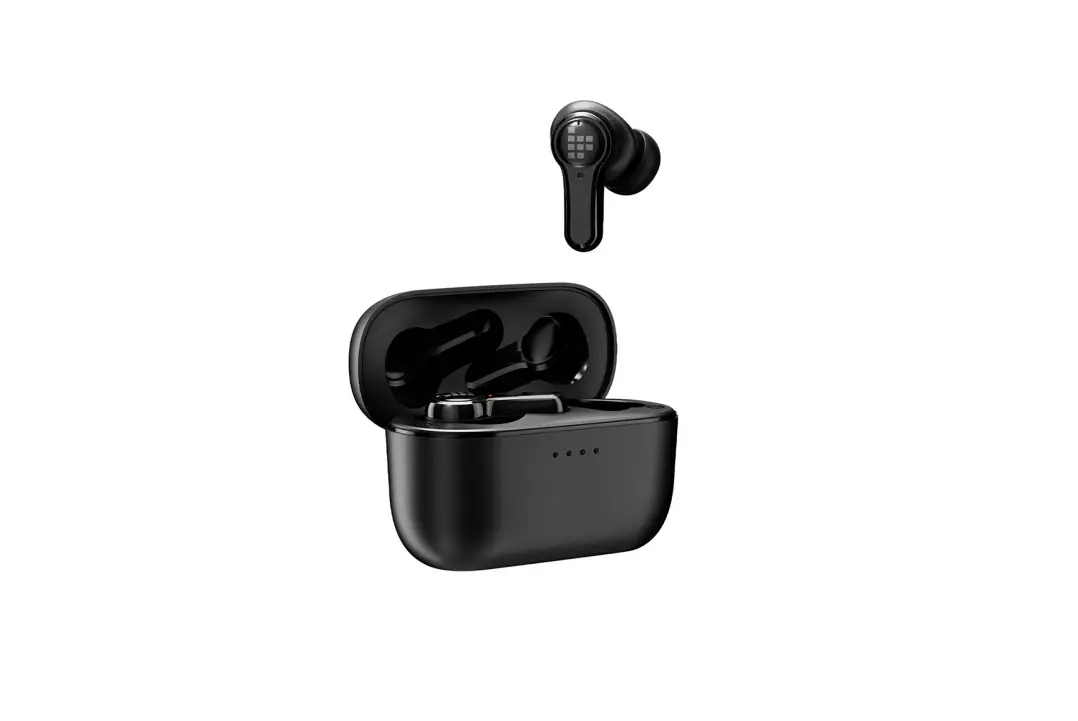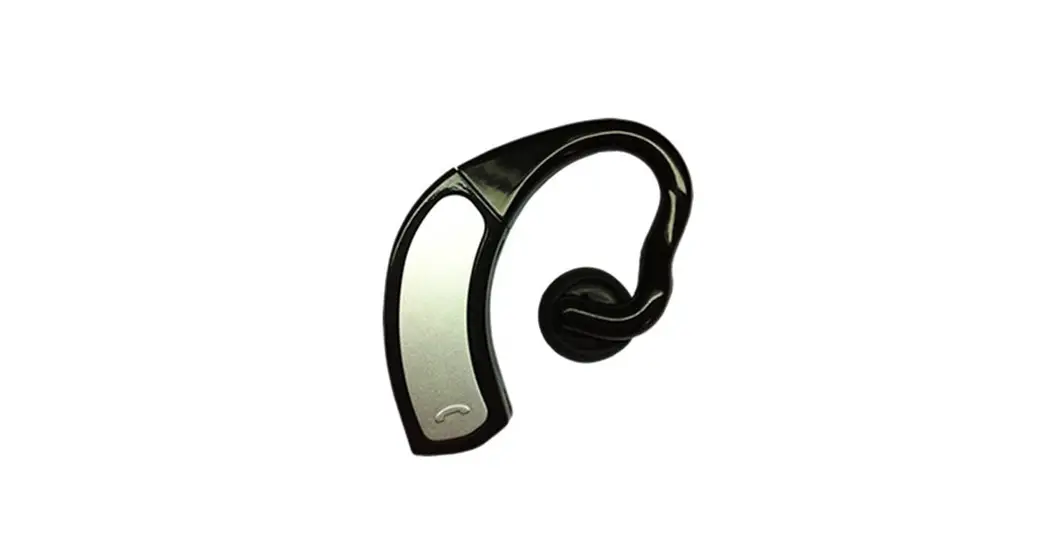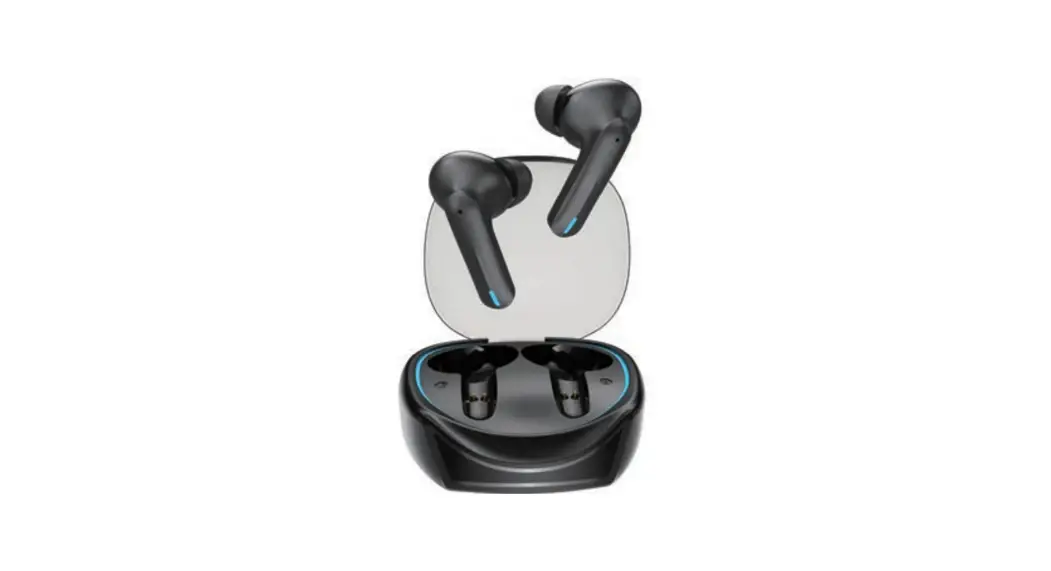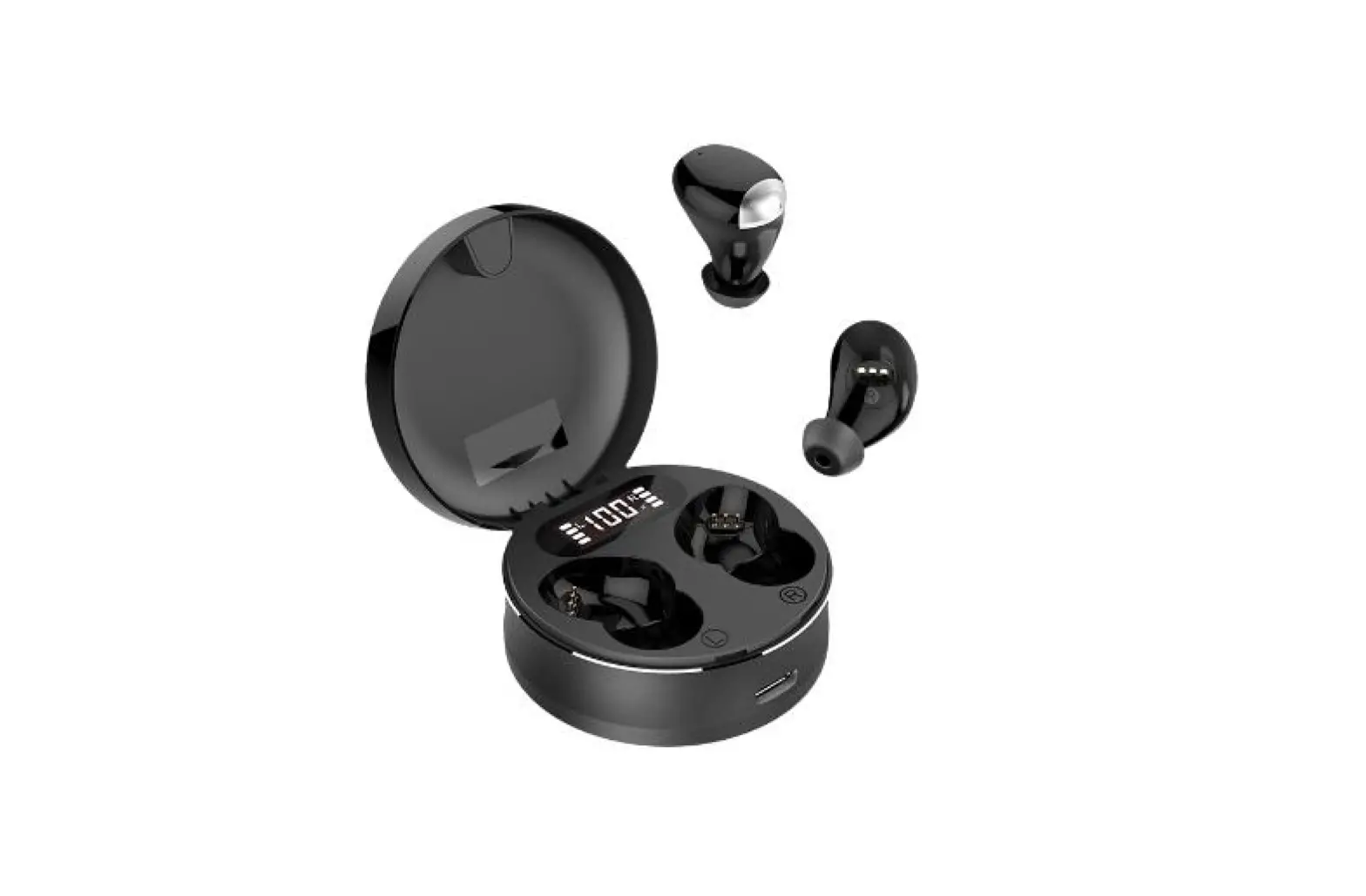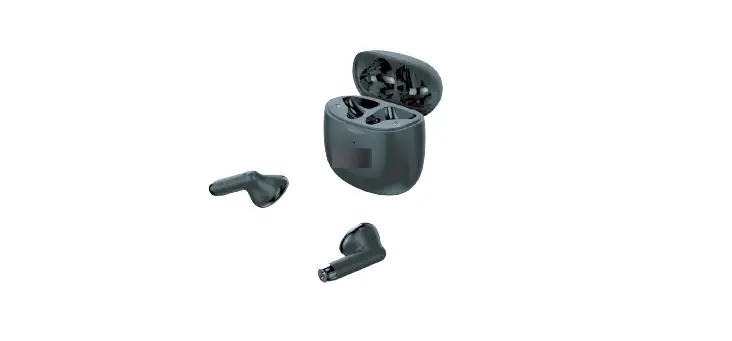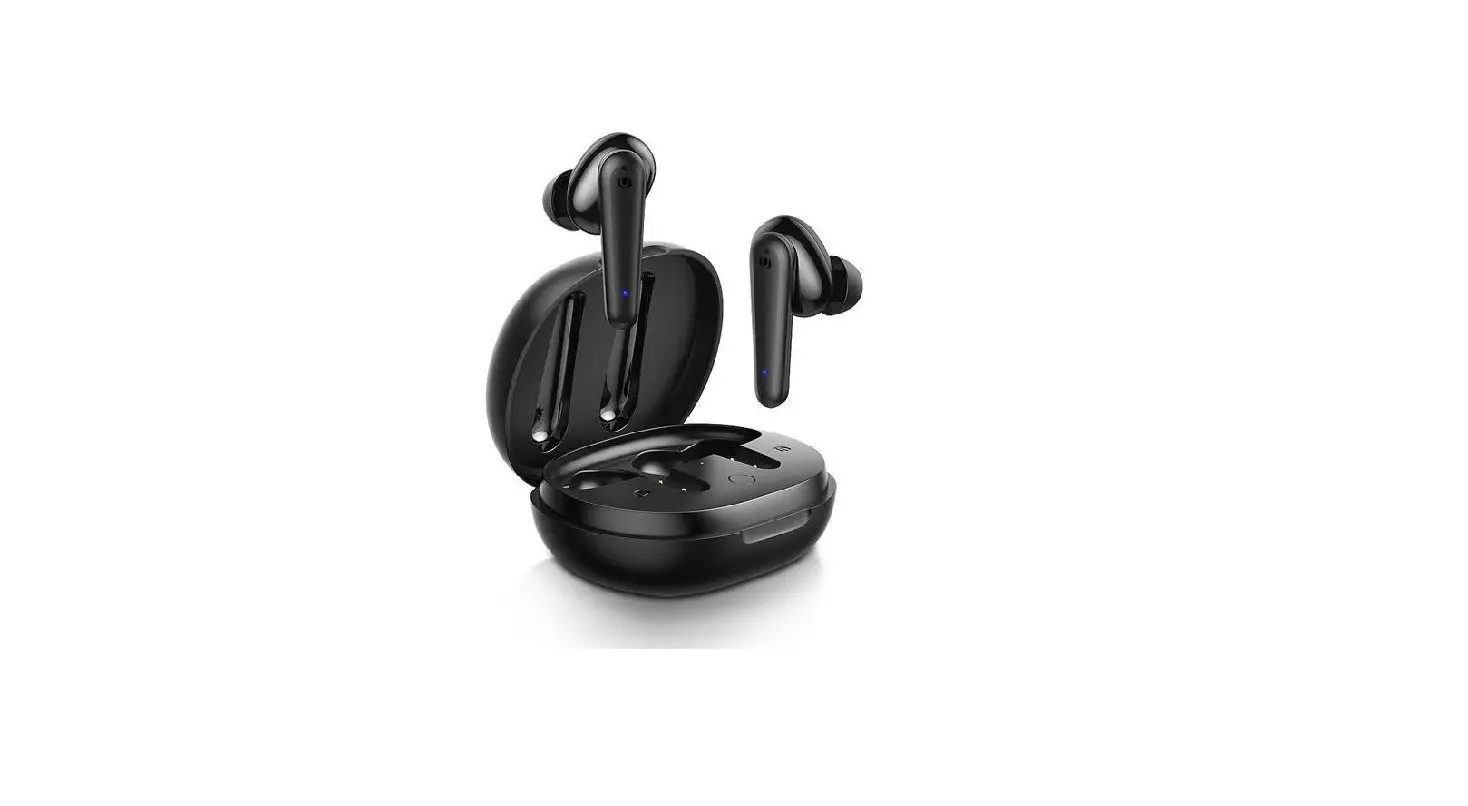

Dongguan Yuansheng Zhilian Technology Z3 Pro Bluetooth Listening Aid Headset
Thank you for your trust and support! In order to improve the user’s experience and understanding of the product, it is recommended that you read the instruction manual carefully before using the product so that you can use it correctly.We hope that the effect of our products can exceed your expectation.
Product parameters
| Bluetooth version | Dual mode V5.0+EDR supports single/dual ear use |
| The auxiliary to
gain | Left ear 20~35 ± 1.5dB Right ear 20~35 ±
1.5dB |
| Battery capacity | Earphone 60 mAh Charging bin 500 mAh |
| Bluetooth distance | 10 米 |
| Music playback
time | The headset is fully charged for 12 ± 3 hours |
| Bluetooth talk time | The headset is fully charged for 12 ± 3 hours |
| Charging times of
charging bin | 3 to 4 times in low power mode |
| Total endurance | Over 50 hours |
| Available standby time | 180 days (When not in use for a long time, charge the device at least once every 180 days to extend battery life) |
| Headphone full | 0.5 hours |
| charge time | |
| Charging time of
charging bin | 2 hours |
Schematic diagram of multi-function touch keys:
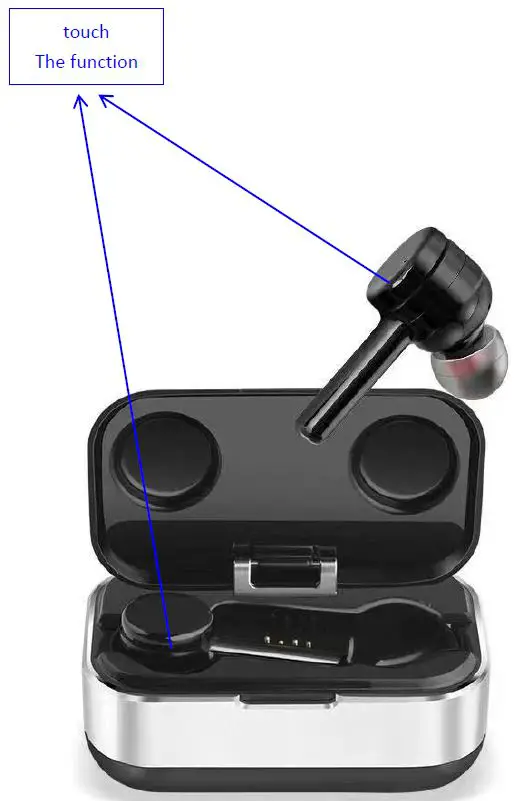
Touch key function
| boot | In shutdown state, long press the touch button for 3
seconds to start up, accompanied by a prompt tone |
| To turn it off | Under startup state, long press the touch button for 5 seconds to shut down, accompanied by a prompt sound (Please ignore the voice prompt in the middle) |
| Auxiliary to switch | Hold down the left/right earphone for 3 seconds to turn off/on the auxiliary listening (accompanied by the “Hearing off/” Hearing on” voice prompt). By default, the auxiliary listening function is automatically turned on when the headset is turned on |
| Complementary to the volume | Set the gain of the fourth gear, click the left ear/right earphone function button to increase one gear, and click to return to the first gear after the maximum volume |
| Answer the
phone | When an incoming call comes in, click the left or right
headset touch button |
| Hang up the
phone | During a call, click the left and right touch buttons of the
earphone |
| Decline a call | When an incoming call comes in, long press the
left/right headset touch button for 1 second |
| Call volume | None. The volume can be adjusted by the mobile phone
volume control button |
| music
Play/Pause | Double click the left/right headset touch button |
| music
In a song | Triple click the left earphone touch button |
| music
The next song | Triple click right headset touch button |
| Music volume | None. When playing music, you can adjust the volume
by using the mobile phone volume control button |
Charging bin indicator light
| earpiece | Indicator White breathing, the headset is fully charged and
the indicator is off |
| Low
battery | Indicator red breathing, please connect the Type-c charging
cable for charging |
| When
charging | The indicator light is green for breathing, and the green
light keeps on after the charging bin is fully charged |
Using the operating
First Bluetooth connection
Open the charging compartment and take out the left and right earphones one by one. The left and right earphones are automatically connected. The user enables the bluetooth function of the mobile phone to search or scan, and clicks the searched Bluetooth name “Z3 Pro”.
Automatic Bluetooth connection
- The headset has a Bluetooth memory function and will automatically connect to the last connected device.
- After the bluetooth connection is successful, the connection will be disconnected when the distance with the connected device is beyond the effective distance.Back to the effective distance within two minutes, the headset automatically connects to the Bluetooth device again.
Bluetooth and auxiliary compatible mode
By default, the headset automatically enters the auxiliary listening mode after startup. The headset is compatible with Bluetooth mode. You can disable or restart the auxiliary listening function as required.
Clear bluetooth memory connection
A low probability of misoperation may cause the left/right headset to enter unitary use mode.Please turn off the left/right ear and then put on the ear. At the same time, hold down the touch button of the left/right earphone for 10 seconds and release it after hearing the shutdown prompt tone of “didi Di”.The left and right ears will be paired automatically when the headset is manually turned on again or removed after it is put into the charging bin.
Charging operation
- Use a standard TYPE-C USB cable to connect the type-C interface of the charging bin. The USB end can be connected to a universal 5V charger or computer USB interface.1A
- The headset is automatically turned off and charged after being put back into the charging bin.The headset needs 0.5 hours to be fully charged when the battery is low, and the charging bin needs 2 hours to be fully charged when the battery is low.
- When charging the headset in the charging bin, breathe in the white light; when connecting the Type-C data cable, breathe in the green light; when fully charged, the green light will keep on.
Warnings and Precautions
- This product is an auxiliary listening device. When the left/right earphone is close to it or when the user takes it, the loudspeaker and sound picking microphone may form a loop, which is a normal phenomenon.
- The headset will turn on automatically after it is removed from the charging bin, and will turn off automatically after it is put back into the charging bin and charge the headset automatically when it needs to be
charged. - Do not use corrosive detergent to clean the product.
- Do not heat the product or near the fire.
- Do not place the product in fire.
- Do not attempt to disassemble this product to make any modifications, as it does not contain any repair components.
- If you do not intend to use this product for an extended period of time, store it in a dry and ventilated environment to avoid the effects of extreme temperature, humidity and dust on the product.Charge your device at least every 180 days to extend battery life.
- Silicone earplugs of different sizes are provided in the packaging box. Please choose the earplugs that fit the ear canal and are comfortable to wear so as not to affect your experience.
- When the charging bin is low in power (red light breathing), the earphone may form a loop in the charging bin and cause noise. Please connect type-C charging cable to charge the charging bin.
FCC Warning Statement
Changes or modifications not expressly approved by the party responsible for compliance could void the user’s authority to operate the equipment. This equipment has been tested and found to comply with the limits for a Class B digital device, pursuant to Part 15 of the FCC Rules. These limits are designed to provide reasonable protection against harmful interference in a residential installation. This equipment generates uses and can radiate radio frequency energy and, if not installed and used in accordance with the instructions, may cause harmful interference to radio communications. However, there is no guarantee that interference will not occur in a particular installation. If this equipment does cause harmful interference to radio or television reception, which can be determined by turning the equipment off and on, the user is encouraged to try to correct the interference by one or more of the following measures:
- Reorient or relocate the receiving antenna.
- Increase the separation between the equipment and receiver.
- Connect the equipment into an outlet on a circuit different from that to which the receiver is connected.
- Consult the dealer or an experienced radio/TV technician for help.
This device complies with Part 15 of the FCC Rules. Operation is subject to the following two conditions:
- This device may not cause harmful interference, and
- This device must accept any interference received, including interference that may cause undesired operation.