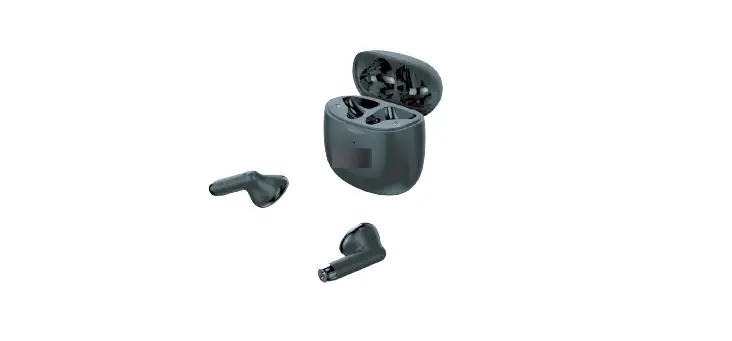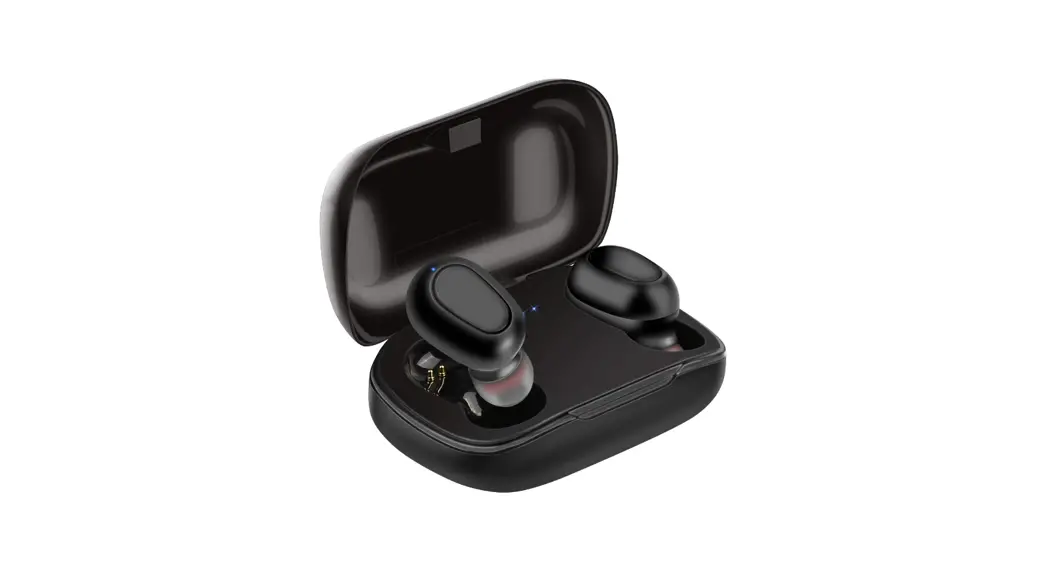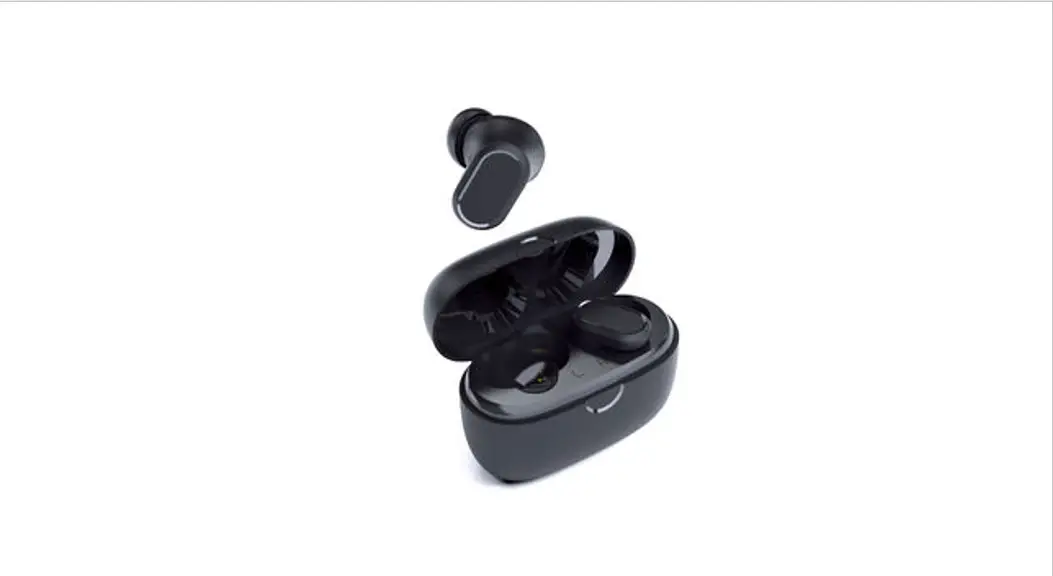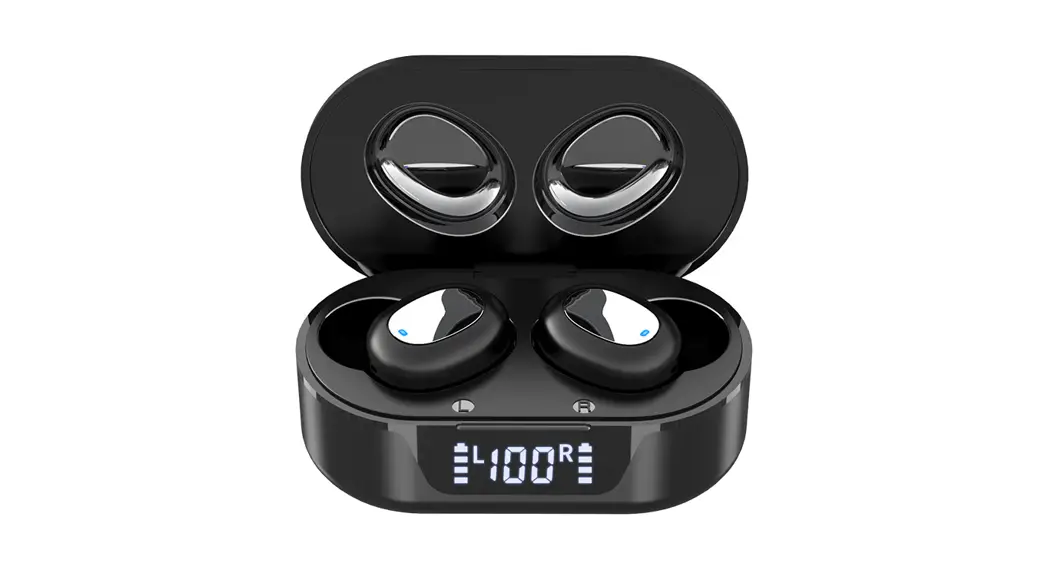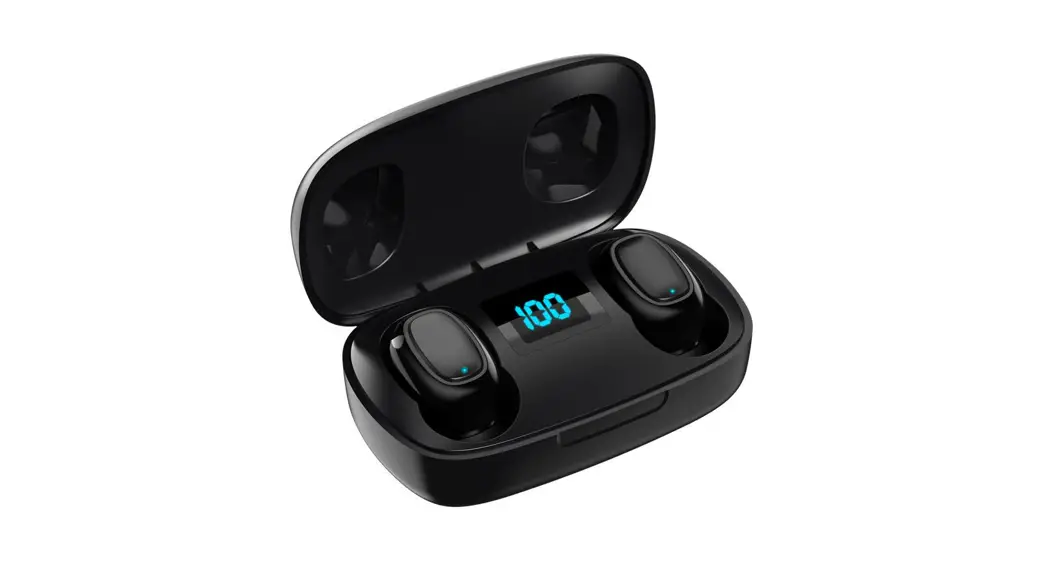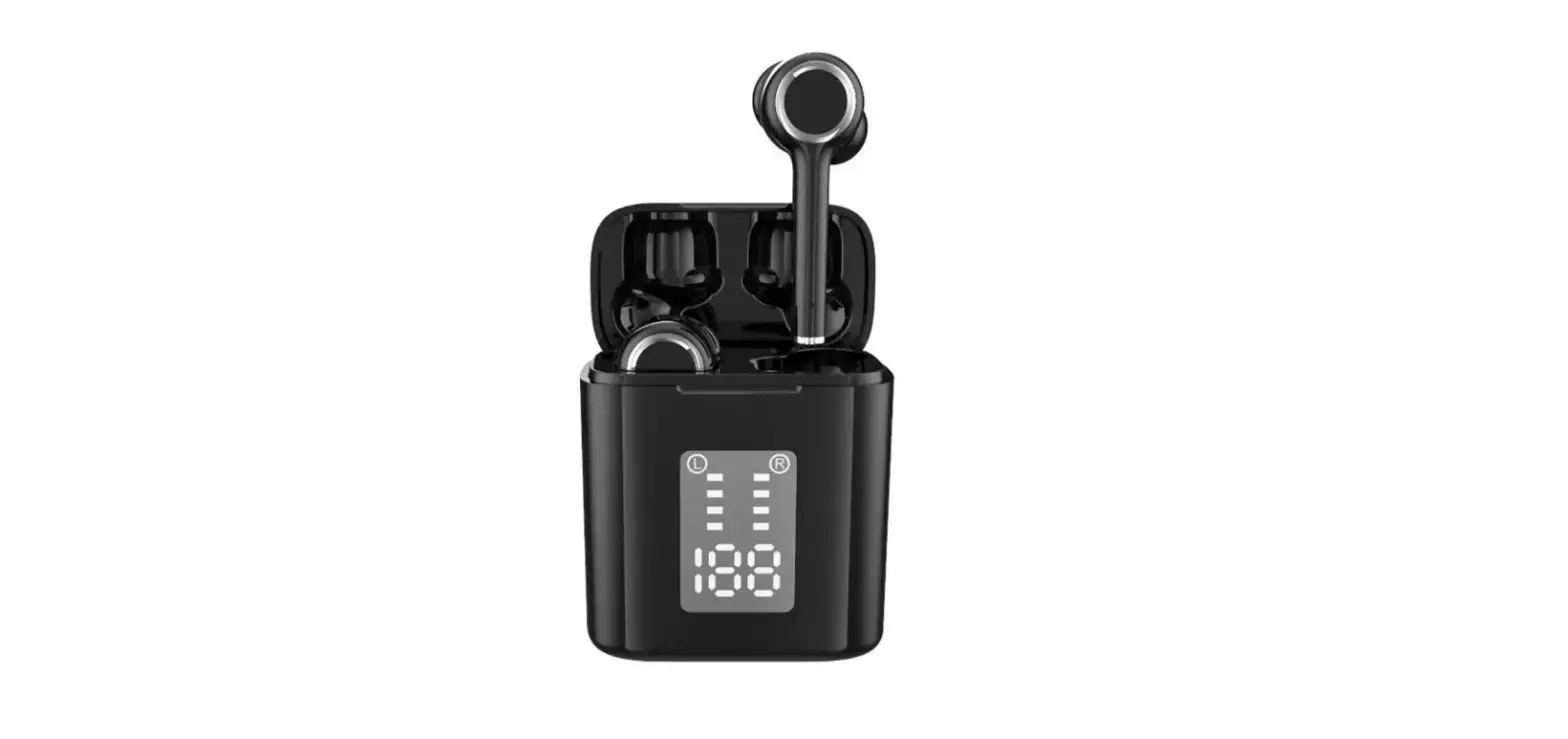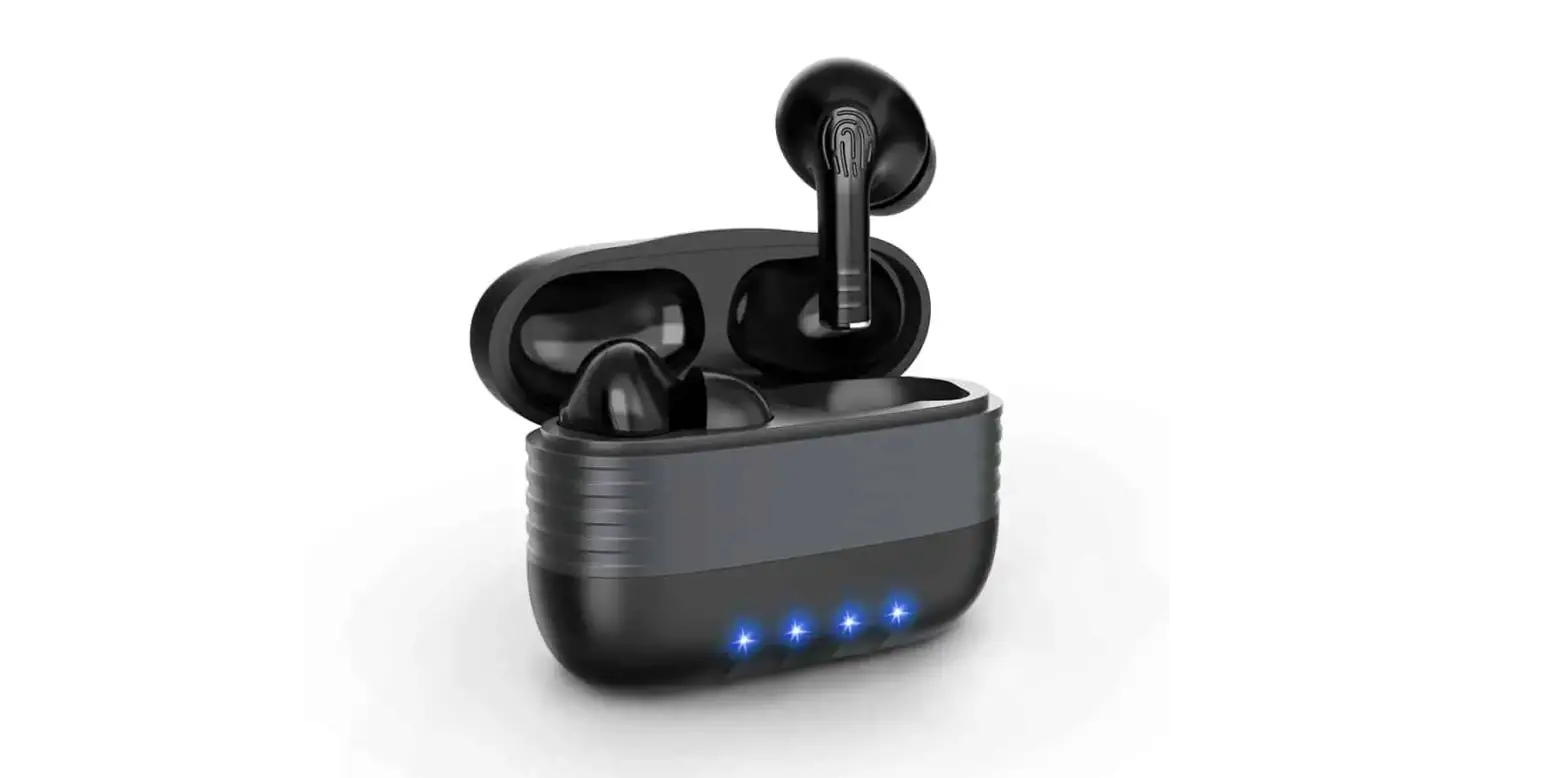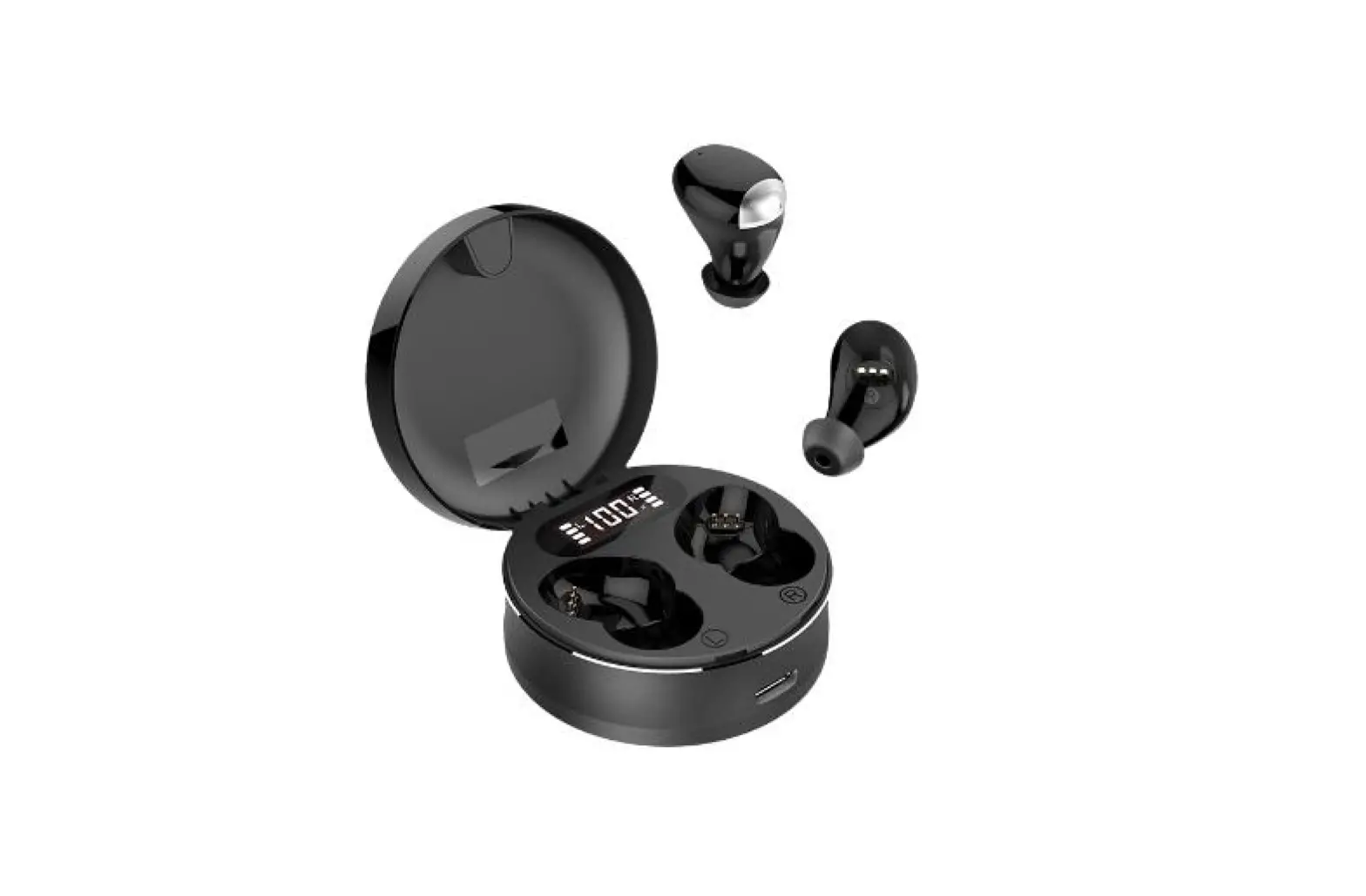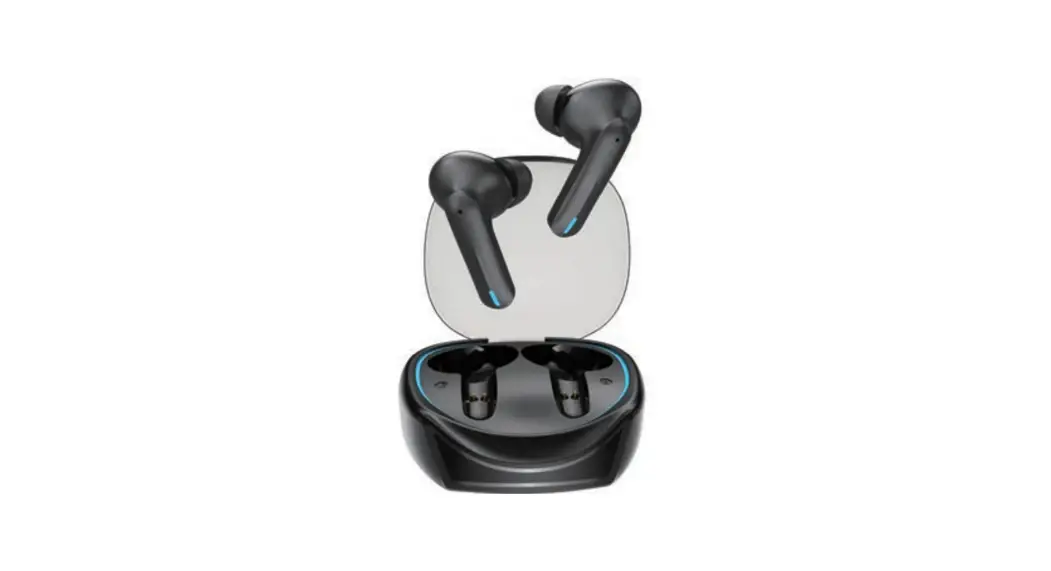

TWS wireless headset 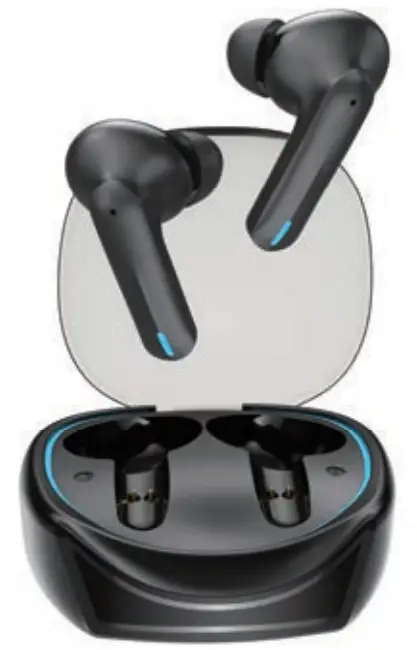
Instruction Manual
We are very glad that you purchase hoco Wireless Headset!
We hope it brings you fun and enjoyment!
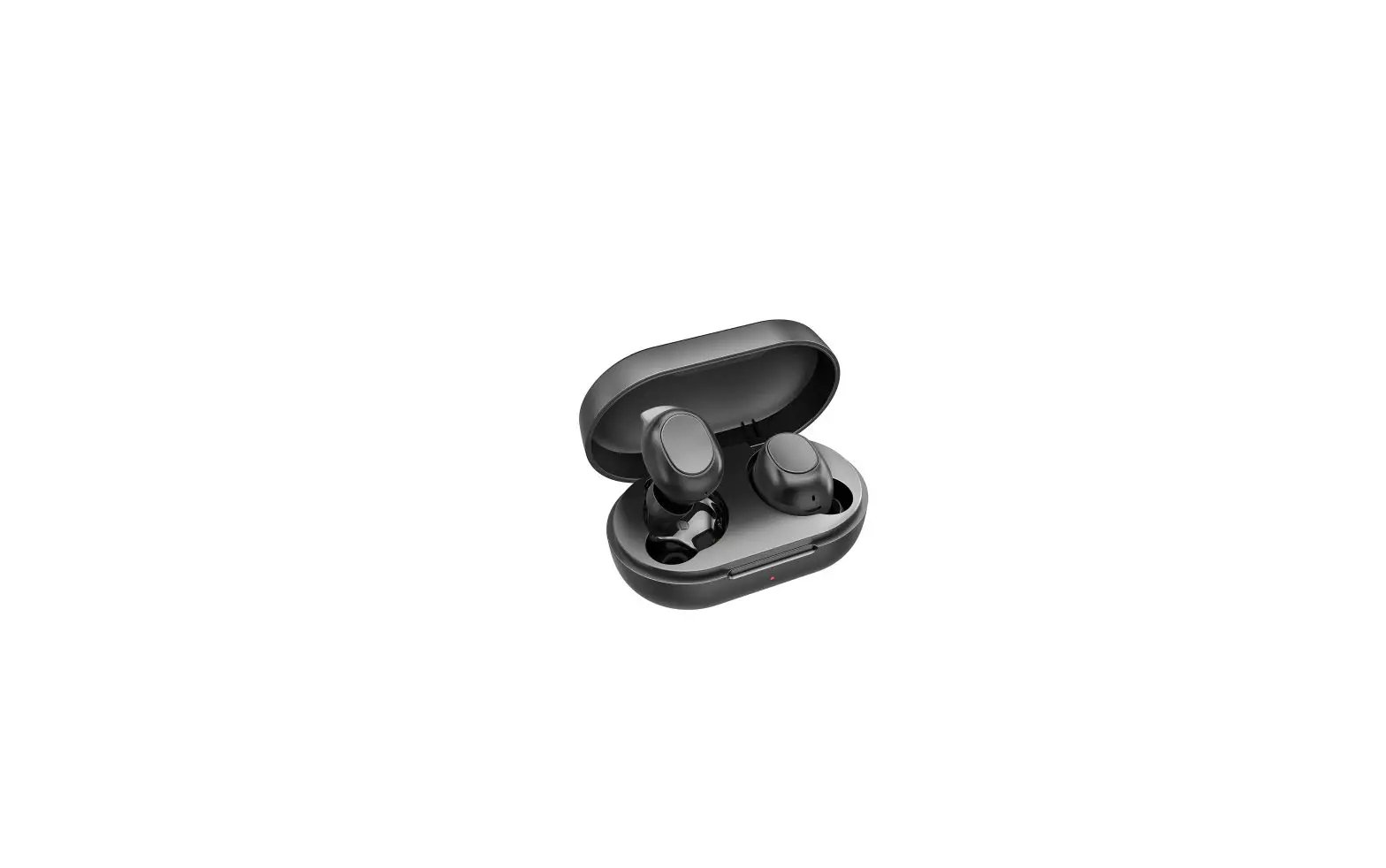
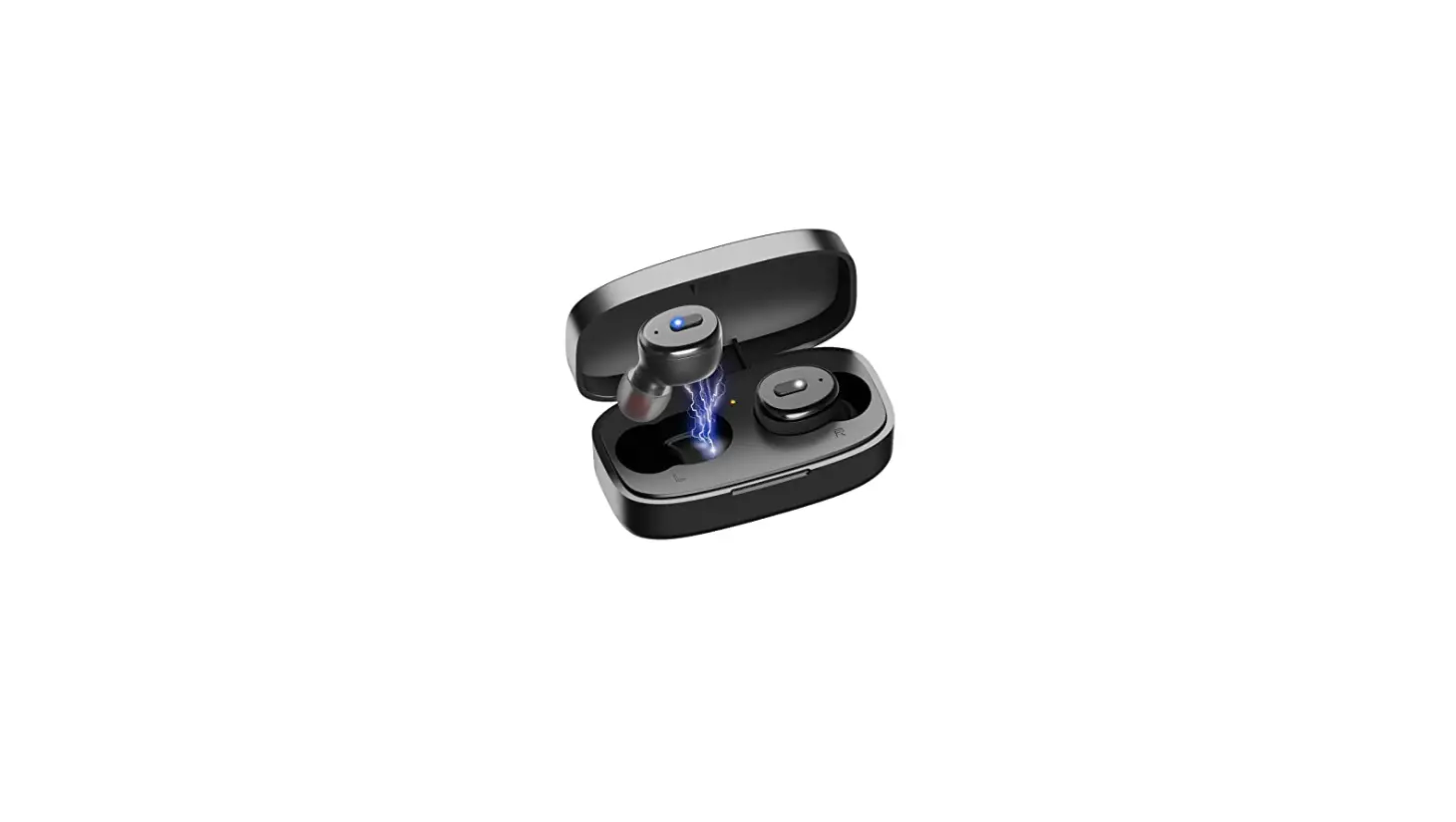
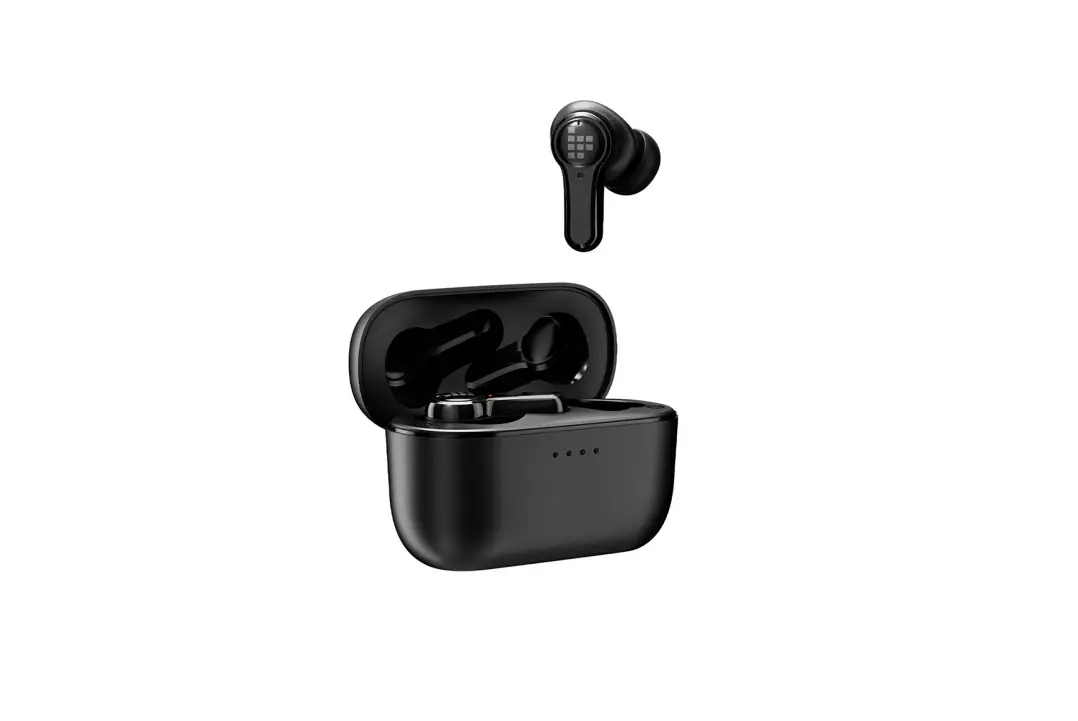
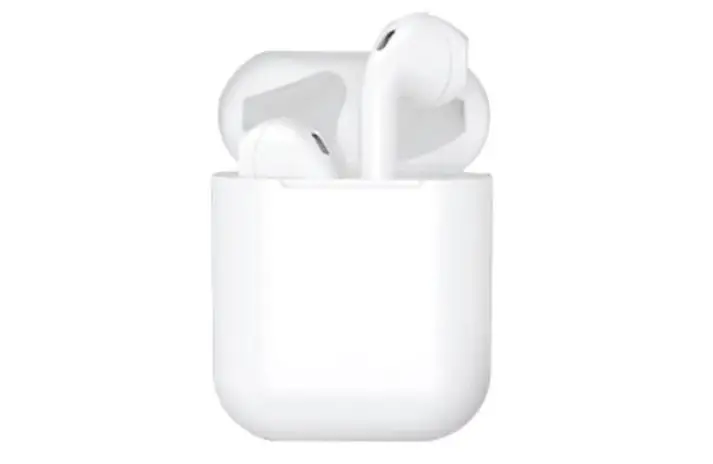
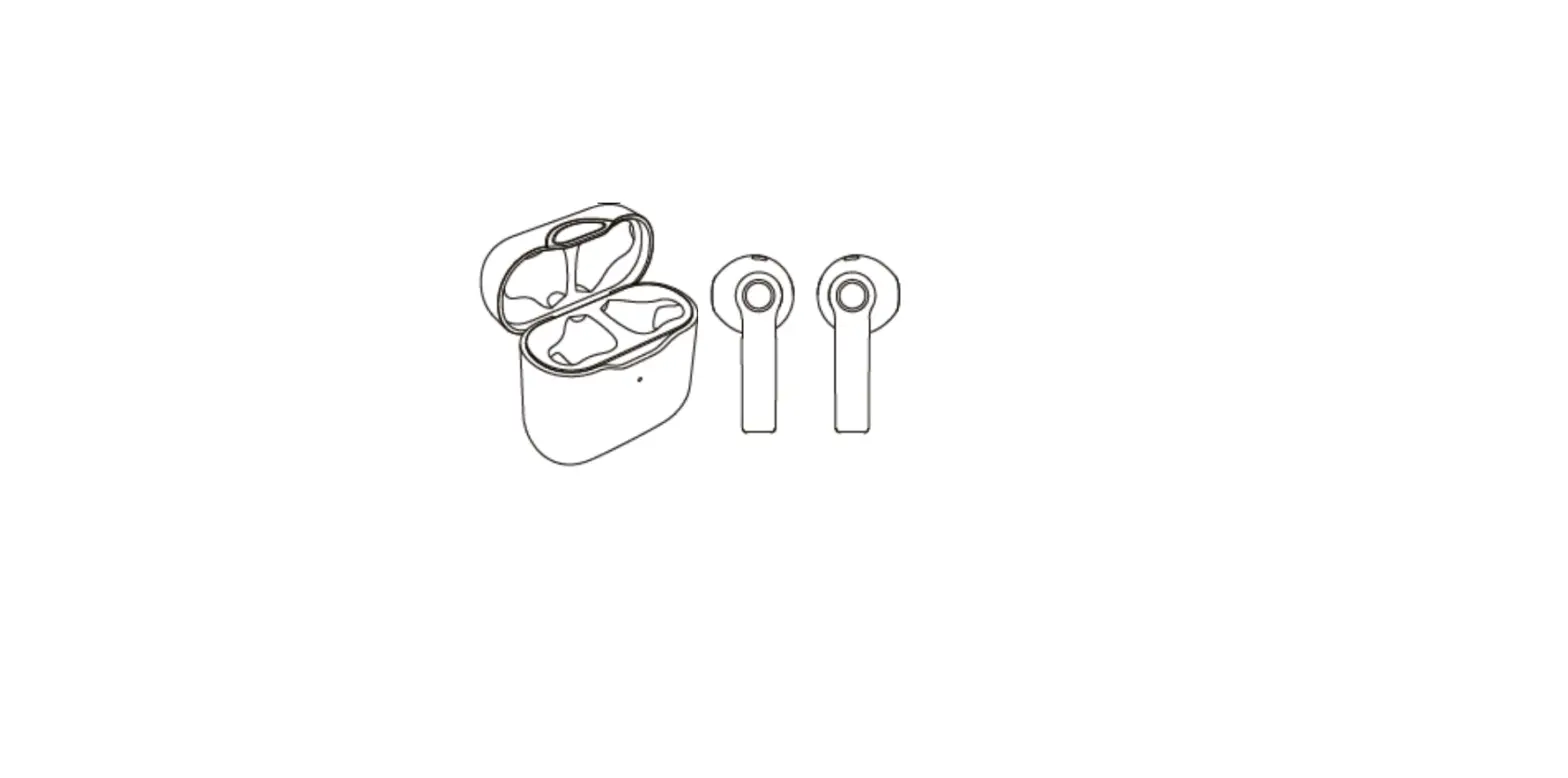
Headset overview
 How to use
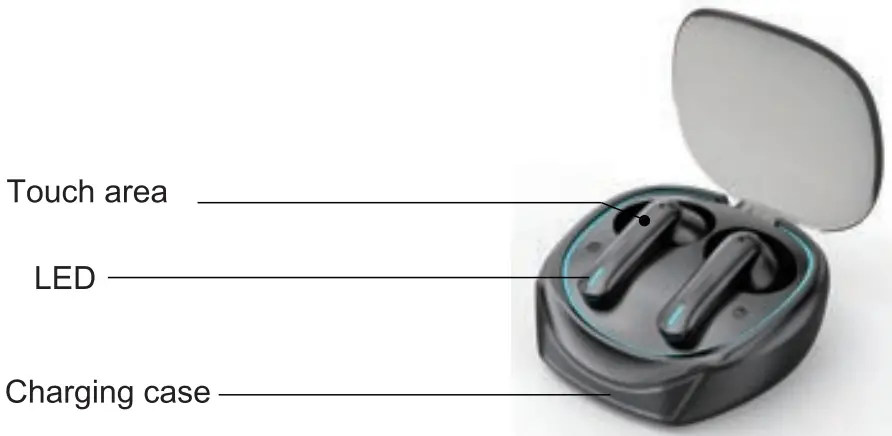 How to use
- After opening the charging case, turning on the headset, and accompanied by the tore, the left and night headsets automatically complete the pairing
- Enable Wireless function on mobile phone, 0onoect the HE-068,at the first time you need to manually connect the device. Successful connection of HE-068 accompanied by atoning white
- The white light flashes when the charging case is charging, the light is always on when fully charged. When the cover is opened, the white and blue lights flash alternately when not paired and the lights go out after pairing
Headset Controls
| Function | Operation |
| Play / Pause | Click the touch area (left/right headset) |
| Next track | Double-click the right headset touch area |
| Prey track | Double-click the left headset touch area |
| Wake up “Sin” | Long press the touch area 2S (left/right headset) |
| Answer / hang up | Click/Double-click the touch area (left/right headset) |
| Reject | Long press the touch area 2S (left/right headset) |
| Turn off | Put in the charging case and close the lid turn off |
Product Features
- Wireless specification Wireless V5.3
- Product net weight40 g
- protocols supported: Headset
Hands-free A2DP AVRCP - Transmission range 10m
- Transmission frequency 2 4GH
- Charging voltage: DC 5V
- Charging Case Charging time: About 1.5 hour
- Talk time/Music time 7h
- Standby time. Above 120 hours
- 4Headset battery capacity 40 mAh
- Charging case battery capacity 320 mAh
FCC Statement
This device complies with Part 15 of the FCC Rules. Operation is subject to the following two conditions: (1)This device may not cause harmful interference. (2)This device must accept any interference received, including interference that may cause undesired operation. 2. Changes or modifications not expressly approved by the party responsible for compliance could void the user’s authority to operate the equipment.
Note:This equipment has been tested and found to comply with the limits for a Class B digital device,pursuant to Part 15 of the FCC Rules. These limits are designed to provide reasonable protection against harmful interference in a residential installation.
This equipment generates uses and can radiate radio frequency energy and,if not installed and used in accordance with the instructions,may cause harmful interference to radio communications. However, there is no guarantee that interference will not occur in a particular installation.if this equipment does cause harmful interference to radio or television reception,which can be determined by turning the equipment off and on,the user is encouraged to try to correct the interference by one or more of the following measures:
- Reorient or relocate the receiving antenna.
- Increase the separation between the equipment and receiver.
- Connect the equipment into an outlet on a circuit different from that to which the receiver is connected.
- Consult the dealer or an experienced radio/TV technician for help.
The device has been evaluated to meet general RF exposure requirement. The device can be used in portable exposure condition without restriction.