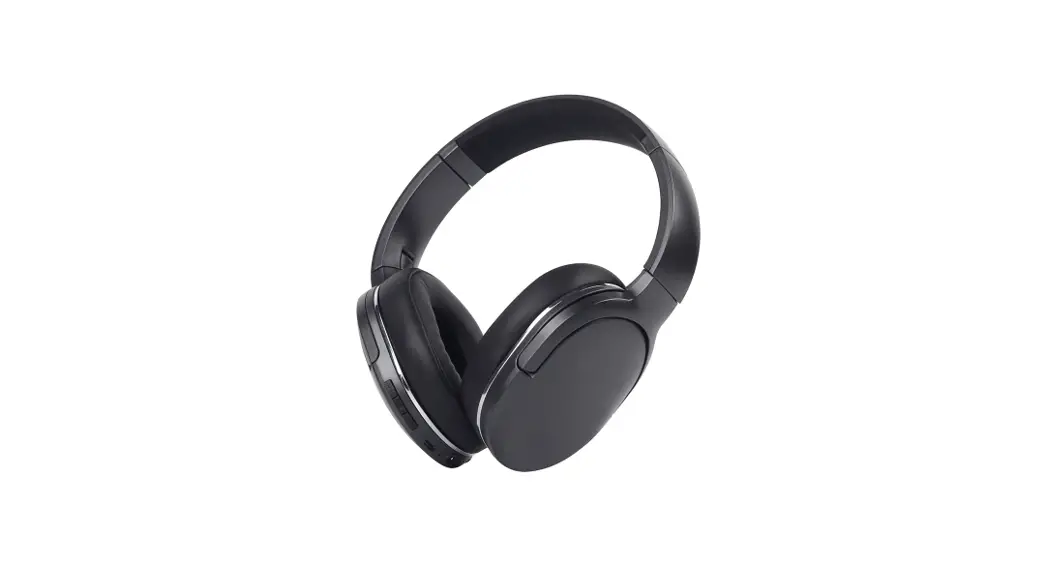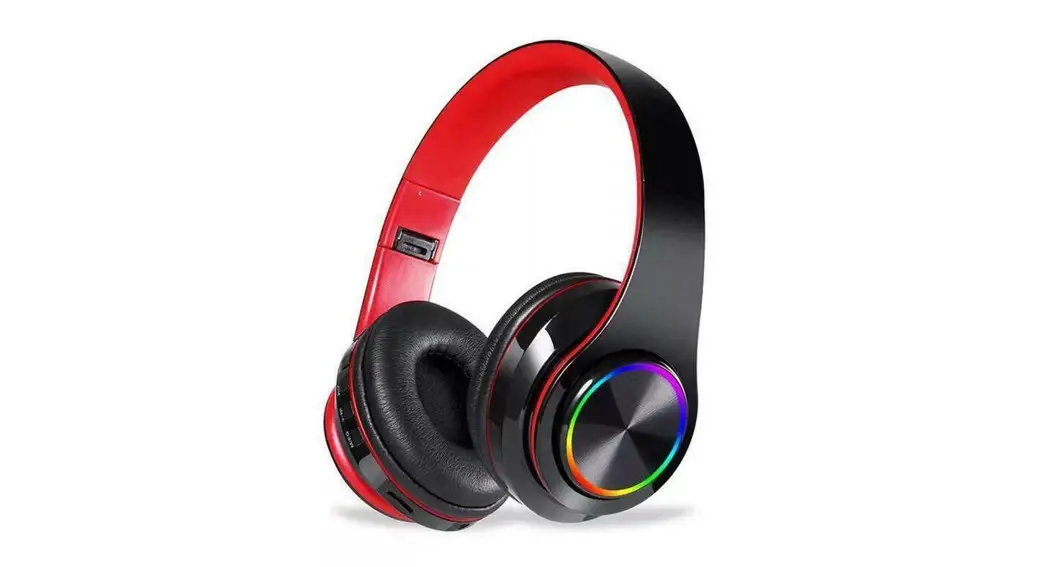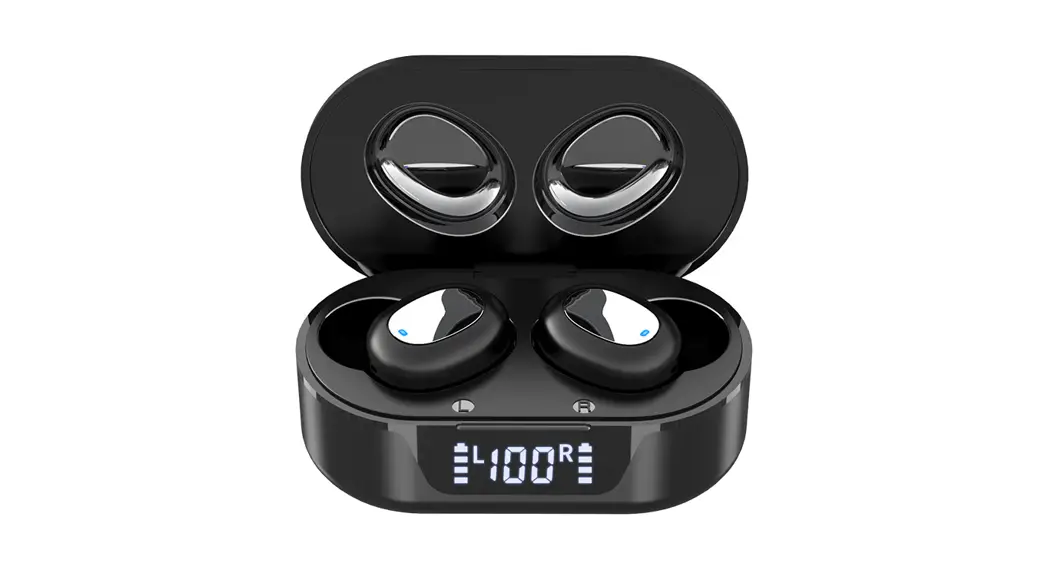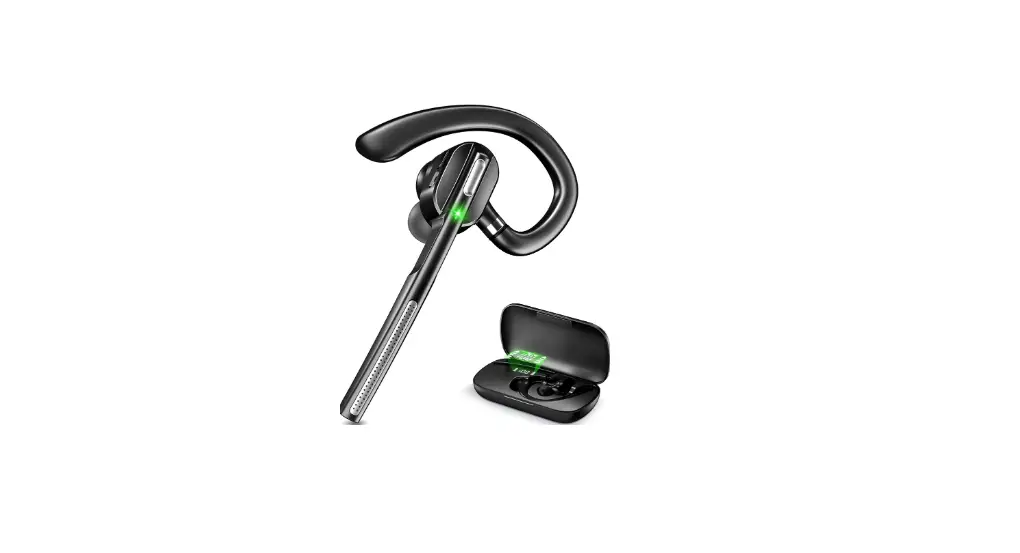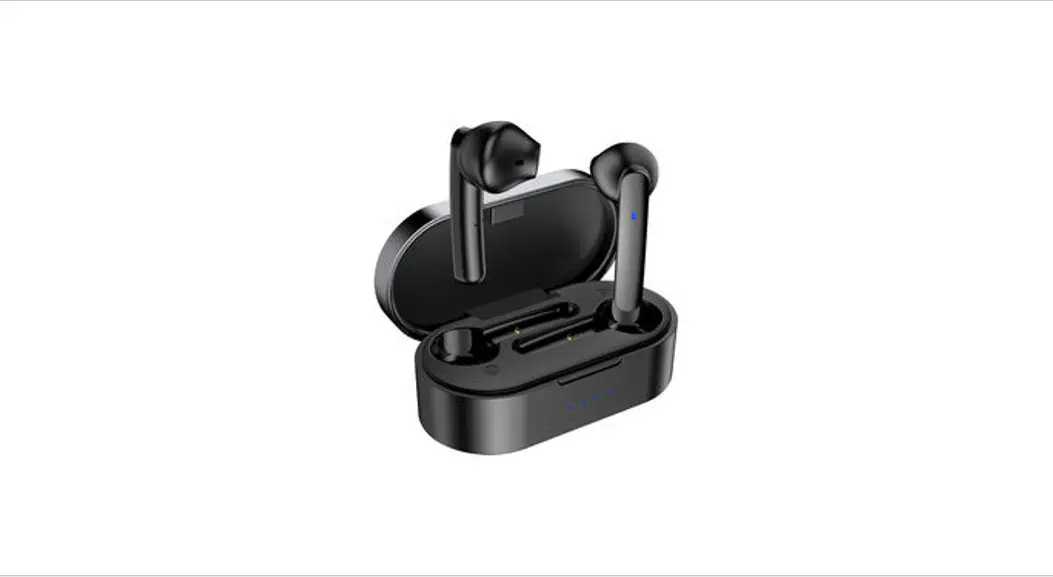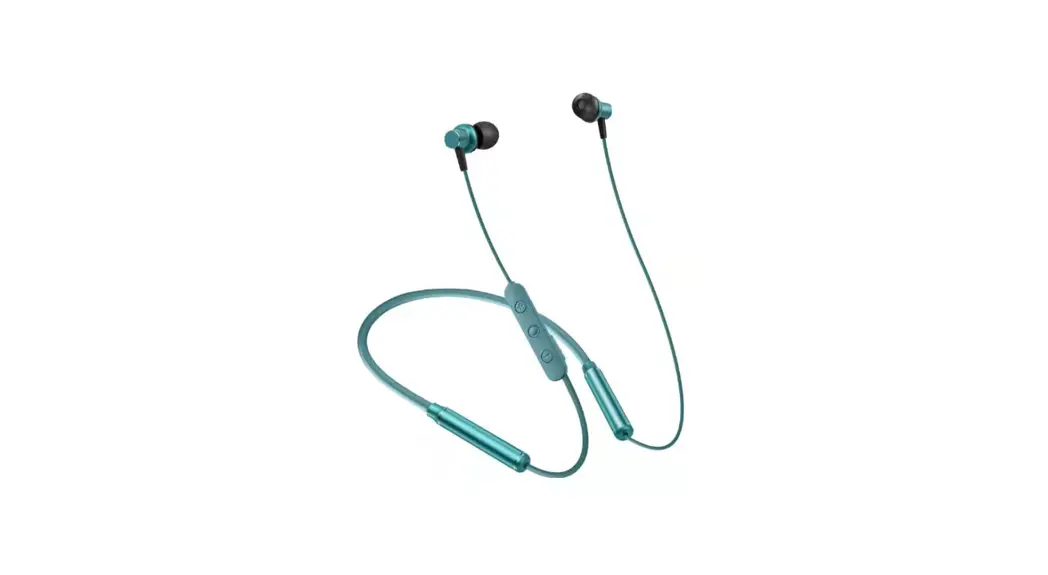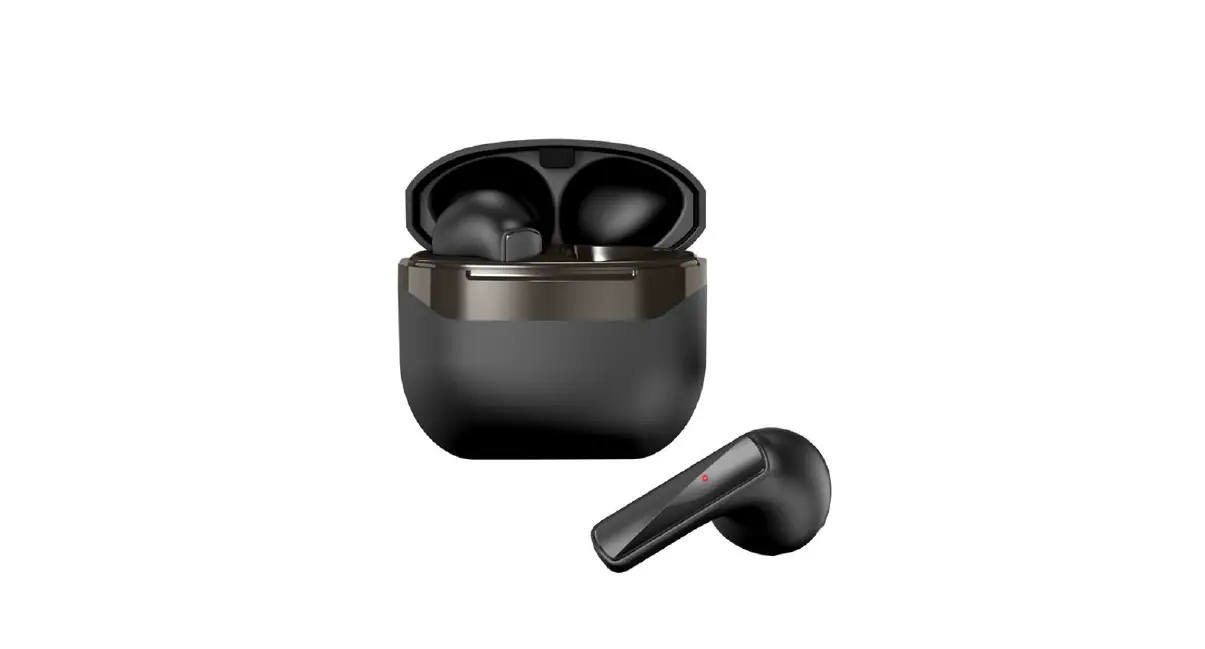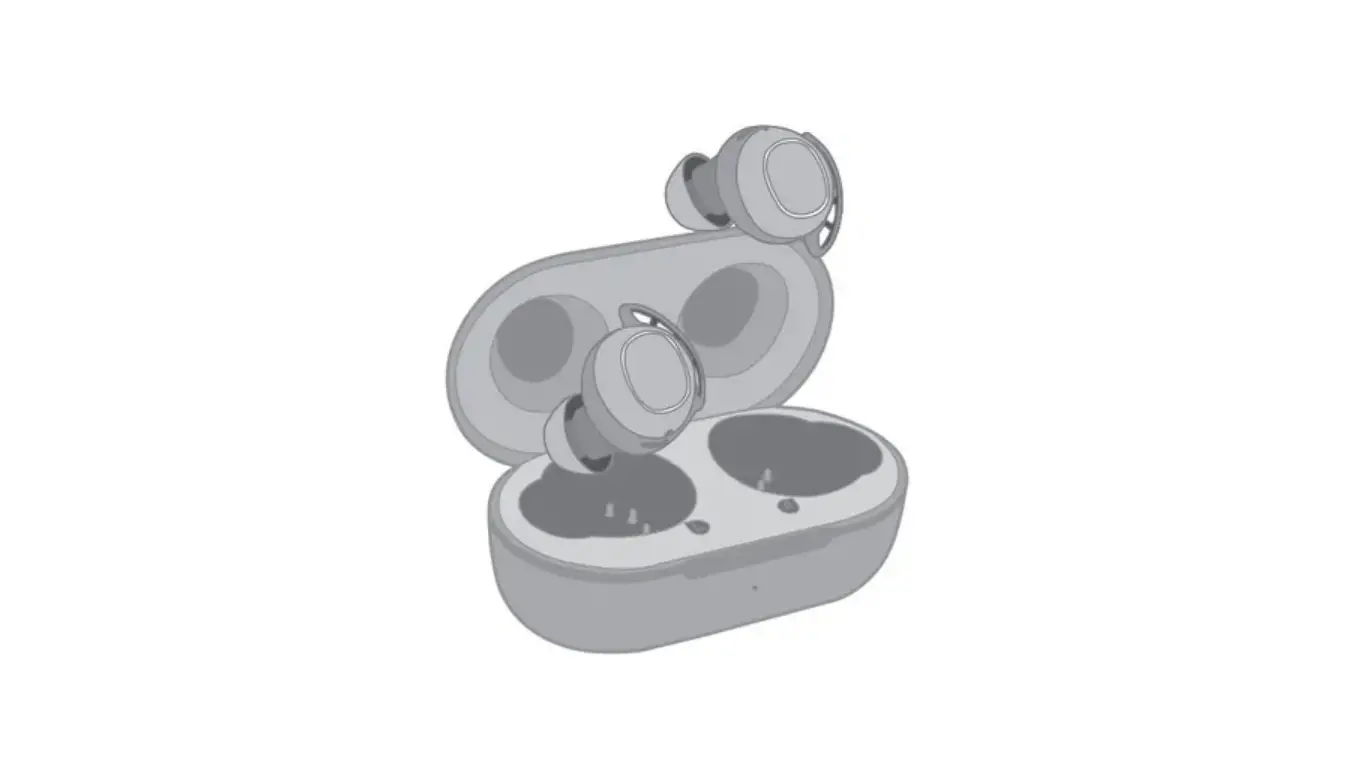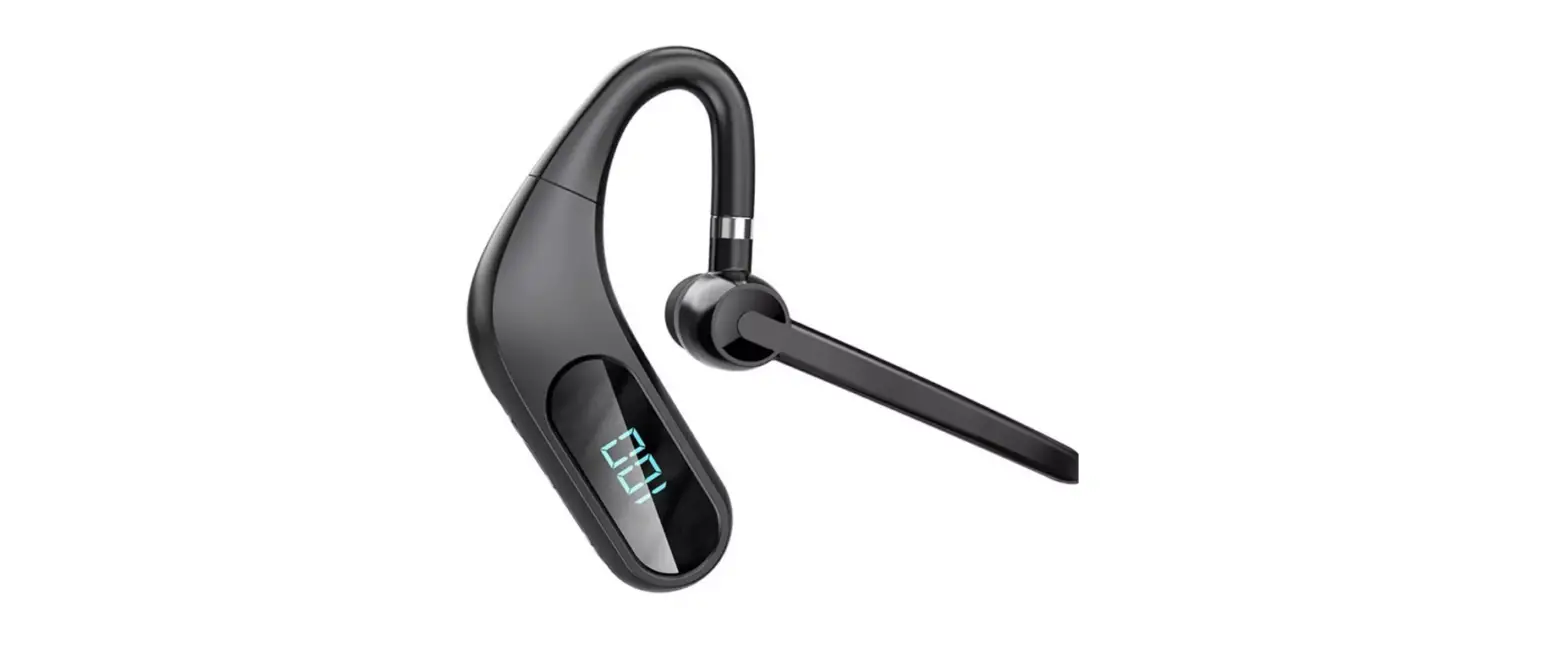

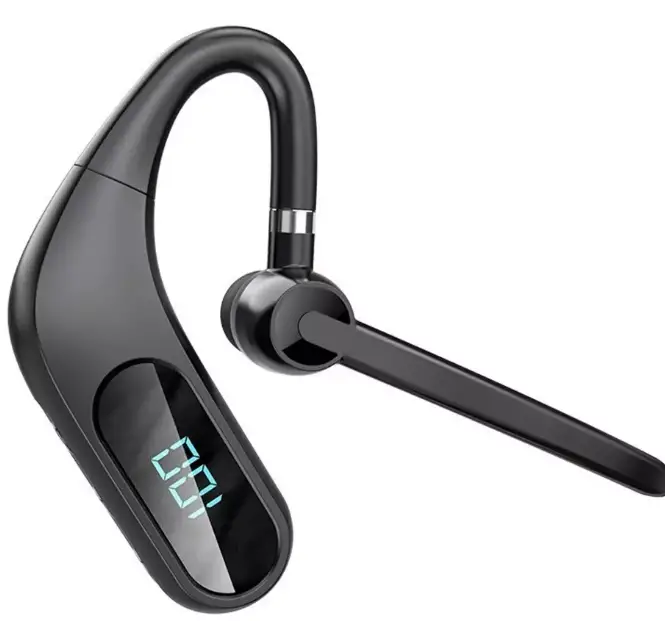
Dongguan Feitianqi Trading BH1 Business Wireless Headset 
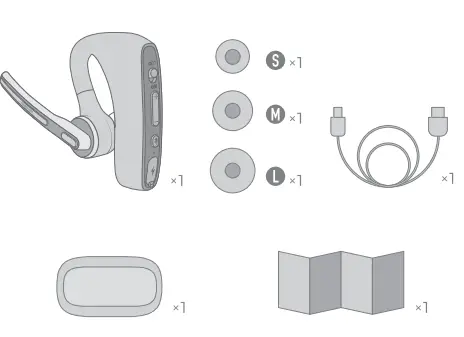
Package List
Diagram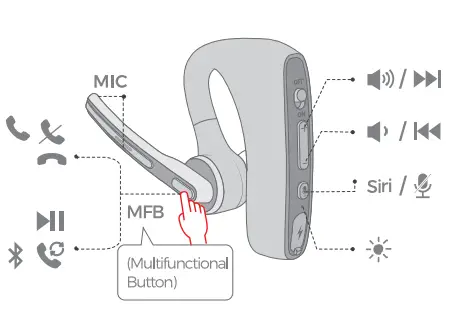
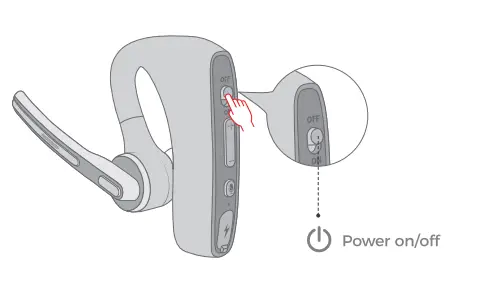
Power ON/ OFF
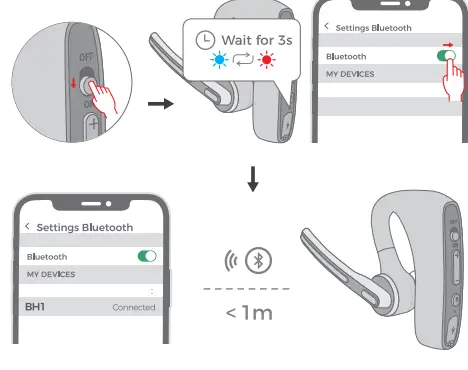
How To Pair
Mode 1
 Mode 2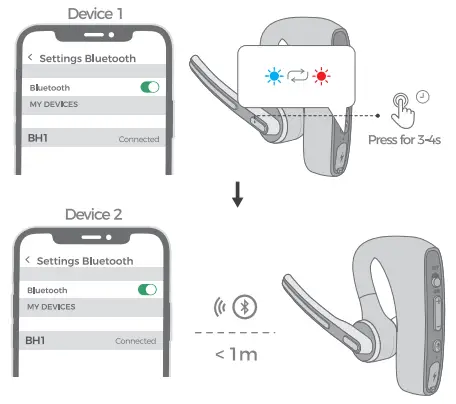
- When :,ou use it for the first time, slide the side button 1D “ON”. then wait for 3 seconds or so. It will automatically enll!t’ into pairing mode in which the LED 1Nill flashes red and blue alternately. Then select ·sHl • on )’Our device.
- Whan 1ha haadsat is conra:ta::l 1Nith one <HMOB, simply 1a!J, pressing the FB but!Dnt r3-4secordsorso. itv..11 automatically enter into pairing mode again in which the LED light1Nill flas red and blue alternately. Then select ·sHl” on your device
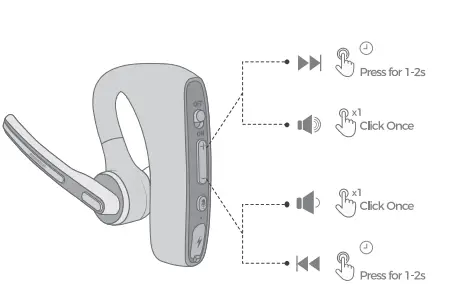
volume control / Music control
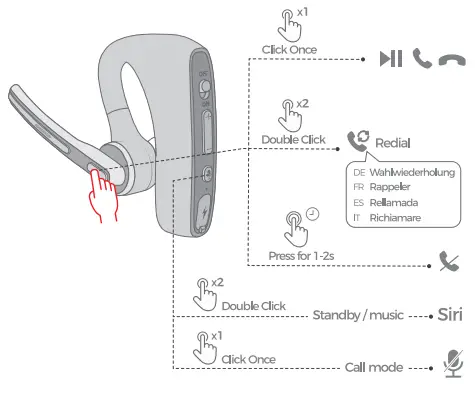
Play/ Pause/Mute Answer /Hang Up/
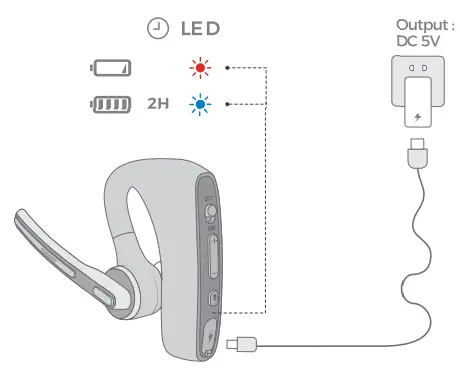
Charge Battery
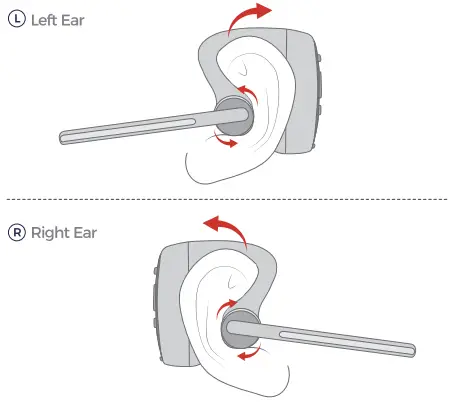
How to Wear
- Left Ear
- Right ear

Correct Disposal of This Product
(Waste Electrical& Electronic Equipment ) AThis Marking shovwn on the product or its literature, indlicate that it should not be disposed with other household wastes at the end of its working life. To prevent possible harm to the environment or human health from uncontrolled waste disposal. please separate this from other types of wastes and recycle it responsibly to promote the sustainable reuse of material resources.Household user should contact either the retailer where they purchased this product, or their local government office, for details of where and how they can take this item for environmentally safe recycling. Business users should contact their supplier and check the tems and conditions of the purchase contact. This product should not be mixed with other commercial wastes for disposal.
FCC Statement
This equipment has been tested and found to comply with the limits for a Class B digital device, pursuant to part 15 of the FCC Rules. These limits are designed to provide reasonable protection against harmful interference in a residential installation. This equipment generates, uses and can radiate radio frequency energy and, if not installed and used in accordance with the instructions,may cause harmful interference to radio communications. However, there is no guarantee that interference will not occur in a particular installation. If this equipment does cause harmful interference to radio or television reception, which can be determined by turning the equipment off and on, the user is encouraged to try to correct the interference by one or more of the following measures:
- Reorient or relocate the receiving antenna.
- Increase the separation between the equipment and receiver.
- Connect the equipment into an outlet on a circuit different from that to which the receiver is connected.
- Consult the dealer or an experienced radio/TV technician for help.
Notification
- Please fully charge it if it was going ID~ idle for a long timeand place It In a cool and dry place. Please recharge It each 2 months forstcr.tge.
- Pleas&fullycha,ga it forthefitstusa