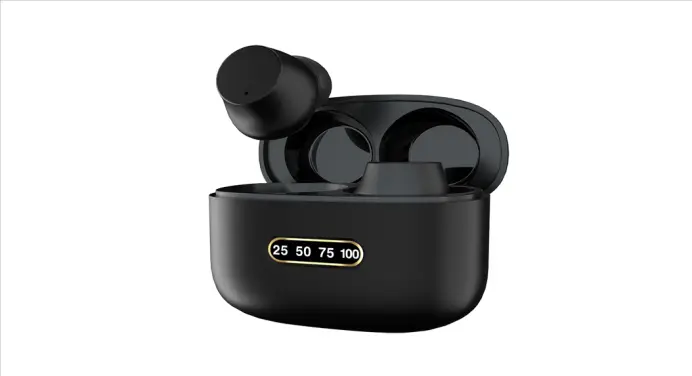
Nano3
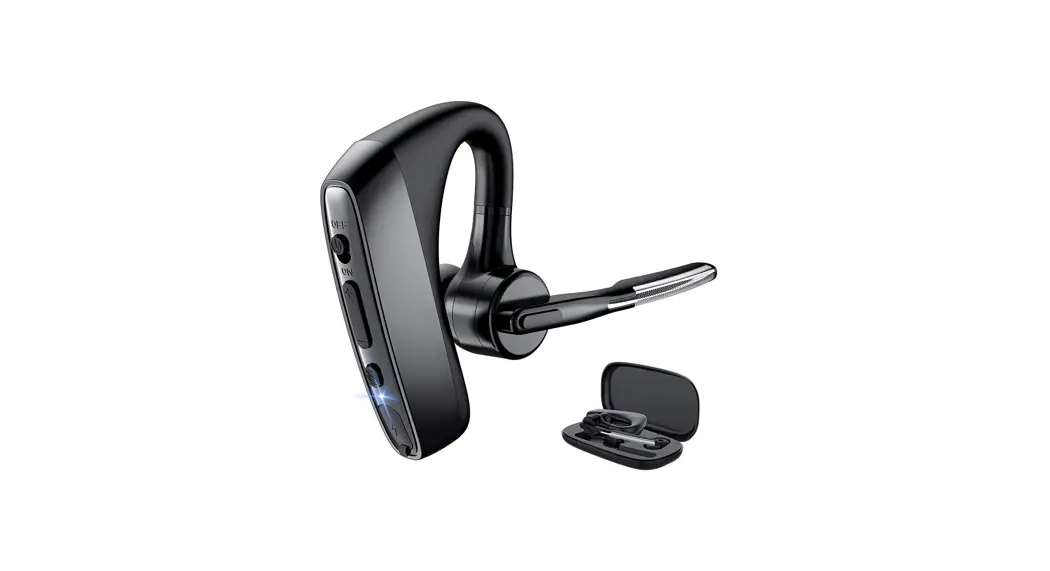
Bluetooth headset operating instructions
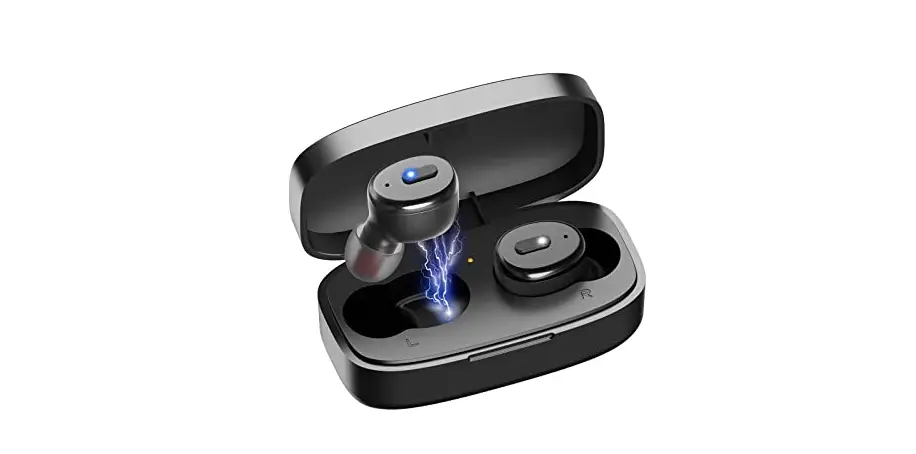
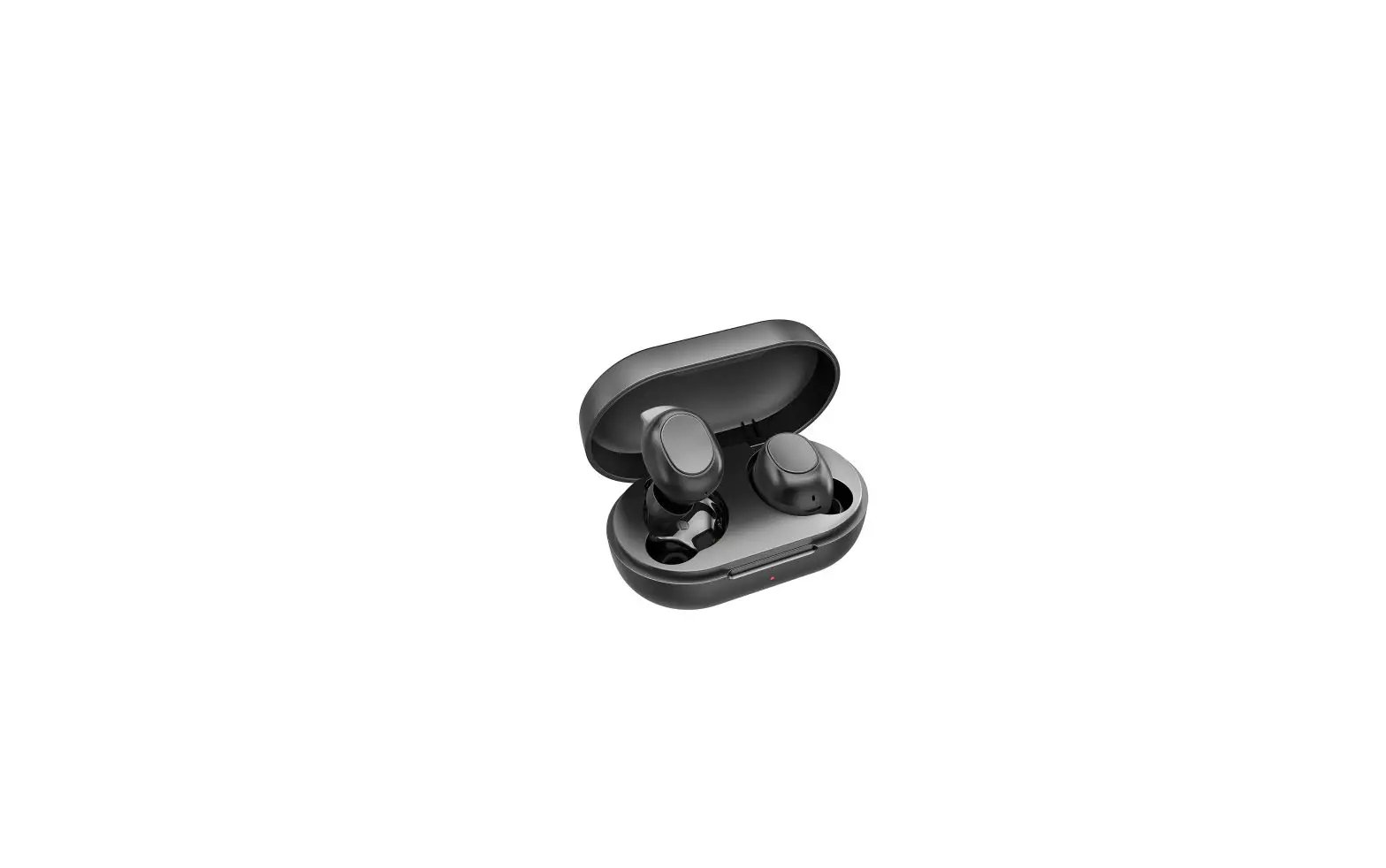
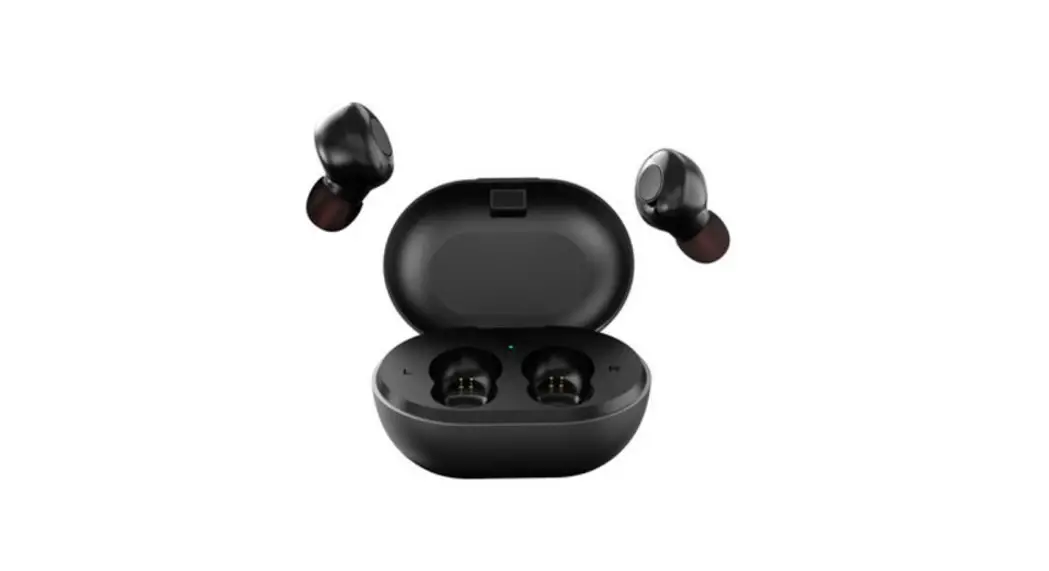
Charging the charging case
Insert the charging cable into the charging port, the red light flashing means charging, red light Chang Liang said has been full of FCC ID: 2AS2T-NANO3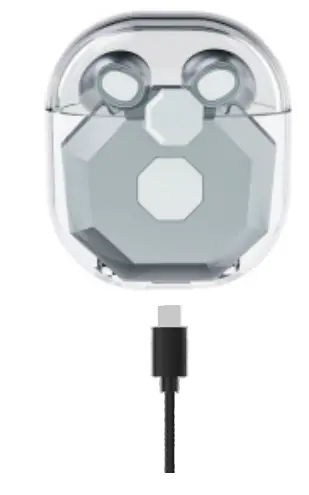 NOTE: LABLE is too large to be printed on the product, so it is printed in the User Manual
Charging the earphone
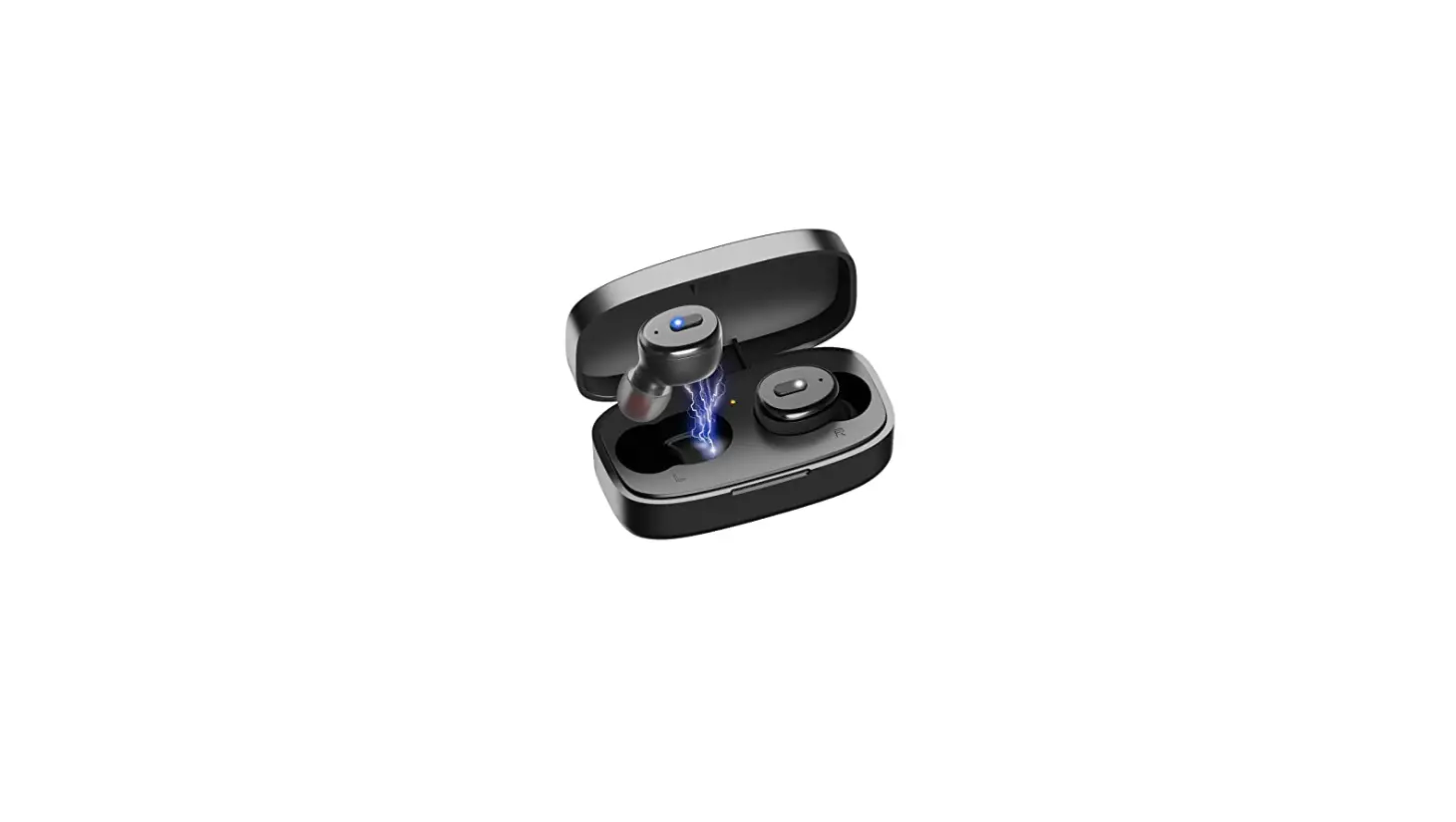
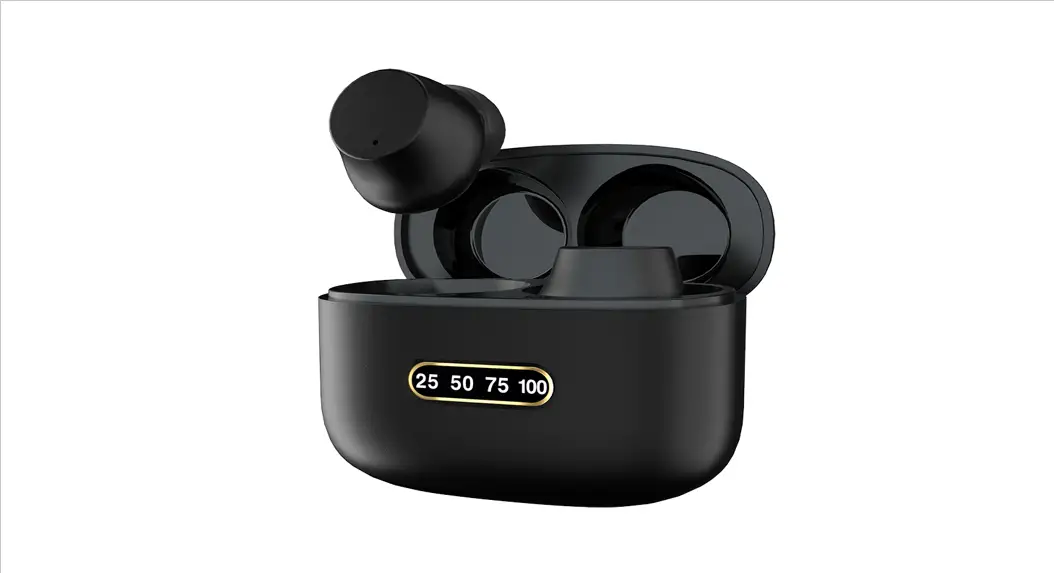
Put the earphones in the charging case, the green indicator light means charging, light off means it is fully charged.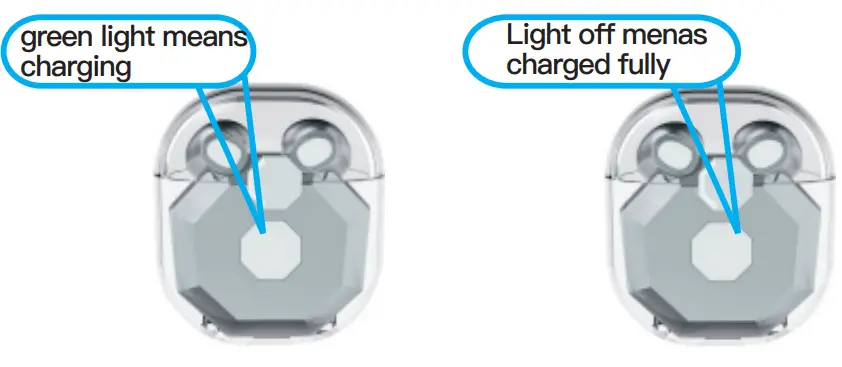 Where to see the power display?
After the earphone has connected with the phone, there is a battery mark next to the Bluetooth or earphone symbol to display the battery level.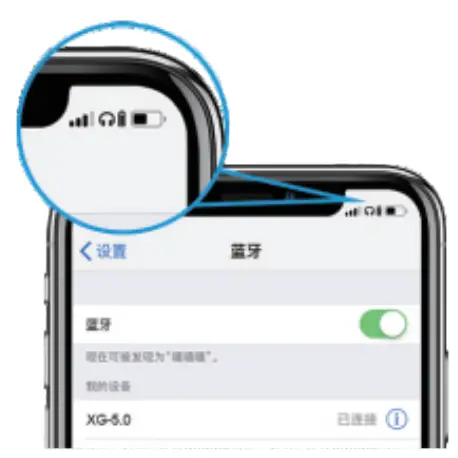 Dual earphones mode
Method one:
After fully charged, take two earphones and wait about 5 seconds, the red and blue lights flash, turn on Bluetooth on the phone, search for the pairing name “Nano3” and click to connect.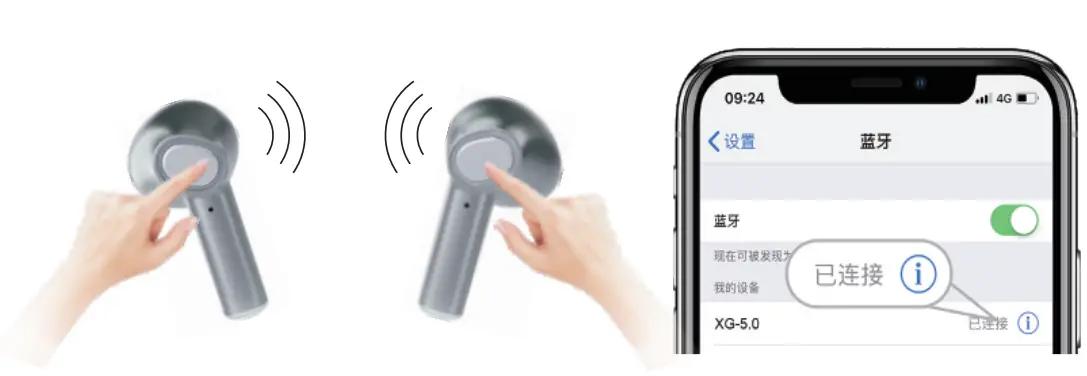
Method two:
After fully charged, take two earphones and touch for about 5 seconds, The red and blue lights flash, turn on Bluetooth on the phone, search for the pairing name “Nano3” and click to connect.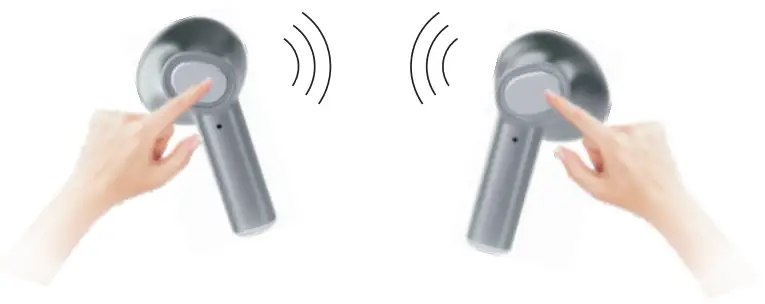
Single earphone mode
Method one:
After fully charged, take one earphone and wait about 5 seconds, the red and blue lights flash, turn on Bluetooth on the phone, search for the pairing name “Nano3” and click to connect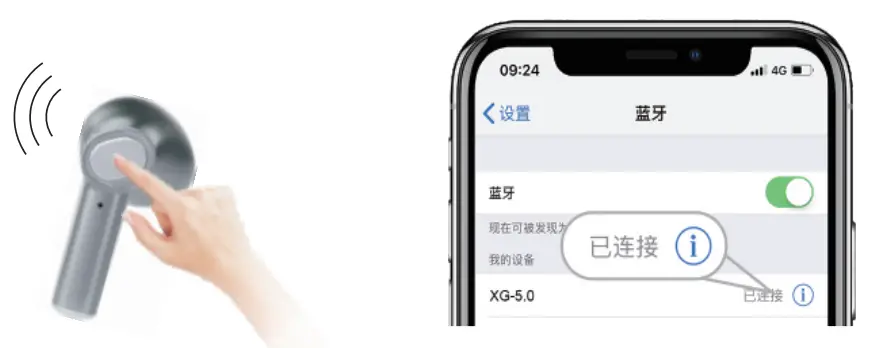
Method two:
After fully charged, take one earphone and touch about 5 seconds,the red and blue lights flash, turn on Bluetooth on the phone, search for the pairing name “Nano3” and click to connect.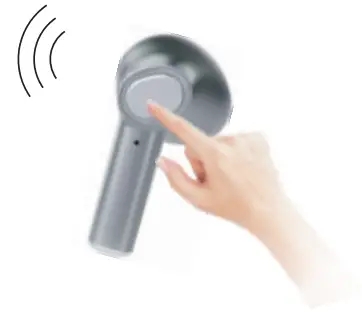
Earphone operation function
Power on: light touch 5 seconds
Power off: light touch 5 seconds
Next song: Double touch the right earphone
Previous song: Double touch the left earphone
Volume up: Triple touch the right earphone
Volume down: Triple touch the left earphone
Answer the call: Light touch either side
Reject the call: Light touch 2 seconds on either side
Wake up voice assistant: Light touch 3 seconds either side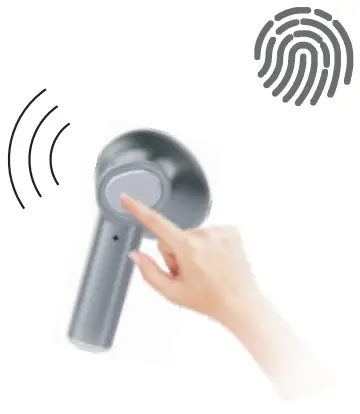
Chinese and English prompt tone switch
Double-click two earphones at the same time without connecting to Bluetooth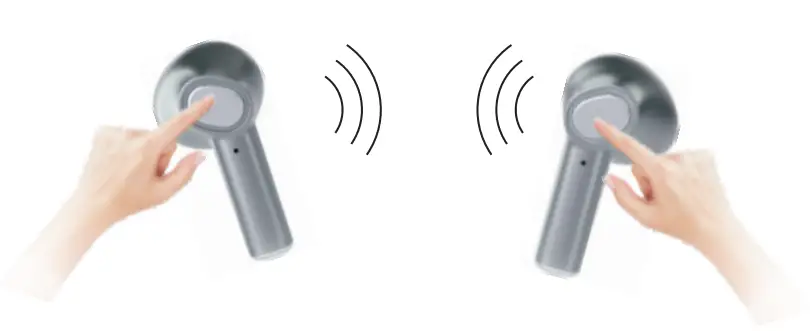
Standard accessories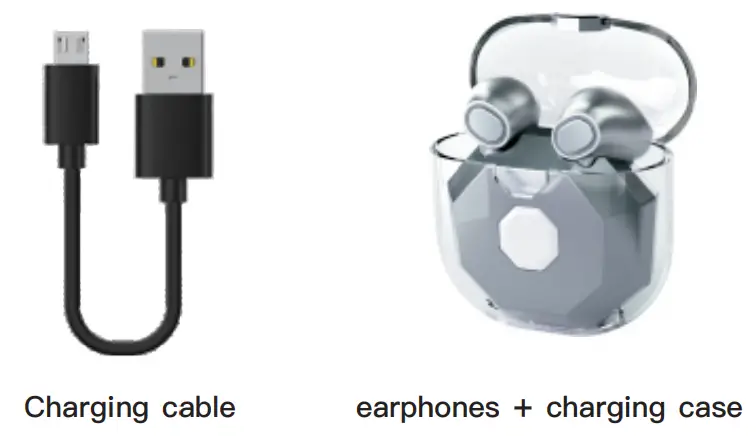
About Signal
- Please notice the wearing method, do not cover the earphone by ear to prevent interruption of signal.
- Do not cover anyone’s earphones on the dual earphones mode by hand or it will result in the interruption of signal.
- Please use this earphone under its working range (10 meters) and for best results avoid obstacles in between the connected devices.
- On the dual earphones model, sometimes the connection of “R” may be interrupted, please check the using condition or the working range.
How to wear the earphone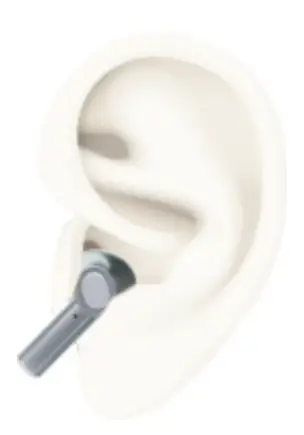 Parameters of earphones:
Model name: Nano3
Version: 5.0+EDR
Charging Voltage: DC 5V
Battery Voltage:3.7V
Charging time: 0.81WH
Talk time: 3H
Music time:3H
Work range:10m headphones capacity: 30mAh
Standby time: 40h
The specification of the charging case:
Input earphones Current: DC 5V
Battery capacity:220mAh
Charging times for earphones: 3-4 times
Warning
- Please do not take the earphones apart and remodel them, otherwise, it may cause electrical breakdown by the fire or even completely damage the product.
- Please do not put the product to too high or too low a temperature(Below 0°C or above 45°C).
- Please avoid using the device indicator light near the eyes of children or animals
- Please do not use the device under thunderstorms. It may cause the device to malfunction and increase the risk of electric shock.
- Please do not wipe the product with oil or other volatile liquids.
- Please do not let the device get wet with liquids.
Note It may cause hearing damage under longtime use, please arrange the use time reasonably.
FCC STATEMENT
This device complies with Part 15 of the FCC Rules. Operation is subject to the following two conditions: (1) This device may not cause harmful interference. (2) This device must accept any interference received, including interference that may cause undesired operation. 2. Changes or modifications not expressly approved by the party responsible for compliance could void the user’s authority to operate the equipment. NOTE: This equipment has been tested and found to comply with the limits for a Class B digital device, pursuant to Part 15 of the FCC Rules. These limits are designed to provide reasonable protection against harmful interference in a residential installation. This equipment generates uses and can radiate radio frequency energy and, if not installed and used in accordance with the instructions, may cause harmful interference to radio communications. However, there is no guarantee that interference will not occur in a particular installation. If this equipment does cause harmful interference to radio or television reception, which can be determined by turning the equipment off and on, the user is encouraged to try to correct the interference by one or more of the following measures:
- Reorient or relocate the receiving antenna.
- Increase the separation between the equipment and receiver.
- Connect the equipment into an outlet on a circuit different from that to which the receiver is connected.
- Consult the dealer or an experienced radio/TV technician for help.
FCC Radiation Exposure Statement This equipment complies with FCC radiation exposure limits set forth for an uncontrolled environment. This equipment should be installed and operated with a minimum distance of 5mm between the radiator & your body.