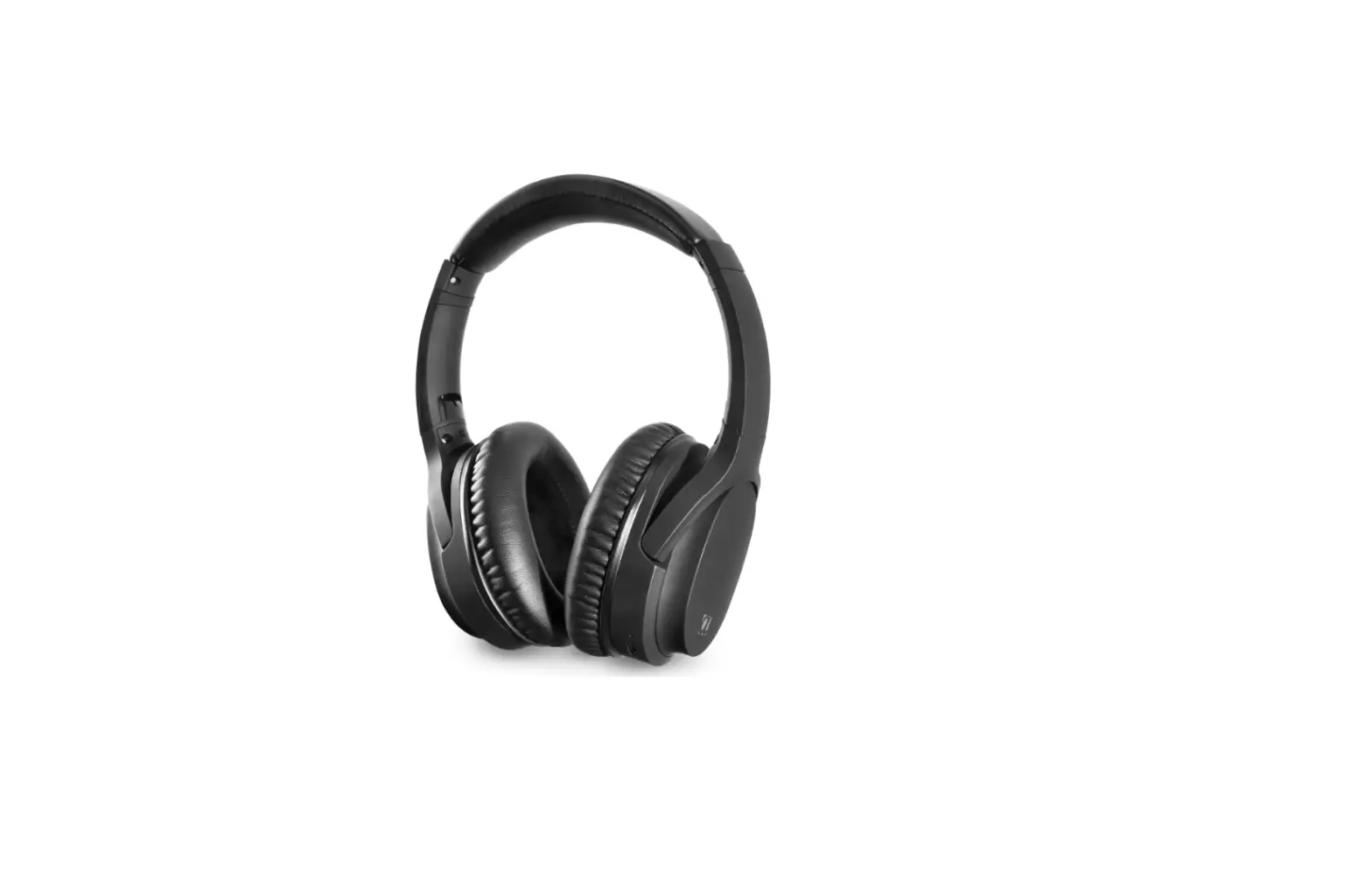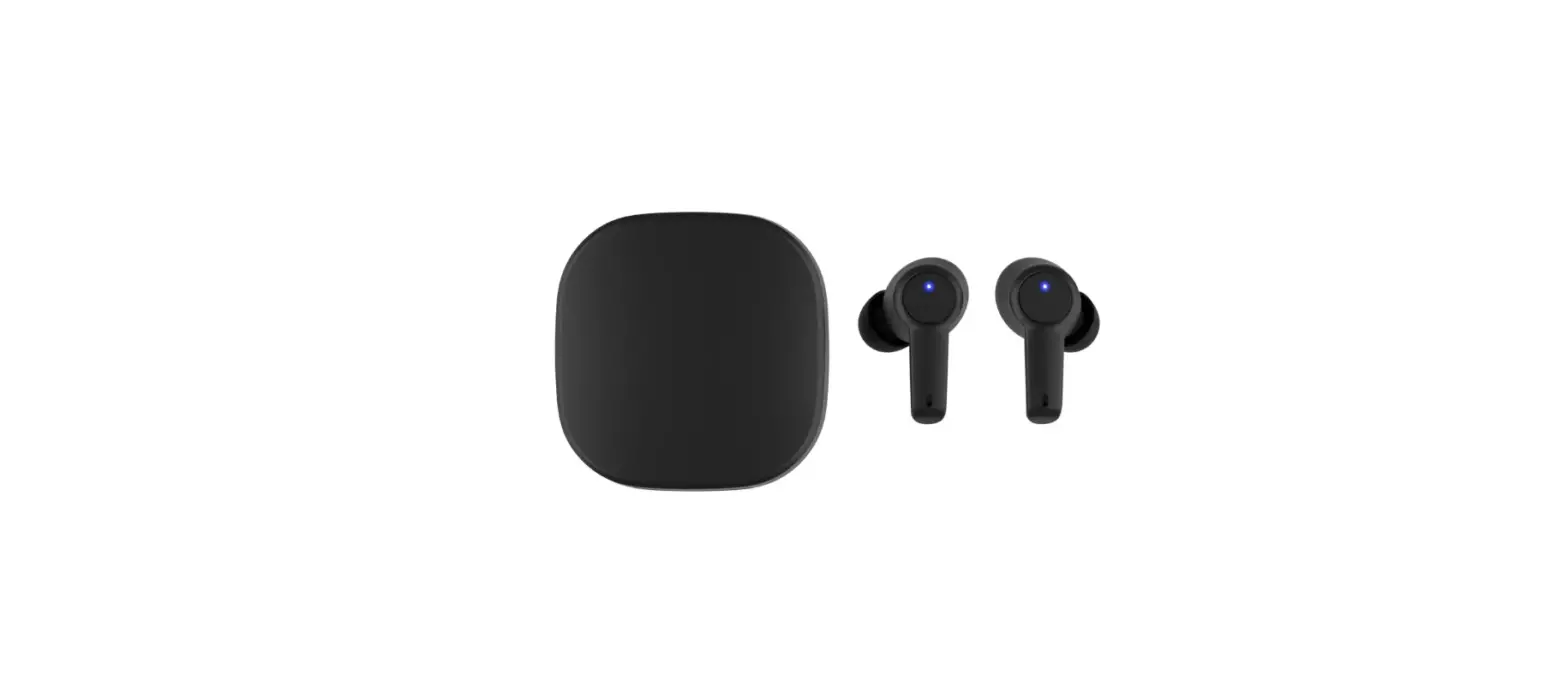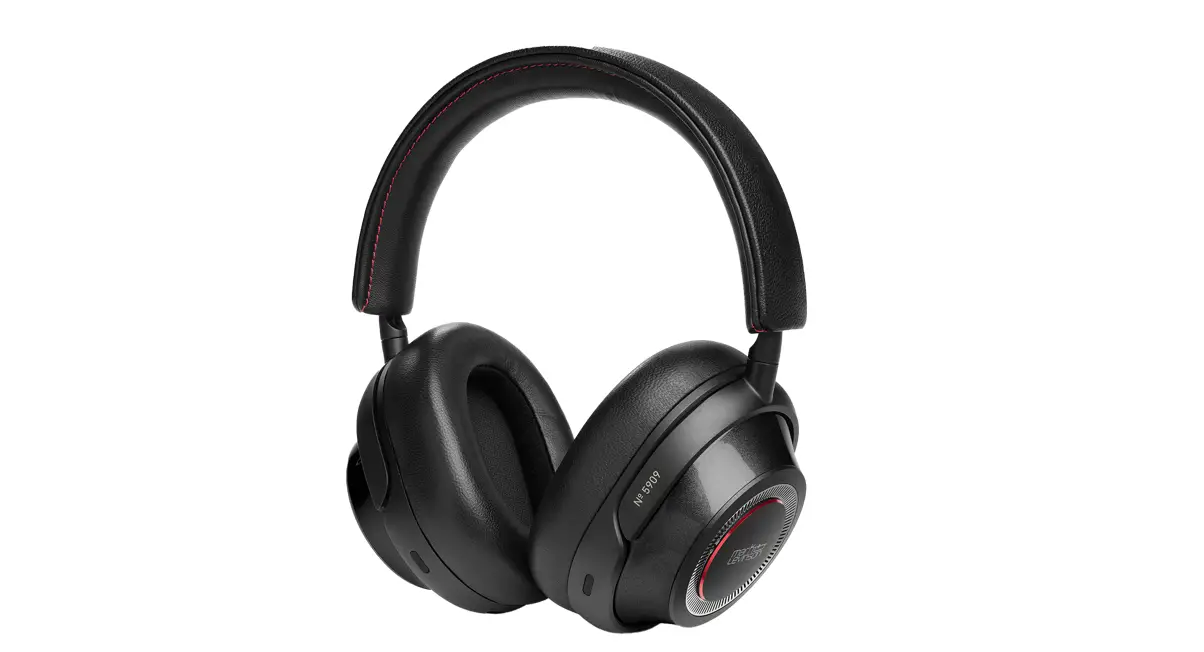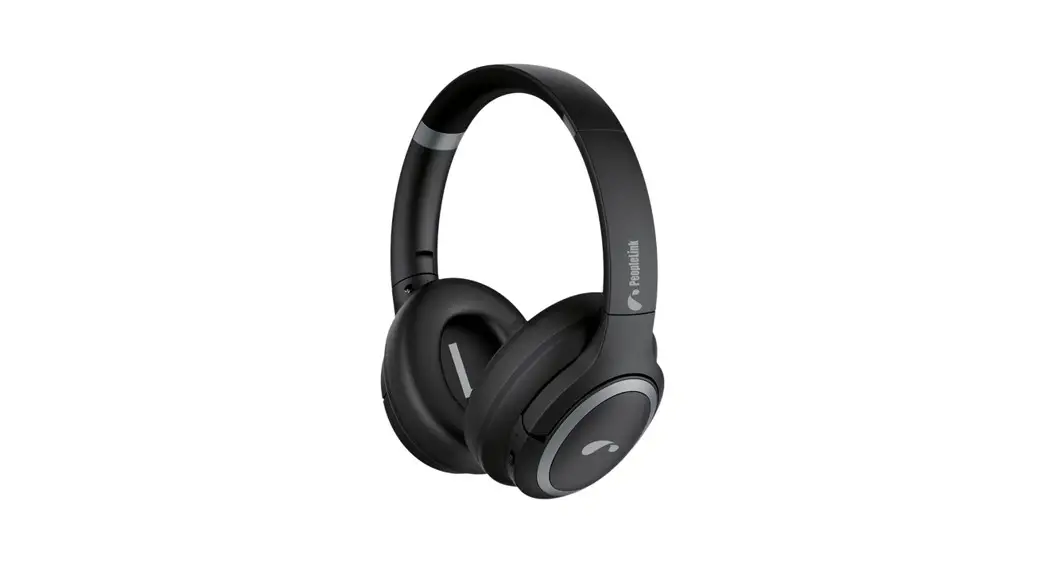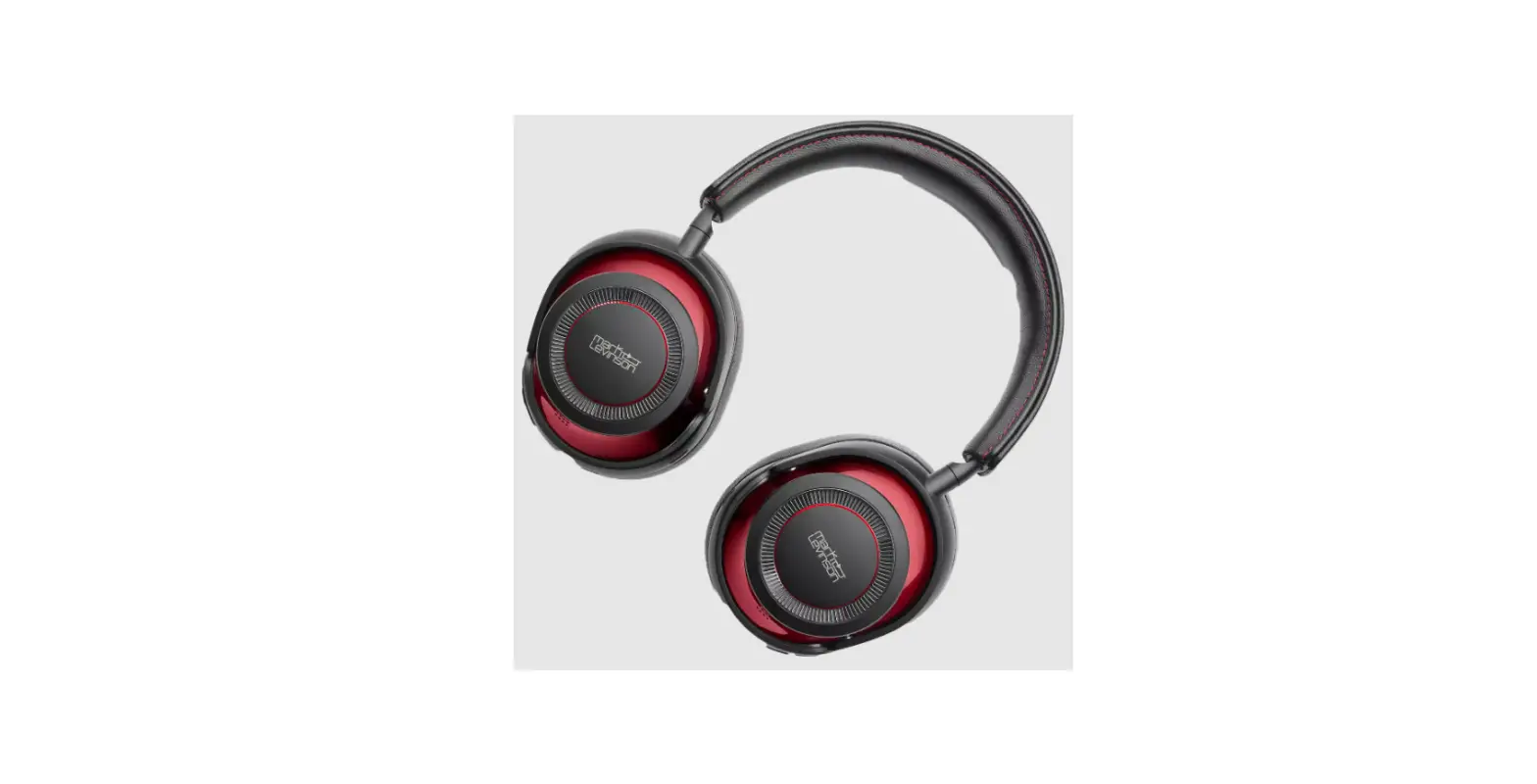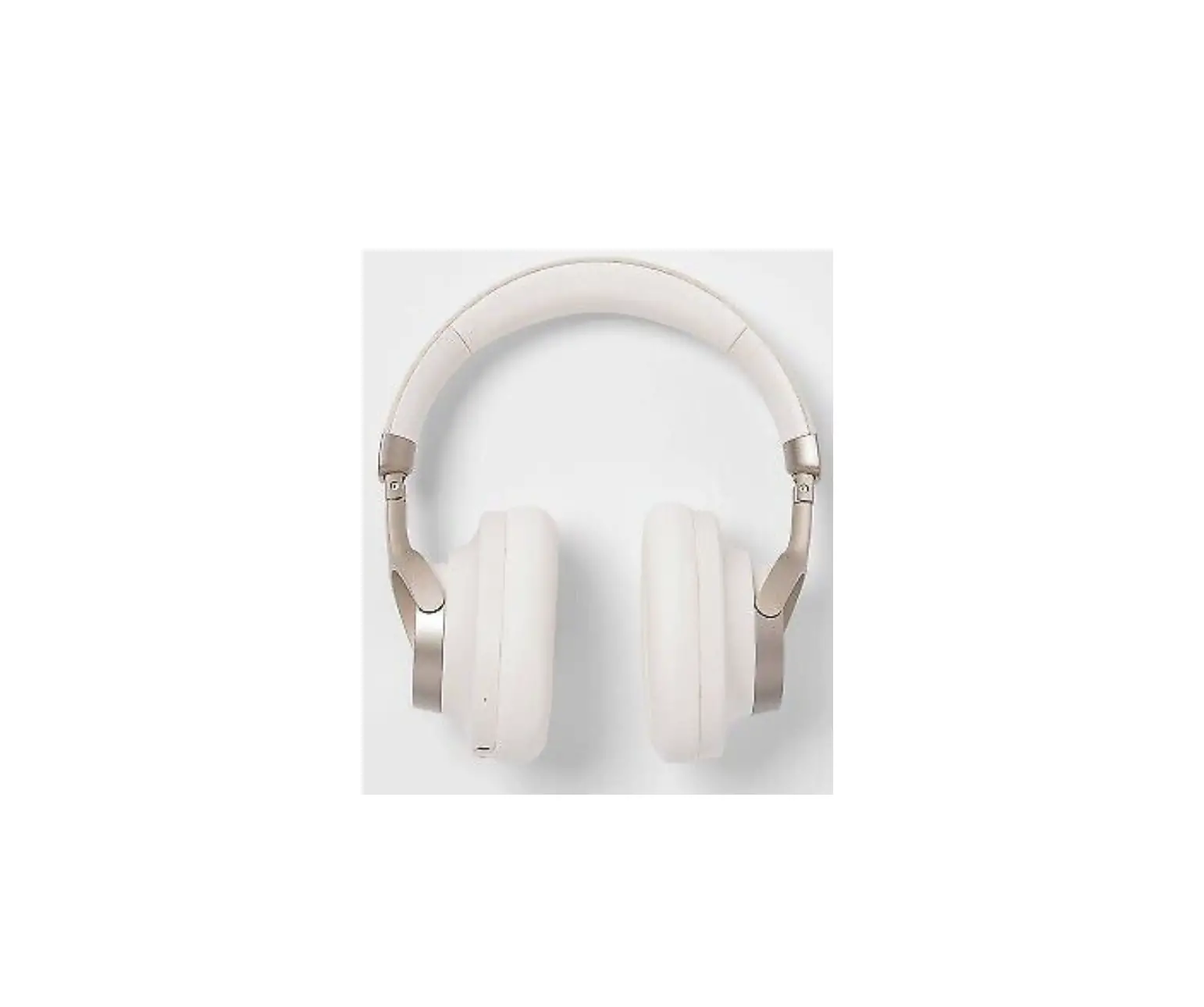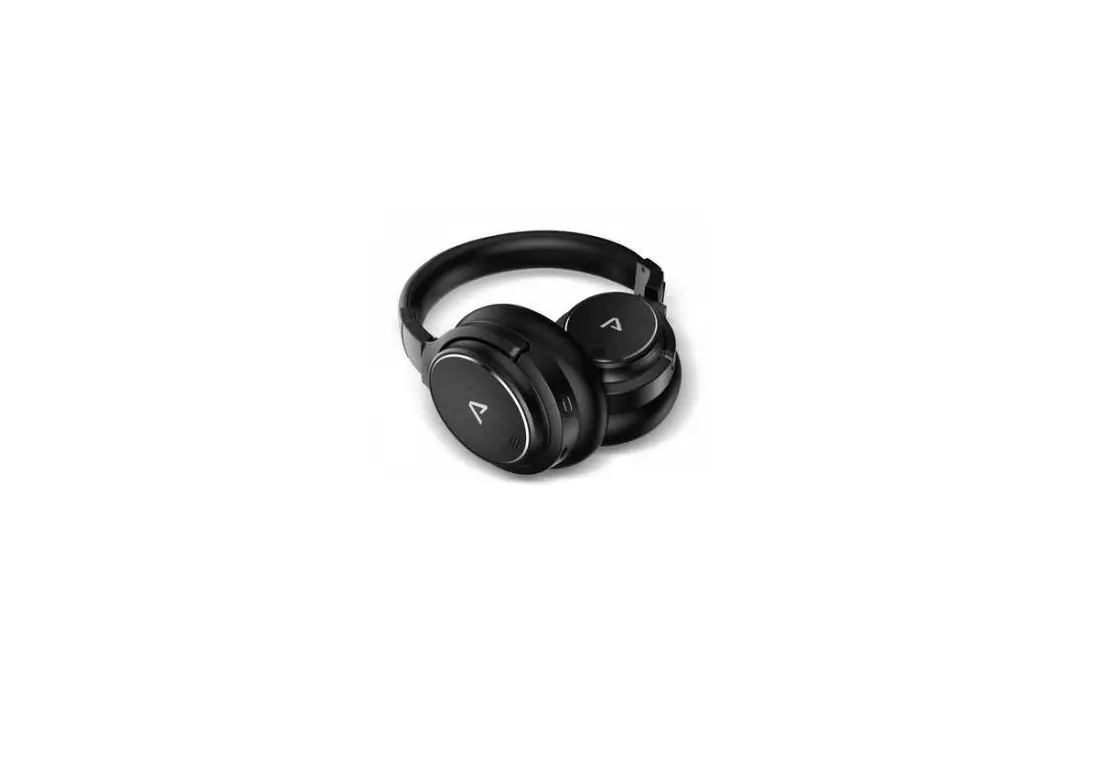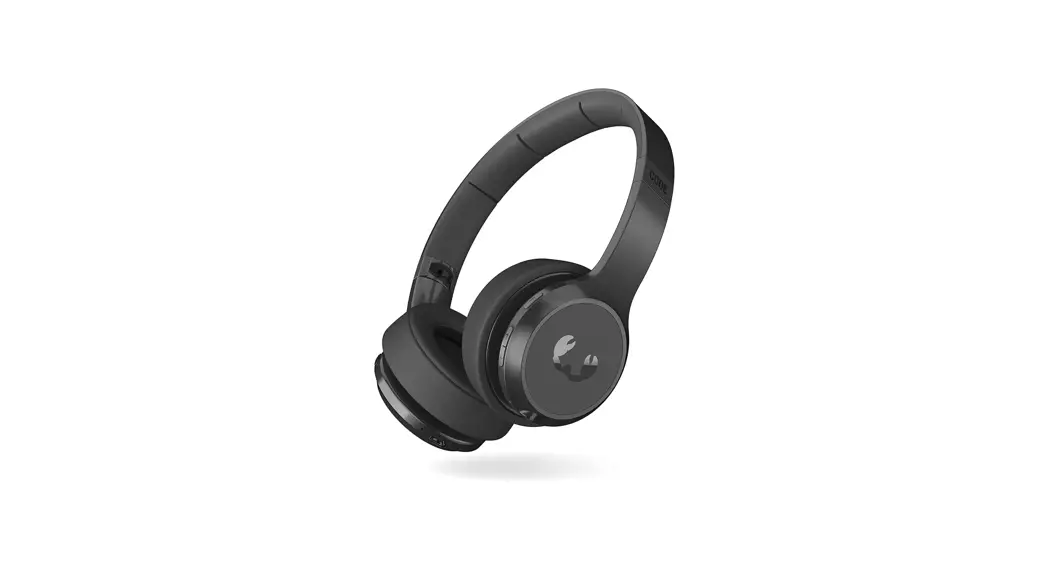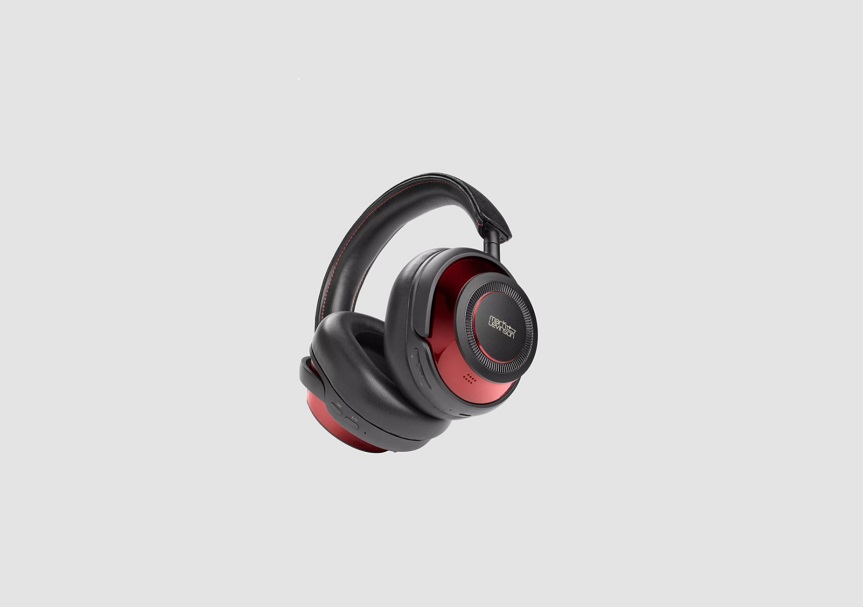
SYMPHONY Wave-3S-2311 Audio ANC Headphones User Manual
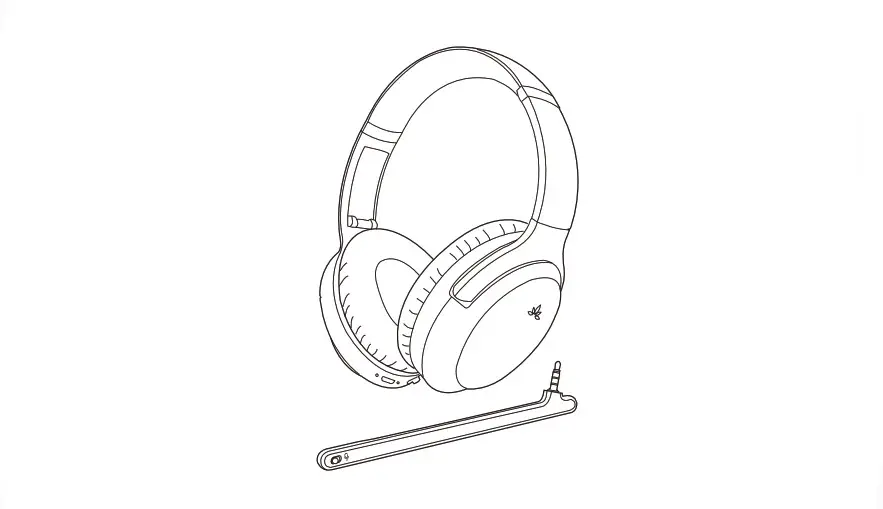
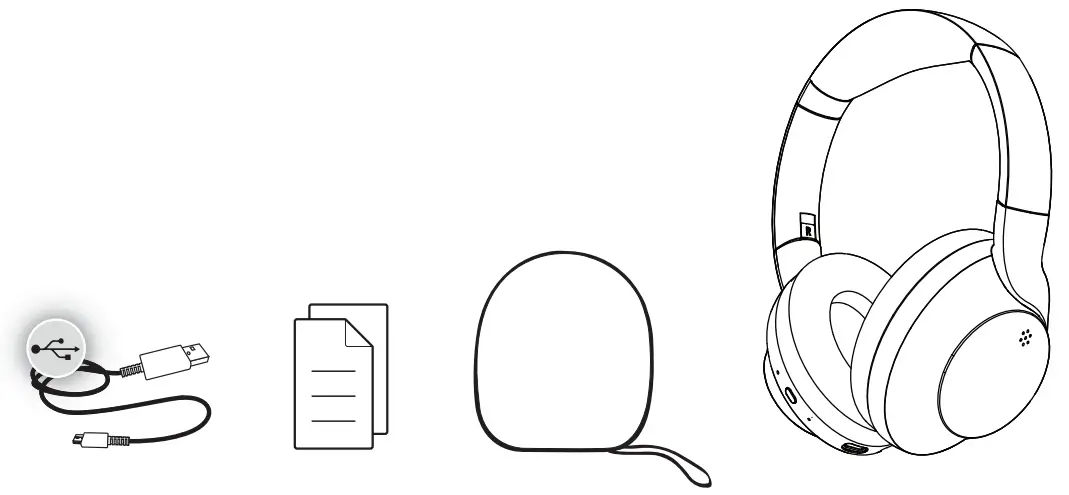
IN THE BOX
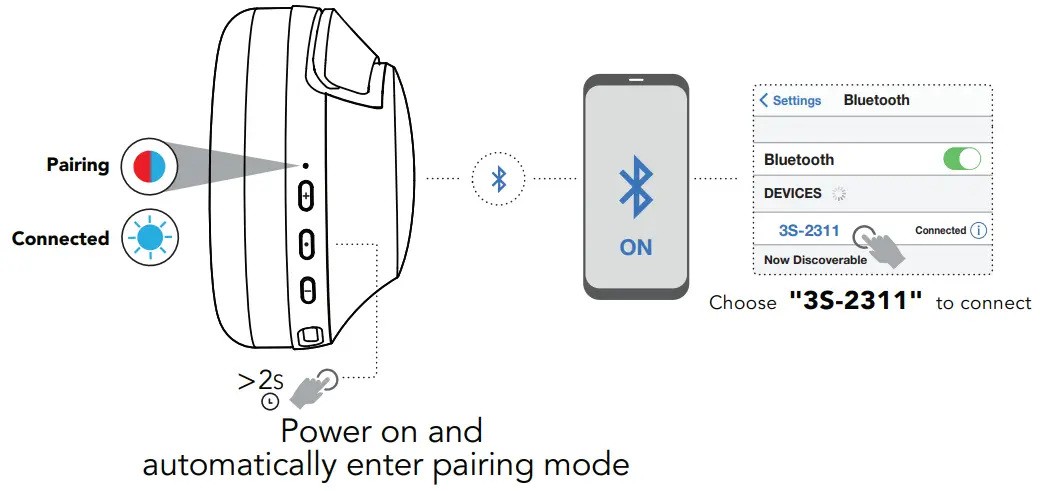
POWER ON CONNECT
VOICE PROMPTS
Power ON
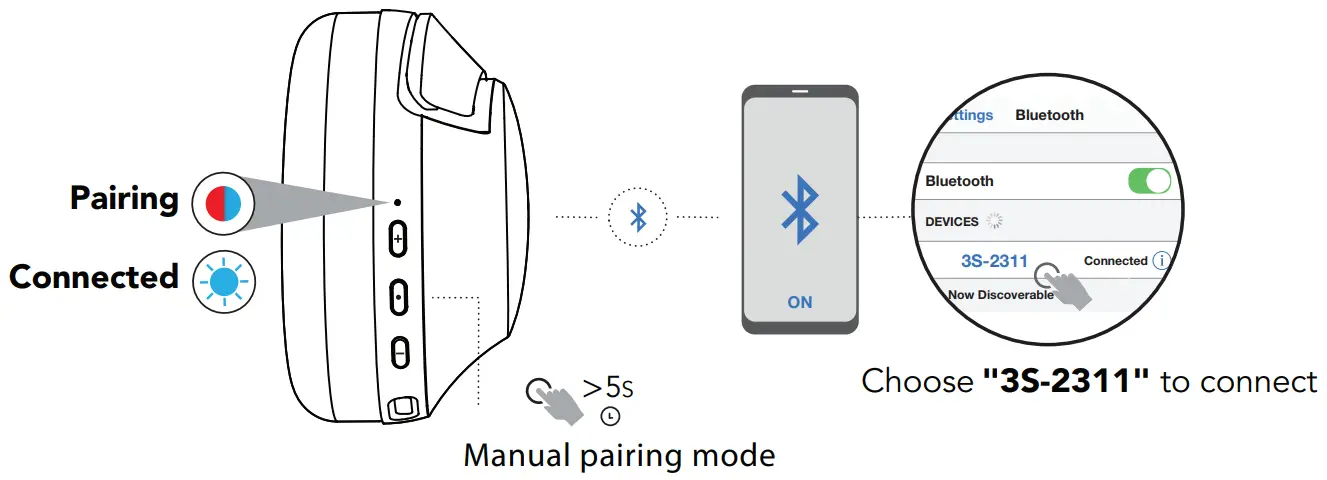
Pairing
Connected
Battery Full: 100%-80%
Battery Medium: 70%-30%
Low Battery: less than 20%
Manual Pairing
Control
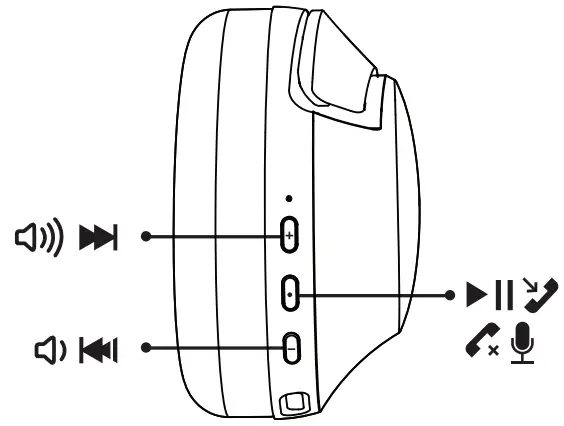
 |  Press once to increase volume Press once to increase volume Press and hold to skip forward Press and hold to skip forward |
| Press once to play, pause, or answer, end a phone call Press twice to activate Siri or other voice control software Press and hold to power ON or OFF Press twice to activate Siri or other voice control software Press and hold to power ON or OFF |
| Press once to decrease volume Press and hold to skip back |
Noise Cancel
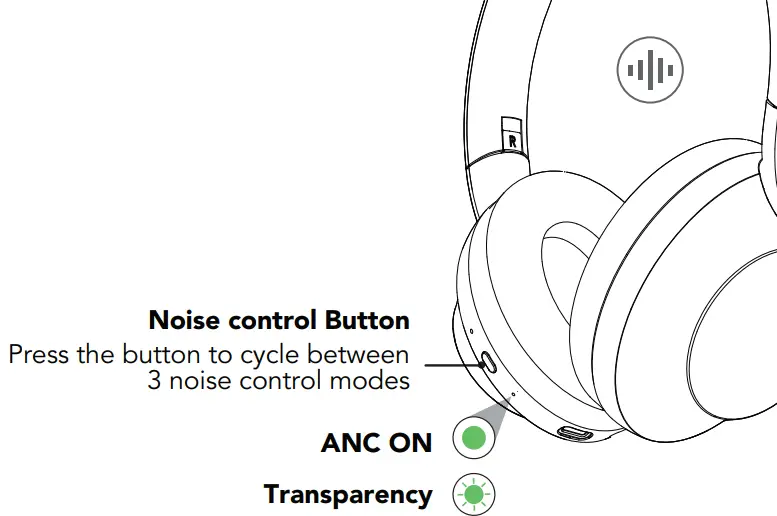
ANC ON
blocks out external sounds
 Transparency
lets in external sounds
 ANC OFF
turn off noise cancellation and transparency
Multi-point connection
maximum 2 devices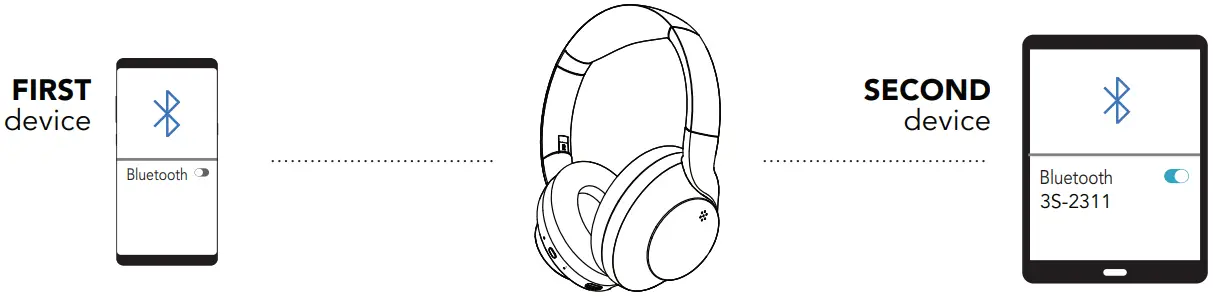
- Once FIRST device is connected, turn off Bluetooth in device settings. Headphone will auto enter Bluetooth Pairing.
- Enter your SECOND device Bluetooth settings and connect to headphone
- Enter your FIRST device settings. Turn on Bluetooth and reconnect to headphone.
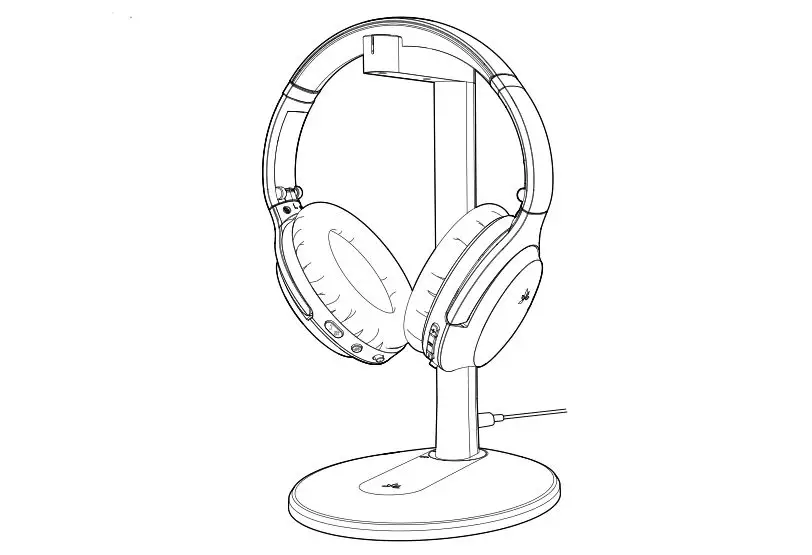
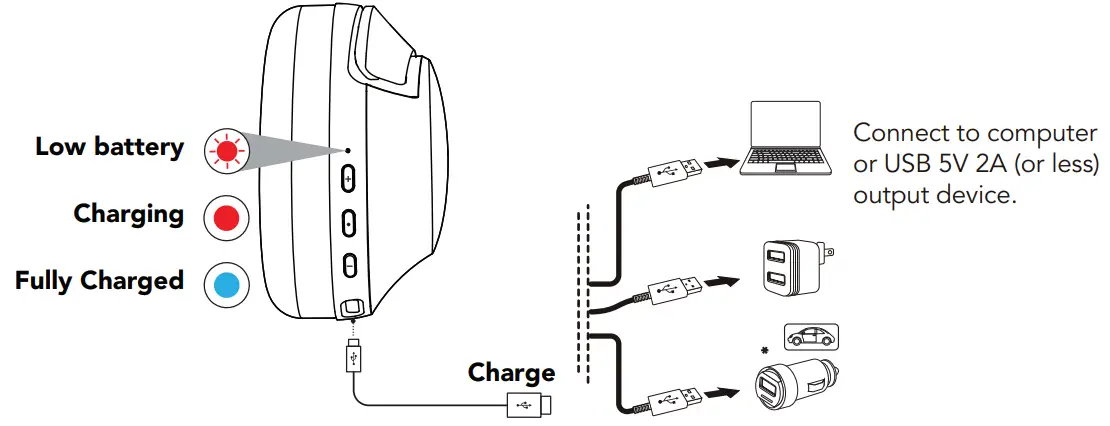
Charging
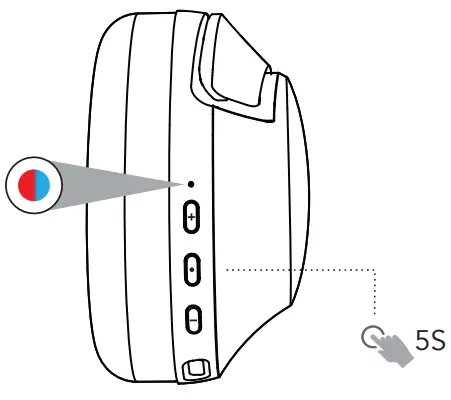
FACTORY RESET
- When Power is off, press and hold the power button for 5seconds until the light flashes blue and red.

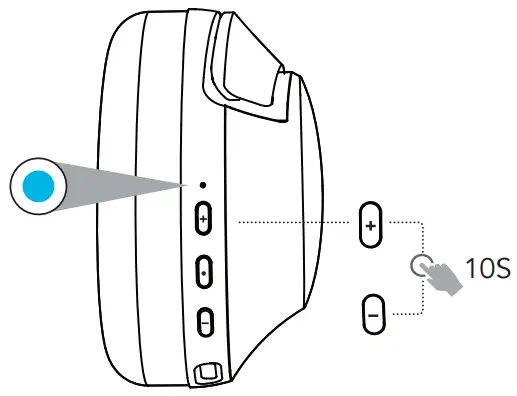
- Keep holding the buttons simultaneously for 10seconds until you see the solid blue lights for 1second. Headphone power OFF automatically.

 Want to stay in touch?
Follow us on [email protected]
©2022 3sixT. All rights reserved.
This product may be covered by one or more patents.
Tenancy E1/5 Grevillea Pl Brisbane Airport QLD Australia 4008.
EU Importer: Wentronic GmbH, Pillmannstraße 38112 , 12 Braunschweig Germany