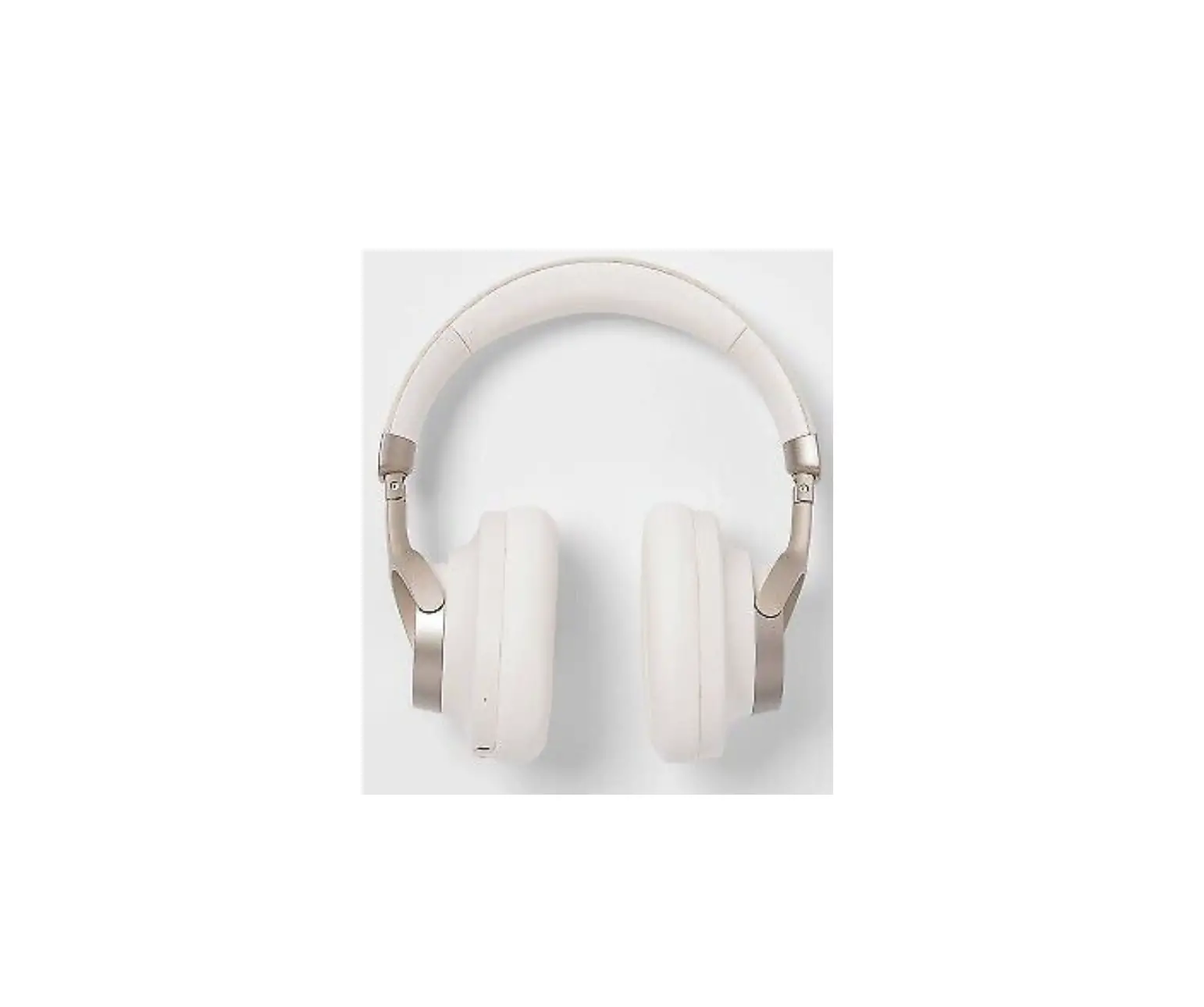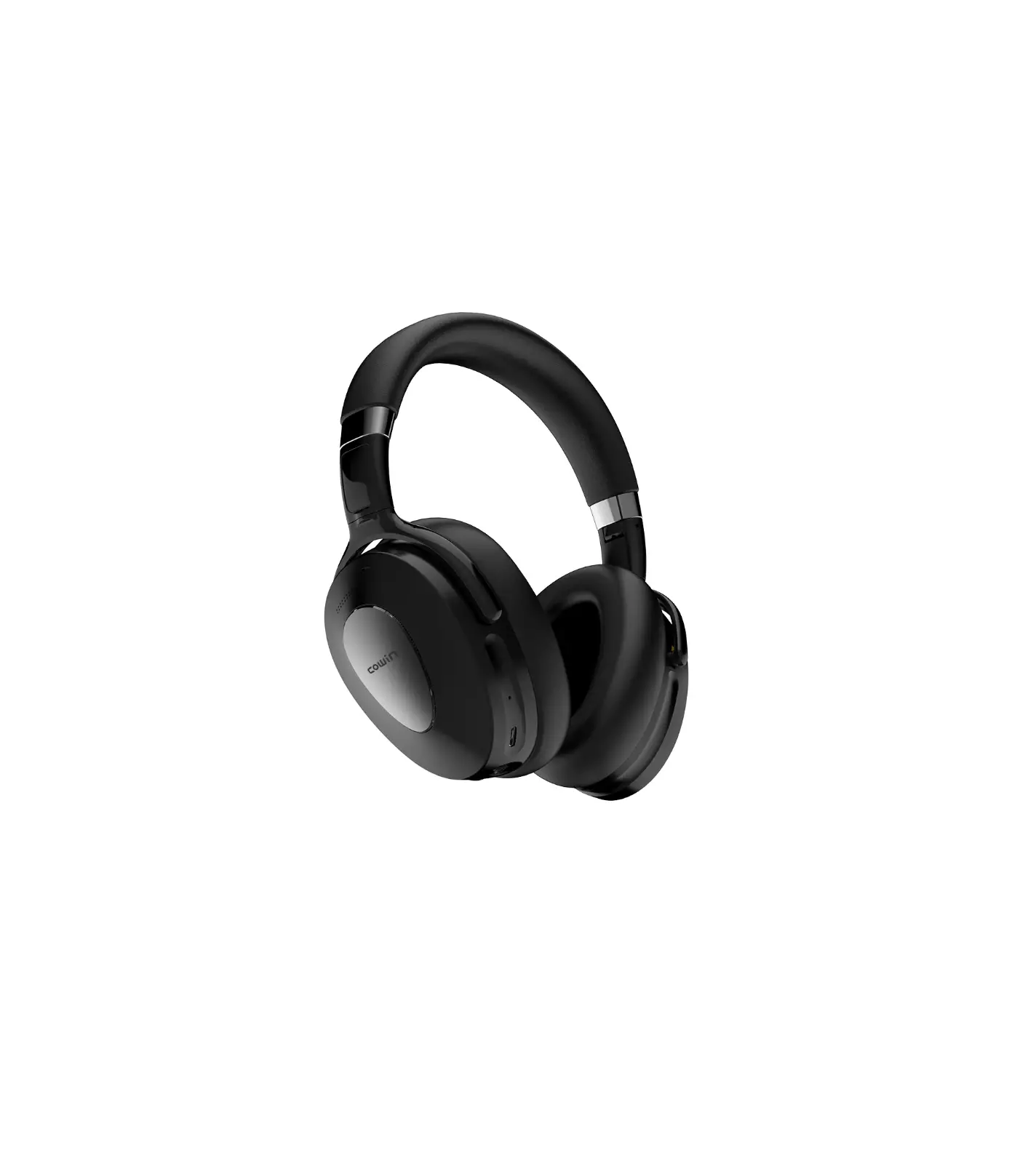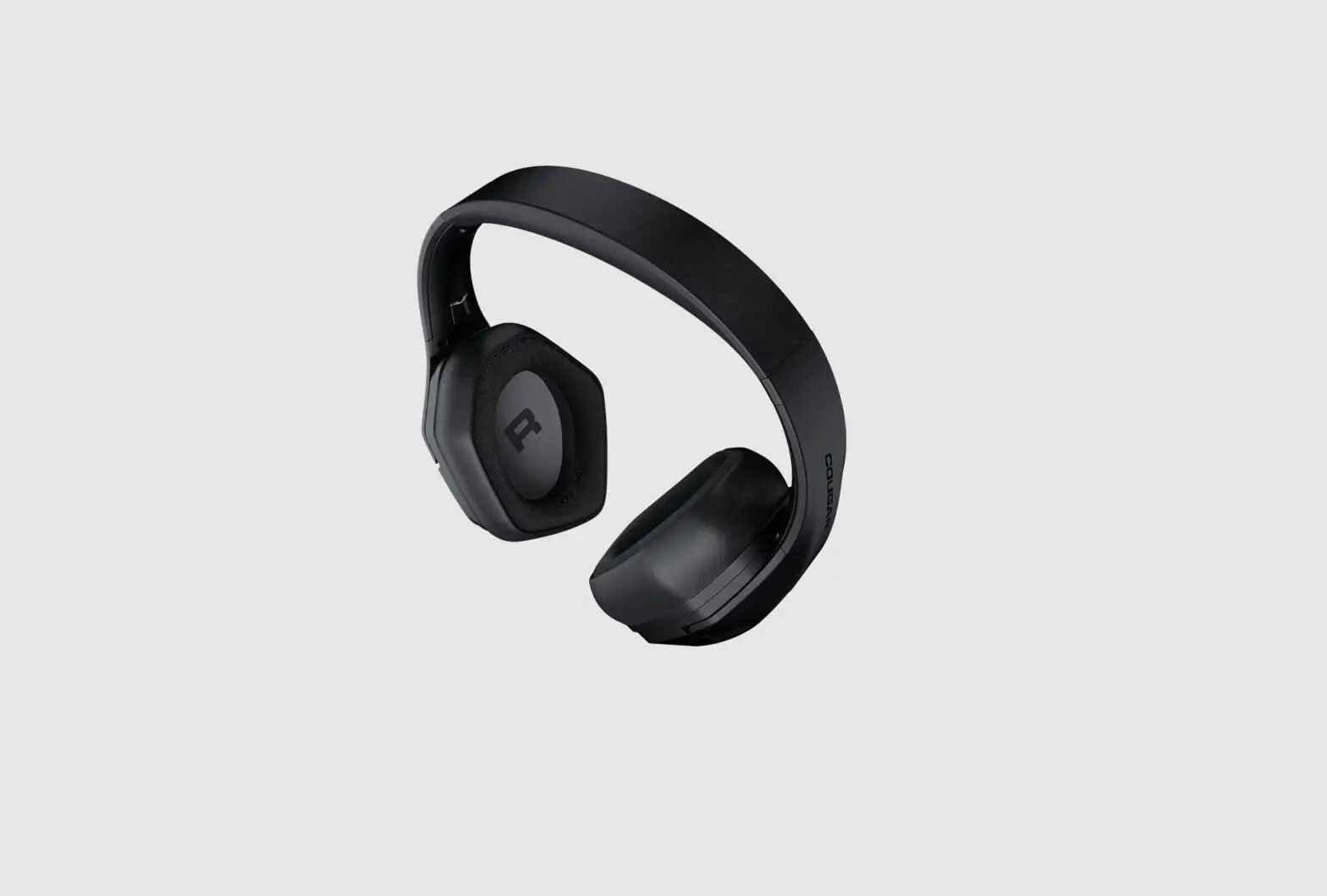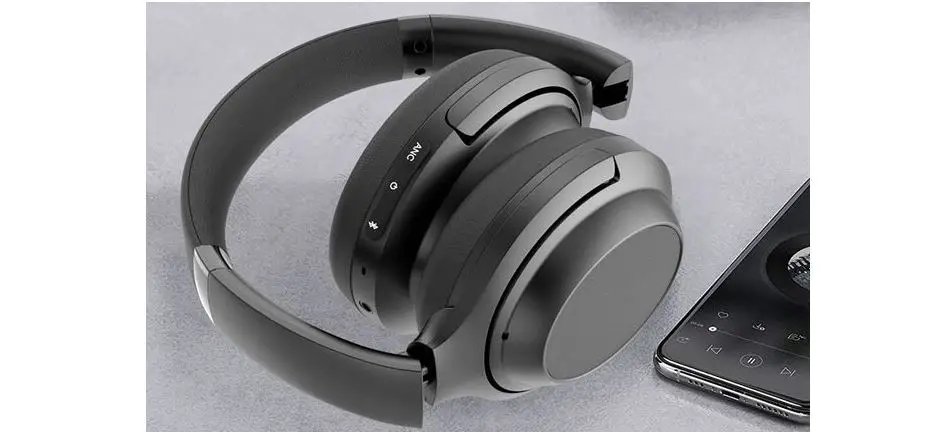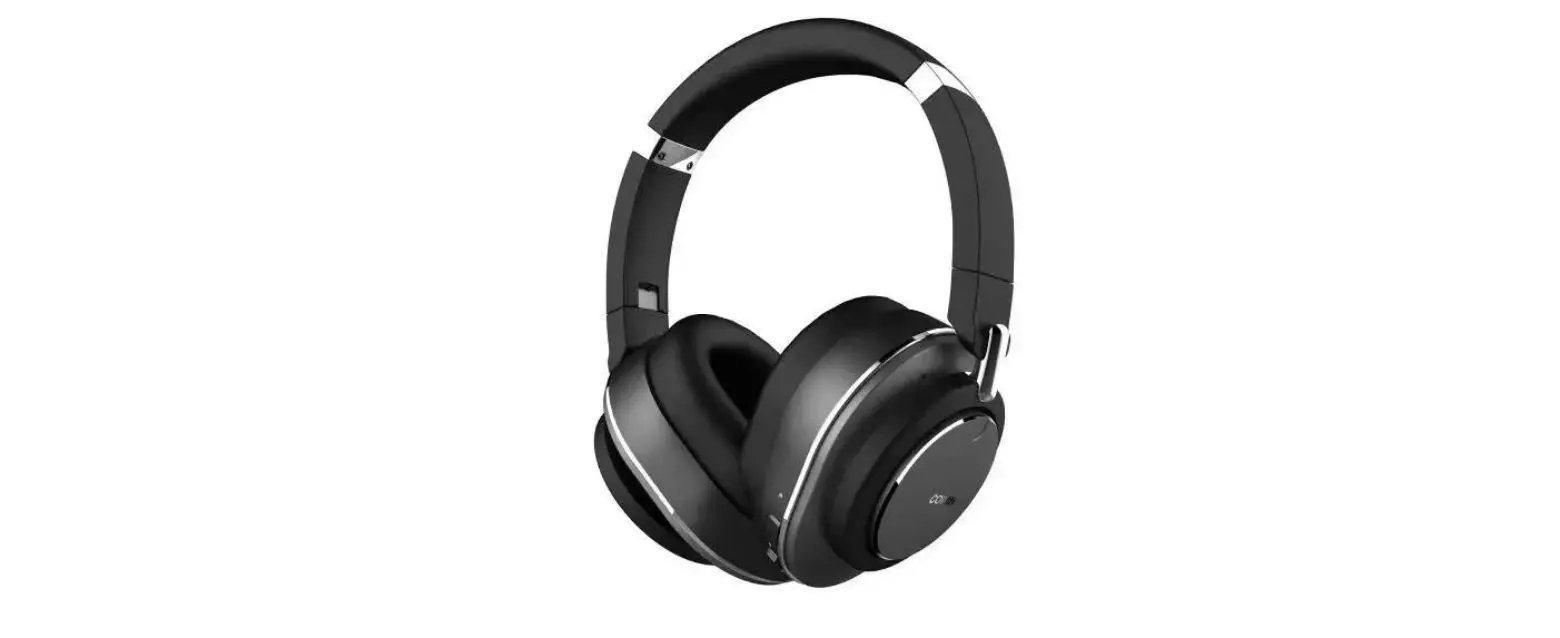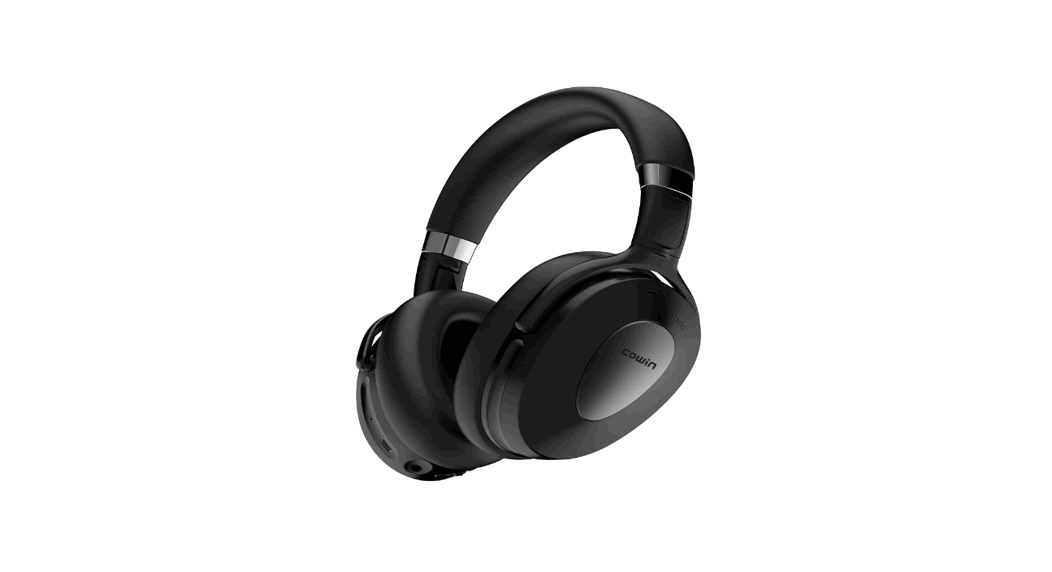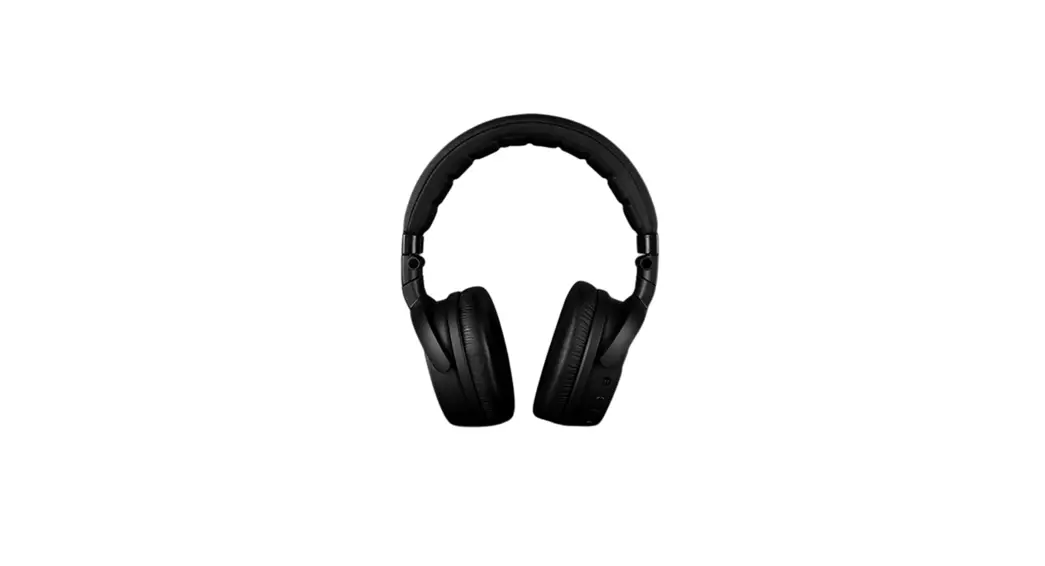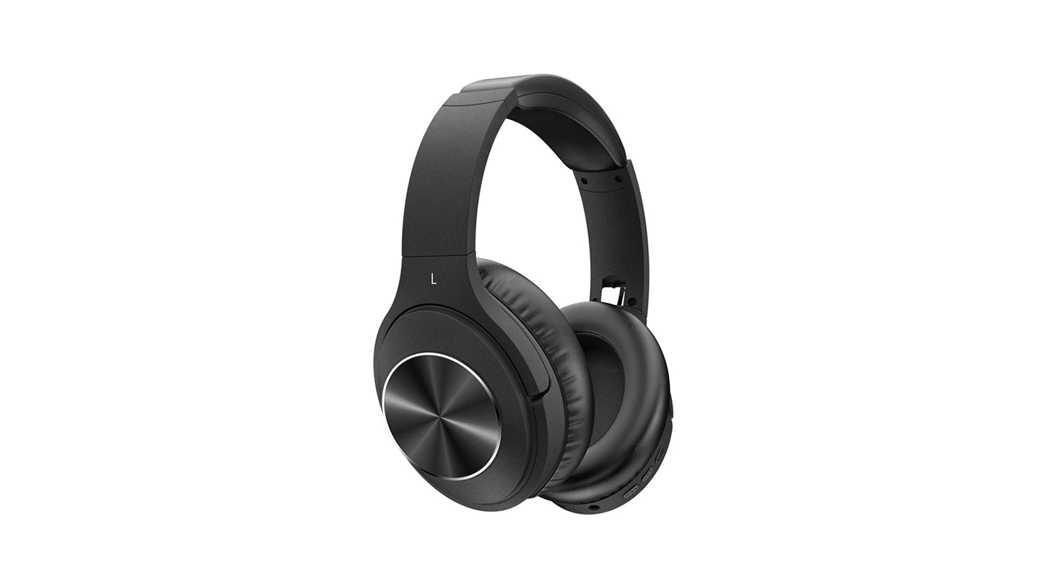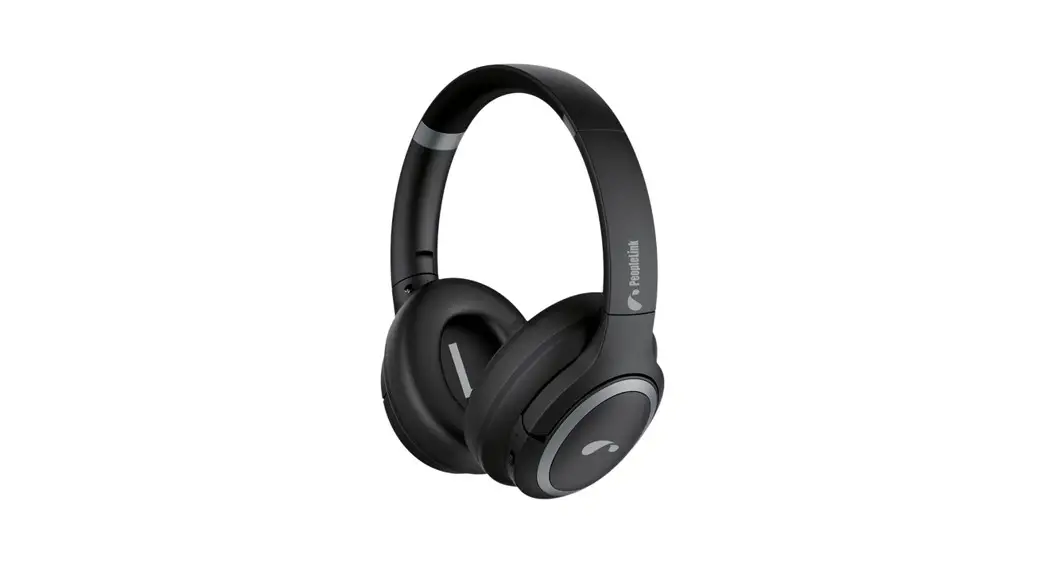
 Sonic OE10W ANC Bluetooth Headphone
User Manual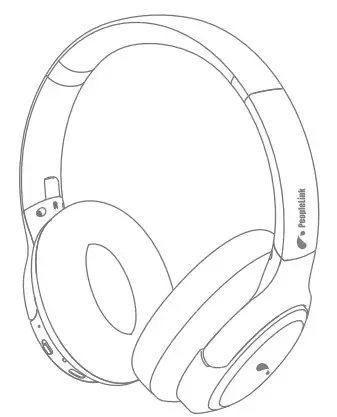
Please read all instructions carefully and retain for future use
Usage Instruction
- Don’t attempt to disassemble the unit and change any part, except there is operation method mentioned in the manual.
- Don’t expose the unit to liquid, moisture or humidity, since it is not a waterproof product.
- Disconnect the unit with your BT device and move it to the safe area if the liquid get inside the unit.
- Don’t assemble or disassemble the unit to avoid electric shock, if there is water on your hands.
- Don’t expose the unit to extremely high temperature or dispose of the unit in fire as it will result in an explosion.
- Don’t place the unit in an electromagnetic interference environment to avoid malfunction.
Packing list
| Headphones | X 1 |
| User manual X 1 | X 1 |
| 3.5mm AUX line | X 1 |
| Charging cable | X 1 |
Product specification
| • BT version : | V5.0 |
| • Battery capacity : | 400 mAh |
| • Charging time : | About 2.5 hours |
| • Transmission distance : | ≥10 meters |
| • Horn impedance : | 32 Ω±15% |
| • Frequency range : | 20 Hz-20KHz |
| • Speaker size : | 40 mm |
| • Playing time : | About 15 hours |
| • Rated input : | 5V 350mA |
| • Audio interface : | AUX |
| • SNR : | 115dB±3dB |
| • Microphone sensitivity : | -38dB±3dB |
| • ANC depth : | -25dB±3dB |
(All technical information is subject to actual performance)
Product schematic description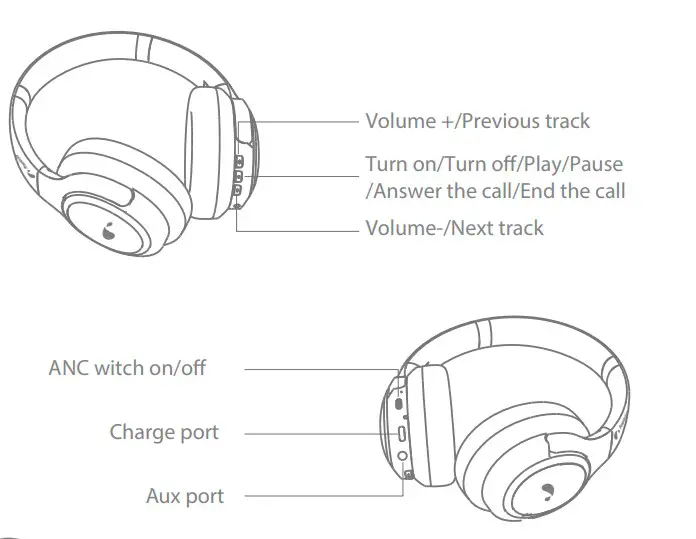
Operating instruction
- Turn on/Turn off
• When the earphones is in turn off states, long press the button for 3 seconds to start the earphone.
• When the earphones is in turn on states, long press the button for 3 seconds to power off the earphone. - BT pairing
Step 1: When the earphones is in turn off states, long press the button for 3 seconds to start the earphone.
Step 2: Open the smart device BT list, search and find “People Link Sonic OE10W”,click it to connect.
- Switch on/off ANC mode
• When the earphones is in non ANC mode, put the switch button up to open the ANC mode.
• When the earphones is in ANC mode, put the switch button down to off the ANC mode.
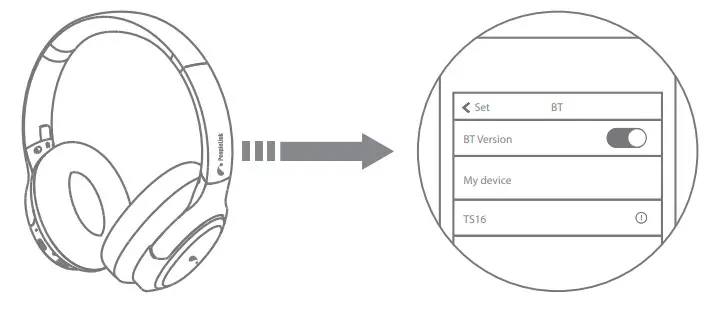
 switch button up to open the ANC mode.
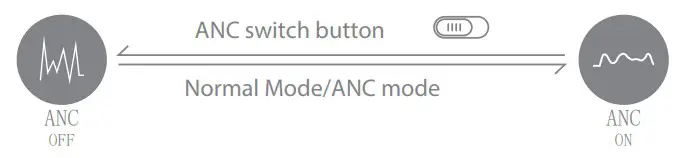 Reminder: After using the headset, please turn off the headphone, meanwhile switch the ANC noise reduction button to the “ANC off” side to avoid running out of power
During the music playing
 | Single Click: Volume up |
| Long press 2 seconds: Previous track | |
 | Single click: Volume down |
| Long press 2 seconds: Next track | |
 | Single click: Play/Pause |
Phone hands-free
| Single click: Answer the call/End the call |
| Click twice: Rewind the phone | |
| Long press 2 seconds: Reject the call |
LED light introduction
| Turn on | Red and blue LED light flash alternately |
| Turn o | Red and blue LED light die out |
| ANC mode | Green LED light normally on |
| ANC shut o | Green LED light die out |
| Reconnect | Red and blue LED light flash alternately |
| Bluetooth connected | Red and blue LED light die out |
| Search the Bluetooth device | Red and blue LED light flash alternately |
| Bluetooth disconnect | Red and blue LED light flash alternately |
| Earphones charging | Red LED light normally on |
| Earphones fully charged | Red LED light die out |
| Battery low prompt | Red LED light flash 1 time every 10 seconds. |
FCC statement
This device complies with Part 15 of the FCC Rules. Operation is subject to the following two conditions: (1) this device may not cause harmful interference, and (2) this device must accept any interference received, including interference that may cause u ndesired operation.
Changes or modifications to this unit not expressly approved by the party responsible for compliance could void the user’s authority to operate the equipment.
NOTE: This equipment has been tested and found to comply with the limits for a Class B digital device, pursuant to Part 15 of the FCC Rules. These limits are designed to provide reasonable protection against harmful interference in a residential installation. This equipment generates, uses and can radiate radio frequency energy and, if not installed and used in accordance with the instructions, may cause harmful interference to radio communications. However, there is no guarantee that interference will not occur in a particular installation. If this equipment does cause harmful interference to radio or television reception, which can be determined by turning the equipment off and on, the user is encouraged to try to correct the interference by one or more of the following measures:
- Reorient or relocate the receiving antenna.
- Increase the separation between the equipment and receiver.
- Connect the equipment into an outlet on a circuit different from that to which the receiver is connected.
- Consult the dealer or an experienced radio/TV technician for help.
This device and its antenna(s) must not be co-located or operation in conjunction with any other antenna or transmitter. Radiation Exposure Statement
The device has been evaluated to meet general RF exposure requirement in portable exposure condition without restriction.
Product Model: PeopleLink Sonic OE10W PMN: Bluetooth Headphones
ISED statement
This device contains licence-exempt transmitter(s)/receiver(s) that comply with Innovation, Science and Economic Development Canada’s licence-exempt RSS(s). Operation is subject to the following two conditions: (1) This device may not cause interference. (2) This device must accept any interference, including interference that may cause undesired operation of the device.
This device meets the exemption from the routine evaluation limits in section 2.5 of RSS 102 and compliance with RSS 102 RF exposure, users can obtain Canadian information on RF exposure and compliance.
This equipment complies with Canada radiation exposure limits set forth for an uncontrolled environment.
The device has been evaluated to meet general RF exposure requirement. This equipment should be installed and operated with minimum distance 0mm between the radiator & your body.