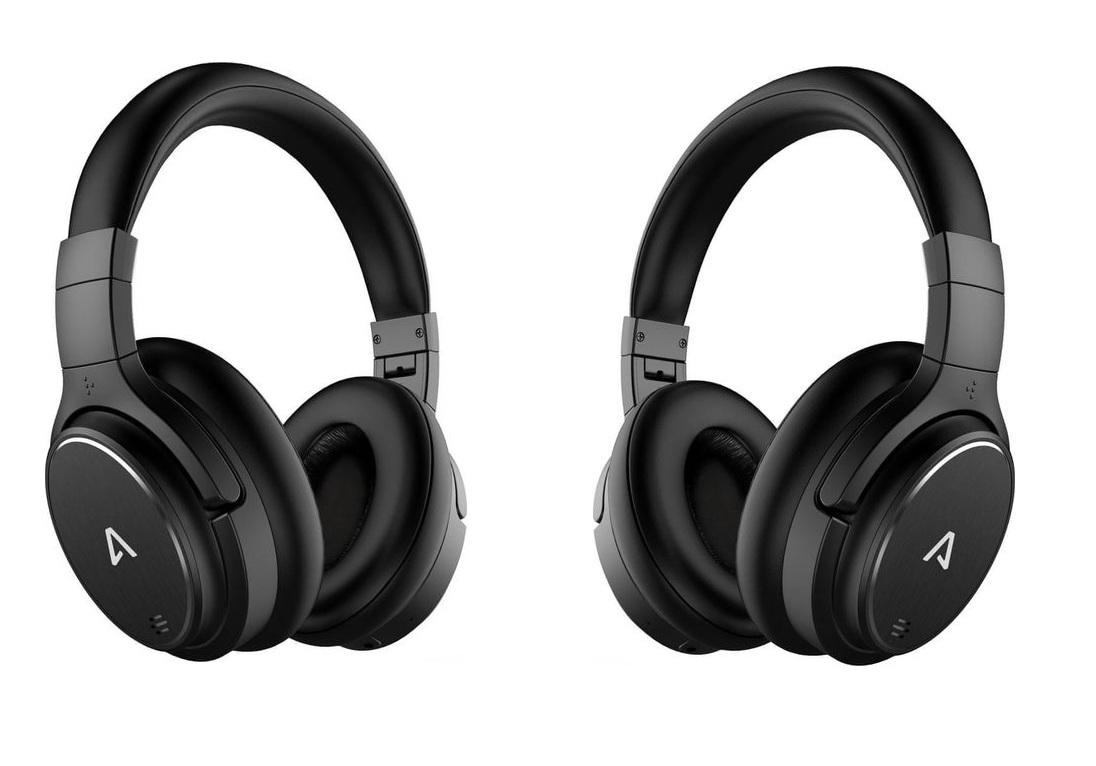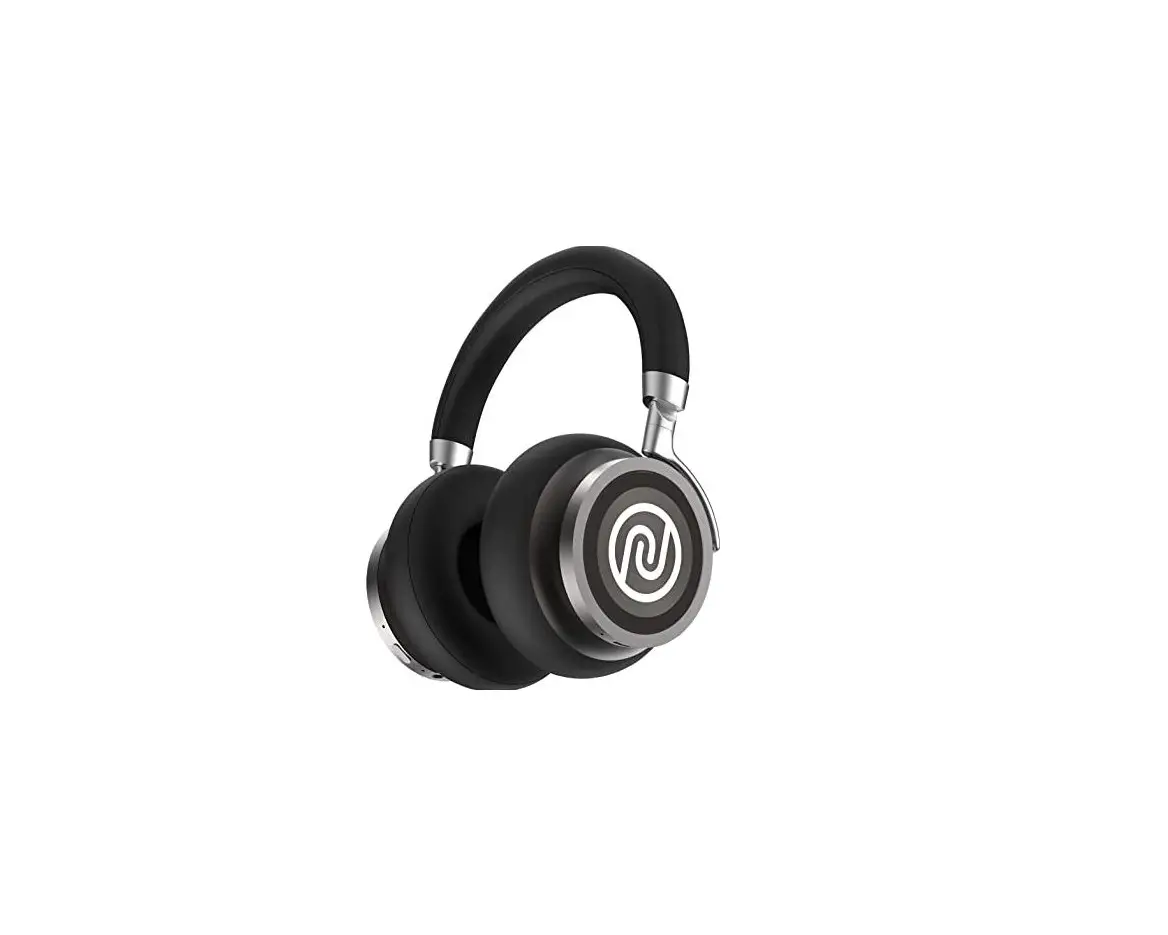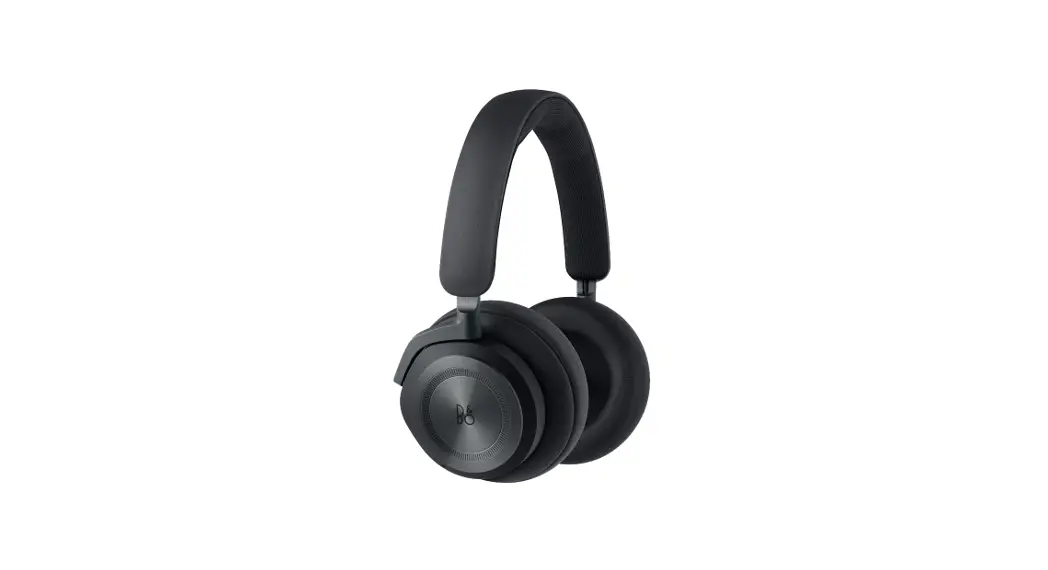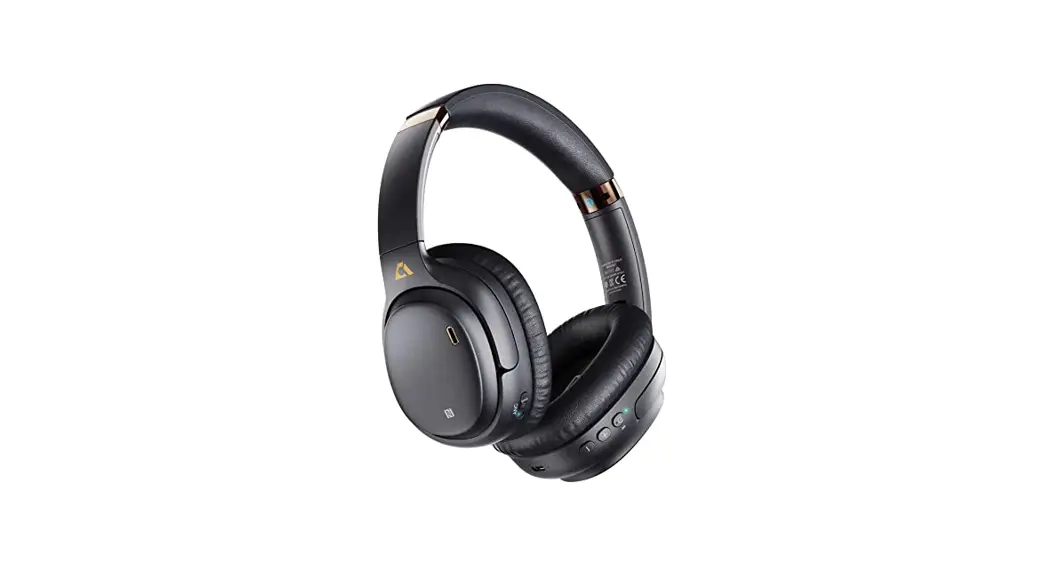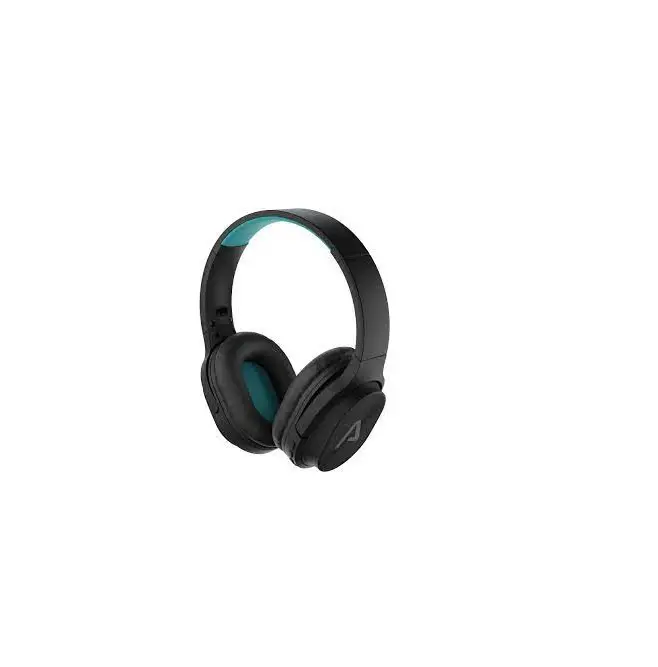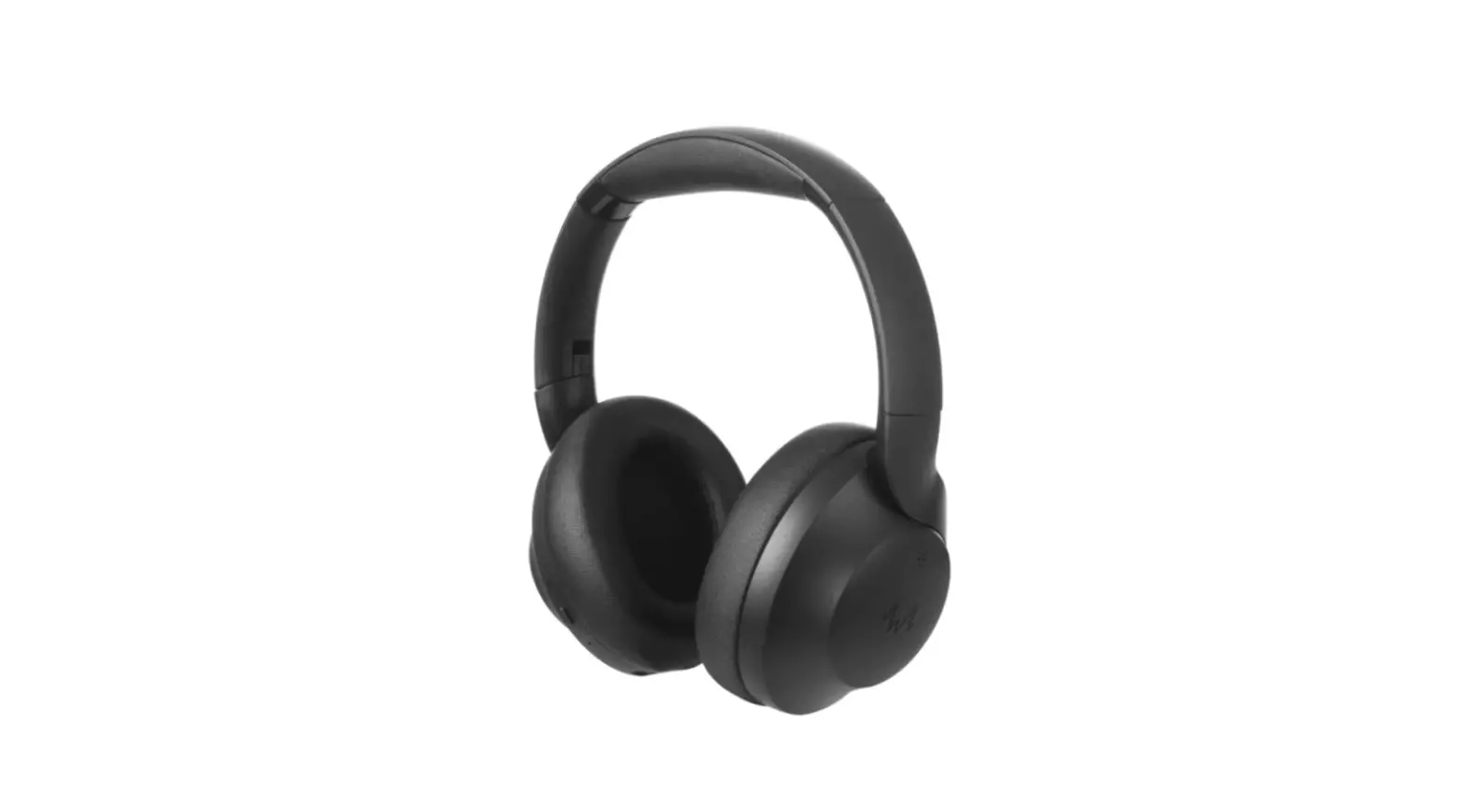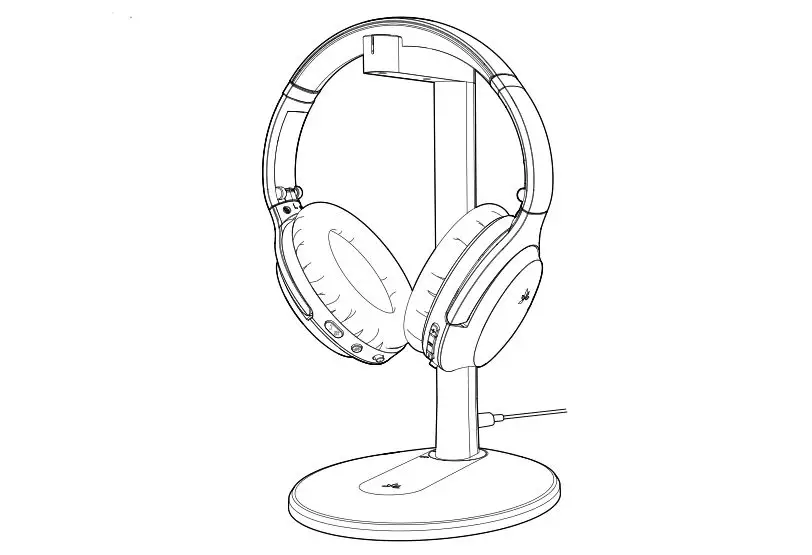

LAMAX NoiseComfort ANC Headphones
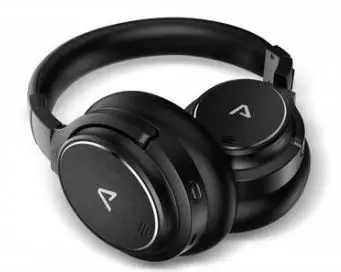
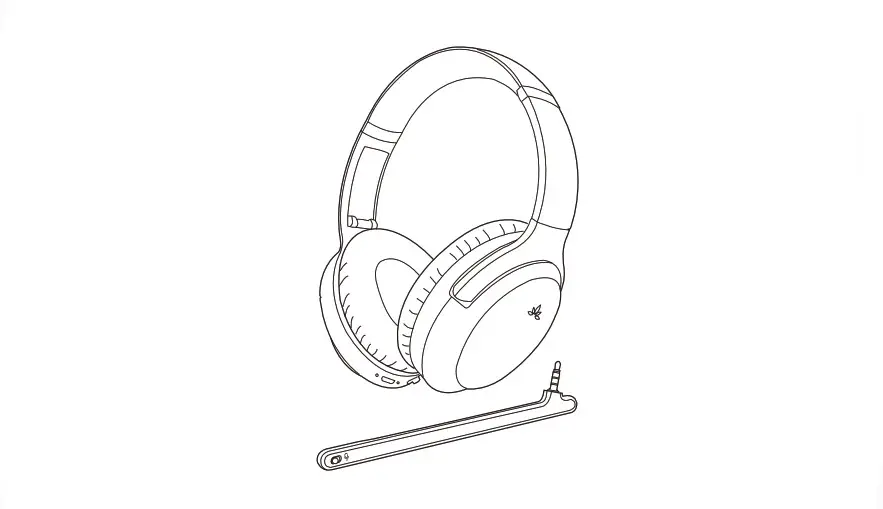
Controls
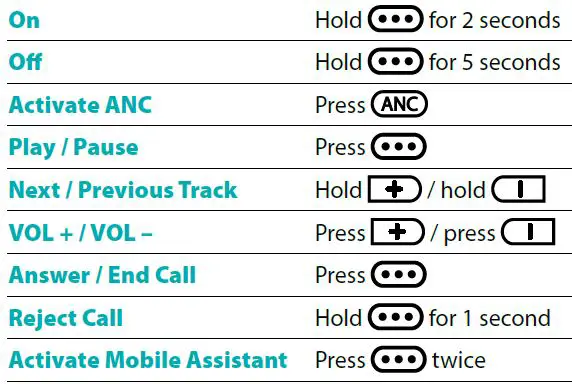
INSTRUCTION
Turning On
Press for 2 seconds to turn on the headphones. This is accompanied by an audible notification and the blue LED lights up.
Pairing
- The headphones automatically go into pairing mode the first time you turn them on. This is indicated by the LED alternately flashing red and blue.
- On your device, turn Bluetooth on and locate and select LAMAX NoiseComfort ANC in the list of available Bluetooth devices. After successfully pairing, there is an audible notification.
If you have trouble pairing, remove your headphones from the list of paired devices in your smartphone. Turn off the headphones and then hold the  button for 5 seconds. The headphones turn on and automatically go into pairing mode. Pair the headphones again as in Step 2 above.
Active Noise Cancellation (ANC)
Press the ANC button to turn  on. When ANC is on, the green LED next to the charging connector is lit. To turn off ANC, press the button again:
The ANC function cannot be activated if an audio cable is connected.
ANC especially suppresses deeper frequencies. Human voices and higher frequencies are minimally suppressed.
Turning Off
Press and hold the for 5 seconds to turn off the headphones.
Charging
To charge, connect the USB-C cable to the headphones and the other end to the 5V USB charger. The LED lights up red when charging and blue when fully charged.
Parameters
| Wireless technology | Bluetooth 5.0 |
| Bluetooth range | up to 10 metres |
| Supported codecs | AAC, SBC |
| Battery capacity | 1050 mAh |
| Headphone charging time | 3 hours |
| Playback time | up to 50 hours |
| Playback time with ANC | up to 26 hours |
| Weight | 260 g |
Subject to printing errors.
The latest version of the user guide can be downloaded here:
https://www.lamax-electronics.com/downloads/lamax-noisecomfortanc/manual
 LAMAX Electronics | EN