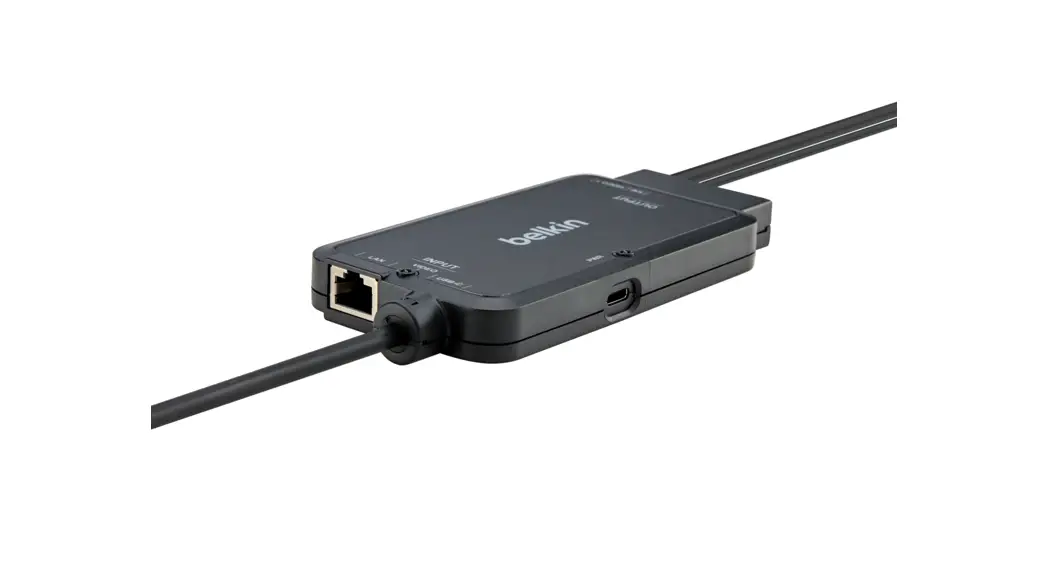
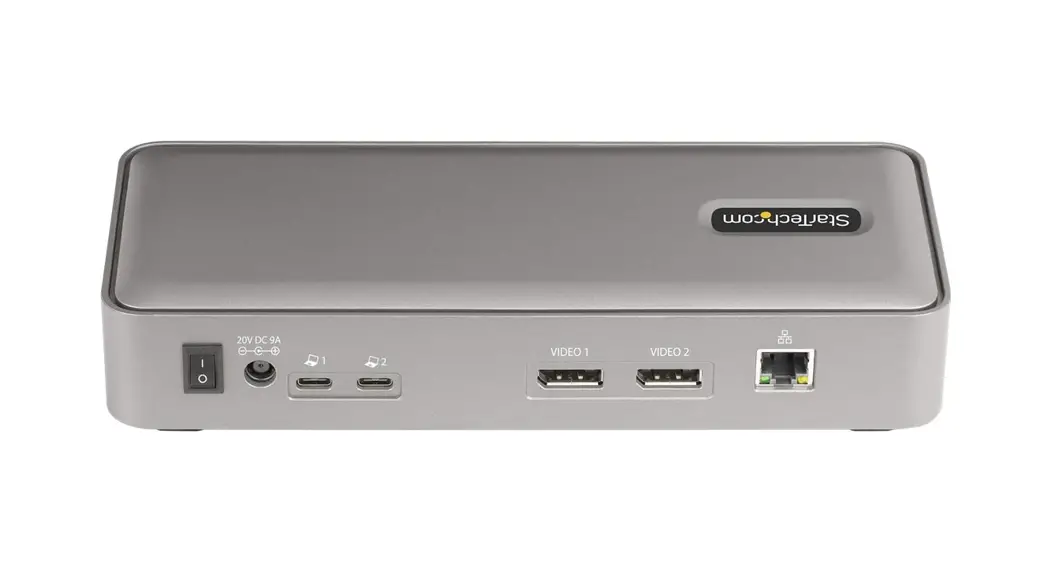
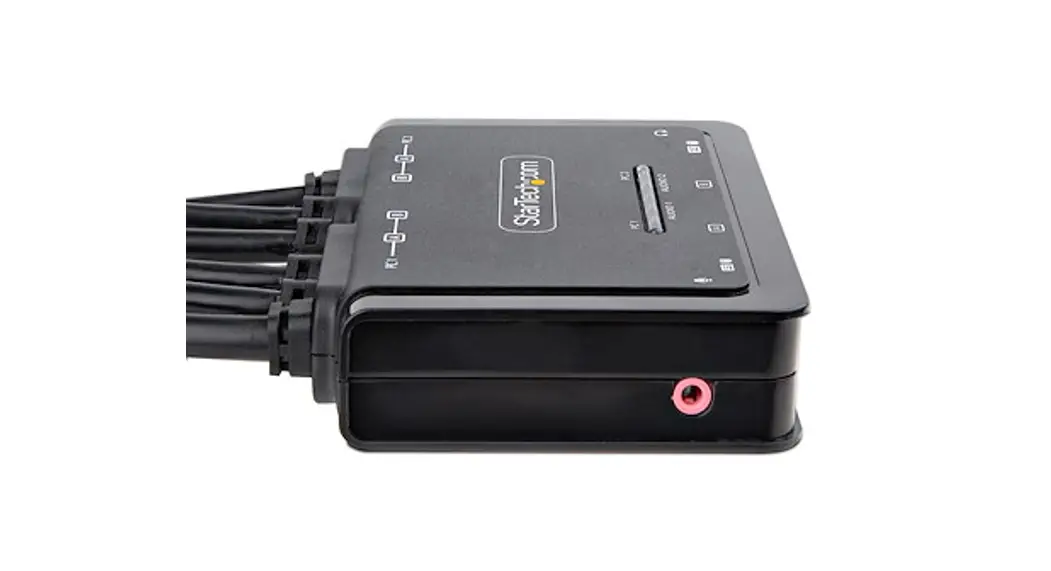
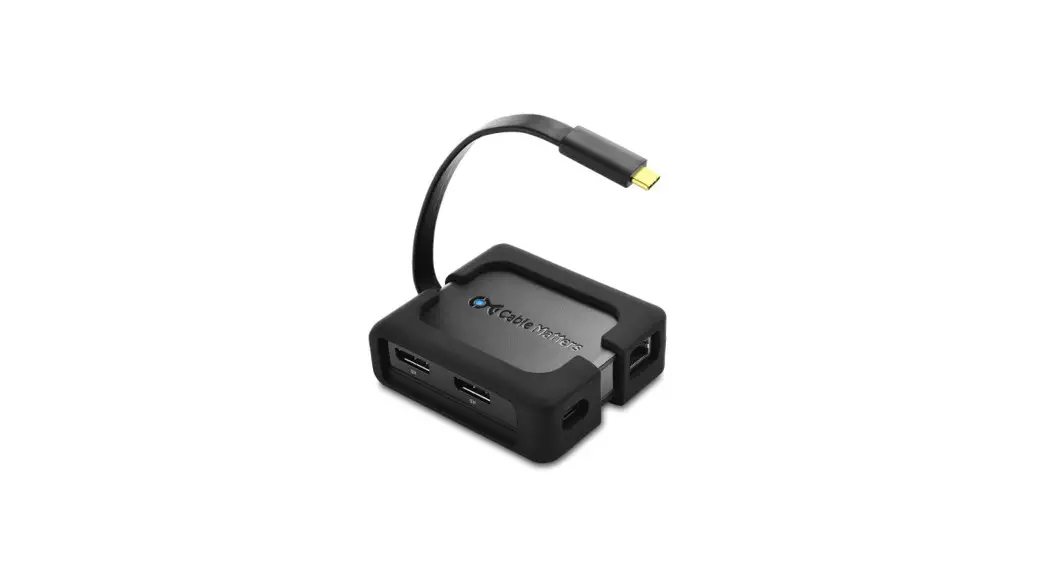
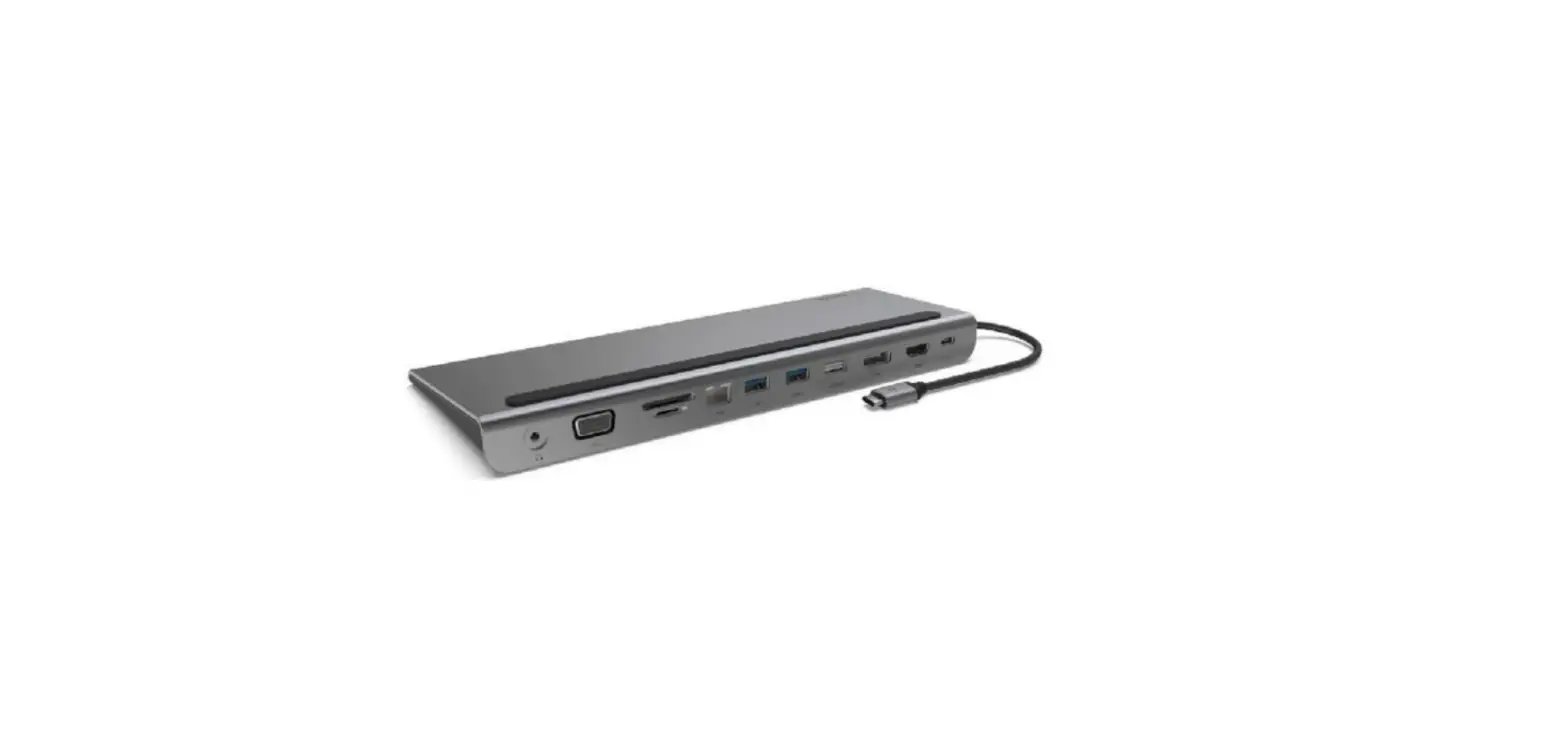
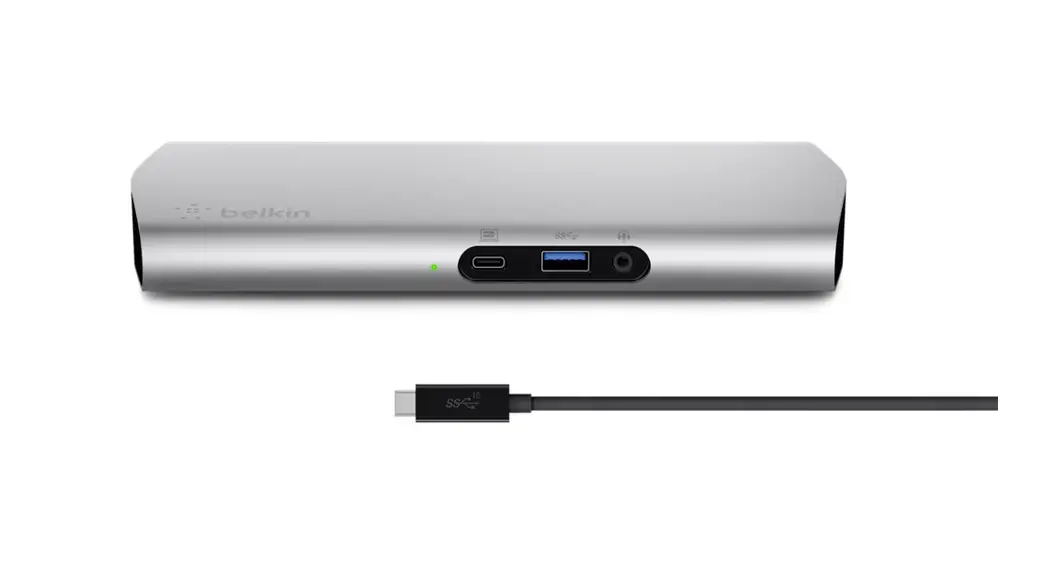
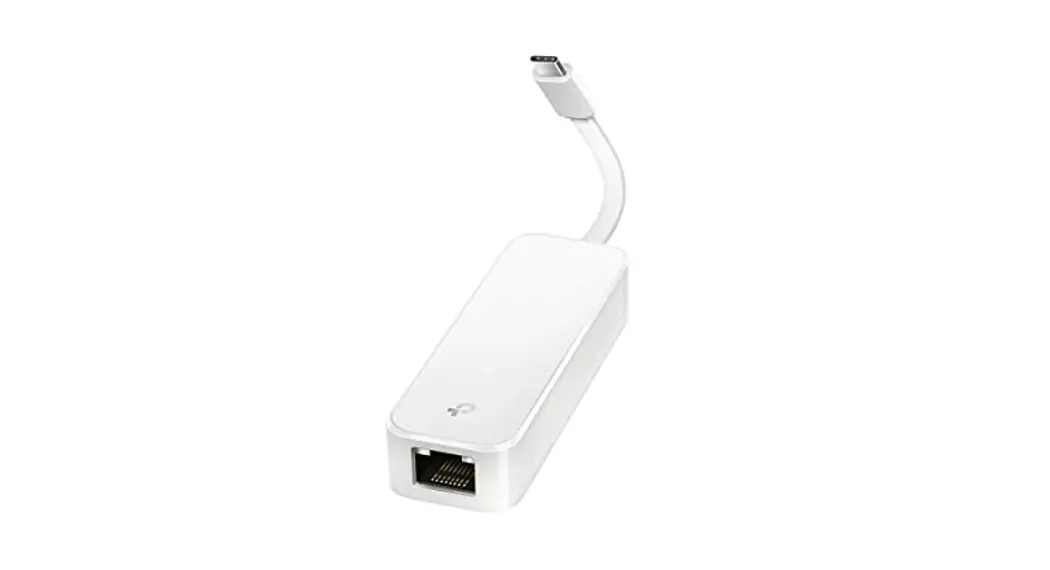
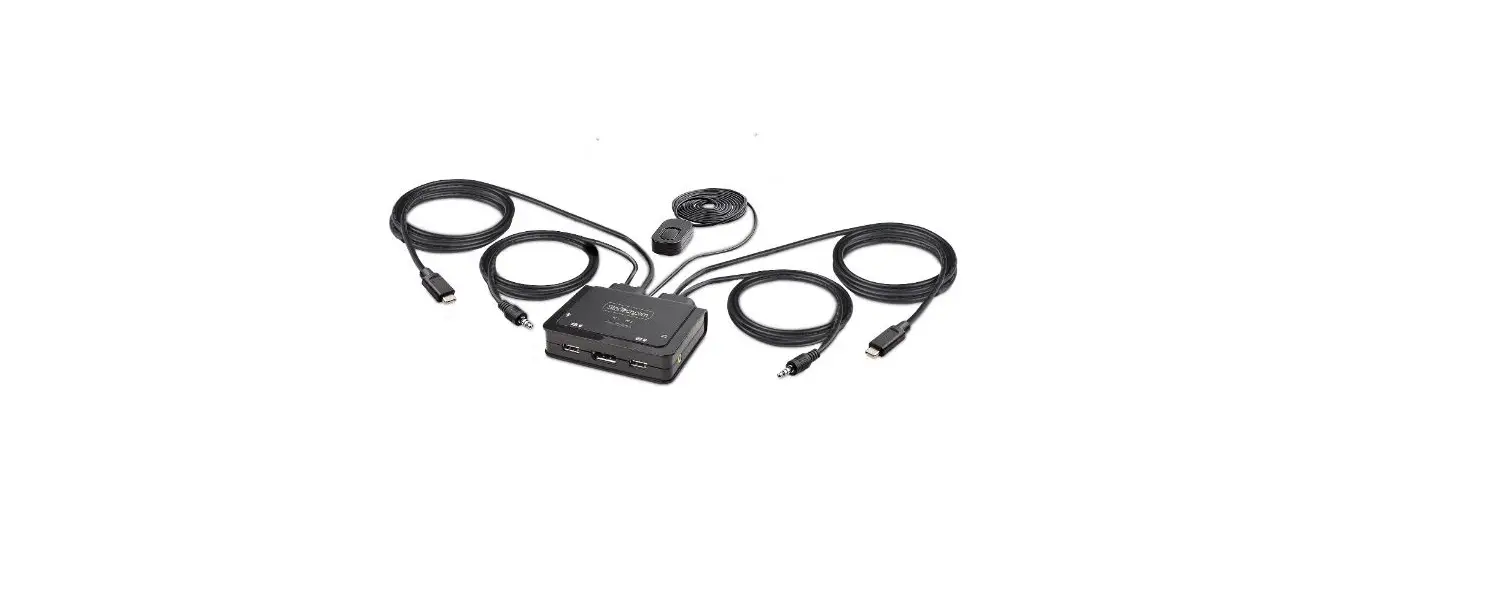
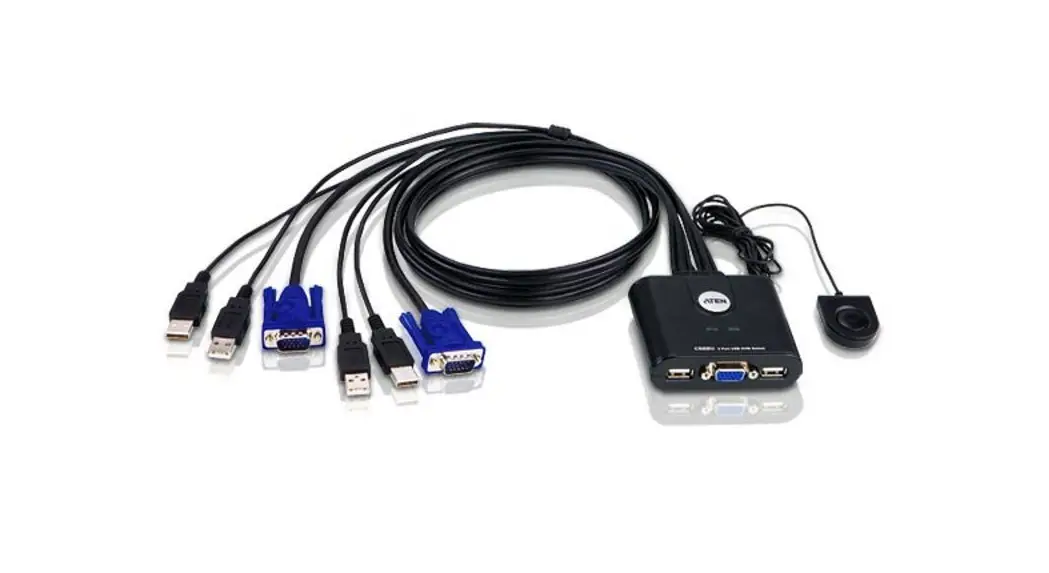
F1DN1CCBL-CPN6t TAA KVM Dock USB-C to DP/USB-B Cables with RJ45 and Power
Product Information:
- Product Name: F1DN1CCBL-CPN6t TAA KVM Dock USB-C to (1)
DP/USB-B Cables w/ RJ45 and Power - Additional Product Name: F1DN2CCBL-CPN6t TAA KVM Dock USB-C to
(2) DP/USB-B Cables w/ RJ45 and Power - Quick Installation Guide: Included
- TAA KVM Dock
- Product Features:
- Keyboard & Mouse USB KB
- Secure KVM Dual Head Video Displays
- Video Console Ports
- Host Ports
- USB Video
- Supported Operating Systems: Not specified
- Dimensions: W 142.5mm x H 65.4mm x L 17mm
- Cable Length: 3ft (0.9m) USB-C, 3ft (0.9m) Video and USB
- Manufacturer: Belkin International Inc
- Address: 555 S. Aviation Blvd. Suite 180, El Segundo, CA
90245-4852 - Declaration of Compliance: Available at https://www.belkin.com/us/support-article?articleNum=316284
- Revision: 8820-03361 Rev.A01
- Address: 555 S. Aviation Blvd. Suite 180, El Segundo, CA
Product Usage Instructions:
- Connect the USB-C cable to your host device.
- If applicable, connect the RJ45 LAN cable to the LAN port on
the KVM Dock. - Connect the DP/USB-B cables to the respective ports on the KVM
Dock. - Connect the other end of the DP/USB-B cables to your video
displays. - Connect your keyboard and mouse to the USB ports on the KVM
Dock. - If desired, connect the PSU (optional) to the KVM Dock.
- Power on your host device and the KVM Dock.
Please refer to the provided quick installation guide for more
detailed instructions and troubleshooting information.
F1DN1CCBL-CPN6t TAA KVM Dock USB-C to (1) DP/USB-B Cables w/ RJ45 and Power F1DN2CCBL-CPN6t TAA KVM Dock USB-C to (2) DP/USB-B Cables w/ RJ45 and Power
Quick Installation Guide
TAA KVM Dock
Introduction
· Belkin TAA KVM Docks are designed to connect USB-C devices to Belkin Secure KVMs. USB-C allows the transfer of Video, USB, Power, and Network. · This guide includes instructions for Belkin TAA KVM Docks.
Additional product information is available at: https://www.belkin.com/us/resource-center/cybersecurity/Resources/.
Features
· All-in-one Secure KVM Dock with integrated cables
· Host/Source Side: 1x USB-C 3.1 Gen 2 10 Gbps (male) 3ft (0.9m) cable
· SKVM Side: up to 2x Display Port 1.2 (male) and 1x USB Type B (male) 3 ft (0.9m) cables
· Supports video up to Single Head 4K@60hz and Dual Head 4K@30hz
· Ethernet up to 1Gbps network traffic, cable not included
· USB-C (female) Power Delivery 2.0 complaint up to 100W
Operation
· Before attempting to connect anything to the SKVM or your computers, please ensure that all computer equipment and devices are powered off.
· Connect Host/Source/Computer to Dock USB-C cable.
· Connect Dock Display Port Video cable(s) to the Secure KVM Host Port(s).
· Connect the Dock KM USB-B cable to the Secure KVM Host Port.
· Connect optional power supply to provide power to Host.
· Connect optional RJ45 cable to provide network connectivity to Host.
· Power on system.
Keyboard & Mouse USB KB
& Mouse
Secure KVM Dual Head
Video
Displays
Video Video
Console Ports
Host Ports
USB Video
F1DN2CCBL-CPN6t
PSU (optional)
Host with USB-C
USB-C
RJ45
LAN Port (optional)
Environmental
· Operating temperature is 32° to 104° F (0° to 40° C).
· Storage temperature is -4° to 140° F (-20° to 60° C).
· Humidity operating / storage requirements are 20 to 80% non-condensing / 10 to 90% non-condensing.
Supported Operating Systems
· Microsoft® Windows® · Red Hat®, Ubuntu® and other Linux® platforms
Dimensions
W 142.5mm x H 65.4mm x L 17mm Cable length: 3ft (0.9m) USB-C, 3ft (0.9m) Video and USB
We, Belkin International Inc, of 555 S. Aviation Blvd. Suite 180, El Segundo, CA 90245-4852, declare under our sole responsibility that the products described in this manual comply to the declarations found at: https://www.belkin.com/us/support-article?articleNum=316284.
8820-03361 Rev.A01
 Resources | Belkin: US