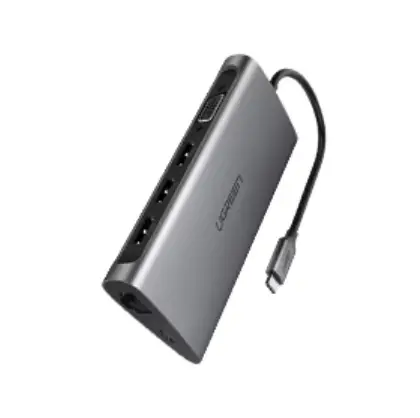
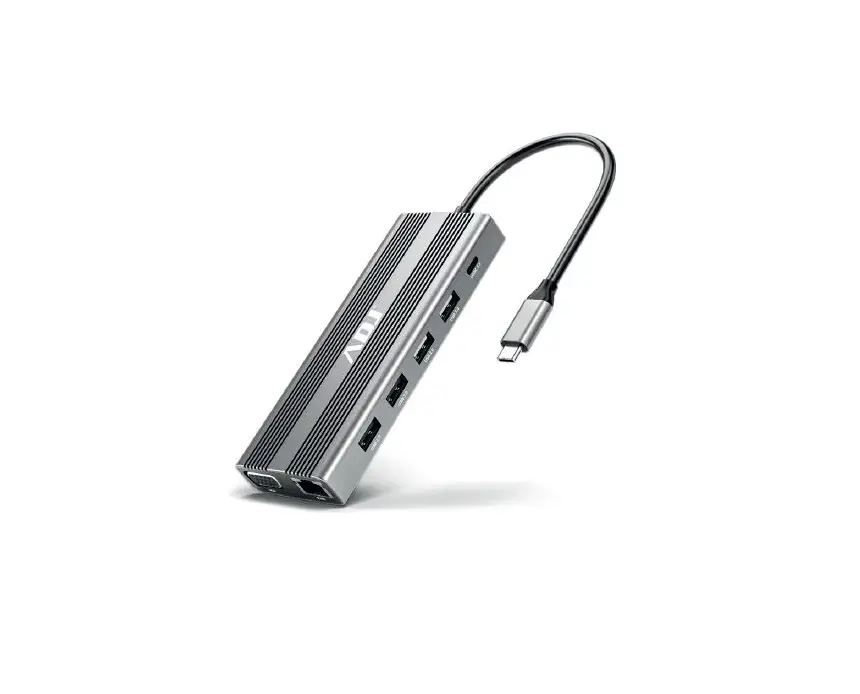
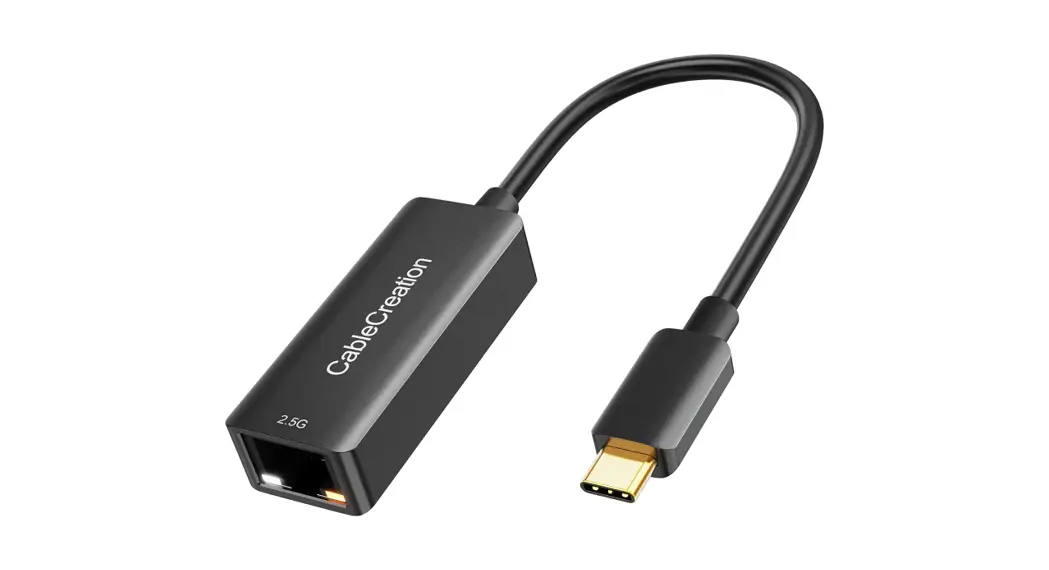
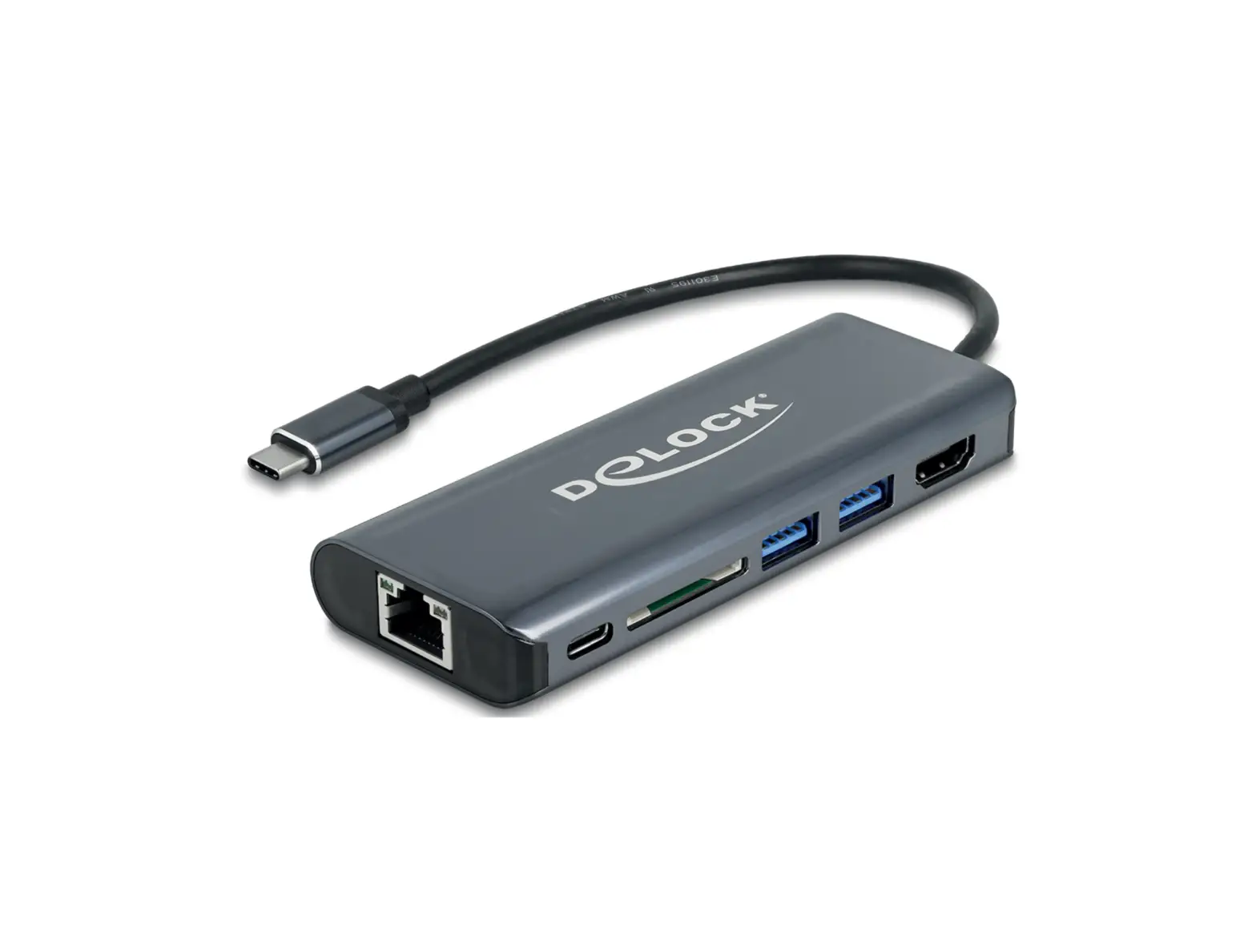
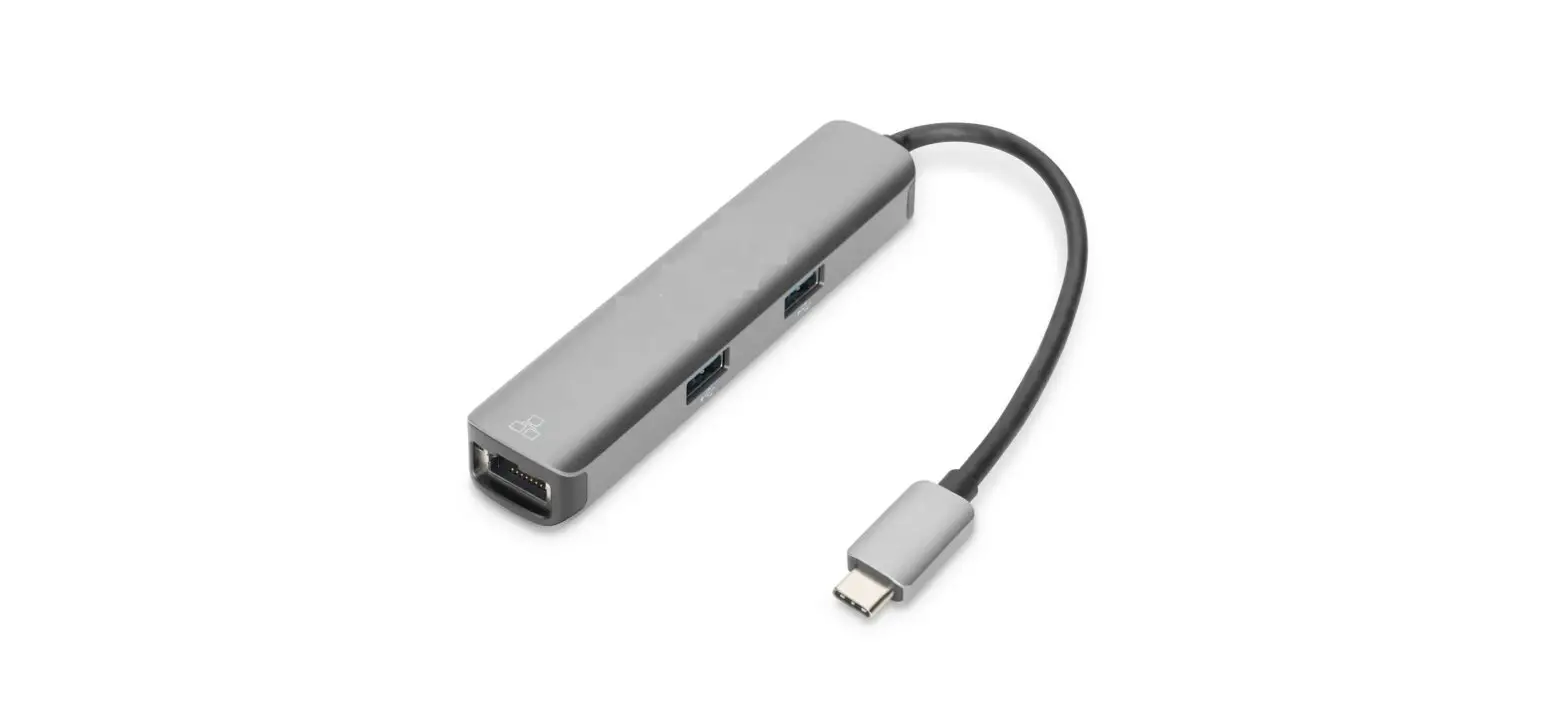
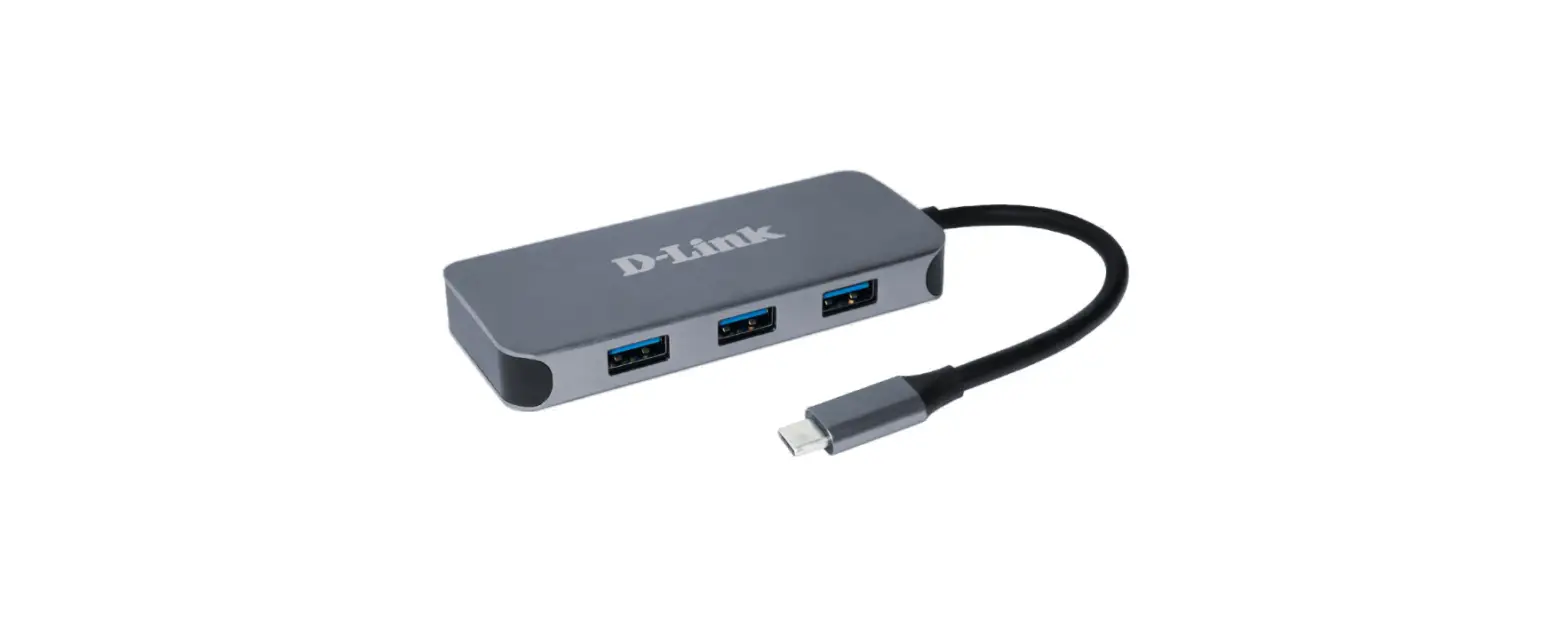
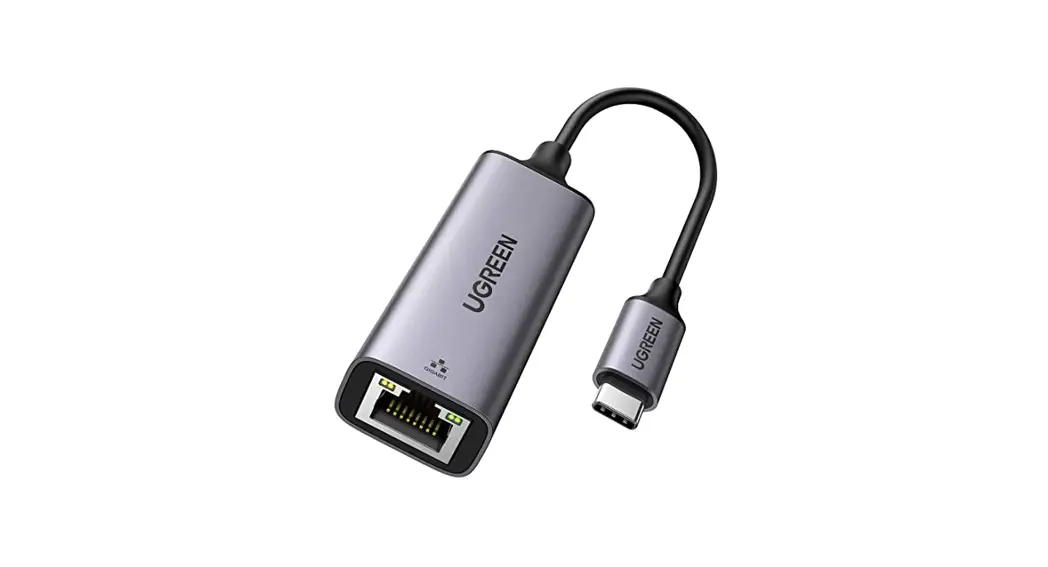
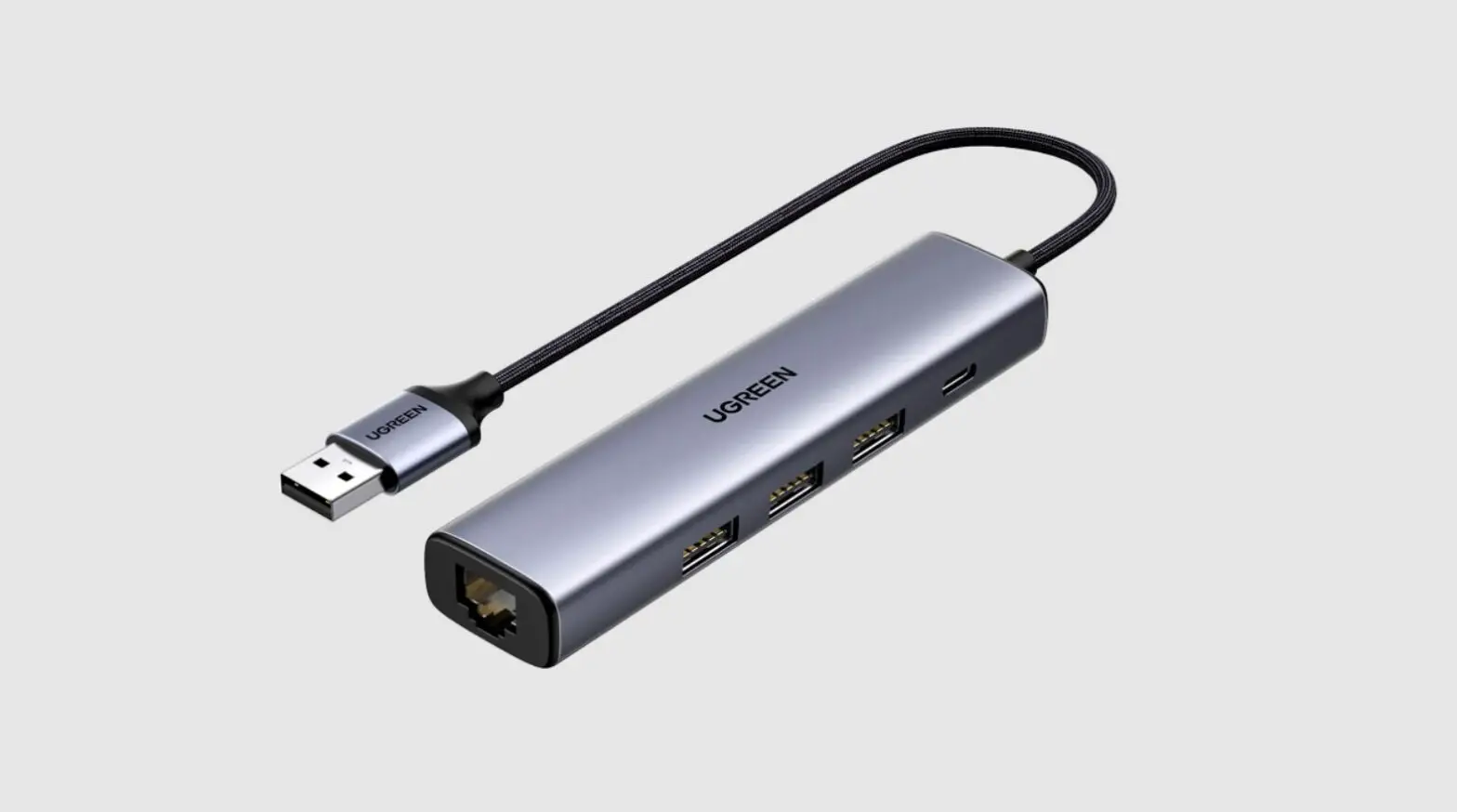
RJ45 Type-c Hub Hdmi Gigabit Ethernet Adapter
Type-C to HDMI/USB-A/RJ45/Type-C Female(PD&Data) with DP1.4
Alt mode
User Manual
Thank you for purchasing this product. For optimum performance
and safety, please read these instructions carefully before
connecting, operating or using this product. Please keep this
manual for future reference.
Features
Upstream: Type-C Malex1(Connect to host)
Support DP1.4 Alt mode, with bandwidth max 2 lanes 16.2Gbps
(8.1Gbps per lane), downward compatible with DP1.2 Alt mode Note:
To get max bandwidth, the host should support DP1.4 Alt mode with
DSC format
Downstream:
- HDMI Support HDMI max 4K/60Hz4448bit with 18Gbps Bandwidth
- Support 6/8/10/12 bit color depth output
- Support output pixel format RGB4:4:4/YCbCr4:4:4/YCbCr4:2:2
- Support HDCP 2.2&HDCP1.4
- Support HDR
- Note: When connecting a DP1.4 Alt mode supported host, the max
resolution of HDMI is 4k/60Hz; When connecting a DP1.2 Alt mode
supported host, the max resolution of HDMI is 4k/30Hz due to
bandwidth limitation - USB-A 3.0X1 Support BC 1.2 with max 7.5W([email protected]) downstream
charging Max 5Gbps bandwidth - RJ45X1 10M/100M/1000M
- Type-C Femalex1(for PD Charging&Data) When connecting a PD
Adapter Support PD Charging 100W (20V/5A) Support Fast Role Swap of
PD 3.0, the connected device will not get disconnected while
plugging in and out PD Adapter - 7.5W is dedicated to the functioning of this product, the rest
power (max 92.5W) will be passed to charge for the host When
connecting a Type-C device Max 5Gbps data transfer Max
7.5w(5V/1.5A) downstream charging Share max 7.5W downstream
charging with USB-A port
Specifications
Input/Output Connector:
- Input: Type-C Male x1
- Output: HDMI Female x1, USB-A Femalex1, RJ45X1, Type-C
femalex1(PD&Data)
Warranty: Limited Warranty
Environmental:
- Operating Temperature: 0 to +45
- Operating Humidity: 10% to 90 % RH (no condensation)
- Storage Temperature: -10 to +70
- Storage Humidity: 10% to 90 % RH (no condensation)
Power Supply: USB-C PD Charging Port,
100W(20V/5A)
Regulatory Approvals: FCC, CE
Certifications: English Version
Accessory: Adapter, User Manual
Package Contents
Before attempting to use this unit, please check the packaging
and make sure the following items are contained in the shipping
carton:
- Main unit x1
- User Manual x1
Connection Diagram
Please refer to the user manual for the connection diagram.
Product Usage Instructions
To use this product, follow the steps below:
- Check the package contents and make sure all items are
included. - Connect the Type-C male end of the cable to the host
device. - To get maximum bandwidth, ensure that the host device supports
DP1.4 Alt mode with DSC format. - Connect the HDMI device to the HDMI female port on the
cable. - The HDMI port supports a maximum resolution of 4k/60Hz when
connected to a DP1.4 Alt mode supported host. If connected to a
DP1.2 Alt mode supported host, the maximum resolution is 4k/30Hz
due to bandwidth limitations. - Connect a USB-A device to the USB-A female port on the cable.
It supports BC 1.2 with max 7.5W ([email protected]) downstream charging and
a maximum bandwidth of 5Gbps. - Connect an RJ45 device to the RJ45 port on the cable. It
supports 10M/100M/1000M speeds. - Connect a Type-C device to the Type-C female port on the cable.
It supports a maximum data transfer rate of 5Gbps and a maximum
downstream charging rate of 7.5W (5V/1.5A). It shares the maximum
downstream charging rate of 7.5W with the USB-A port. - When connecting a PD adapter, the Type-C female port supports
PD charging of up to 100W (20V/5A) and fast role swap of PD 3.0.
The connected device will not get disconnected while plugging in
and out the PD adapter. - For optimum performance and safety, please read the user manual
carefully before connecting, operating or using this product.
Type-C to HDMI/USB-A/RJ45/Type-C Female(PD&Data) with DP1.4 Alt mode
User Manual
Type-C to HDMI/USB-A/RJ45/Type-C Female(PD&Data) with DP1.4 Alt mode
Contents
1.0 INTRODUCTION ……………………………………………………..1 2.0 FEATURES ………………………………………………………………. 1 3.0 SPECIFICATIONS ………………………………………………….. 2 4.0 PACKAGE CONTENTS …………………………………………… 2 5.0 CONNECTION DIAGRAM ……………………………………… 3
Type-C to HDMI/USB-A/RJ45/Type-C Female(PD&Data) with DP1.4 Alt mode
DEAR CUSTOMER
Thank you for purchasing this product. For optimum performance and safety, please read these instructions carefully before connecting, operating or using this product. Please keep this manual for future reference.
1.0 INTRODUCTION
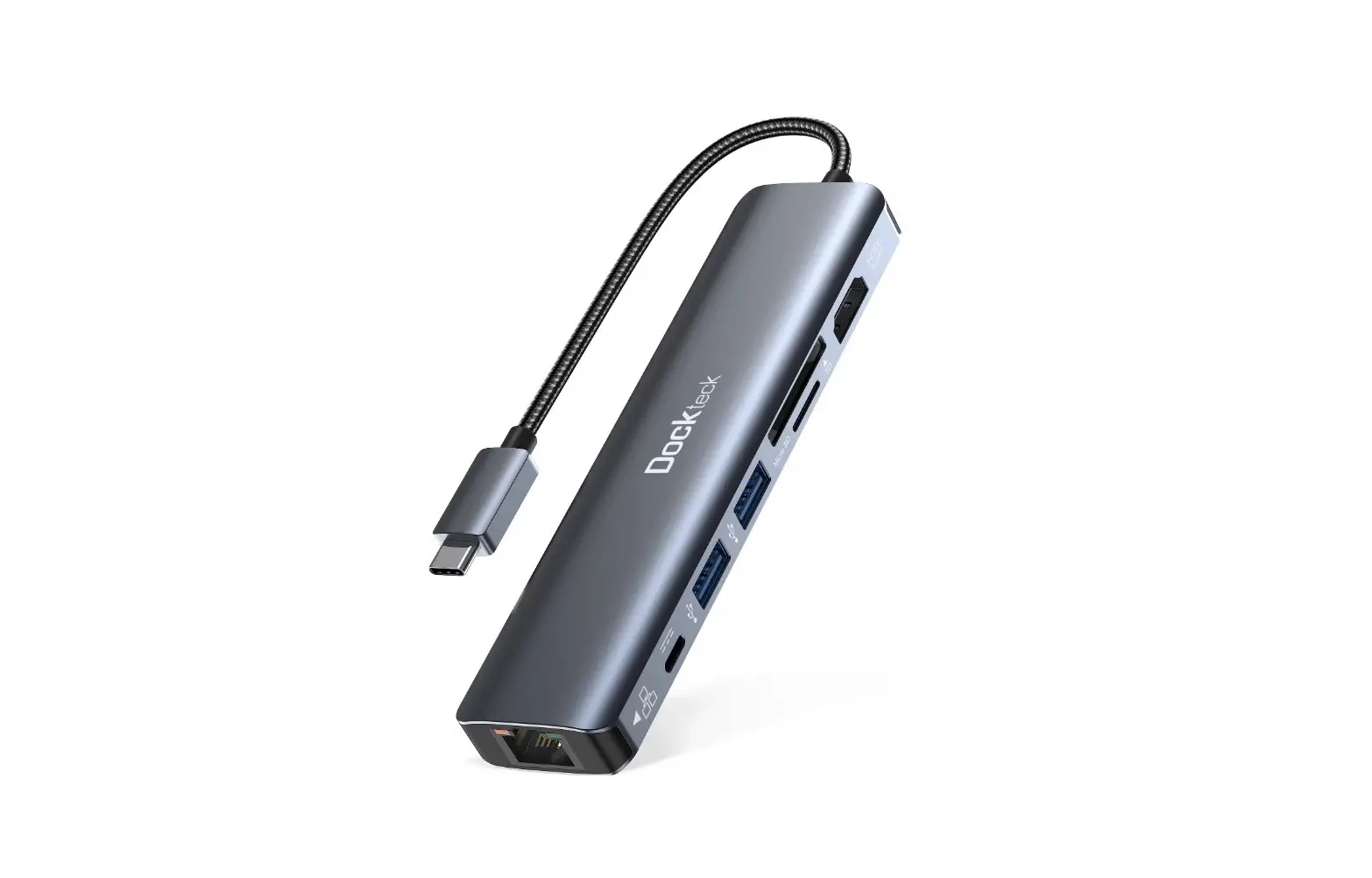
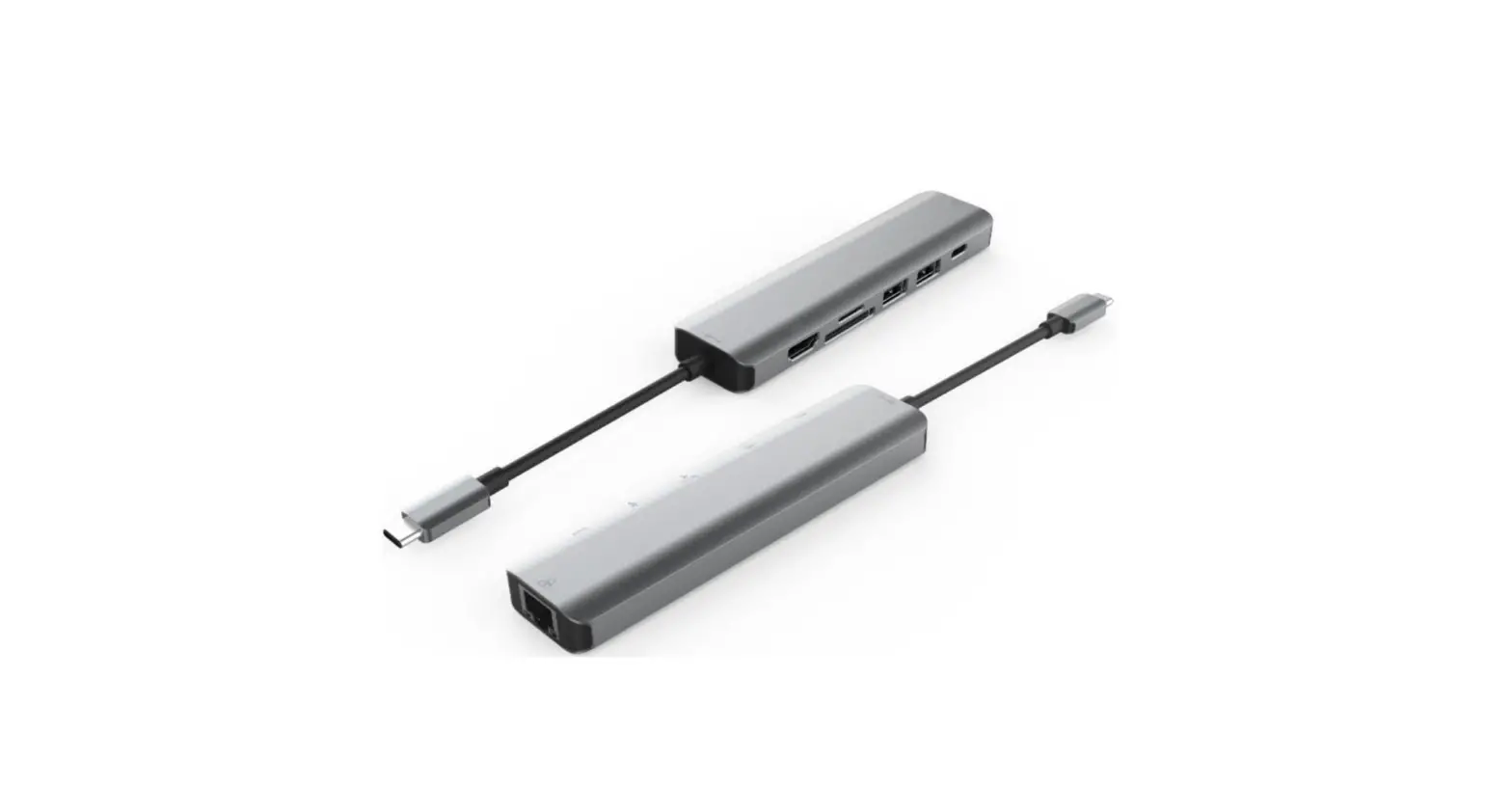
This is a Type-C 4-in-1 hub with HDMI, USB-A RJ45 and Type-C female port, providing an ideal solution for extending the port of Type-C/Thunderbolt 3 host (PC/Laptop/Mobile phone,etc.),especially for those host with a single Type-C port. This hub adopts the latest DP1.4 Alt mode supported IC, enabling to output HDMI video with max 4k/60Hz and at the meanwhile transfer USB 3.1 data with max 5Gbps. RJ45 helps host to get access to super fast Ethernet network. Besides, the Type-C female supports PD 3.0 with max 100W PD Charging when connecting a PD Adapter and supports max 5Gbps data transmission when connecting a Type-C device. It can work on all Type-C and ThunderboltTM3 host that supports DP Alt mode(including DP1.2 and DP1.4 Alt mode).When working on Thunderbolt TM 3 host, this product transmits DP signal.
2.0 FEATURES
Upstream: Type-C Malex1(Connect to host) Support DP1.4 Alt mode, with bandwidth max 2 lanes 16.2Gbps
(8.1Gbps per lane),downward compatible with DP1.2 Alt mode Note: To get max bandwidth, the host should support DP1.4 Alt mode with DSC format Downstream: HDMI Support HDMI max 4K/60Hz4448bit with 18Gbps Bandwidth Support 6/8/10/12 bit color depth output Support output pixel format RGB4:4:4/YCbCr4:4:4/YCbCr4:2:2 Support HDCP 2.2&HDCP1.4 Support HDR
Note: When connecting a DP1.4 Alt mode supported host, the max resolution of
1
Type-C to HDMI/USB-A/RJ45/Type-C Female(PD&Data) with DP1.4 Alt mode
HDMI is 4k/60Hz; When connecting a DP1.2 Alt mode supported host, the max
resolution of HDMI is 4k/30Hz due to bandwidth limitation
USB-A 3.0X1 Support BC 1.2 with max 7.5W([email protected]) downstream charging Max 5Gbps bandwidth RJ45X1 10M/100M/1000M Type-C Femalex1(for PD Charging&Data) When connecting a PD Adapter Support PD Charging 100W (20V/5A) Support Fast Role Swap of PD 3.0, the connected device will not
get disconnected while plugging in and out PD Adapter 7.5W is dedicated to the functioning of this product, the rest power
(max 92.5W) will be passed to charge for the host When connecting a Type-C device Max 5Gbps data transfer Max 7.5w(5V/1.5A) downstream charging Share max 7.5W downstream charging with USB-A port
3.0 SPECIFICATIONS
Input/Output Connector Input Output
Warranty Limited Warranty Environmental Operating Temperature Operating Humidity Storage Temperature Storage Humidity Power Supply USB-C PD Charging Port Regulatory Approvals Certifications Accessory Adapter User Manual
Type-C Male x1 HDMI Female x1 USB-A Femalex1 RJ45X1 Type-C femalex1PD&Data)
1 Year
0 to +45 10% to 90 % RH (no condensation) -10 to +70 10% to 90 % RH (no condensation)
100W(20V/5A)
FCC,CE
English Version
2
Type-C to HDMI/USB-A/RJ45/Type-C Female(PD&Data) with DP1.4 Alt mode
4.0 PACKAGE CONTENTS
Before attempting to use this unit, please check the packaging and make sure the following items are contained in the shipping carton: Main unit x1 User Manual x1
5.0 CONNECTION DIAGRAM
3