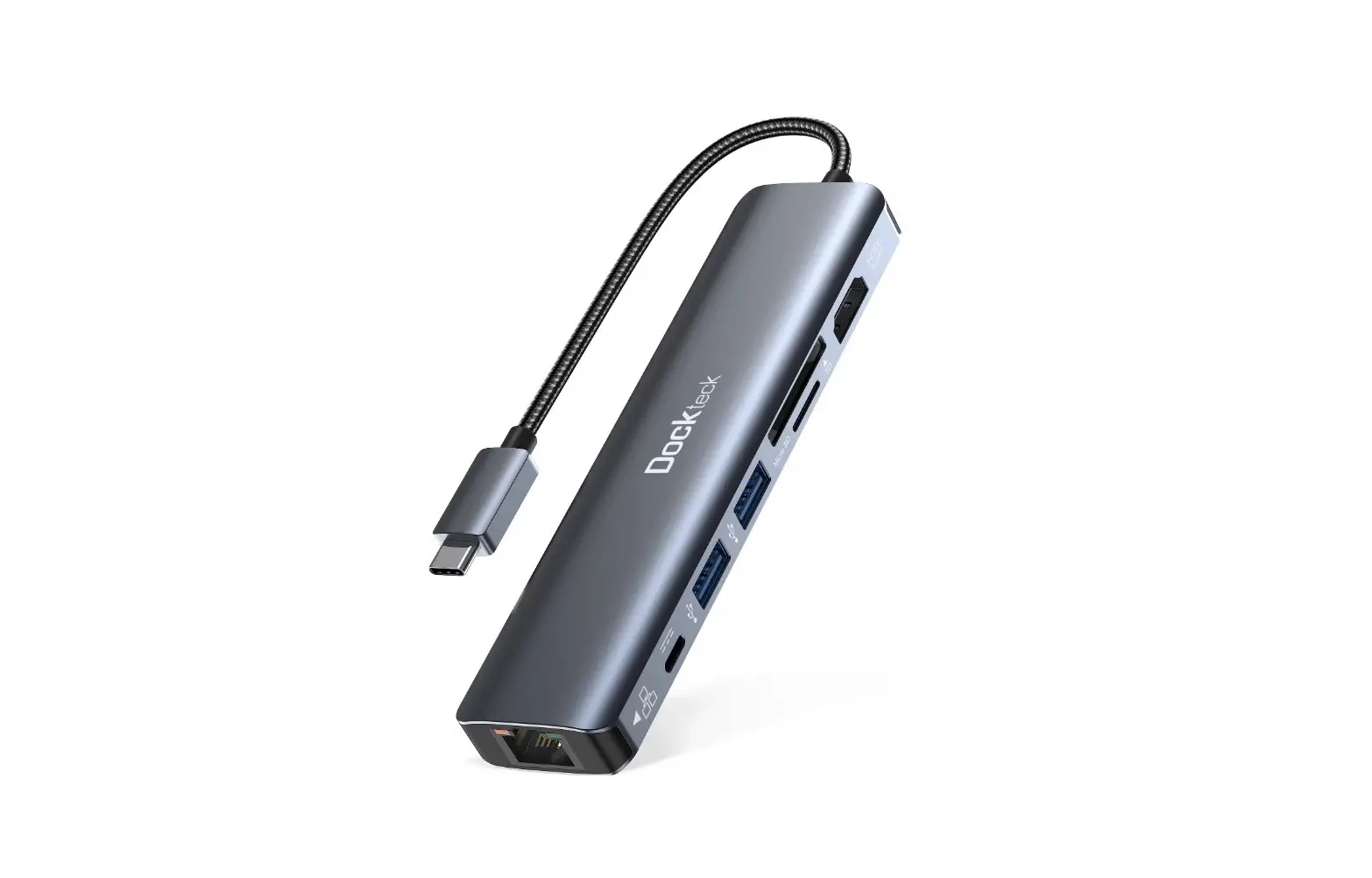
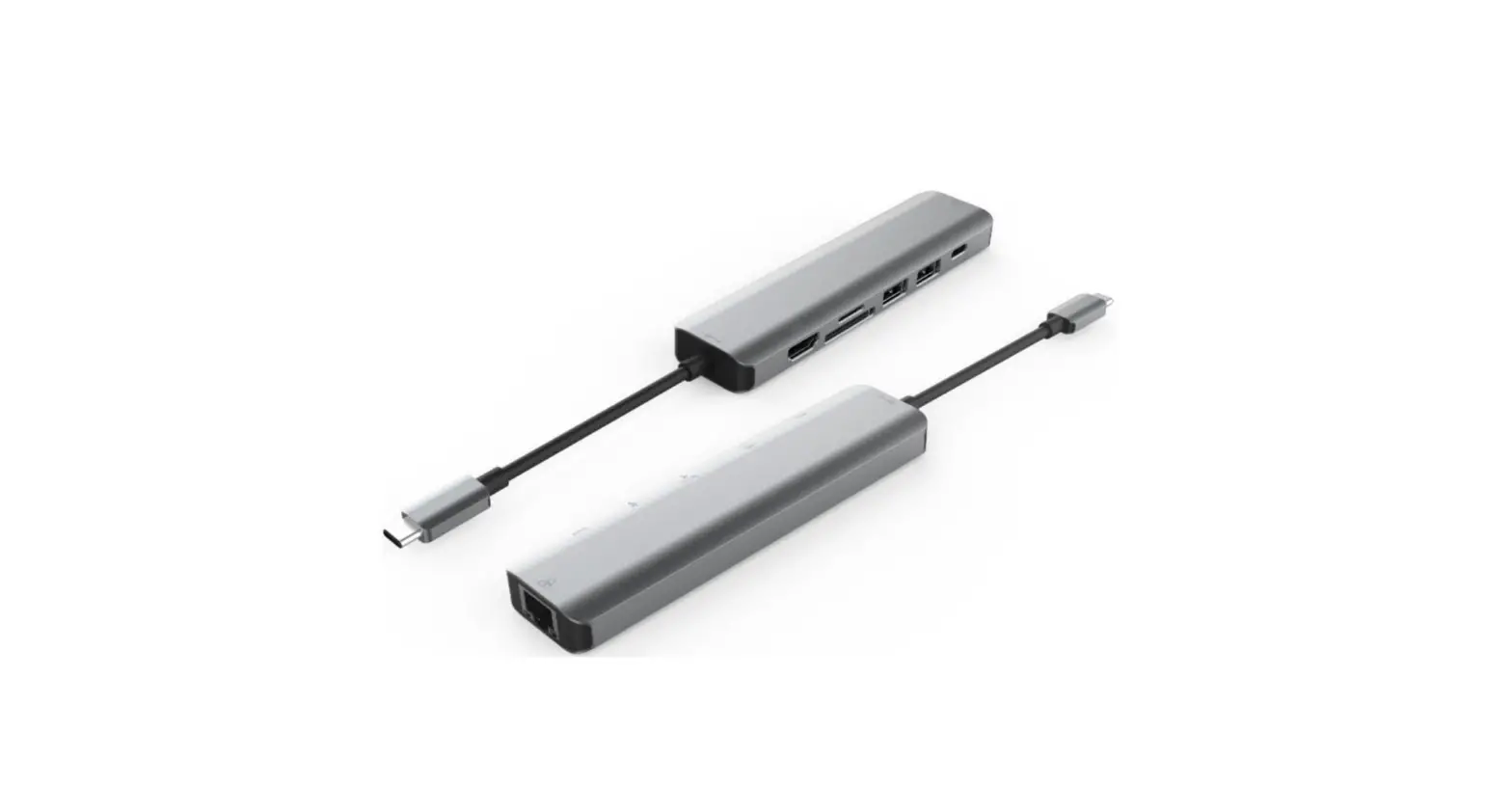
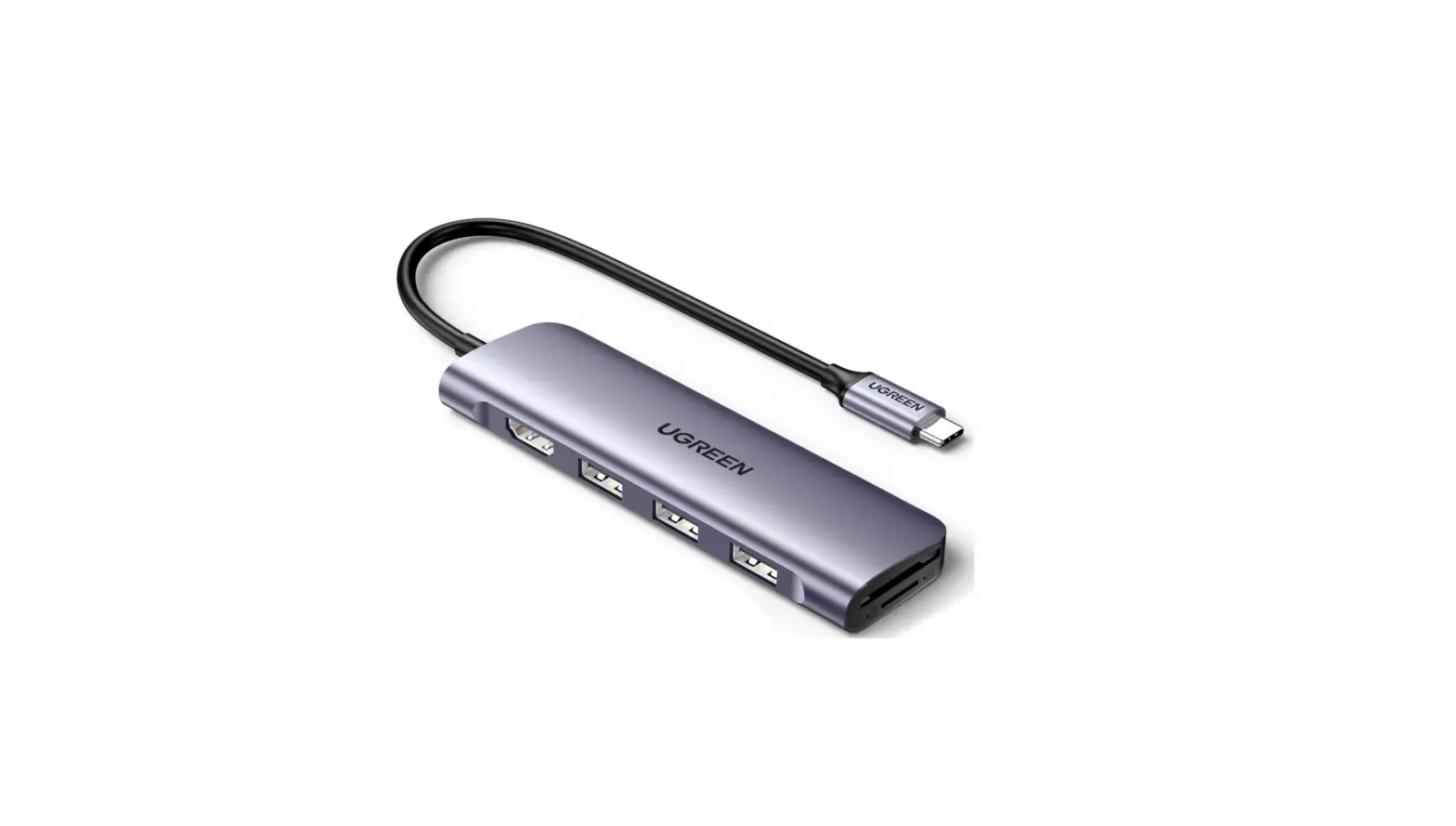
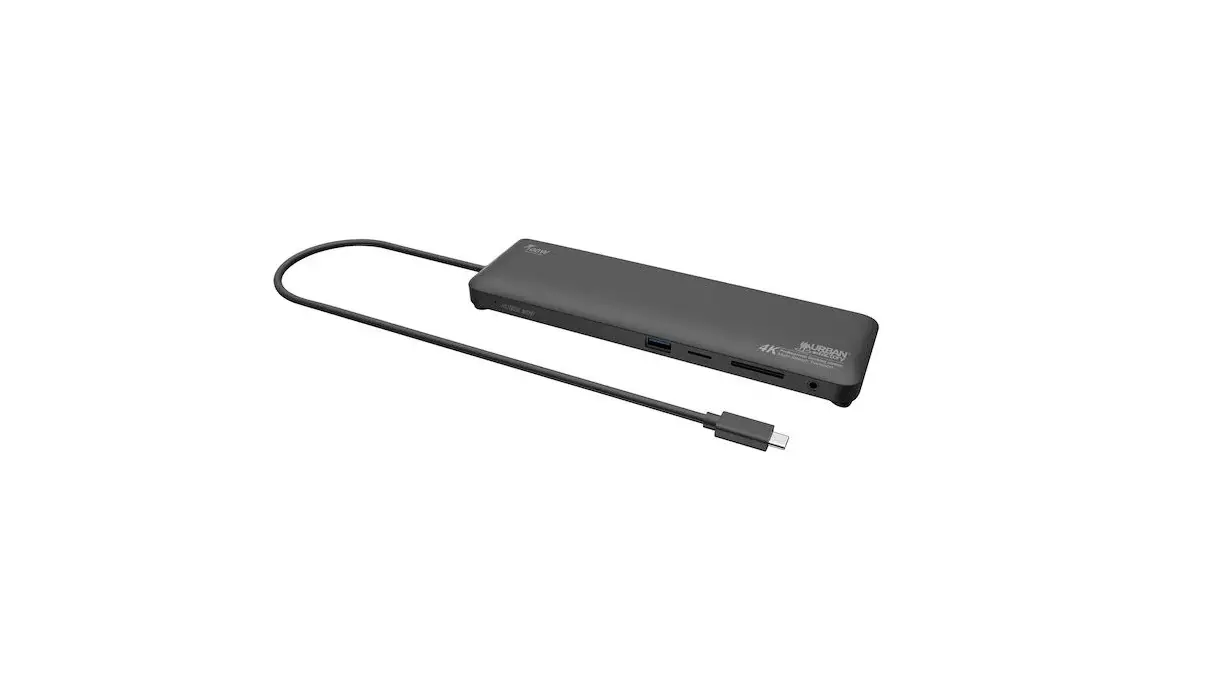
USB C Hub 4K HDMI Adapter
Product Information
| Interface | Type-C Male x1 (connect to Type-C host PC) | USB-A Female x2 | HDMI Female x1 | SD slot x1 | Micro SD slot x1 |
|---|---|---|---|---|---|
| Supported Features | Supports USB 3.0 super speed (5Gbps) transmission, downward compatible with USB 2.0 Supports HDMI resolution up to 4Kx2K@30Hz Supports Secure Digital v3.0 UHS-I (Ultra High Speed) SDR12 (12.5Mbyte/s), SDR25 (25Mbyte/s), SDR50 (50Mbyte/s), DDR50 (50Mbyte/s), SDR104 (104Mbyte/s) Supports SD and Micro SD to work simultaneously Easy to use and carry | ||||
| Specifications | Input Connector: Type-C Male x1 | Output Connectors: USB 3.0 Female x2, HDMI Female x1, Micro SD x1, SD/MMC x1 | |||
| Resolution | Up to 3840×2160@30Hz | ||||
| Physical Size | 110*22.5*16(mm) | ||||
| Weight | 50g | ||||
| Warranty | 1 Year Limited Warranty | ||||
| Environmental | Operating Temperature: 0°C to +45°C | Operating Humidity: 10% to 85% RH (no condensation) | |||
| Storage Temperature: -10°C to +70°C | Storage Humidity: 5% to 90% RH (no condensation) | ||||
| Regulatory Approvals | FCC, CE | ||||
| Power Supply | Bus Power | ||||
| Power Source | Not specified | ||||
| Accessories | User Manual (English Version) | ||||
Product Usage Instructions
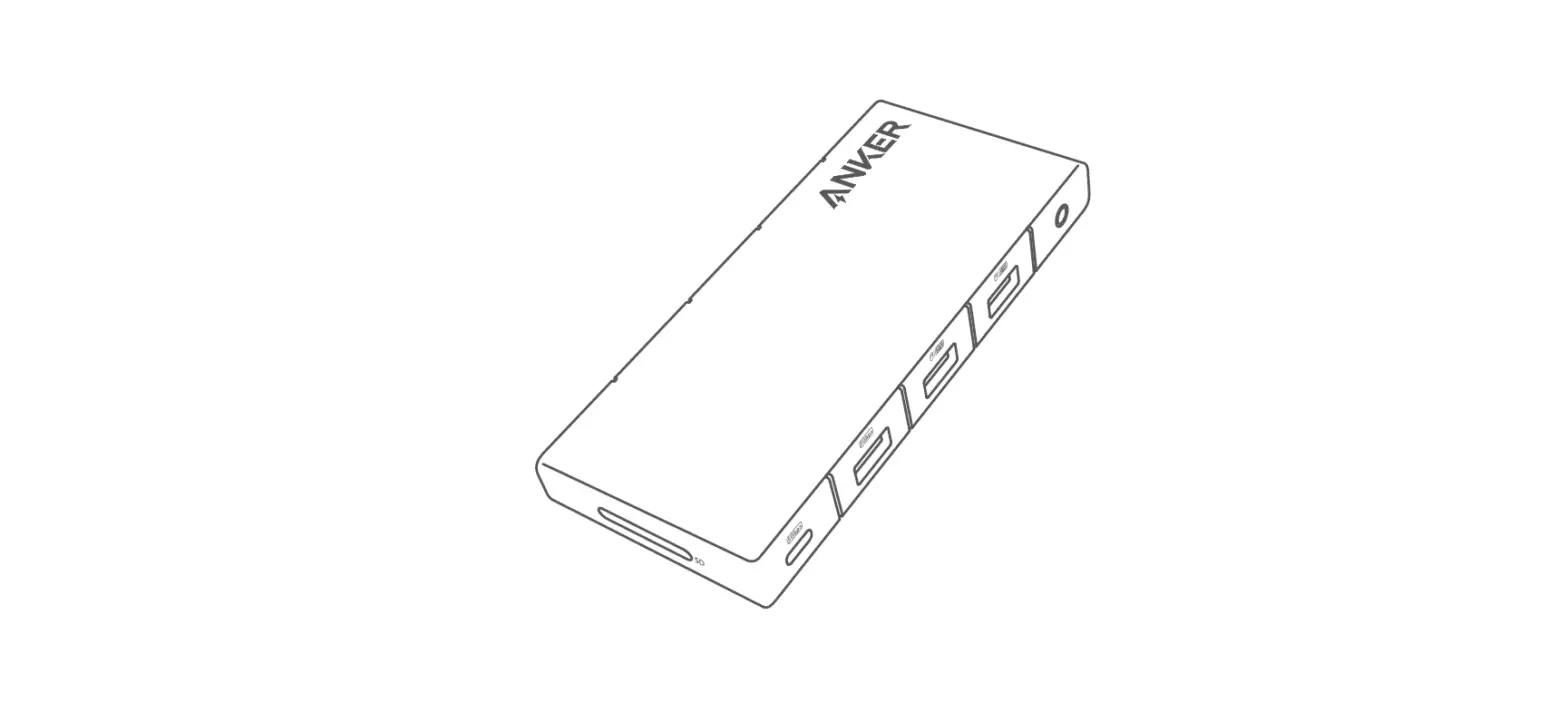
Connection Diagram

To use the Type-C to HDMI(4K/30Hz)/USB-AX2/SD/Micro SD Adapter,
please follow these steps:
- Check the packaging and ensure that the following items are
included: Main unit x1, User Manual x1. - Connect the Type-C Male end of the adapter to your Type-C host
PC. - Connect your USB devices to the USB-A Female ports on the
adapter. - Connect the HDMI Female port on the adapter to an HDMI display
using an HDMI cable. - If you want to use an SD card, insert it into the SD slot on
the adapter. If you want to use a Micro SD card, insert it into the
Micro SD slot on the adapter. - Make sure all connections are secure.
- Power on your Type-C host PC and the connected devices.
- Your Type-C to HDMI(4K/30Hz)/USB-AX2/SD/Micro SD Adapter is now
ready to use. Enjoy!
Type-C to HDMI(4K/30Hz)/USB-AX2
/SD/Micro SD Adapter
User Manual
Type-C to HDMI(4K/30Hz)/USB-AX2/SD/Micro SD Adapter
Contents
1.0 INTRODUCTION ………………………………………. 1 2.0 FEATURES ……………………………………………… 1 3.0 SPECIFICATIONS ………………………………………1 4.0 PACKAGE CONTENTS ………………………………… 2 5.0 CONNECTION DIAGRAM …………………………….. 3
Type-C to HDMI(4K/30Hz)/USB-AX2/SD/Micro SD Adapter
DEAR CUSTOMER
Thank you for purchasing this product. For optimum performance and safety, please read these instructions carefully before connecting, operating or using this product. Please keep this manual for future reference.
1.0 INTRODUCTION
This is a Type-C multiple-port adapter with HDMI, SD/TF and 2 USB-A, allowing to extend Type-C port of the host to be multiple ports.The USB-A port allows you to connect USB device or another hub to the host USB-C computer; the HDMI port allows you to connect an HDMI monitor so that you can watch videos on a big screen; and the Micro SD and SD/MMC port allows you to read information in the memory card on the host PC. It can work on all Type-C and ThunderboltTM3 host that supports DP Alt mode. When working on Thunderbolt TM 3 host, this product transmits DP signal.
2.0 FEATURES
Interface: Type-C Malex1 (connect to Type-C host PC) USB-A Female x2 HDMI Female x1 SD slot x1, Micro SD slot x1
Support USB 3.0 super speed (5Gbps) transmission, downward compatible with USB 2.0
Support HDMI resolution up to 4Kx2K@30Hz Support Secure Digital v3.0 UHS-I (Ultra High Speed)SDR12
(12.5Mbyte/s)/SDR25(25Mbyte/s)/SDR50(50Mbyte/s)/DDR50(5 0Mbyte/s)/SDR104(104Mbyte/s) Support SD and Micro SD to work simultaneously Easy to use and carry
3.0 SPECIFICATIONS
Input/Output Connector
1
Type-C to HDMI(4K/30Hz)/USB-AX2/SD/Micro SD Adapter
Input Output
Resolution Resolution Physical Size(L-W-H) Weight Warranty Limited Warranty Environmental Operating Temperature Operating Humidity Storage Temperature Storage Humidity Regulatory Approvals Certifications Power Supply Power Source Accessories User Manual
USB-C Male x1 USB 3.0 Femalex2 HDMI Female x1 Micro SDX1 SD/MMCX1
Up to 3840×2160@30Hz
110*22.5*16(mm) 50g
1 Year
0 to +45 10% to 85 % RH (no condensation) -10 to +70 5% to 90 % RH (no condensation)
FCC,CE
Bus Power
English Version
4.0 PACKAGE CONTENTS
Before attempting to use this unit, please check the packaging and make sure the following items are contained in the shipping carton: Main unit x1 User Manual x1
2
Type-C to HDMI(4K/30Hz)/USB-AX2/SD/Micro SD Adapter
5.0 CONNECTION DIAGRAM
3