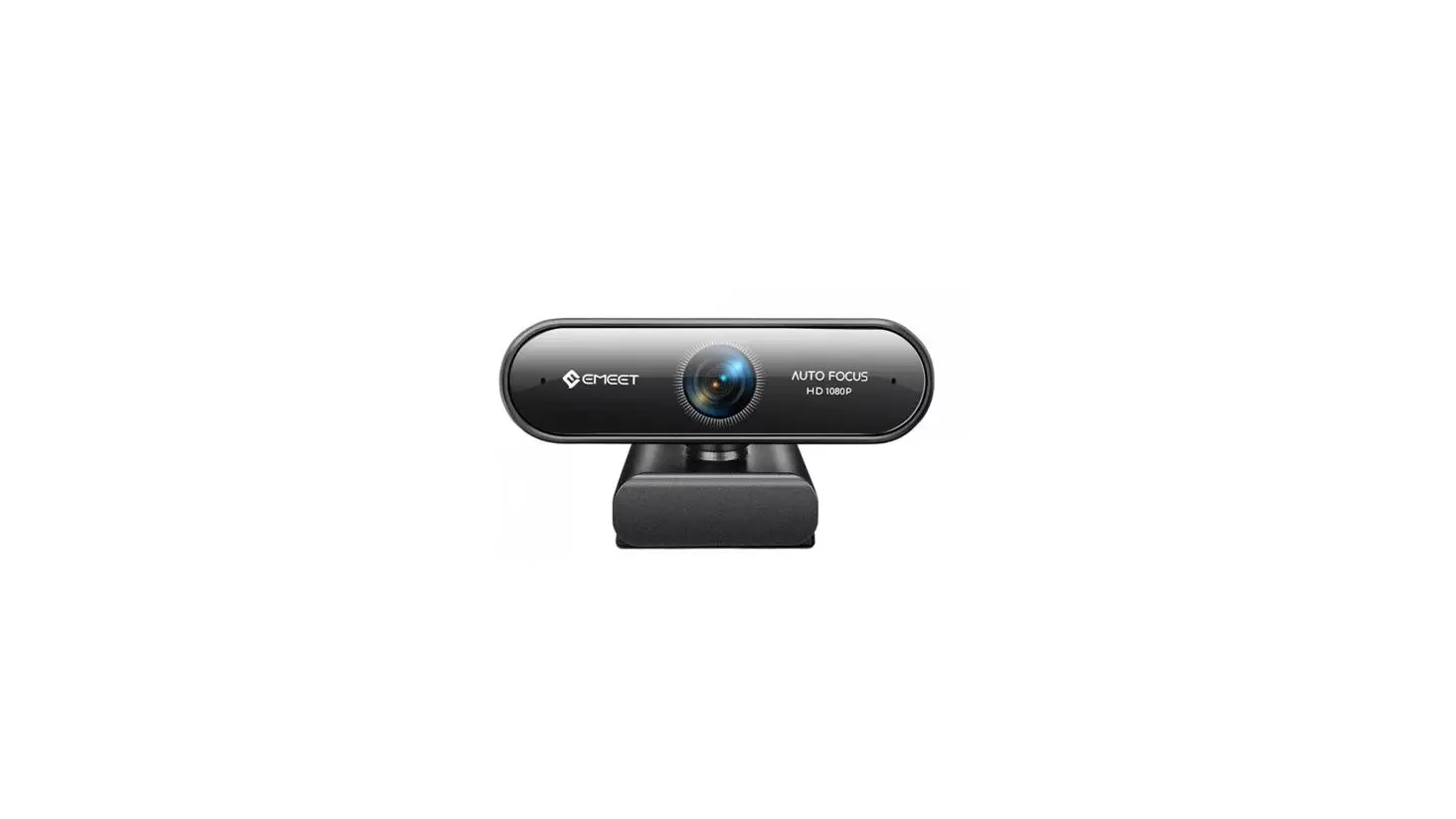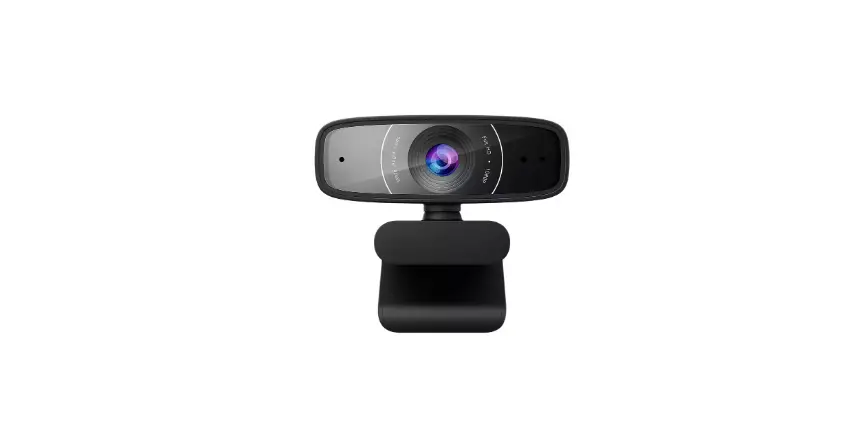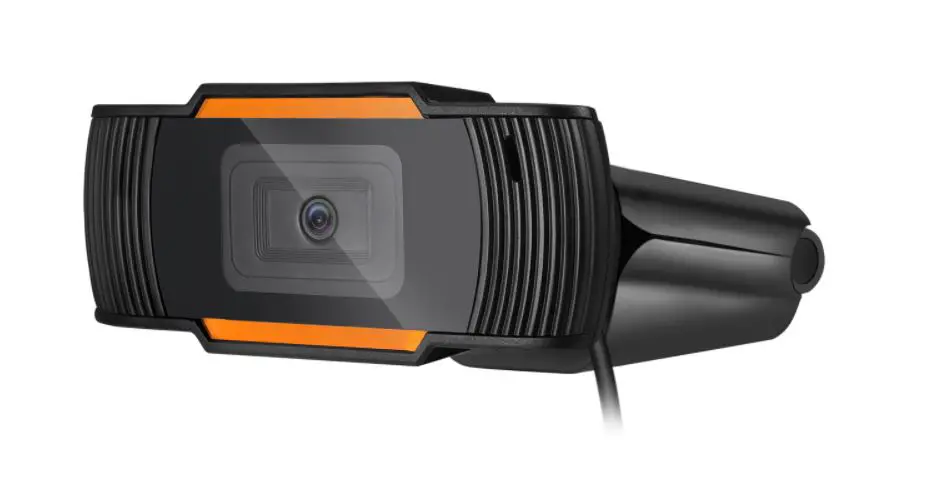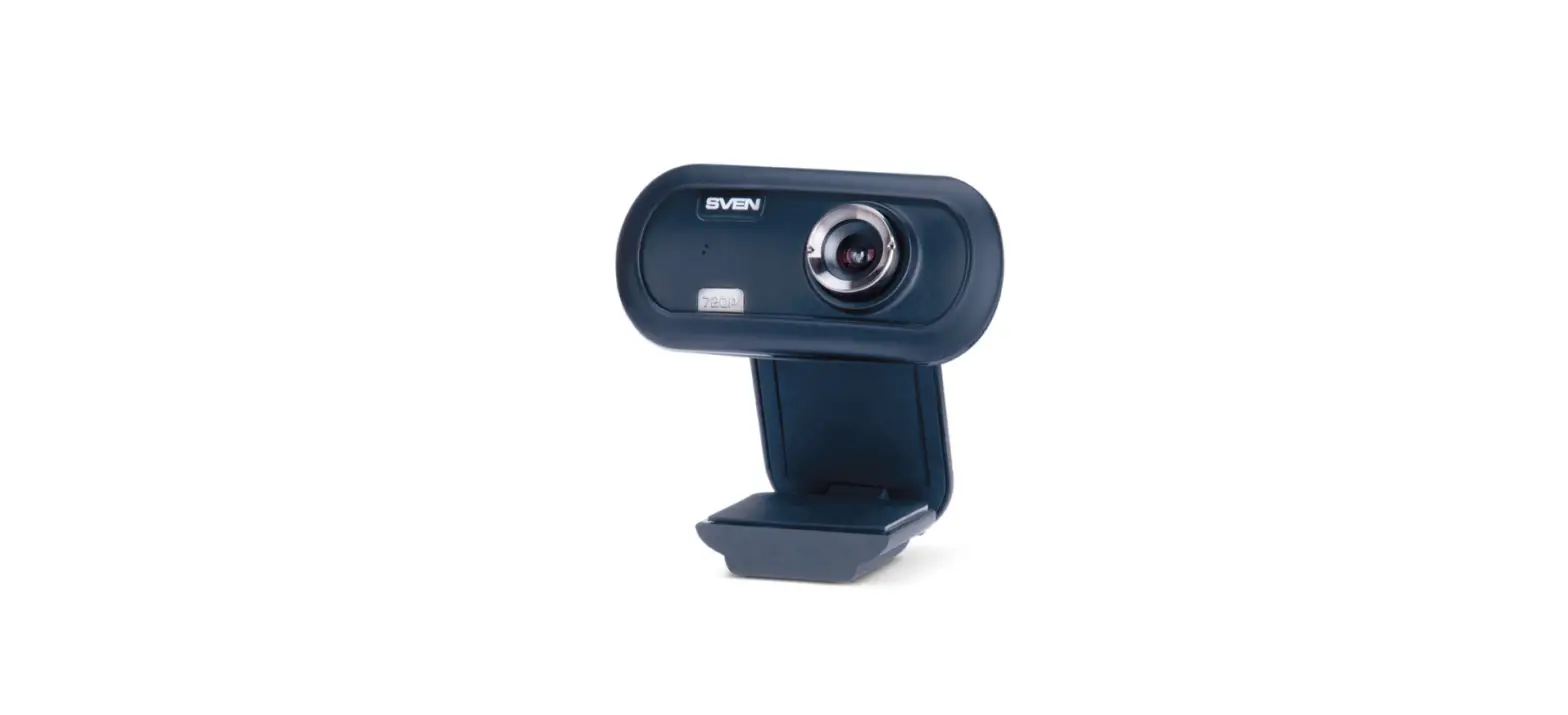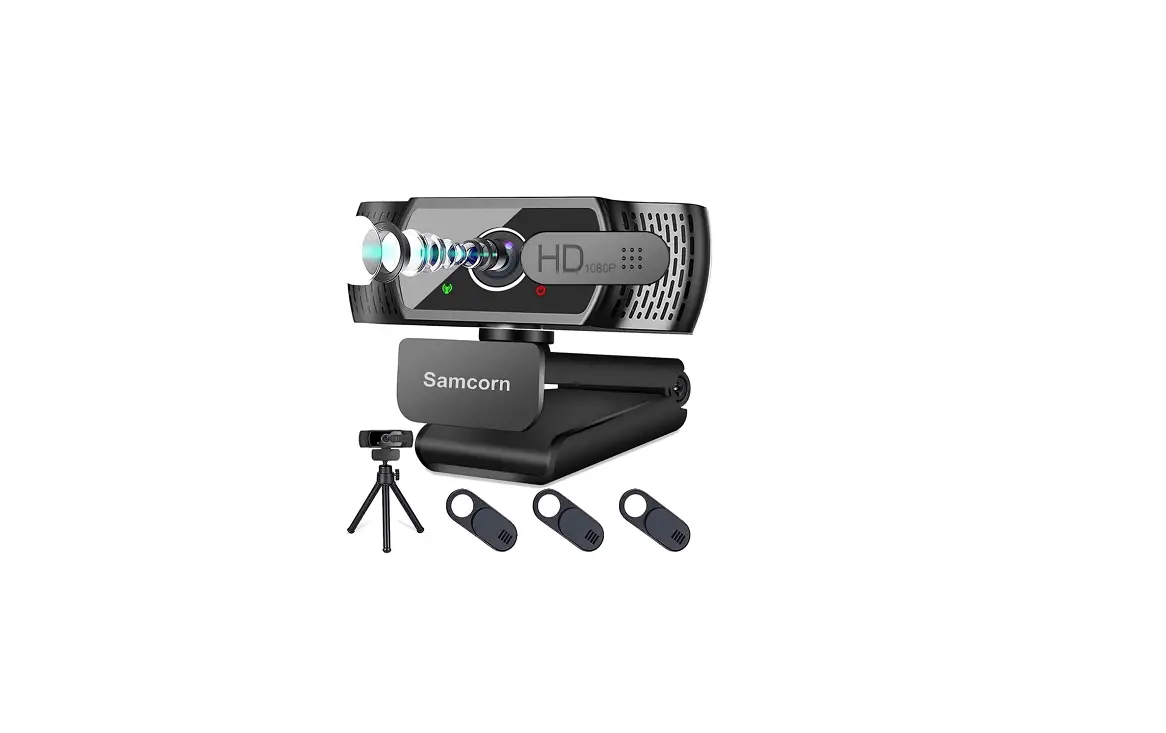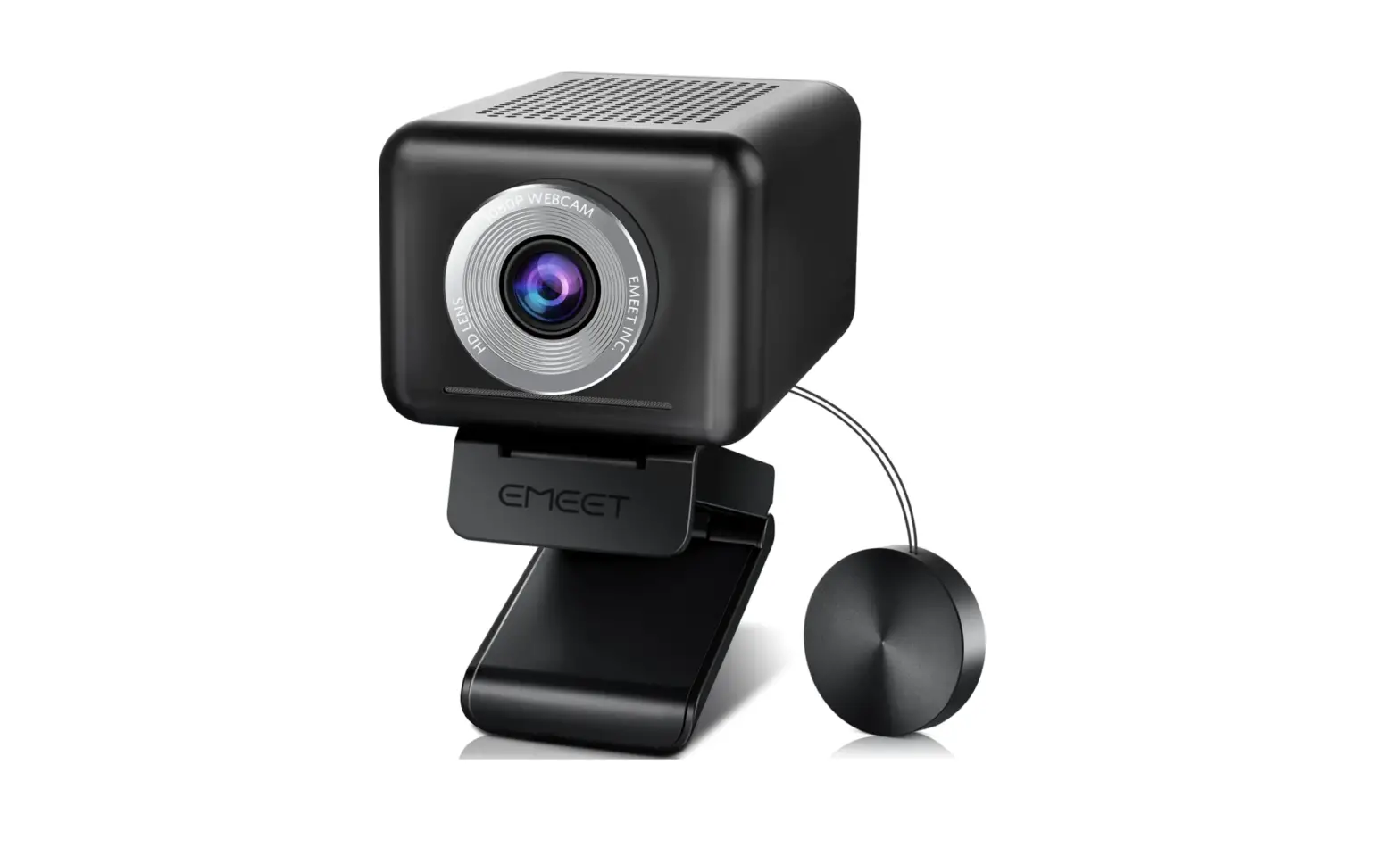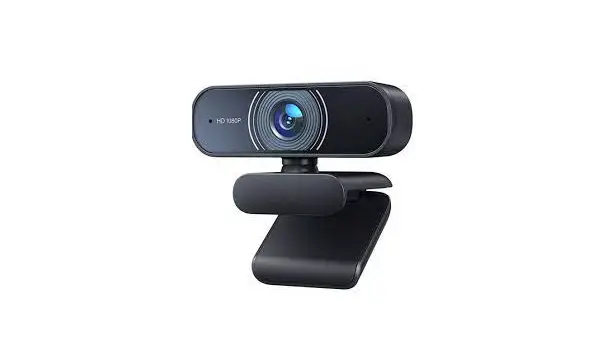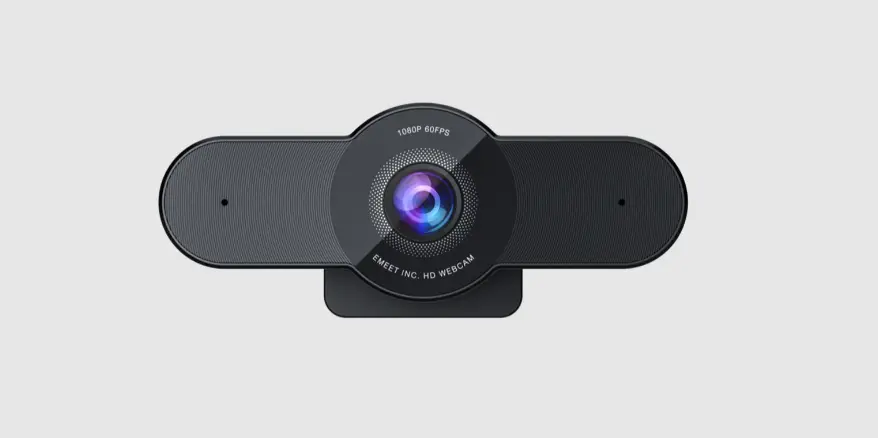

 WC2
WC2 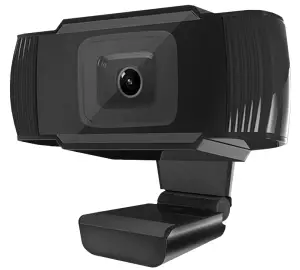
 User Manual
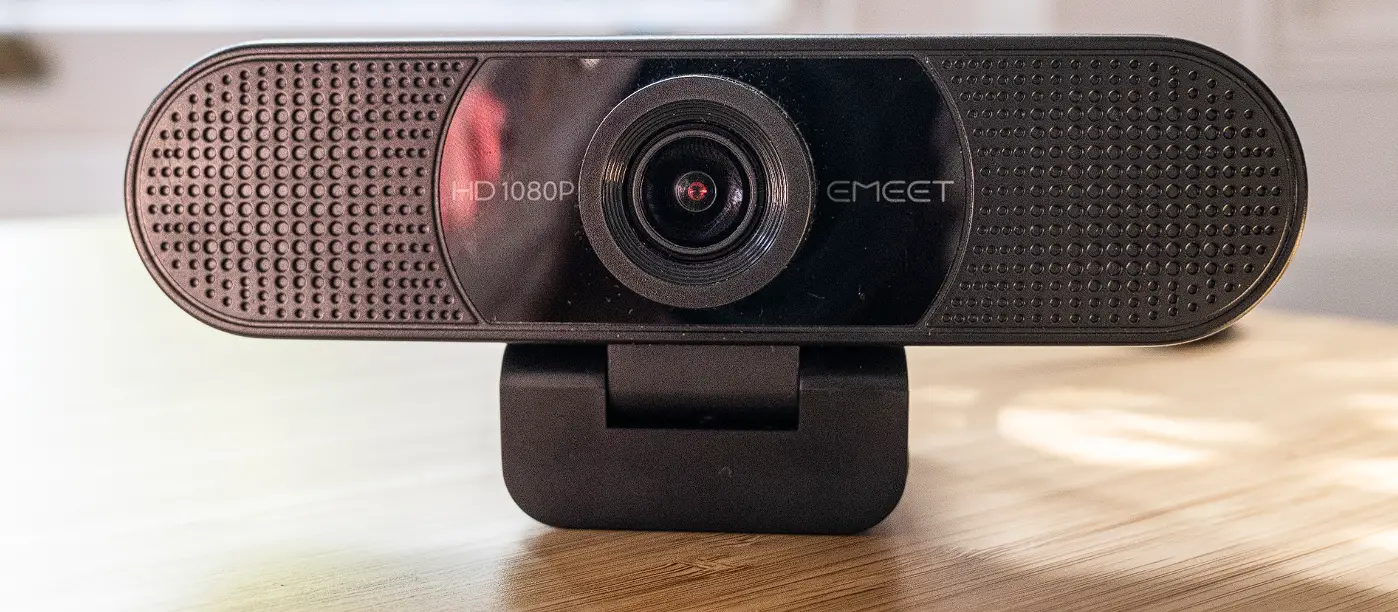
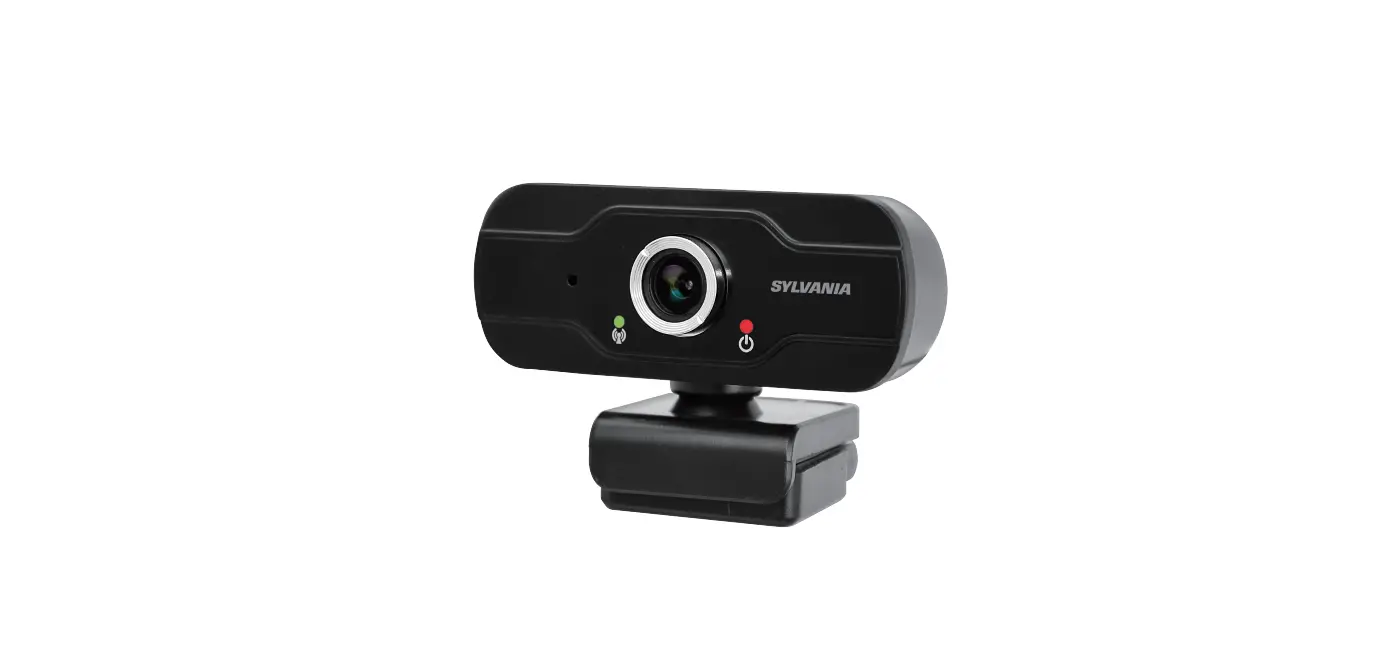
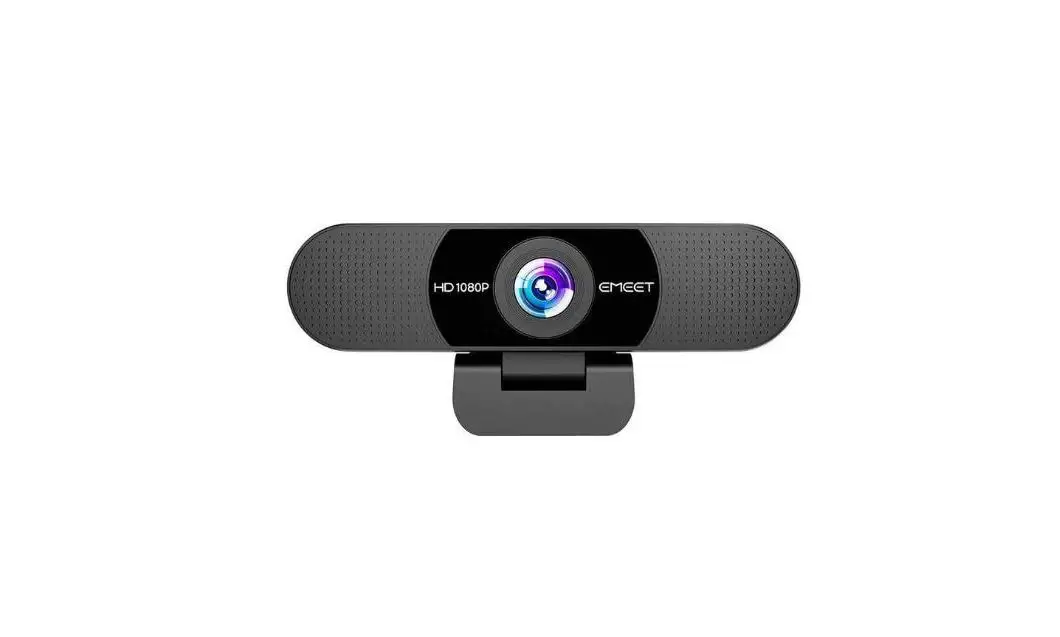
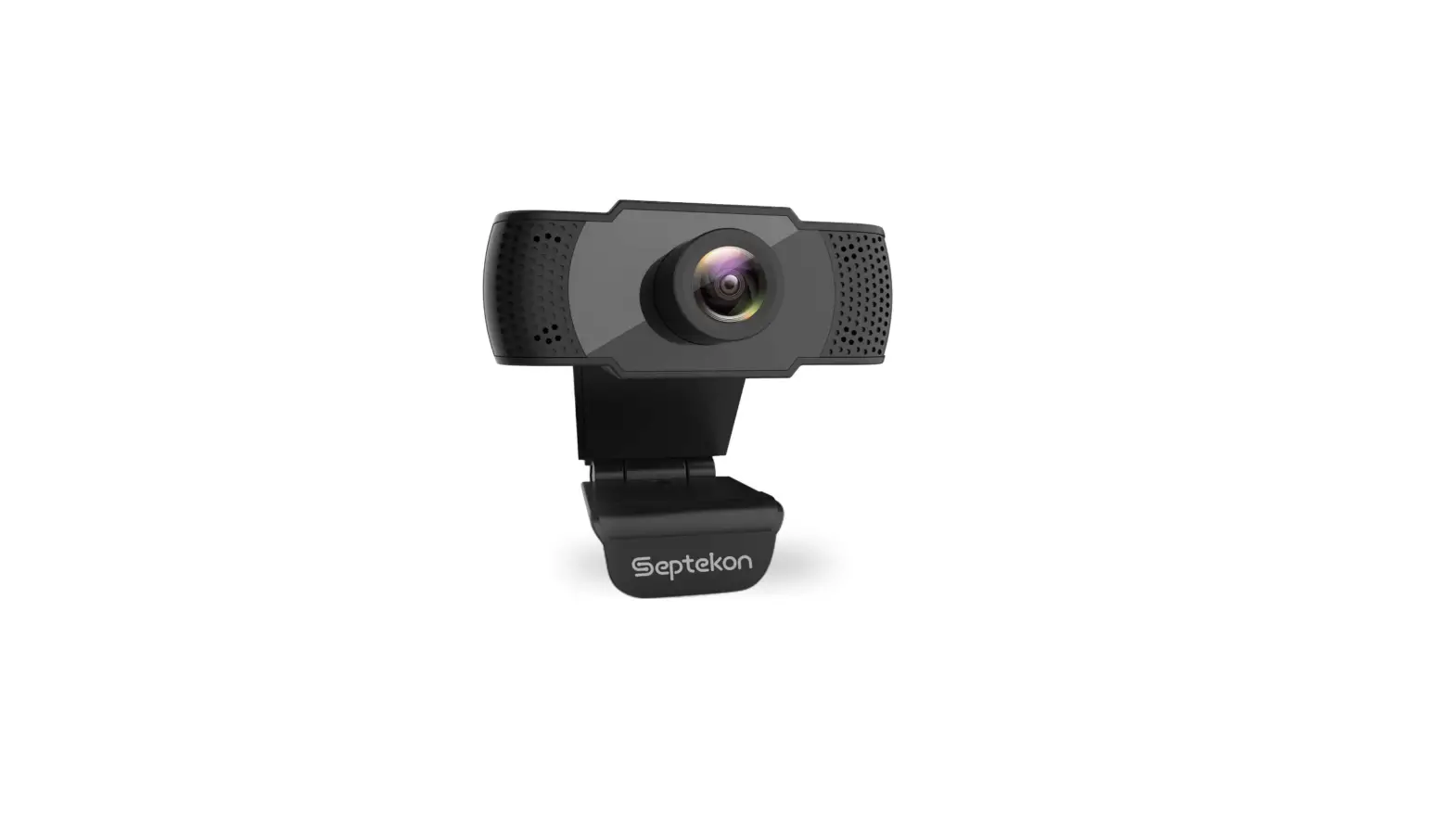
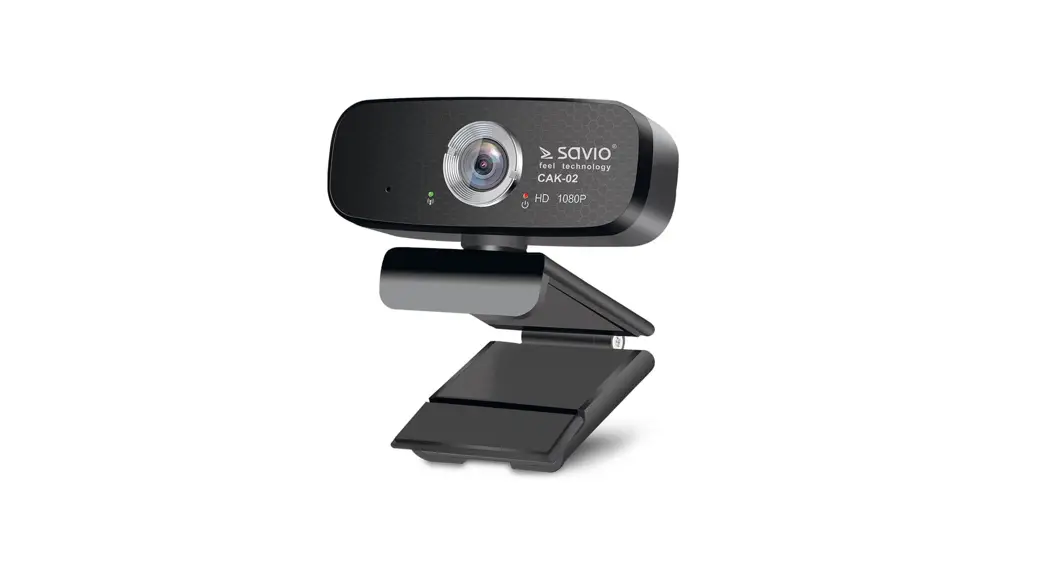
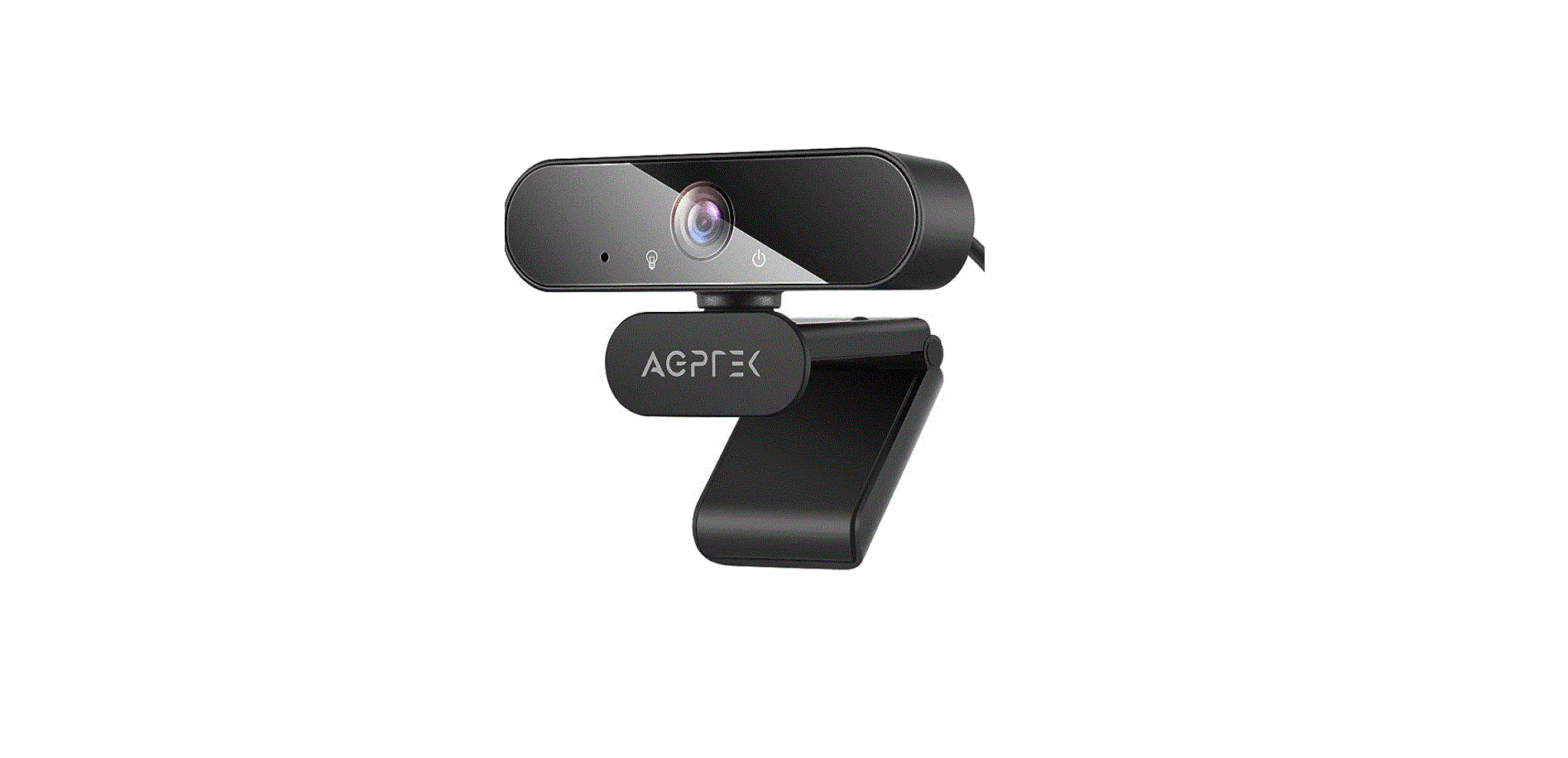
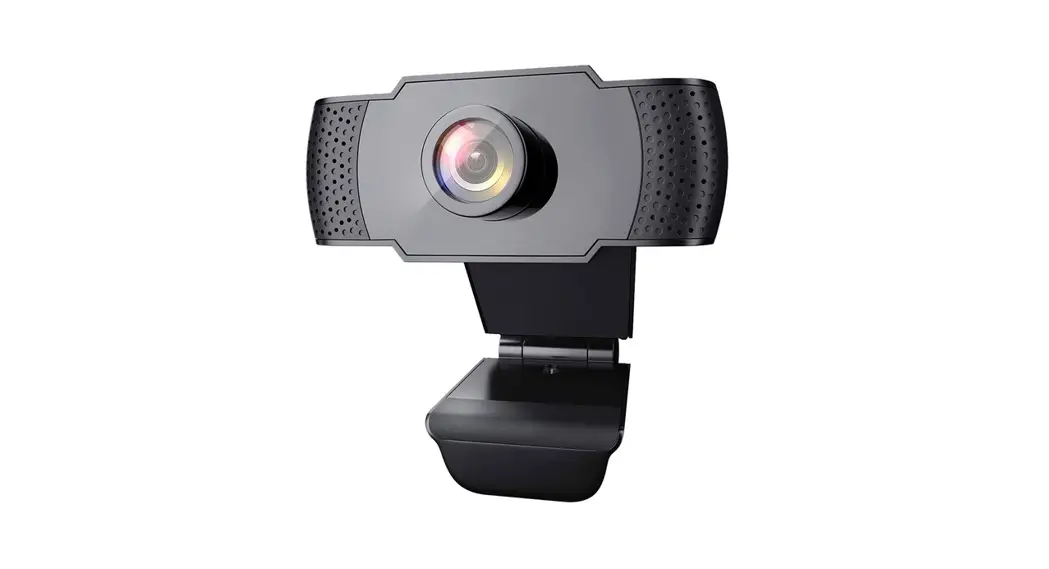
Product Overview
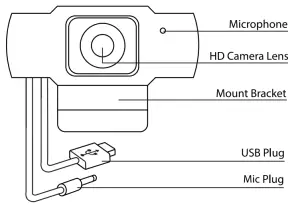
How To Use
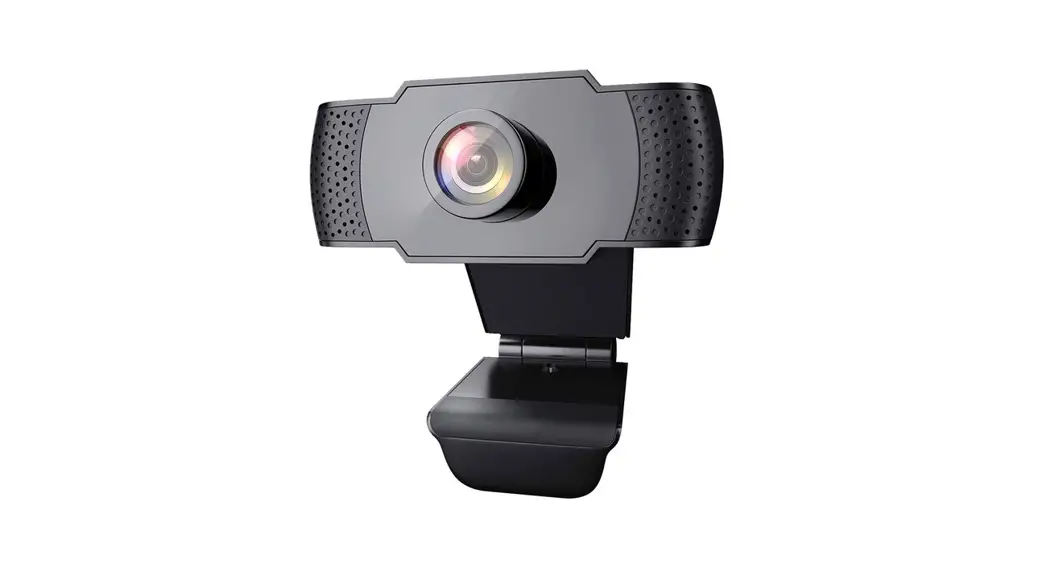
The waste is a plug-and-play device.
No drivers, downloads, or special software are needed.
- Simply clamp the mount to the top of your laptop (or any applicable surface)
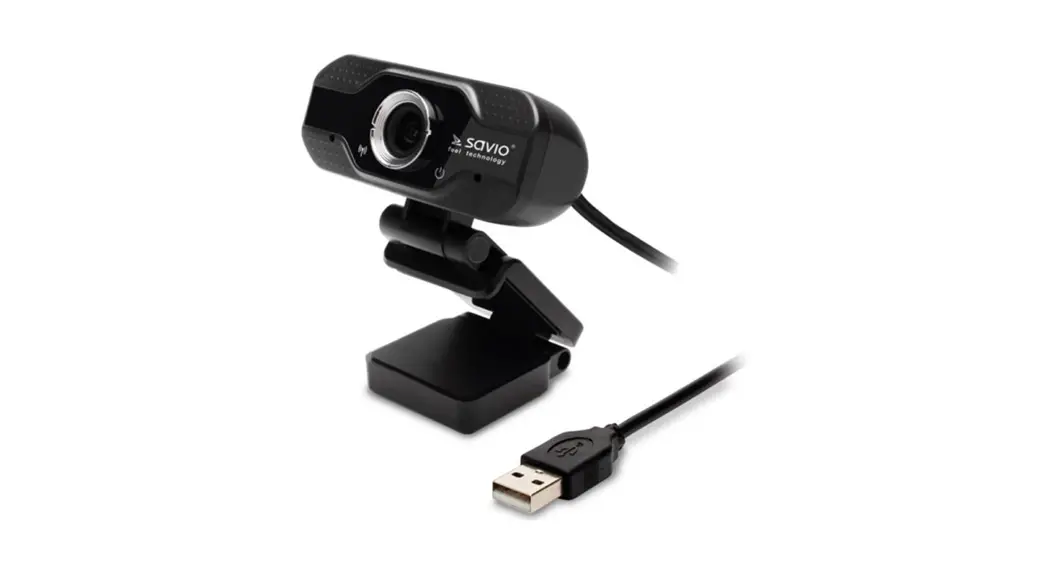
- Plug the USB into your computer’s USB Port
- Plug the Mic Plug into your computer’s Mic Port
- Open your media application (Zoom, Skype, Facebook, Instagram, etc.)
- And begin recording!
(Additional steps may be required when using certain applications. For further assistance seek the customer support of your application’s company)
| Webcam Parameters | |
| Driver Type | Driver-free (plug and play) |
| Photo Format | BMP, JPEG |
| Sensor Type | 1/3″ 1MP sensor |
| Contrast Optimization Engine | Contract Balance |
| TWAN | Supports various chat tools and video software. Such as WeChat, Skype, Facebook, Zoom, Instagram, FaceTime, Youtube, Twitch, Etc. |
| VM Engine | 2MP image processing chip, supporting various ISP processing algorithms. Supports MJPEG / H.264 / H.265 compression |
| Support Equipment | Supports mainstream operating systems including Win7, Win, Win 0, XP2, iOS |
| USB Length | 150cm |
| Resolution | 1280 x 720 |
| Interface Type | USB 2.0 |
| Built-in | Sound-absorbing and noise-reducing microphone |
| Focusing Range | HD 1MP lens f=3.6mm, Viewing Angle – 90 degrees. |
Important Safeguards:
- Do not use this unit for anything other than its intended use.
- Keep the unit away from the heat sources and direct sunlight.
- Do not expose the unit to extremely high or low temperatures.
- Use the product in a location with a temperature of 32F (0C) -95F (35°C).
- Do not let the unit come in contact with water or any liquid. If it becomes wet, immediately
unplug from the power source. - Do not handle the unit, USB cable, or wall charger with wet hands.
- Do not let dust or other things accumulate on the product and the wall charger.
- Do not use the unit if it has been dropped or damaged in any way.
- Repairs to electrical equipment should only be performed by a qualified electrician.
- Improper repairs may place the user at serious risk.
- If you have an electrical device, such as a pacemaker, consult a physician before using this product.
- Do not place a magnetic card (ie. Credit Card) or similar items near this product.
- Use the specified power source and voltage.
- Do not use a voltage converter/ travel adapter.
- Make sure the wall charger is inserted all the way into the electrical outlet.
- When not in use, unplug the wall charger.
- Place the unit on a sturdy and flat surface while charging.
- Keep the unit out of reach of children.
BATTERY DISPOSAL
This product contains a lithium polymer battery. Lithium polymer batteries are environmentally safe when fully discharged. Please refer to your local and state laws for battery disposal procedures.
©SM TEK GROUP INC, All rights reserved
BlueStone is a trademark of SM TEK GROUP INC
New York, NY 10001
www.smtekgroup.com
1 Year Limited Warranty
Please Email [email protected]