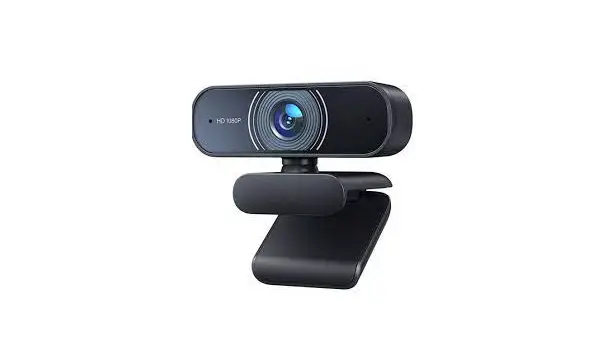

User Manual
Webcam
C30
After-sale Service & Warranty
To our premium Customer
Thank you for purchasing product from RALENO.
We hope that the RALENO Webcam C30 can provide you with a safer and more convenient life.
RALENO consistently attaches great importance to product quality and high customer satisfaction. We sincerely hope you can make a few suggestions during your use to help us improve our products. Your precious suggestions will help us shape our business to perfectly fit your standards.
Just let us know if you encounter any problem during your use. Our support team will provide you our best solution without any delay.
You can find our contact information below:
[email protected]
Warranty:
Our product-C30 webcam comes with 24 months warranty, any questions or needs, please feel free to contact us.
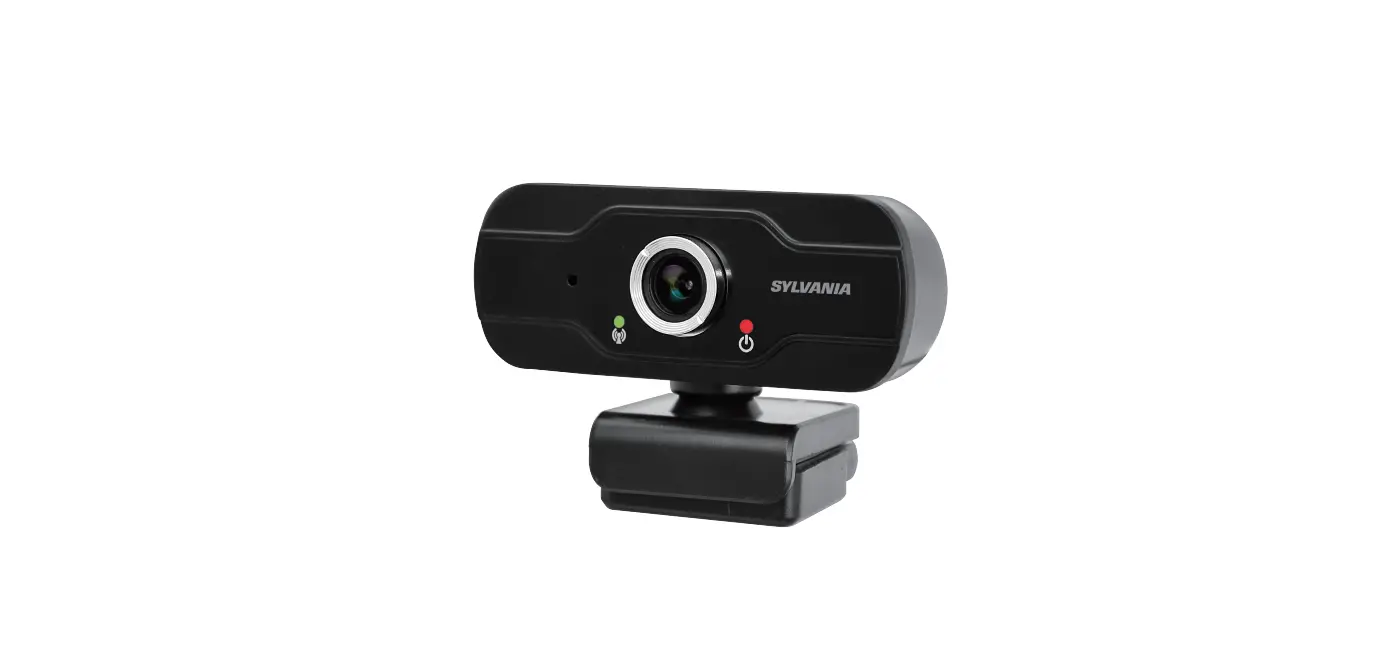
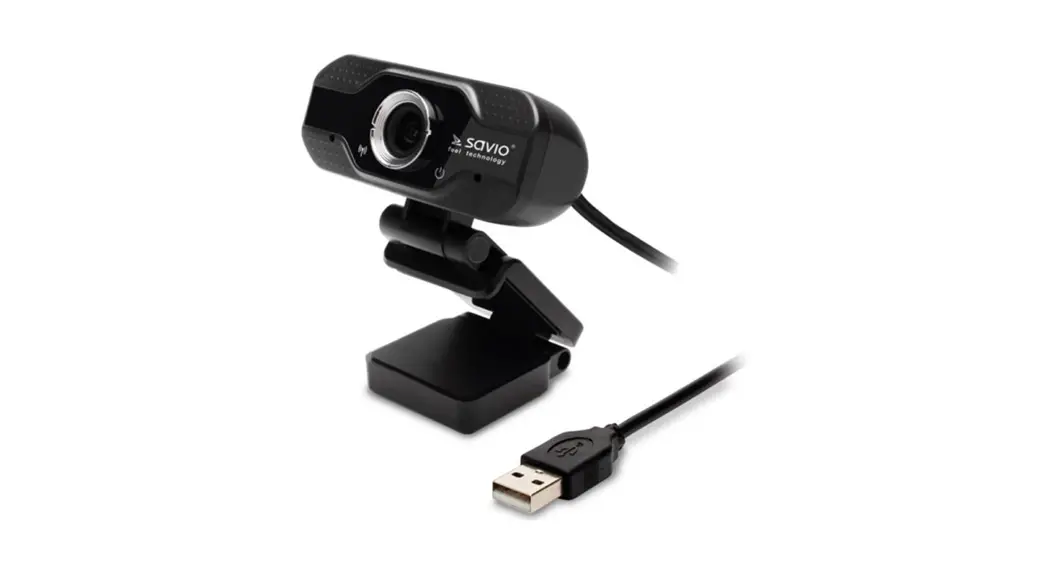
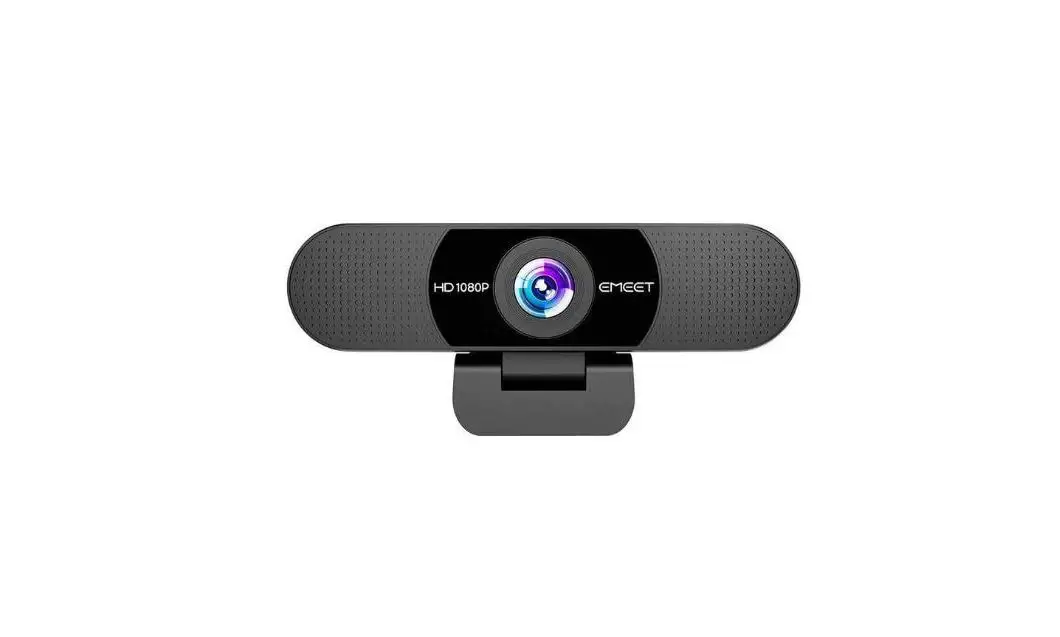
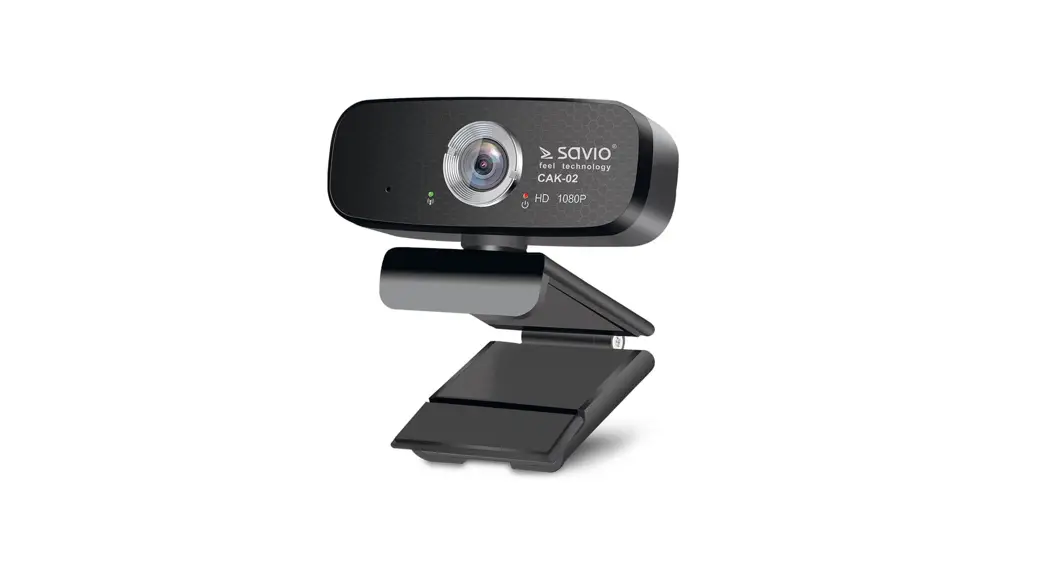
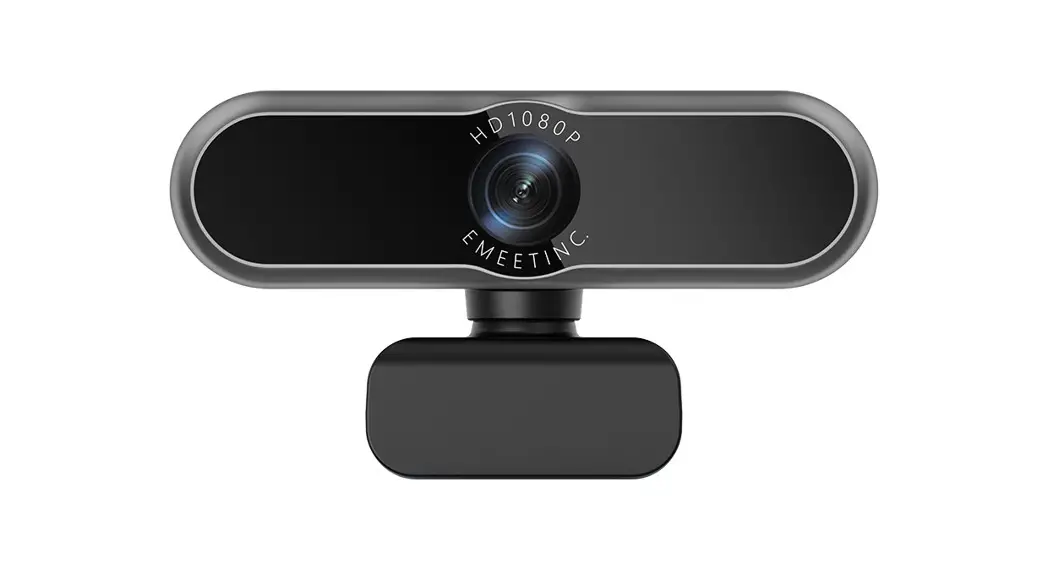
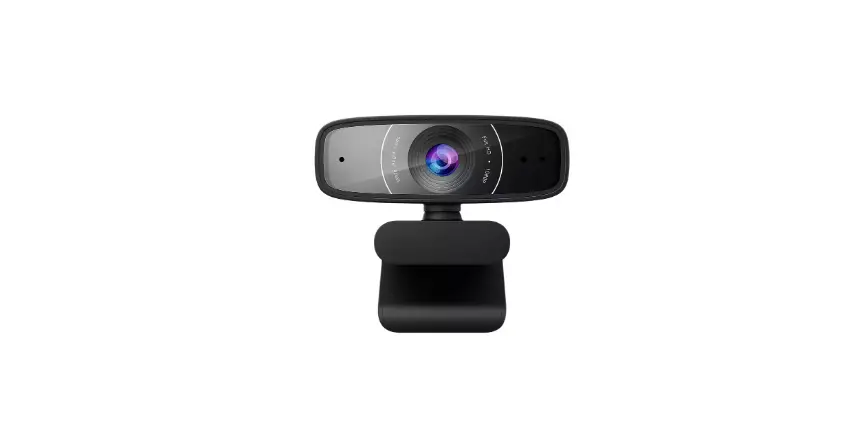
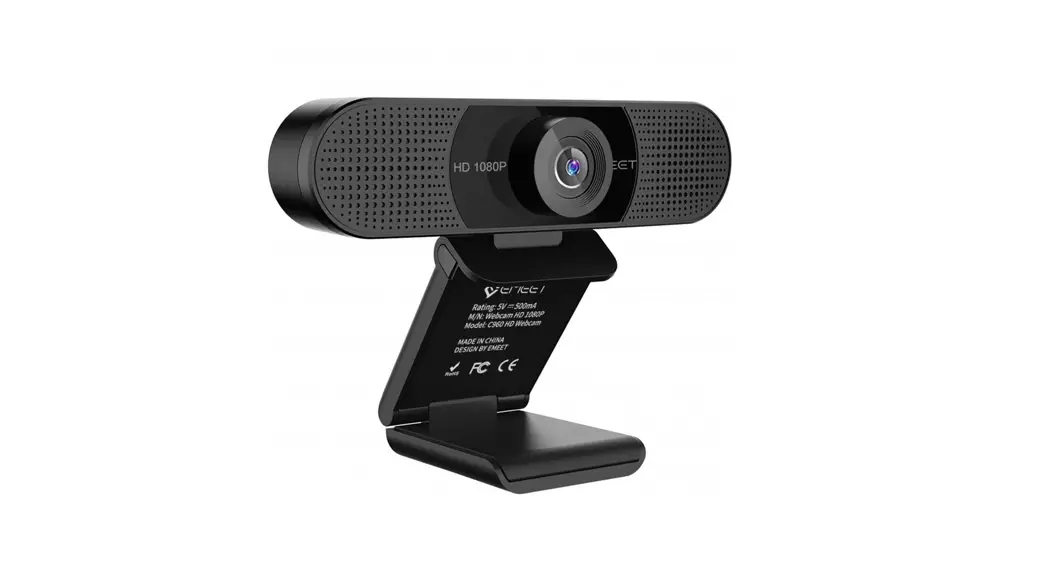
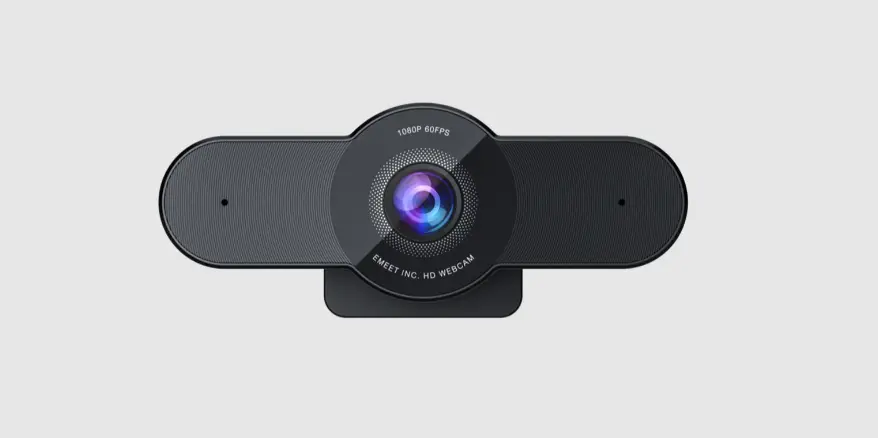
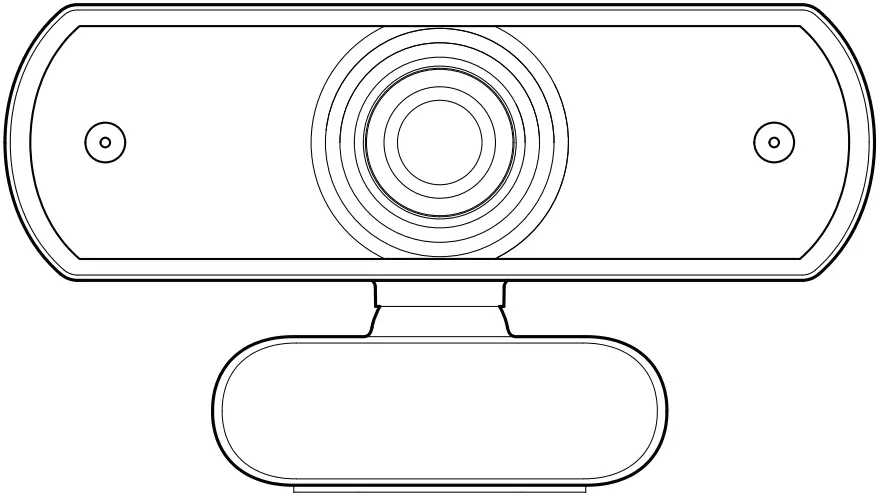
Meet Your Webcam
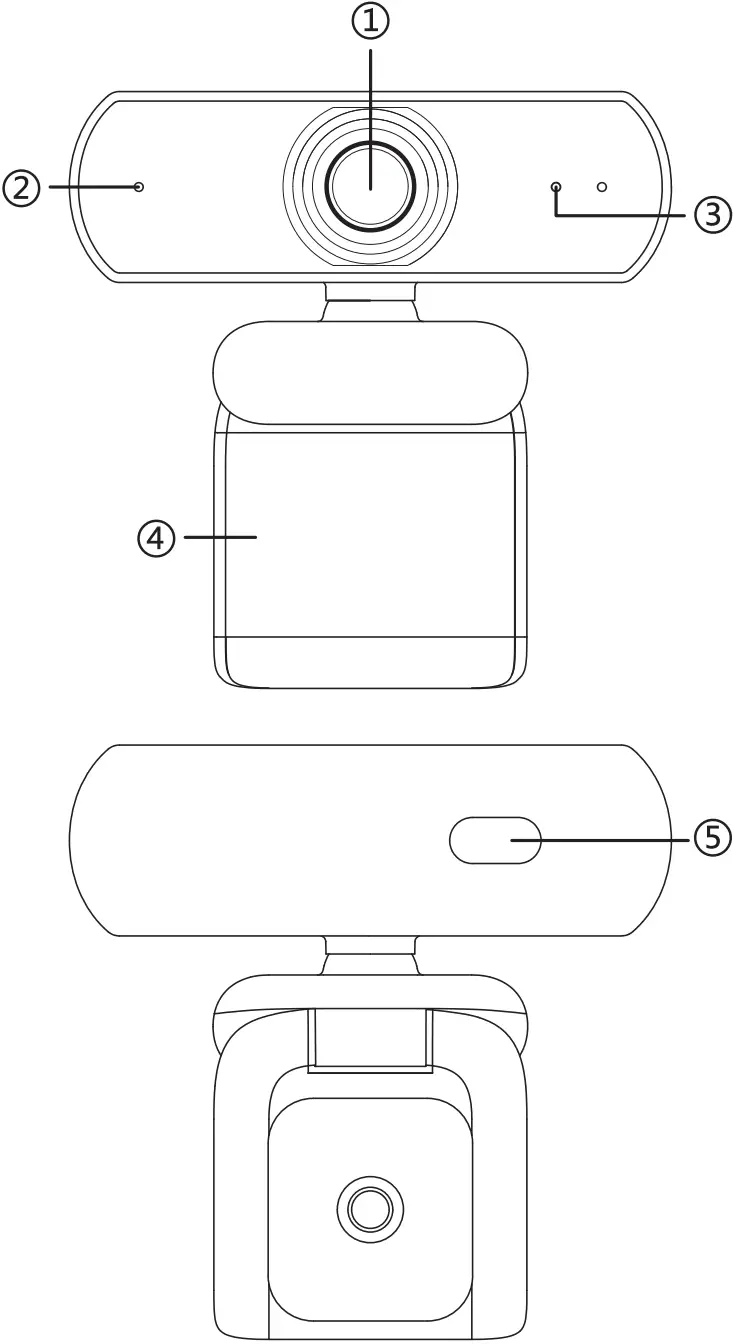
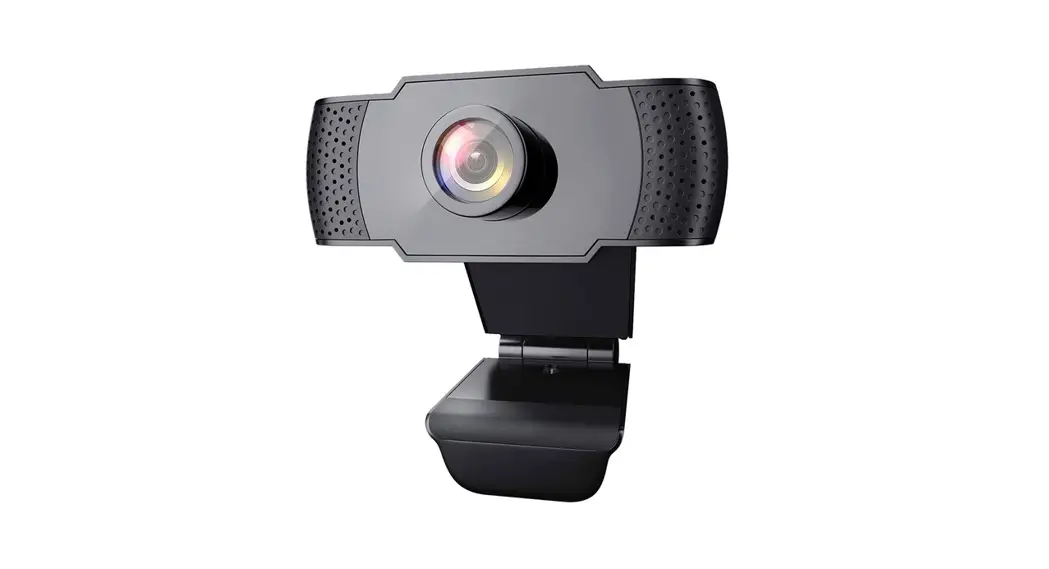
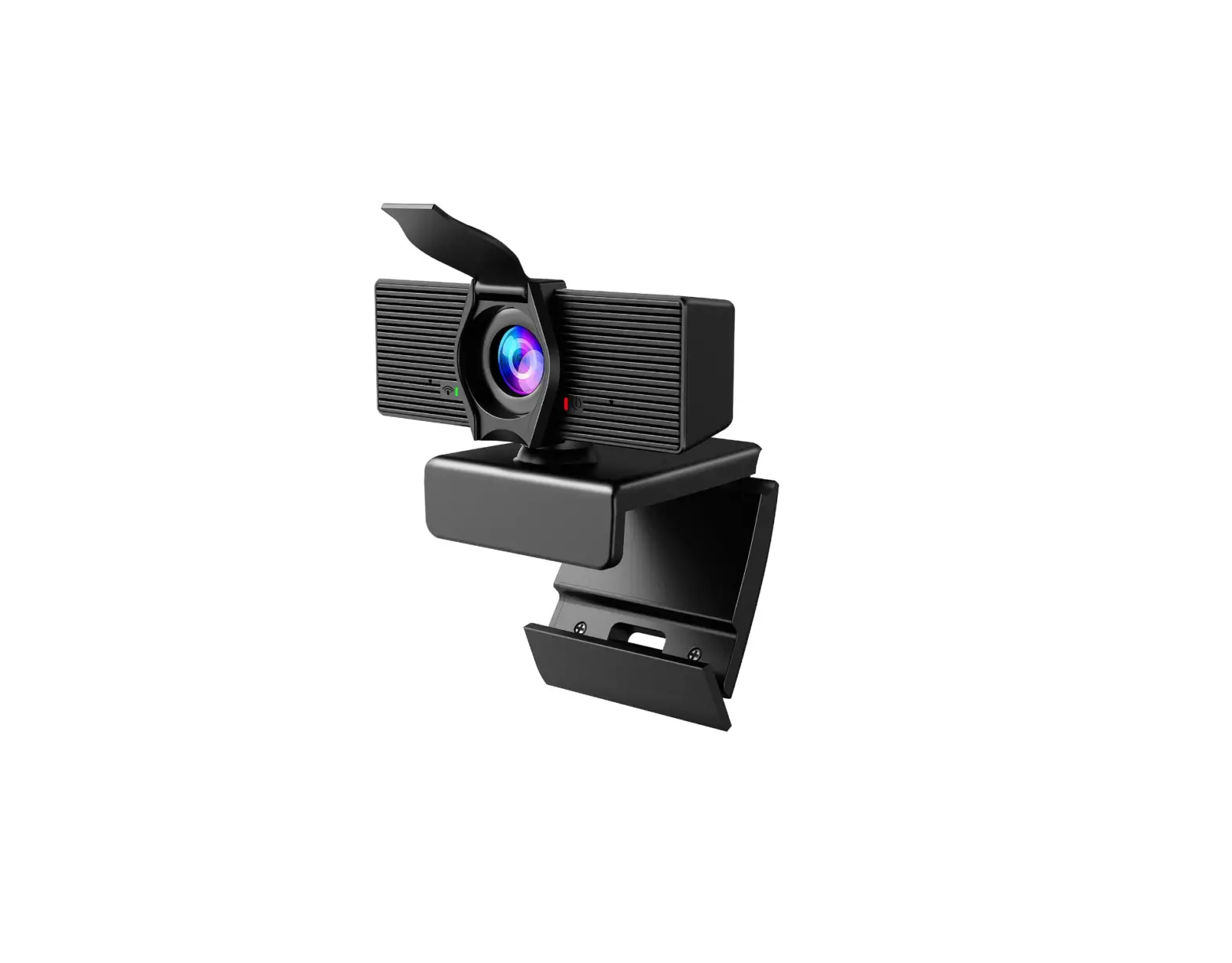
- Full HD 1080p lens
- Microphone
- Status LED
- Adjustableclip/base
- USB connector

Made in China
version 1.0

Setting Up Your Webcam
Place your webcam
Designed for the way you like to make a video call, place the Webcam where you want it—on a computer monitor, desk-top, or tripod.
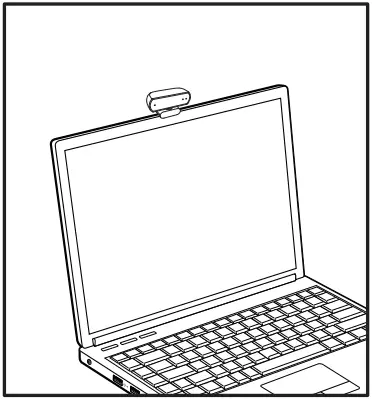
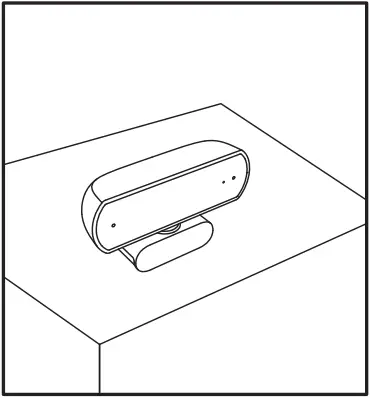
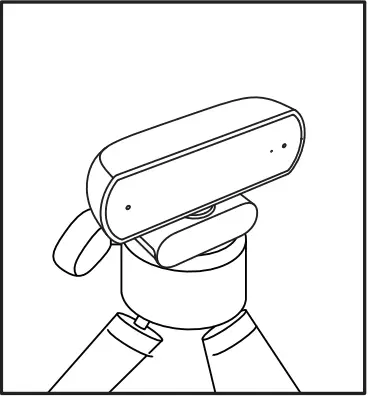
For placement on a monitor
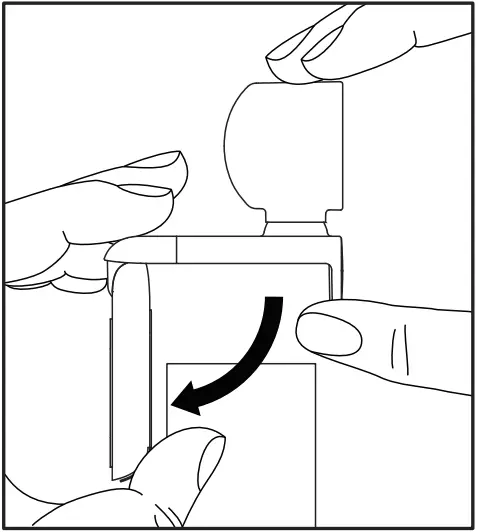
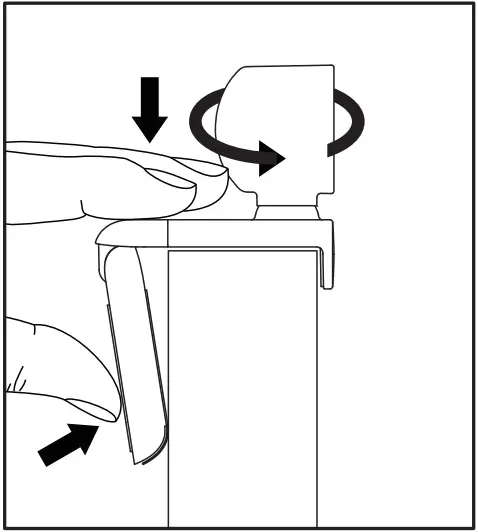
Grasp the webcam as shown and open the flexible/clip base with your other hand. Mount the webcam, making sure the foot on the flexible/clip base is flush with the back of your monitor.
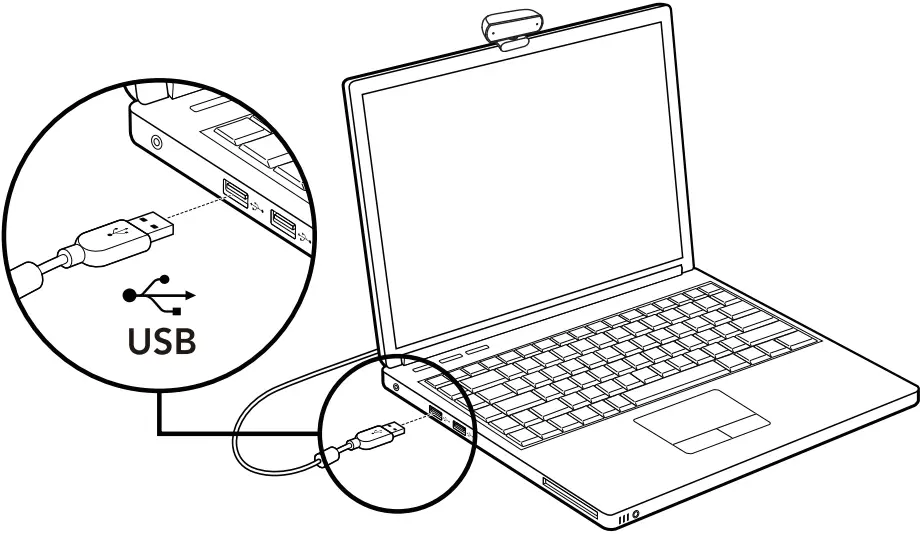
Connect Your Webcam
Using Your Webcam
Video Calling
RALENO C30 provides full HD 1080p video calling.
To take advantage of video calling both you and the person you call must install Skype™, or use a different video-calling application such as Yahoo!® Messenger, Windows Live® Messenger or Gmail.
Learn more: skype.com.
As well as a webcam and video calling application, both callers need:
- A computer with speakers (or a headset) and a microphone; your RALENO C30 has two built-in microphones.
- A broadband Internet connection (e.g., DSL, T1, or cable).
Using Your Webcam
 Tips:
Tips:
- Before use, please make sure your device is not set as disabled cam.
- For some video-calling applications, the cam needs to be switched into RALENO C30 in settings when use.
Specification
| Model | C30 |
| Lens Type | HYBIRD LENS |
| Focus Type | Fixed |
| Field of View | 80 degrees |
| Video Encoding | H.264 |
| Video Resolution | Full HD 1080P |
| Auto Light Correction | YES |
| Built-in Mics | Double Noise Canceling Mic.s |
| Interface | USB 2.0 |
| System Requirements | Windows XP SP2/7/8/10 or above, Mac OS X 10.6 or above, Chrome OS, and Android v5.0 or above |
| Compatible Software | Skype, Zoom, Google Hangouts, FaceTime for Mac |
Professional Tech Support
Please feel free to let us know what we can do to assist you when you have any product problem. RALENO customer service email: [email protected]