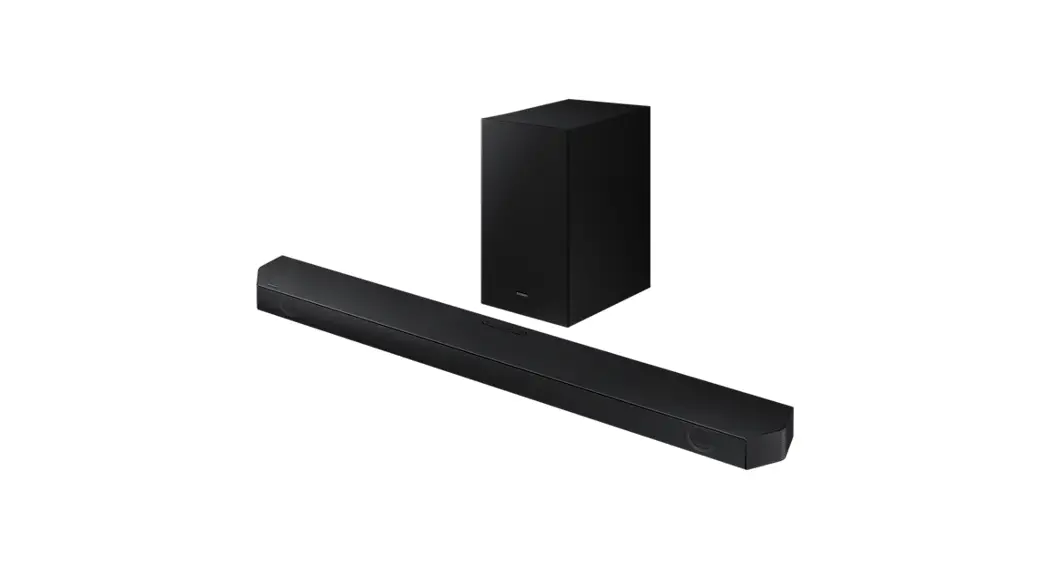
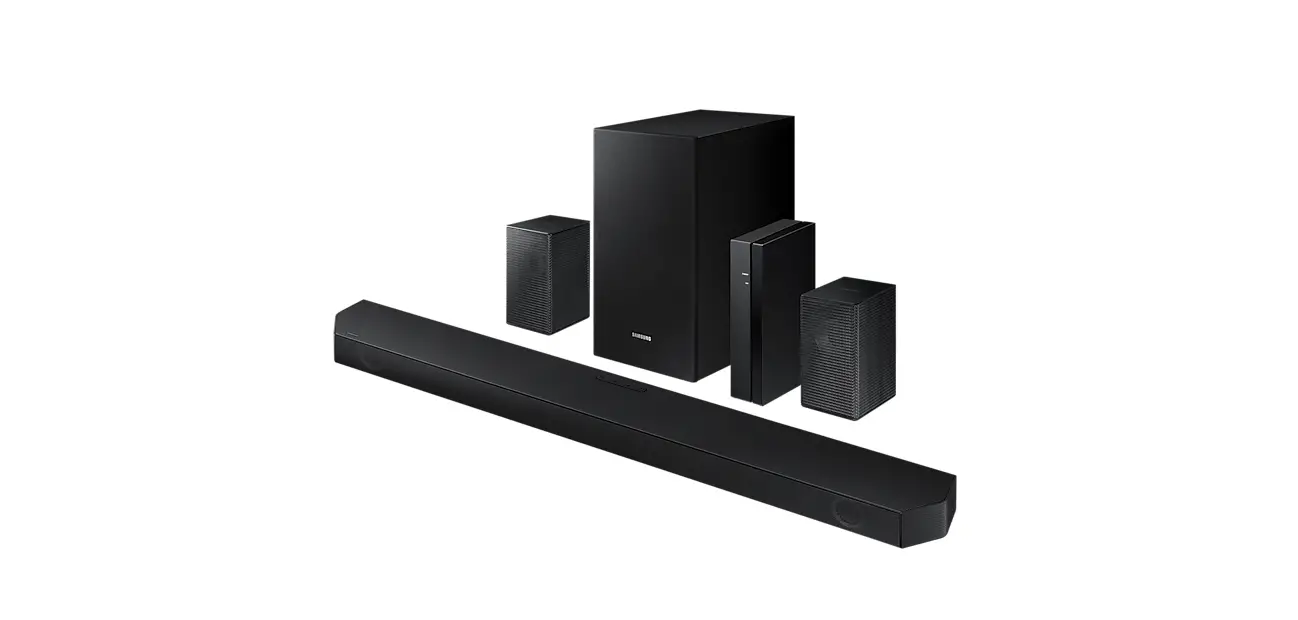
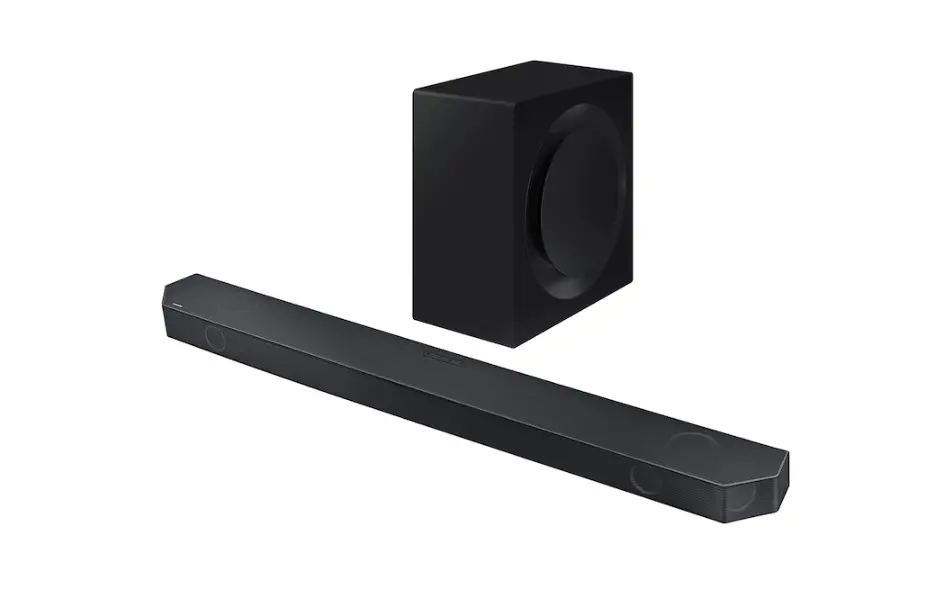
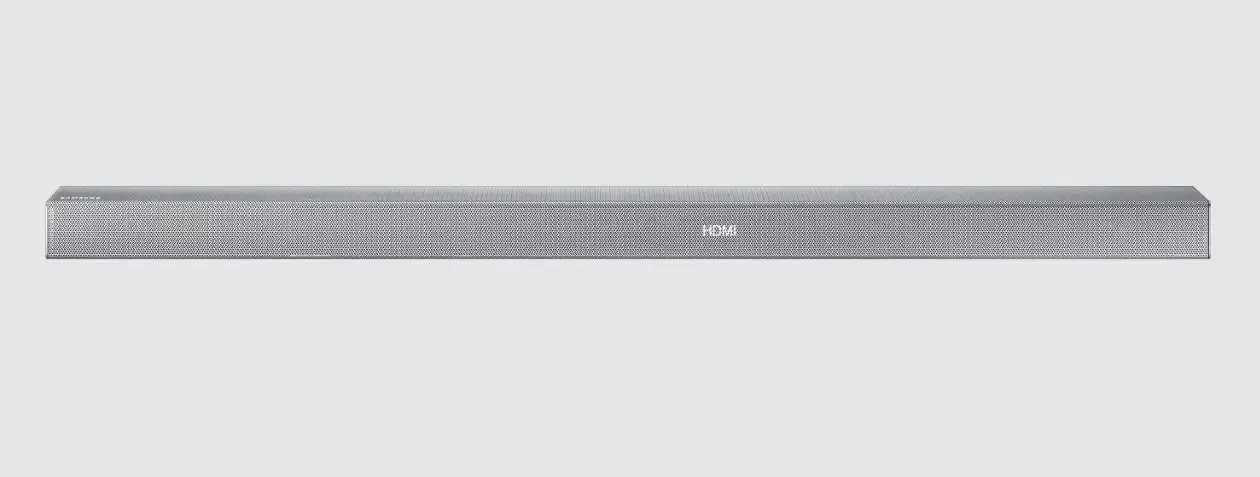
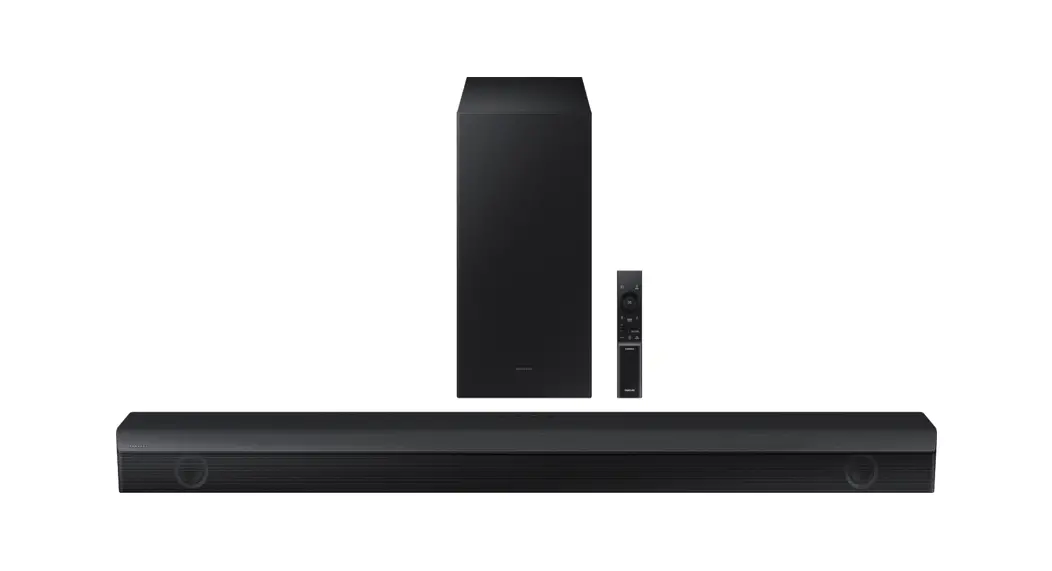
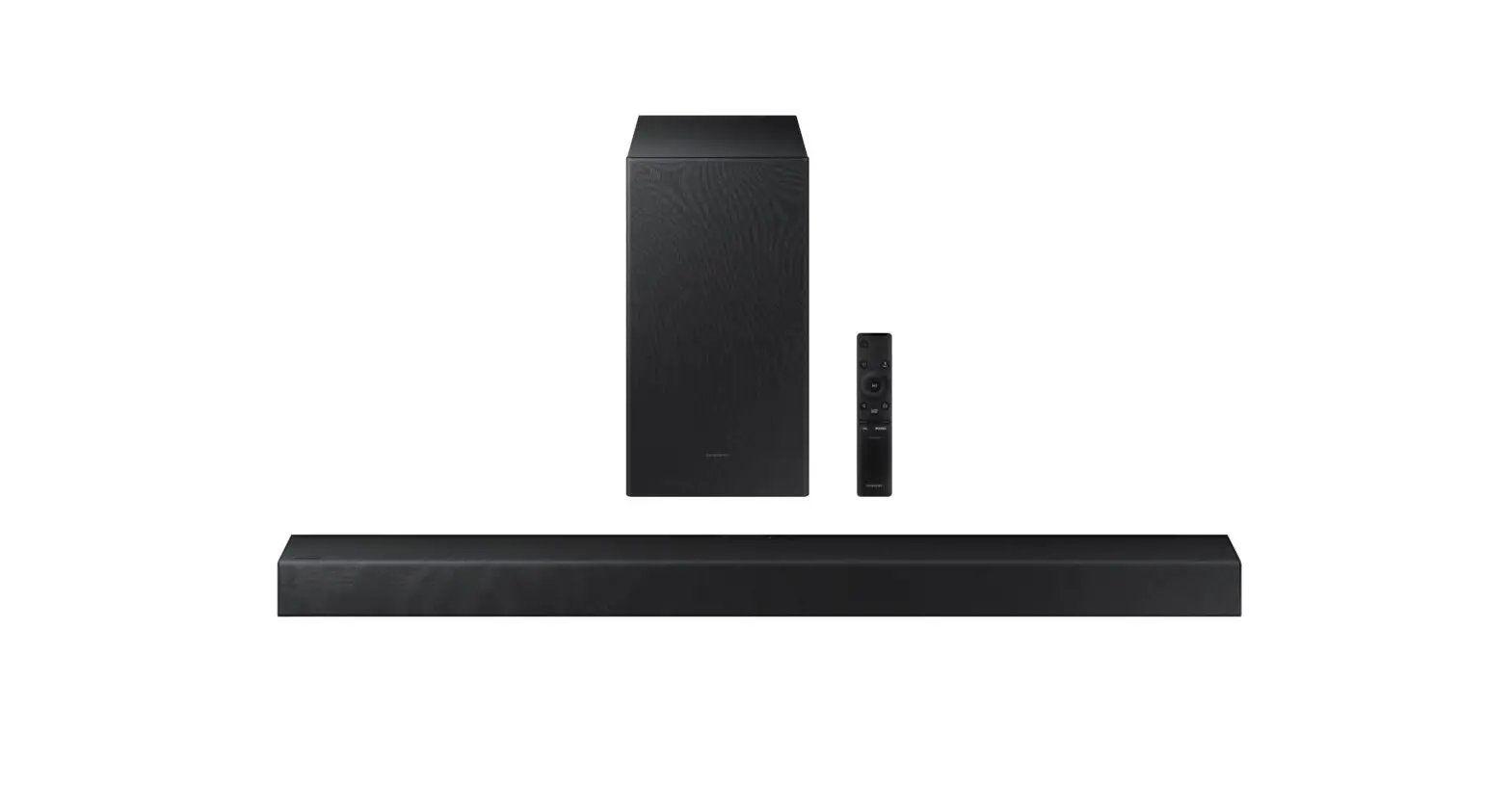
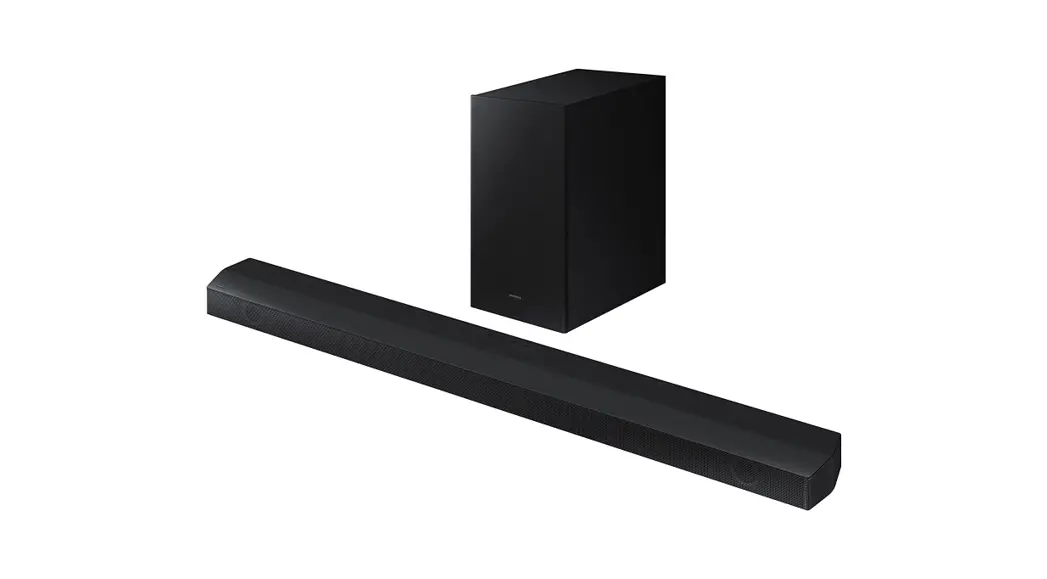
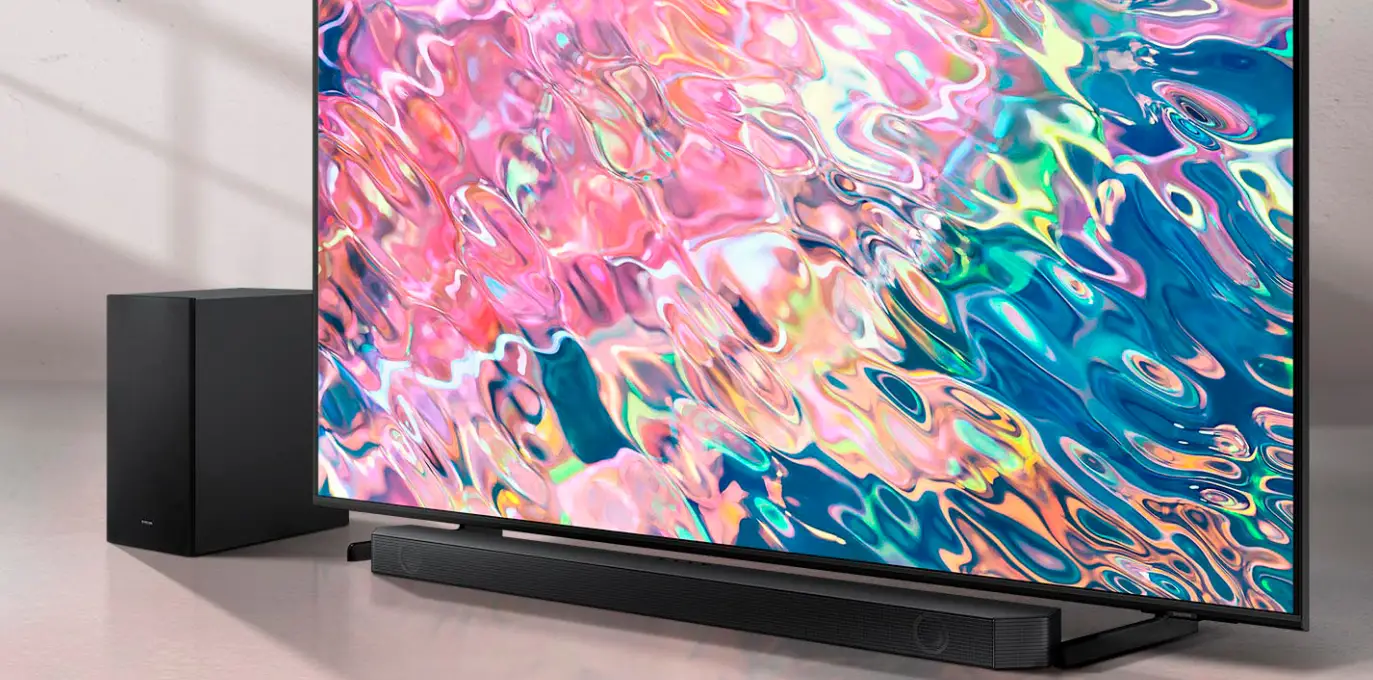
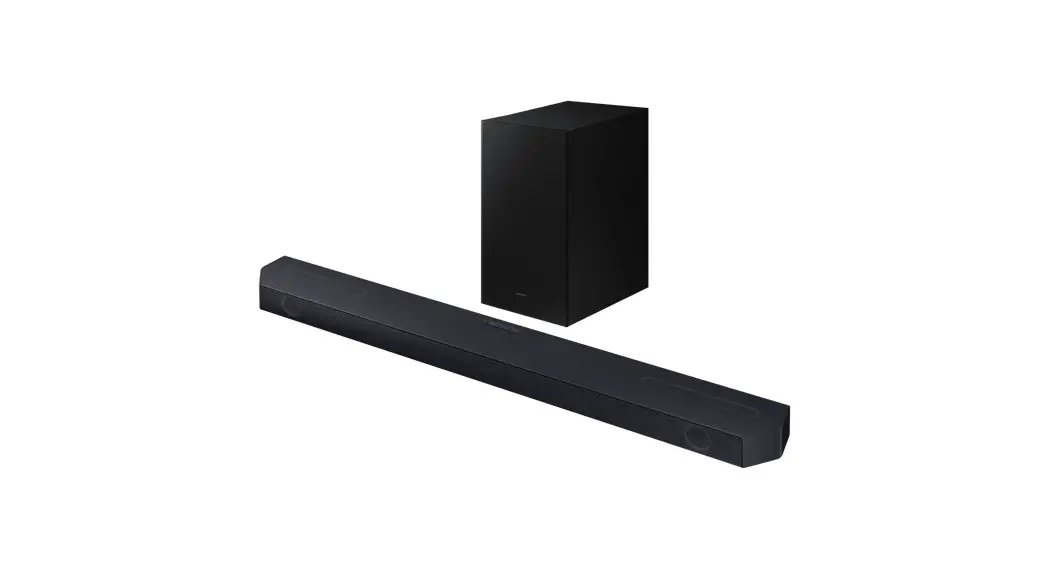
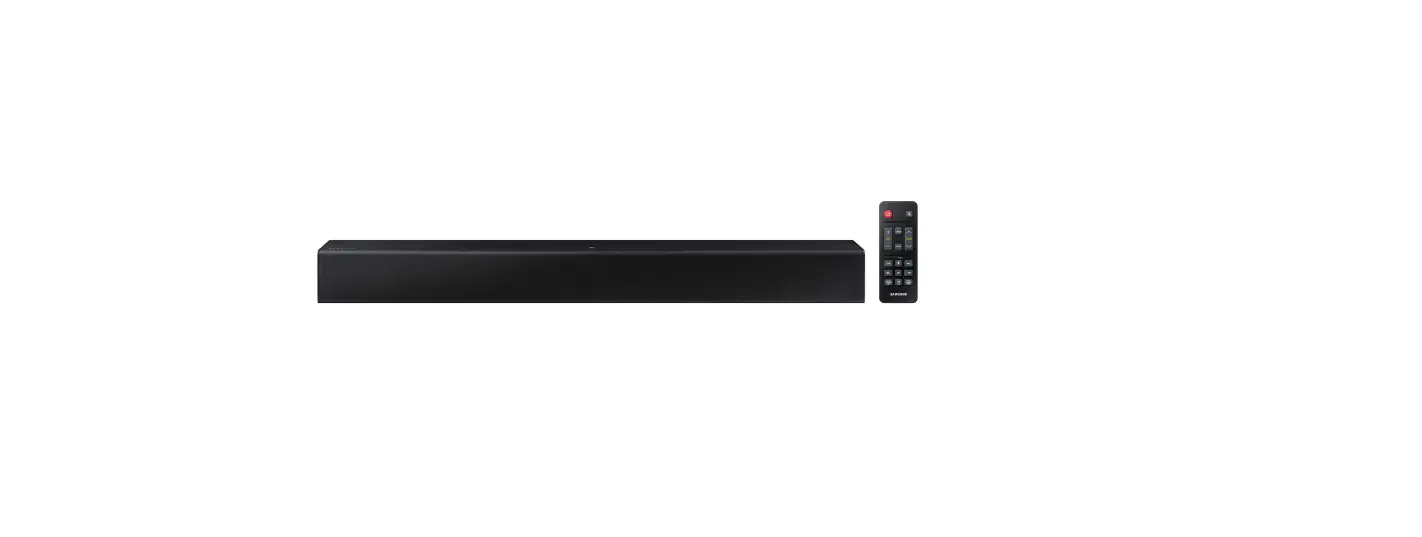
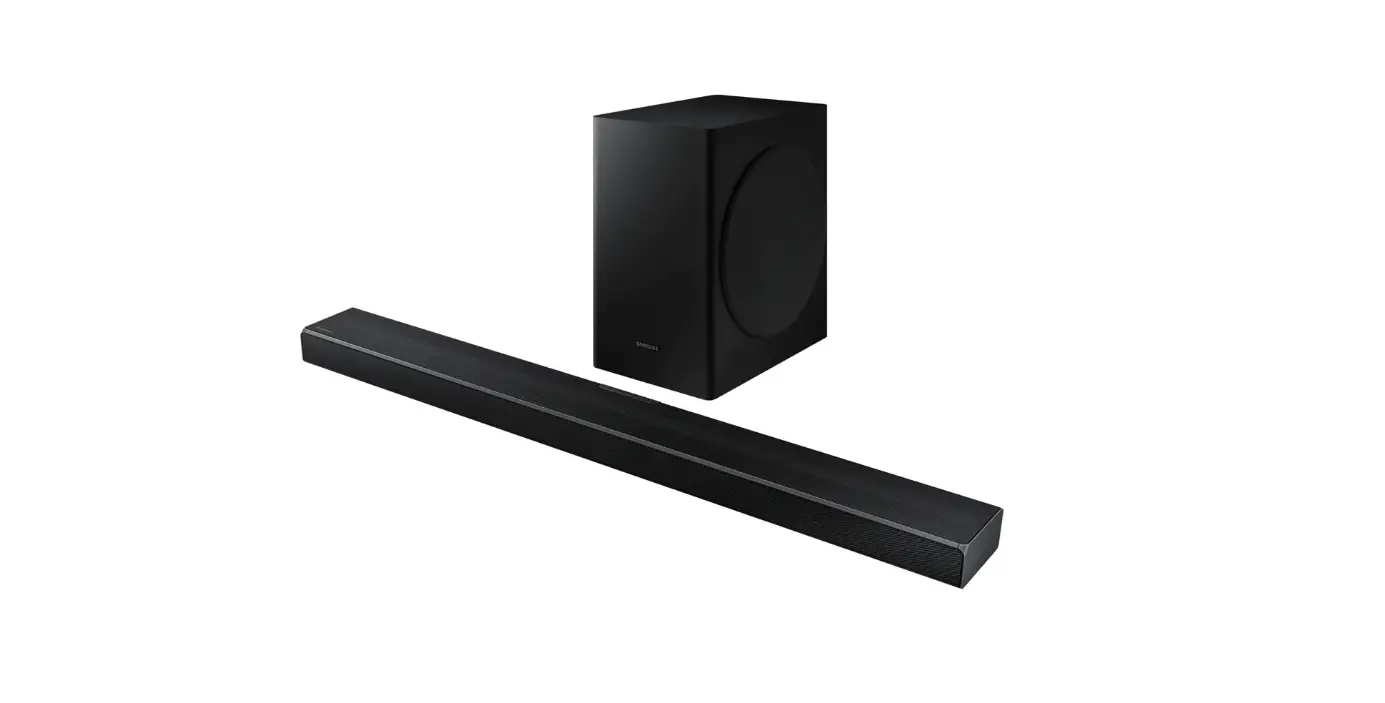
HW-A650 Wireless Sound Bar
Product Information: Samsung HW-A650
The Samsung HW-A650 is a Class II product that does not require
a safety connection to electrical earth (ground). It is a soundbar
that is designed to enhance the audio experience of your TV and
other devices. This product is equipped with high voltage, and it
is dangerous to make any kind of contact with any internal part of
the soundbar. The user manual contains important literature
concerning operation and maintenance of the product.
Safety Information
It is important to follow the safety warnings and precautions
mentioned in the user manual to ensure safe usage of the product.
To reduce the risk of electric shock, do not remove the cover or
back of the soundbar as no user-serviceable parts are inside. Refer
servicing to qualified service personnel. During thunderstorms,
disconnect the AC plug from the wall outlet to prevent voltage
peaks due to lightning from damaging the unit. Do not expose the
soundbar to direct sunlight or other heat sources, which could lead
to overheating and cause the unit to malfunction. The battery used
with this product contains chemicals that are harmful to the
environment, so do not dispose of it in general household trash and
do not expose it to excess heat, direct sunlight, or fire.
Product Usage Instructions
Refer to the user manual for safety instructions, product
installation, components, connections, and product specifications.
To access the FULL MANUAL, you can download it in document format
from Samsung’s website or by scanning the QR code on the user
manual. Once you have downloaded or accessed the FULL MANUAL, you
will find detailed information on how to use the product, including
how to connect it to your TV or other devices and how to adjust the
settings to suit your preferences. If you encounter any issues
while using the soundbar, refer to the troubleshooting section in
the user manual or contact Samsung’s customer support centre for
assistance.
FULL MANUAL
HW-A650
Imagine the possibilities
Thank you for purchasing this Samsung product. To receive more complete service, please register your product at www.samsung.com/register
SAFETY INFORMATION
SAFETY WARNINGS
TO REDUCE THE RISK OF ELECTRIC SHOCK, DO NOT REMOVE THE COVER (OR BACK). NO USER-SERVICEABLE PARTS ARE INSIDE. REFER SERVICING TO QUALIFIED SERVICE PERSONNEL. Refer to the table below for an explanation of symbols which may be on your Samsung product.
CAUTION RISK OF ELECTRIC SHOCK.
DO NOT OPEN.
This symbol indicates that high voltage is present inside. It is dangerous to make any kind of contact with any internal part of this product.
This symbol indicates that this product has included important literature concerning operation and maintenance.
Class II product : This symbol indicates that it does not require a safety connection to electrical earth (ground). If this symbol is not present on a product with a power cord, the product MUST have a reliable connection to protective earth (ground).
AC voltage : This symbol indicates that the rated voltage marked with the symbol is AC voltage.
DC voltage : This symbol indicates that the rated voltage marked with the symbol is DC voltage.
Caution, Consult instructions for use : This symbol instructs the user to consult the user manual for further safety related information.
WARNING
· To reduce the risk of fire or electric shock, do not expose this appliance to rain or moisture.
CAUTION
· TO PREVENT ELECTRIC SHOCK, MATCH WIDE BLADE OF PLUG TO WIDE SLOT, FULLY INSERT.
· This apparatus shall always be connected to a AC outlet with a protective grounding connection.
· To disconnect the apparatus from the mains, the plug must be pulled out from the mains socket, therefore the mains plug shall be readily operable.
· Do not expose this apparatus to dripping or splashing. Do not put objects filled with liquids, such as vases on the apparatus.
· To turn this apparatus off completely, you must pull the power plug out of the wall socket. Consequently, the power plug must be easily and readily accessible at all times.
ENG – ii
PRECAUTIONS
1. Ensure that the AC power supply in your house complies with the power requirements listed on the identification sticker located on the bottom of your product. Install your product horizontally, on a suitable base (furniture), with enough space around it for ventilation (7~10 cm). Make sure the ventilation slots are not covered. Do not place the unit on amplifiers or other equipment which may become hot. This unit is designed for continuous use. To fully turn off the unit, disconnect the AC plug from the wall outlet. Unplug the unit if you intend to leave it unused for a long period of time.
2. During thunderstorms, disconnect the AC plug from the wall outlet. Voltage peaks due to lightning could damage the unit.
3. Do not expose the unit to direct sunlight or other heat sources. This could lead to overheating and cause the unit to malfunction.
4. Protect the product from moisture (i.e. vases), and excess heat (e.g. a fireplace) or equipment creating strong magnetic or electric fields. Unplug the power cable from the AC wall socket if the unit malfunctions. Your product is not intended for industrial use. It is for personal use only. Condensation may occur if your product has been stored in cold temperatures. If transporting the unit during the winter, wait approximately 2 hours until the unit has reached room temperature before using.
5. The battery used with this product contains chemicals that are harmful to the environment. Do not dispose of the battery in the general household trash. Do not expose the battery to excess heat, direct sunlight, or fire. Do not short circuit, disassemble, or overheat the battery. CAUTION : Danger of explosion if the battery is replaced incorrectly. Replace only with the same or equivalent type.
ABOUT THIS MANUAL
The user manual has two parts: simple paper USER MANUAL and a detailed FULL MANUAL you can download.
USER MANUAL See this manual for safety instructions, product installation, components, connections, and product specifications.
FULL MANUAL You can access the FULL MANUAL on Samsung’s on-line customer support centre by scanning the QR code. To see the manual on your PC or mobile device, download the manual in document format from Samsung’s website. (http://www.samsung.com/support)
Design and specifications are subject to change without prior notice.
ENG – iii
Obsah je uzamcen
Dokoncete, prosím, proces objednávky. Následn budete mít pístup k celému dokumentu.
Proc je dokument uzamcen? Nahnvat Vás rozhodn nechceme. Jsou k tomu dva hlavní dvody: 1) Vytvoit a udrzovat obsáhlou databázi návod stojí nejen spoustu úsilí a casu, ale i financní prostedky.
Dlali byste to Vy zadarmo? Ne*. Zakoupením této sluzby obdrzíte úplný návod a podpoíte provoz a rozvoj nasich stránek. Teba se Vám to bude jest nkdy hodit. *) Mozná zpocátku ano. Ale vzte, ze dotovat to dlouhodob nelze. A rozhodn na tom nezbohatneme. 2) Pak jsou tady ,,roboti”, kteí se pizivují na nasí práci a ,,vysávají” výsledky naseho úsilí pro svj prospch. Tímto krokem se jim to snazíme pekazit. A pokud nemáte zájem, respektujeme to. Urgujte svého prodejce. A kdyz neuspjete, rádi Vás uvidíme!
 Support Home | Official Samsung Support US