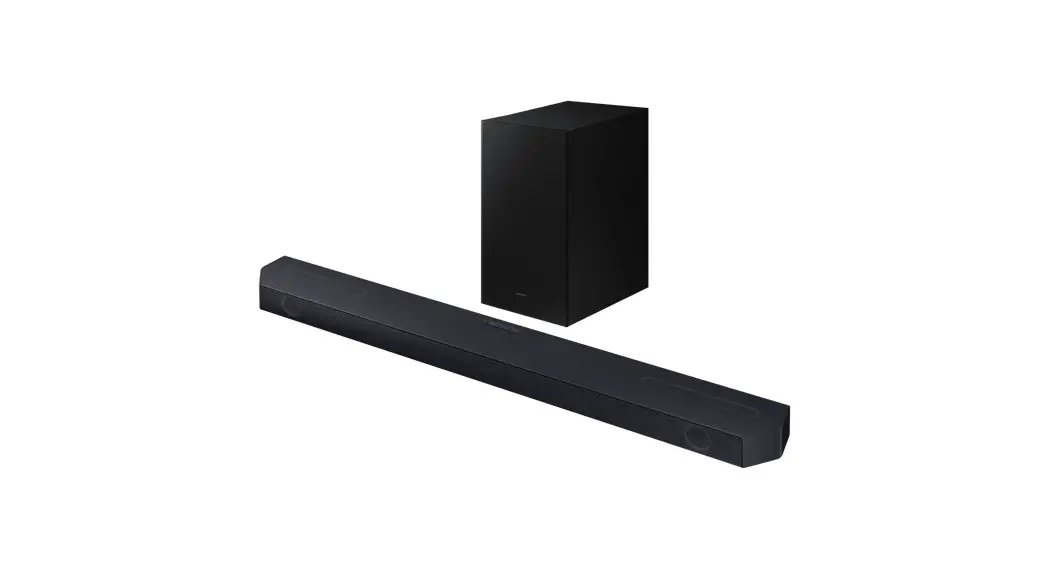
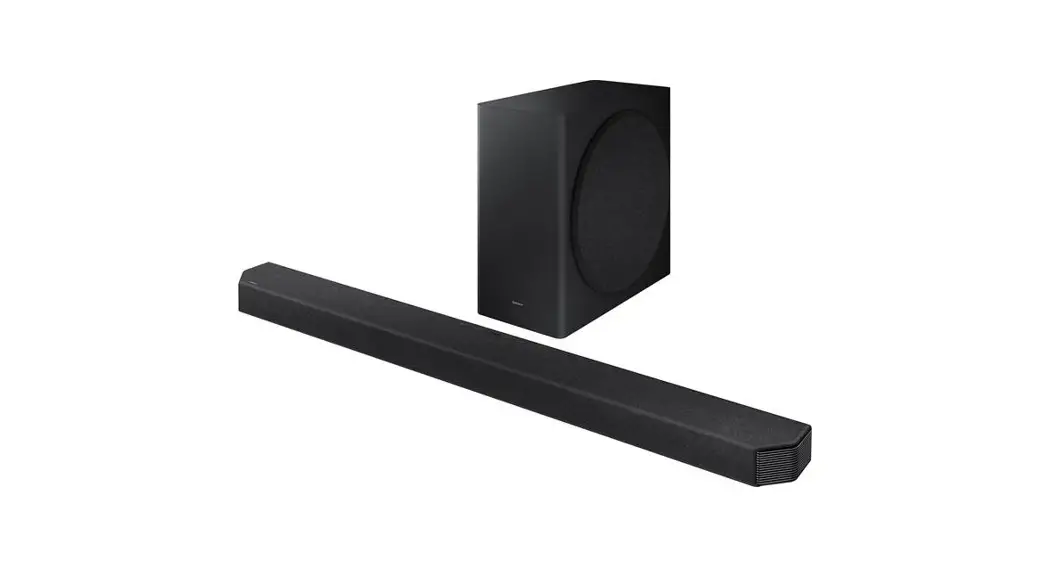
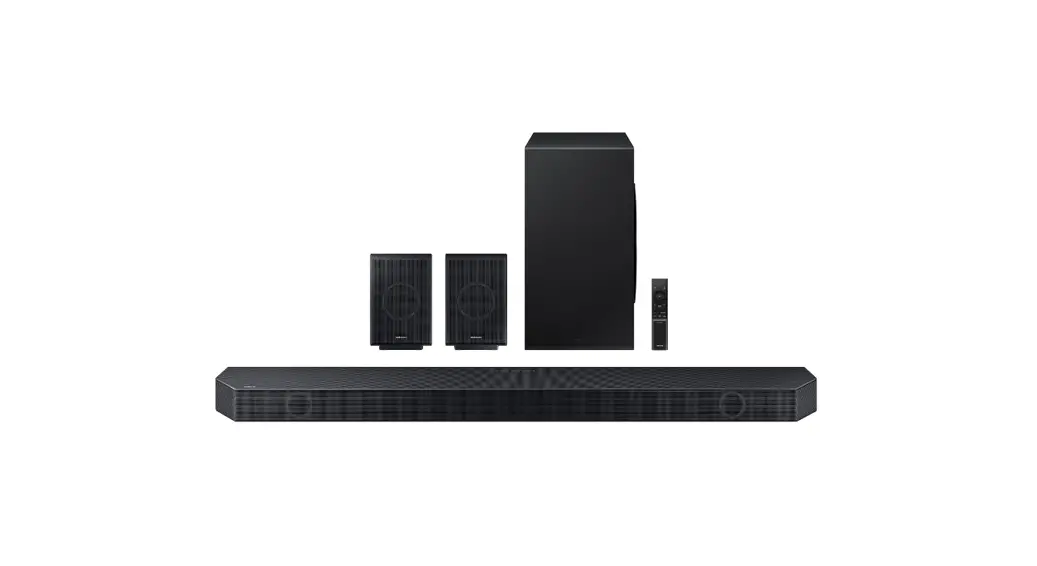
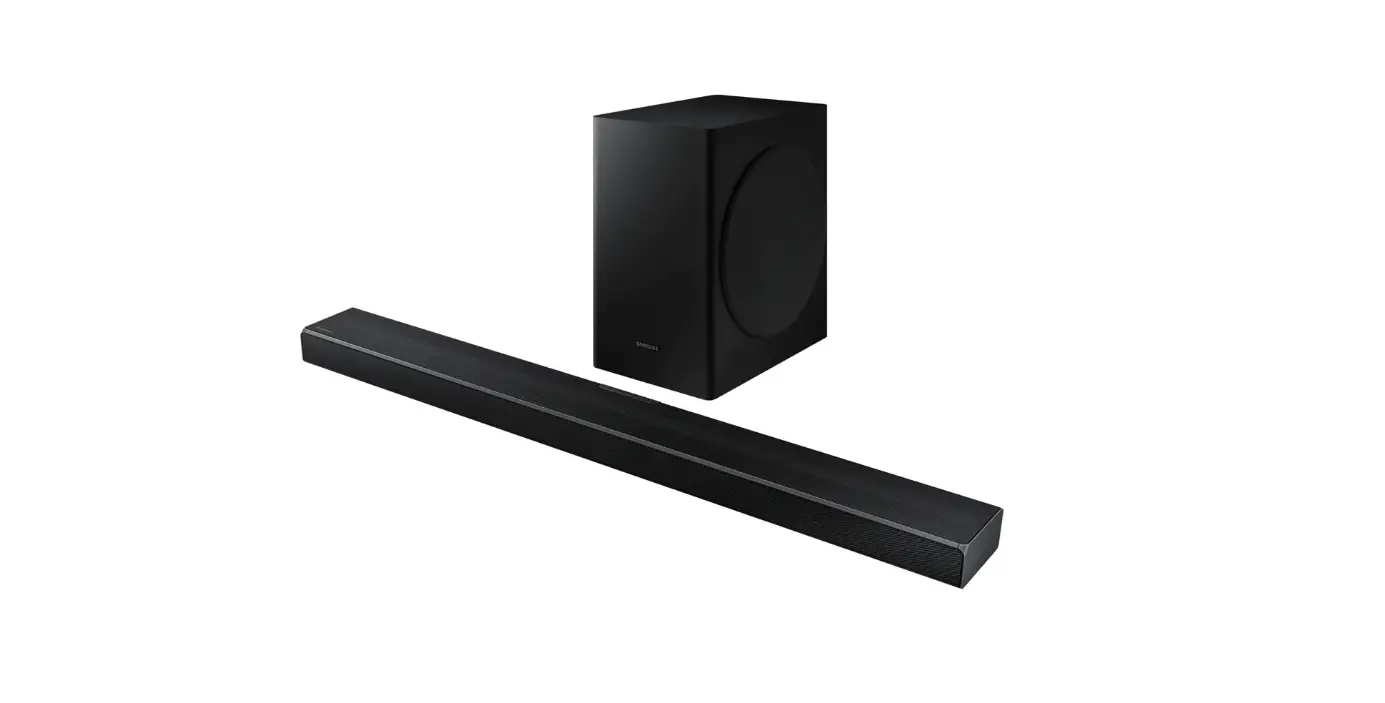
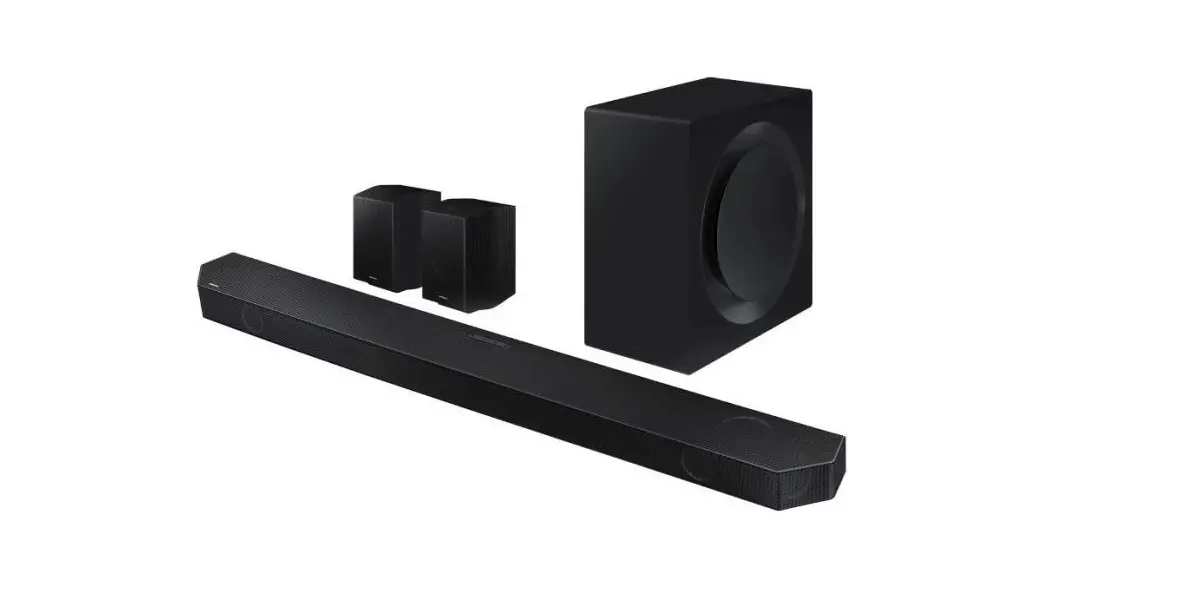
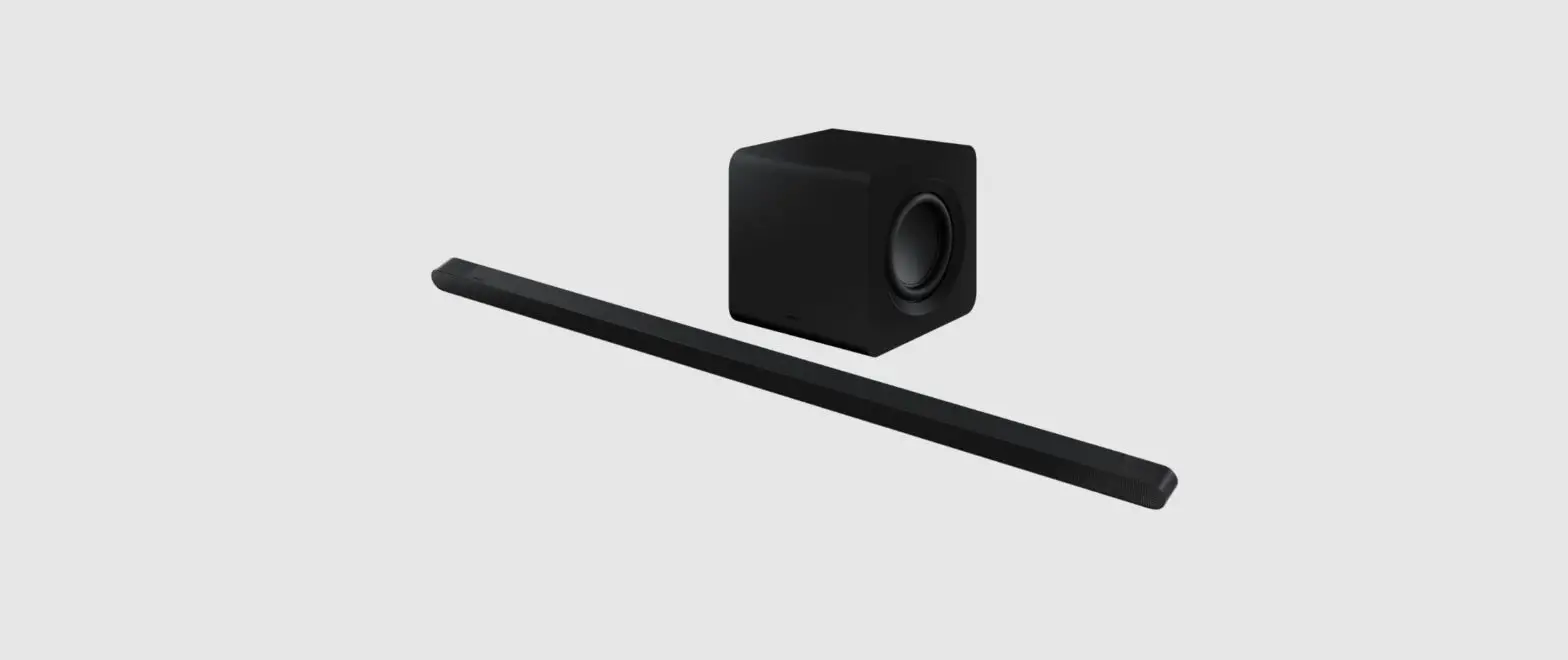
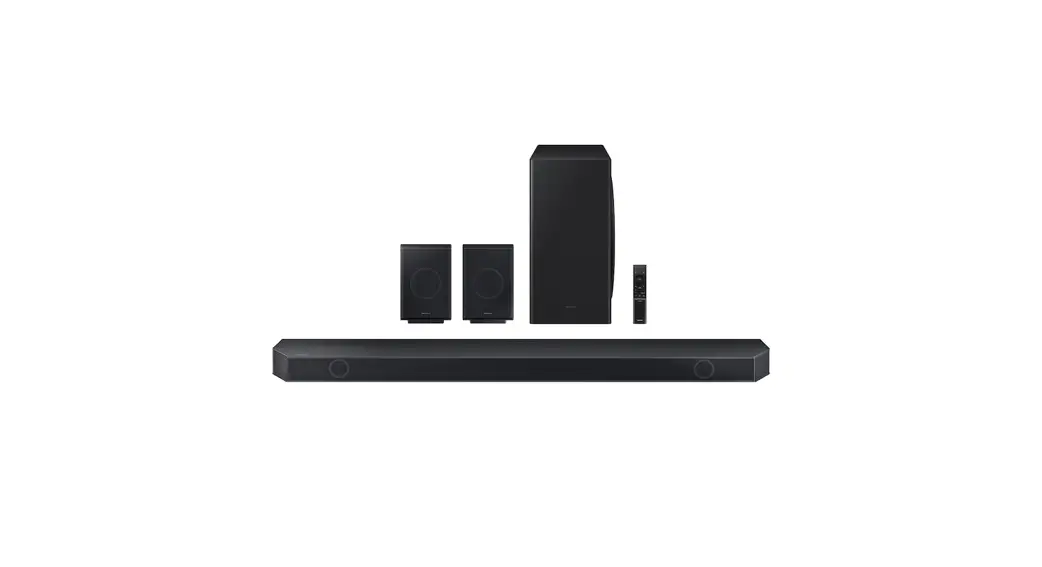
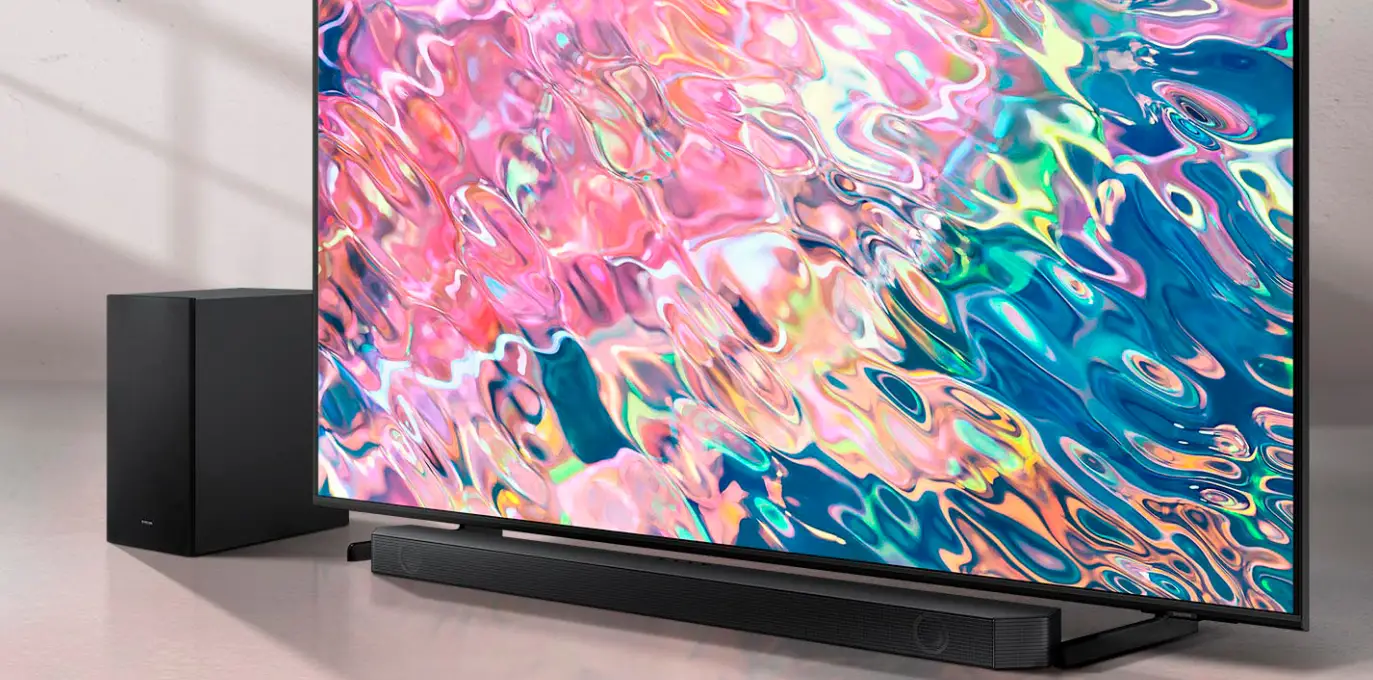
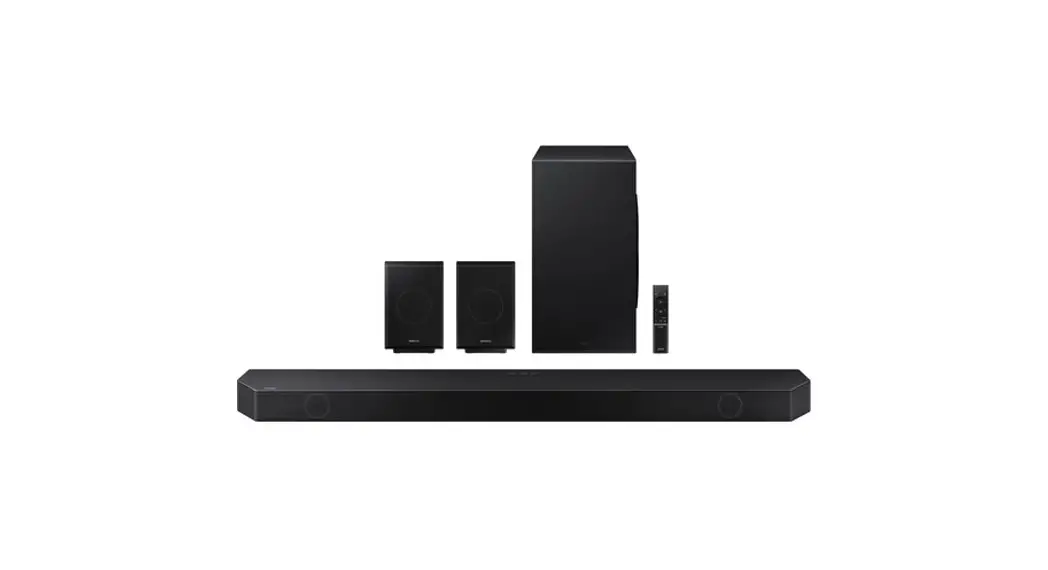
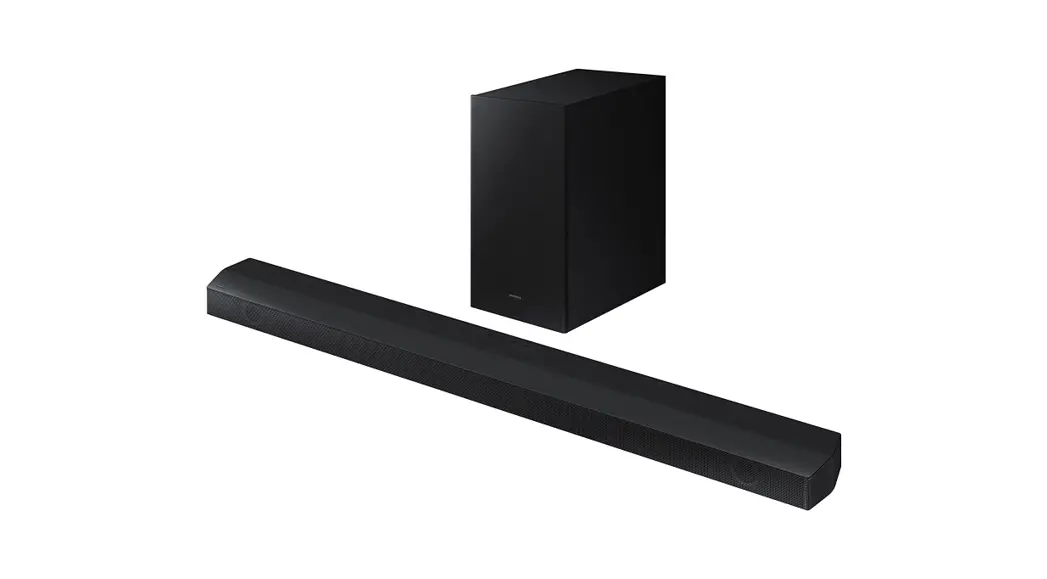
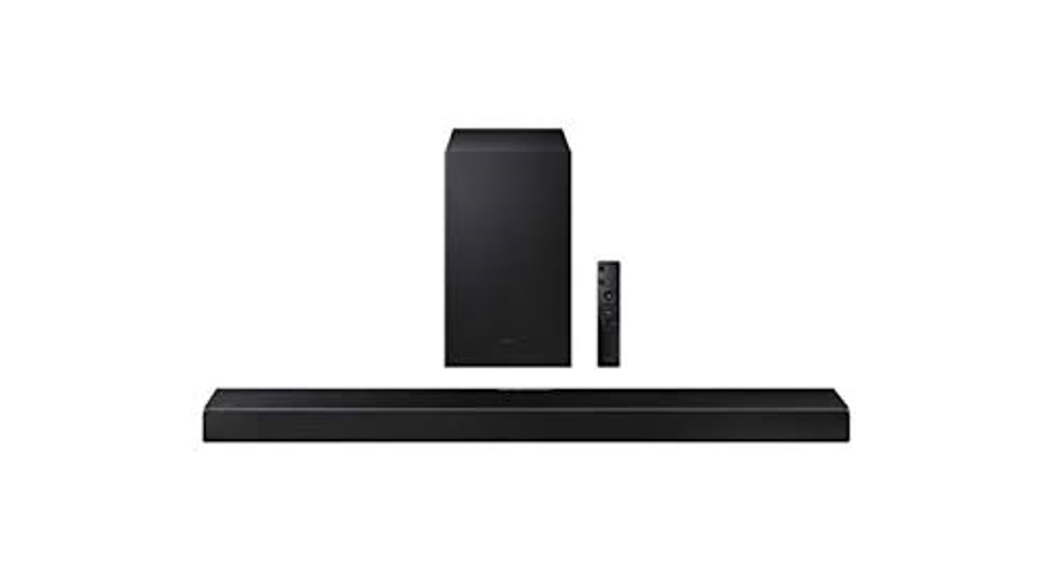
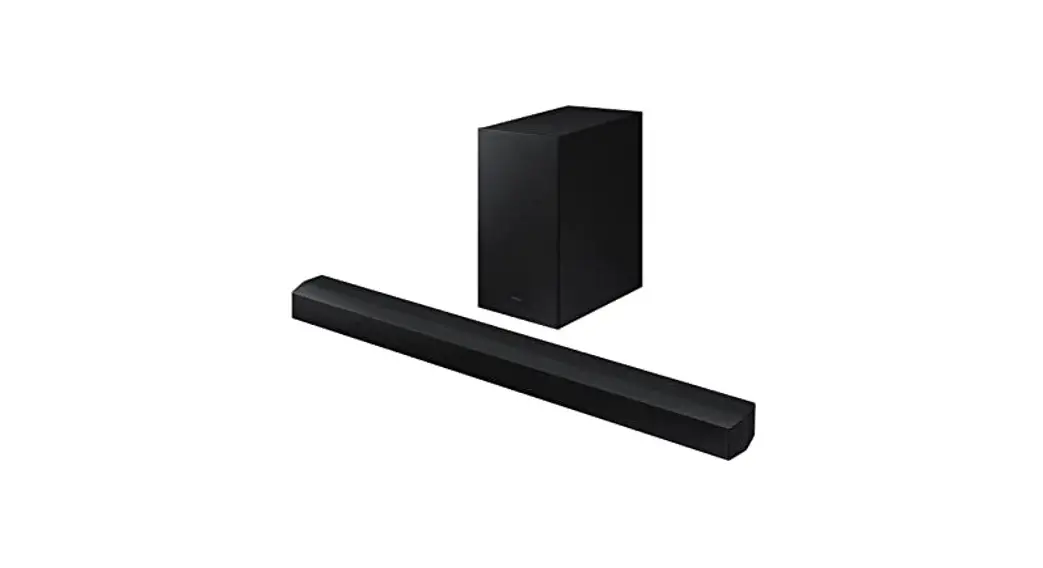
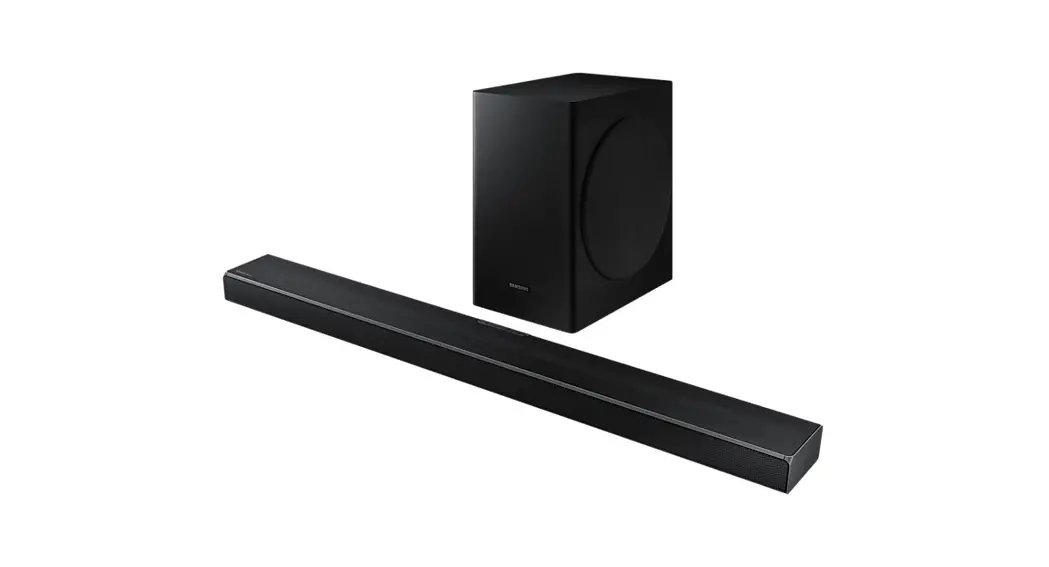
HW-Q700B Soundbar
Product Information
Product Name: HW-Q700B
Model Number: AH81-15291C-02 NSPBI01125A-02
Safety Information
CAUTION: RISK OF ELECTRIC SHOCK. DO NOT OPEN.
This symbol indicates that high voltage is present inside. It is
dangerous to make any kind of contact with any internal part of
this product.
This symbol indicates that this product has included important
literature concerning operation and maintenance.
Class II product: This symbol indicates that a safety connection
to electrical earth (ground) is not required. If this symbol is not
present on a product with a power cord, the product MUST have a
reliable connection to protective earth (ground).
AC voltage: Rated voltage marked with this symbol is AC
voltage.
DC voltage: Rated voltage marked with this symbol is DC
voltage.
Caution. Consult Instructions for use: This symbol instructs the
user to consult the user manual for further safety related
information.
Precautions
- Do not expose the unit to rain or moisture.
- During thunderstorms, disconnect the AC plug from the wall
outlet. Voltage peaks due to lightning could damage the unit. - Do not expose the unit to direct sunlight or other heat
sources. This could lead to overheating and cause the unit to
malfunction. - The battery used with this product contains chemicals that are
harmful to the environment. Do not dispose of the battery in the
general household trash. Do not expose the battery to excess heat,
direct sunlight, or fire. Do not short circuit, disassemble, or
overheat the battery. CAUTION: Danger of explosion if the battery
is replaced incorrectly. Replace only with the same or equivalent
type.
Checking the Components
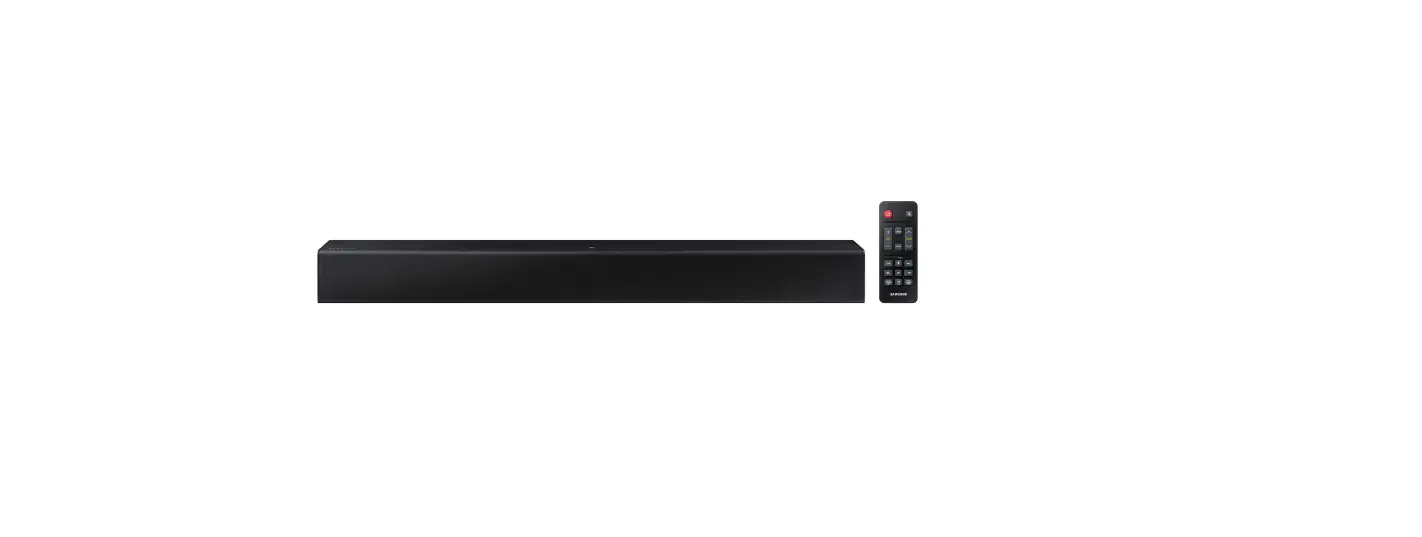
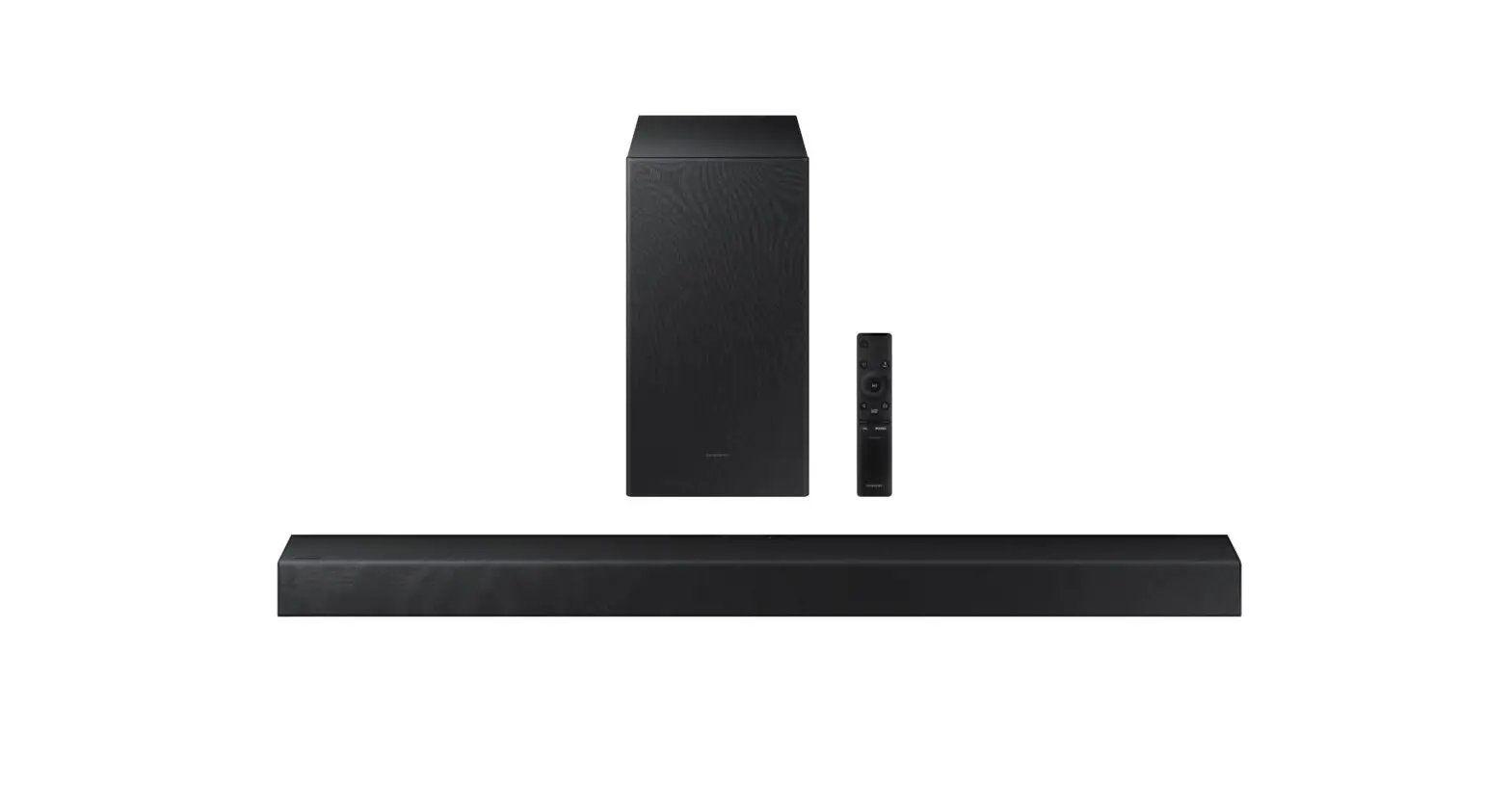
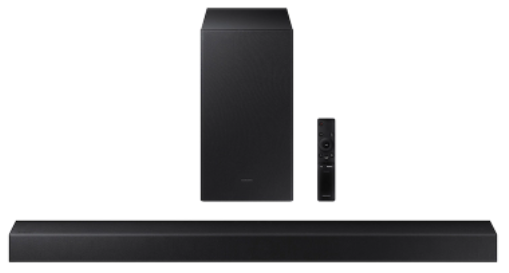
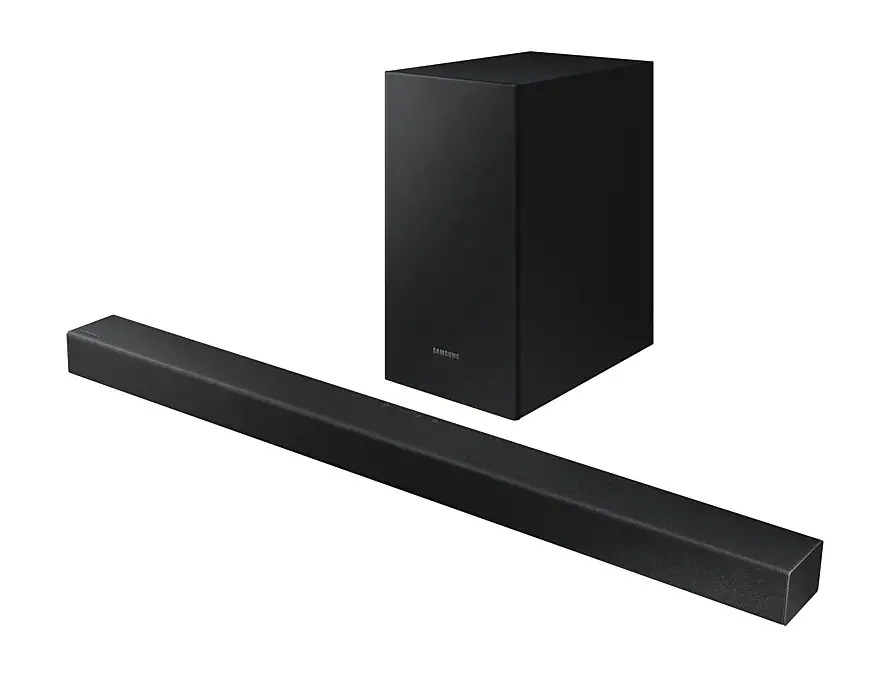
The product includes the following components:
- Soundbar Main Unit
- Soundbar Remote Control
- Batteries
- Subwoofer
- Power Cord X 2 (Subwoofer, Soundbar)
- HDMI Cable
- Wall Mount Guide
- Holder Screw X 2
- Screw (M4 x L10) X 2
- Bracket-Wall Mount X 2
- Rubber-Foot X 4
For detailed instructions on how to use the product, please
refer to the full manual available on Samsung’s online customer
support center by scanning the QR code provided or by downloading
the manual in document format from Samsung’s website: www.samsung.com/support.
User Manual
AH81-15291C-02 NSPBI01125A-02
HW-Q700B
You can access the FULL MANUAL on Samsung’s on-line customer support center by scanning the QR code on the left. To see the manual on your PC or mobile device, download the manual in document format from Samsung’s website. (http://www.samsung.com/support)
© 2022 Samsung Electronics Co., Ltd. All rights reserved. Contact SAMSUNG WORLD WIDE If you have any questions or comments relating to Samsung products, please contact the SAMSUNG customer care Center.
Country
Samsung Service Center
Web Site
MEXICO
800-SAMSUNG
www.samsung.com/mx/support
BRAZIL
0800 555 0000 (Demais cidades e regiões) 4004-0000 (Capitais e grandes centros)
www.samsung.com/br/support
COSTA RICA
00-800-1-SAMSUNG (726-7864)
DOMINICAN REPUBLIC ECUADOR EL SALVADOR
1-800-751-2676
1-800-SAMSUN (72-6786) 8000-SAMSUNG (726-7864)
www.samsung.com/latin/support (Spanish) www.samsung.com/latin_en/support (English)
GUATEMALA
1-800-299-0033
HONDURAS
800-2791-9111
JAMAICA
1-800-SAMSUNG (726-7864)
www.samsung.com/latin_en/support (English)
NICARAGUA
001-800-5077267
PANAMA PUERTO RICO
TRINIDAD & TOBAGO
800-0101 1-800-682-3180
1-800-SAMSUNG(726-7864)
www.samsung.com/latin/support (Spanish) www.samsung.com/latin_en/support (English)
VENEZUELA
0-800-100-5303
COLOMBIA
Bogotá en el 600 12 72 Sin costo en todo el pais 01 8000 112 112
Y desde tu celular #726
www.samsung.com/co/support
CHILE BOLIVIA
800 726 786 800 107 260
www.samsung.com/cl/support
PERU
080077708 Desde teléfonos fijos, públicos o celulares
www.samsung.com/pe/support
ARGENTINA
0800-555-SAMS(7267)
www.samsung.com/ar
URUGUAY
0800-SAMS(7267)
www.samsung.com/uy
PARAGUAY
0800-11-SAMS(7267)
www.samsung.com/py
SAFETY INFORMATION
SAFETY WARNINGS
TO REDUCE THE RISK OF ELECTRIC SHOCK, DO NOT REMOVE THE COVER (OR BACK). NO USER-SERVICEABLE PARTS ARE INSIDE. REFER SERVICING TO QUALIFIED SERVICE PERSONNEL. Refer to the table below for an explanation of symbols which may be on your Samsung product.
CAUTION
RISK OF ELECTRIC SHOCK. DO NOT OPEN.
This symbol indicates that high voltage is present inside. It is dangerous to make any kind of contact with any internal part of this product.
This symbol indicates that this product has included important literature concerning operation and maintenance.
Class II product : This symbol indicates that a safety connection to electrical earth (ground) is not required. If this symbol is not present on a product with a power cord, the product MUST have a reliable connection to protective earth (ground).
AC voltage : Rated voltage marked with this symbol is AC voltage.
DC voltage : Rated voltage marked with this symbol is DC voltage.
Caution. Consult Instructions for use : This symbol instructs the user to consult the user manual for further safety related information.
WARNING · To reduce the risk of fire or electric shock, do not expose
this appliance to rain or moisture.
CAUTION · TO PREVENT ELECTRIC SHOCK, MATCH WIDE BLADE OF
PLUG TO WIDE SLOT, FULLY INSERT. · This apparatus shall always be connected to a AC outlet
with a protective grounding connection. · To disconnect the apparatus from the mains, the plug
must be pulled out from the mains socket, therefore the mains plug shall be readily operable. · Do not expose this apparatus to dripping or splashing. Do not put objects filled with liquids, such as vases, on the apparatus. · To turn this apparatus off completely, you must pull the power plug out of the wall socket. Consequently, the power plug must be easily and readily accessible at all times
PRECAUTIONS
1. Ensure that the AC power supply in your house complies with the power requirements listed on the identification sticker located on the bottom of your product. Install your product horizontally, on a suitable base (furniture), with enough space around it for ventilation (7~10 cm). Make sure the ventilation slots are not covered. Do not place the unit on amplifiers or other equipment which may become hot. This unit is designed for continuous use. To fully turn off the unit, disconnect the AC plug from the wall outlet. Unplug the unit if you intend to leave it unused for a long period of time.
2. During thunderstorms, disconnect the AC plug from the wall outlet. Voltage peaks due to lightning could damage the unit.
3. Do not expose the unit to direct sunlight or other heat sources. This could lead to overheating and cause the unit to malfunction.
4. Protect the product from moisture (i.e. vases), and excess heat (e.g. a fireplace) or equipment creating strong magnetic or electric fields. Unplug the power cable from the AC wall socket if the unit malfunctions. Your product is not intended for industrial use. It is for personal use only. Condensation may occur if your product has been stored in cold temperatures. If transporting the unit during the winter, wait approximately 2 hours until the unit has reached room temperature before using.
5. The battery used with this product contains chemicals that are harmful to the environment. Do not dispose of the battery in the general household trash. Do not expose the battery to excess heat, direct sunlight, or fire. Do not short circuit, disassemble, or overheat the battery. CAUTION : Danger of explosion if the battery is replaced incorrectly. Replace only with the same or equivalent type.
01 CHECKING THE
COMPONENTS
Soundbar Main Unit / Soundbar Remote Control / Batteries / Subwoofer / Power Cord X 2 (Subwoofer, Soundbar) / HDMI Cable / Wall Mount Guide / HolderScrew X 2 / Screw (M4 x L10) X 2 / Bracket-Wall Mount X 2 / Rubber-Foot X 4
NOTE · For more information about the power supply and
power consumption, refer to the label attached to the product. (Label: Rear of the Soundbar Main Unit) · To purchase additional components or optional cables, contact a Samsung Service Center or Samsung Customer Care.
02 PRODUCT OVERVIEW
Top Panel of the Soundbar
Power
Source
Volume
Display
Bottom Panel of the Soundbar
DIGITAL AUDIO IN (OPTICAL)
3
SERVICE
HDMI
4
1
2
HDMI TO TV (eARC/ARC)
5
SERVICE
HDMI IN 1 HDMI IN 2
DIGITAL AUDIO IN (OPTICAL)
HDMI
HDMI TO TV (eARC/ARC)
1 POWER Connect the Soundbar’s AC power cable.
2 SERVICE Connect a USB storage device to upgrade the product’s software.
3 DIGITAL AUDIO IN (OPTICAL) Connect to the digital (optical) output of an external device.
4 HDMI Inputs digital video and audio signals simultaneously using an HDMI cable. Connect to the HDMI output of an external device.
5 HDMI TO TV (eARC/ARC) Connect to the HDMI jack on a TV.
03 CONNECTING THE SOUNDBAR
Connecting the power and units
Rear of Subwoofer
04 USING A WIRED CONNECTION
1
HDMI Cable
2
Optical Cable (not supplied)
Blue Blinks
POWER
Bottom of the Soundbar Main Unit · The LINK LED indicator stops blinking and glows a solid blue when a connection is established between the Soundbar and the Wireless Subwoofer.
1
HDMI
HDMI OUT
1
HDMI IN (ARC)
HDMI TO TV (eARC/ARC)
Connecting using an HDMI Cable (External Device (HDMI) / TV ARC/eARC)
2
DIGITAL AUDIO IN (OPTICAL)
OPTICAL OUT
Connecting using an Optical Cable (D.IN)
NOTE · When the TV sound is not output, press the (Source)
button at the top of the Soundbar or the (Source) button on the remote control to select the “D.IN” mode. The screen displays “D.IN” and “TV ARC/eARC” in sequence, and TV sound is played. · The recommended cable is High Speed HDMI Cable with Ethernet. · When you use an optical cable and the terminals have covers, be sure to remove the covers.
Using the Q-Symphony Function
For Q-Symphony, the Soundbar syncs with a Samsung TV to output sound through two devices for optimum surround effect. When the Soundbar is connected, the menu, “TV+Soundbar” appears under the Sound Output menu of the TV. (The message above differs with the TV model.) · TV menu example: TV + [AV] Soundbar series name
(HDMI/Wi-Fi)
NOTE · It can operate according to the Codec supported by TV. · This function is supported only when the HDMI Cable or
Optical Cable (not supplied) or Wi-Fi is connected. · The message displayed may differ with the TV model. · Ensure that your TV and Soundbar are connected to the
same wireless router/frequency. · This function is available in some Samsung TVs and
some Soundbar models.
Using the Spacefit sound
The active sound measured from the TV is synced to the Soundbar.
NOTE · Only certain TV models support this function, and the
function is operated from the TV.
05 USING A WIRELESS CONNECTION
Connecting via Bluetooth
Top of the Soundbar
5 sec
OR
OR
BT PAIRING
PAIR
What is the difference between BT READY and BT PAIRING? · BT READY : In this mode, you can reconnect any
Samsung TV or mobile device that was connected before. · BT PAIRING : In this mode, you can connect a new device to the Soundbar. (Press the PAIR button on the Soundbar remote control or press and hold the (Source) button on the top of the Soundbar for more than 5 seconds while the Soundbar is in “BT” mode.)
NOTE · If asked for a PIN code when connecting a Bluetooth
device, enter <0000>.
Connecting via Wi-Fi (Wireless
Network)
· To connect a Soundbar to a mobile device via a wireless network (Wi-Fi), the SmartThings app is required.
1. Connect your mobile device (smartphone, tablet, etc.) to the Wi-Fi network the TV is connected to.
2. Install and launch the SmartThings app on your mobile device (smartphone, tablet, etc.).
3. Follow the instructions in the app screen on the mobile device to connect the Soundbar to your Wi-Fi network.
06 TROUBLESHOOTING
Before seeking assistance, check the following.
Soundbar does not turn on. · Check whether the power cord of the Soundbar is
correctly inserted into the outlet.
If the subwoofer does not connect automatically 1. Turn off the Soundbar main. 2. Press and hold ID SET on the rear of the subwoofer for
at least 5 seconds.
Rear of Subwoofer
5 sec “Blinking blue fast”
3. Press the Up button on the remote control for 5 seconds.
PAIR
5 sec
OUN
ID SET
4. Check if the LINK LED is solid blue (connection complete). · The LINK LED indicator stops blinking and glows a solid blue when a connection is established between the Soundbar and the Wireless Subwoofer.
Soundbar works erratically. · After removing the power cord, insert it again. · Try again after initialising the product. · If there is no signal, the Soundbar automatically turns
off after a certain period of time. Turn on the power.
Remote control does not work · Point the remote directly at the soundbar. · Replace the batteries with new ones.
Sound is not output from the soundbar. · The volume of the Soundbar is too low or muted.
Adjust the volume. · When any external device (STB, Bluetooth device,
mobile device, etc.) is connected, adjust the volume of the external device. · For sound output of the TV, select Soundbar. (Samsung TV: Home ( ) Menu Settings ( ) All Settings ( ) Sound Sound Output Select Soundbar) · Remove the cable from the Soundbar and then reconnect it.
Sound is not output from the subwoofer. · Check whether the LED on the rear of the Subwoofer
and Surround Speakers lights in blue. Reconnect it when the blue LED blinks or the red LED lights.
If the TV is not connected via HDMI TO TV (eARC/ARC) · Check whether the HDMI cable is correctly connected
to the ARC terminal. · Connection may not be possible due to the connected
external device (set-top box, game console, etc.). Directly connect the Soundbar. · HDMI-CEC may not be activated on the TV. Turn on the CEC on the TV menu. (Samsung TV: Home ( ) Menu Settings ( ) All Settings ( ) Connection External Device Manager Anynet+ (HDMI-CEC) ON)
Soundbar will not connect via Bluetooth. · When connecting a new device, switch to “BT PAIRING”
for connection. (Press the PAIR button on the remote control or press the (Source) button on the body for at least 5 seconds.) · Reconnect it after removing the Bluetooth speaker list on the device to connect. (Samsung TV: Home ( ) Menu Settings ( ) All Settings ( ) Sound Sound Output Bluetooth Speaker List)
Sound drops out when connected via Bluetooth. · Some devices can cause radio interference if they are
located too close to the Soundbar. e. g. microwaves, wireless routers, etc. · If your device that is connected via Bluetooth moves too far away from the soundbar, it may cause the sound to drop out. Move the device closer to the soundbar. · If a part of your body is in contact with the Bluetooth transceiver or the product is installed on metal furniture, the sound may drop out. Check the installation environment and conditions for use.
Soundbar will not connect to Wi-Fi. · Make sure the wireless router is turned on and then
reconnect the wireless router after rebooting. · The soundbar will not connect if the wireless signal
is too weak. Try moving the router closer to the soundbar, or eliminating any obstacles that are between the soundbar and the router, if possible.
The soundbar does not turn on automatically with the TV. · When you turn off the Soundbar while watching TV,
power synchronization with the TV is disabled. First turn off the TV.
07 LICENSE
Dolby, Dolby Atmos, and the double-D symbol are registered trademarks of Dolby Laboratories Licensing Corporation. Manufactured under license from Dolby Laboratories. Confidential unpublished works. Copyright © 2012-2021 Dolby Laboratories. All rights reserved.
08 IMPORTANT NOTES
ABOUT SERVICE
Figures and illustrations in this User Manual are provided for reference only and may differ from actual product appearance.
For DTS patents, see http://patents.dts.com. Manufactured under license from DTS, Inc. (for companies headquartered in the U.S./Japan/Taiwan) or under license from DTS Licensing Limited (for all other companies). DTS, DTS:X, and the DTS:X logo are registered trademarks or trademarks of DTS, Inc. in the United States and other countries. © 2021 DTS, Inc. ALL RIGHTS RESERVED.
The terms HDMI, HDMI High-Definition Multimedia Interface, HDMI Trade dress and the HDMI Logos are trademarks or registered trademarks of HDMI Licensing Administrator, Inc.
· Use your phone, tablet or computer as a remote control for Spotify. Go to spotify.com/connect to learn how
· The Spotify Software is subject to third party licenses found here: https://www.spotify.com/connect/thirdparty-licenses.
To send inquiries and requests for questions regarding open sources, contact Samsung Open Source (http://opensource.samsung.com)
· Apple, Airplay, iPhone, iPad, and Mac are trademarks of Apple Inc., registered in the U.S. and other countries.
· Use of the Works with Apple badge means that an accessory has been designed to work specifically with the technology identified in the badge and has been certified by the developer to meet Apple performance standards.
English
09 SPECIFICATIONS AND GUIDE
Model Name HW-Q700B
Weight 4.8 kg
Dimensions (W x H x D) 1110.7 x 60.4 x 120.0 mm
Operating Temperature Range +5°C to +35°C
Operating Humidity Range 10 % ~ 75 %
AMPLIFIER Rated Output power (30 W x 3) + (20 W x 2) + (10 W x 3)
Supported play formats Dolby 5.1ch / Dolby Digital Plus / Dolby TRUE HD / Dolby ATMOS / DTS 5.1ch / DTS HD / DTS-HD Master Audio / DTS:X / LPCM 8Ch
Subwoofer Name PS-WB75B
Weight 5.9 kg
AMPLIFIER Rated Output power 160 W
Dimensions (W x H x D) 205.0 x 353.0 x 302.0 mm
NOTE · Samsung Electronics Co., Ltd reserves the right to
change the specifications without notice. · Weight and dimensions are approximate. Precaution : The Soundbar will restart automatically if you turn on/turn off Wi-Fi.
Wi-Fi Port deactivation method Press the CH LEVEL button on the remote control of the Soundbar for 30 seconds to turn Wi-Fi On / Off.
Bluetooth Port deactivation method Press the TONE CONTROL button on the remote control of the Soundbar for 30 seconds to turn Bluetooth On / Off.
Manual del usuario
AH81-15291C-02 NSPBI01125A-02
HW-Q700B
Puede acceder al MANUAL COMPLETO en el centro de atención al cliente en línea de Samsung si escanea el código QR que se encuentra a la izquierda. Para ver el manual en su PC o dispositivo móvil, descárguelo en formato de documento desde el sitio web de Samsung. (http://www.samsung.com/support)
Para evitar cualquier avería o daños, lea detalladamente este manual de instrucciones antes de conectar y utilizar este aparato. Conserve el manual para referencia futura. (Sólo México)
© 2022 Samsung Electronics Co., Ltd. Todos los derechos reservados. Contacte con SAMSUNG WORLD WIDE Si tiene alguna pregunta o comentario sobre un producto de Samsung, comuníquese con el Centro de atención al cliente de SAMSUNG.
País MEXICO
BRAZIL
Centro de servicio de Samsung
800-SAMSUNG
0800 555 0000 (Demais cidades e regiões) 4004-0000 (Capitais e grandes centros)
Sitio web www.samsung.com/mx/support
www.samsung.com/br/support
COSTA RICA
DOMINICAN REPUBLIC ECUADOR EL SALVADOR GUATEMALA HONDURAS JAMAICA
00-800-1-SAMSUNG (726-7864)
1-800-751-2676
1-800-SAMSUN (72-6786) 8000-SAMSUNG (726-7864)
1-800-299-0033 800-2791-9111 1-800-SAMSUNG (726-7864)
www.samsung.com/latin/support (Spanish) www.samsung.com/latin_en/support (English)
www.samsung.com/latin_en/support (English)
NICARAGUA PANAMA
PUERTO RICO TRINIDAD & TOBAGO VENEZUELA
COLOMBIA
CHILE BOLIVIA
PERU ARGENTINA
001-800-5077267 800-0101
1-800-682-3180
1-800-SAMSUNG(726-7864)
0-800-100-5303 Bogotá en el 600 12 72 Sin costo en todo el pais 01 8000 112 112 Y desde tu celular #726
800 726 786 800 107 260 080077708 Desde teléfonos fijos, públicos o celulares 0800-555-SAMS(7267)
www.samsung.com/latin/support (Spanish) www.samsung.com/latin_en/support (English)
www.samsung.com/co/support
www.samsung.com/cl/support www.samsung.com/pe/support
www.samsung.com/ar
URUGUAY PARAGUAY
0800-SAMS(7267) 0800-11-SAMS(7267)
www.samsung.com/uy www.samsung.com/py
INFORMACIÓN DE SEGURIDAD
ADVERTENCIAS DE SEGURIDAD
PARA REDUCIR EL RIESGO DE DESCARGA ELÉCTRICA, NO QUITE LA TAPA (O LA PARTE TRASERA). NO CONTIENE PIEZAS QUE PUEDAN SER REPARADAS O REEMPLAZADAS POR EL USUARIO. TODAS LAS REPARACIONES DEBEN SER REALIZADAS POR PERSONAL CAPACITADO. Consulte la tabla a continuación para obtener una explicación de los símbolos que podrían aparecer en su producto Samsung.
PRECAUCIÓN
RIESGO DE DESCARGA ELÉCTRICA. NO ABRIR.
Este símbolo indica que hay alta tensión en el interior del producto. Es peligroso hacer contacto con cualquier pieza interna de este producto.
Este símbolo indica que, con este producto, se incluye documentación importante correspondiente a su funcionamiento y mantenimiento.
Producto de Clase II: Este símbolo indica que no se requiere una conexión de seguridad de puesta a tierra (toma de tierra). Si un producto con un cable de alimentación no tiene este símbolo, el producto DEBE tener una conexión segura a una puesta a tierra.
Tensión de CA: La tensión nominal marcada con este símbolo es tensión de CA.
Tensión de CC: La tensión nominal marcada con este símbolo es tensión de CC.
Precaución. Consulte las instrucciones antes de usar: Este símbolo indica que se debe consultar el manual del usuario para obtener más información relativa a la seguridad.
ADVERTENCIA · Para reducir el riesgo de incendio o descarga eléctrica, no exponga
este dispositivo a la lluvia o la humedad.
PRECAUCIÓN · A FIN DE EVITAR UNA DESCARGA ELÉCTRICA, HAGA COINCIDIR EL
CONTACTO MÁS ANCHO DEL ENCHUFE CON LA RANURA ANCHA E INSERTE EL ENCHUFE POR COMPLETO. · Este aparato debe conectarse siempre a un tomacorriente de CA que tenga conexión a tierra por protección. · Para desconectar el aparato de la red eléctrica, debe sacar el enchufe de la toma de alimentación; por lo tanto, el enchufe de alimentación debe poder accionarse fácilmente. · No exponga este aparato a goteos o salpicaduras. No coloque objetos llenos de líquidos, por ejemplo, un florero, sobre el aparato. · Para apagar este aparato por completo, debe sacar el enchufe del tomacorriente de la pared. Por lo tanto, el enchufe debe estar ubicado de forma tal que siempre se pueda acceder a él fácil y rápidamente.
PRECAUCIONES
1. Asegúrese de que el suministro eléctrico de CA en su hogar cumpla con los requisitos de energía enumerados en la etiqueta de
identificación ubicada en la parte inferior de su producto. Instale su producto de manera horizontal, sobre una base adecuada (mueble),
con suficiente espacio alrededor para su ventilación (7 a 10 cm). Asegúrese de que las ranuras de ventilación no estén cubiertas. No coloque la unidad sobre amplificadores u otros equipos que puedan calentarse. Esta unidad está diseñada para uso continuo. Para apagar la unidad por completo, desconecte el enchufe de CA de la toma de corriente. Desenchufe la unidad si tiene intenciones de no utilizarla por un período largo de tiempo. 2. En caso de haber tormenta eléctrica, desconecte el enchufe de CA
del tomacorriente. Los cambios de voltaje que se producen a causa de la actividad eléctrica de la tormenta pueden dañar la unidad. 3. No exponga la unidad a la luz solar directa ni a otras fuentes de calor. Esto puede causar sobrecalentamiento y el mal funcionamiento de la unidad.
4. Proteja el producto contra la humedad (por ejemplo, los floreros) y el exceso de temperatura (por ejemplo, una chimenea) o equipos que generen campos eléctricos o magnéticos fuertes. Desconecte el cable de alimentación de la toma de corriente de CA si la unidad no funciona correctamente. Su producto no está diseñado para uso
industrial. Es para uso personal únicamente. Si el producto ha sido almacenado a bajas temperaturas, puede producirse el fenómeno de la condensación. Si transporta la unidad durante el invierno, espere 2 horas aproximadamente hasta que la unidad alcance la temperatura ambiente antes de utilizarla. 5. La batería empleada en este producto contiene sustancias químicas que son dañinas para el medioambiente. No deseche la
batería junto con los residuos generales del hogar. No exponga la batería a la luz solar directa, al fuego ni a temperaturas altas extremas. No ocasione un cortocircuito, no desensamble ni sobrecaliente la batería. PRECAUCIÓN: Existe peligro de explosión si se cambia la batería por una de tipo incorrecto. Reemplácelas solo con el mismo tipo o un tipo equivalente de baterías.
01 VERIFICACIÓN DE LOS COMPONENTES
Unidad principal de la Soundbar / Control remoto de la Soundbar / Pilas / Altavoz de graves / Cable de alimentación x 2 (altavoz de graves, Soundbar) / Cable HDMI / Guía de montaje en la pared / Tornillo de sujeción x 2 / Tornillo (M4 x L10) x 2 / Soporte de montaje en la pared x 2 / Pie de goma x 4
NOTA · Para obtener más información acerca del suministro eléctrico y el
consumo de energía, consulte la etiqueta del producto. (Etiqueta: Parte posterior de la unidad principal de la Soundbar). · Para comprar componentes adicionales o cables opcionales, póngase en contacto con un Centro de soporte técnico de Samsung o con el Centro de atención al cliente de Samsung.
02 INFORMACIÓN GENERAL DEL PRODUCTO
Panel superior de la Soundbar
Encendido
Fuente
Volumen
Pantalla
Panel inferior de la Soundbar
DIGITAL AUDIO IN (OPTICAL)
3
SERVICE
HDMI
4
1
2
HDMI TO TV (eARC/ARC)
5
SERVICE
HDMI IN 1 HDMI IN 2
DIGITAL AUDIO IN (OPTICAL)
HDMI
HDMI TO TV (eARC/ARC)
1 POWER Conecte el cable de suministro eléctrico de CA de la Soundbar.
2 SERVICE Conecte un dispositivo de almacenamiento USB para actualizar el software del producto.
3 DIGITAL AUDIO IN (OPTICAL) Conecte a la salida digital (óptica) de un dispositivo externo.
4 HDMI Entrada simultánea de señales digitales de audio y video a través de un cable HDMI. Conecte a la salida HDMI de un dispositivo externo.
5 HDMI TO TV (eARC/ARC) Conecte al conector HDMI de una TV.
03 CONEXIÓN DE LA SOUNDBAR
Conexión de las unidades a la fuente de alimentación
Parte posterior del Subwoofer
04 USO DE UNA CONEXIÓN CON CABLE
1
Cable HDMI
2
Cable óptico (no suministrado)
Parpadeo Azul
POWER
Parte inferior de la unidad principal de la Soundbar · El indicador LINK LED deja de parpadear y queda encendido en azul cuando se establece una conexión entre la Soundbar y el altavoz de graves inalámbrico.
1
HDMI
HDMI OUT
1
HDMI IN (ARC)
HDMI TO TV (eARC/ARC)
Conexión utilizando un cable HDMI (dispositivo externo [HDMI]/TV ARC/eARC)
2
DIGITAL AUDIO IN (OPTICAL)
OPTICAL OUT
Conexión con un cable óptico (D.IN)
NOTA · Si no sale el sonido del TV, presione el botón (Fuente) en la
parte superior de la Soundbar o el botón (Fuente) del control remoto para seleccionar el modo “D.IN”. En la pantalla aparece “D.IN” y “TV ARC/eARC” en secuencia, y se escucha el sonido del TV. · El cable recomendado es High Speed HDMI Cable with Ethernet. · Si usa un cable óptico y las terminales tienen cubiertas, quítelas.
Cómo utilizar la función Q-Symphony
En el caso de Q-Symphony, la Soundbar se sincroniza con un TV
Samsung para emitir el sonido a través de dos dispositivos a fin de brindar un efecto envolvente óptimo. Cuando la Soundbar está conectada, aparece el menú “TV+Soundbar” debajo del menú Salida de sonido del TV. (El mensaje de arriba puede ser diferente según el modelo de TV). · Ejemplo del menú del TV: TV + [AV] Soundbar nombre de la serie
(HDMI/Wi-Fi)
NOTA · Puede funcionar según el códec que admita el TV. · Esta función solo se admite cuando se conecta el cable HDMI o el
cable óptico (no suministrado), o si hay conexión a Wi-Fi. · El mensaje que se muestra puede ser diferente según el modelo
de TV. · Asegúrese de que el TV y la Soundbar se encuentren conectados a
la misma frecuencia o enrutador inalámbrico. · Esta función está disponible en algunos TV Samsung y en algunos
modelos de Soundbar.
Uso del sonido Spacefit
El sonido activo medido desde el TV se sincroniza con la Soundbar.
NOTA · Solo ciertos modelos de TV admiten esta función, la cual se opera
desde el TV.
05 USO DE UNA CONEXIÓN INALÁMBRICA
Conexión a través de Bluetooth
Parte superior de la Soundbar
5 s
O
O
BT PAIRING
PAIR
¿Cuál es la diferencia entre BT READY y BT PAIRING? · BT READY: en este modo, puede reconectar cualquier dispositivo
móvil o TV Samsung que se haya conectado antes. · BT PAIRING: en este modo, puede conectar un dispositivo nuevo a
la Soundbar. (Presione el botón PAIR en el control remoto de la Soundbar o mantenga presionado el botón (Fuente) en la parte superior de la Soundbar durante más de 5 segundos mientras la Soundbar está en modo “BT”).
NOTA · Si se le solicita un código PIN cuando conecta un dispositivo
Bluetooth, ingrese <0000>.
Conexión a través de wifi (Red inalámbrica)
· Para conectar la Soundbar a un dispositivo móvil a través de una red inalámbrica (wifi), se necesita la aplicación SmartThings.
1. Conecte su dispositivo móvil (smartphone, tablet, etc.) a la red Wi-Fi a la que está conectado el TV.
2. Instale y abra la aplicación SmartThings en su dispositivo móvil (teléfono inteligente, tableta, etc.).
3. Siga las instrucciones en la pantalla de la aplicación, en el dispositivo móvil, para conectar la Soundbar a su red Wi-Fi.
06 RESOLUCIÓN DE PROBLEMAS
Antes de buscar ayuda, compruebe lo siguiente.
La Soundbar no se enciende. · Compruebe si el cable de alimentación de la Soundbar se
insertó correctamente en el enchufe.
Si el subwoofer no se conecta automáticamente 1. Apague la unidad principal de la Soundbar. 2. Mantenga presionado el botón ID SET en la parte posterior del
subwoofer, al menos, 5 segundos.
Parte posterior del Subwoofer
5 s “Parpadeo azul rápido”
3. Presione el botón Arriba en el control remoto durante 5 segundos.
PAIR
5 s
ID SET
OUN
4. Compruebe si el LINK LED es azul (conexión completa). · El indicador LINK LED deja de parpadear y queda encendido en azul cuando se establece una conexión entre la Soundbar y el altavoz de graves inalámbrico.
La Soundbar funciona de forma errática. · Después de quitar el cable de alimentación, vuelva a
insertarlo. · Inténtelo otra vez después de iniciar el producto. · Si no hay señal, la Soundbar se apaga automáticamente
después de un período determinado. Encienda la Soundbar
El control remoto no funciona · Apunte el control remoto directamente a la Soundbar. · Cambie las pilas por unas nuevas.
No sale sonido de la Soundbar. · El volumen de la Soundbar está muy bajo o en silencio.
Ajuste el volumen. · Cuando hay un dispositivo externo (STB, dispositivo
Bluetooth, dispositivo móvil, etc.) conectado, ajuste el volumen del dispositivo externo. · Para la salida del sonido del TV, seleccione Soundbar. (TV Samsung: Inicio ( ) Menú Config. ( ) Todos
los ajustes ( ) Sonido Salida de sonido Seleccione Soundbar) · Quite el cable de la Soundbar y vuelva a conectarlo.
No sale sonido del altavoz de graves. · Verifique que el indicador LED en la parte posterior del
Altavoz de graves y los Altavoces surround se ilumine azul. Vuelva a conectarlo cuando la luz LED azul parpadee o se
encienda la luz LED roja.
Si el TV no está conectado a través de HDMI AL TV (eARC/ARC) · Compruebe si el cable HDMI se conectó correctamente a
la terminal ARC · Es posible que no se pueda realizar la conexión debido a
un dispositivo externo conectado (decodificador, consola de juegos, etc.). Conecte la Soundbar directamente. · Es posible que HDMI-CEC no esté activado en el TV.
Encienda el CEC en el menú del TV. (TV Samsung: Inicio ( ) Menú Config. ( ) Todos los ajustes ( ) Conexión Gestión de dispositivos externos Anynet+ (HDMI-CEC) ON)
La Soundbar no se conecta mediante Bluetooth · Cuando conecte un dispositivo nuevo, cambie a “BT
PAIRING” para establecer la conexión. (Presione el botón PAIR del control remoto o presione el botón (Fuente)
en el cuerpo de la Soundbar por al menos 5 segundos). · Vuelva a conectarlo después de quitar la lista de parlantes
Bluetooth del dispositivo al que se quiere conectar. (TV Samsung: Inicio ( ) Menú Config. ( ) Todos los ajustes ( ) Sonido Salida de sonido Lista de altavoces Bluetooth)
No hay sonido cuando se conecta mediante Bluetooth. · Algunos dispositivos, p. ej., microondas, enrutador
inalámbrico, etc., pueden generar interferencias de radio si están ubicados demasiado cerca de la Soundbar. · Si el dispositivo que está conectado mediante Bluetooth
se aleja demasiado de la Soundbar, eso puede hacer que no haya sonido. Acerque el dispositivo a la Soundbar. · Si parte de su cuerpo está en contacto con el transceptor Bluetooth o si el producto está sobre un mueble de metal, eso puede hacer que no haya sonido. Compruebe el entorno de instalación y las condiciones de uso.
La Soundbar no se conecta mediante Wi-Fi · Asegúrese de que el enrutador inalámbrico esté encendido
y vuelva a conectar el enrutador inalámbrico después de reiniciarlo. · La Soundbar no se conecta si la señal inalámbrica es demasiado débil. Intente acercar el enrutador a la Soundbar o eliminar los obstáculos que pudiera haber entre la Soundbar y el enrutador de ser posible.
La Soundbar no se enciende automáticamente con el TV. · Cuando apaga la Soundbar mientras mira TV, se desactiva
la sincronización de encendido con el TV. Primero, apague el TV.
07 LICENCIA
Dolby, Dolby Atmos, and the double-D symbol are registered trademarks of Dolby Laboratories Licensing Corporation. Manufactured under license from Dolby Laboratories. Confidential unpublished works. Copyright © 2012-2021 Dolby Laboratories. All rights reserved.
08 NOTAS IMPORTANTES SOBRE EL SERVICIO
Las figuras e ilustraciones se proporcionan en este manual de usuario solo a modo de referencia y pueden ser diferentes del aspecto real del producto.
For DTS patents, see http://patents.dts.com. Manufactured under license from DTS, Inc. (for companies headquartered in the U.S./Japan/Taiwan) or under license from DTS Licensing Limited (for all other companies). DTS, DTS:X, and the DTS:X logo are registered trademarks or trademarks of DTS, Inc. in the United States and other countries. © 2021 DTS, Inc. ALL RIGHTS RESERVED.
The terms HDMI, HDMI High-Definition Multimedia Interface, HDMI Trade dress and the HDMI Logos are trademarks or registered trademarks of HDMI Licensing Administrator, Inc.
· Usa tu teléfono, tablet o computadora como control remoto de Spotify. Para más información, entra a spotify. com/connect
· El software de Spotify está sujeto a licencias de terceros que puedes encontrar aquí: https://www.spotify.com/ connect/third-party-licenses.
Para enviar consultas y solicitudes relacionadas con el código abierto, comuníquese con Samsung Open Source (http://opensource.samsung.com).
· Apple, Airplay, iPhone, iPad, and Mac are trademarks of Apple Inc., registered in the U.S. and other countries.
· Use of the Works with Apple badge means that an accessory has been designed to work specifically with the technology identified in the badge and has been certified by the developer to meet Apple performance standards.
Español
09 ESPECIFICACIONES Y GUÍA
Nombre del modelo HW-Q700B
Peso 4.8 kg
Dimensiones (An. x Al. x Prof.) 1110.7 x 60.4 x 120.0 mm
Rango de temperatura de funcionamiento
De +5°C a +35°C
Rango de humedad de funcionamiento 10 % ~ 75 %
AMPLIFICADOR Potencia de salida nominal
(30 W x 3) + (20 W x 2) + (10 W x 3)
Formatos de reproducción admitidos Dolby 5.1ch / Dolby Digital Plus / Dolby TRUE HD / Dolby ATMOS / DTS 5.1ch / DTS HD / DTS-HD Master Audio / DTS:X / LPCM 8Ch
Nombre del altavoz de graves PS-WB75B
Peso 5.9 kg
Dimensiones (An. x Al. x Prof.) 205.0 x 353.0 x 302.0 mm
AMPLIFICADOR Potencia de salida nominal 160 W
NOTA · Samsung Electronics Co., Ltd se reserva el derecho de cambiar las
especificaciones sin previo aviso. · El peso y las dimensiones son aproximados. Precaución : La Soundbar se reiniciará automáticamente si conecta/ desconecta el servicio wifi.
Método de desactivación del puerto de Wi-Fi Presione el botón CH LEVEL en el control remoto de la Soundbar durante 30 segundos para encender o apagar Wi-Fi.
Método de desactivación del puerto de Bluetooth Presione el botón TONE CONTROL en el control remoto de la Soundbar durante 30 segundos para encender o apagar Bluetooth.
Solo para Ecuador
Eliminación correcta de este producto (Residuos de aparatos eléctricos y electrónicos)
La presencia de este símbolo en el producto, accesorios o material informativo que lo acompañan, indica que al finalizar su vida útil ni el producto ni sus accesorios electrónicos (como el cargador, cascos, cable USB) deberán eliminarse junto con otros residuos domésticos. Para evitar los posibles daños al medio ambiente o a la salud humana que representa la eliminación incontrolada de residuos, separe estos productos de otros tipos de residuos y recíclelos correctamente. De esta forma se promueve la reutilización sostenible de recursos materiales. Los usuarios particulares pueden contactar con el establecimiento donde adquirieron el producto o con las autoridades locales pertinentes para informarse sobre cómo y dónde pueden llevarlo para que sea sometido a un reciclaje ecológico y seguro. Los usuarios comerciales pueden contactar con su proveedor y consultar las condiciones del contrato de compra. Este producto y sus accesorios electrónicos no deben eliminarse junto a otros residuos comerciales.
References
 Samsung Open Source
 Patents - DTS
-
Spotify - Connect
 Samsung Argentina | Dispositivos Móviles | TV & Audio | Línea Hogar
-
Ajuda e suporte de produto | Samsung Brasil
-
Ayuda y soporte del producto | Samsung Chile
-
Ayuda y soporte del producto | Samsung Colombia
-
Product Help & Support | Samsung Caribbean
-
Ayuda y soporte del producto | Samsung Latinoamérica
-
Soporte y ayuda con tus productos Samsung | Samsung México
-
Ayuda y soporte del producto | Samsung Perú
-
Samsung Paraguay | Smartphones | TV, Audio y Video | Línea Hogar
-
Support Home | Official Samsung Support US
-
Samsung Uruguay | Dispositivos Móviles | TV, Audio y Video | Hogar
-
Spotify - Web Player: Music for everyone
-
Page not found - Spotify
 Samsung Open Source
 Patents - DTS
 Spotify - Connect
 Samsung Argentina | Dispositivos Móviles | TV & Audio | Línea Hogar
 Spotify - Web Player: Music for everyone