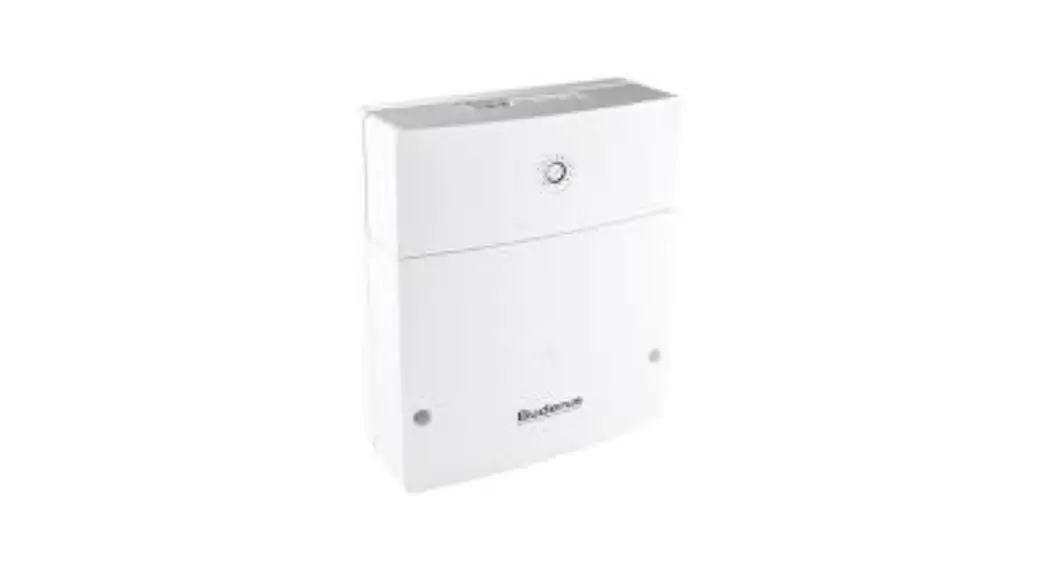
Unisenza Wiring Centre
Product Information: Unisenza Wiring Centre
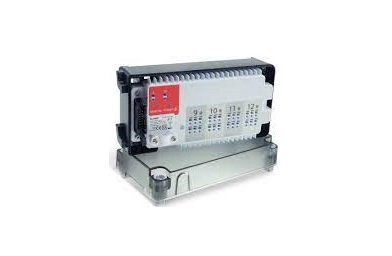
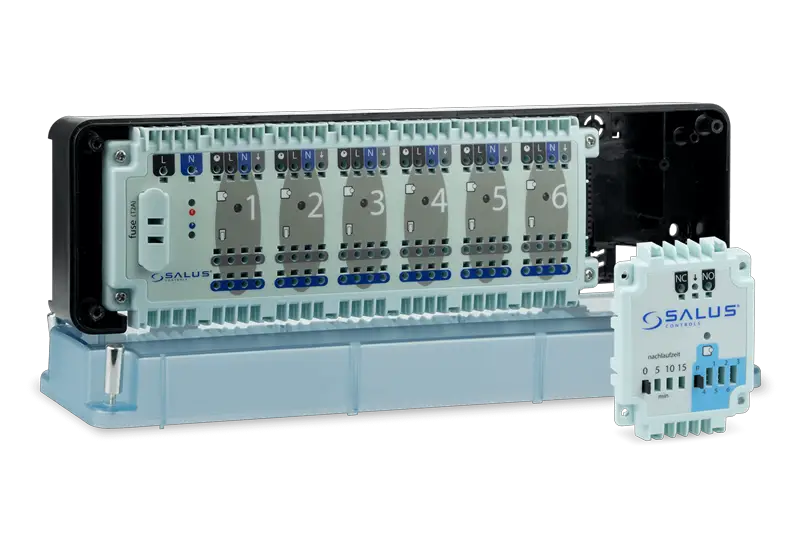
The Unisenza Wiring Centre is a device that provides a
centralised location for the wiring of heating and cooling systems.
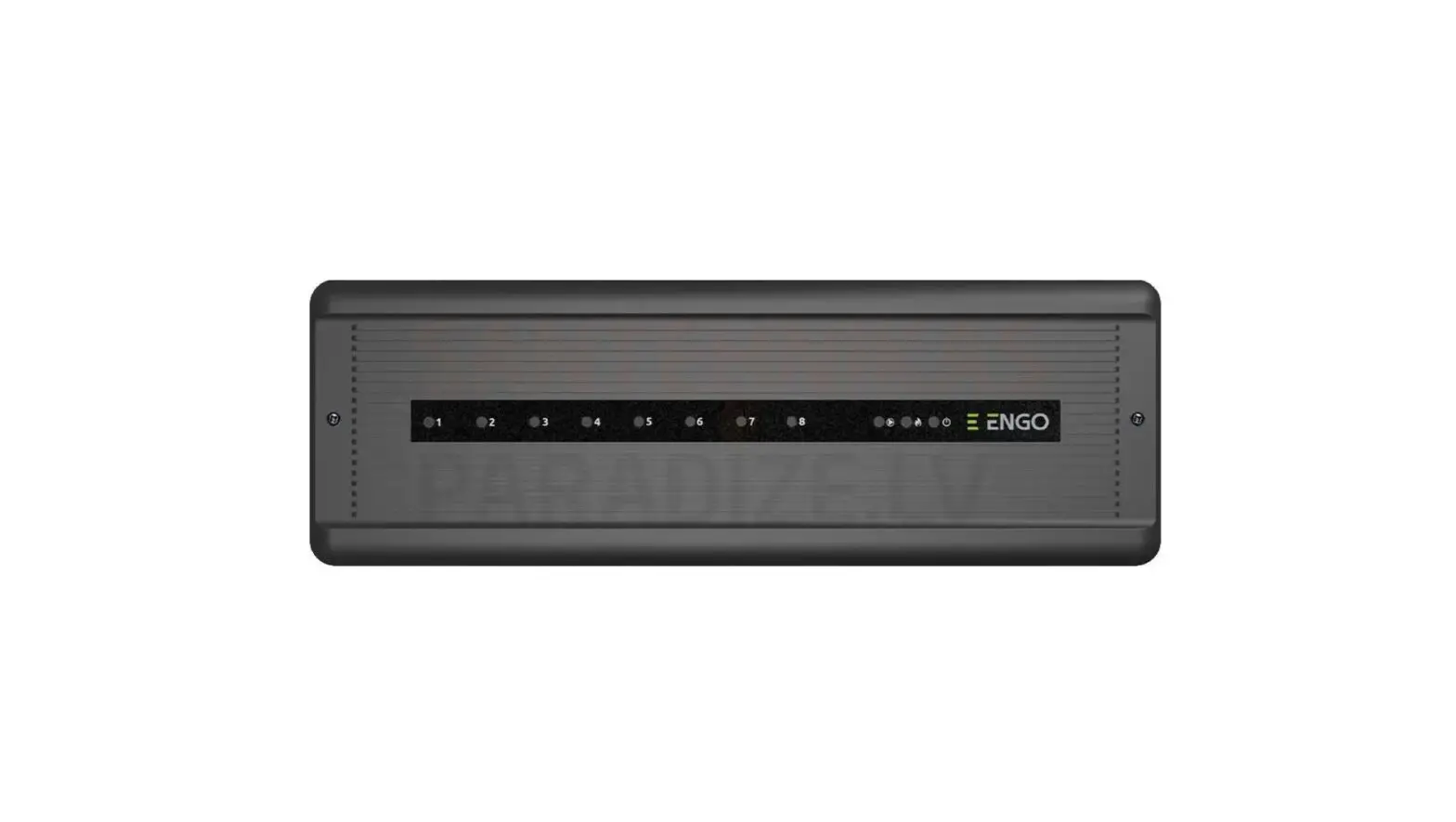
It comes with LED indicators that show the status of the system,
connectors for easy installation, and is designed for Din rail
mounting. It is available in two versions, the WC 5 Zones version
and the WC 10 Zones version. It also comes in two power supply
versions, the 230 Vac version and the 24 Vac version. The device
includes various inputs and outputs for connecting different
components of the HVAC system, such as pumps, boilers, and
thermostats.
LED Indicator
The Unisenza Wiring Centre comes with an LED indicator that
provides information on the status of the system. The LED indicator
has different colours and flashing patterns that indicate the
following:
- Green – Wiring center ON
- Red – Pump output Active
- Red – Boiler/HP output Active
- Red – Heating Mode
- Blue – Cooling Mode
- Red flashing – Alarm active
- 1 – Red Zone 1 active
- 2 – Red Zone 2 active
- 3 – Red Zone 3 active
- 4 – Red Zone 4 active
- 5 – Red Zone 5 active
- 6 – Red Zone 6 active
- 7 – Red Zone 7 active
- 8 – Red Zone 8 active
- 9 – Red Zone 9 active
- 10 – Red Zone 10 active
Connectors
The Unisenza Wiring Centre comes with different connectors that
allow easy installation of various components of the HVAC system.
The connectors include:
- Main Supply
- Pump Output
- Generator Output
- Night Set Back Input/Output
- Change Over Input/Output
- Switched Output from Thermostat
- Alarm Input
- Change Over Output
Installation
The Unisenza Wiring Centre is designed for Din rail mounting.
Follow the steps below for installation:
- Choose a suitable location for the device that is easily
accessible and close to the HVAC system. - Install the device on a Din rail using the provided clips.
- Connect the power supply to the device using the Live and
Neutral terminals for the appropriate voltage (230 Vac or 24
Vac). - Connect the different components of the HVAC system to the
appropriate connectors on the device.
Product Usage Instructions
The Unisenza Wiring Centre is designed to provide a centralised
location for the wiring of heating and cooling systems. Follow the
instructions below for proper usage:
Jumper Functions
The device comes with jumper functions that allow you to
configure different settings. Follow the instructions below:
- Jumper Function 1 – Change Over: Set the jumper to ON if the
signal is coming from Zone 1 CO Input, or OFF if the signal is
coming from CO Input. - Jumper Function 2 – Pump Delay: Set the jumper to ON if you
want the pump to start after 5 minutes, or OFF if you want the pump
to start with thermostat request. - Jumper Function 3 – Pump Exercise Function: Set the jumper to
ON if you want the pump to run at least 5 minutes every 24 hours,
or OFF if you want the function disabled.
Electrical Connection
The Unisenza Wiring Centre comes with various inputs and outputs
for connecting different components of the HVAC system. Follow the
instructions below for electrical connection:
- For a WiFi Thermostat*, connect the following terminals: N, L,
NSB, CO, SWL, GND, NTC. - For a Digital Thermostat*, connect the following terminals: N,
L, NSB/CO, SWL. - For a Dial Thermostat*, connect the following terminals:
Boiler, HP, Actuator* (x6), L, N, PE.
*Note: Use 24 Vac devices for 24 Vac wiring centre version; 230
Vac devices for 230 Vac wiring centre version.
Unisenza
Wiring Centre
Led Indicator
Connectors
Installation Din rail mounting
Green – Wiring center ON Red – Pump output Active Red – Boiler/HP output Active Red – Heating Mode Blue – Cooling Mode Red flashing – Alarm active
1 – Red Zone 1 active 2 – Red Zone 2 active 3 – Red Zone 3 active 4 – Red Zone 4 active 5 – Red Zone 5 active 6 – Red Zone 6 active 7 – Red Zone 7 active 8 – Red Zone 8 active 9 – Red Zone 9 active 10 – Red Zone 10 active
WC 5 Zones version WC 10 Zones version
Main Supply Pump Output Generator output
230 Vac version
24 Vac version
L: Live 230 Vac N: Neutral 230 Vac
L: Live 24 Vac N: Neutral 24 Vac
L: Normally Open Live 230 Vac N: Neutral 230 Vac Free contact
Free contact
(01) (02)
(05 or 10)
NSB CO Zone (SWL) L N L N L N
Night set back input/output (Live 230 Vac) Change Over Input/Output (Live 230 Vac) Switched output from Thermostat (Live 230 Vac) Live 230 Vac Neutral 230 Vac Live 230 Vac actuator 1 Neutral 230 Vac actuator 1 Live 230 Vac actuator 2 Neutral 230 Vac actuator 2
Night set back input/output (Live 24 Vac) Change Over Input/Output (Live 24 Vac) Switched output from Thermostat (Live 24 Vac) Live 24 Vac Neutral 24 Vac Live 24 Vac actuator 1 Neutral 24 Vac actuator 1 Live 24 Vac actuator 2 Neutral 24 Vac actuator 2
Alarm input Change over input Change over output
COM: 0 V 24 Vdc Alarm input Free contact Free contact
Wall mounting
12345
120 mm
20
08.2022_Rev. A_EN_CDT/LP
CLIK 1
Dimensions
2 280 mm
3
1
2
3
60 mm
Jumper functions
12345
1 Change Over
ON
Signal coming from Zone 1 CO Input
OFF
Signal coming from CO Input
2 Pump Delay
3 Pump Exercise Function
Pump start after 5 min Pump run at least 5
from thermostat request min every 24 hours
Pump start with thermostat request
Function disabled
Example of electrical connection WiFi Thermostat*
1 2345678
230 V
**
SWL NSB/CO N L
N L NSB CO SWL GND NTC
N L NSB CO SWL GND NTC
Digital Thermostat*
1 2345678
30 25
10
15
5
Dial Thermostat*
or
* 24 Vac devices for 24 Vac wiring centre version; 230 Vac devices for 230 Vac wiring centre version.
** Wiring centre 24 Vac version 230 V
24V~
230 – 24 Vac 60 VA
L N PE
or
Boiler
HP
Actuator* Actuator*
Actuator* Actuator*
Actuator* Actuator*
L N PE