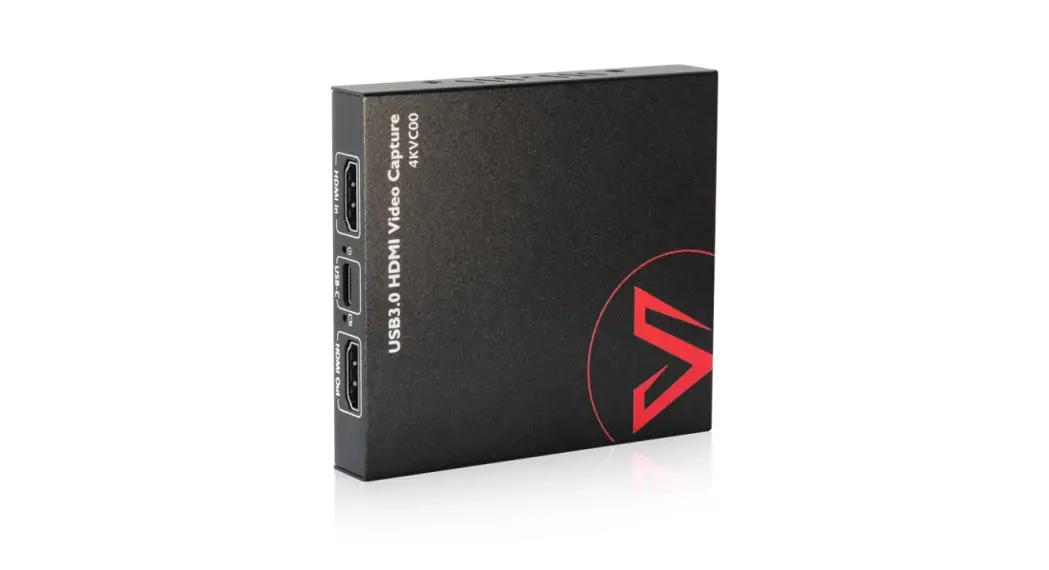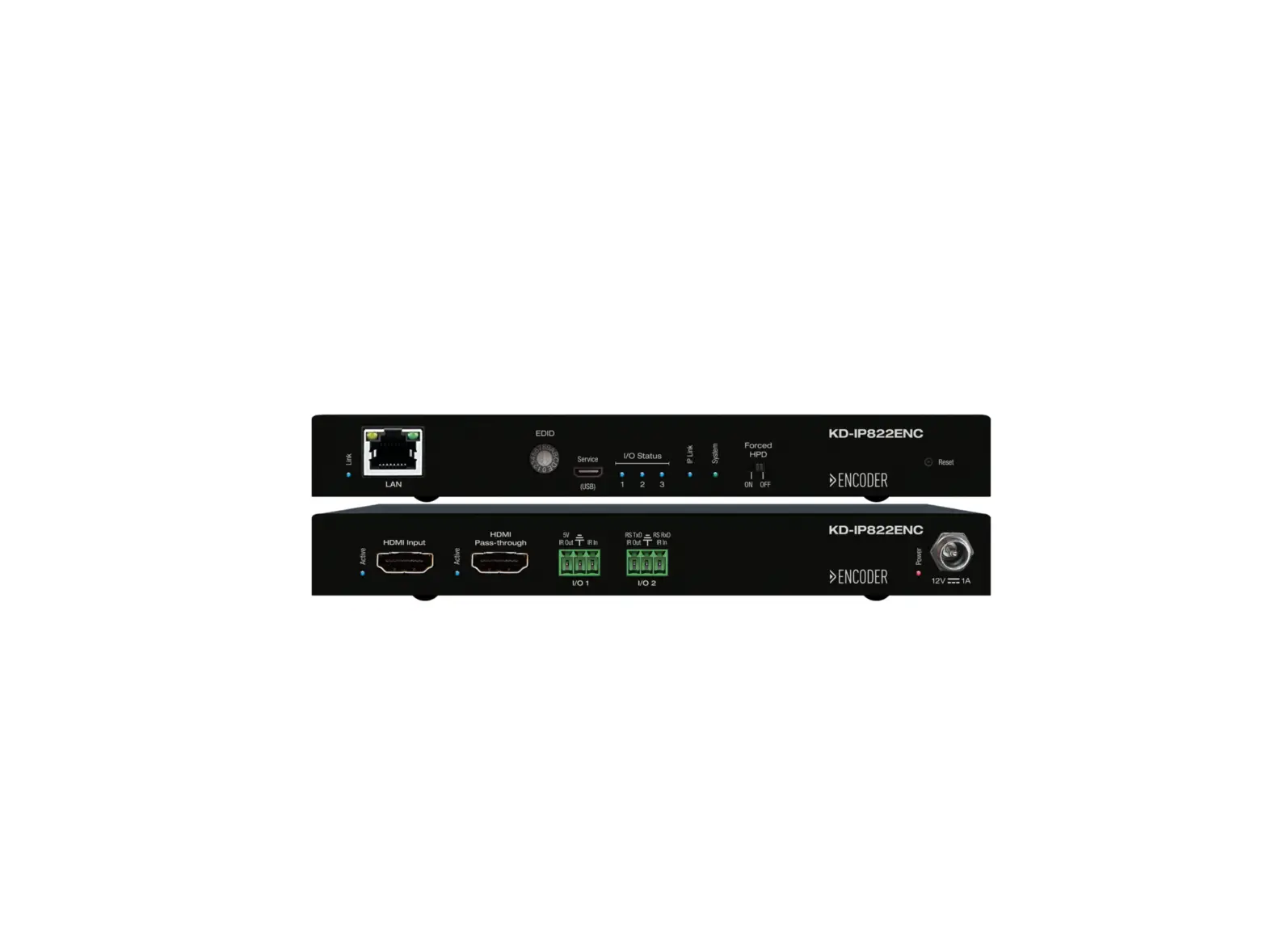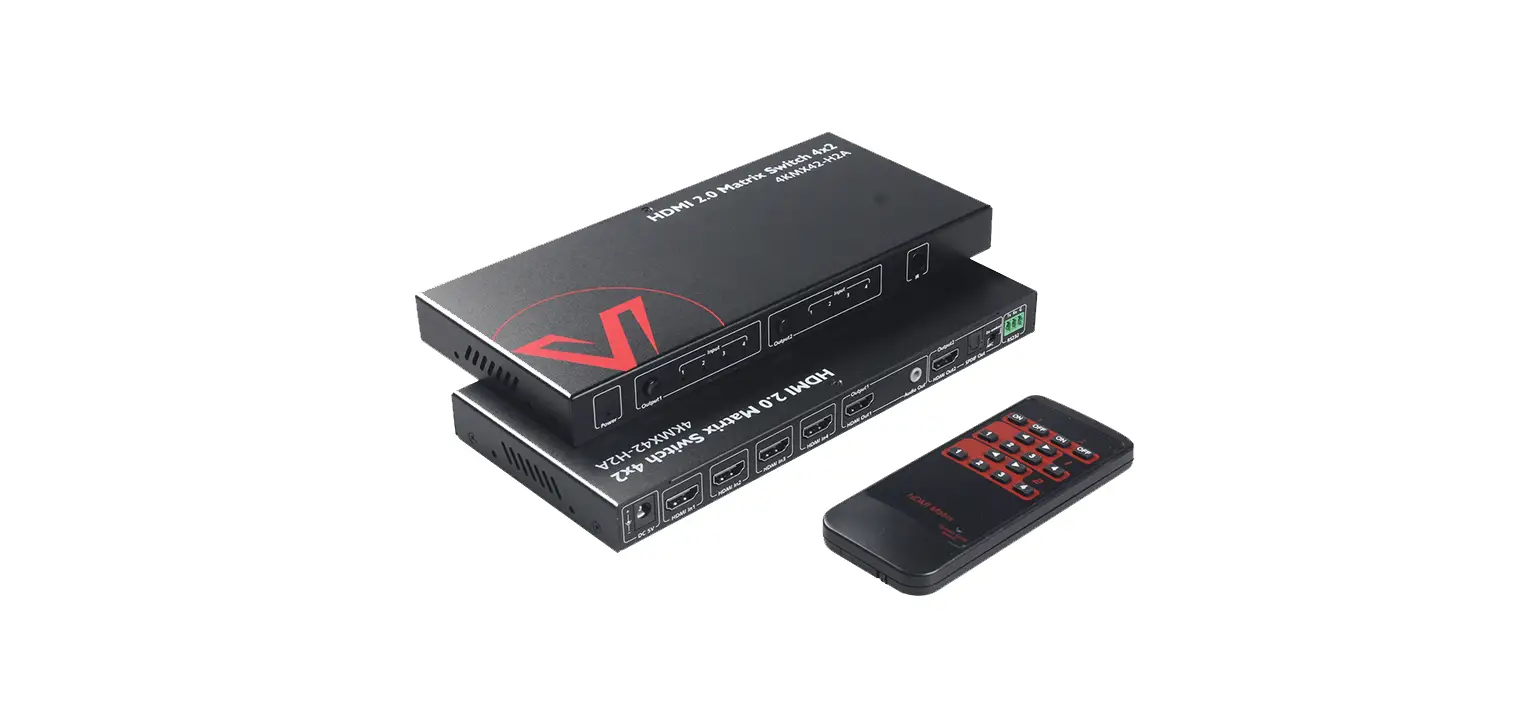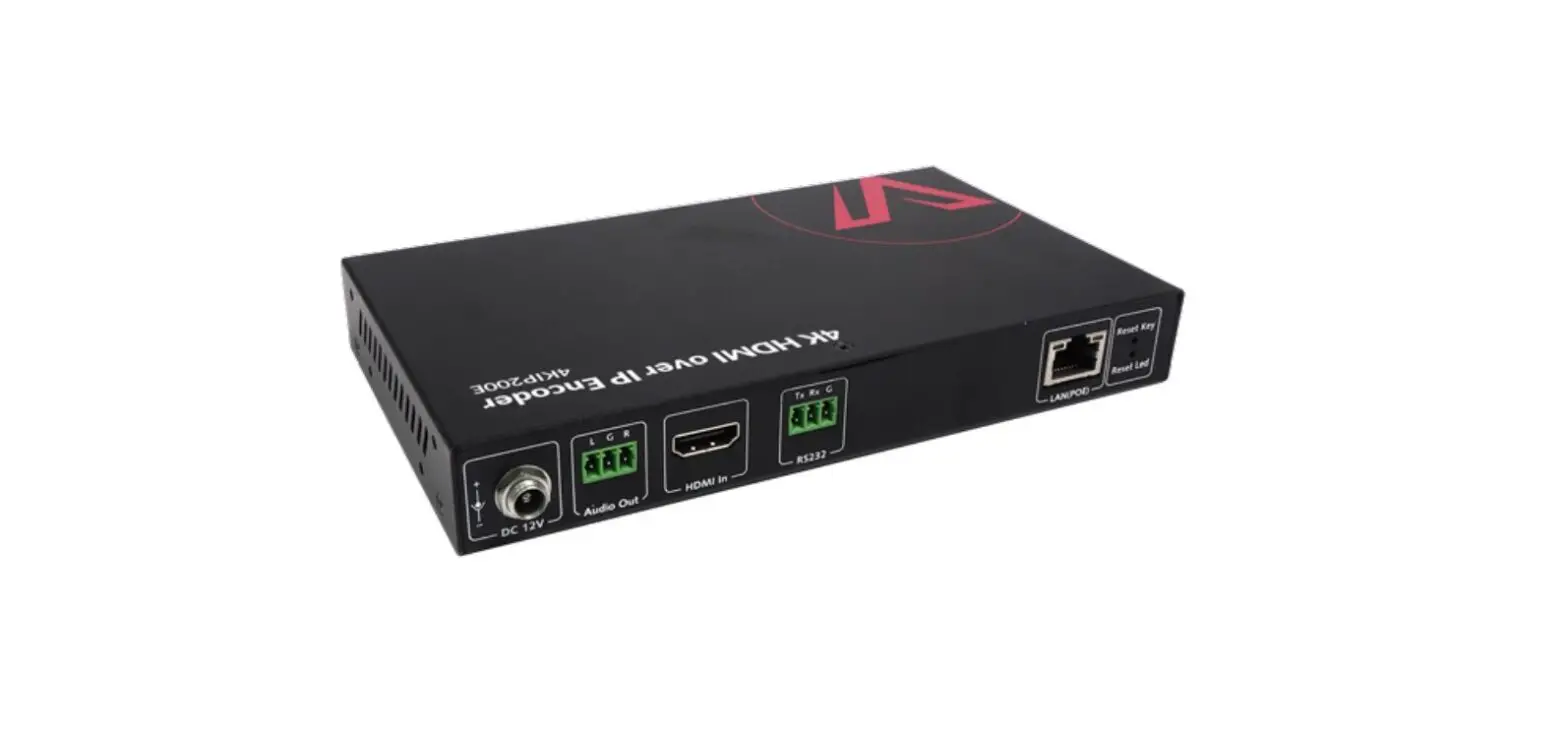
AV Access 4KIP200E 4K HDMI over IP Encoder User Manual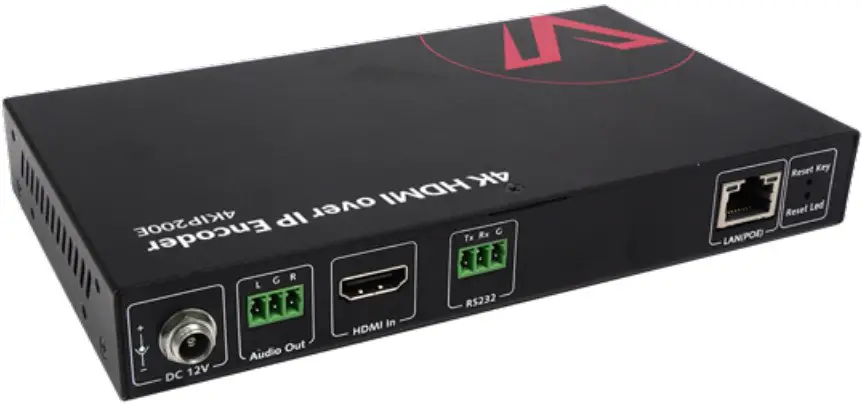
Introduction
Overview
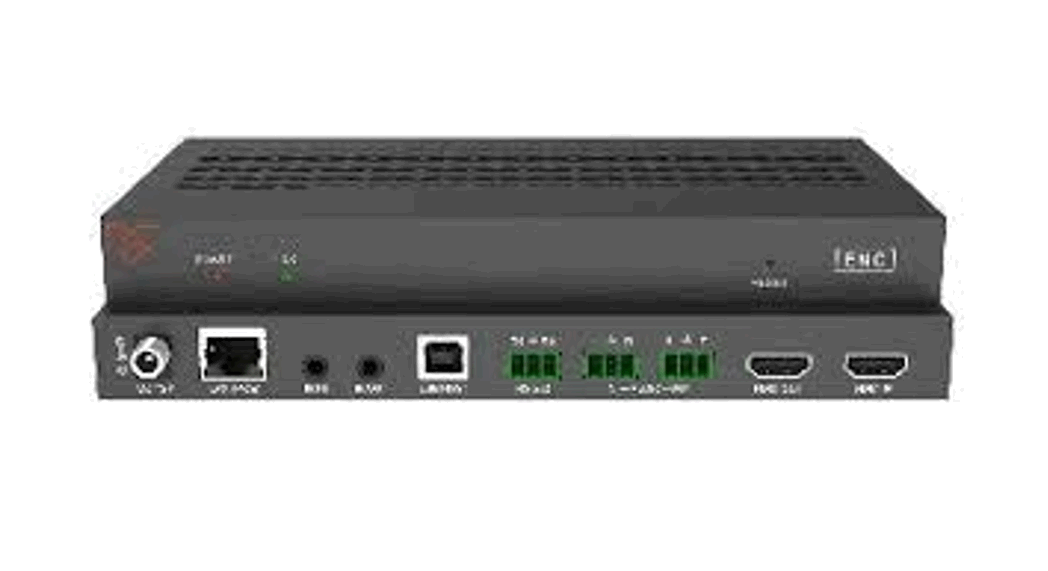
This product is an AV encoder adopting the latest H.265 compression
technology. It supports resolutions up to 3840x2160p@30Hz and can be
controlled by VDirector App (IOS/Android/Windows version), allowing users to easily build an IP matrix or a video wall through a tablet/cellphone/PC. With easy-to-use and plug-and-play features, the encoder that works with the 4KIP200D decoder can be widely used in sports bars, conference rooms, digital signage, etc.
Features
- Works easily with an Ethernet switch, no configuration is required.
- Plug and play.
- Supports visual control through a tablet/cellphone/PC.
- Supports high-efficiency H.265 video codec.
- Works with 4KIP200D decoder to build an IP matrix or a video wall easily.
- Independent RS232 routing.
Package Contents
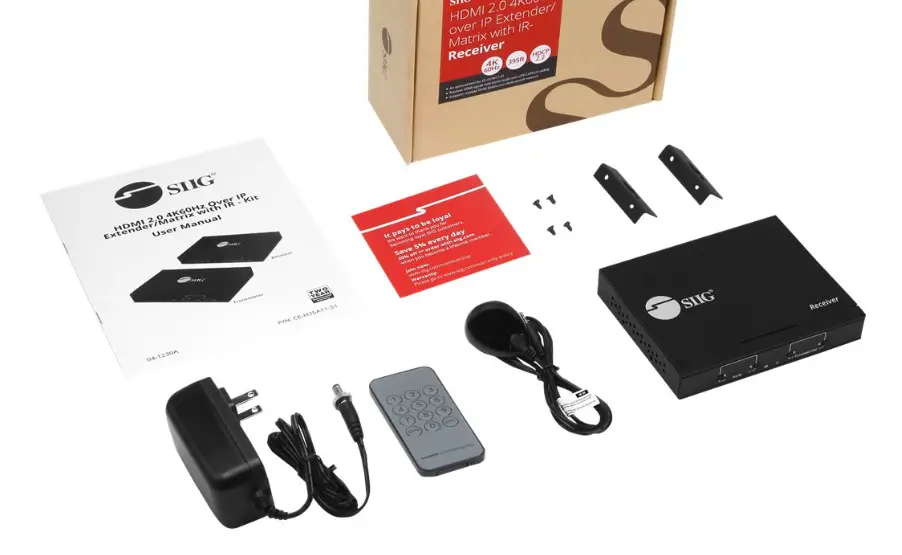
Before you start the installation of the product, please check the package contents:
- Encoder x 1
- Power Adapter (DC 12V 1A) x 1
- Phoenix Male Connectors (3.5 mm, 3 Pins) x 2
- Mounting Brackets (with Screws) x 2
- User Manual x 1
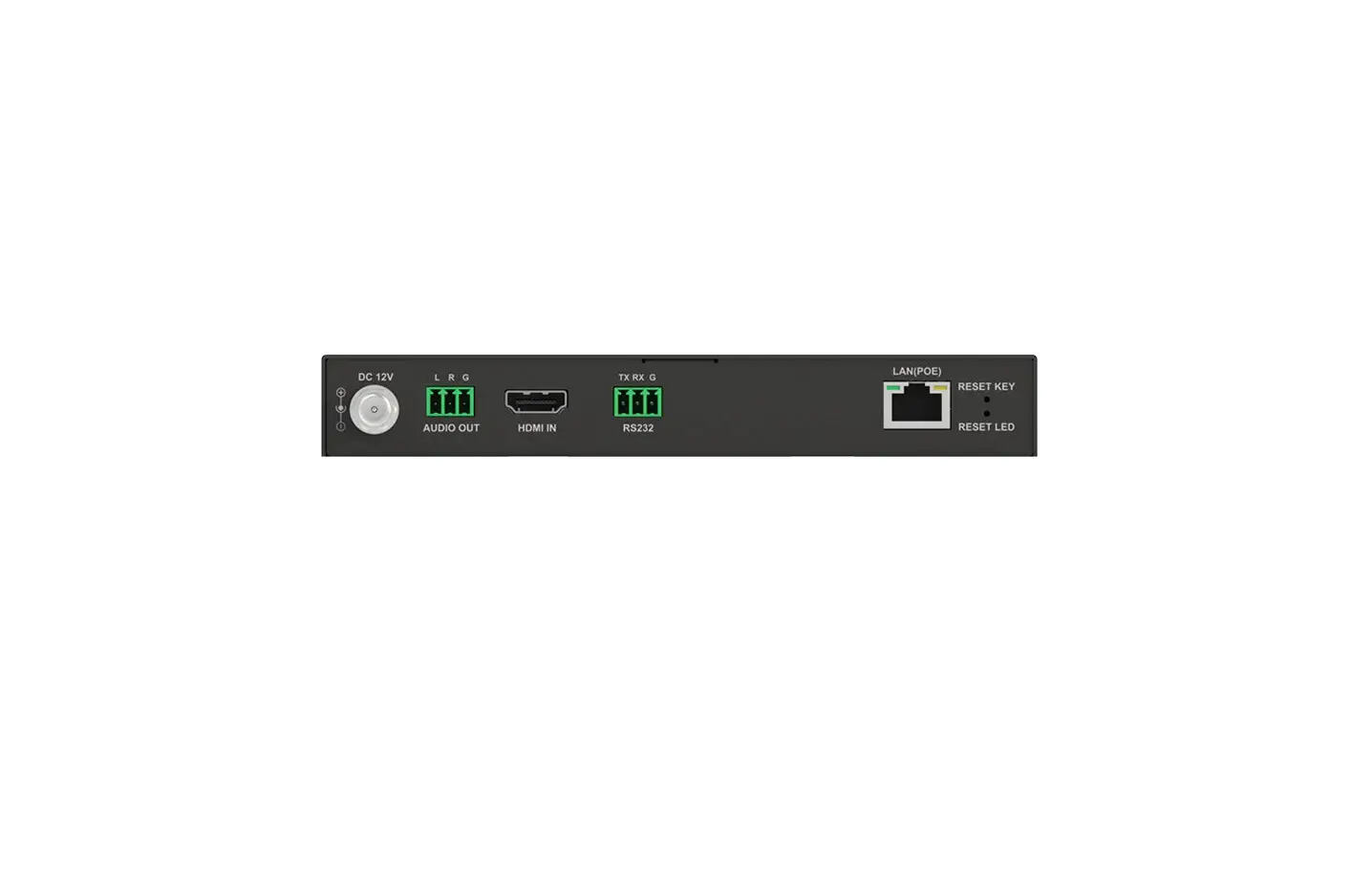
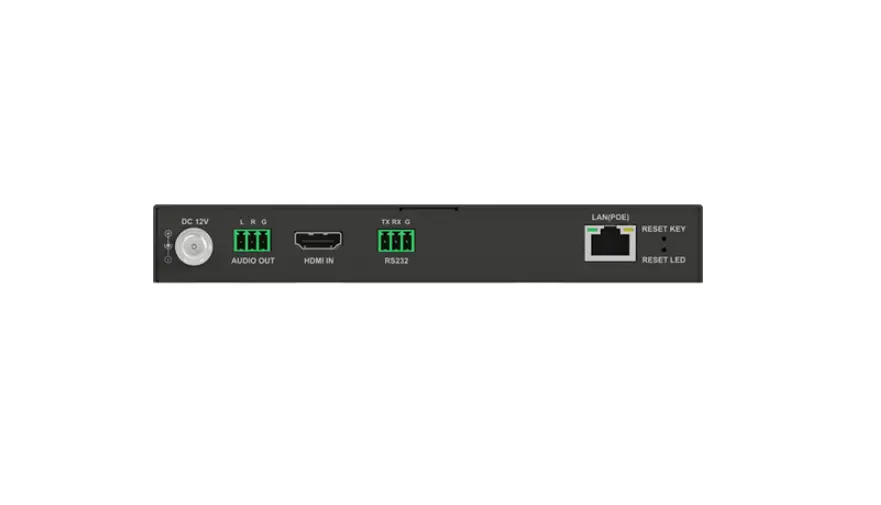
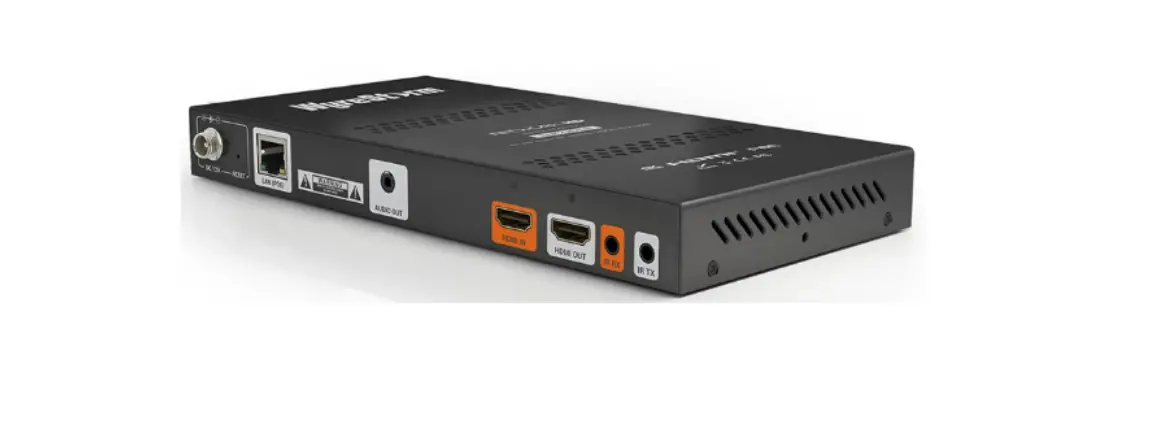
Panel
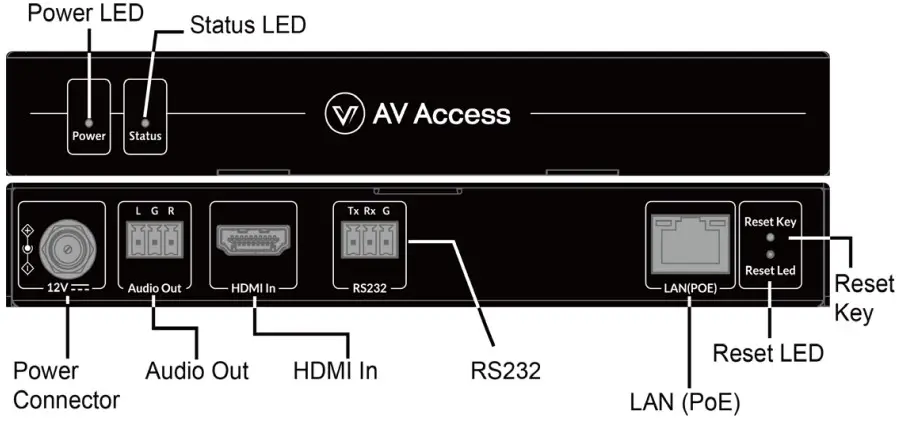
Application
Extender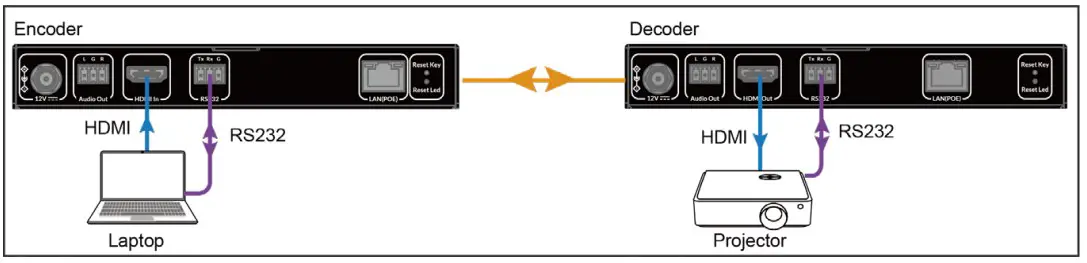
Splitter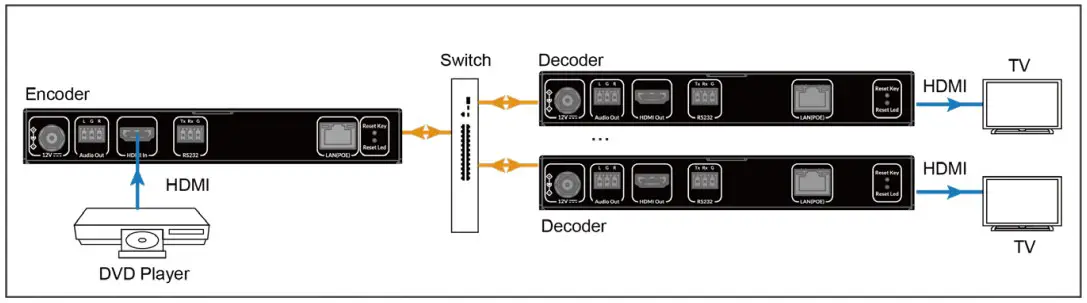
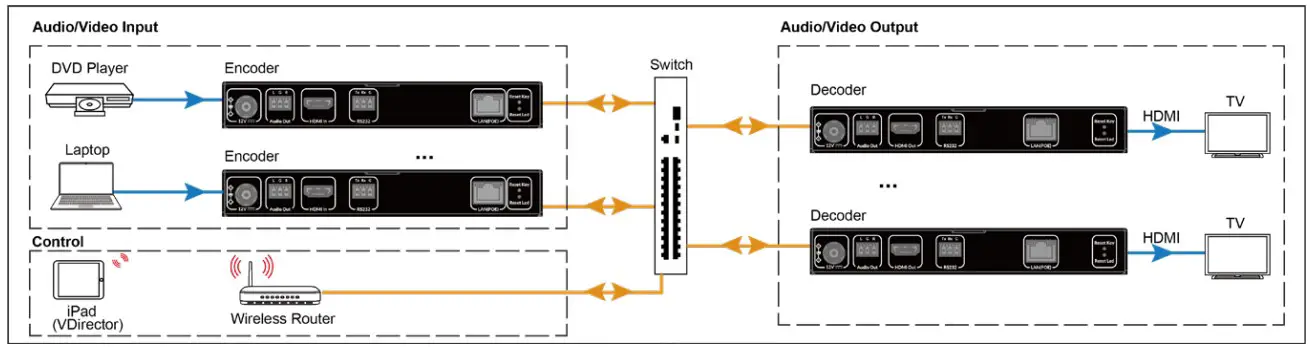
m – n: Matrix/Video Wall
Take IOS version for example, to configure matrix and video wall, perform the following:
- Scan the QR code on the right or visit Apple App Store to search, download and install VDirector App with your iPad. (Note: to get Android version, please visit Google Play Store; to get Windows version,

please visit www.avaccess.com) - Connect all encoders, decoders and the wireless router to the network switch according to the following diagram shown:

- Configure the wireless router properly, and then connect your iPad to the Wi-Fi network. Launch VDirector on iPad, it will start searching for online devices, and the following main screen will appear


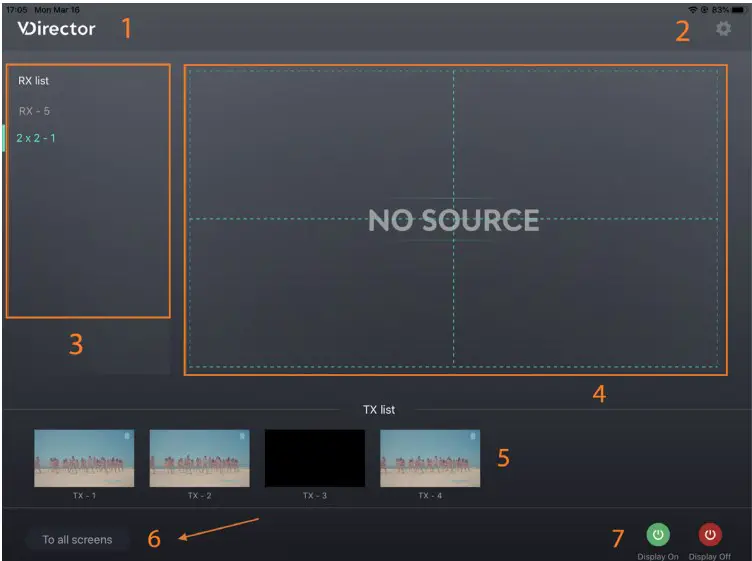
| No. | Name | Description |
| 1 | Logo | This logo can be changed to a new one. |
| 2 | SystemConfiguration Button | Click this button to enter system configuration page for the functions: 1) Naming and Sequencing; 2) Video Wall Settings;3) Advanced Settings; 4) System Information. |
| 3 | RX List | Shows the list of online RX devices, including single deviceand devices for video walls. |
| No. | Name | Description |
| 4 | RX Preview | Shows the live preview of current RX assignments. |
| 5 | TX List | Shows the IP stream’s live preview from TX device. |
| 6 | To All Screens | Drag a TX from TX list over this button means the switching ofthis TX to all RX devices in RX list, including video walls. |
| 7 | Display On/Off | Ÿ Display On: Turn on all RXs’ displays.Ÿ Display Off: Set all RXs’ displays to standby state. |
Specifications
| Video | |
| Input Port | 1 x HDMI |
| Input Resolutions | up to 3840x2160p@30Hz |
| Output Port | 1 x LAN |
| Output Resolutions | up to 3840x2160p@30Hz |
| Video Protocol | H.265 |
| Audio | |
| Input Port | 1 x HDMI |
| Output Port | 1 x LAN, 1 x Audio Out |
| Audio Format | MPEG4-AAC Stereo |
| Control | |
| Control Method | VDirector App (IOS/Android/Windows Version) |
| General | |
| Operating Temperature | +32°F ~ +113°F (0°C ~ +45°C), 10% ~ 90%, non-condensing |
| Storage Temperature | -4°F ~ 140°F (-20°C ~ +70°C), 10% ~ 90%, non-condensing |
| Power Supply | DC12V 1A / PoE |
| Power Consumption (Max) | 3.6W |
| ESD Protection | Human body model:±8kV (air-gap discharge)/±4kV (contact discharge) |
| Dimensions (W x H x D) | 175mm x 25mm x 100.2mm/ 6.9” x 0.98” x 3.9” |
| Net Weight | 0.60kg/1.32lbs |
Warranty
Products are backed by a limited 1-year parts and labor warranty. For the following cases AV Access Technology Limited shall charge for the service(s) claimed for the product if the product is still remediable and the warranty card becomes unenforceable or inapplicable.
- The original serial number (specified by AV Access Technology Limited) labeled on the product has been removed, erased, replaced, defaced or is illegible.
- The warranty has expired.
- The defects are caused by the fact that the product is repaired, dismantled or altered by anyone that is not from an AV Access Technology Limited authorized service partner. The defects are caused by the fact that the product is used or handled improperly, roughly or not as instructed in the applicable User Guide.
- The defects are caused by any force majeure including but not limited to accidents, fire, earthquake, lightning, tsunami and war.
- The service, configuration and gifts promised by salesman only but not covered by normal contract.
- AV Access Technology Limited preserves the right for interpretation of these cases above and to make changes to them at any time without notice.
Thank you for choosing products from AV Access.
If you have any question, please contact us via the following emails:
General Enquiry: [email protected]
Customer/Technical Support: [email protected]
 AV Access | Quality & Budget Assured Pro AV Product Manufacturer