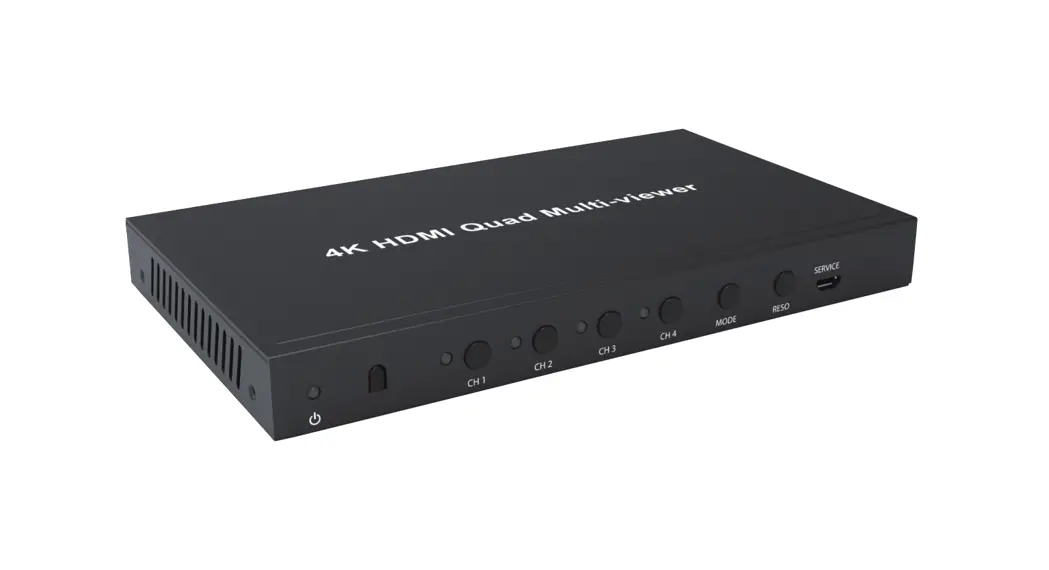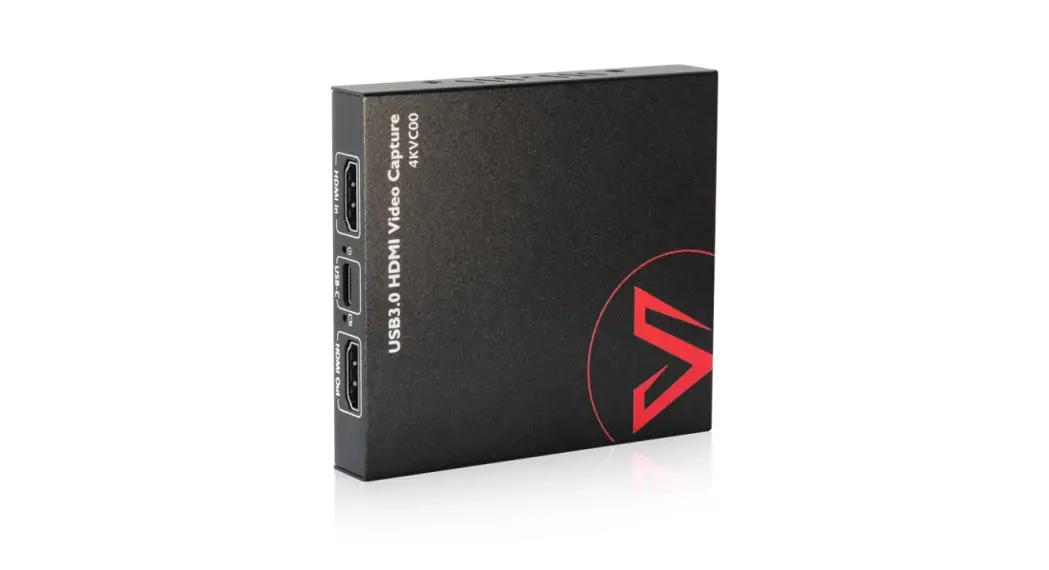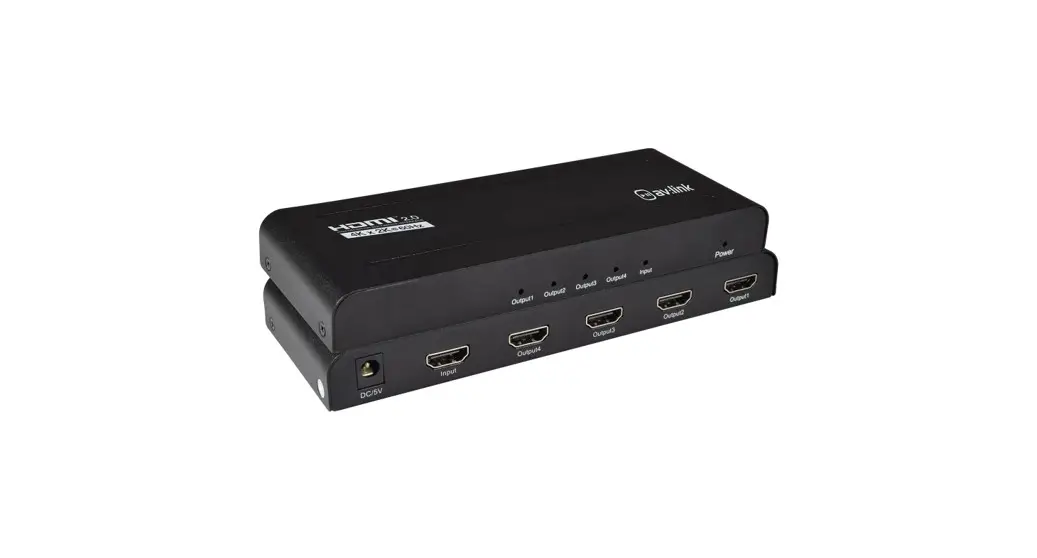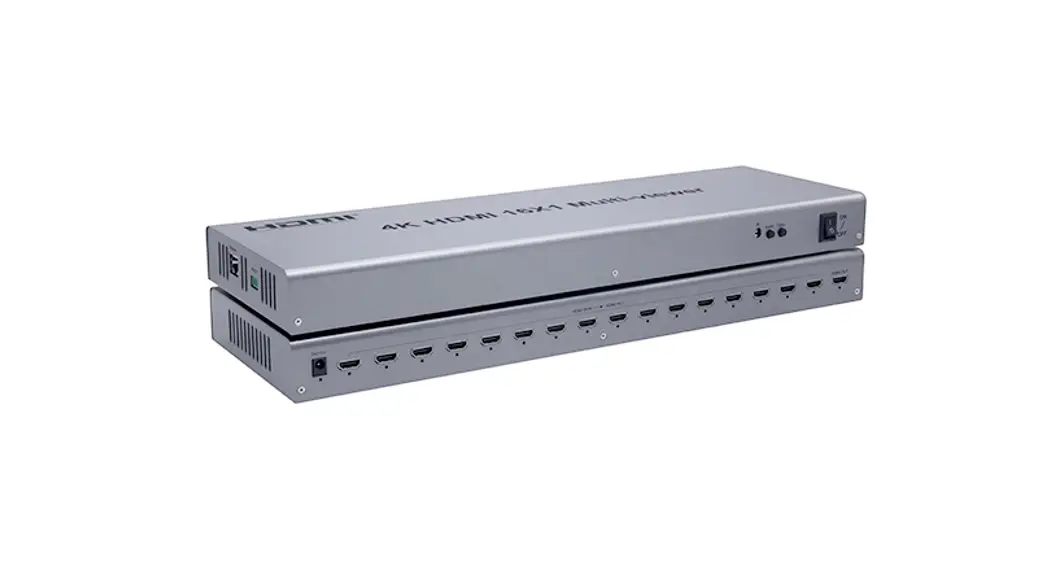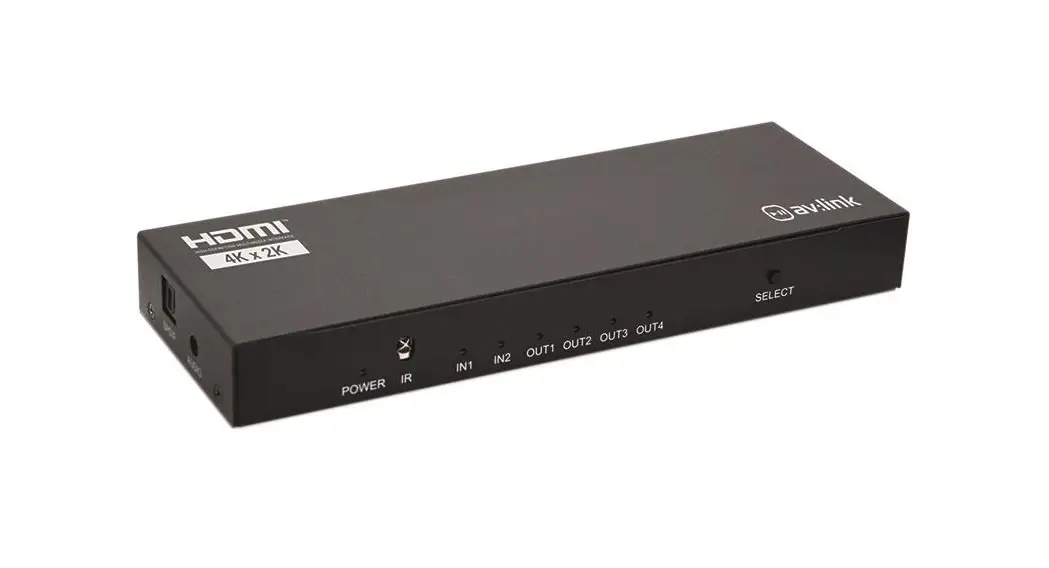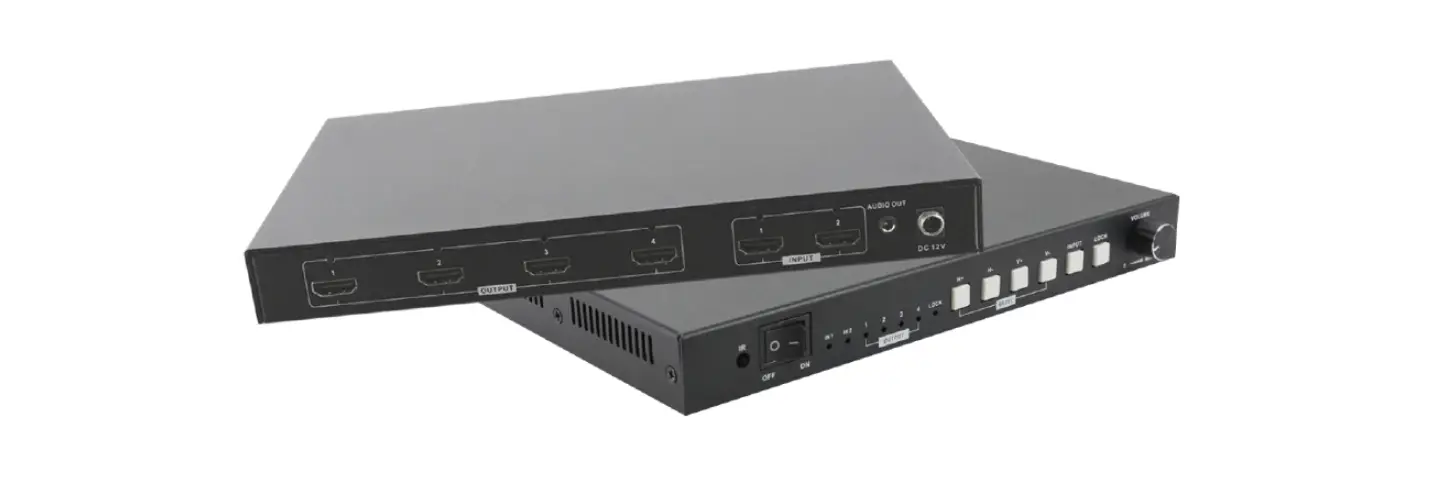
AV Access 4KMV41 4×1 4K HDMI Multi-Viewer
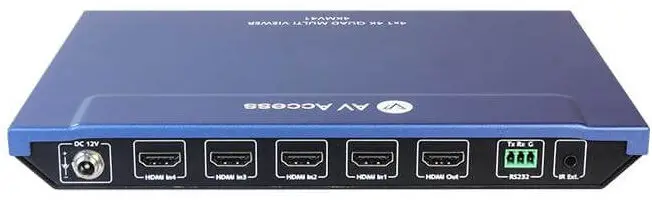
RS232 Default Setting
| Parameters | Value |
| Baud Rate | 115200 bps |
| Data bits | 8 bits |
| Parity | None |
| Stop bits | 1 bit |
| Flow control | None |
Command
Take Command SET OUTPUT_MODE prm<R><LF> as an example:
- SET OUTPUT_MODE] denotes command key words, case insensitive.
- Iprm] denotes parameters, case insensitive; incorrect parameters number will not be recognized.
- <CR><LF> denotes a carriage return or a line feed; all commands must be ended up with a carriage return or a line feed.
| NO. | Description | Command Example | |
|
1 |
To set output mode
To set output channel
To set audio mode
– | Command: I Command: SET OUTPUT_MODE SET OUTPUT_MODE prm<CR><LF> INl <CR><LF>
Return: Return: OUTPUT_MODE OUTPUT_MODE prm<CR><LF> INl <CR><LF>
Description: Description: prm = {INl, IN2, IN3, IN4, Set output mode to INl. DualView_ 1×2, DuaIView_3x4, Quad, I PIP_12, PIP_34, MainSub_1, MainSub_2, – MainSub_3, MainSub_4) – Command: Command: SET SW prm<CR><LF> SET SW in 1<CR><LF>
Return: Return: SW prm<CR><LF> SW in<CR><LF>
Description: Description: prm = {inl, in2, in3, in4} Set output channel to – inl. – Command: Command: SET AUDIO_MODE SET AUDIO_MODE prm<CR><LF> CH1<CR><LF>
Return: Return: AUDIO_MODE AUDIO_MODE prm<CR><LF> CH1<CR><LF>
Description: Description: prm = {CHl, CH2, CH3, Set audio mode to CH1. CH4} – l – | |
|
2 | |||
|
3
– | |||
| NO. Description Command Example | ||
| Command: I Command: SET VIDOUT_ONOFF SET VIDOUT_ONOFF | ||
| prm<CR><LF> ON<CR><LF> | ||
| 4 | To set output status | Return: Return: VIDOUT_ONOFF VIDOUT_ONOFF prm<CR><LF> ON<CR><LF> |
| Description: Description: | ||
| prm = {ON, OFF} Set output status to on. | ||
| Command: I Command: SET VIDOUT_HDCP SET VIDOUT_HDCP | ||
| prm<CR><LF> FOLLOW<CR><LF> | ||
| 5 | To set output hdcp mode | Return: Return: VIDOUT_HDCP VIDOUT_HDCP prm<CR><LF> FOLLOW<CR><LF> |
| Description: Description: prm = {HDCPl .4, I Set output hdcp mode HDCP2.2, FOLLOW} to FOLLOW. | ||
|
6 |
To set Software upgrade
To set system reset
– | Command: Command: UPG <CR><LF> UPG<CR><LF>
Return: Return: UPG<CR><LF> UPG<CR><LF>
Description: To set Software – upgrade. – Command: Command: RESET<CR><LF> RESET<CR><LF>
Return: Return: RESET<CR><LF> RESET<CR><LF>
Description: To set system reset. – – |
|
7
– | ||
| NO. | Description | Command | Example | |
| Command: SET AUDIO_MUTE prm<CR><LF> | I | Command: SET AUDIO_MUTE ON<CR><LF> | ||
| 8 | To set audio mute | Return: AUDIO_MUTE prm<CR><LF> | Return: AUDIO_MUTE ON<CR><LF> | |
| Description: prm = {ON, OFF} Command: GET VER<CR><LF> | Description: Set audio mute is on. – Command: GET VER<CR><LF> | |||
| 9 | To get VER | Return: MV0401-H2H4K-B60 Vx.x<CR><LF> | Return: MV0401-H2H4K-B60 Vx.x<CR><LF> | |
| Description: get ver | ||||
| Command: | I | Command: | ||
| GET | GET | |||
| OUTPUT_MODE<CR><L | OUTPUT_MODE<CR><L | |||
| F> | F> | |||
| Return: | Return: | |||
| OUTPUT_MODE | OUTPUT_MODE | |||
| 10 | To get OUTPUT_MODE | prm<CR><LF> | INl <CR><LF> | |
| Description: | Description: | |||
| prm = {INl, IN2, IN3, IN4, | GET OUTPUT_MODE | |||
| DualView_1x2, | ||||
| DuaIView_3x4, Quad, | I | |||
| PIP_12, PIP_34, | ||||
| MainSub_1, MainSub_2, I | ||||
| MainSub_3, MainSub_ 4} |
|
| NO. | Description | Command | Example | ||
| Command: | I
1 | Command: | |||
| GET SW<CR><LF> | GET SW<CR><LF> | ||||
| Return: | Return: | ||||
| 11 | To get SW | SWChannel | SWChannel | ||
| prm<CR><LF> | INl <CR><LF> | ||||
| Description: prm = {INl, IN2, IN3, IN4} | Description: GET SW – | ||||
| Command: | Command: | ||||
| GET | GET | ||||
| AUDIO_MODE<CR><LF | AUDIO_MODE<CR><LF | ||||
| > | > | ||||
| 12 | To get AUDIO_MODE | Return: AUDIO_MODE prm<CR><LF> | Return: AUDIO_MODE CH1<CR><LF> | ||
| Description: prm = {CHl, CH2, CH3, | Description: GET AUDIO_MODE | ||||
| CH4} | |||||
| Command: | – Command: | ||||
| GET | GET | ||||
| AUDIO_MUTE<CR><LF> | AUDIO_MUTE<CR><LF> | ||||
| 13 | To get AUDIO_MUTE | Return: AUDIO_MUTE | Return: AUDIO_MUTE | ||
| prm<CR><LF> | ON<CR><LF> | ||||
| Description: prm = {ON, OFF} | Description: GET AUDIO_MUTE |
| NO. | Description | Command Example | |
|
14 |
To get VIDOUT_ONOFF | Command: I Command: GET GET VIDOUT_ONOFF<CR><L VIDOUT_ONOFF<CR><L F> F>
Return: Return: AVIDOUT_ONOFF VIDOUT_ONOFF prm<CR><LF> ON<CR><LF>
Description: Description: prm = {ON, OFF} GETVIDOUT_ONOFF – – – Command: Command: GET GET VIDOUT_HDCP<CR><LF VIDOUT_HDCP<CR><LF > >
Return: Return: VIDOUT_HDCP VIDOUT_HDCP prm<CR><LF> ON<CR><LF>
Description: Description: prm = {HDCPl .4, I GETVIDOUT_HDCP HDCP2.2, FOLLOW} | |
|
15 |
To get VIDOUT_HDCP | ||
| Command: Command: | |||
| SET SET | |||
| VIDOUT_DSP_MODE VIDOUT_DSP_MODE | |||
| prm<CR><LF> FULL<CR><LF> | |||
| 16 | To set DISPLAY MODE | Return: Return: DISPLAY MODE DISPLAY MODE | |
| prm<CR><LF> FULL<CR><LF> | |||
| Description: Description: | |||
| prm = {FULL, STD} SET DISPLAY MODE | |||
| – | – FULL – | ||
| NO. | Description | Command | Example | |||
| Command: GET | I | Command: GET | ||||
| VIDOUT_DSP_MODE<C | VIDOUT_DSP _MODE<C | |||||
| R><LF> | R><LF> | |||||
| 17 | To get DISPLAY MODE | Return: DISPLAY MODE | Return: DISPLAY MODE | |||
| prm<CR><LF> | FULL<CR><LF> | |||||
| Description: prm = {FULL, STD} | Description: GET DISPLAY MODE | |||||
|
To set | Command: SET COLORSPACE_MODE prm<CR><LF>
Return: COLORSPACE_MODE prm<CR><LF>
Description: prm = {RGB444, YUV444}
— Command: GET COLORSPACE_MODE<C R><LF>
Return: COLORSPACE_MODEE prm<CR><LF>
Description: prm = {RGB444, YUV444} | I | Command: SET COLORSPACE_MODE RGB444<CR><LF>
Return: COLORSPACE_MODE RGB444<CR><LF>
Description: SET COLORSPACE_MODE RGB444 – Command: GET COLORSPACE_MODE<C R><LF>
Return: COLORSPACE_MODE RGB444<CR><LF>
Description: GET COLORSPACE_MODE |
– | ||
| 18 | COLORSPACE | |||||
| MODE | ||||||
|
To get | ||||||
| 19 | COLORSPACE_M | |||||
|
| ||||||