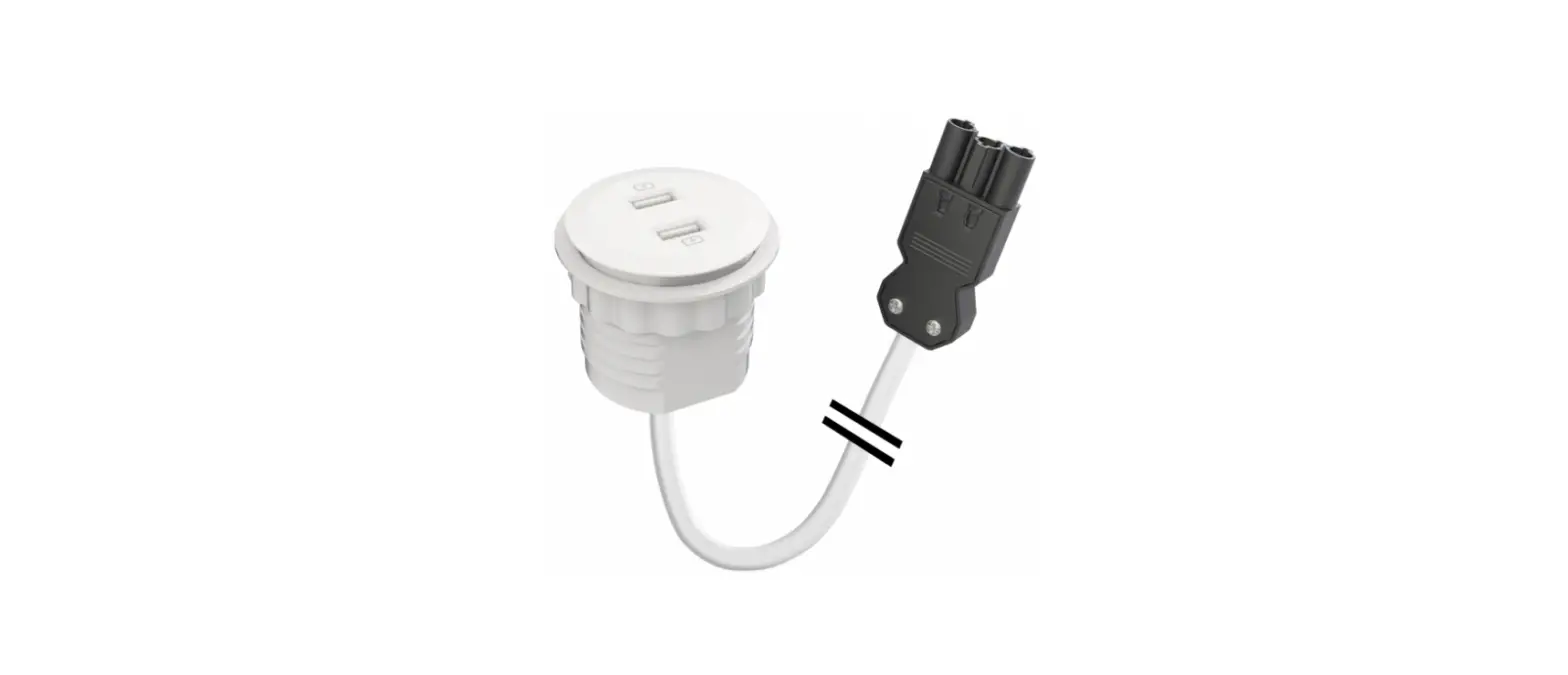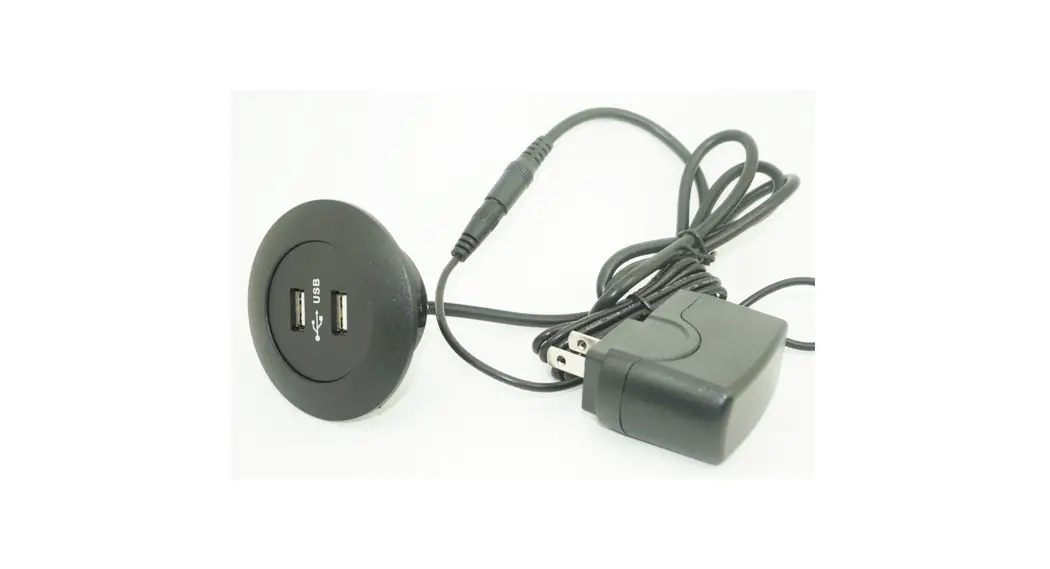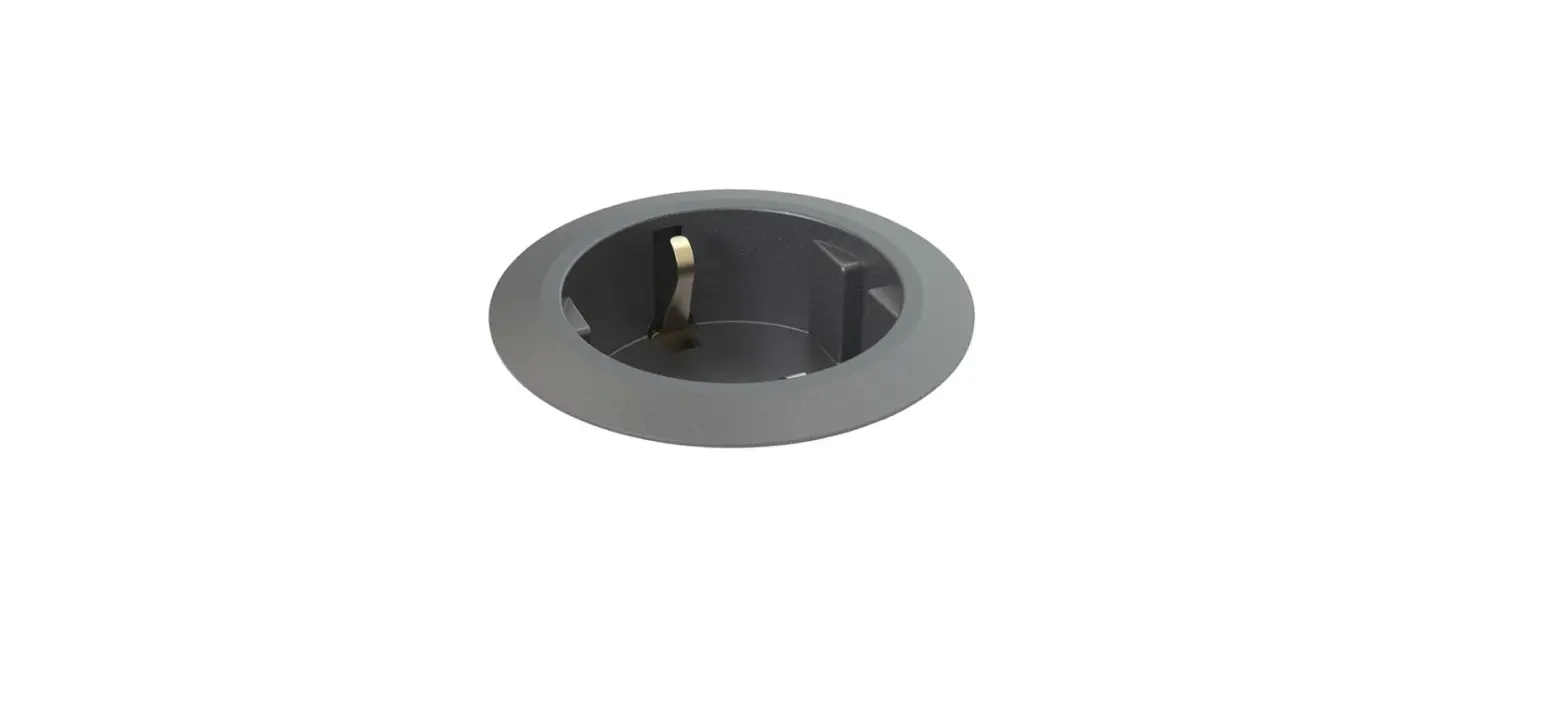

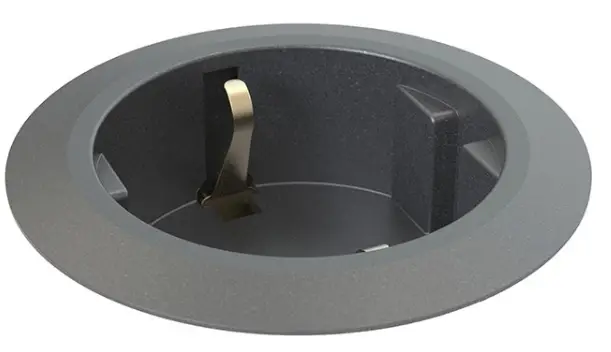
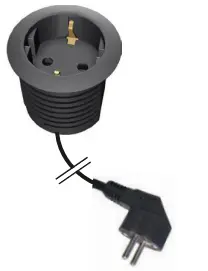
KONDATOR 935-PM50 Built-in Power Socke
INSTALLATION INSTRUCTION
- A- Installation into a round hole
B- Installation into a tailored hole
CONTENT
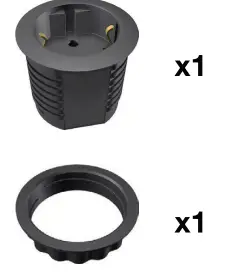
- 1A
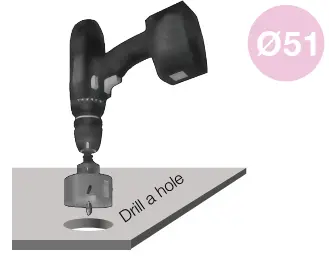
- DRILL
- Drill a hole in the table.

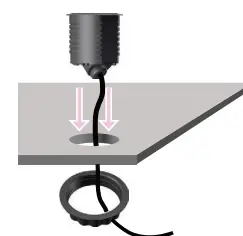
- 2A)
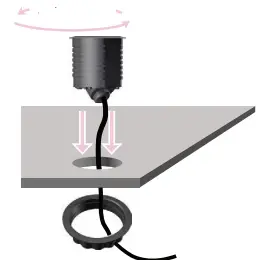
- INSERT Insert Powerdot into the hole and feed the power plug through the table and the plastic fastening nut.

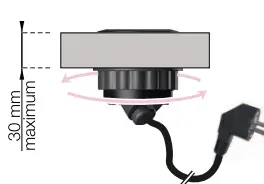
- 3A
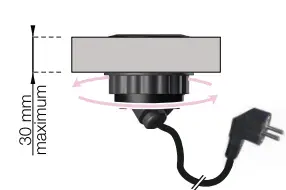
- TURN CLOCKWISE& PLUGIN Turn the plastic fastening nut as far up the thread as possible. Make sure it has been thoroughly tightened. Lastly, plug the Schuko plug into the wall socket.

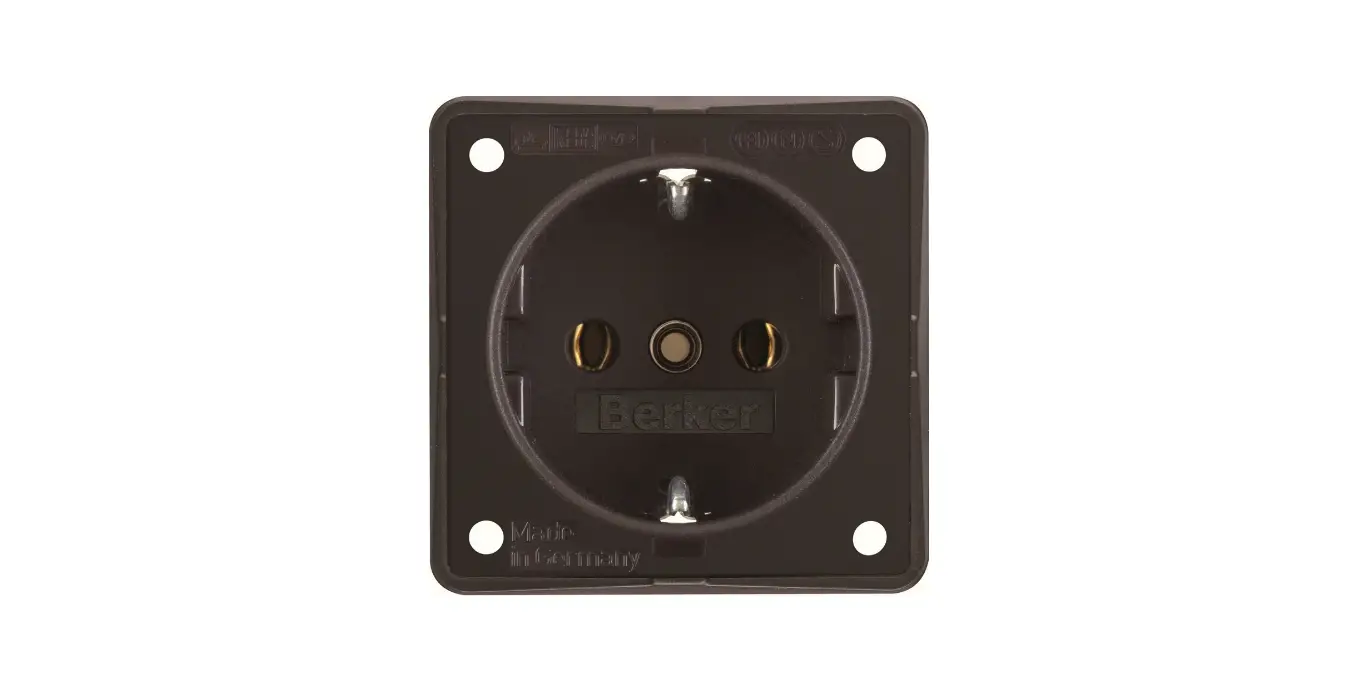
- – 1 Schuko socket
- w 1250 mm cable

- 1B
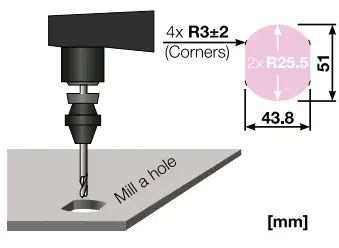
- MILL
- Mill a hole in the table.

- 2B
- INSERT Insert Powerdot into the hole and feed the power plug through the table and the plastic fastening nut.

- 3B
- Turn the plastic fastening nut as far up the thread as possible. Make sure it has been thoroughly tightened. Lastly, plug the Schuko plug into the wall socket. TURN CLOCKWISE & PLUGIN
- Kondator AB, Energivägen 8 – Box 121, SE-135 23 TYRESÖ, SWEDEN
- www.kondator,se