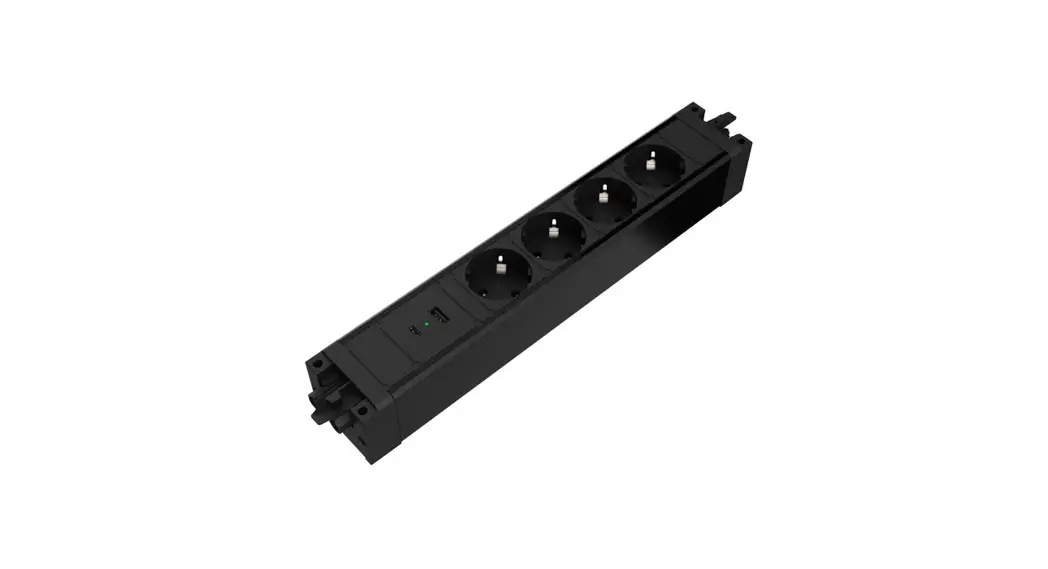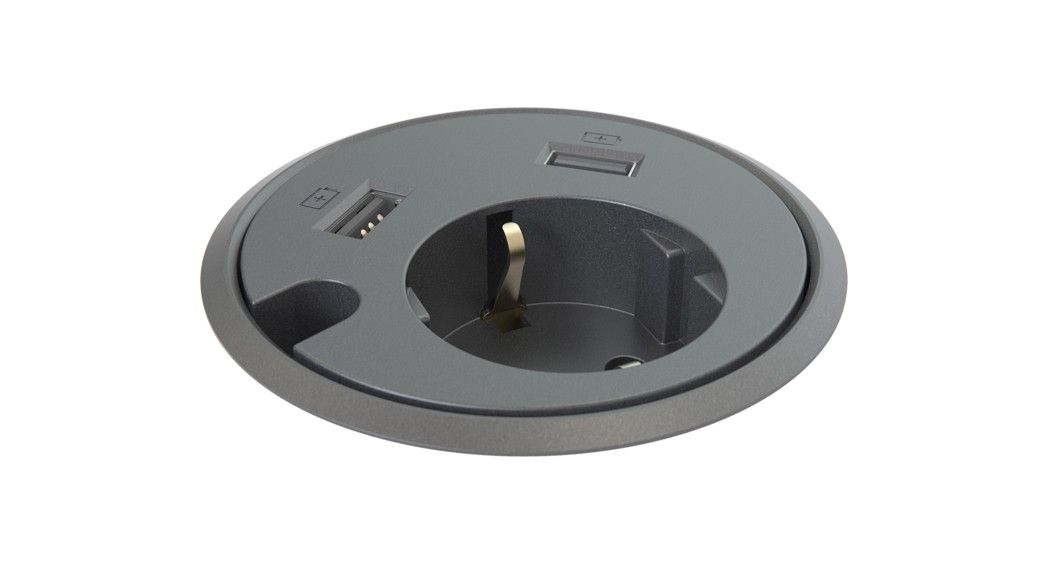

KONDATOR 935-PM32 Powerdot MICRO Charger
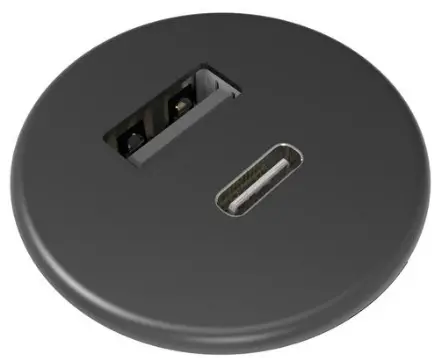
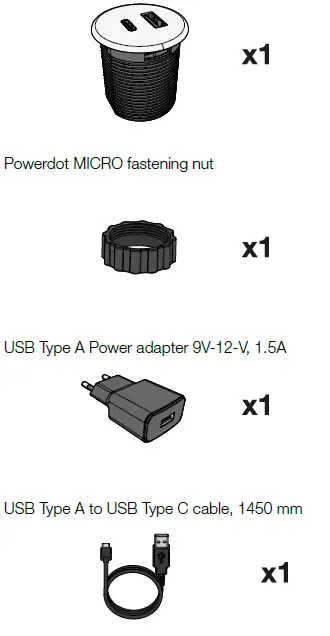
PACKAGE CONTENT
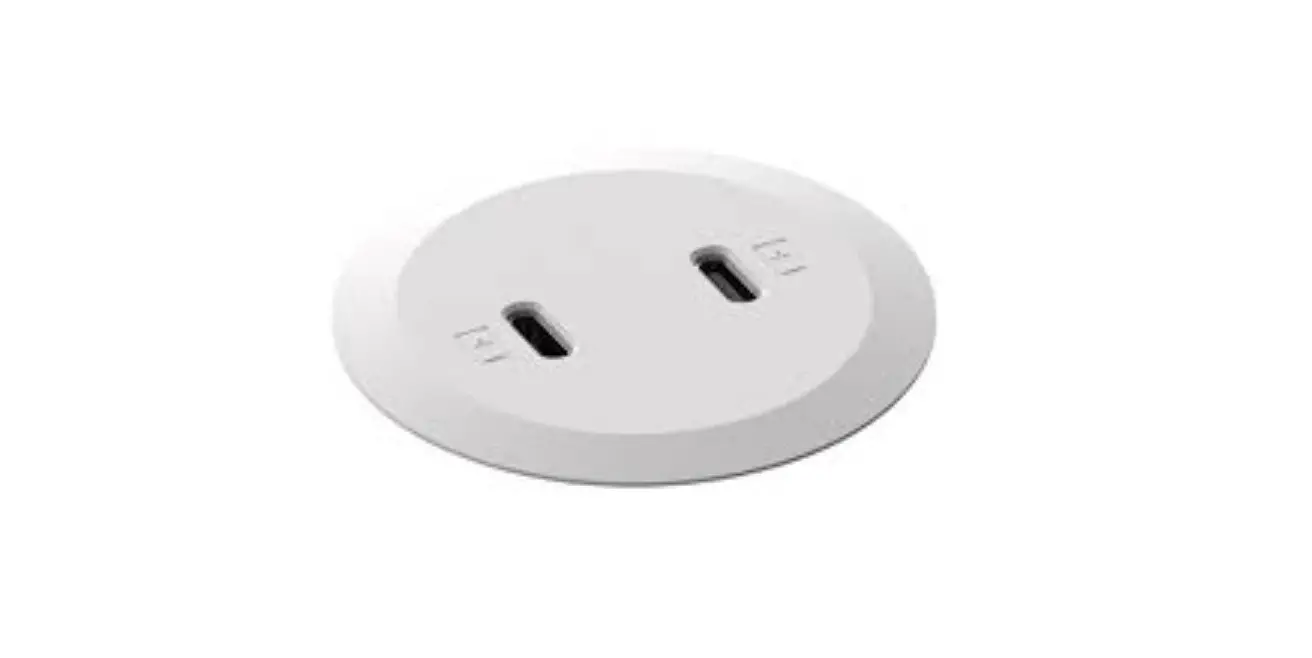
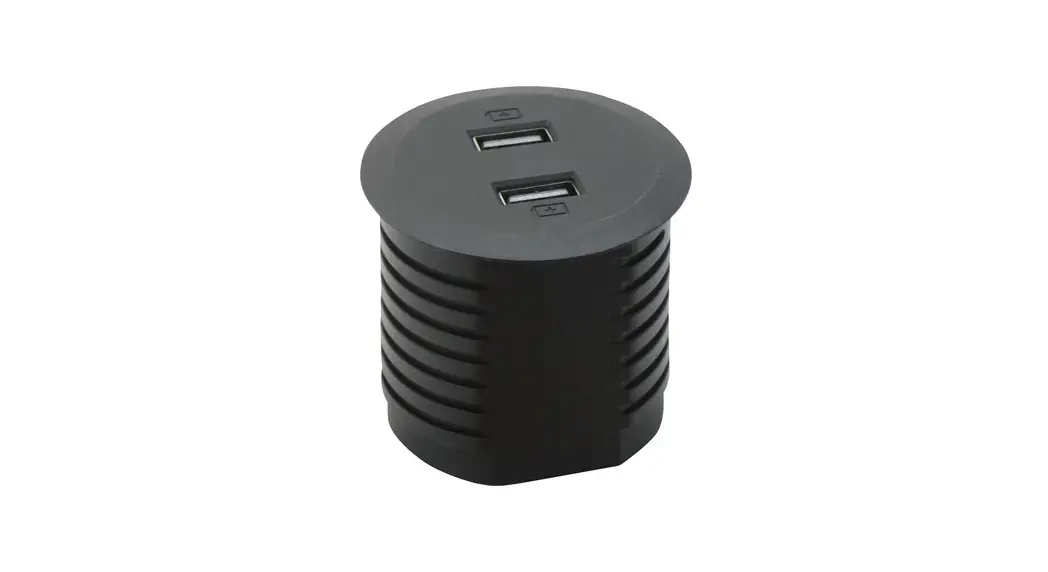
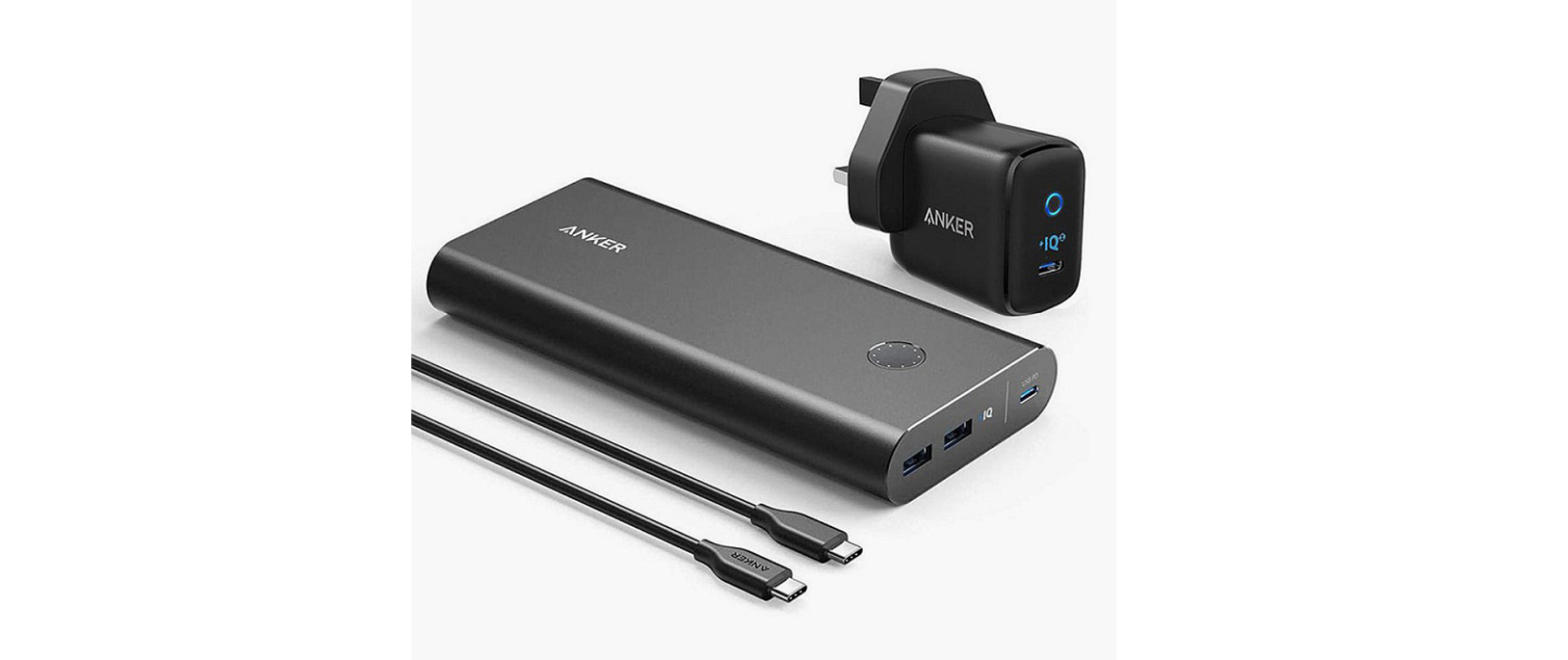
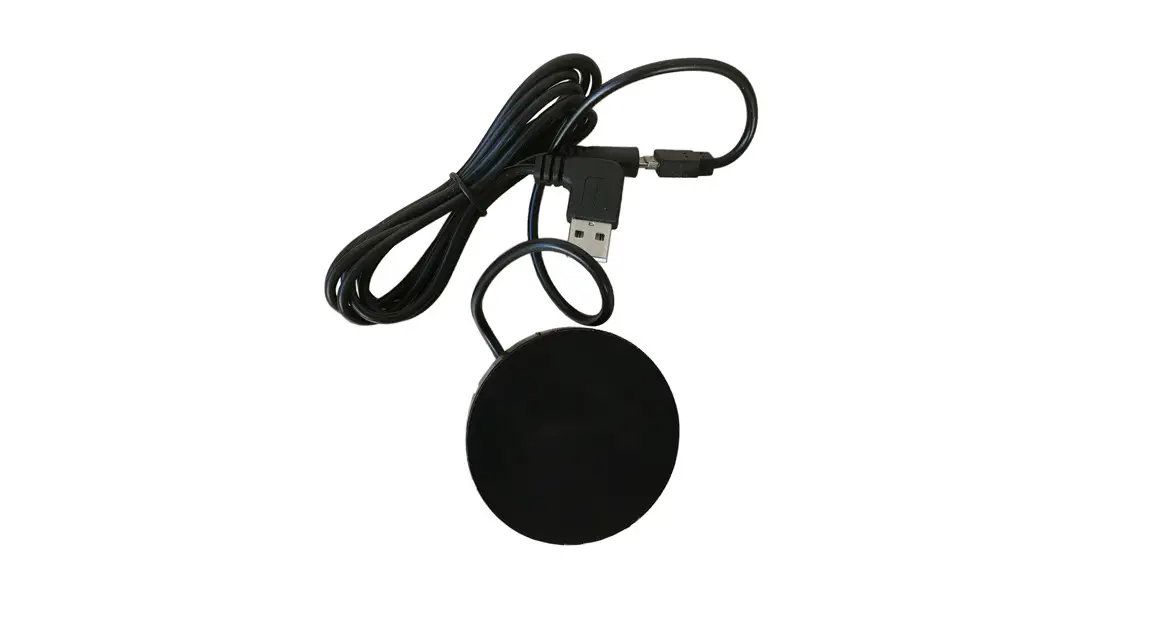
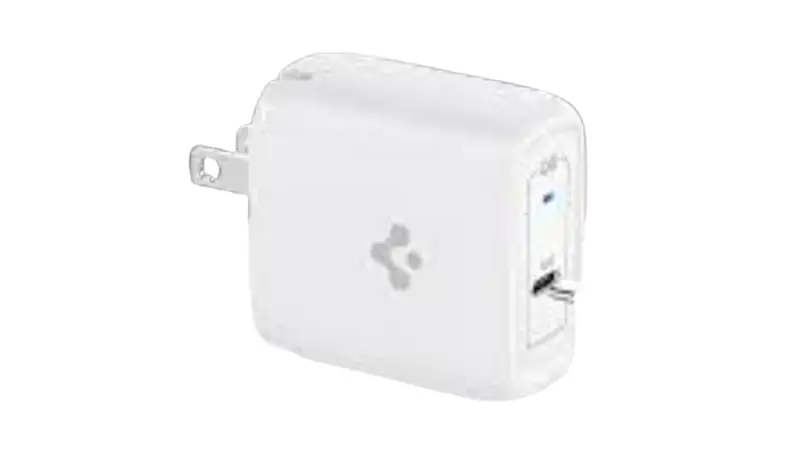
- Powerdot MICRO with 1 USB Type A
- charging connectorand 1 USB Type C
- charging connector
INSTALLATION
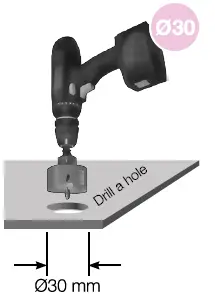
- DRILL
Drill a hole in the table/furniture
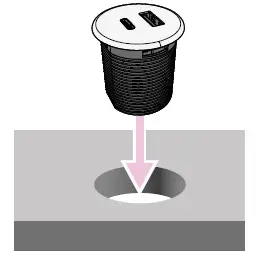
- INSERT
Insert the Powerdot MICRO into the hole, then feed the power cable through the plastic fastening nut.
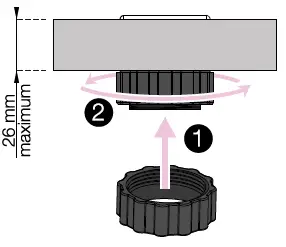
- USE FASTENING NUT
Turn the fastening nut s far up the thread as possible by turning clockwise until the product is fully rigid against the table/furniture.
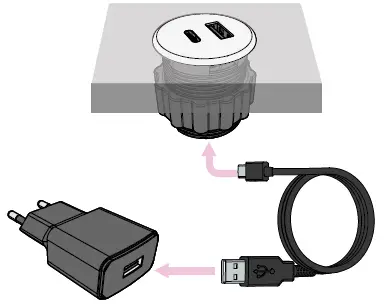
- CONNECT AND PLUG IN
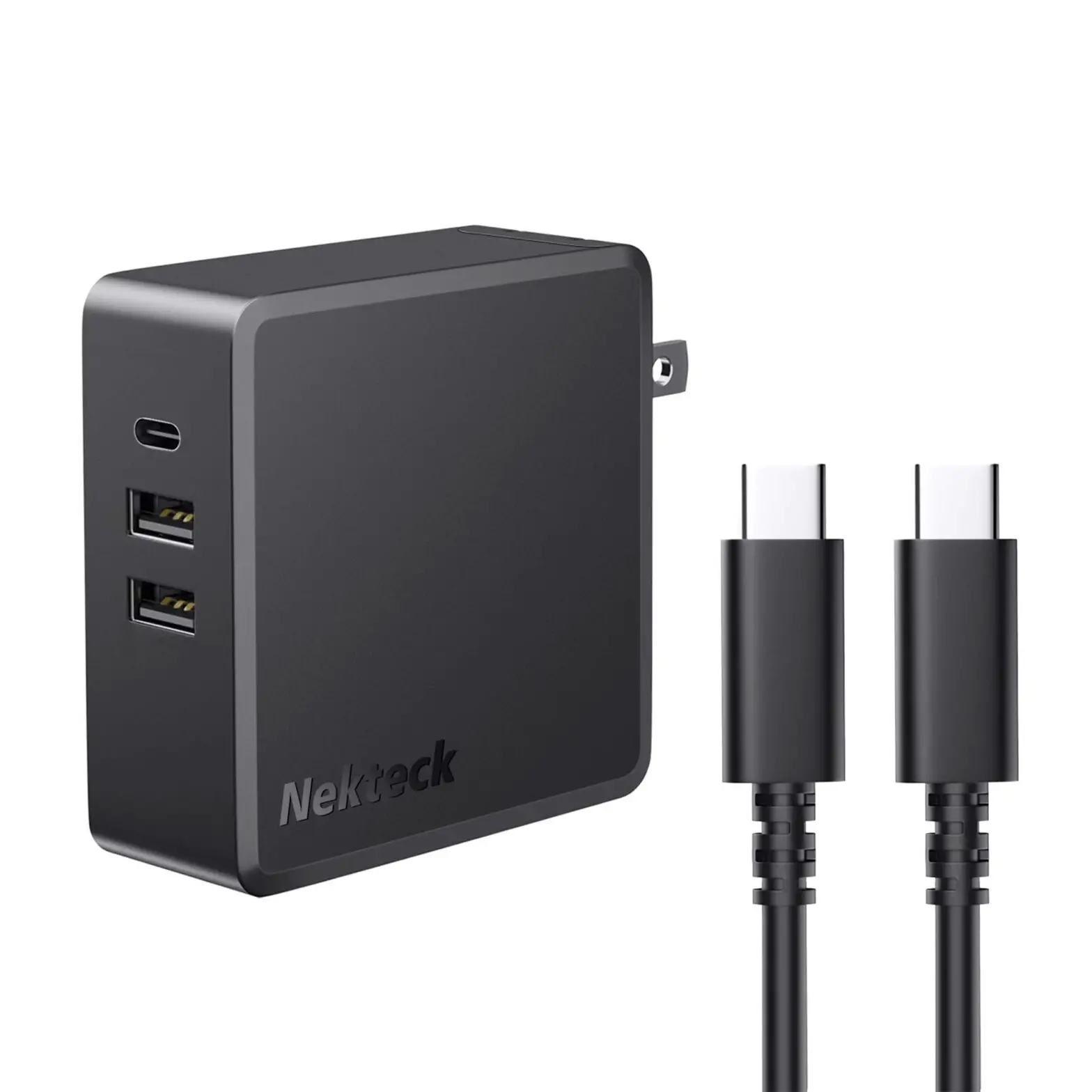
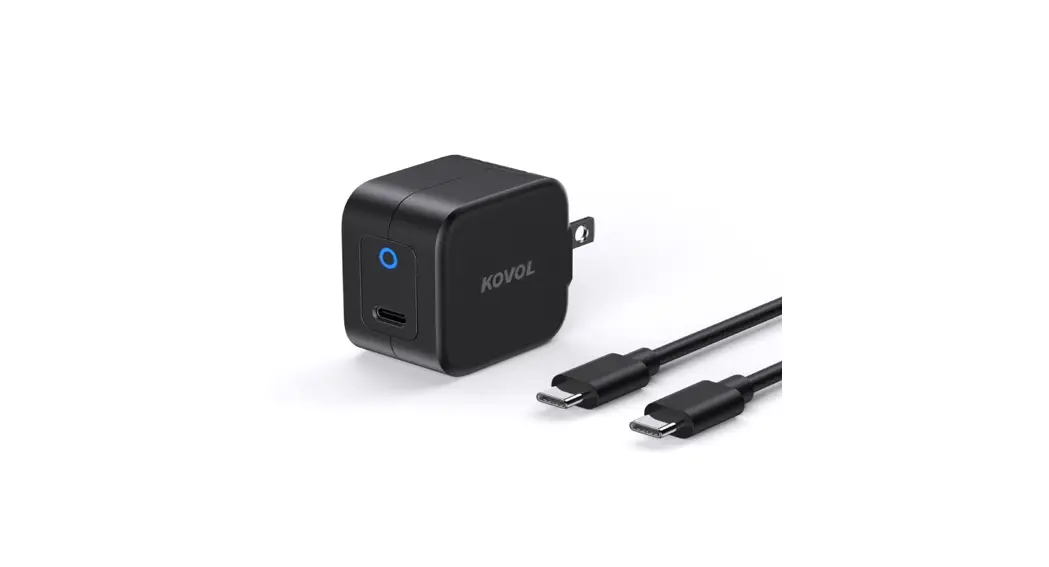
Connect USB Micro cable to the grommet and to adapter. Lastly, plug it to a wall SOCket or powerstrip of your choice.
Kondator AB, Energivägen 8 – Box 121, SE-135 23 TYRESO, SWEDEN