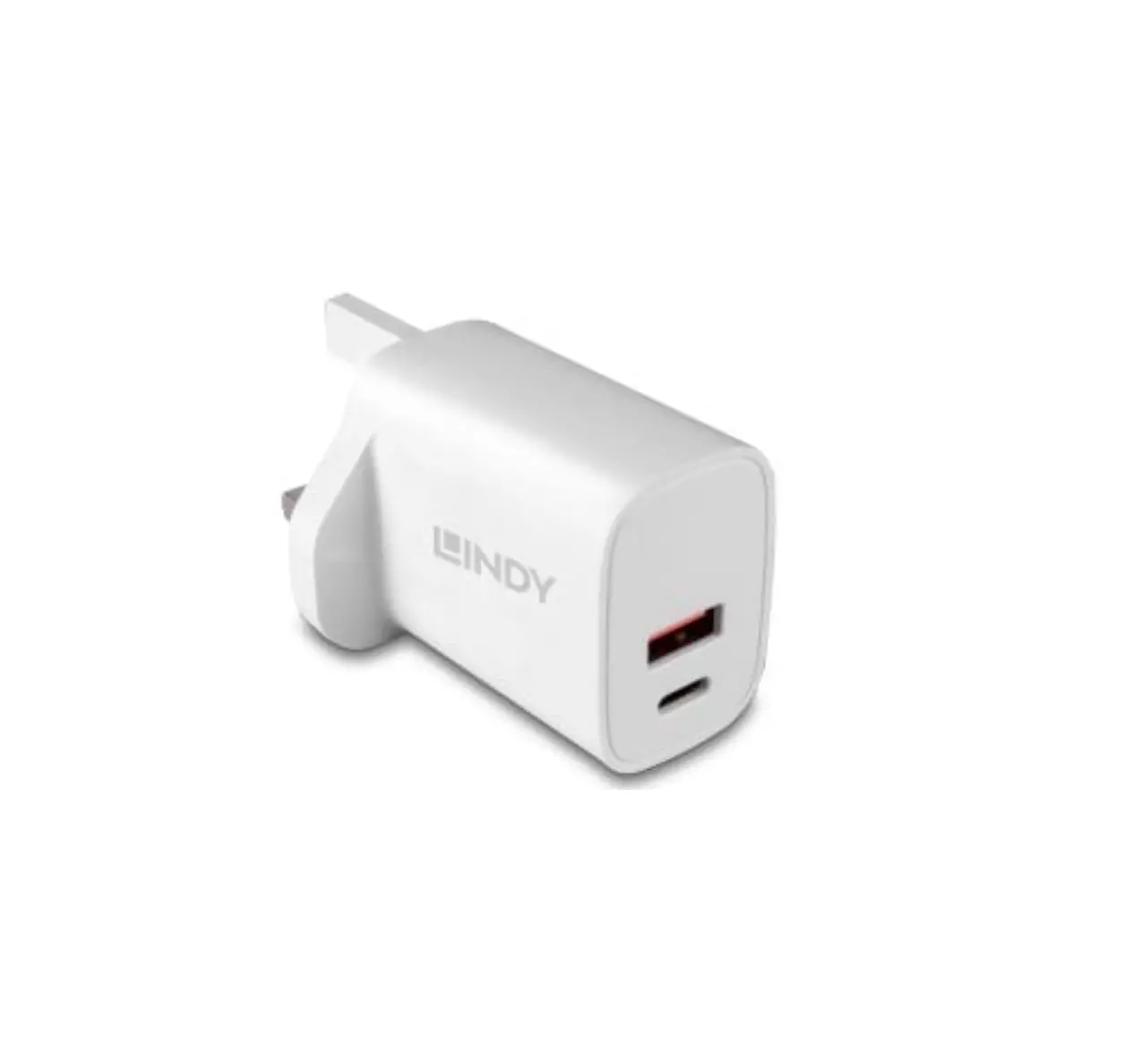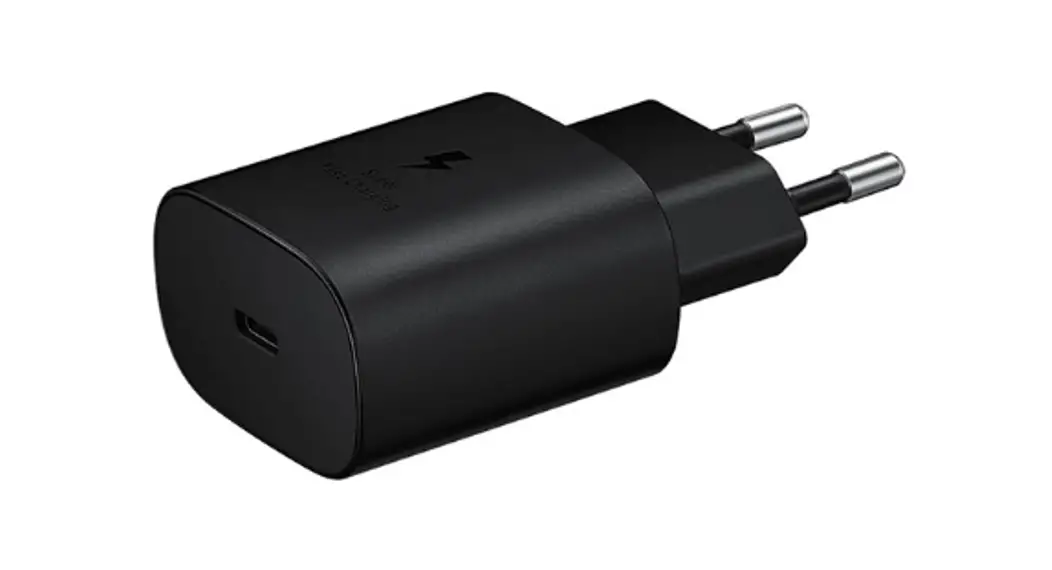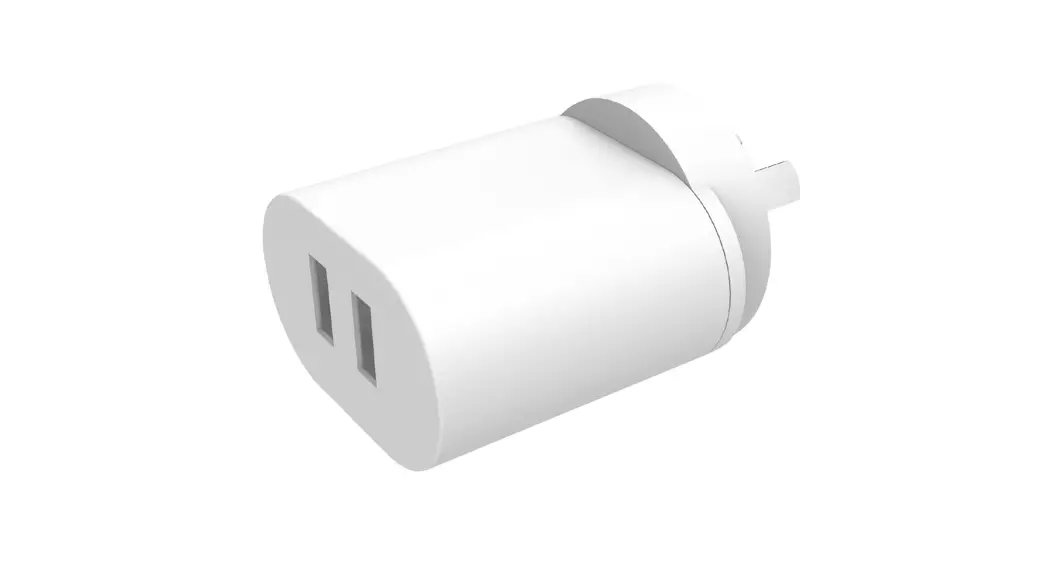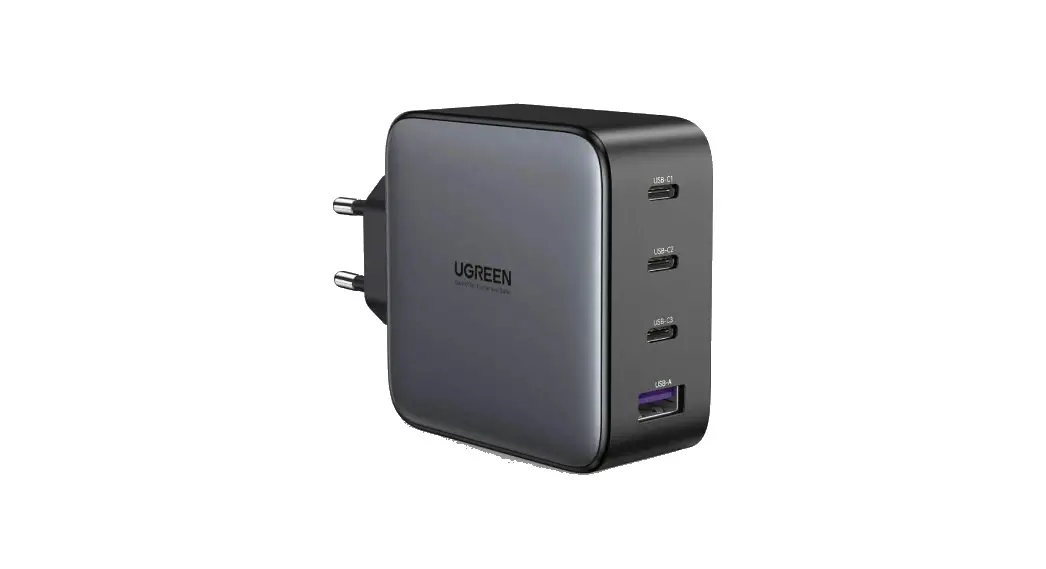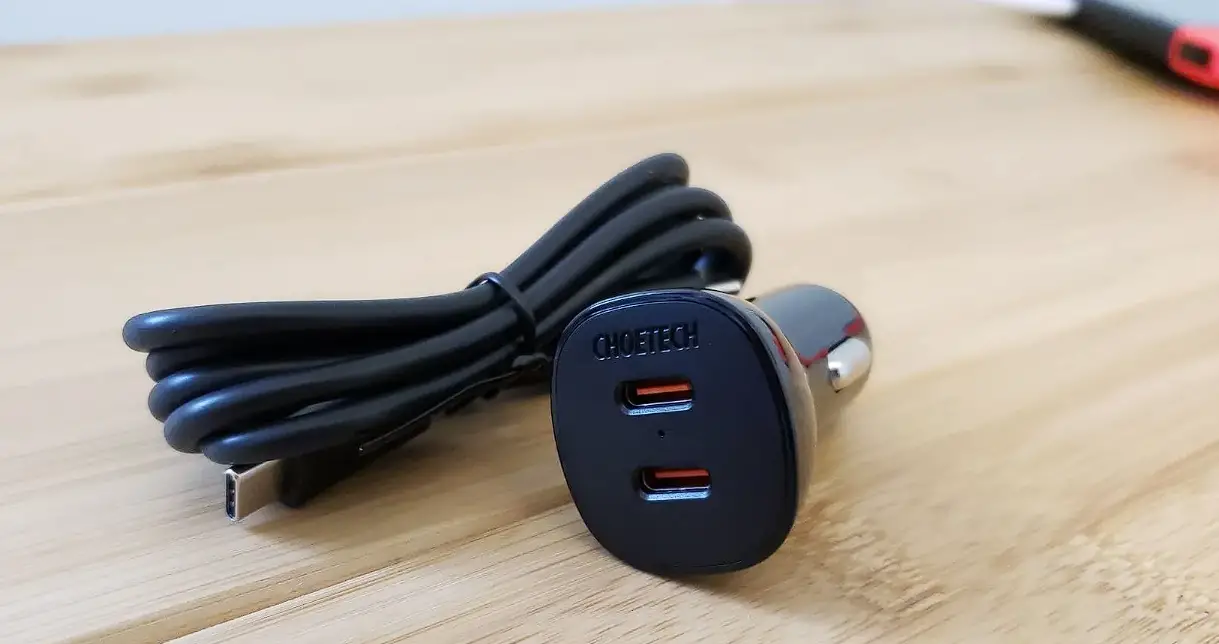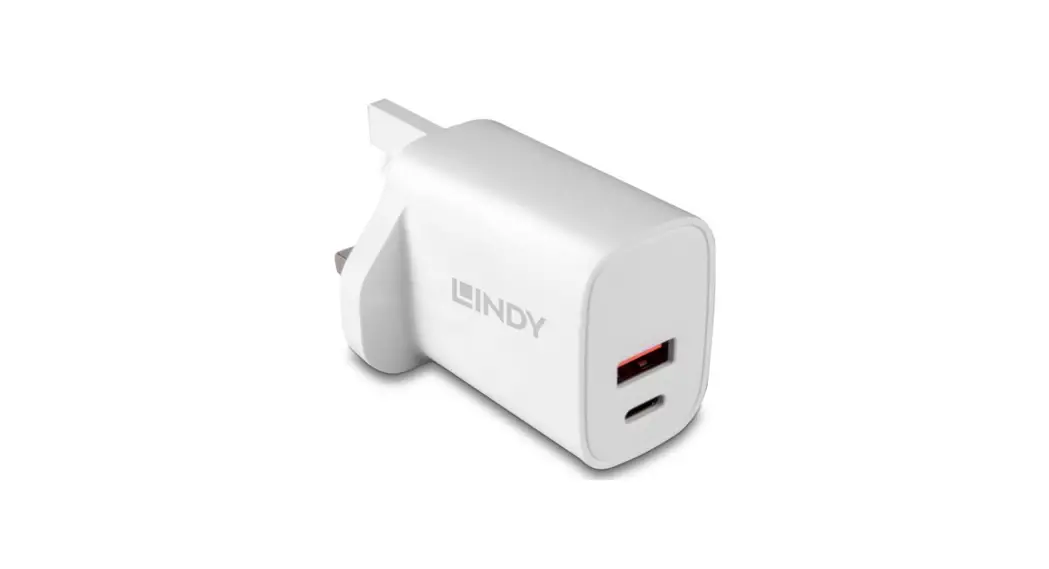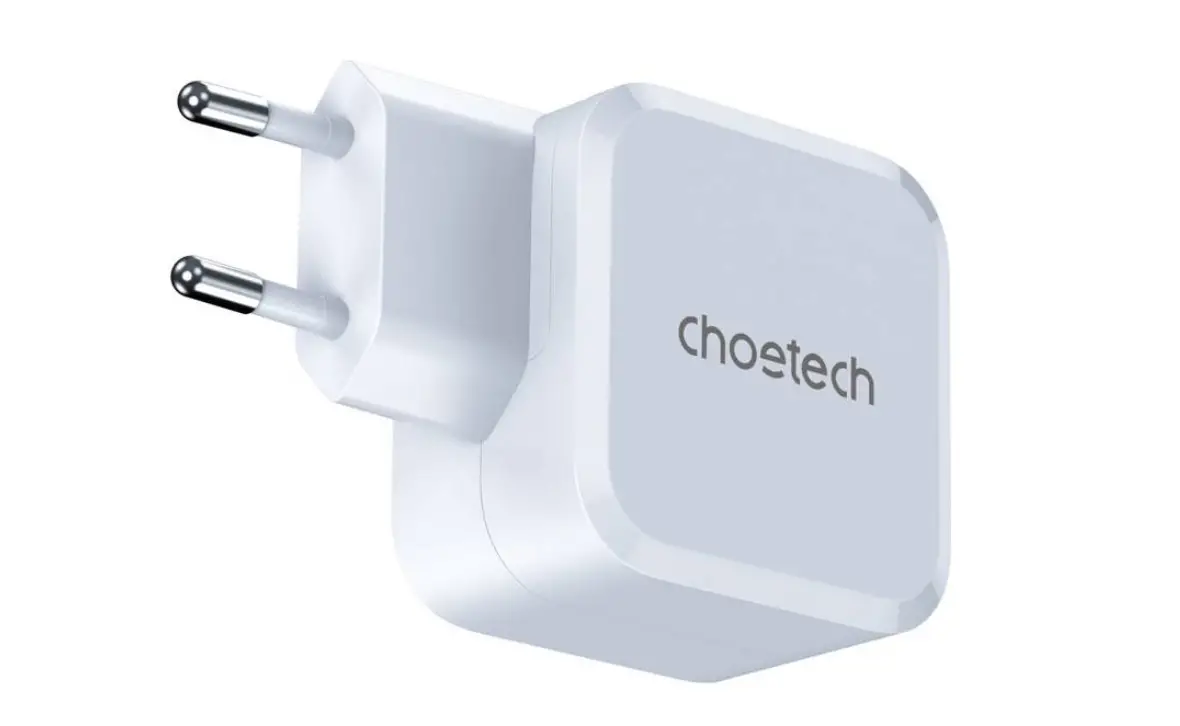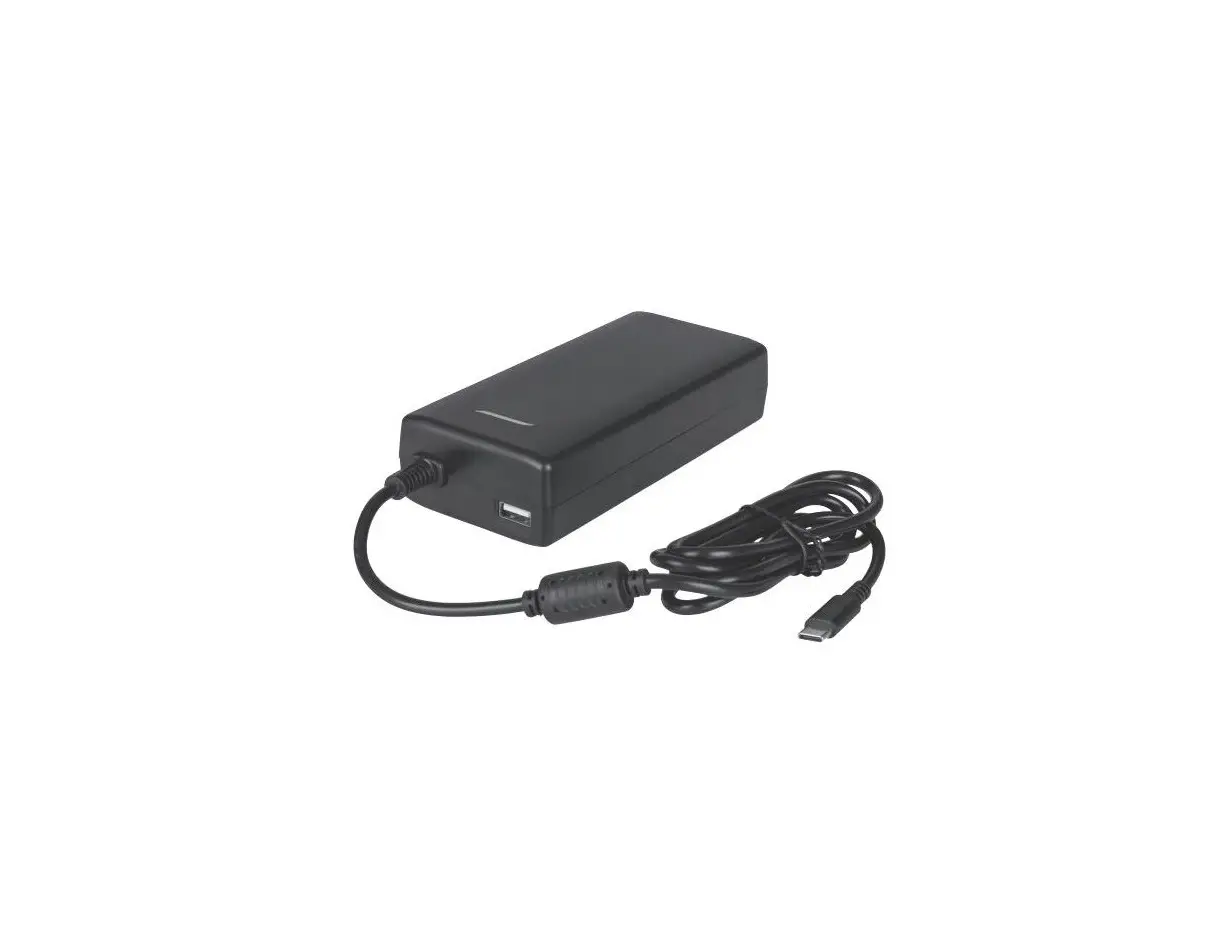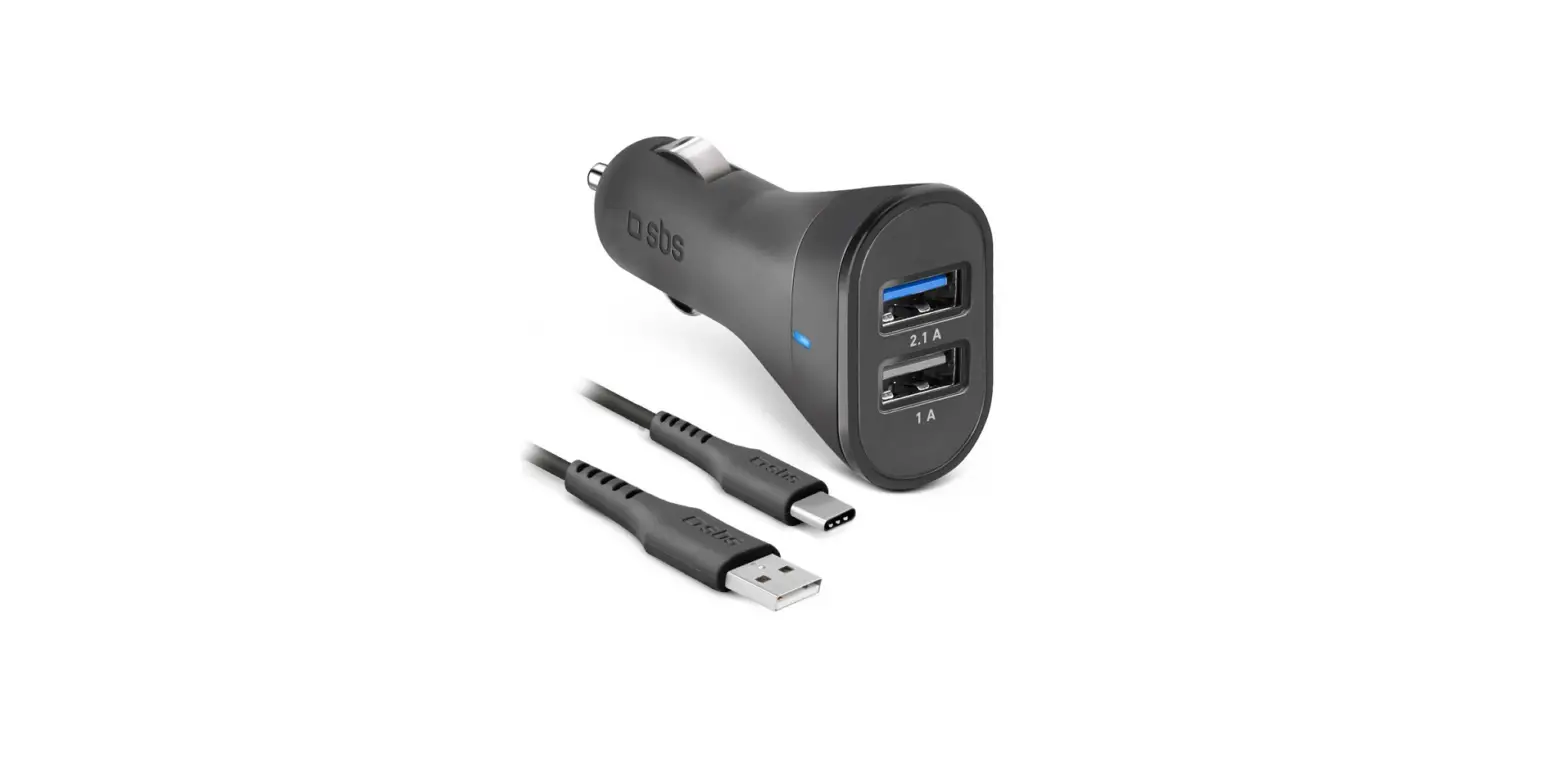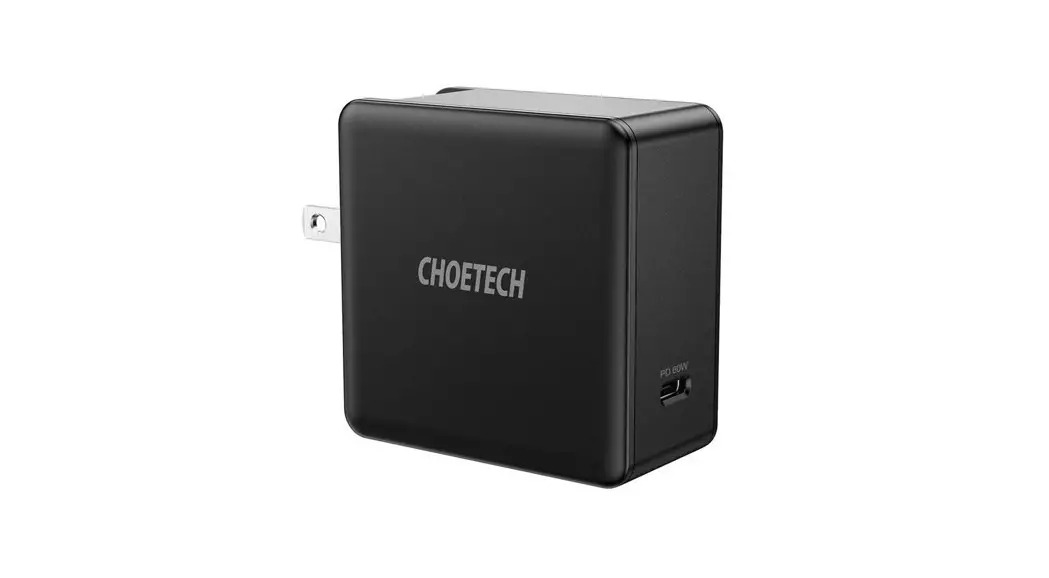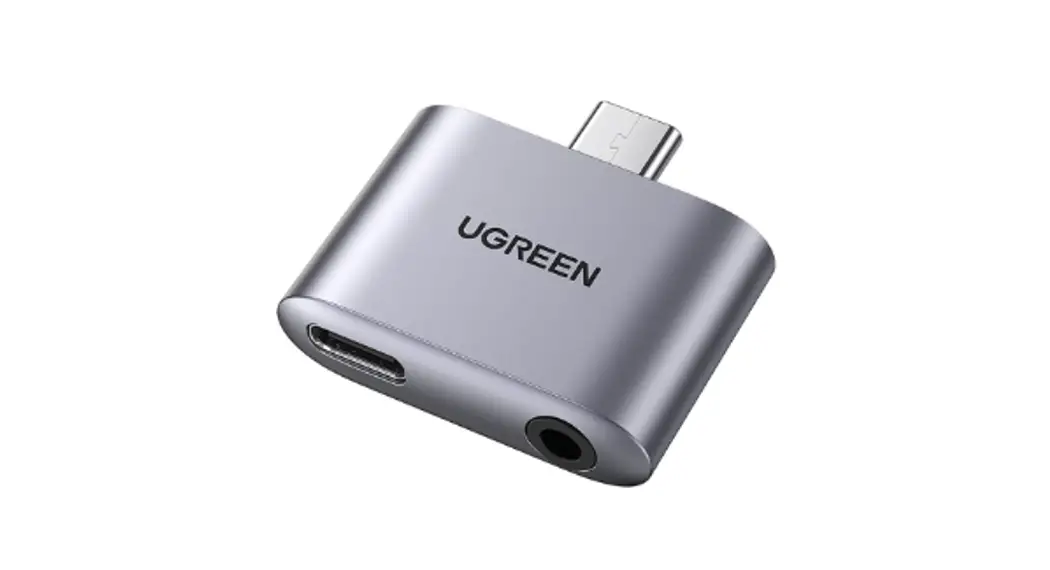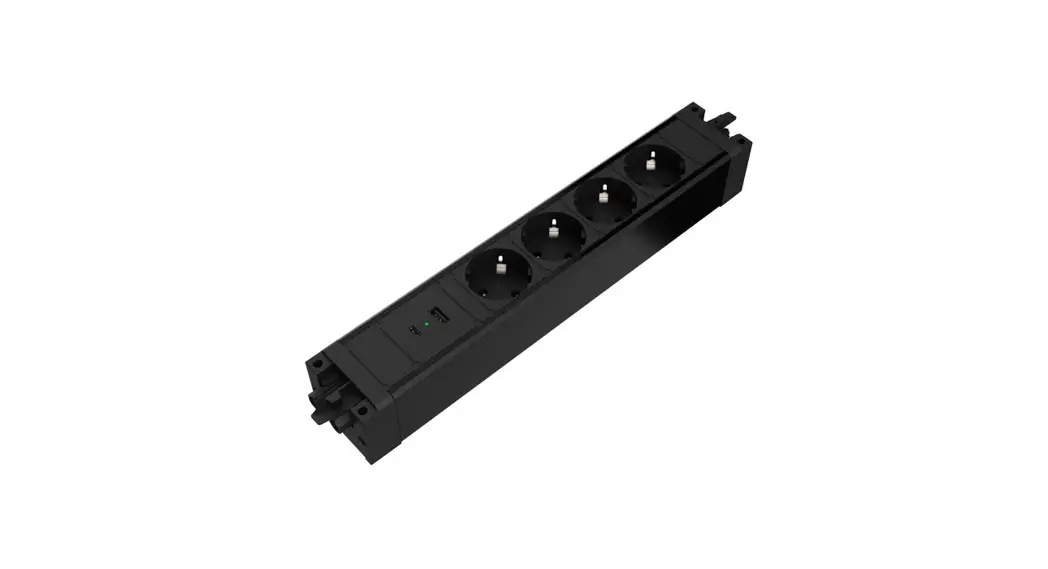
 935-B4UC USB-A and
USB-C Charger
User Manual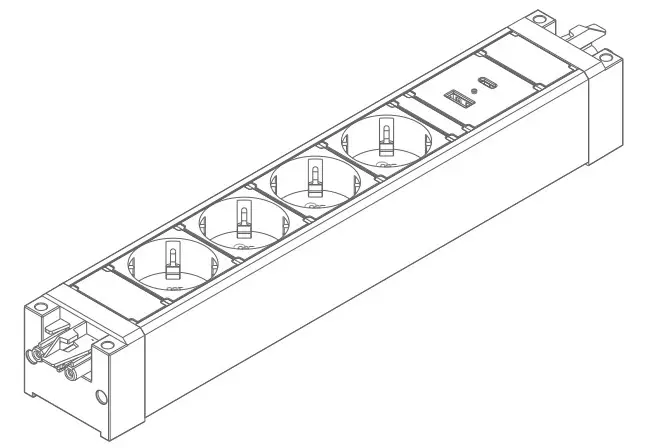
935-B4UC USB-A and USB-C Charger
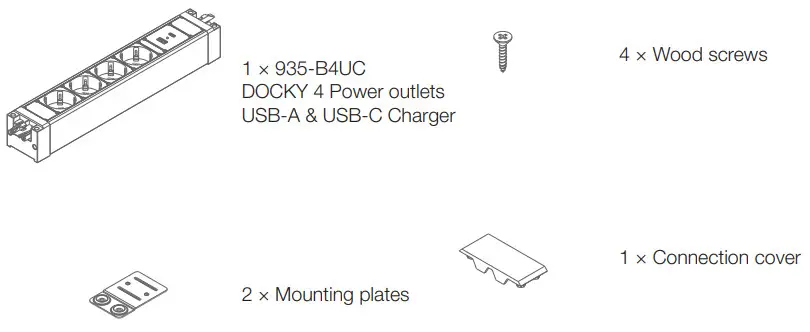
CONTENT
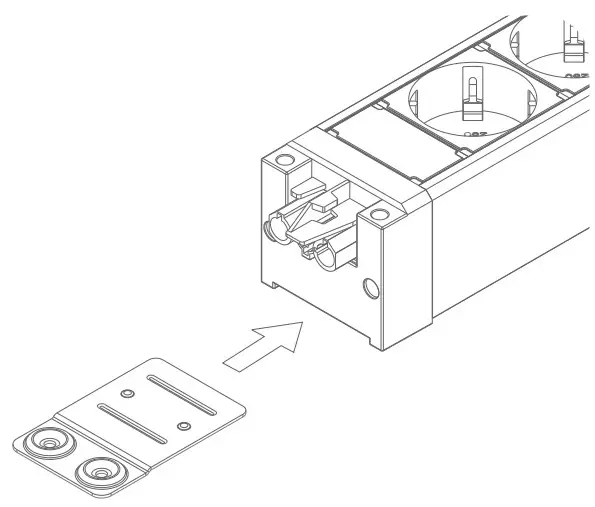
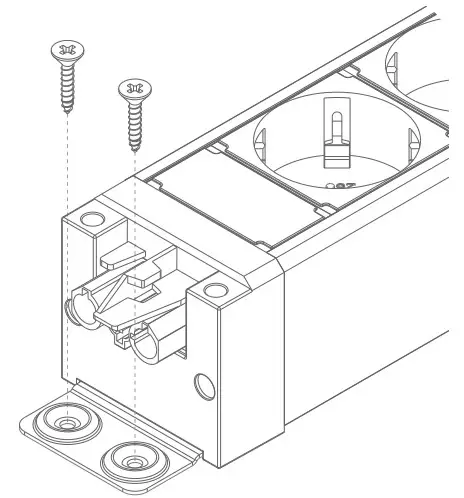
- Slide mounting plate into grooves until firmly in place.

- Attach the product to the desired surface with the included screws.

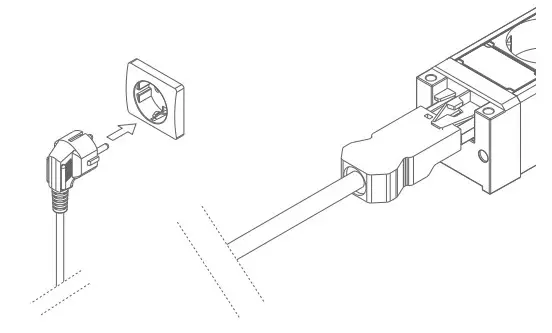
- Attach GST18i3 power cable (not included) male connector to DOCKY female connector and power plug to a wall socket.

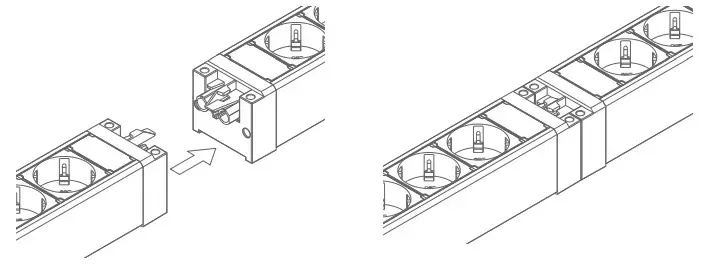
- If multiple DOCKY products in abutted serial connection is desired, line up the GST18i3 male and female connector, and press them together firmly until a distinct click is heard.

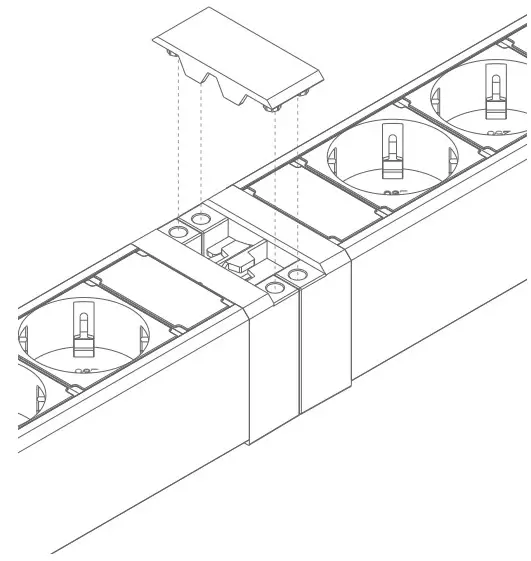
- Once the two DOCKY products are firmly secured, attach the connection cover.

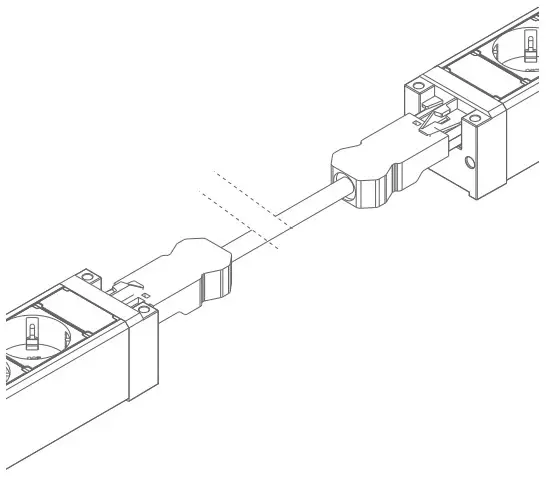
- If an extention is required between two DOCKY products, use extension cables:
935-BF10 – 1m
935-BF20 – 2m
935-BF30 – 3m
935-BF50 – 5m
(not included)
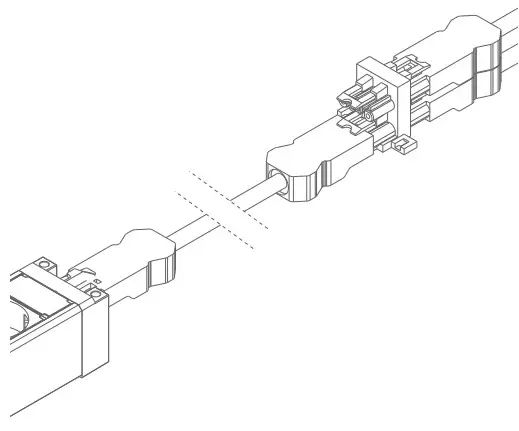
- If multiple DOCKY products will be connected in parallel or sequence, use splitter:
937-BTK12 – 1 GST18i3 Male to 2 Female 937-BTK13 – 1 GST18i3 Male to 3 Female (not included)
GENERAL NOTES
Before installation, all measurements and conditions must be verified on site.
Neither KONDATOR nor any of its distributors can be held liable for product malfunction or other defects as a result of inproper installation.
20210826