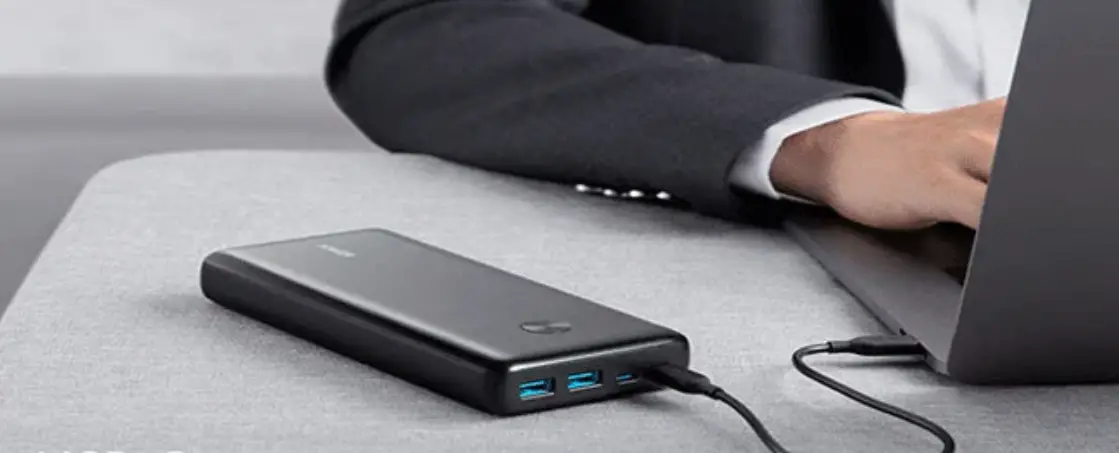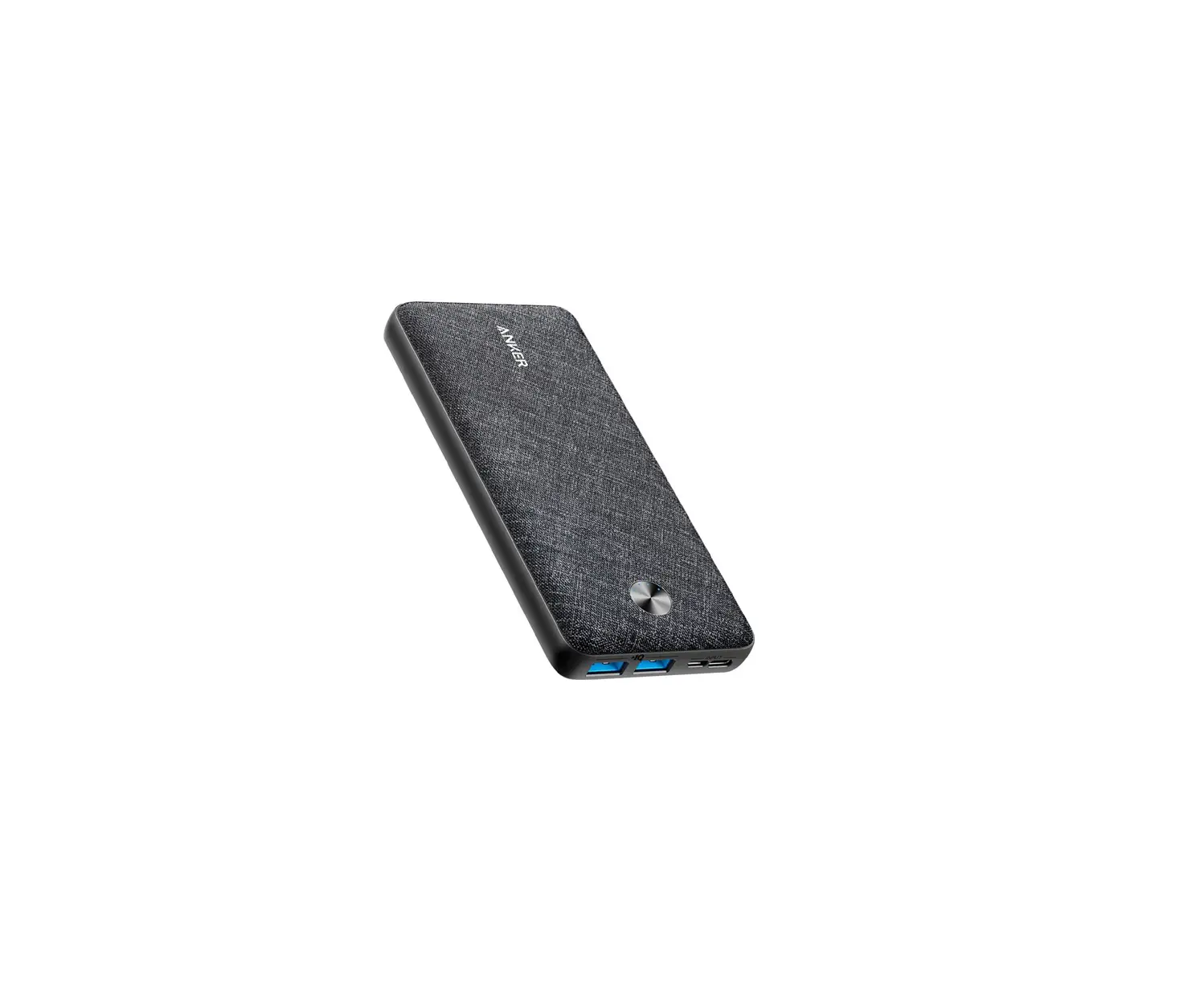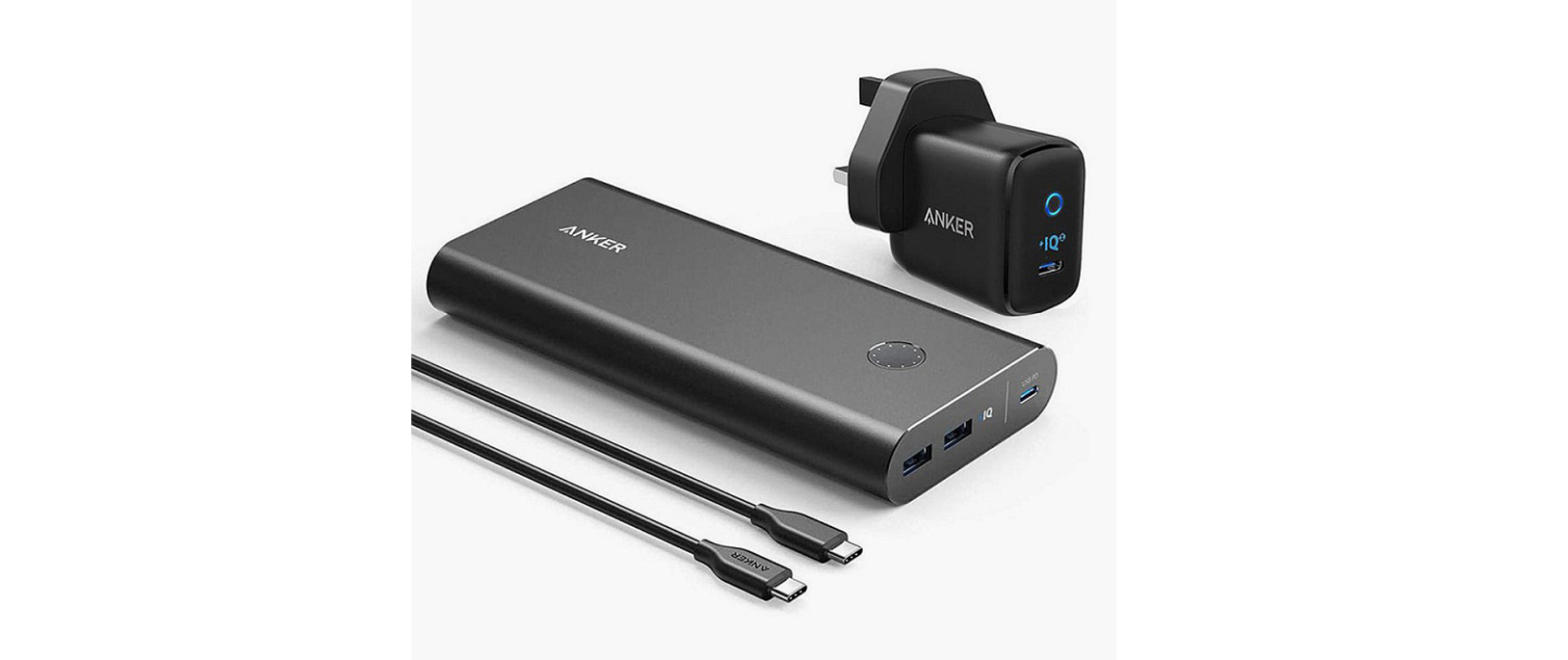
 ANKER PowerCore 26800 Portable Charger
 ANKER PowerCore 26800 Portable Charger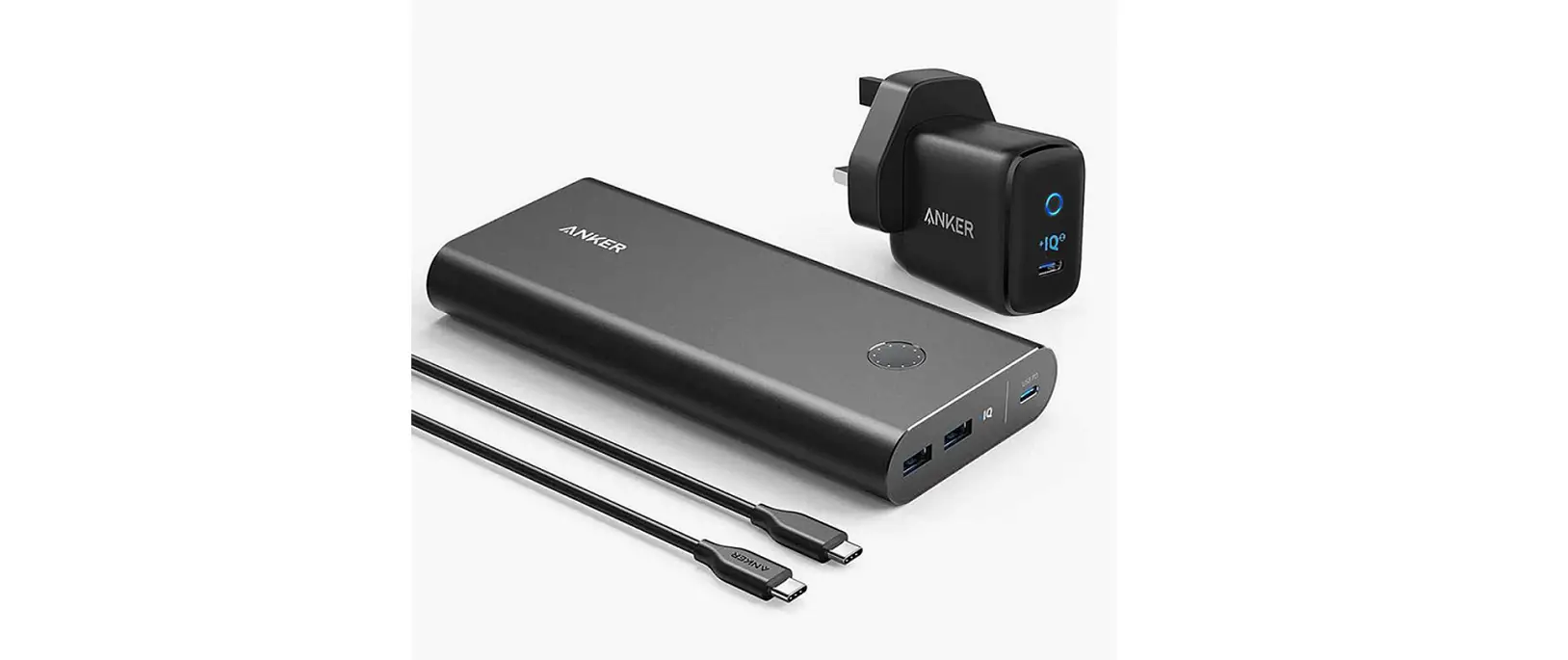
Using Your PowerCore
- PowerCore
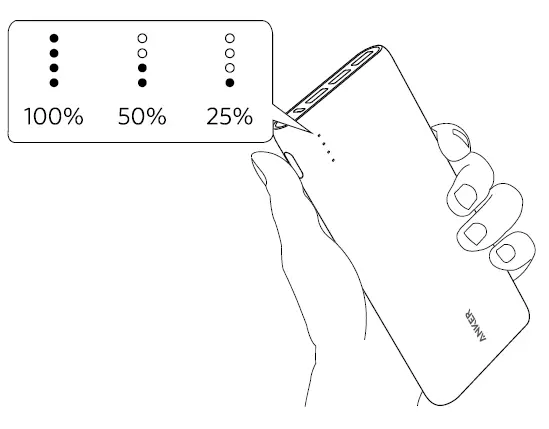
- Check the power level

- To preserve battery lifespan, use and recharge at least once every 4 months
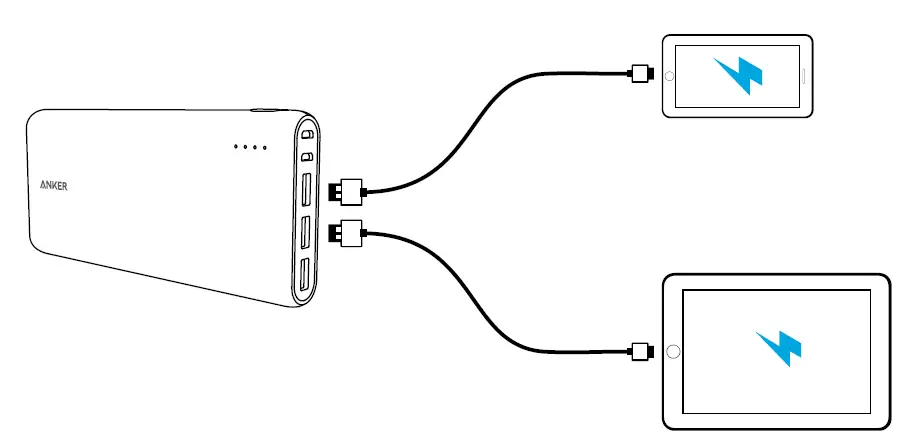
- Charge your phone or tablet
- No Lightning cable included

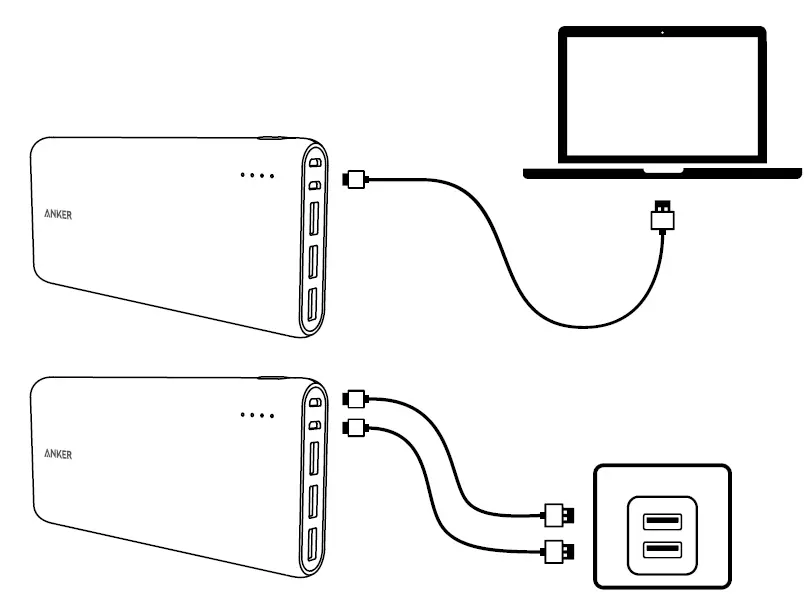
- Recharge your PowerCore
- This PowerCore has dual input ports. Using a multiport charger with two Micro USB cables will provide a significantly faster charge.

- This PowerCore has dual input ports. Using a multiport charger with two Micro USB cables will provide a significantly faster charge.
- When your PowerCore is fully charged, the LED indicators will turn off.
- To give your PowerCore the fastest, safest recharge, use an Anker® USB charger.
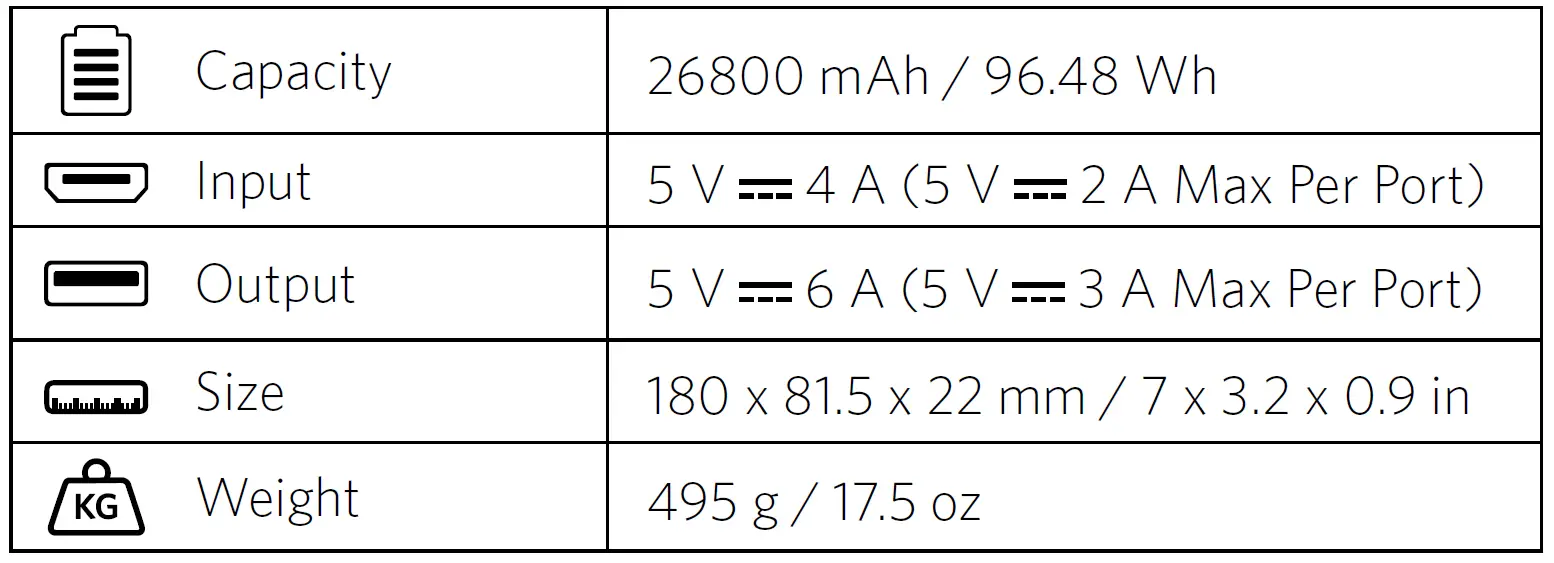
Specifications
Attention
- Use original or certified cables
- Do not expose to liquids
- Do not disassemble
- Avoid dropping
- Avoid extreme temperatures
Customer Service
- 18-month limited warranty
- Lifetime technical support
- [email protected]
- 1-800-988-7973 | Mon-Fri 9:00-5:00 PST (US)
- 01604-936200 | Mon-Fri 6:00-11:00 (UK)
 download - Anker US