 User Guide
Navigator™ Serie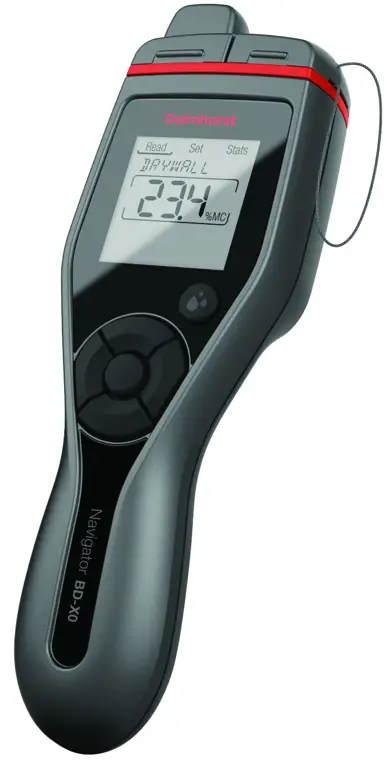
BDX-20 / BDX-30
Quick Start Guide
BDX-20 Pin-Type Moisture Meter
Meter Features
- Bluetooth® app for customizing devices and exporting data*
- English, Spanish, French, German, Italian, and Russian*
- Customizable*, color-coded LED’s
- Built-in material, temperature, and pin-type correction
- Adjustable alarm
- Built-in calibration check
- Compatible with all existing Delmhorst Electrodes
- Powered by 2 x AA batteries
- 2-year warranty
Delmhorst EDGE App*
- Upload readings from the meter to the app
- Access to expanded material/species selections, including foreign species sets
- View all readings on a single screen
- Adds timestamp and geotags to readings
- Exclude outlier readings from statistics
- Generates plot of all readings
- Customize LED ranges
- Multi-language support for app and meter
- Export readings to Excel® for additional analysis and report generation
Quick Start
Turn Meter On and Off
- Remove tab from the inside battery compartment
- Press any key to wake the meter
- Long press the center button to timeout
Take a Reading
- Press the Read button from any screen to enter live reading mode
Hold a Reading
- Read button toggles between held and live reading
- Held readings will blink
Save and Export a Reading
- Press the center button to save reading from living or holding reading
- Saved readings will export to Edge App when the app and meter are connected*
Download the App
https://play.google.com/store/apps/details?id=com.Delmhorst.CompanionApp
https://apps.apple.com/us/app/delmhorst-edge/id1521544764
Support and FAQ
https://www.delmhorst.com/faqs
Components
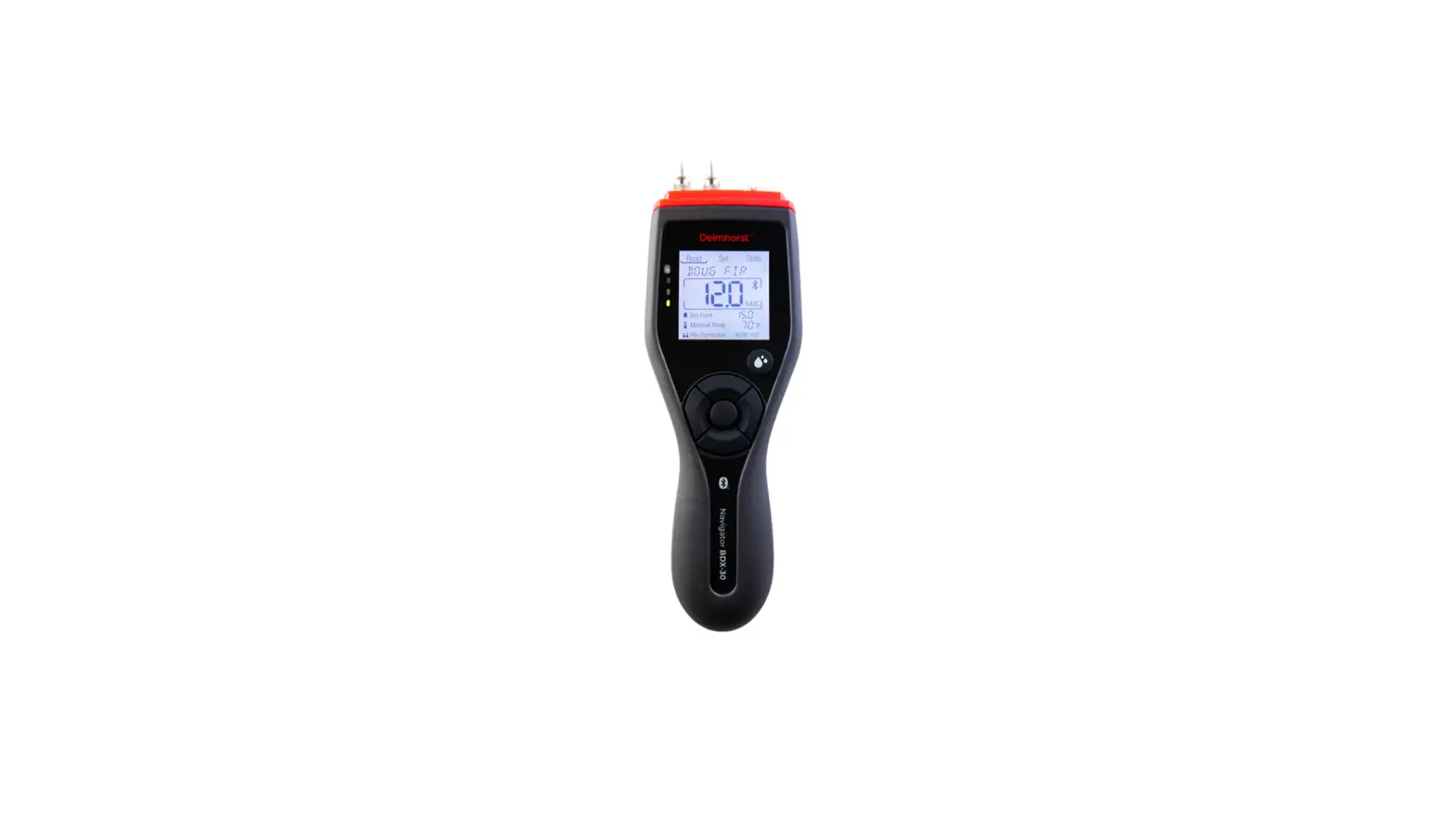
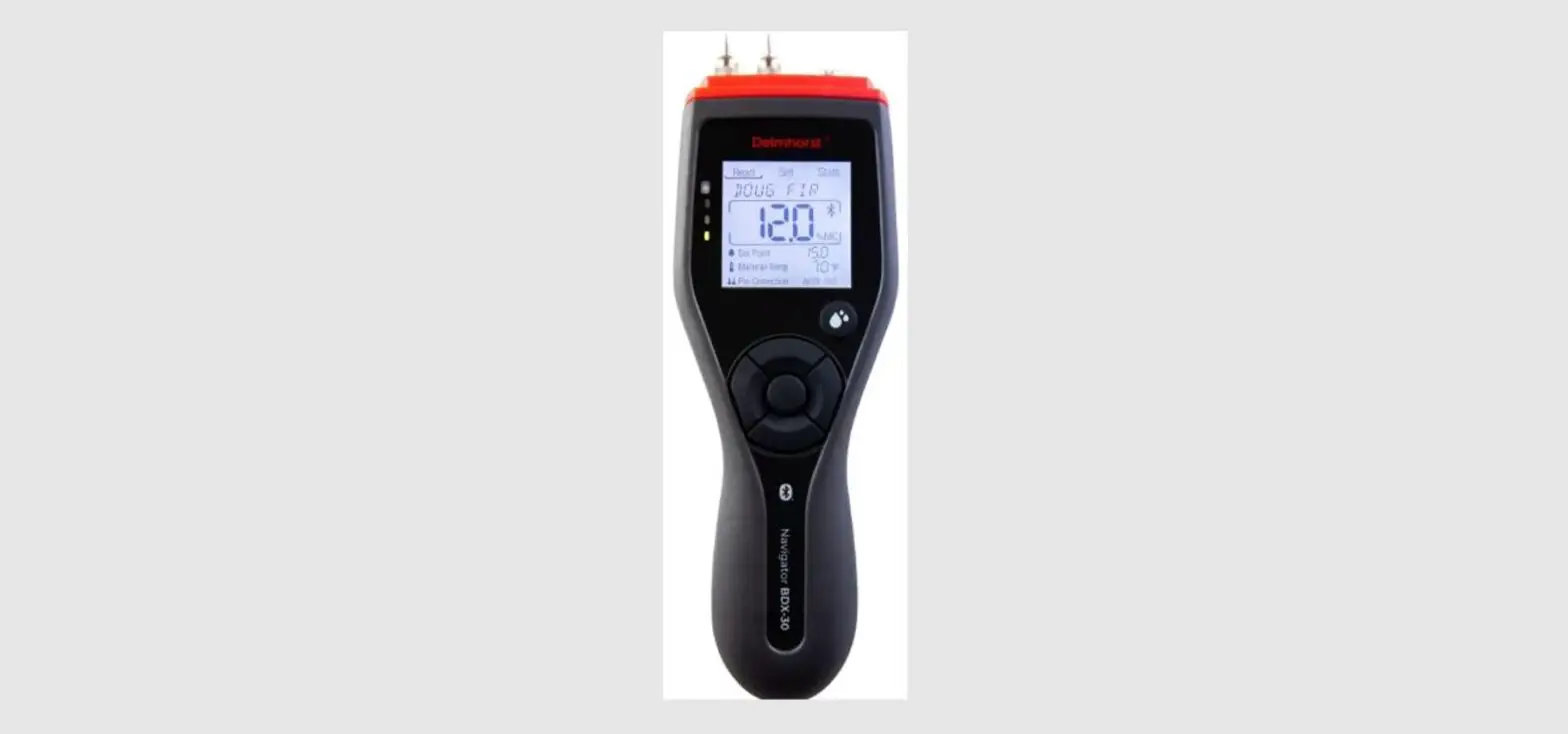
1) Display
- Large, easy to read under all conditions
2) Read Button
- Press from any screen to enter live reading mode
- Press again to toggle between life and held reading
3) Navigation Buttons
- Move between and down into the READ, SET, and STATS menus
- Center button to save readings or changes to settings
4) Easy-grip Handle
- Easily push pins into the material
Your BDX Meter
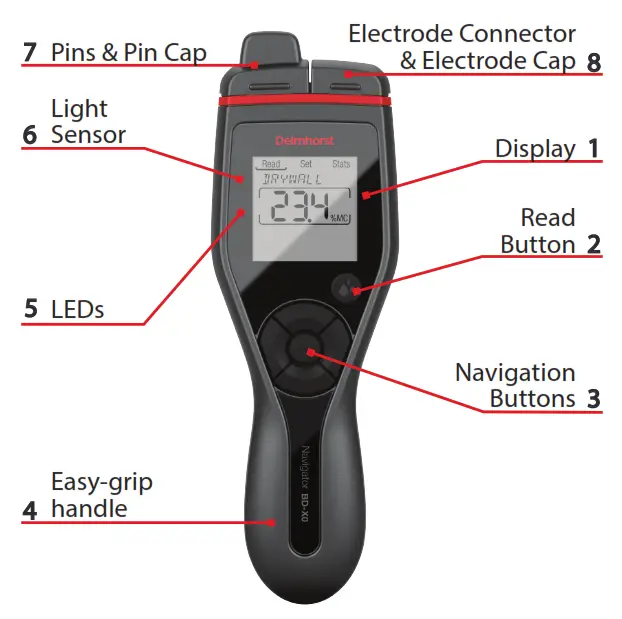
5) Colored LEDs
- Red, yellow, and green LEDs show the relative moisture status
- Adjustable within the Delmhorst Edge App
6) Ambient Light Sensor
- Turns the backlight on and off in Auto Backlight mode
7) Pins
- Insert integral pins up to 5/16” into the material to take reading
8) Electrode Connector
- Connect with any Delmhorst electrode to extend the functionality
Set Functions
- Calibration Check: 12% MC
- Temperature Units: °F/°C
- Meter Timeout: 1/4/10 minutes
- Bluetooth®: ON/OFF
- Display Brightness: 1-10
- Backlight: ON/OFF/AUTO
- Display Contrast: 1-10
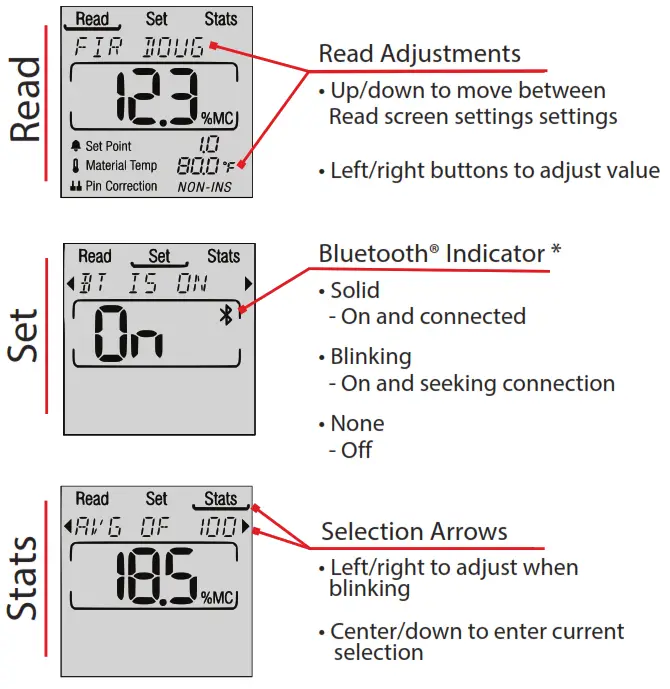
Read Functions
- View, hold, and save readings
- Change material/species
- Adjust alarm set point
- Set material temperature
- Set insulated vs. non-insulated pins
Stats Functions
- Save up to 100 readings
- Saved readings contain material type, reading value, material temp, and pin type
- View average, high and low values
- View the last 10 readings
51 Indian Lane East
Towaco, NJ 07082
877-335-6467
Support: [email protected]
Visit: delmhorst.com
Copyright 2021 Delmhorst Instrument Co.
 Moisture Meters | Moisture Testers | Delmhorst Instrument Co.