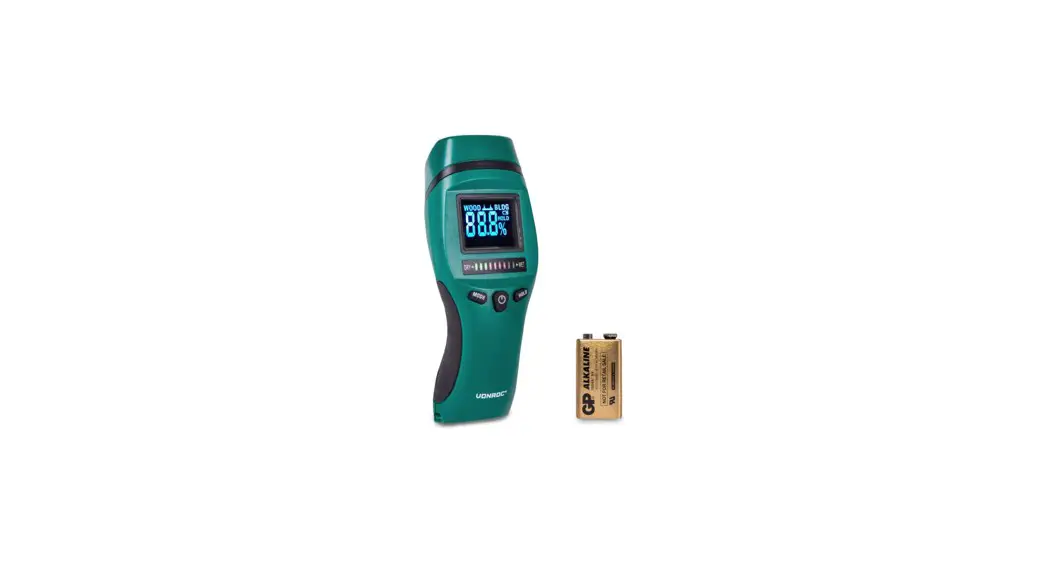
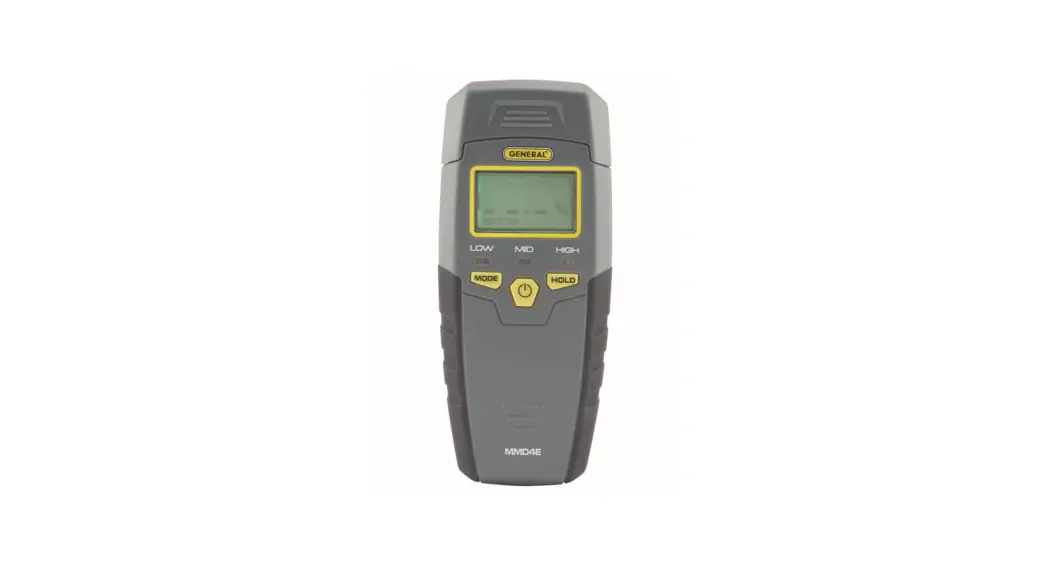
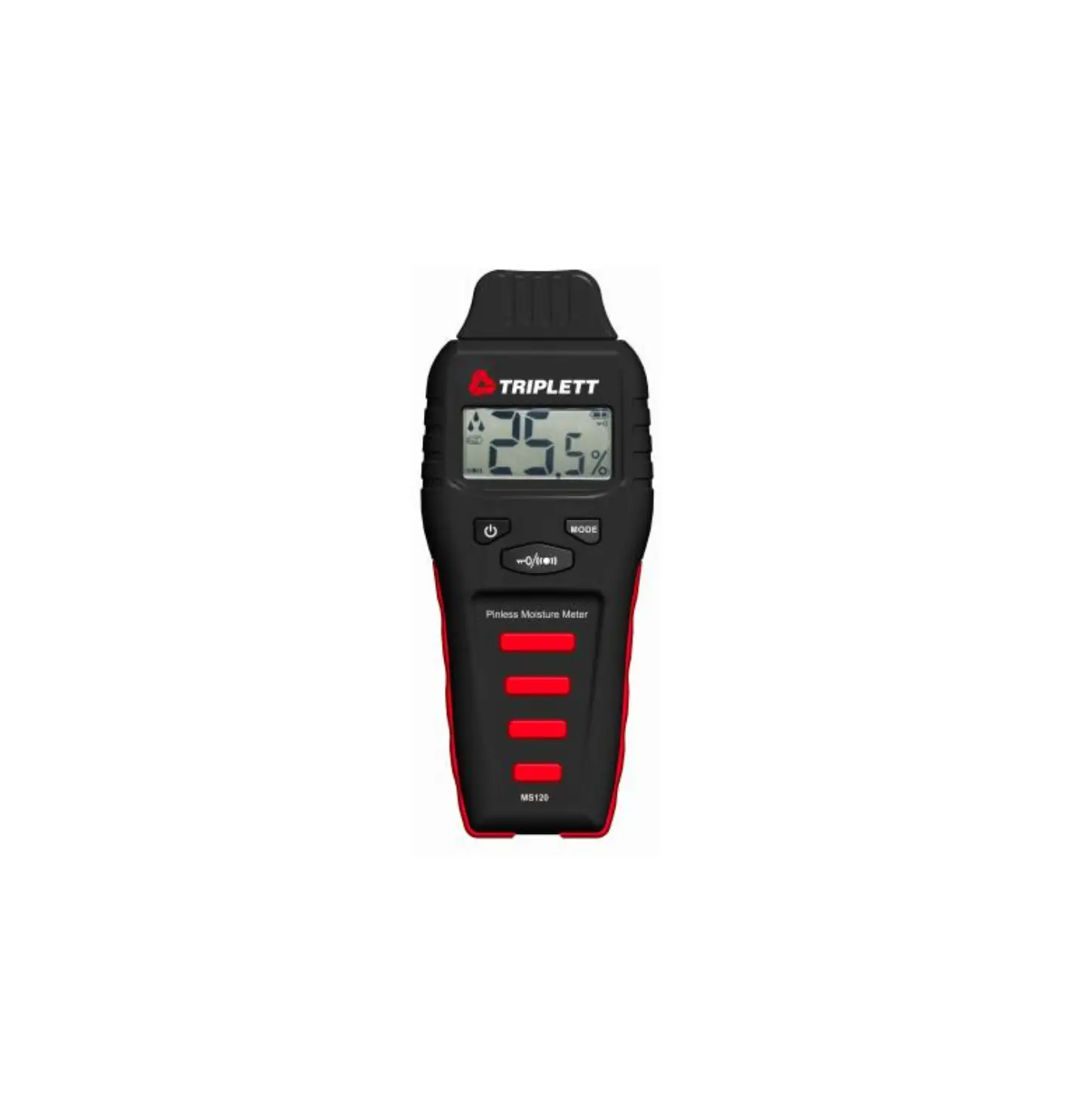
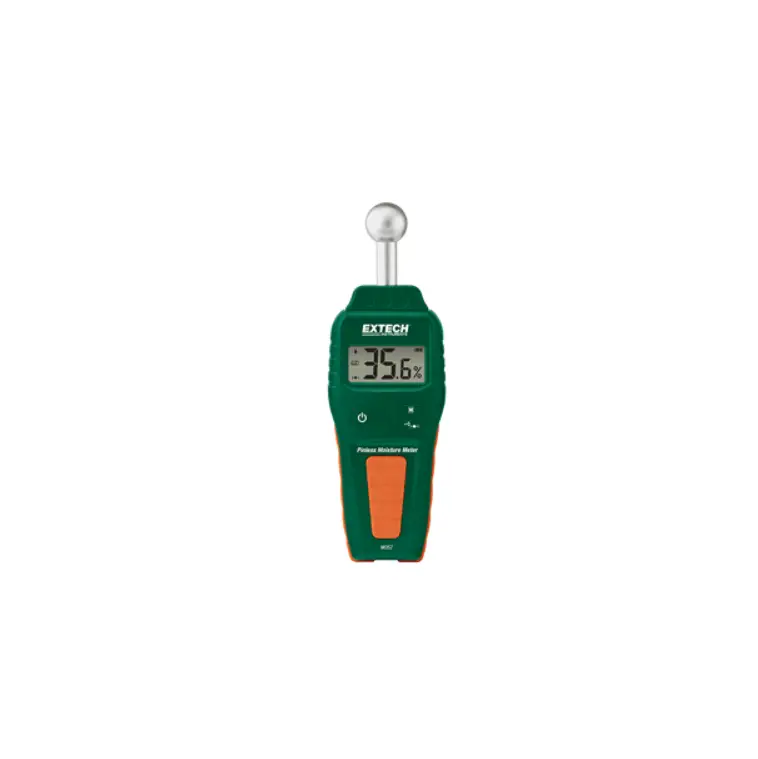
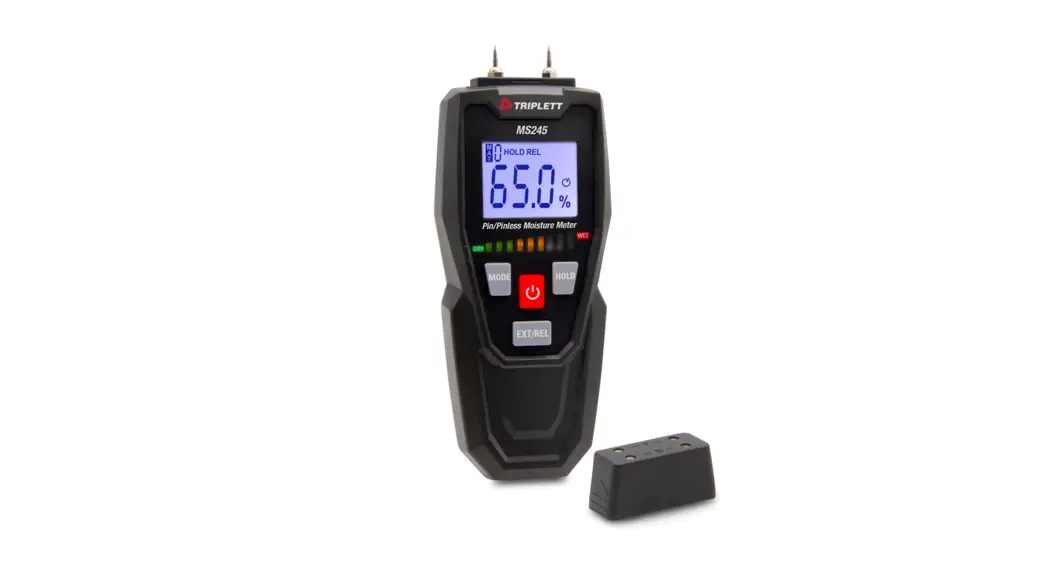
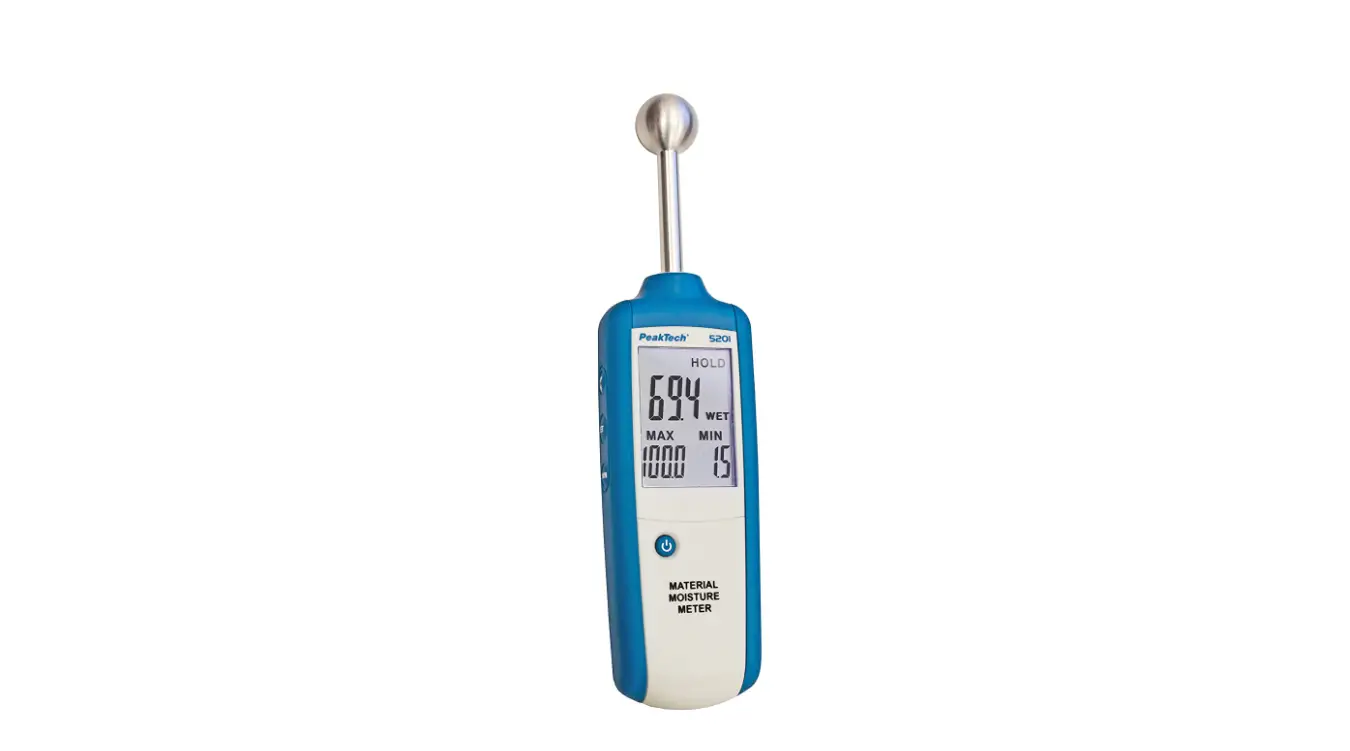
PCE-MMK 1 Multifunction Moisture Meter
Product Information
- Product Name: Multifunction Moisture Meter PCE-MMK 1
- Last Change: 21 July 2020 v1.0
- Purpose: The Multifunction Moisture Meter is designed to
measure moisture levels in wood and building materials, as well as
ambient temperature and air humidity. - Technical Specifications:
- Wood Measurement Range: 1% – 75%
- Building Materials Measurement Range: 0% – 100% RH
- Resolution: 0.1%
- Accuracy (Wood): ±8%
- Accuracy (Building Materials): ±3%
- Electrode Length: 8 mm (internal), 30 mm and 150 mm
(external) - Measuring Principle: Electrical Resistance
- Auto Power Off Function: After approximately 3 minutes without
use - Automatic Backlight Cutoff: After approximately 10 seconds
- Housing: Plastic, shockproof
- Battery: 3 x CR 2032
- Environmental Conditions: Not specified
- Dimensions: 139 x 47 x 25 mm / 5.5 x 1.9 x 1.0 in
- Weight: 100 g /
Product Usage Instructions
- Safety Notes: Before using the device, read
the user manual carefully. The device should only be used by
qualified personnel and repaired by PCE Instruments personnel to
avoid damage or injuries. - Switching On/Off: The device can be turned on
and off using the power button. Refer to the user manual for
detailed instructions. - Device Settings: The device has various
settings that can be adjusted. Refer to the user manual for
instructions on how to change the settings. - Self Test: The device has a self-test function
to ensure its proper functioning. Follow the instructions in the
user manual to perform the self-test. - Measurement of Ambient Temperature and Air
Humidity: The device can measure the ambient temperature
and air humidity. Refer to the user manual for instructions on how
to perform these measurements. - Moisture Measurement: The device can measure
moisture levels in wood and building materials. Follow the steps
below for moisture measurement:- Select the wood group (W1, W2, W3) or building material group
(B1, B2, B3, B4) depending on the material being measured. - Use the wet/dry indicator to determine the moisture level.
- Select the wood group (W1, W2, W3) or building material group
- Battery Replacement: When the battery is low,
replace it with 3 x CR 2032 batteries. Refer to the user manual for
detailed instructions. - Contact: For any questions or assistance,
contact PCE Instruments using the contact details provided at the
end of the user manual. - Disposal: Follow proper disposal methods for
the device and batteries. Refer to the user manual for disposal
instructions.
Englis h
User Manual
Multifunction Moisture Meter PCE-MMK 1
User manuals in various languages (français, italiano, español, português, nederlands, türk, polski,
, ) can be found by using our product search on: www.pce-instruments.com
Last change: 21 July 2020 v1.0
© PCE Instruments
Contents 1 Safety notes ………………………………………………………………………………. 1 2 Description ……………………………………………………………………………….. 2
2.1 Purpose …………………………………………………………………………………………………………… 2 2.2 Technical specifications of the multifunction moisture meter……………………………………… 2 2.3 Device overview ………………………………………………………………………………………………… 3 2.4 Display indications …………………………………………………………………………………………….. 3 2.5 Delivery contents……………………………………………………………………………………………….. 4
3 Switching on/off ………………………………………………………………………… 4 4 Device settings………………………………………………………………………….. 4
4.1 Set material temperature compensation ………………………………………………………………… 5 4.2 Setting the moist / dry indicator ……………………………………………………………………………. 5 4.3 Setting the display backlight ………………………………………………………………………………… 5 4.4 Setting the temperature unit ………………………………………………………………………………… 5
5 Self test …………………………………………………………………………………….. 6 6 Measurement of the ambient temperature and air humidity ………… 6 7 Moisture measurement………………………………………………………………. 6
7.1 Selection of wood group (W1, W2, W3) …………………………………………………………………. 7 7.2 Selection of building material group (B1, B2, B3, B4) ………………………………………………. 7 7.3 Wet / dry indicator ……………………………………………………………………………………………… 8
8 Battery replacement…………………………………………………………………… 8 9 Contact……………………………………………………………………………………. 8 10 Disposal ……………………………………………………………………………………. 8
© PCE Instruments
1 Safety notes
Please read this manual carefully and completely before you use the device for the first time. The device may only be used by qualified personnel and repaired by PCE Instruments personnel. Damage or injuries caused by non-observance of the manual are excluded from our liability and not covered by our warranty.
· The device must only be used as described in this instruction manual. If used otherwise, this can cause dangerous situations for the user and damage to the meter.
· The instrument may only be used if the environmental conditions (temperature, relative humidity, …) are within the ranges stated in the technical specifications. Do not expose the device to extreme temperatures, direct sunlight, extreme humidity or moisture.
· Do not expose the device to shocks or strong vibrations. · The case should only be opened by qualified PCE Instruments personnel. · Never use the instrument when your hands are wet. · You must not make any technical changes to the device. · The appliance should only be cleaned with a damp cloth. Use only pH-neutral cleaner,
no abrasives or solvents. · The device must only be used with accessories from PCE Instruments or equivalent. · Before each use, inspect the case for visible damage. If any damage is visible, do not
use the device. · Do not use the instrument in explosive atmospheres. · The measurement range as stated in the specifications must not be exceeded under
any circumstances. · Non-observance of the safety notes can cause damage to the device and injuries to
the user. We do not assume liability for printing errors or any other mistakes in this manual. We expressly point to our general guarantee terms which can be found in our general terms of business. If you have any questions please contact PCE Instruments. The contact details can be found at the end of this manual.
© PCE Instruments 1
2 Description
2.1 Purpose
The multifunctional moisture meter PCE-MMK 1 has been designed for mobile use. The universal tester shows the moisture in building materials or wood as well as the air humidity and temperature. The display immediately shows a humidity reference value in %, so no conversion is necessary. The scope of delivery of the multifunction moisture meter PCE-MMK 1 includes various insertion probes for wood, building materials and stacks of paper or cardboard. By means of a self-test, the universal moisture meter can be checked for correct operation. In addition, the universal humidity and moisture meter has manual temperature compensation.
2.2 Technical specifications of the multifunction moisture meter
Wood
1 … 75 %
Measurement range
Building materials Temperature
0.1 … 2.4 % -40 °C … +70 °C / -40 … +158 °F
Humidity
0 … 100 % RH
Resolution
0.1 %
1 … 30 % / ±1 %
Wood
31 … 60 % / ±2 %
61 … 75 % / ±4 %
Accuracy
Building materials Temperature
±0.5 % -40 … -10 °C, +40 … +70 °C / ±2 °C -10 … +40 °C / ±1 °C
Humidity
0 … 20 % RH, 80 … 100 % RH: ±5 % RH 20 … 80 % RH: ±3.5 % RH
Electrode length
8 mm (internal), 30 mm and 150 mm (external)
Measuring principle
electrical resistance
Auto Power Off function
after approx. 3 min without use
Automatic backlight cutoff
after approx. 10 seconds
Housing
plastic, shockproof
Battery
3 x CR 2032
Environmental conditions
0 … +40 °C / 32 … 104°F, 0 … 85 % RH
Dimensions
139 x 47 x 25 mm / 5.5 x 1.9 x 1.0 in
Weight
100 g / <1 lb (without electrodes)
© PCE Instruments 2
2.3 Device overview
1. Protective cap 2. Measuring electrodes 3. Digital and analogue display 4. Setting key [SET] 5. Delete key [CLR] 6. Power / menu key [MODE] 7. Function test points on the protective cap 8. Sensor for ambient temperature and relative
humidity
2.4 Display indications
1.
Battery status indicator
2.
Menu indicators:
“LIGHT” – Set backlight
“TEMP” – Set temperature compensation
“UNIT” – Select °C or °F
3.
Self test mode
4.
MIN / MAX graph
5.
Dry / wet: indicator
DRY, MOIST, WET
6.
Wood class (W1, W2, W3)
7.
Building materials (B1, B2, B3, B4)
8.
Moisture display (numerical)
9.
Moisture display (graphic)
10.
Temperature display
© PCE Instruments 3
2.5 Delivery contents
1 x multifunctional moisture meter PCE-MMK 1 1 x measuring cap for self-test 1 x measuring cap for external electrodes 1 x ram electrode, 1 x penetration electrode, 1 x paper electrode 2 x 30 mm measuring tips, 8 x 30 mm needles, 2 x 80 mm needles, 2 x 150 mm measuring tips 2 x 300 mm extension 2 x 10 mm needles (replacement for internal electrodes) 1 x user manual
3 Switching on/off To switch on the device, press the [MODE] key for 2 seconds. The display will show the ambient temperature, a diagonal scale from 0 to 60 % and the moisture value 0.0 %. Below this, there is a horizontal scale with the marking DRY / MOIST / WET. At the very bottom of the display, you will see the indication WOOD W1 for woods of group 1 which is selected as standard material. Press the [MODE] key again for 2 seconds to switch off the unit. If you do not press any button within 3 minutes, the unit will switch off automatically to conserve battery power.
4 Device settings Briefly press the “SET” and “CLR” keys simultaneously to open the settings menu. Use the “MODE” key to select one of the menu items. Then change the values with the “SET” or “CLR” key.
Set temperature Set dry index
Set wet index
Set light mode
Set temp unit
© PCE Instruments 4
4.1 Set material temperature compensation The relative material moisture depends on the temperature of the material. The instrument automatically compensates this temperature by measuring the ambient temperature. In addition, you can enter the temperature manually and thus increase the accuracy of the measured value. You can set the value with the “SET” key and the “CLR” key. This value is not saved and must be re-entered each time the instrument is switched on.
Increase value with SET
Decrease value with CLR
4.2 Setting the moist / dry indicator With the values for the dry and wet indicator, you can adapt the display of the DRY/MOIST/WET scale to a specific material. Once you have entered the appropriate values, you can see at a glance whether the sample is dry or too moist for your application. Use the [SET] key and the [CLR] key to increase or decrease the value and the [MODE] key to change from “Dry” to “Wet”.
4.3 Setting the display backlight
AUTO: The backlight is switched off automatically after a period of inactivity and
is switched back on as soon as a measurement is started.
ON:
The display backlight is permanently switched on.
OFF: The backlight is deactivated.
Press the SET key to switch between the backlight options. This setting is not saved. When the
unit is switched on again, the function is set back to “AUTO”.
4.4 Setting the temperature unit
You can switch the temperature unit from °C to °F. This setting will be saved to the device and is still available even after the meter is switched on again.
© PCE Instruments 5
5 Self test Go to TEST mode by pressing and releasing the MODE key. Place the electrodes at the contacts on the protective cap, marked with “T” and “B”. Compare the display with the following pictures.
Contacts marked with B
Contacts marked with T
correct
incorrect
correct
incorrect
6 Measurement of the ambient temperature and air humidity The universal moisture meter continuously measures the ambient temperature and relative humidity. The ambient temperature is used for temperature compensation during material moisture measurement, thus increasing the accuracy. Press and hold the [SET] key for 2 seconds to toggle the display between ambient temperature and relative humidity.
7 Moisture measurement Before starting the measurement, you must first select the material group by briefly pressing the [MODE] key.
WOOD for measurements in wood, wood-based materials and cardboard / paper, divided into 3 groups
BUILD for building materials such as plaster, aerated concrete, screed and concrete, divided into 4 groups
TEST to check the meter with the supplied protective cap
Then select the wood or building material group as described in the following sections 7.1 and 7.2. To measure the moisture content, slowly and carefully prick the measuring electrodes into the material (without applying much force). The puncture in wood should be vertical to the wood fibres. At a moisture content of less than 20 %, the penetration geometry is of no great importance for the measurement result. Always measure at several points for comparison or to be able to calculate an average value.
For hard woods and building materials, the use of ram electrodes is recommended. These are connected to the plug on the protective cap via the connection cable. The paper electrode is connected in the same way. For very hard material, where there is a risk of destroying the meter (breakage of the needles), it is also possible to drive in two nails and apply the electrodes to these.
© PCE Instruments 6
7.1 Selection of wood group (W1, W2, W3)
The device has three groups (W1, W2, W3) for wood and wood-like materials. You can change the group by briefly pressing the [SET] key. The following chart shows what kind of wood belongs to which wood group.
W1 Abachi Pear tree Black afara Beech Dabema Ebony Red oak
Oak Ash Ash, American Ash, Japanese Lime tree Rosewood Rosewood Copper beech Silver poplar Teak Winter linden Winter linden, American Willow White oak
Cedar Cypress Cardboard
Wood groups
W2
Agba
Mahogany
Maple
Pine tree
Alder
Chestnut
Aspen
Khaya
Balsa
Cherry
Tree heath
Pine
Beech, European
Poplar (general)
Birch, yellow birch Logwood Oak Aspen Alder Alder, red Alder, black English oak Ash Yellow birch Yellow pine Douglas fir
Plum Sandalwood Swiss pine Walnut White maple White birch White beech White Poplar Juniper Trembling poplar Cypress Elm
W3 Afrormosia / assamela Rubber tree Coco-produa
Cork Melamine chipboard Phenolic resin chipboard
Red cypress Horse chestnut
Tree of life Larch Chestnut
Wood fibre insulation board Fibreboard Kauramin chipboard Paper
7.2 Selection of building material group (B1, B2, B3, B4)
The device has characteristic curves for four groups of building materials. You can switch between these by briefly pressing the [SET] key.
B1
Plaster
B2
Aerated concrete
B3E Screed
B4
Concrete
© PCE Instruments 7
7.3 Wet / dry indicator Below the measured moisture value, the test instrument shows a moisture evaluation in the form of a scale on the display. During the measurement, a small marking point above the scale moves from left to right. The scale has 3 main ranges: DRY / MOIST and WET. These have 5 divisions each. This indicator is only meaningful if suitable minimum and maximum values are set for the material to be measured, see chapter 4.2. A minimum value of 70 and a maximum value 850 can be recommended as a starting value and then the values must be adjusted upwards or downwards, depending on the desired indication. 8 Battery replacement If the battery voltage is too low, this is indicated by an icon in the display. You must replace the batteries when the icon is visible. To do this, remove the screw on the back of the device and replace the batteries, making sure the polarity is correct when inserting the new batteries.
9 Contact
If you have any questions, suggestions or technical problems, please do not hesitate to contact us. You will find the relevant contact information at the end of this user manual.
10 Disposal
For the disposal of batteries in the EU, the 2006/66/EC directive of the European Parliament applies. Due to the contained pollutants, batteries must not be disposed of as household waste. They must be given to collection points designed for that purpose. In order to comply with the EU directive 2012/19/EU we take our devices back. We either reuse them or give them to a recycling company which disposes of the devices in line with law. For countries outside the EU, batteries and devices should be disposed of in accordance with your local waste regulations. If you have any questions, please contact PCE Instruments.
© PCE Instruments 8
PCE Instruments contact information
Germany
PCE Deutschland GmbH Im Langel 4 D-59872 Meschede Deutschland Tel.: +49 (0) 2903 976 99 0 Fax: +49 (0) 2903 976 99 29 [email protected] www.pce-instruments.com/deutsch
United Kingdom
PCE Instruments UK Ltd Unit 11 Southpoint Business Park Ensign Way, Southampton Hampshire United Kingdom, SO31 4RF Tel: +44 (0) 2380 98703 0 Fax: +44 (0) 2380 98703 9 [email protected] www.pce-instruments.com/english
The Netherlands
PCE Brookhuis B.V. Institutenweg 15 7521 PH Enschede Nederland Telefoon: +31 (0)53 737 01 92 [email protected] www.pce-instruments.com/dutch
United States of America
PCE Americas Inc. 711 Commerce Way suite 8 Jupiter / Palm Beach 33458 FL USA Tel: +1 (561) 320-9162 Fax: +1 (561) 320-9176 [email protected] www.pce-instruments.com/us
France
PCE Instruments France EURL 23, rue de Strasbourg 67250 Soultz-Sous-Forets France Téléphone: +33 (0) 972 3537 17 Numéro de fax: +33 (0) 972 3537 18 [email protected] www.pce-instruments.com/french
Italy
PCE Italia s.r.l. Via Pesciatina 878 / B-Interno 6 55010 Loc. Gragnano Capannori (Lucca) Italia Telefono: +39 0583 975 114 Fax: +39 0583 974 824 [email protected] www.pce-instruments.com/italiano
China
PCE (Beijing) Technology Co., Limited 1519 Room, 6 Building Zhong Ang Times Plaza No. 9 Mentougou Road, Tou Gou District 102300 Beijing, China Tel: +86 (10) 8893 9660 [email protected] www.pce-instruments.cn
Spain
PCE Ibérica S.L. Calle Mayor, 53 02500 Tobarra (Albacete) España Tel. : +34 967 543 548 Fax: +34 967 543 542 [email protected] www.pce-instruments.com/espanol
Turkey
PCE Teknik Cihazlari Ltd.ti. Halkali Merkez Mah. Pehlivan Sok. No.6/C 34303 Küçükçekmece – stanbul Türkiye Tel: 0212 471 11 47 Faks: 0212 705 53 93 [email protected] www.pce-instruments.com/turkish
Hong Kong
PCE Instruments HK Ltd. Unit J, 21/F., COS Centre 56 Tsun Yip Street Kwun Tong Kowloon, Hong Kong Tel: +852-301-84912 [email protected] www.pce-instruments.cn
© PCE Instruments 9
References
 France.fr : Actualités, destinations et infos du tourisme en France
-
iberica.es
 Make an offer on the domain instruments.co.uk - Domains.co.uk
-
Computer Instruments | Home
 Discover Italy: Official Tourism Website - Italia.it
-
PCE(北京)科技有é™å…¬å¸
-
Industrial Measurement Products and Solutions | PCE Instruments
-
PCE Deutschland GmbH Prüfgeräte vom Hersteller | PCE Instruments
-
PCE Brookhuis B.V. | PCE Instruments
-
PCE Americas Inc. : Test Instruments | PCE Instruments
-
PCE Iberica S.L. Instrumentación | PCE Instruments
-
PCE Instruments France | PCE Instruments
-
PCE Italia s.r.l. / Strumenti di Misura | PCE Instruments
-
PCE Teknik Cihazlar Paz. Tic. Ltd.Şti. | PCE Instruments
-
PCE Americas Inc. : Test Instruments | PCE Instruments
-
PCE Americas Inc. : Test Instruments | PCE Instruments
 France.fr : Actualités, destinations et infos du tourisme en France
 iberica.es
 Make an offer on the domain instruments.co.uk - Domains.co.uk
 Computer Instruments | Home
 Discover Italy: Official Tourism Website - Italia.it
 PCE(北京)科技有é™å…¬å¸
 Industrial Measurement Products and Solutions | PCE Instruments