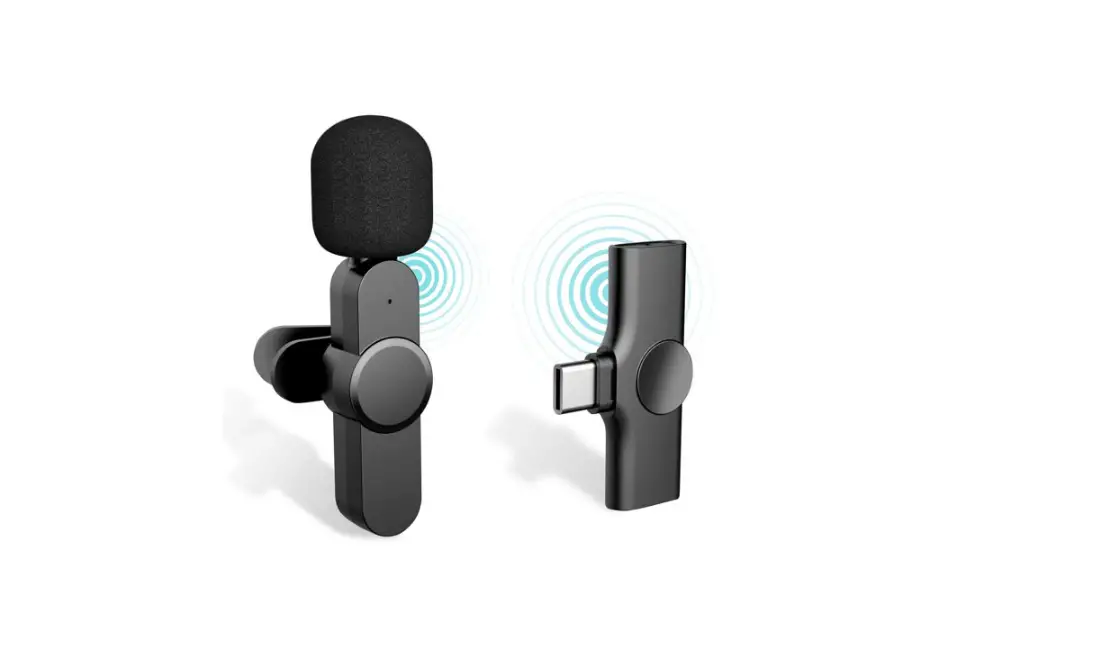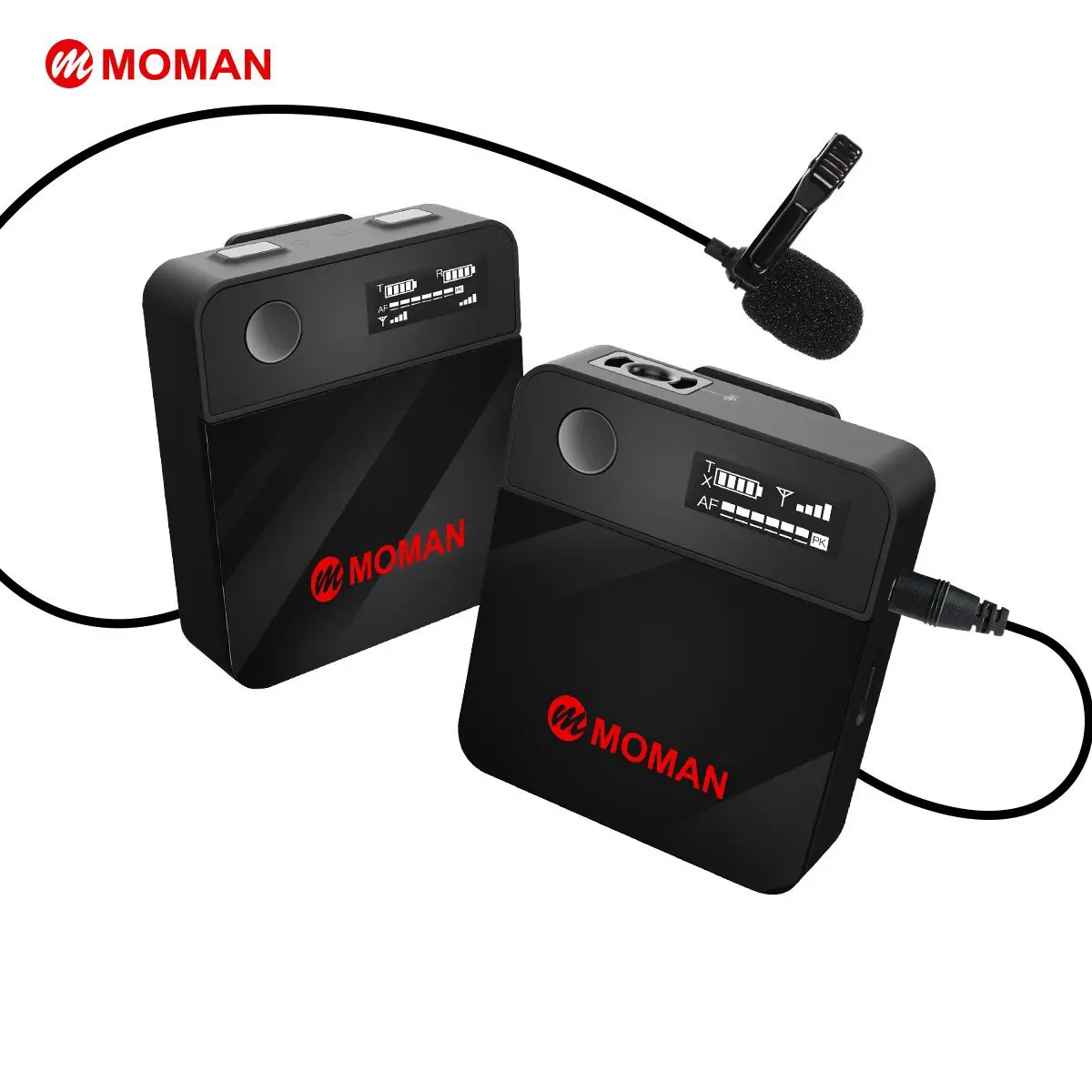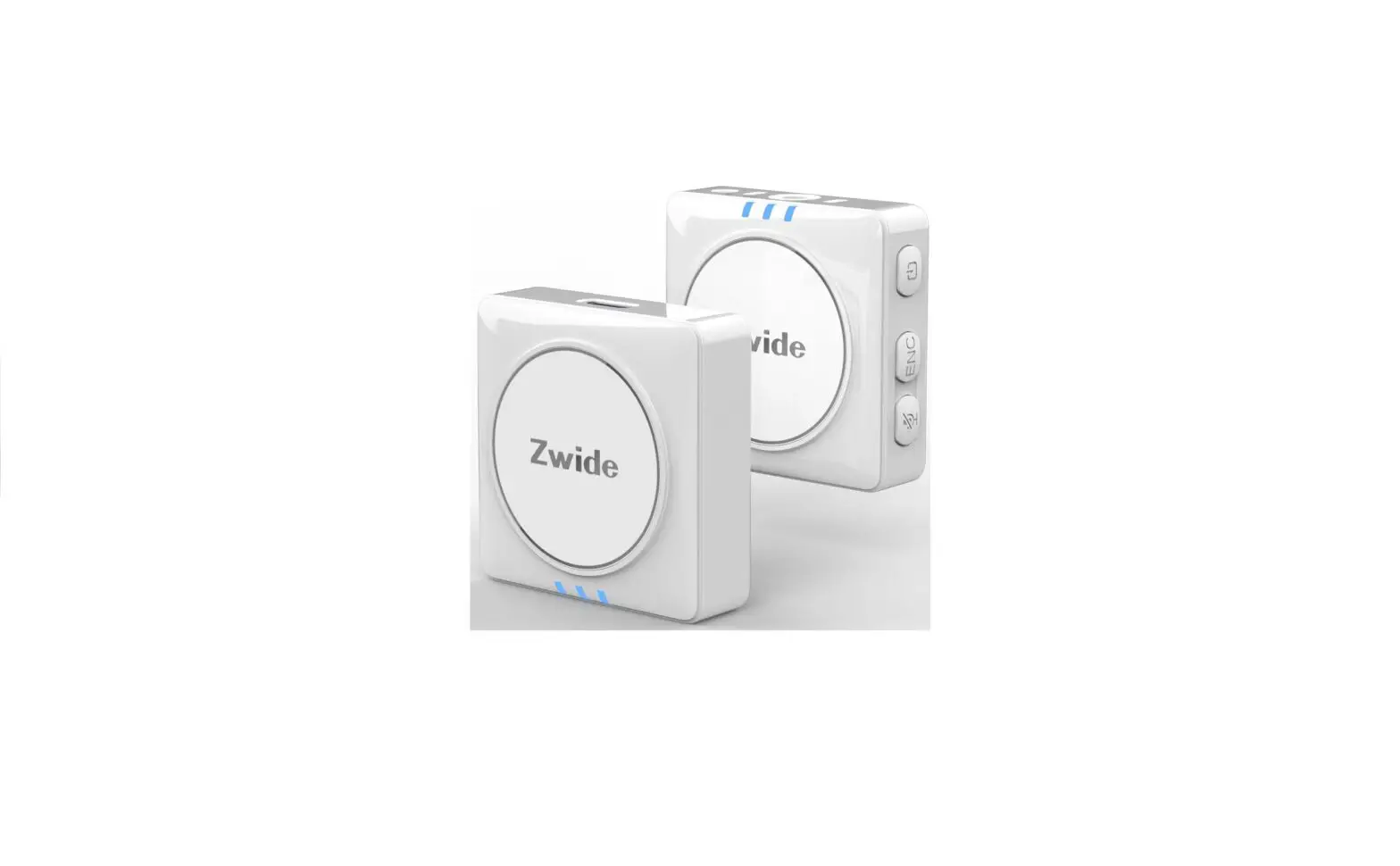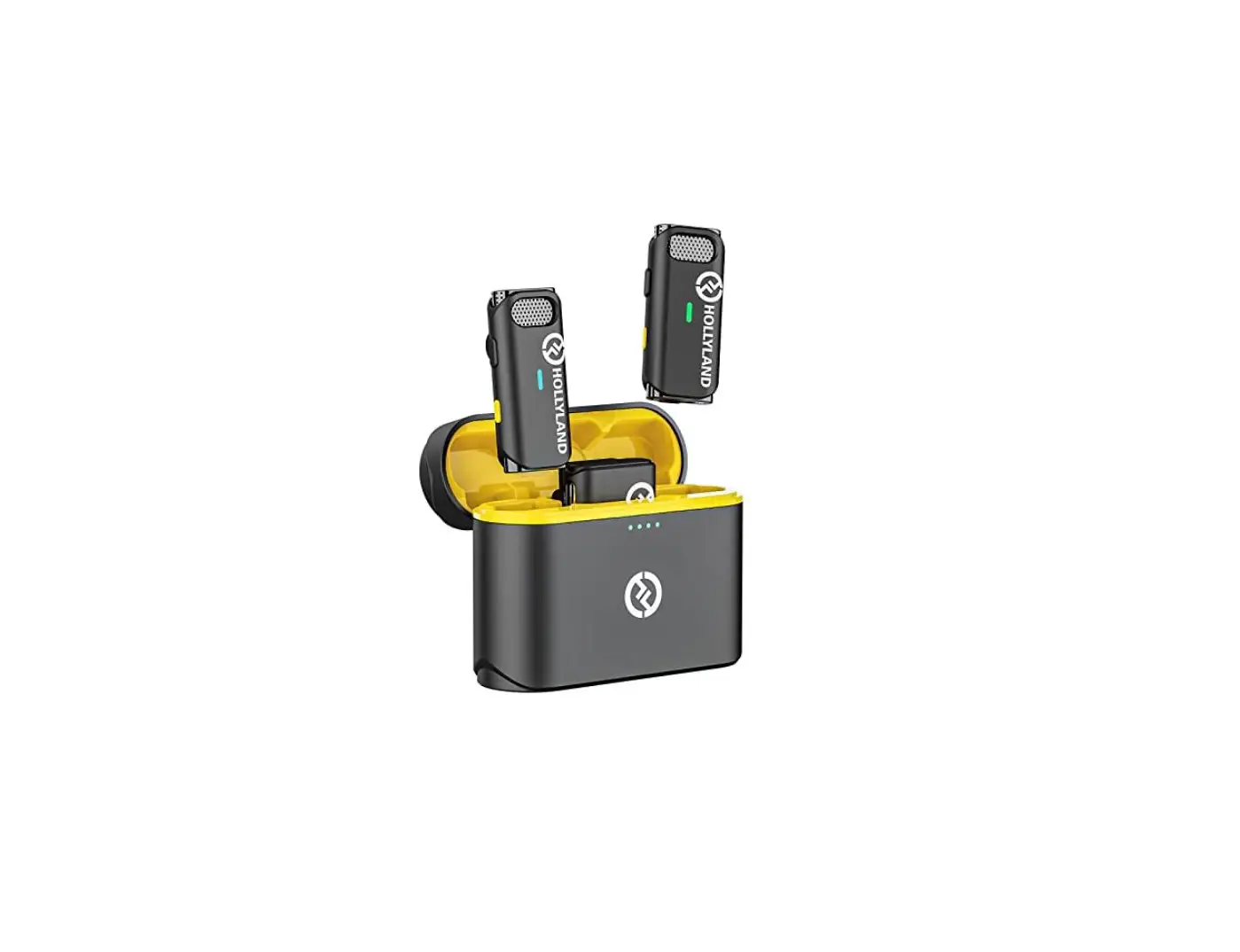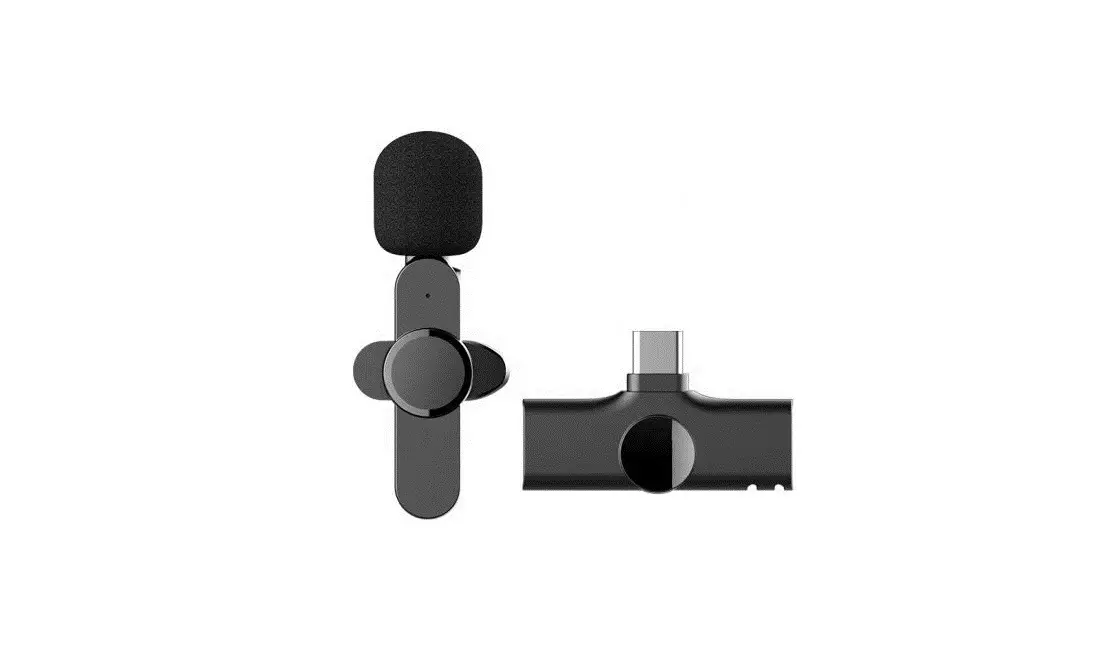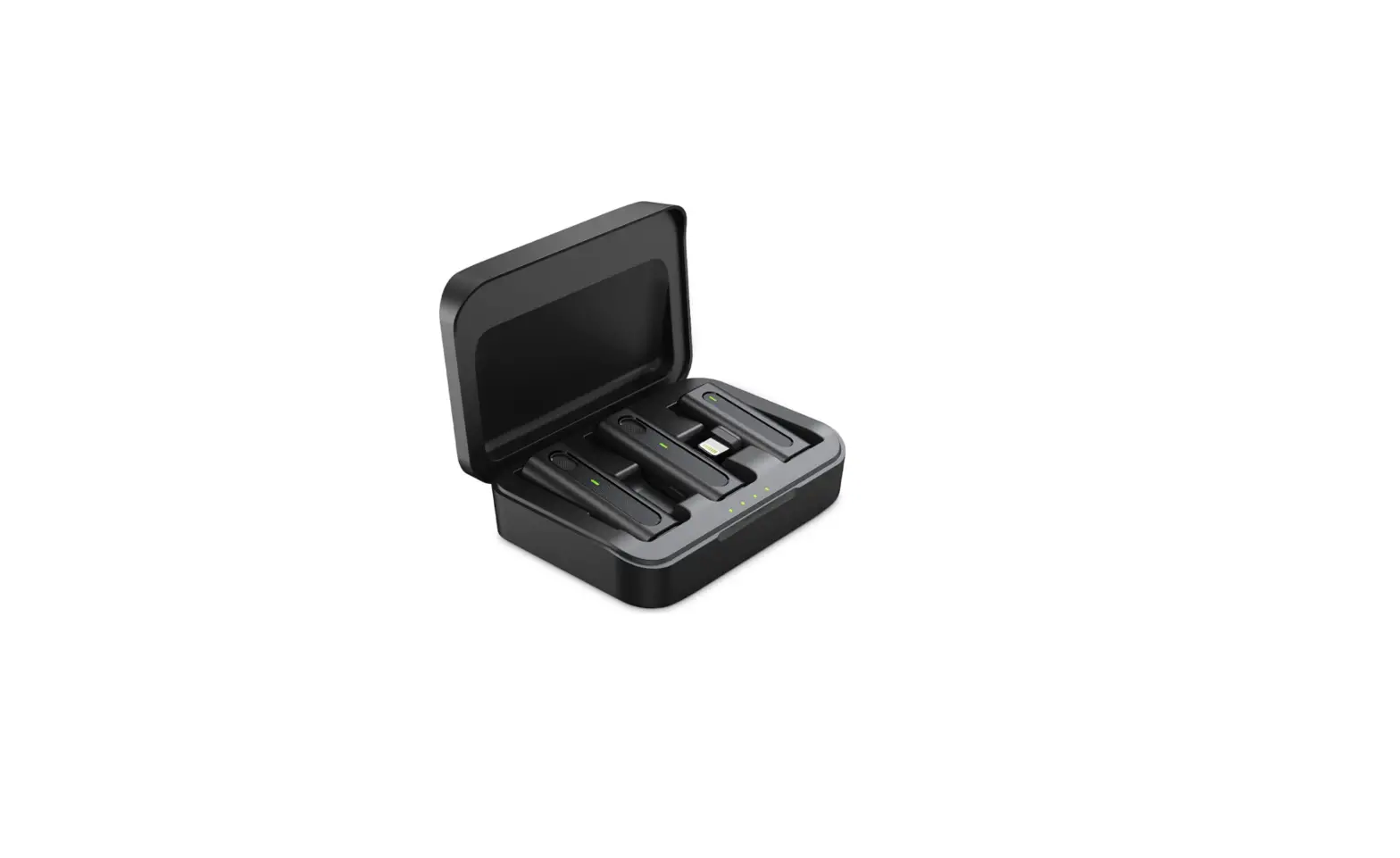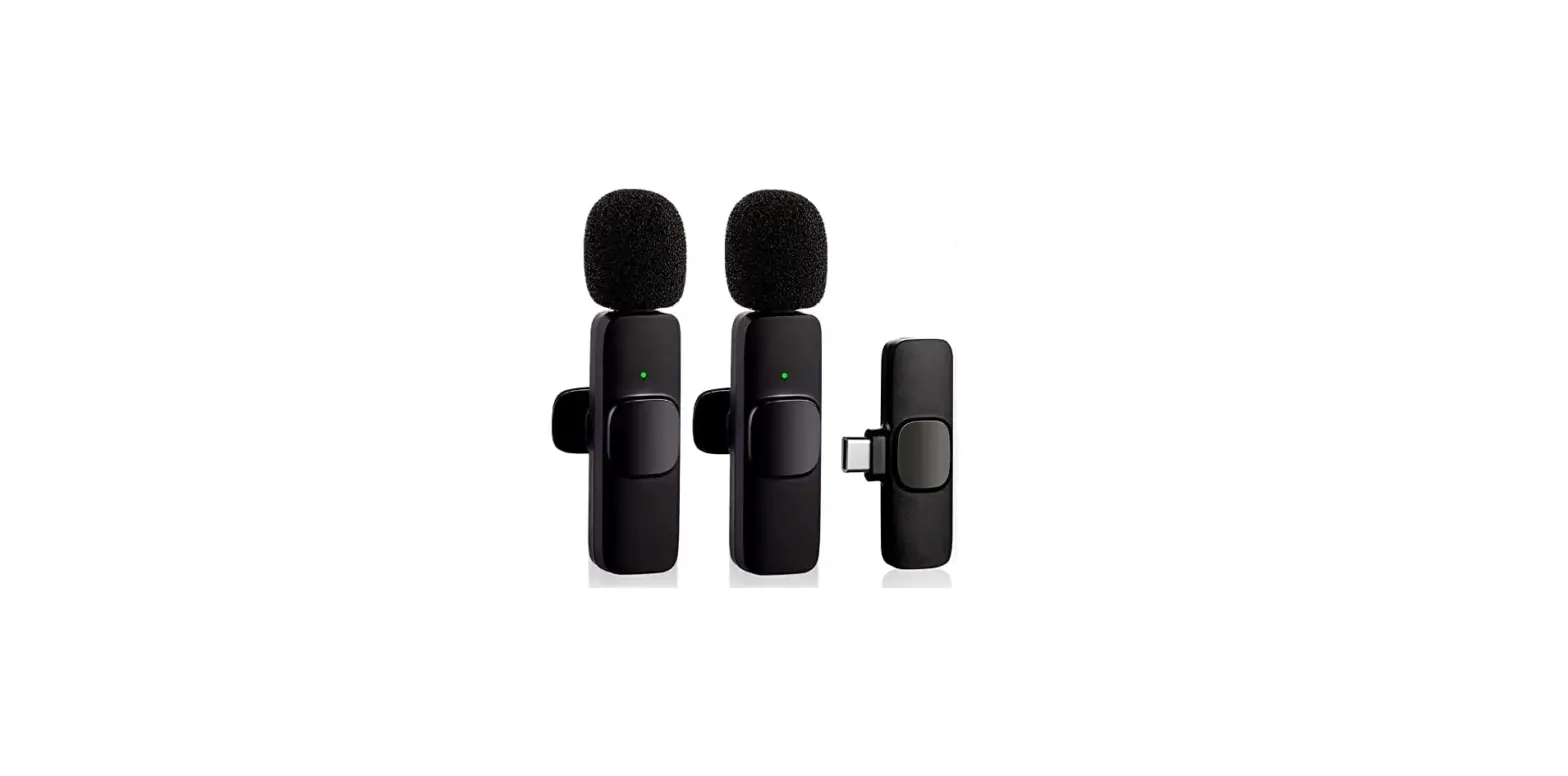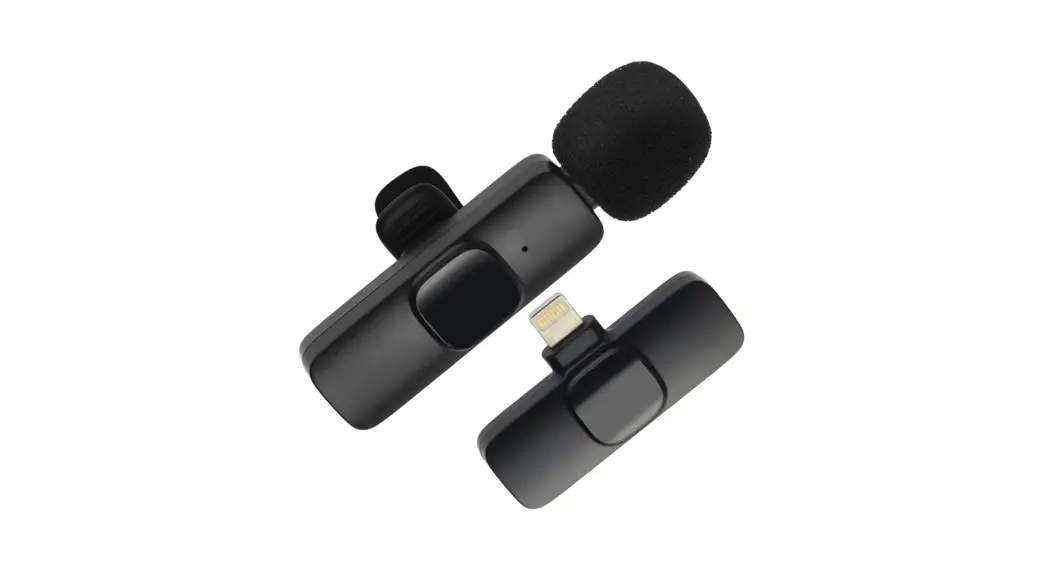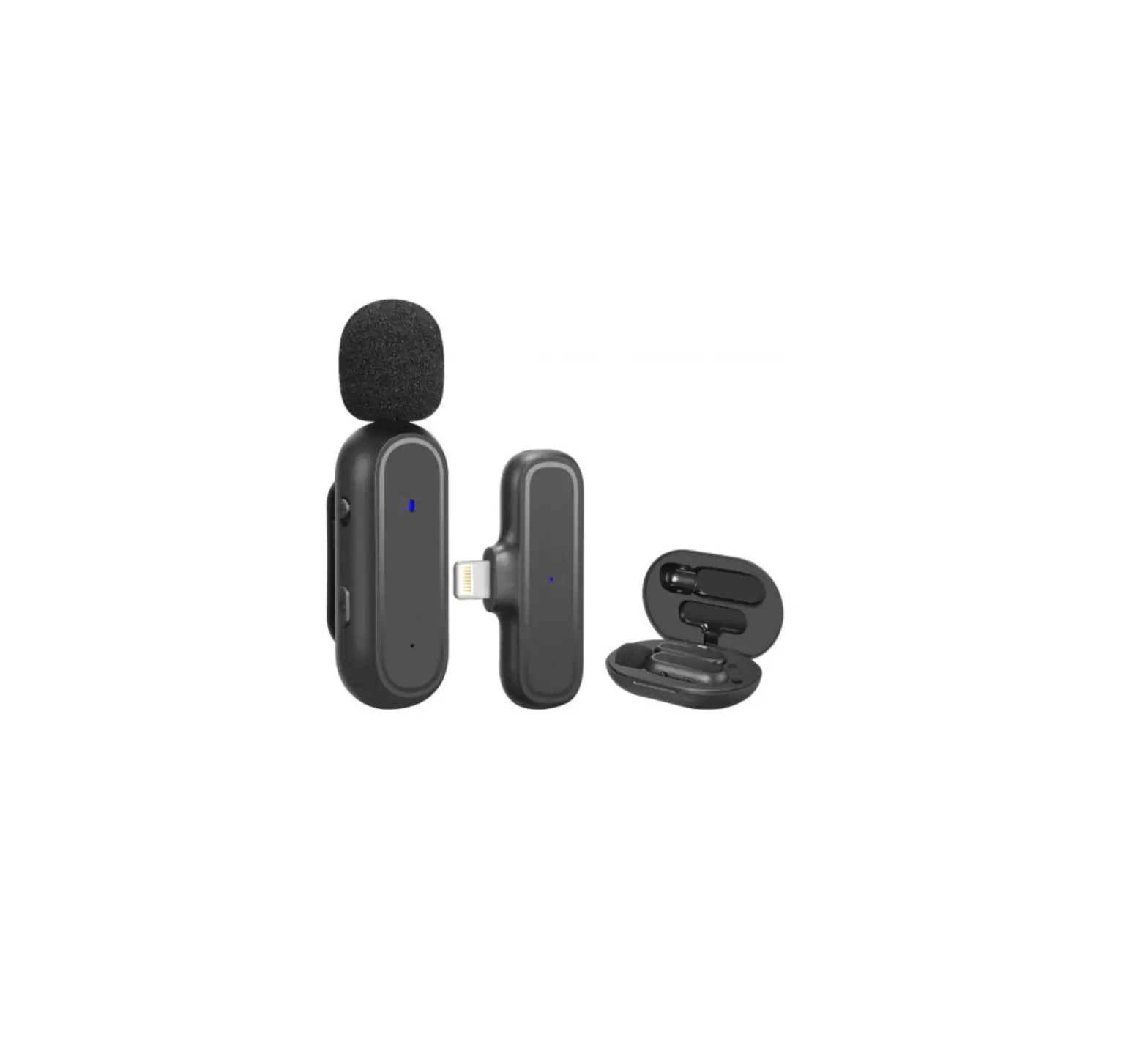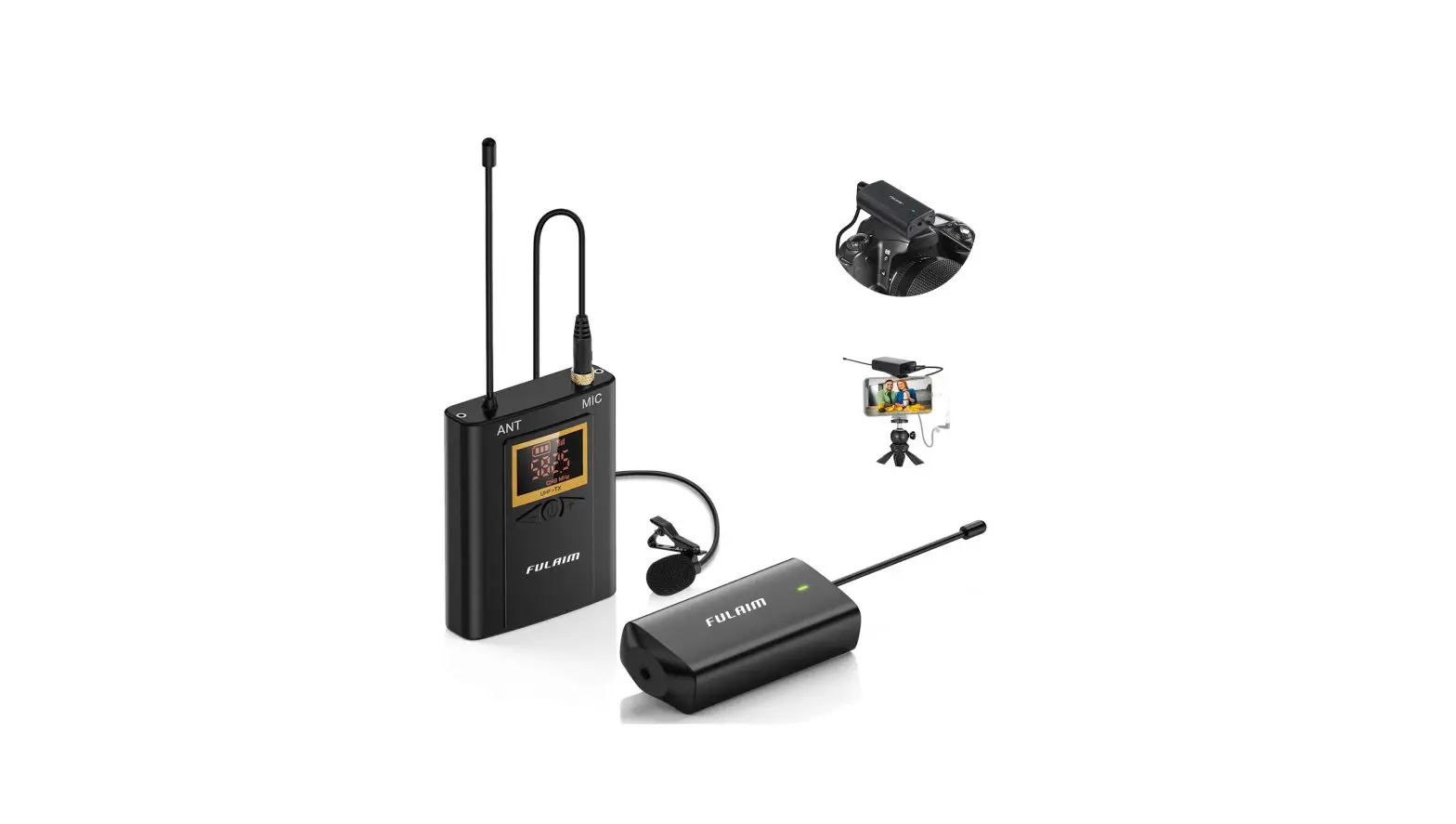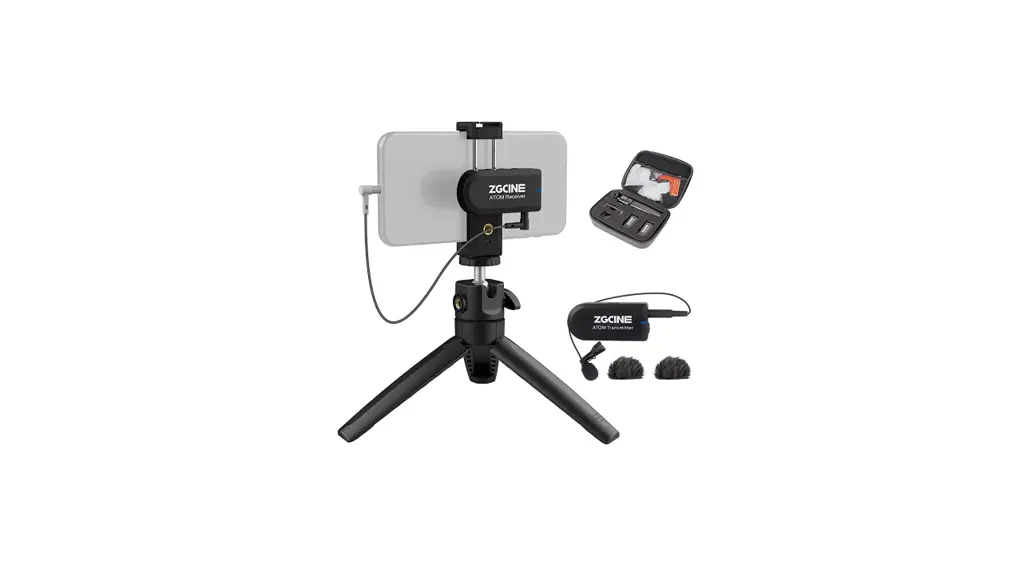
 ATOM Smartphone Wireless Lavalier Vlogging Microphone Kit
User Manual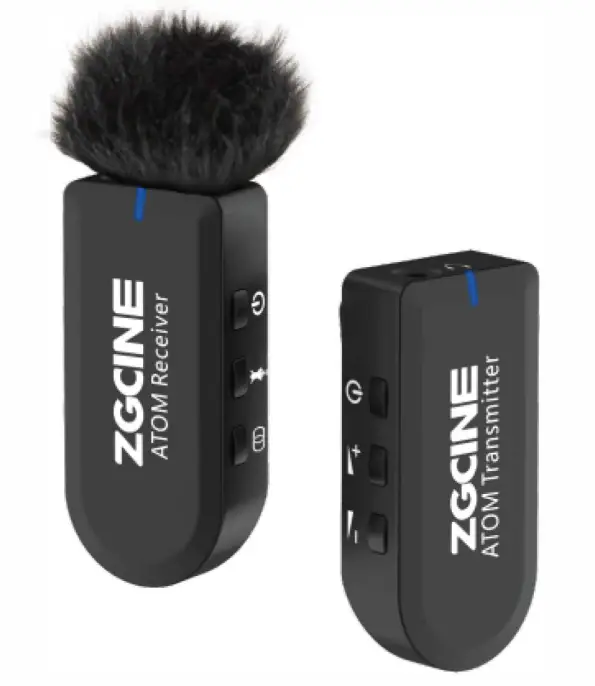
Important Safety Information:
- Do not use, expose or store in excessive heat or excessive moist conditions.
- This product when you are using , it’s normal to get warm.
- WARNING: To prevent possible corrosion damage, do not use or store in any area with or near corrosion chemical.
- Please have the product checked by an authorized or agent if your product has a problem. Disassembling this unit will void all warranties Don’t open and don’t attempt to repair Disassembling may damage it or may cause injury to you and will void all warranties.
- Please operate in full compliance with the related operation Please note that this warranty does not apply to repairs arising from malfunction, although you may request such repairs.
- The instructions and information in this Product Manual are based on thorough controlled company testing Product design will be subject to change without notice.
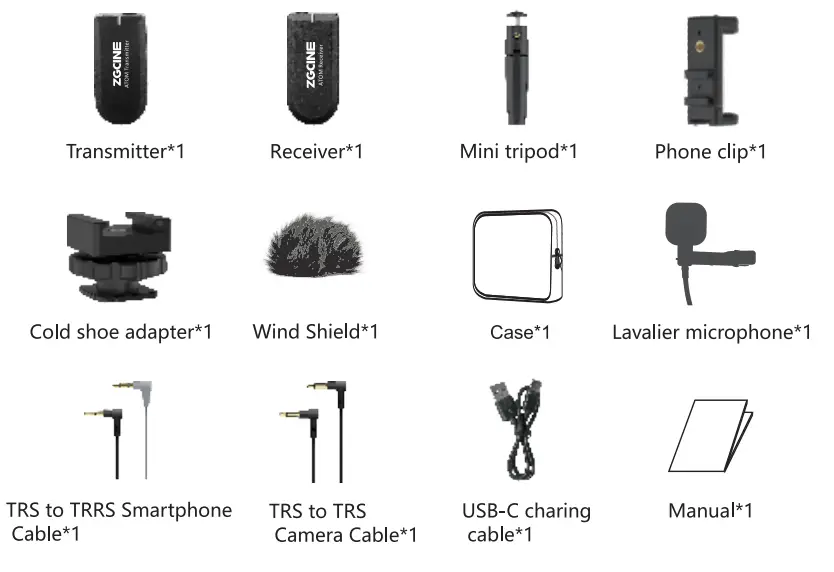
Item list
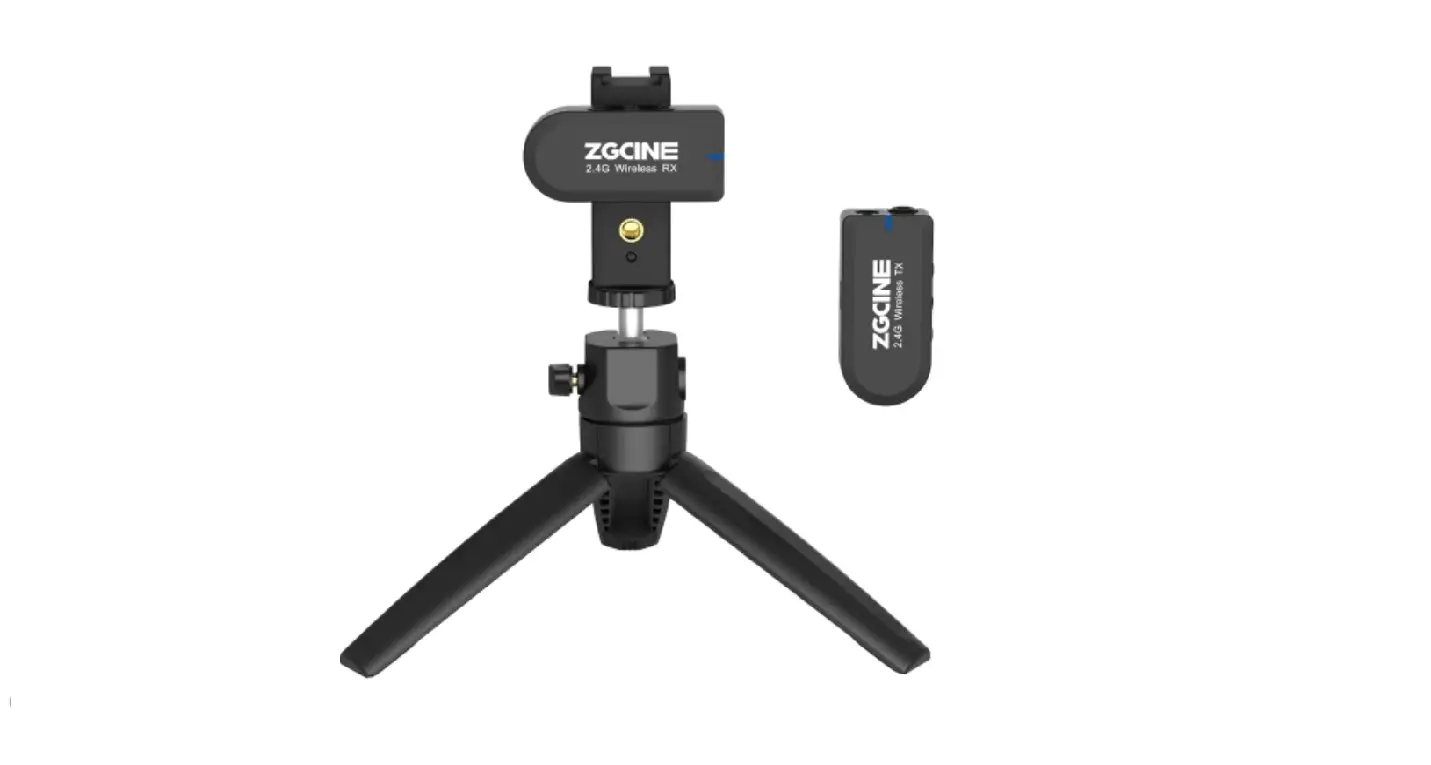
Product View
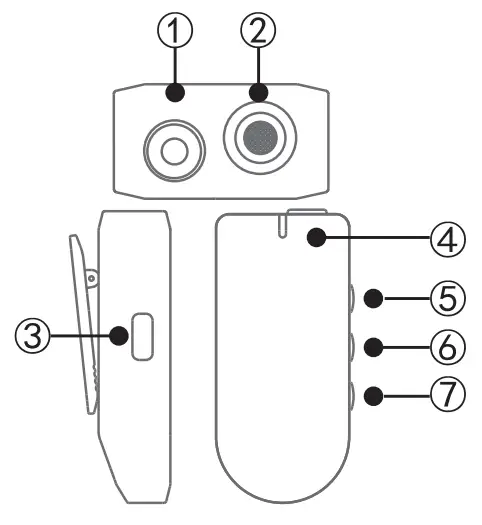
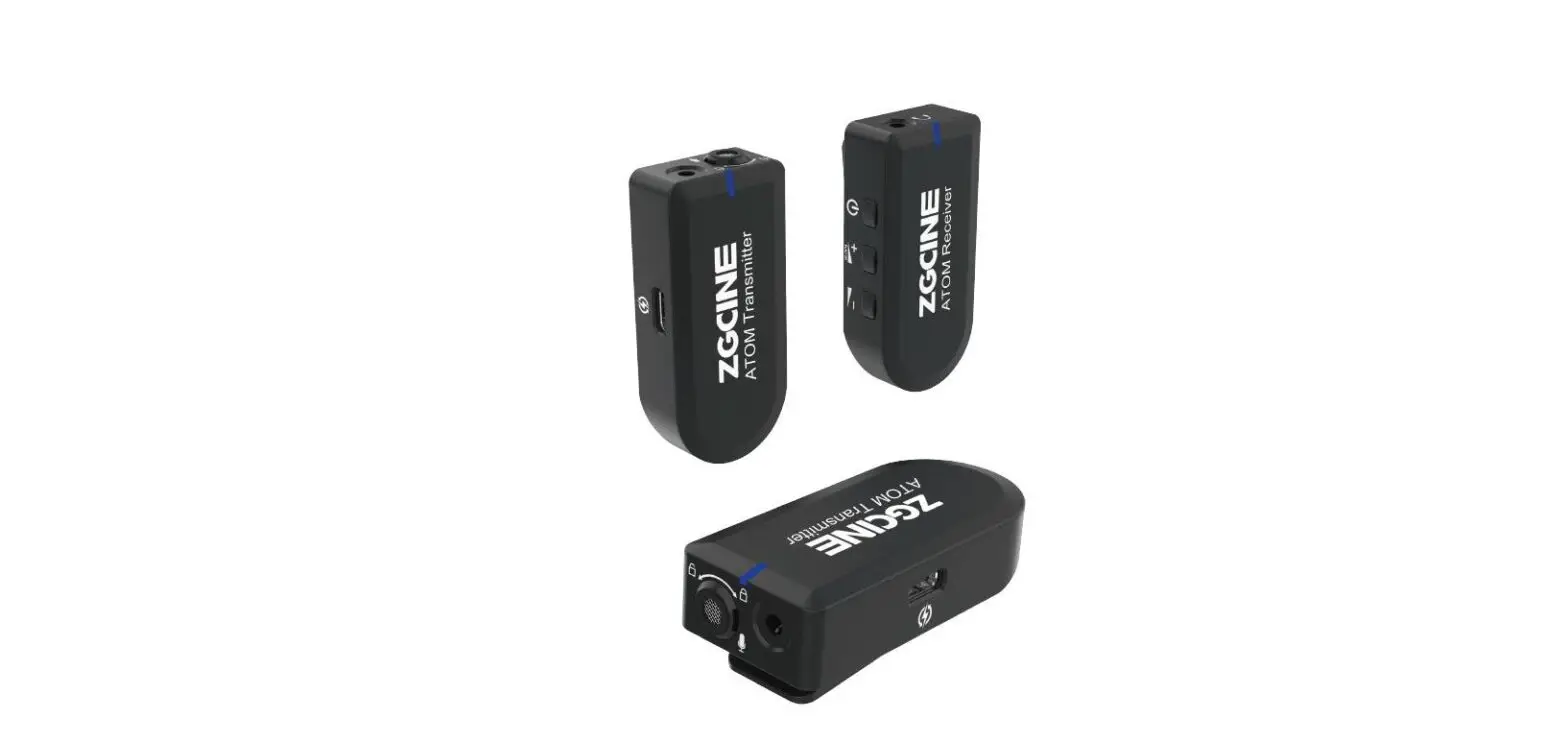
Transmitter
- Audio input port
- Build in Microphone
- USB-C charing port
- Status indicator
- Power button: long press 2 secords to turn it on and off
- Short press: mute on/off
- Pairing button
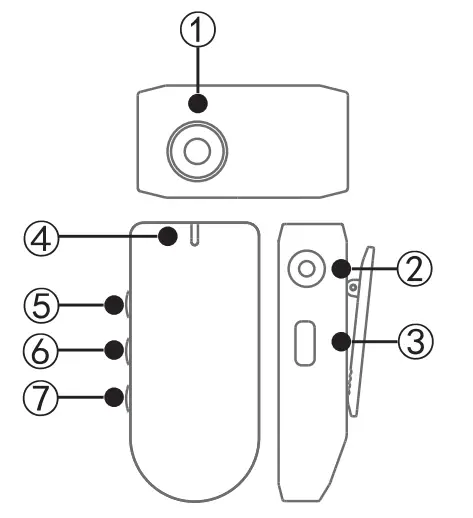
Receiver
- Audio output port: headphone monitoring
- Recording Output: Connect to Recording
- Device by Using Audio Cable
- USB-C charing port ®Status indicator
- Power button: long press 2 records to turn it on and off; Short press: mute on/off
- Volume up button
- Volume down button
Operation guide
Long press the transmitter and receiver power button for 2 seconds to turn on If the transmitter and receiver are connected correctly, the status indicators turns blue.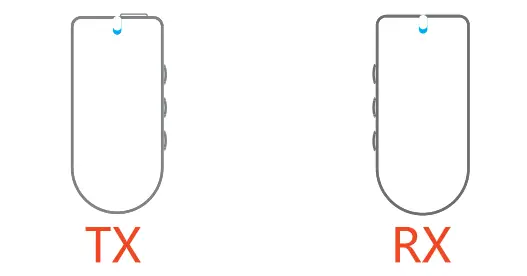 If the transmitter and receiver are not connected correctly, the status indicators flashes blue.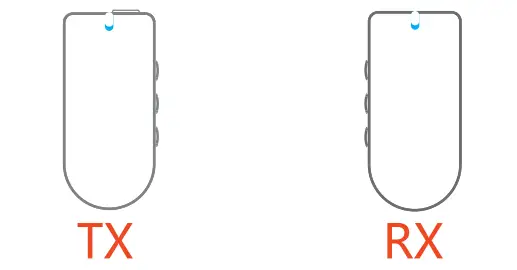
Pairing process:
Press and hold the transmitter and receiver power button when they are off, then the Status Indicator will light up and flashing red and blue alternately. When the blue light is always on, the transmitter and the receiver have been successfully paired.
If there is any interference when using, double click the pairing button of the transmitter to reselect the signal channel.
The status indicators flashes red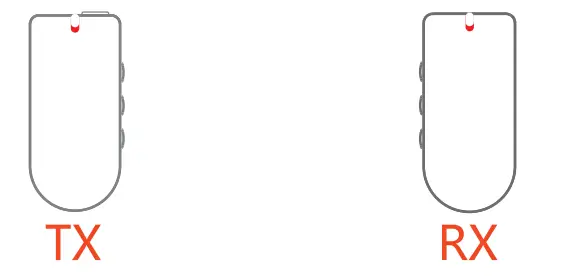 The status indicator flashes red indicates a low-power state, it shuts down automatically in 10 minutes. The status indicator is always red during charging.
Transmitter operation:
The transmitter can use built-in microphone or external microphone to record, as below: 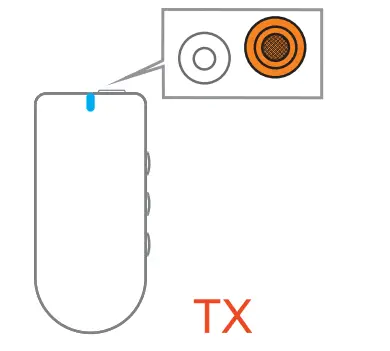
When using an external microphone, plug the external microphone into the transmitter’s audio input port, as below. 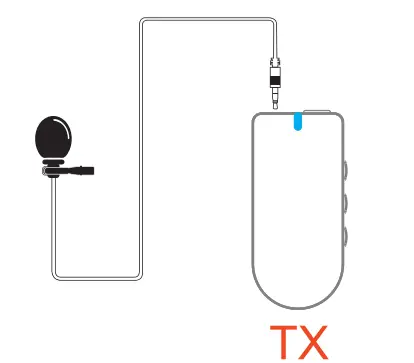
clip the back of the Transmitter onto your clothes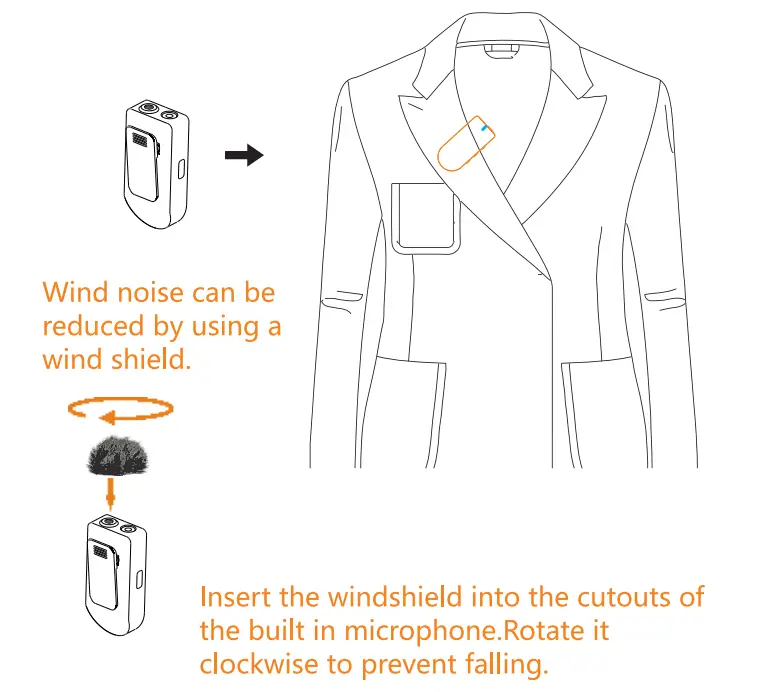
Receiver operation
As below: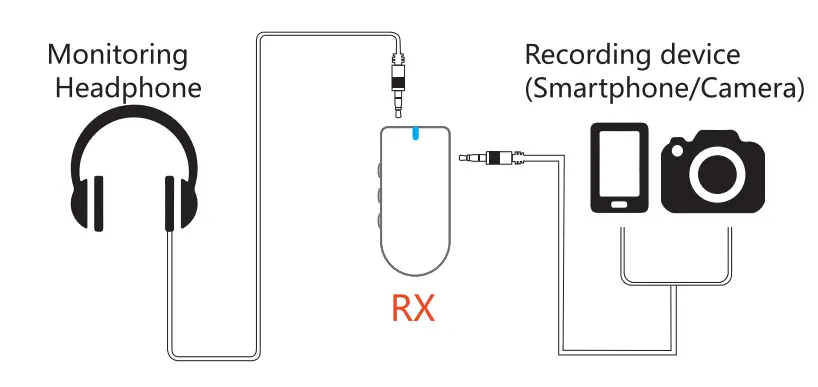
The receiver is used on the camera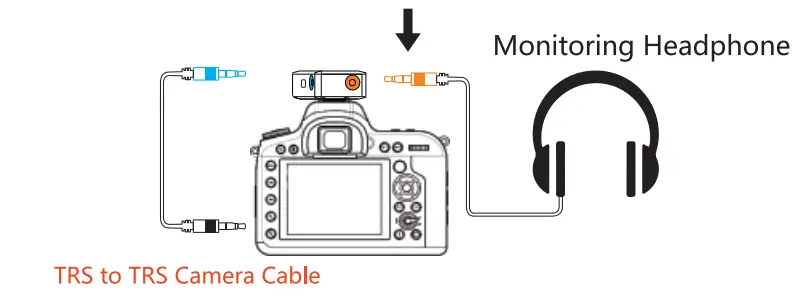 The receiver is used on the smartphone
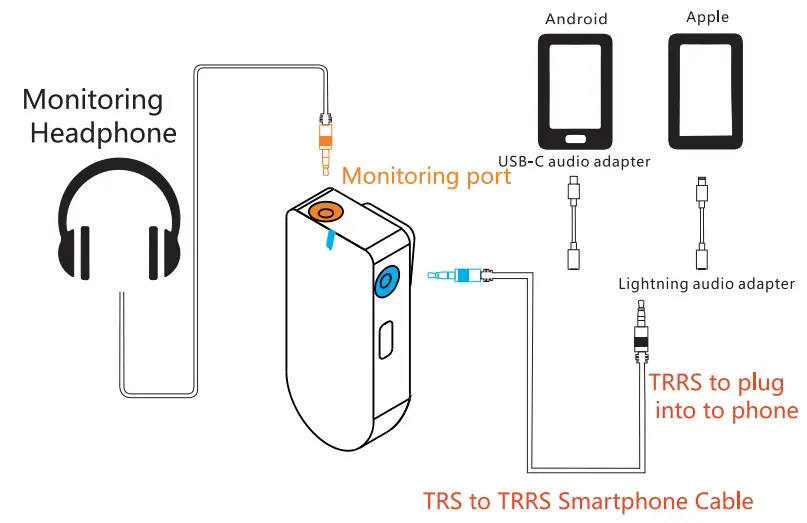
NOTE: USB-C audio adapter and Lightning audio adapter are Not included.
Battery capacity: Short press the power button when the transmitter and receiver are off, the number of flashes of the status indicator red light represents the percentage of battery
Specification
| Working frequency: | 2.4GHz |
| Signal delay: | <10ms |
| Microphone directivity: | Omnidirectional |
| Frequency Range: | 20Hz-16kHz |
| Battery capacity: | 500mAh |
| Battery life: | 6h |
| Net weight: | 28g |
Manufacturer: Shenzhen Zhengguang Imaging
Equipment Co., Ltd.
Address: 4th Floor, 1st Building, Xiazao Industrial
Park, Longhua District, Shenzhen, China
Website: www.zgcine.com
+86 0755-2941 501 5 MADE IN CHINA