
STEP-BY-STEP GUIDE
TO CONNECTING TOROID
SOLID CORE CTs TO A LOAD
Rev101215
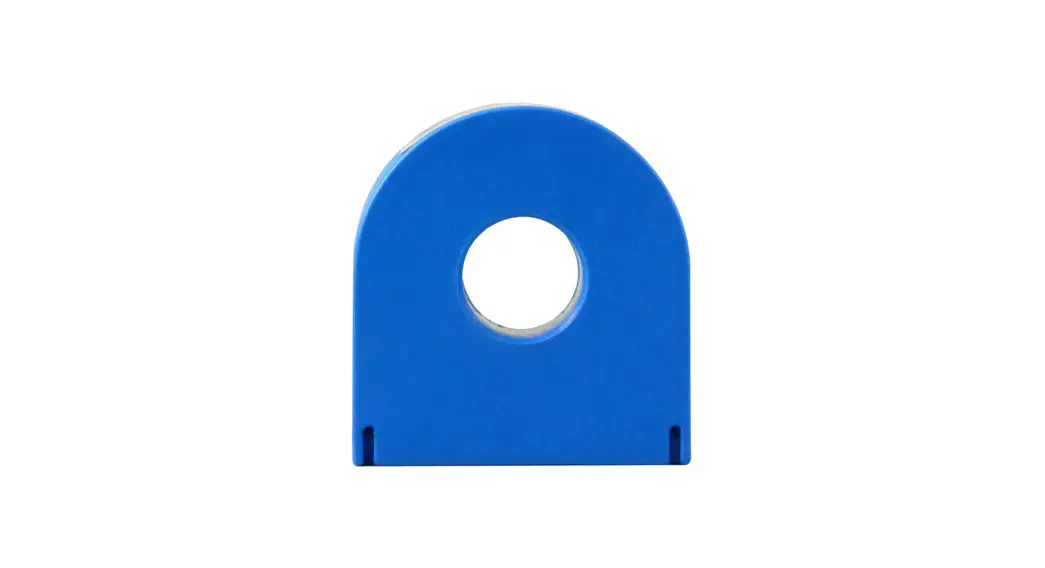
CT-RGT12-0100-U Toroid Solid Core CT
Photo 1: Solid Core (Toroid) CT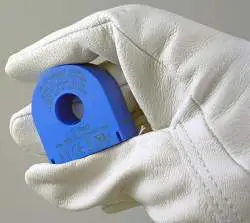
Photo 2: Insert conductor through the center of the CT.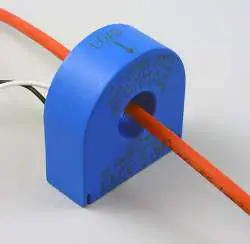
Photo 3: Connect White Wire to Positive Terminal. Connect Black Wire to Negative Terminal.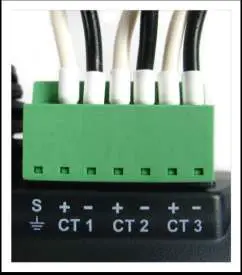
ALL WORK SHOULD BE PERFORMED BY A QUALIFIED ELECTRICIAN USING PROPER SAFETY EQUIPMENT
 Equipment is protected throughout by double insulation.
- Disconnect load from power source.
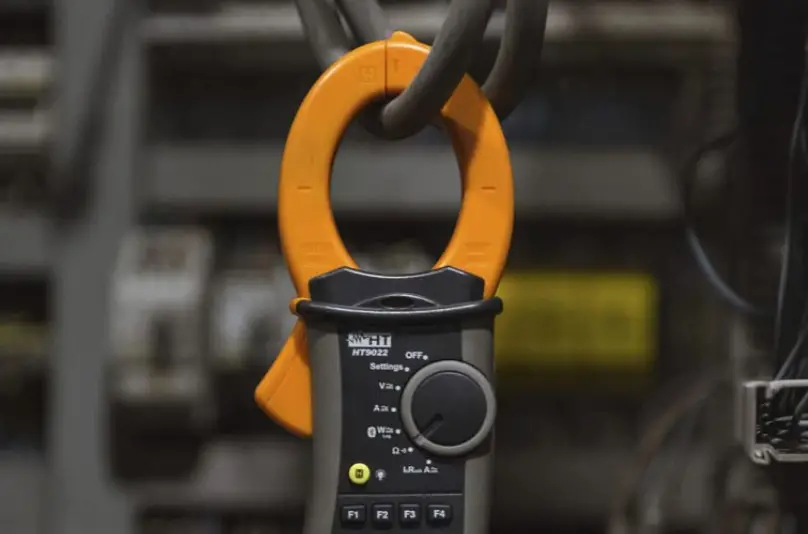
- Insert the conductor through the center of the CT. Make sure the maximum current of the conductor does not exceed CTs rating and the CT is oriented towards the load as indicated by the label on the CT.
- Repeat Step 2 if you are using more than one CT.
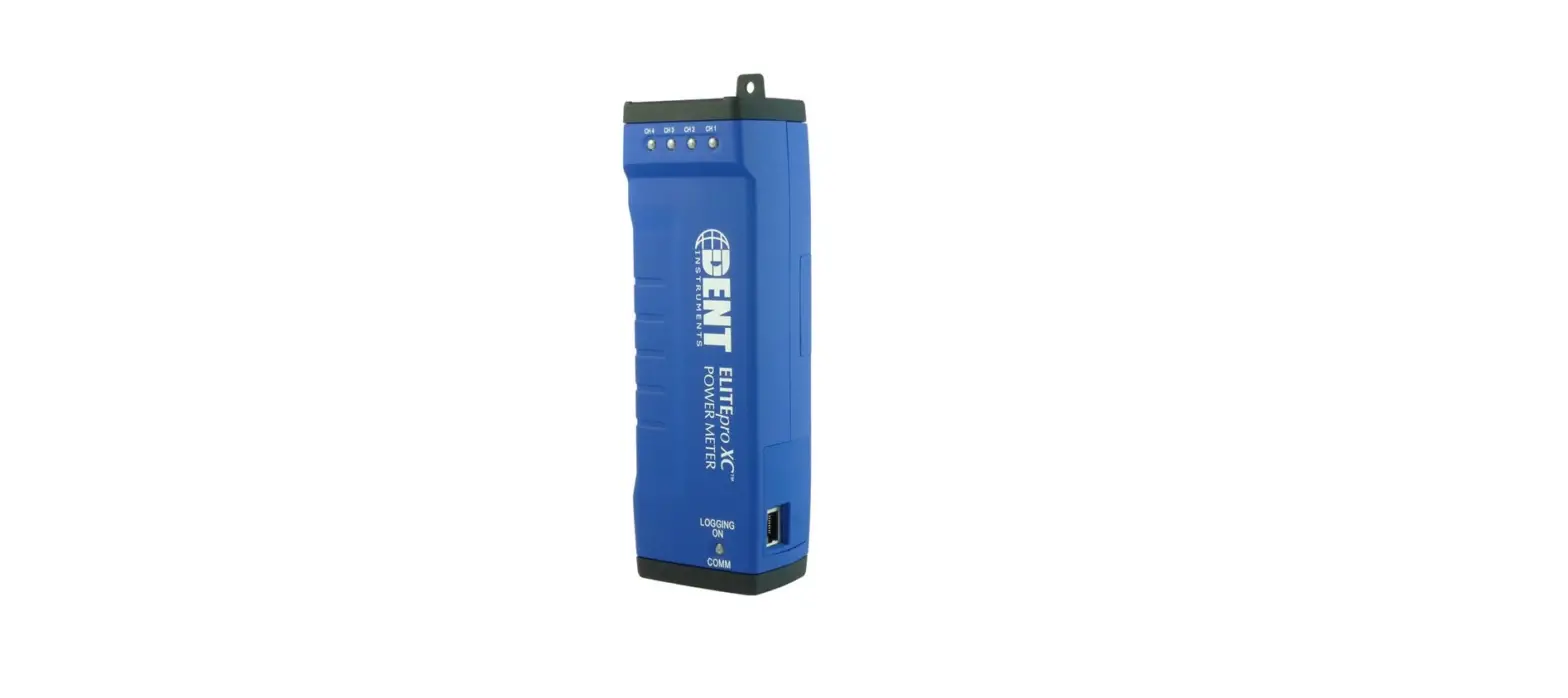
- Connect the white wire on the CT to the positive terminal on the measuring device. (See Photo 3.)
- Connect the black wire on the CT to the negative terminal on the measuring device. (See Photo 3.)
- You are now ready to begin your monitoring session.
DENT Instruments, Inc.
925 SW Elkay Drive | Bend, Oregon 97702
Phone 541.388.4774 | fax 541.385.9333
www.DENTinstruments.com