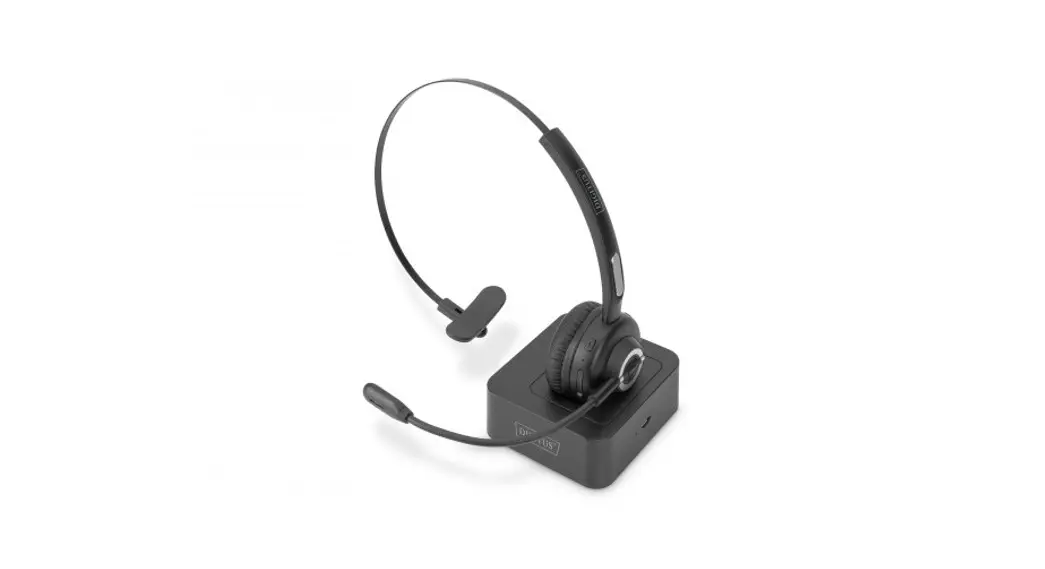

ON-EAR BLUETOOTH
HEADSET WITH DOCKING
STATION
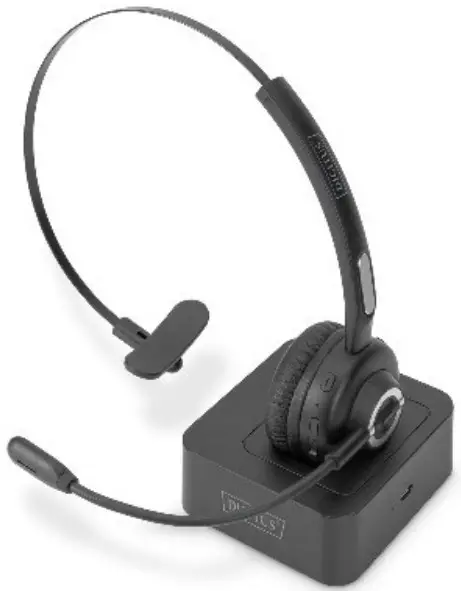
Quick Installation Guide
DA-12211
Introduction
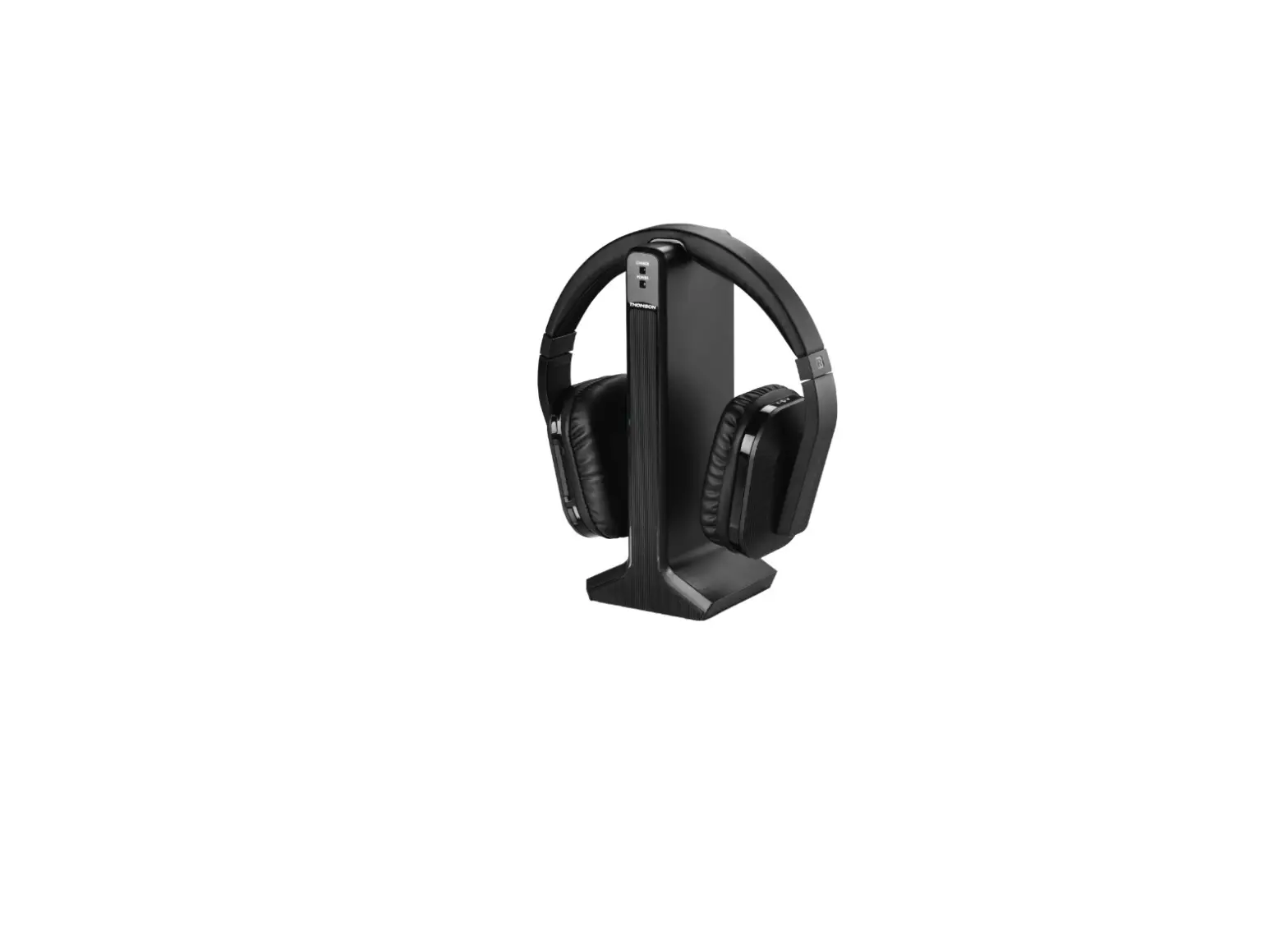
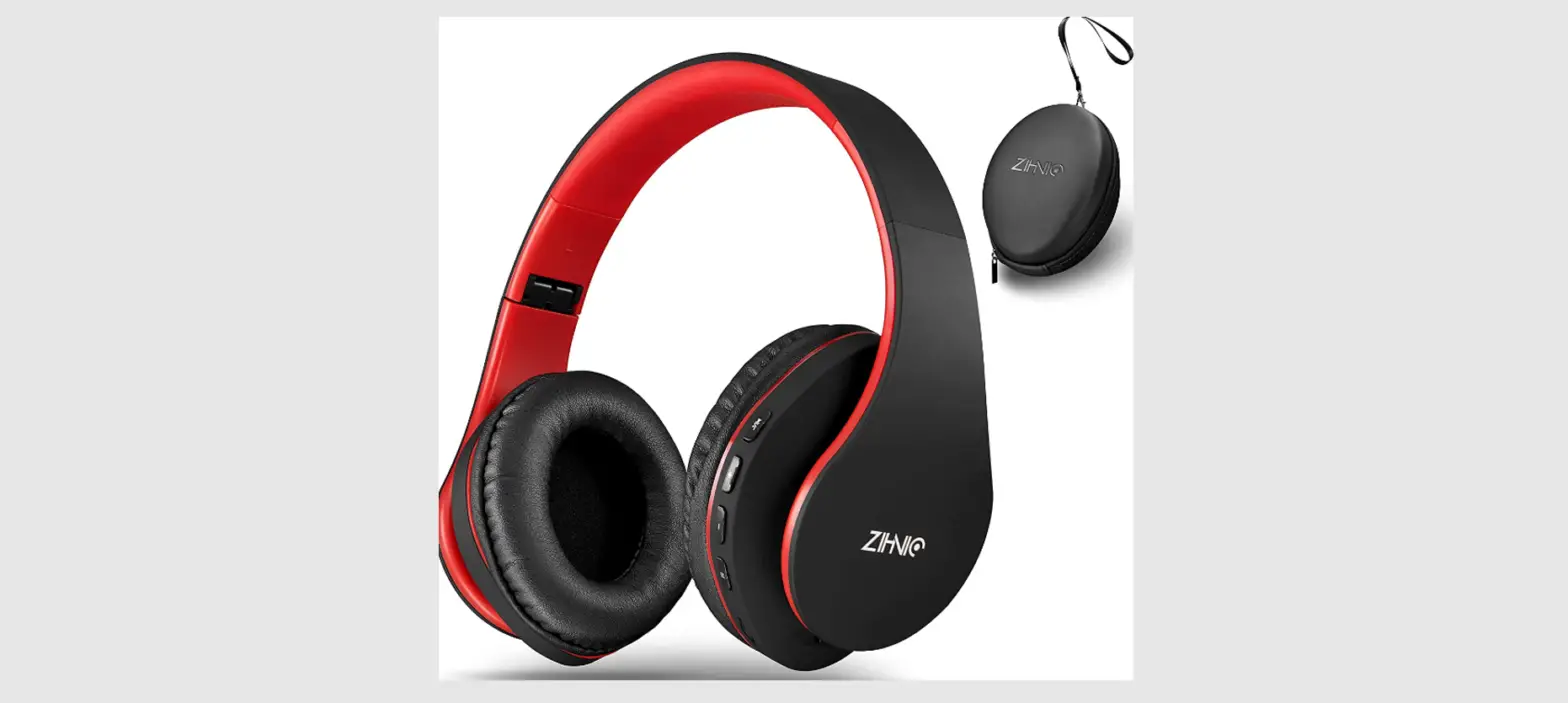
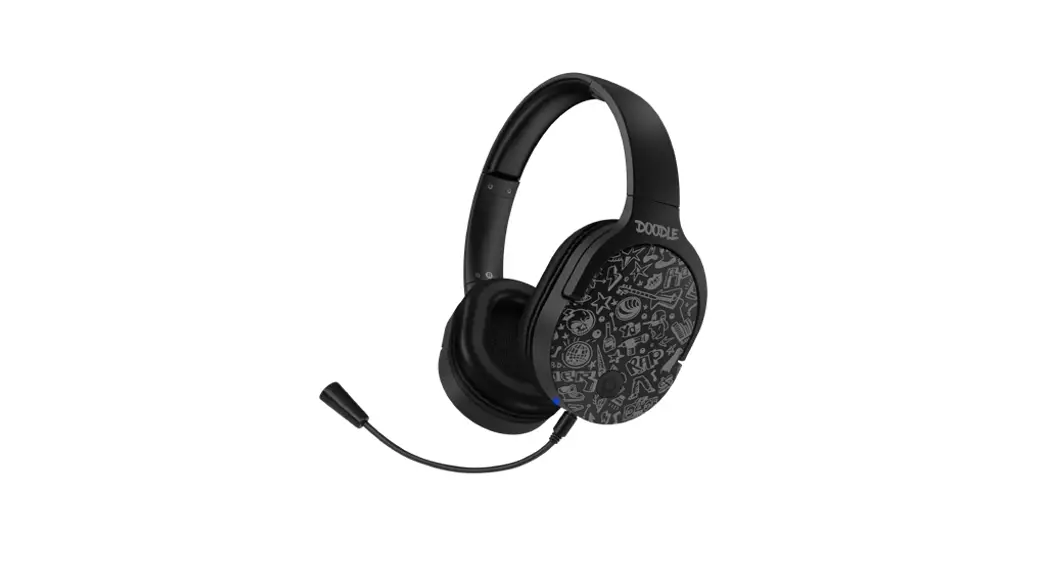
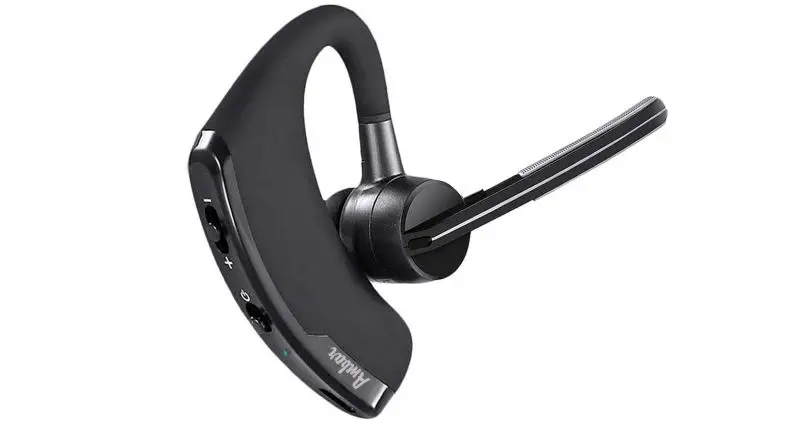
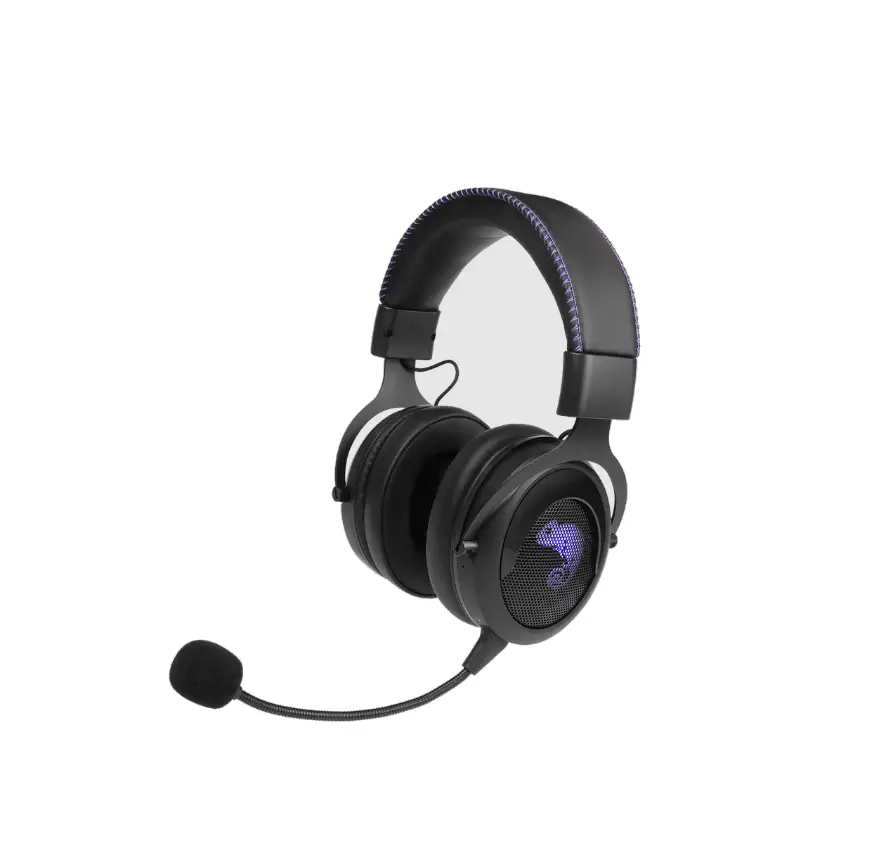
The on-ear headset from DIGITUS® offers optimal voice quality and faster connection thanks to Bluetooth 5.0. The headset can be connected with two devices simultaneously; for example, it can easily and quickly switch between two smartphones.
The range is up to 10 m depending on the environment. The Bluetooth headset is compatible with iOS and Android smartphones and can be used for call times of up to 17 hours thanks to the rechargeable lithium-ion battery. The headband can be adjusted flexibly to different head sizes and shapes, and the headset can be worn on the right or left side thanks to the rotatable microphone.
The soft pad at the ear ensures excellent wearing comfort.
Product Overview
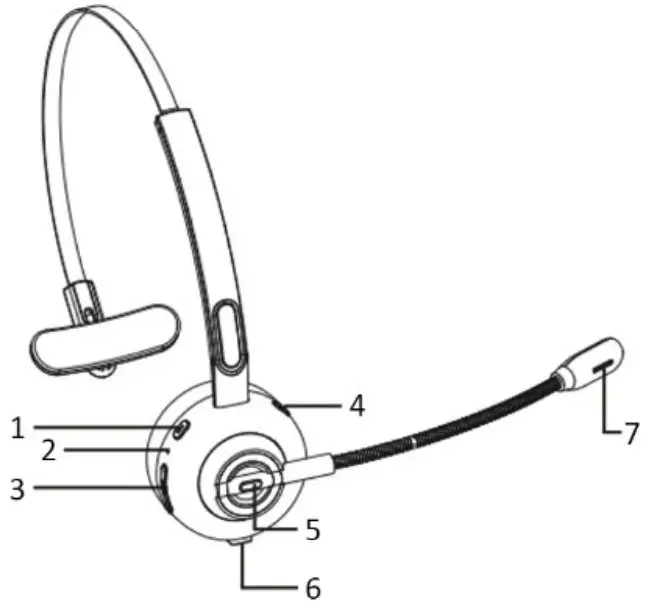
- Volume –
- LED Indicator
- Micro USB
- Volume +
- MFB (Multi-Function Button)
- Charge Base Interface
- Microphone
Package Contents
- 1 x On-Ear Office Headset
- 1 x Docking Station
- 1 x Charging Cable, USB A – Micro USB
- 1 x QIG
Basic Operation
| Button | Function | Operation |
| MFB | Power on | In off status, long press 1-3 seconds MFB to power on |
| Power off | In on status, long press 5 seconds to power off | |
| Enter into Pairing Mode | In off status, long press 5-8 seconds to enter into pairing mode. Or under In unconnected standby mode, double press the MFB to enter into pairing mode. | |
| Play/Pause | Short press when play music | |
| Red is I a call | Double press MFB to dial the last call | |
| Reconnect | When there is a pairing record, power on and enter into reconnect state or short press MFB to reconnect under pairing mode |
| Voice Dialing | Long press 1-second MFB then release | |
| Audio Switch | Long press 1-second MFB to switch the audio between phone and Bluetooth headset | |
| Answer a call | Short press (when call coming) | |
| Hang up a call | Short press (during a call) | |
| Reject a call | Long press 1 second (when call coming) | |
| Volume + | Volume up | Short press |
| Next song | Long press for 1 second | |
| Volume – | Volume down | Short press |
| Previous song | Long press for 1 second |
Bluetooth Pairing and Connection
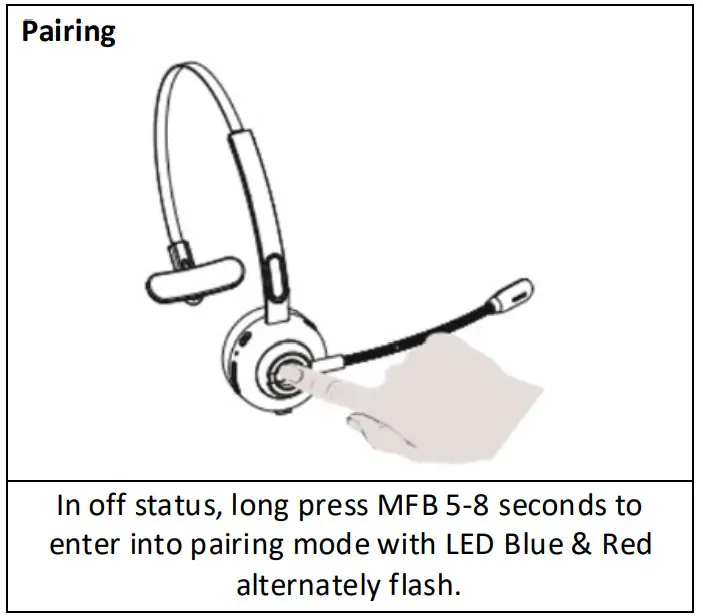
A. In off status, long press 5-8 seconds to enter into pairing mode with LED Blue & Red flash alternately.
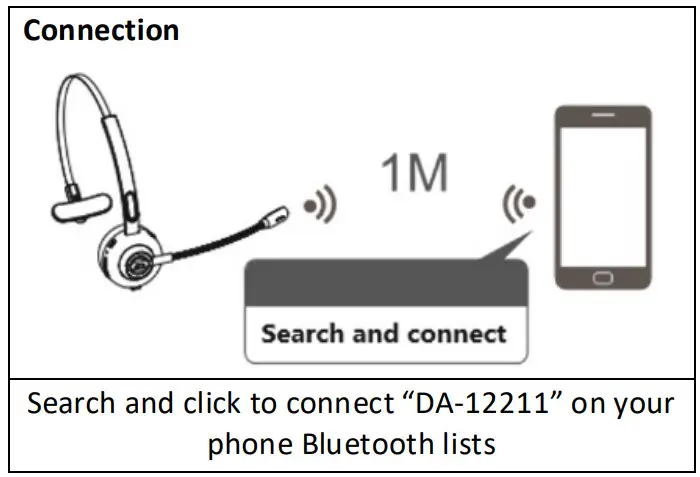
B. Search and click to connect “DA-12211” on your phone Bluetooth lists, LED change to LED Blue flash after connected, now you can play music from phone to the headphone.
C. You can press MFB/ volume+ / volume- on the Bluetooth headset to control the answer/hang up a call and play/pause of the music, next and previous songs, volume up and down.
Connection with two devices
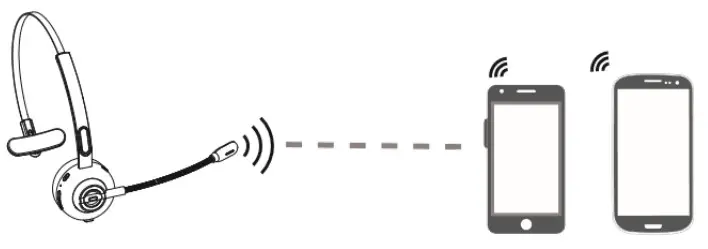
A. Follow part 3 to connect with the first phone, then turn off the Bluetooth function of the first phone.
B. Double press MFB to pairing mode again with Red & Blue LED flash alternately.
C. Search and click to connect “DA-12211” on your second phone Bluetooth lists, LED change to Blue LED low flash after connected.
D. Turn on the Bluetooth function of the first phone, click to reconnect “DA-12211” on Bluetooth lists. Headset connected with two phones now.
Notes:
Music only can be played from one phone under two connections, when you want to play music from another phone, you need to pause or close the music of the previous phone. The same operation during talking status.
LED Indicator
| Mode | LED Indicator |
| Power on | LED Blue flashes 1 second |
| Power off | LED Red flashes 1 second |
| Pairing mode | LED Red & Blue flashes alternately |
| Unconnected standby mode | LED Blue flashes once every 2 seconds |
| Connected standby mode | LED Blue flashes once every S seconds |
| Play music | LED Blue flashes once every S seconds |
| Talking | LED Blue flashes once every S seconds |
| Delete paired record | Blue and Red LED flashes once at the same time |
| Charging | Solid LED Red |
| Full charged | Solid LED Blue |
| Low Battery | Red LED flash |
Charging
Please charge the DA-12211 at once when the Red LED flashes. Charging time is about 2 hours. Solid LED Red change to Solid LED Blue when full charged.
Charge Connections
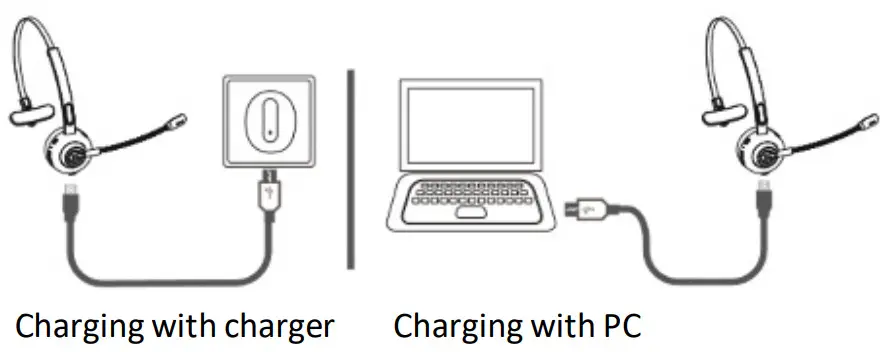
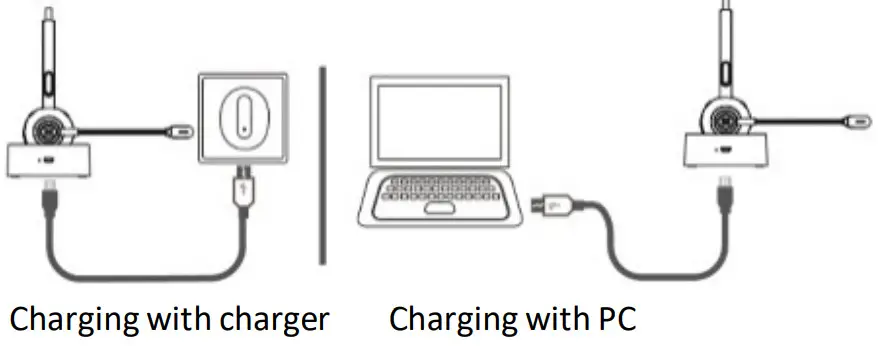
Please connect to the DA-12211 charging port through the Micro USB charging cable, the charger can be used as car charger, travel charger, computer USB, etc.
Use of charge Base
Please place the DA-12211 on the charging base, then connect the charging base to USB charger through the Micro USB port for charging.
Notes:
Please charge the DA-12211 at least one time every 2 months when don’t use it.
Product Specification
| Bluetooth Version | Bluetooth V5.0 |
| Bluetooth Chipset | CSR 8615 |
| Operation Range | 10M |
| Bluetooth Protocols | HSP, HFP, A2DP, AVRCP |
| CODEC Code | SBC |
| Battery Capacity | 180maH/3.7V |
| Charging Time | 2H |
| Stand-by Time | 200H |
| Working Time | 17H (50% Volume) |
| Headset Net Weight | 51g |
| Charge Base Net Weight | 242g |
| Headset Dimension | 163.21 x 142.27 x 48.5 mm |
| Charge Base Dimension | 79 x73 x 31 mm |
Notes:
Actual use time will differ from environment and music.
Attentions and Q & A
A. How to reconnect and operation when failed to reconnect?
When this product connected with your mobile phone successfully at the first time, it will search and reconnect the paired device automatically when power on, if failed, please pair and connect again.
B. How to Delete paired records?
In Power on state, long-press the volume+ and the volume- button for 5 seconds to clear the pairing record. The indicator Blue and Red LED flashes once at the same time, which means the pairing record has been cleared, and the item will not connect back to the connected device. When there are various connection problems, try clearing the airing record firstly.
C. What’s the password for the pairing?
Some connection devices require a password for pairing, pls try 0000 or 8888 or 1111 or 1234.
D. What devices could charge for the headphone?
Any car charger, power bank, PC, etc. which meet DC 5V, charging current more than 500mA could be charged for this item.
E. Three-way calling function operation Call coming during the call, short press the MFB to answer the new call and hang up the current call;
Call coming during the call, double press the MFB to answer the new call and keep the current call;
Call with a new call coming, long-press the MFB for 1 second rejecting a new call. When you are on a three-party call, double press the MFB to switch audio between the
current call and they keep calling.
Hereby Assmann Electronic GmbH declares that the Declaration of Conformity is part of the shipping content. If the Declaration of Conformity is missing, you can request it
by post under the below-mentioned manufacturer address.
www.assmann.com
Assmann Electronic GmbH
Auf dem Schüffel 3
58513 Lüdenscheid
Germany
 ASSMANN Electronic GmbH | Germany