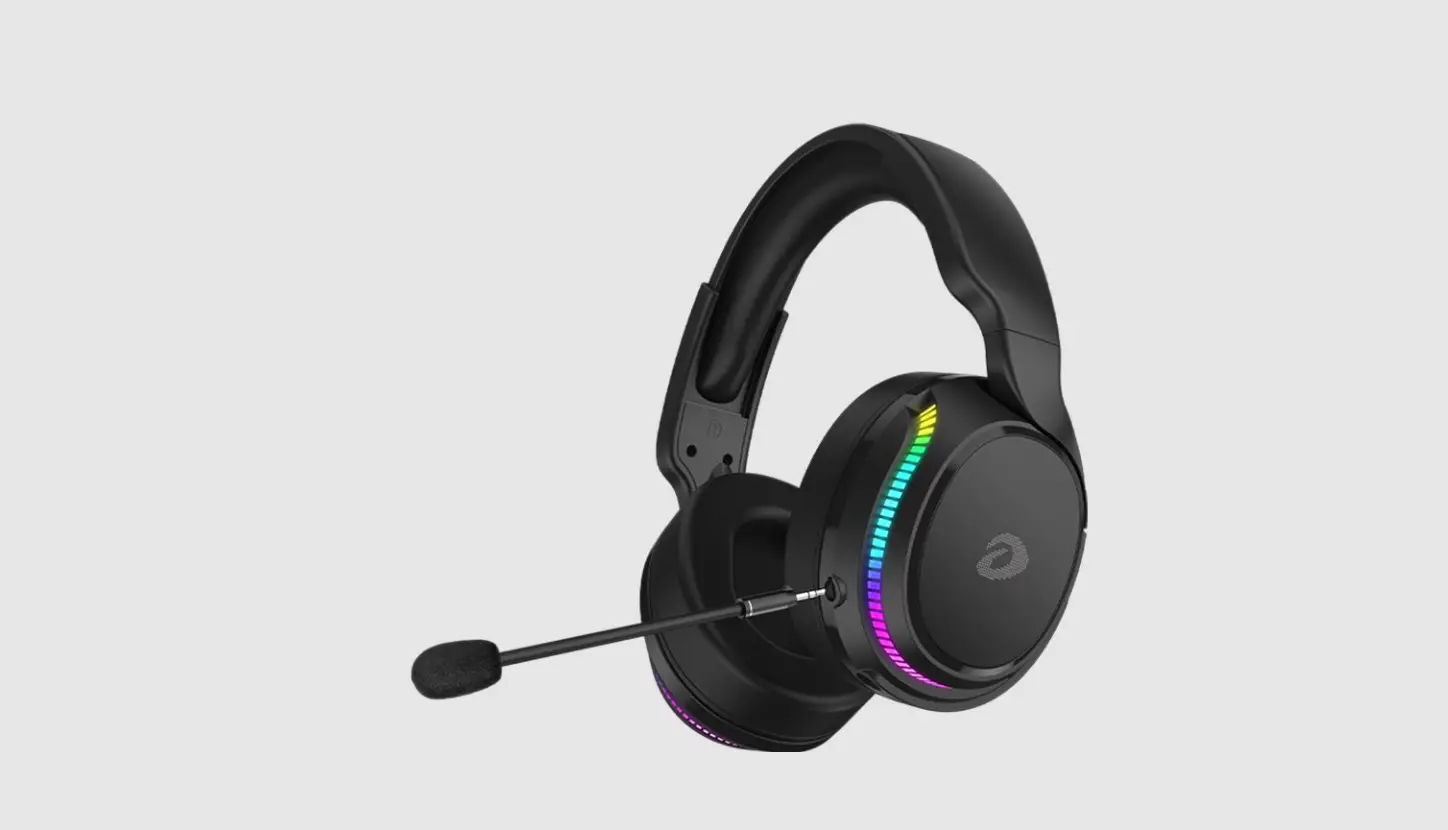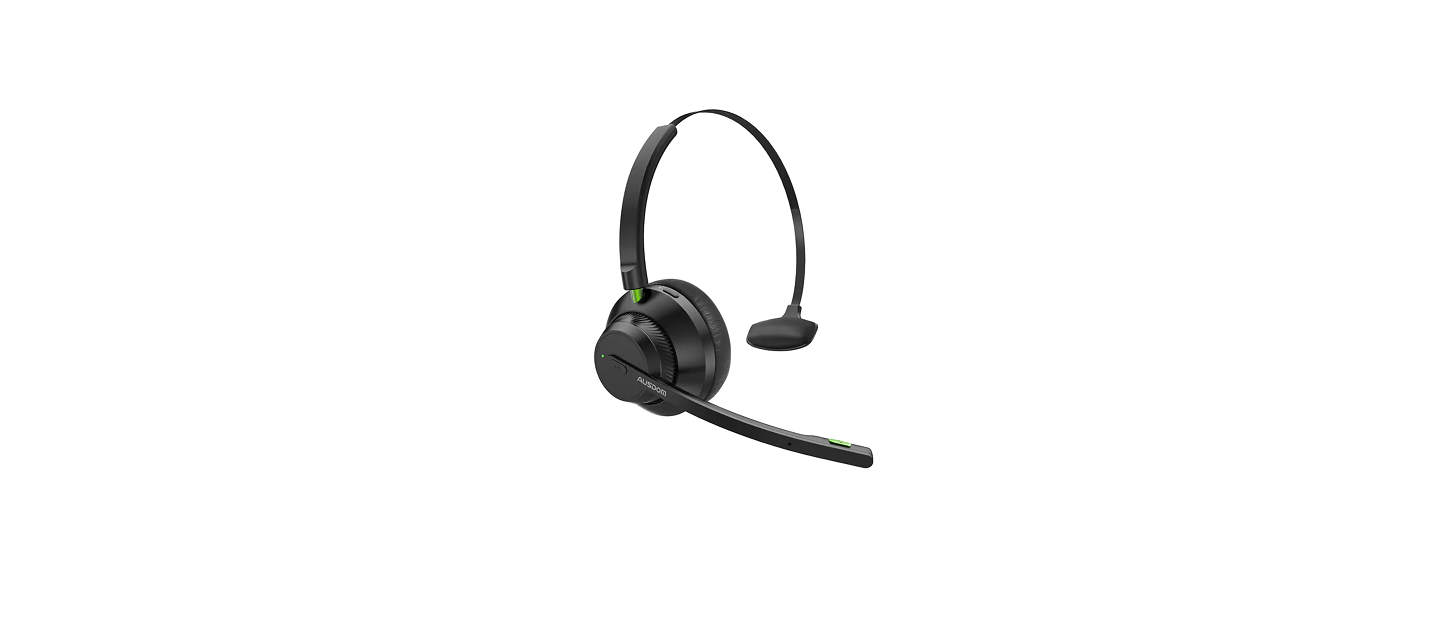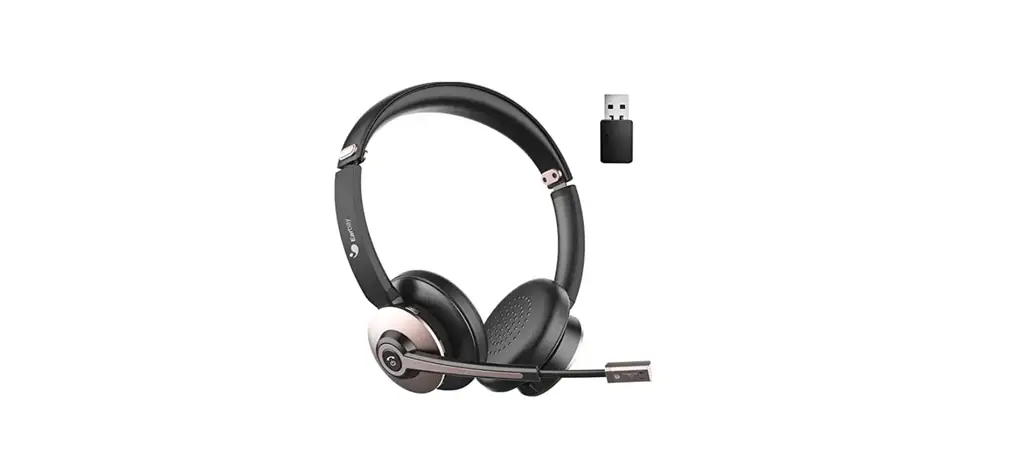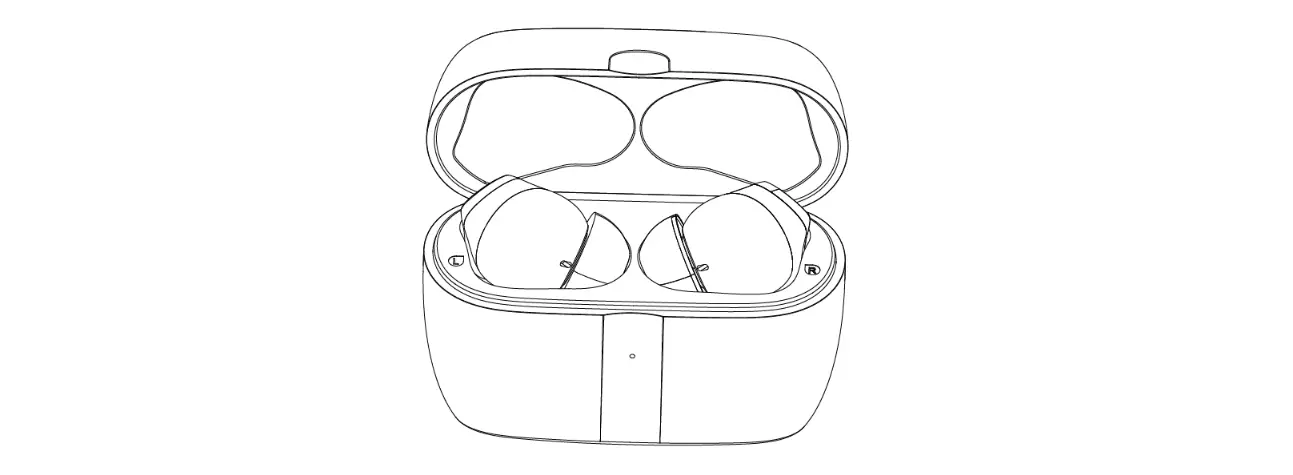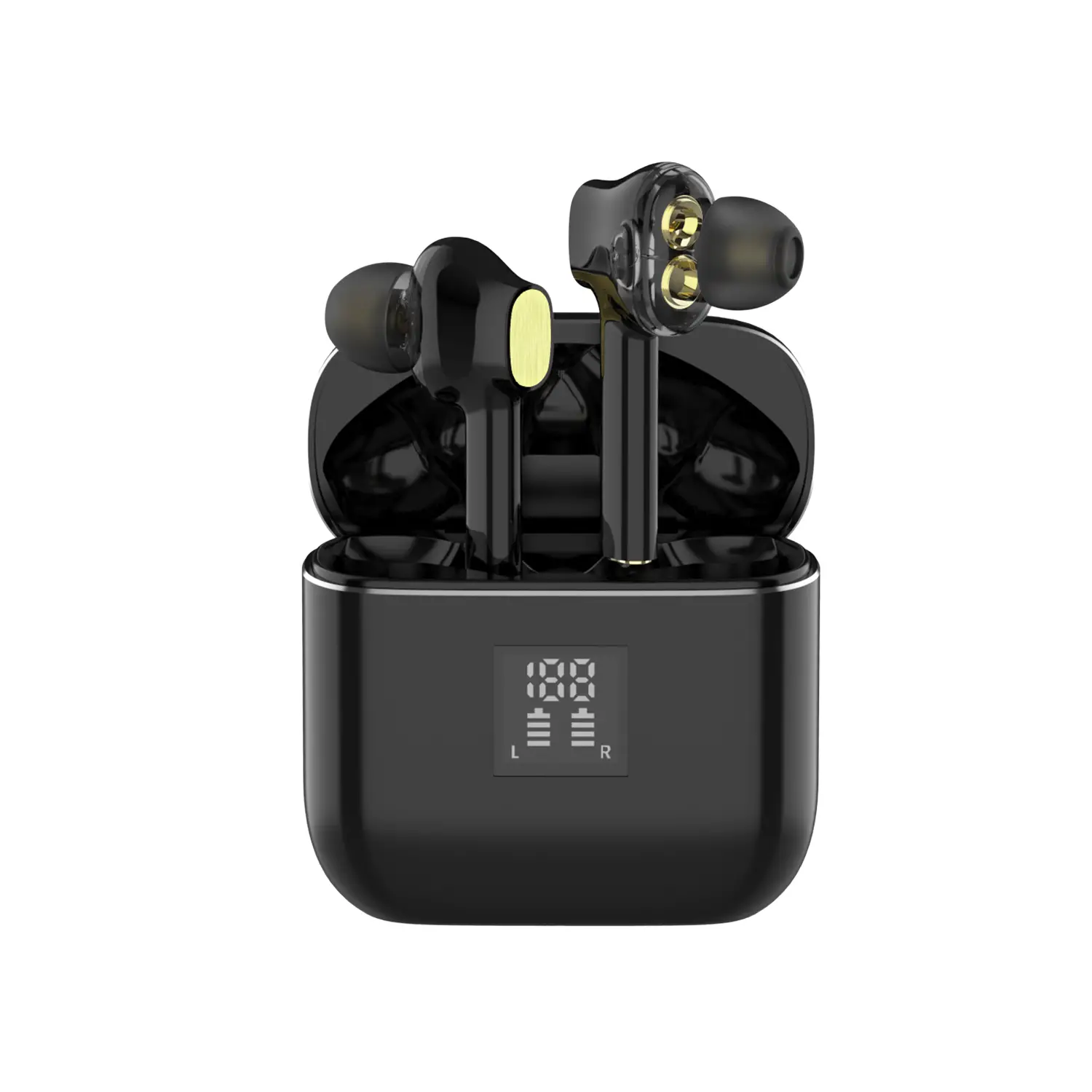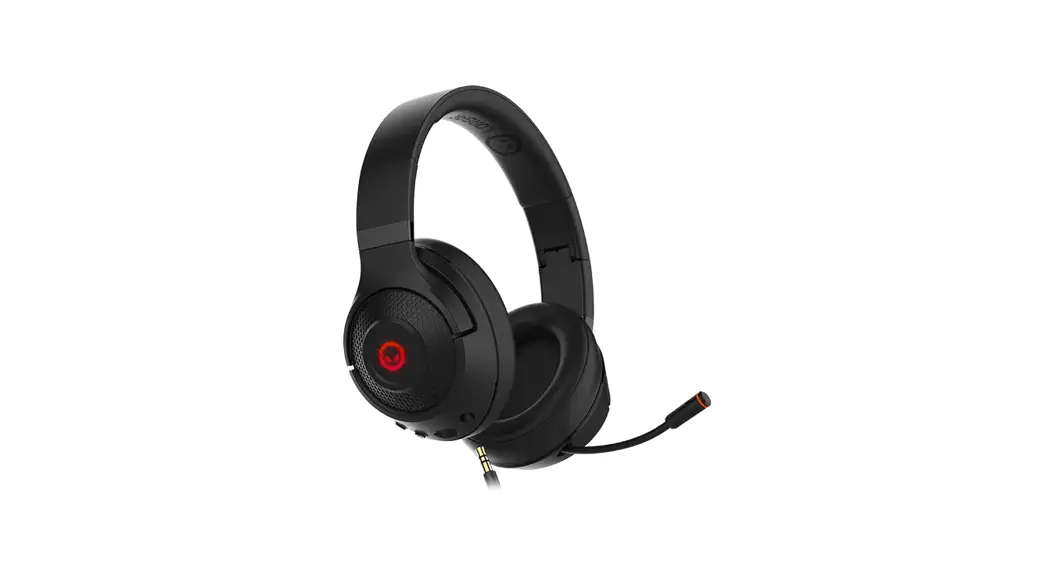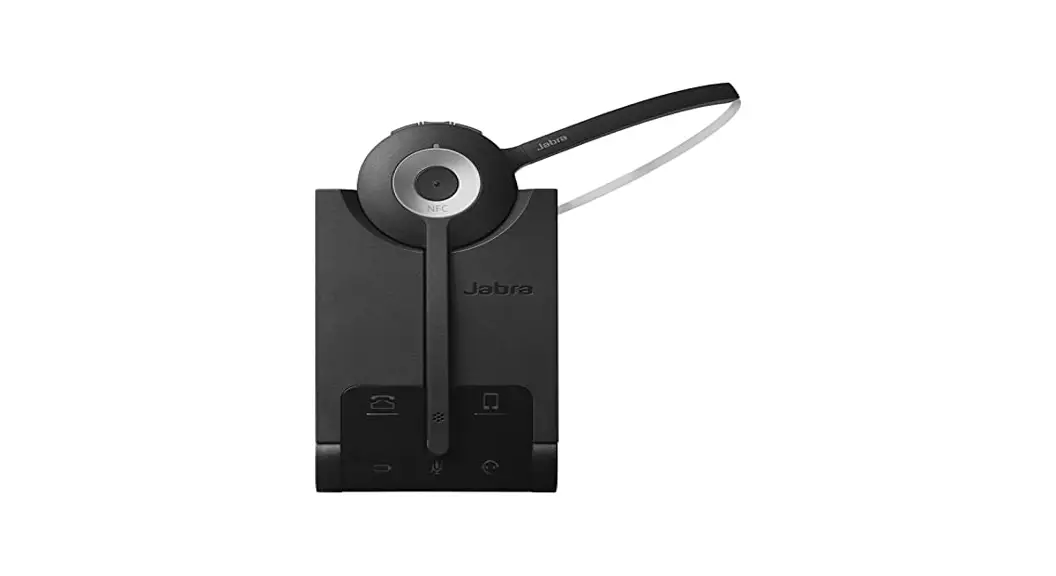
 A710 Wireless Headset
User Manual
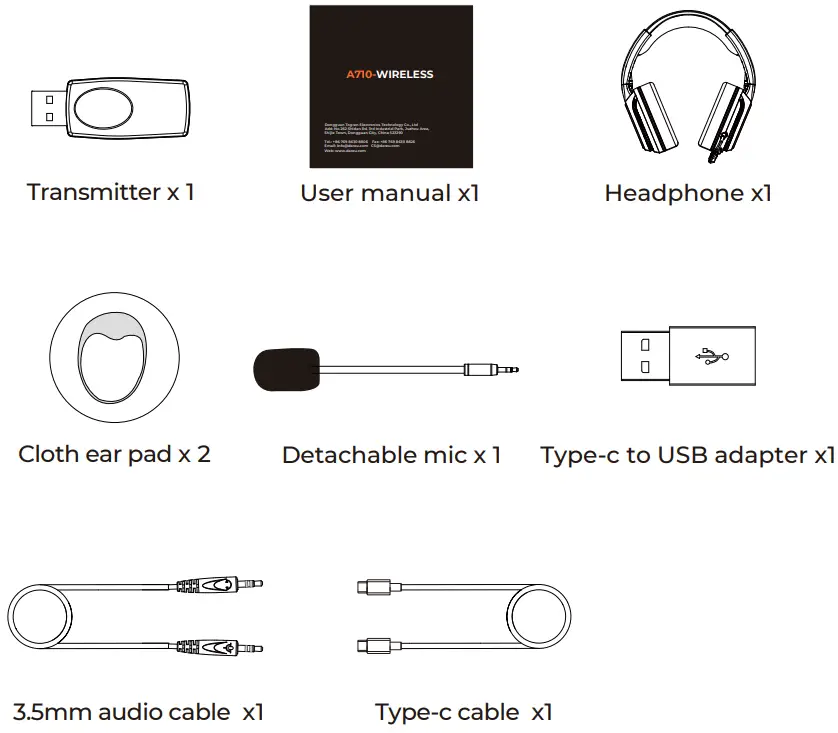
What’s in the box
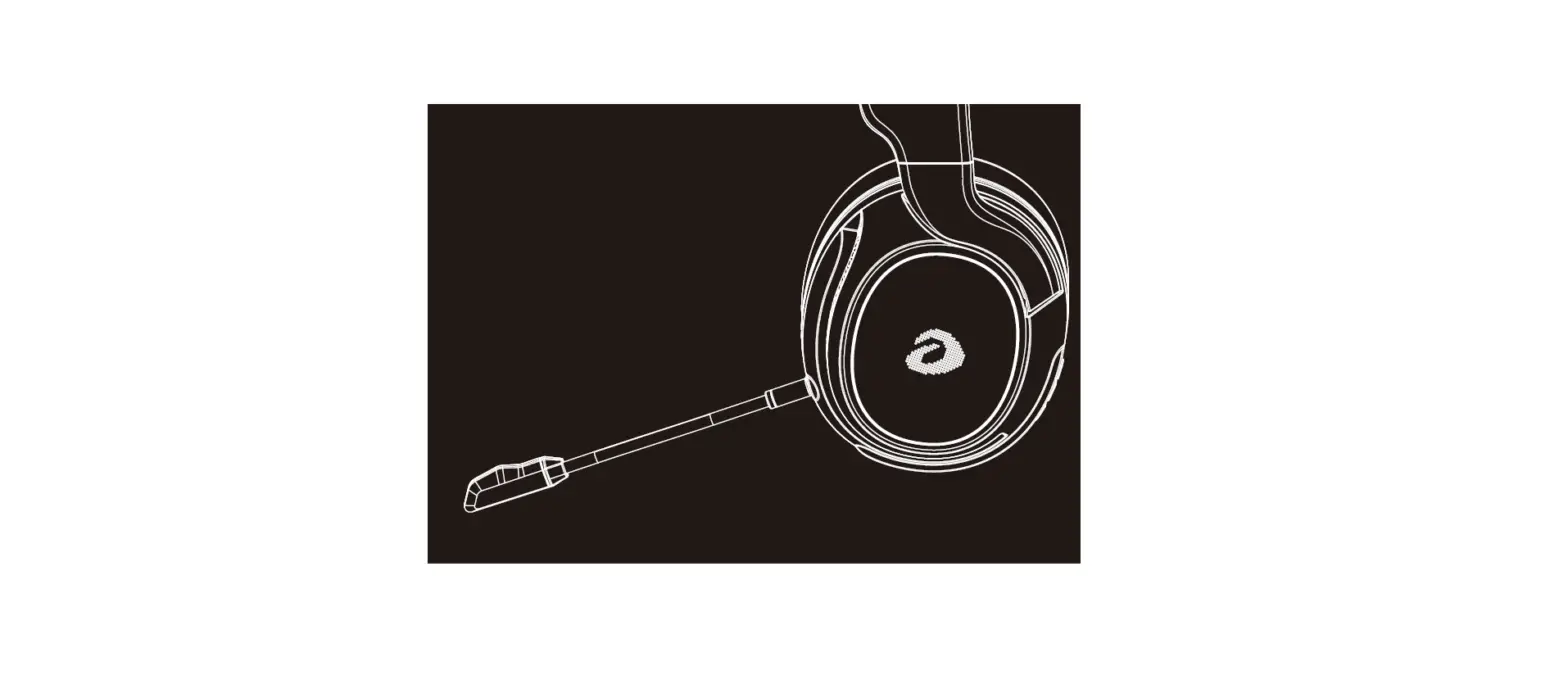
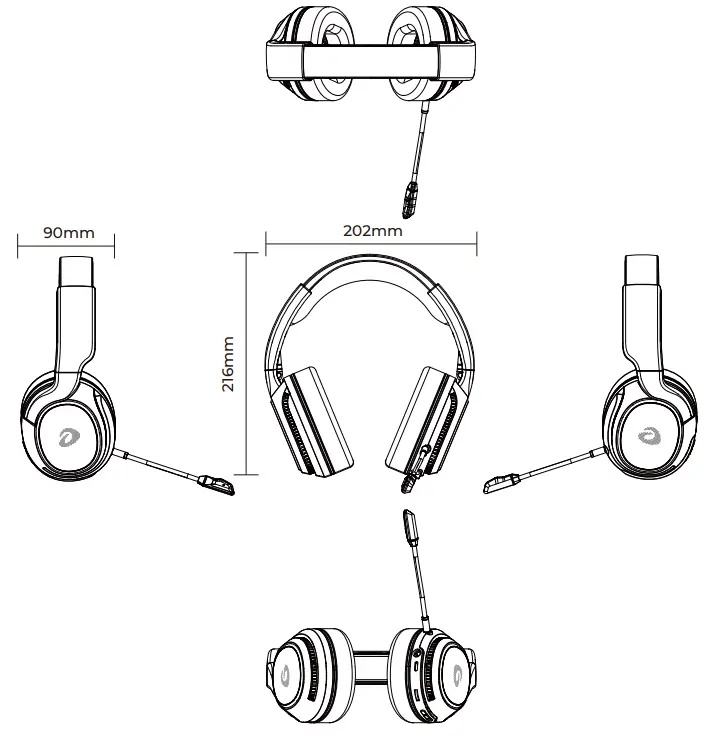
Product views
Product parameter
| Basic parameter Battary: 1400mAh Weight: 345g Backlight: RGB Microphone: detachable Size: 202*216*90mm 3.5mm cable length: 1m(male to male) Type-c cable length: 1.2m(male to male) | Electronics parameter Play mode: 5.8G/Type-c/3.5mm Wireless standard: 5.8G Frequency range: 5725-5850MHz RF Range: 10M (unobstructed ) Charging Voltage: DC 5V 500mA Charging Time: appr 4h Working Time: appr 10h(lighting on)/appr 12h(lighting off) Standby time: 3 months |
| Speaker parameter Drive unit : Φ50mm * 10 mm(H) Sensitivity : 104dB±3dB Impedance: 24±15% OHMS Frequency response: 20~20KHz Total harmonic distortion: ≦ 5% Power rating: 10mW-15mW(max) Buzz & Rating: sine wave 0.49V Load test: normal 10mW 24 hours | Microphone parameter Drive unit: φ6mm * 2.7mm(H) Sensitivity: -42±3 dB Directivity: omnidirectional Impedance: 2.2KOHMS Frequency response: 100~10KHz Total harmonic distortion: ≦ 5% Operating voltage: DC 1.0V~10V Current consumption: Max 0.5mA |
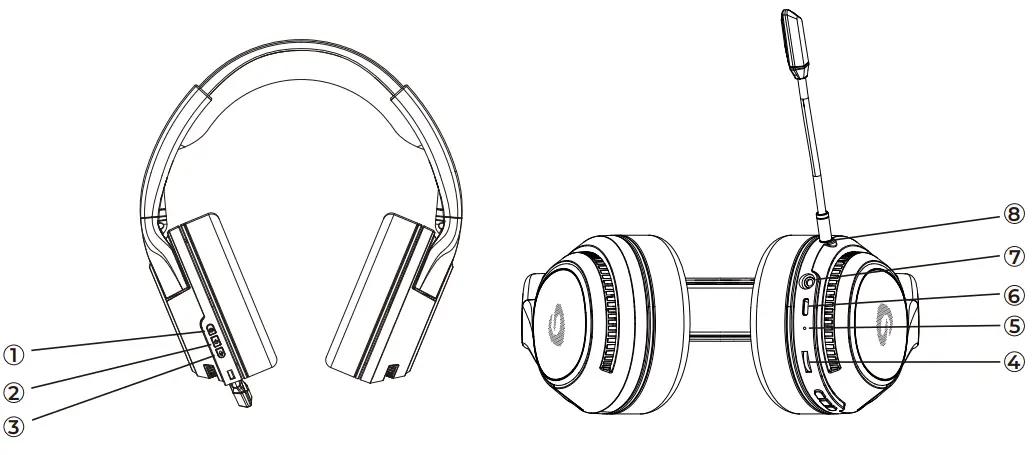
Function
- Lighting button
- Power button
- Mic button
- Volume button
- Indicator LED
- Type-c jack
- Audio jack
- Mic jack
5.8G pairing
- Insert 5.8G transmitter in device, headset and launcher will be paired automatically.
- Long press the power button and the Mic button for 3s to enter mandatory pairing, the headset indicator LED flash blue quickly. After the pairing is successful, the indicator LED is always on.
Audio cable
Use 3.5mm audio cable to connect headphone and playback devices directly, without turning on the power.
Button function details
- Power button: long press for 3s, turn on with one beep; long press for 3s, turn off with one beep.
- Lighting button: flowing RGB light effect and four color (red, green, blue, purple) single breathing light effects.
- Mic button: press once, turn on with two beeps, turn off with one beep.
- Volume button: rolling the button to increase or decrease volume.
- Low power: when the battery low power, the sound will beep three times every one minute.
- Indicator LED:
① Power on-flashing blue color
② Low power-flashing red color
③ Charging- flashing red color
④ Full charge- LED turn off
⑤ Fast flashing blue color-5.8G pairing - Choose working mode which you want to play.
① Type-c to type-c
② Type-c to USB
③ Audio output mode
④ 5.8G wireless mode
How to replace ear pad
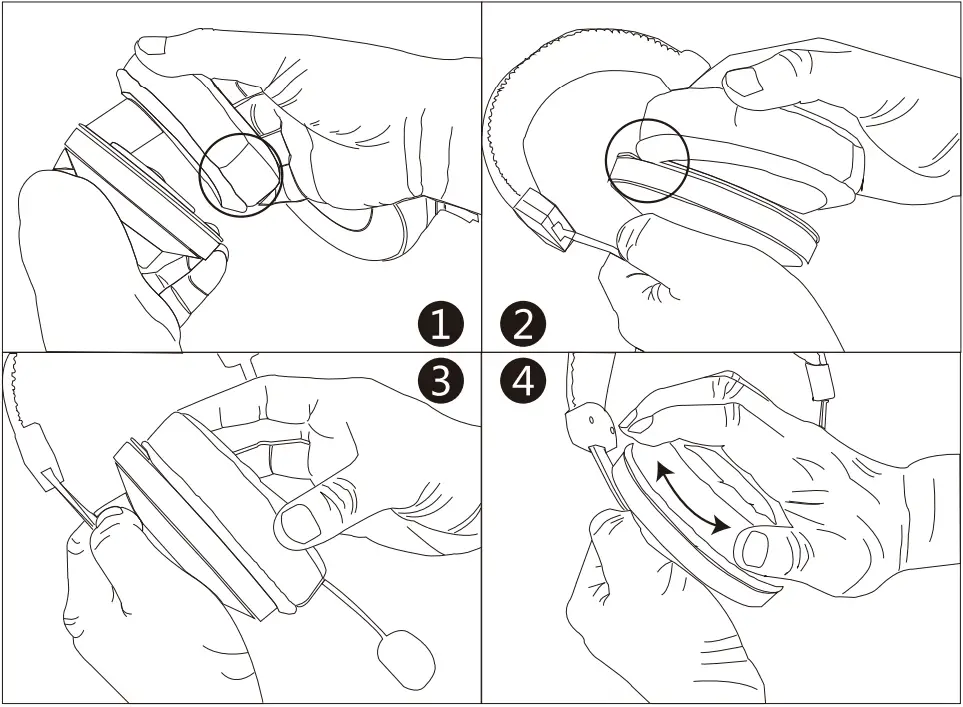
- Seam is at the bottom.
- Buckle on the gap.
- Insert it into the gap.
- Rotate gently.
Dongguan Togran Electronics Technology Co., Ltd
Add: No.262 Shidan Rd, 3rd Industrial Park, Juzhou Area,
Shijie Town, Dongguan City, China 523290
Tel.: +86 769 8630 8806
Fax: +86 769 8630 8826
Email: [email protected] [email protected]
Web: www.dareu.com
 Dareu - Gaming Gear | Keyboard, Mouse, Headset & Controller