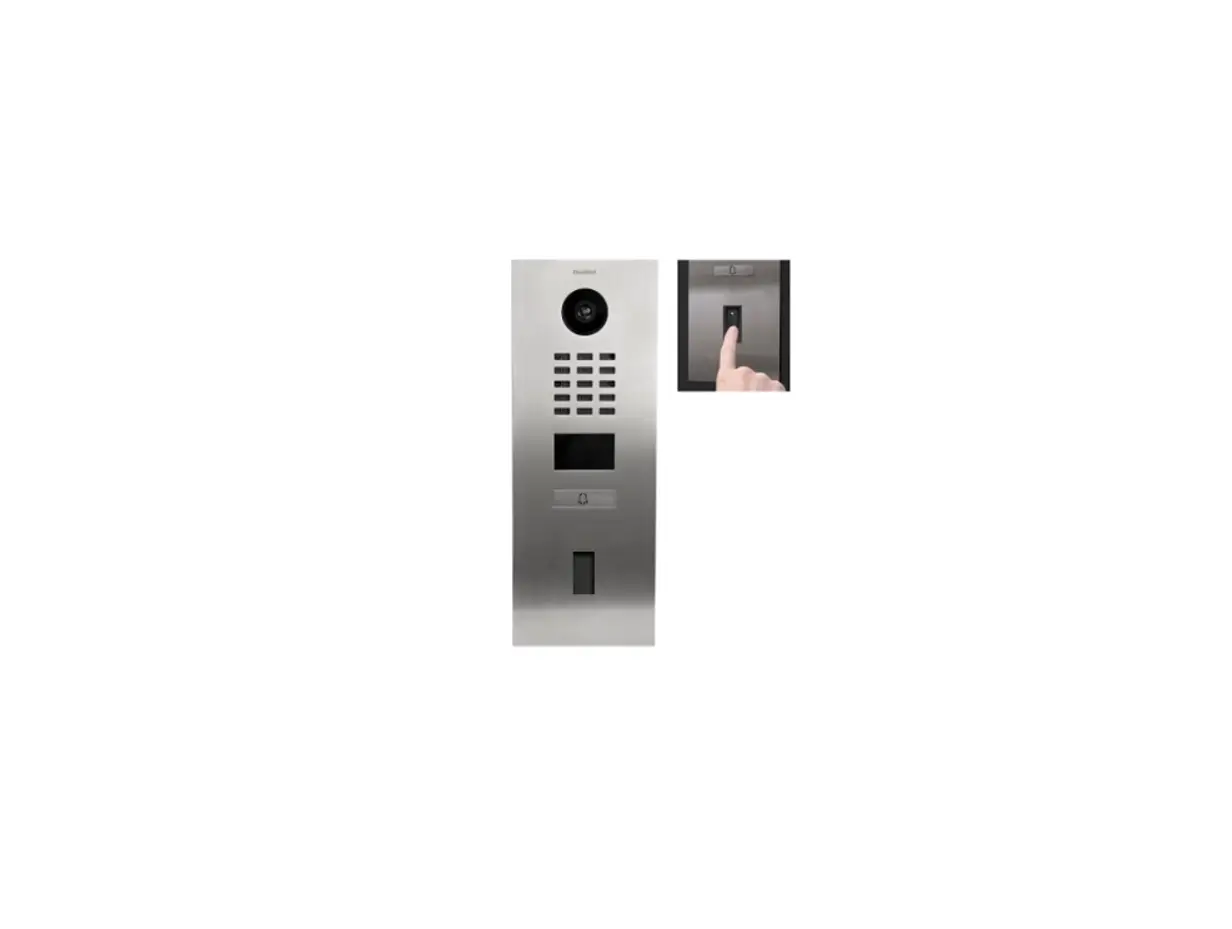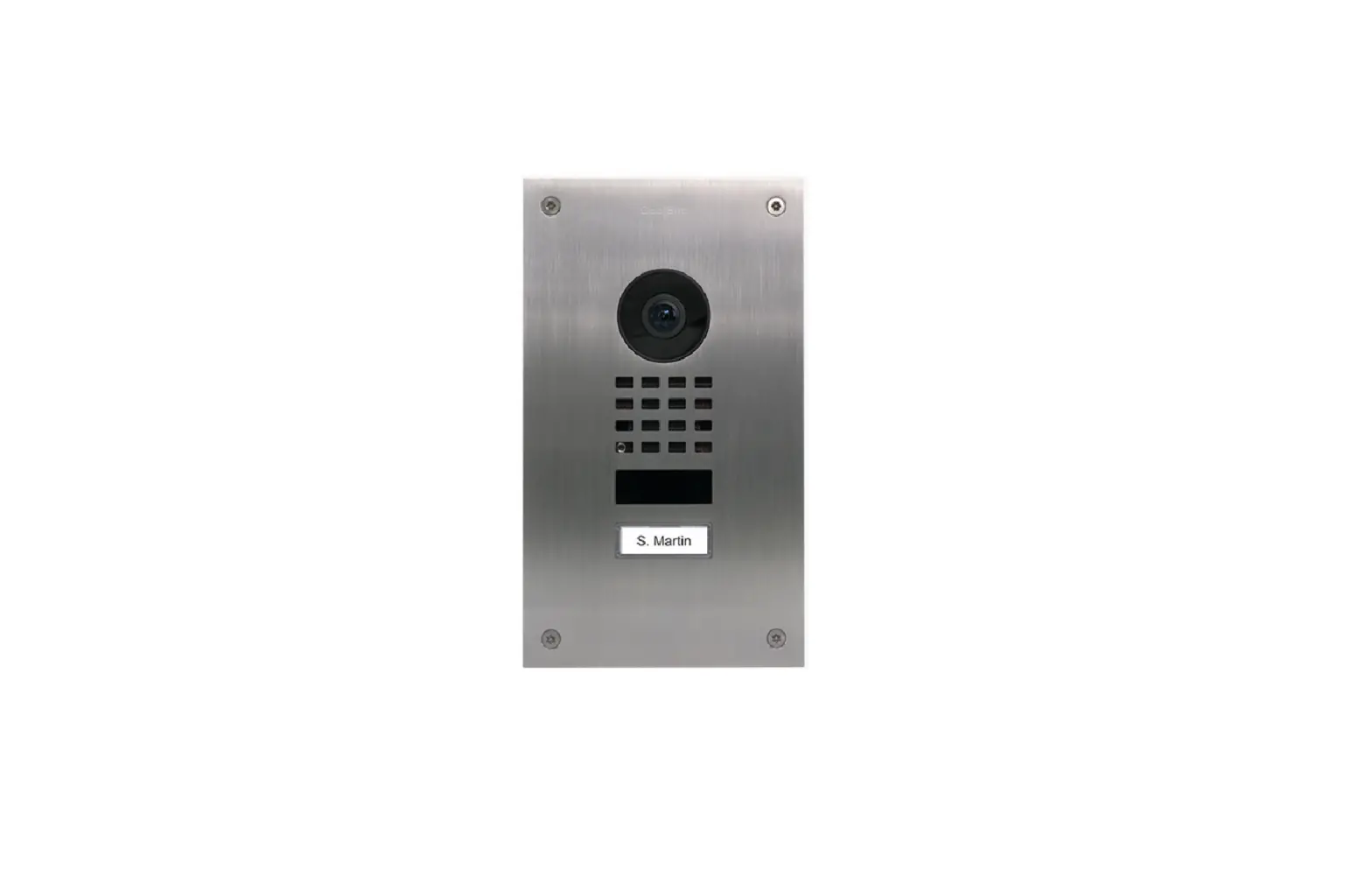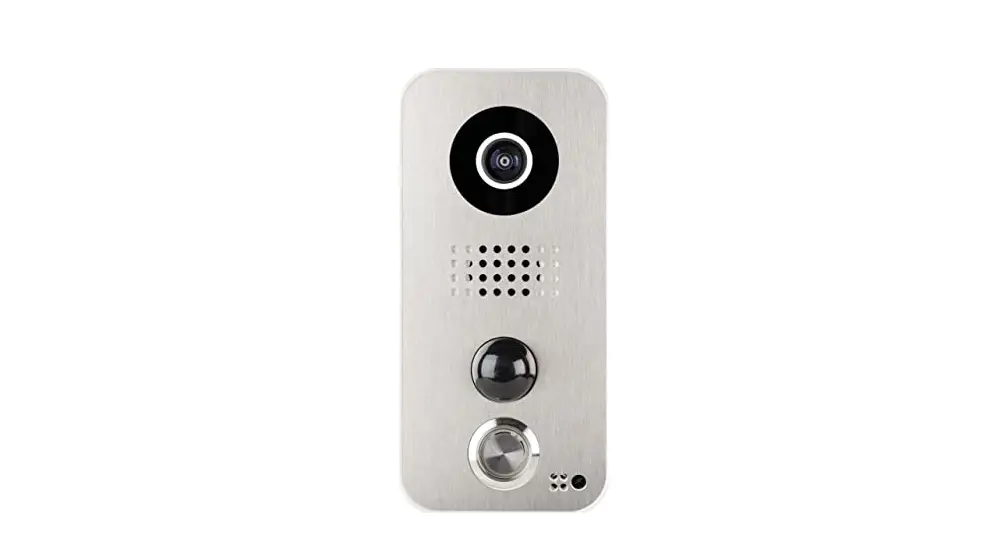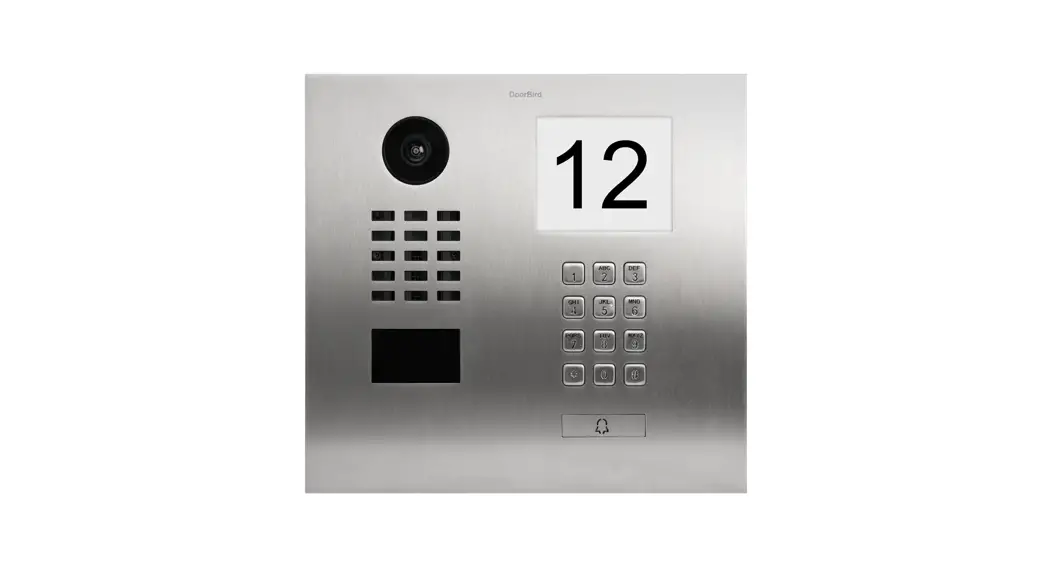
DoorBird D1812 Ip Video Door Station Installation Guide
IP VIDEO DOOR STATION
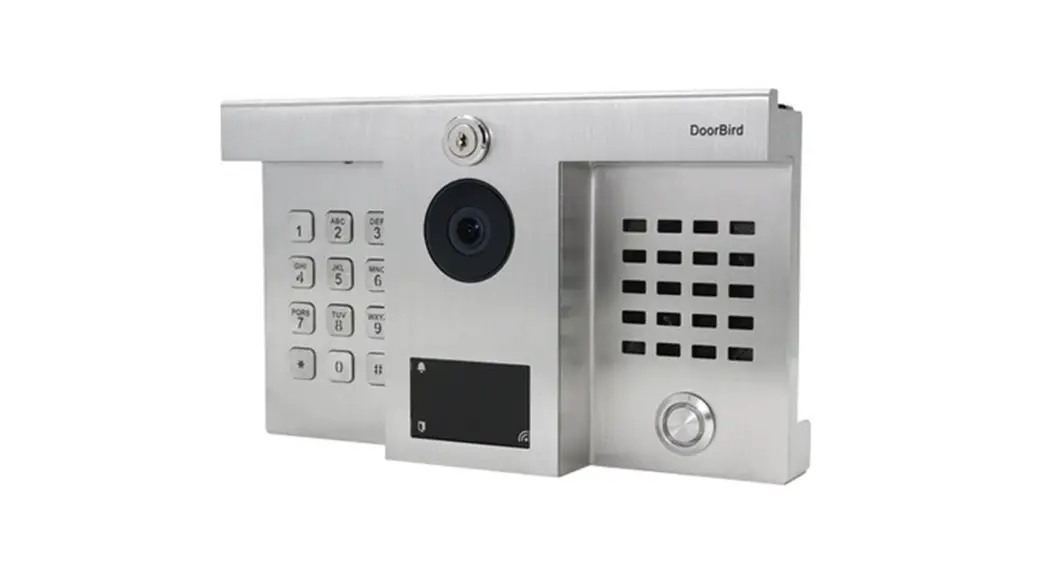
Hybrid upgrade for adding DoorBird IP Intercom technology to installations of DoorKing® 1812 Classic (Flush & Surface Mount) and D1812 Plus (Flush & Surface Mount) while keeping the existing DoorKing® 1812 analog telephone system running.
ANSWER YOUR DOOR ANYWHERE.
HOW DOES IT WORK?
Imagine, you are not at home and your children have locked themselves out or the courier wants to deliver a parcel. With DoorBird this is no longer a problem.
Every time someone rings the doorbell you will get a push notification on your smartphone or tablet. Via the DoorBird App you can talk to visitors and also see them live in HD quality. You will never miss a visitor again. With DoorBird you are on the move and yet at home, even if a burglar rings at the door to check if someone is at home.
SMART HOME |STARTS AT THE FRONT DOOR
DoorBird is the smart solution for your house entrance.
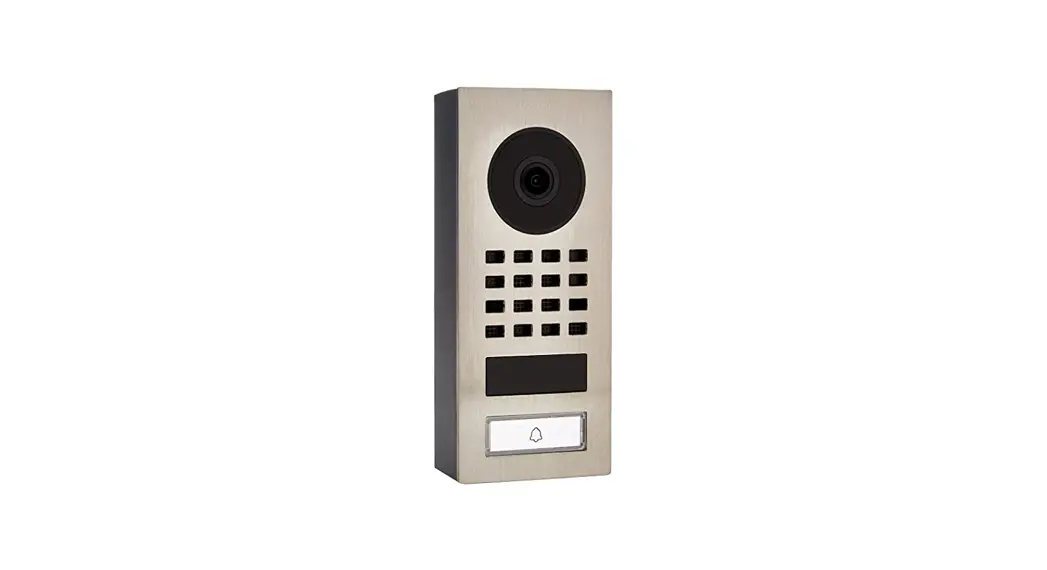
Simply connect your DoorBird IP Video Door Station to your smartphone and talk to your visitor – anywhere you are. The IP Video Door Station can be used as a standalone unit or can be integrated into an existing Smart Home platform. Even existing classic installations such as an electric door opener can still be used and controlled via the DoorBird App.
QUALITY MADE IN GERMANY
All DoorBird products are designed, developed and produced by Bird Home Automation GmbH in Berlin, Germany. We manufacture all products with the greatest care and precision, and deliver them to our customers all over the world.
More than 120 employees are comitted to continuously developing DoorBird in order to guarantee the highest quality, longevity and customer satisfaction. For us “Made in Germany” is not only a seal of quality, but a philosophy.
ADVANTAGES
 Open API
- Local interface for integration with third-party systems and SIP
 Video and audio call
- On smartphones, tablets (iOS, Android), IP and landline phones (SIP)
 Smart Transmission Mode (STM)
- Real-time audio / video communication, optimized for mobile devices via WiFi, 3G, 4G, 5G
 Smart Home & NVR compatible
- Control4, Lilin, Crestron, Synology, Dahua, URC, QNAP, RTI, ELAN, Synology, Bang & Olufsen and others
 Automatic door buzzer
- For use in medical offices and office environments.
 Free visitor history
- Store still images for free, optional video recording available
 Individual action schedules,
e.g.:
- RFID card “abc” has only access on Wednesday from 9 am until 11 am
- 4D motion sensor switches on external lamp between 9 pm and 6 am
 Geofencing
- Automatic door and gate opening when returning home
 Wiegand Interface
- Output of Keypad and RFID reader
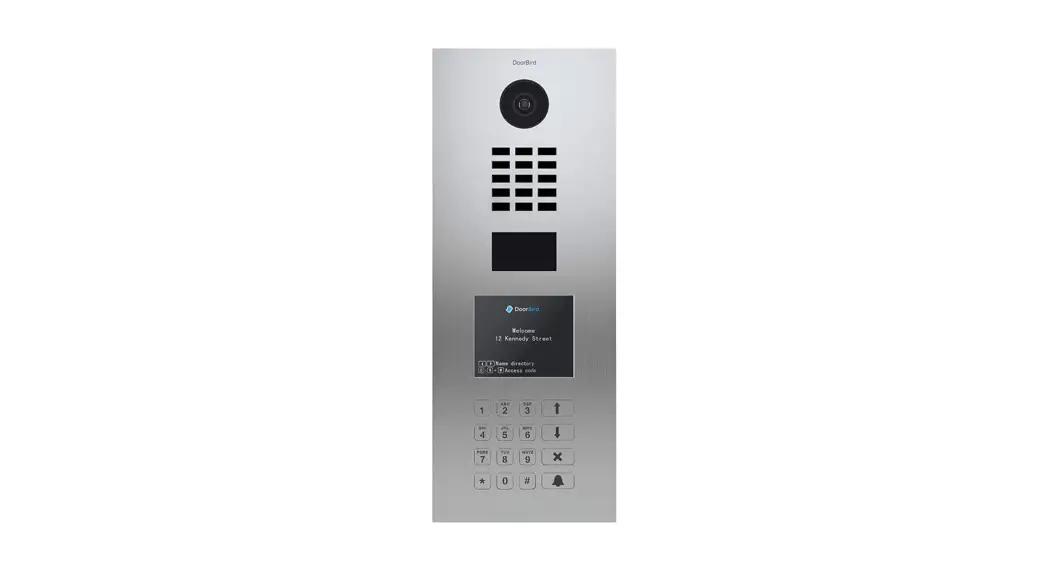
 Keypad Module
- Configurable via App
- More than 500 individual PIN codes
- Individual events(e.g. switch a relay, HTTP(s) requests)
 Bluetooth Low Energy (BLE)
- For access control, compatible external sensors and smart locks
 RFID reader
- Configurable remotely via App (e.g. time frame)
 Motion sensor with 4D technology
- Distance up to 6 m (19.7 ft) adjustable via App (interval: 1 m / 3.3 ft)
 Night vision
- With Infrared LEDs
 HDTV Video
- Ultra wide-angle, hemispheric lens, 180°
 Light sensor
- For night vision mode
 Microphone
- Clear voice transmission
 Noise reduction and echo cancellation (AEC, ANR)
 Configurable stainless steel button
- With illuminated LED ring
 Two freely configurable bi-stable switching relays
- Two doors or gates can be controlled via App
- Status configurable via App: temporary or permanent circuit
 Easy self-install
- Quick installation via QR code scan
 Easy connection to the network
- Connection via a network cable or bell wire via 2-Wire Ethernet PoE Converter “DooBird A1071” (PoE, network data)
 Hybrid upgrade
- Keep the existing analog DoorKing® 1812 telephone system running
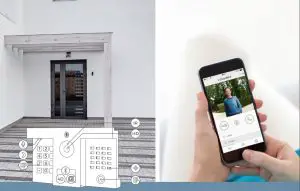
Overview
TECHNICAL SPECIFICATIONS
GENERAL | |
| Compatiblity | DoorKing® 1812 Classic (Flush & Surface Mount), DoorKing® 1812 Plus (Flush & Surface Mount) |
| Front panel | 2 mm (0.078 in), brushed stainless steel V2A, V4A |
| Call button | Stainless steel button with illuminated LED ring |
| Stainless steel button with illuminated LED ring | 12 – 15 DC (min. 15 W) or Power over Ethernet (PoE 802.3af Mode-A) |
| Keypad Module |
|
| Weight | 1.680 g |
| Connectors |
|
| Weather-proof | Yes, IP65 |
| Approvals | CE, IC, FCC, RoHS, IP65, IK08 Dimensions 150.5 x 248 x 73.5 mm (H x W x D |
| Operating conditions | -25 to +55°C / -13 to 131°F Humidity 10 to 85 % RH (non condensing) |
| Scope of delivery | 1x Main Electrical Unit 1x Front panel 1x Power supply unit (mains adaptor) with four country-specific adaptors (110 – 240 V AC to 15 V DC) 1x Quickstart guide with Digital Passport 1x Installation manual 1x Small parts |
| Warranty | see www.doorbird.com/warranty |
CURRENT SYSTEM REQUIREMENTS | |
| System requirements | Mobile device: Newest iOS on iPhone/iPad, newest Android on Smartphone/Tablet |
| Internet: High-Speed Landline Broadband Internet connection, DSL, cable or fiber optic, no socks or proxy server | |
| Network: Ethernet Network, with DHCP | |
| Recommended installation height | Camera lens should be at a min. height of 145 cm (57 in). Before the installation please determine your optimal installation height. |
VIDEO | |
| Camera | HDTV 1080p, dynamic (VGA – HDTV) |
| Lens | High-end ultra wide-angle hemispheric lens 180° (D), 150° (H), 82° (V), straightened, IR-capable |
| Night-vision | Yes, light sensor, automatic IR-cut filter, IR-LEDs (850 nm) |
AUDIO | |
| Audio components | Speaker and microphone, echo and noise cancellation (AEC, ANR) |
| Audio streaming | Two-way |
NETWORK | |
| Ethernet | PoE 802.3af Mode-A, 10/100 Base-T |
| WIFI | n/a |
| Supported protocols | HTTP, HTTPS, SSL/TLS, Bonjour, DNS, RTSP, RTP, TCP, UDP, RTCP, ICMP, DHCP, ARP, SIP, DTMF (RTP [RFC-2833], SIP INFO [RFC-2976]), STM |
MOTION SENSOR | |
| Type | Active |
| Detection angle | 80° (H), 50° (V) |
| Range | 1 – 6 m (3.3 – 19.7 ft), depends on environment, configurable in 1 m (3.3 ft) steps. |
| Technology | 4D. Based on multiple integrated sensors and algorithms, e.g. Radio Frequency Energy (RFE) |
| Configuration |
, HTTP(s) requests) • Individual schedule |
RFID READER 13.56 MHZ | |
| Type | Active Reader Passive Tag (ARPT) system |
| Standard | ISO 14443A. MIFARE® Classic®. MIFARE® DESFire® EV1, MIFARE® DESFire® EV2, NFC |
| Frequency | 13.56 MHz |
| Range | 0 – 3 cm, depends on environment |
| Antenna | Internal |
| Compatible Transponder | RFID transponder key fobs, sold separately, see www.doorbird.com/buy Up to 500 tags manageable |
| Configuration |
|
| WIEGAND | |
| Protocols | 26, 30, 31, 34 and 44 bit |
| Direction | Output (Keypad, RFID reader) |
| Maximum cable length | 150 m (492 ft) |
| Highlights | Galvanic isolation of the Wiegand output signals, max 5 mA per output (data line) |
| Configuration | Via App, e.g. protocol and interface on/off |
INTEGRATED WIRELESS MODULES | |
| WiFi | n/a |
| Bluetooth | Bluetooth Low Energy (BLE) |
| RFID | 13.56 MHz |
| Sensor | 24 GHz, can be disabled |
THIRD-PARTY INTEGRATION (DOORBIRD CONNECT) | |
| Partner integrations | see www.doorbird.com/connect |
| API | see www.doorbird.com/api |
| Simultaneous video streams | One, for event-based and continuous recording |
OPTIONAL ACCESSORIES | |
| Sold separately | see www.doorbird.com/buy |
INSTALLATION
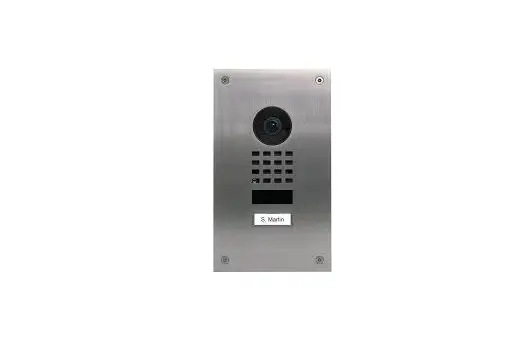
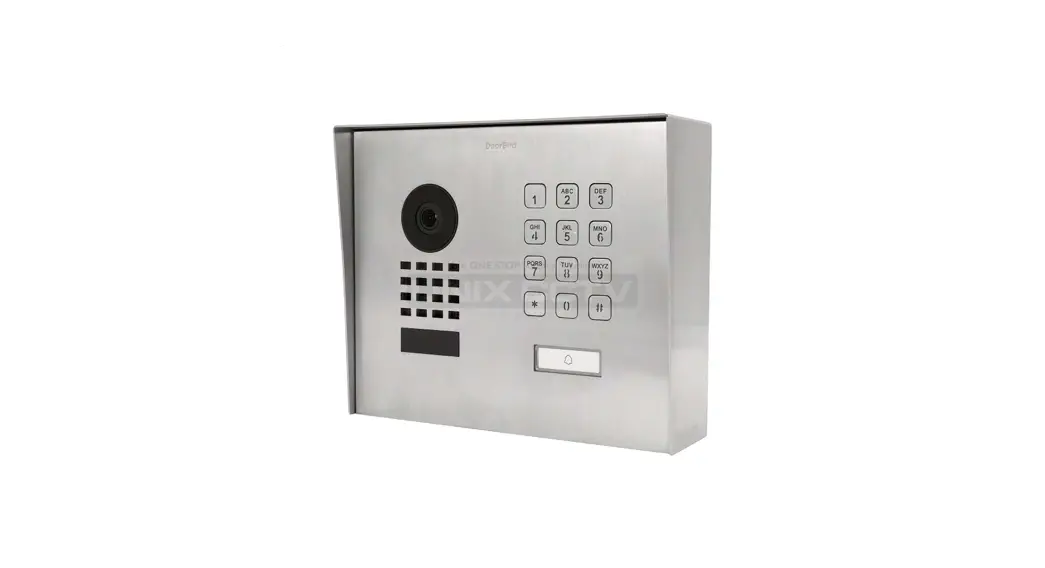
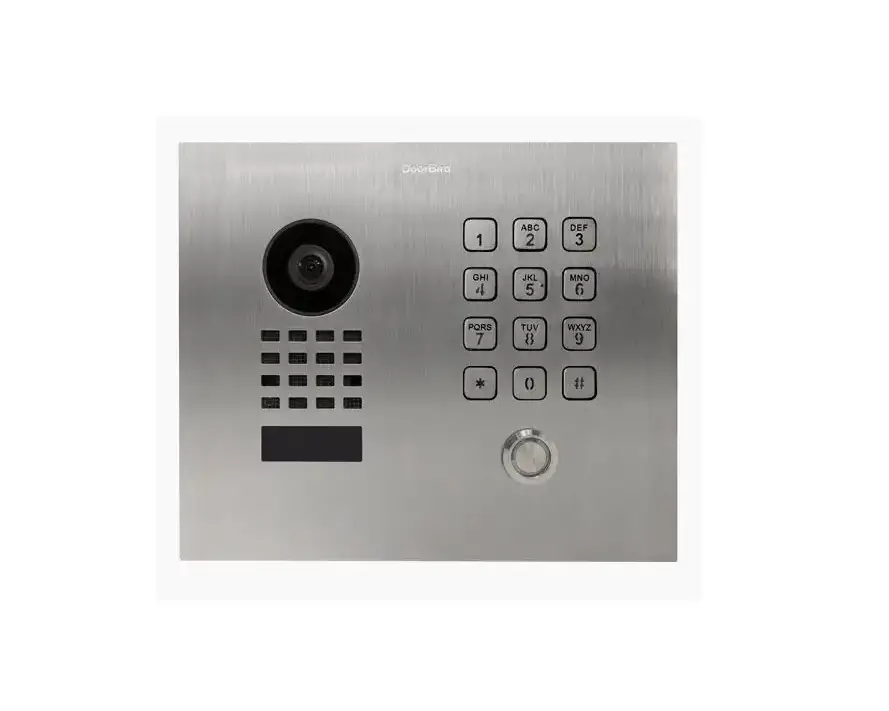
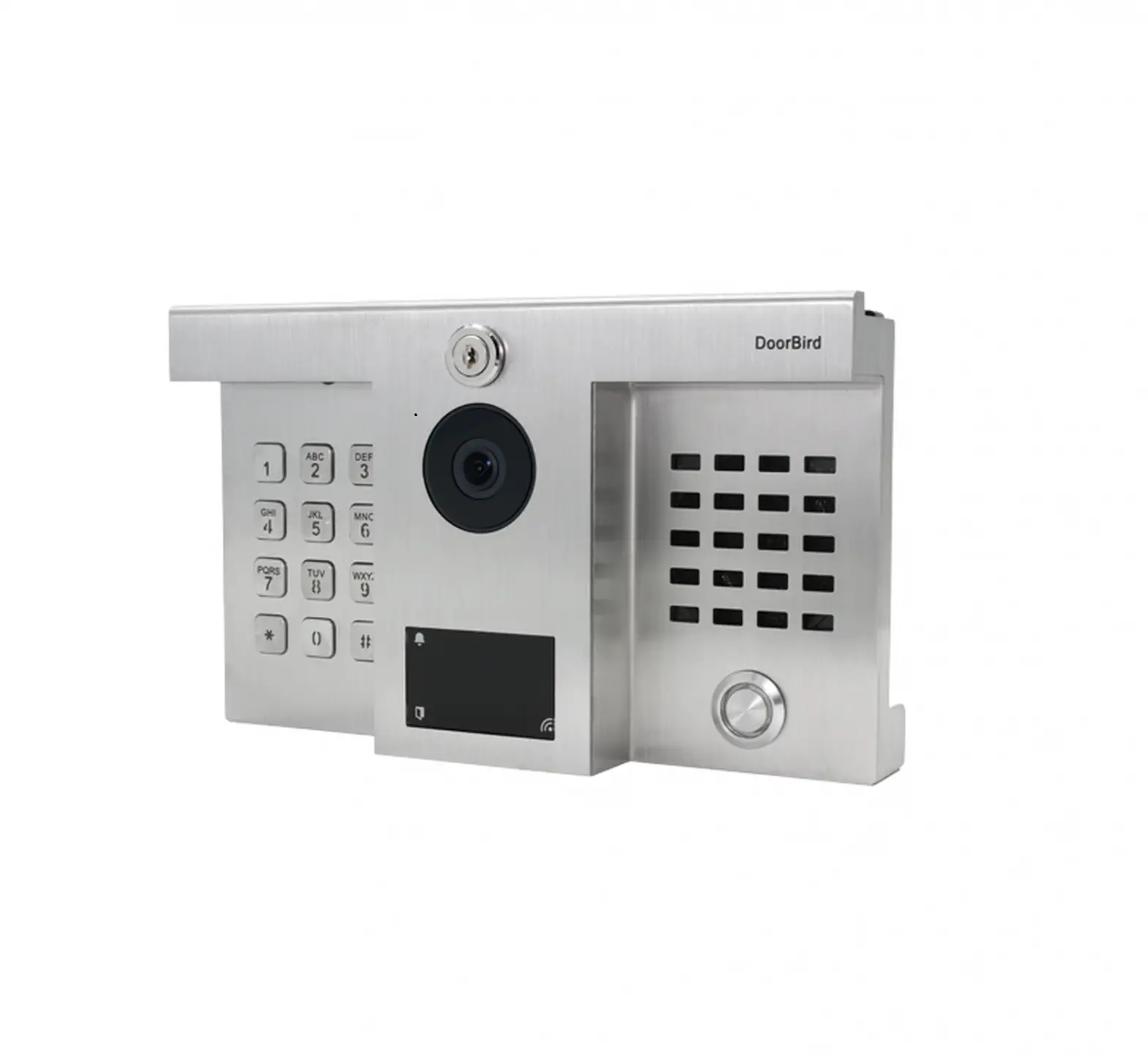
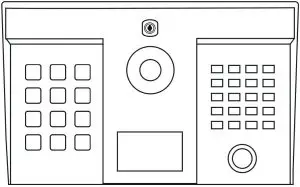
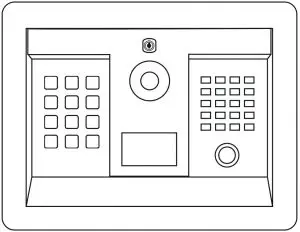
The DoorBird D1812 is an IP Video Door Station upgrade for DoorKing® 1812 Telephone Intercom Systems. The customer can use the solution as a hybrid system: Add DoorBird IP Intercom technology while keeping existing DoorKing® analog telephone systems running.
- DoorBird D1812 integrated in DoorKing® 1812 Classic Surface Mount and 1812 Plus Surface Mount.

- DoorBird D1812 integrated in DoorKing® 1812 Classic Flush Mount and 1812 Plus Flush Mount.

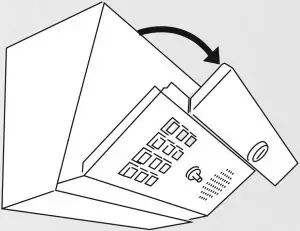
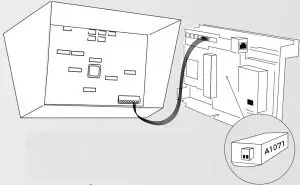
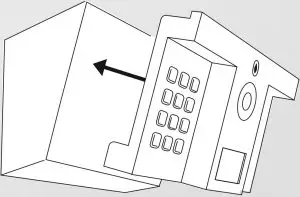
- Installation in three simple steps:
Unlock the DoorKing® 1812 front panel. Unplug the cables between the DoorKing® 1812 front panel and control board. Remove the DoorKing® 1812 front panel.
- Plug the cables from the DoorBird D1812 to the DoorKing® control board. Connect a network cable with Power over Ethernet (PoE) to the DoorBird D1812. Or use a two-wire cable (twisted) together with the „DoorBird 2 Wire EthernetPoE Converter A1071“ to transmit Ethernet data and PoE over up to 80 meters/262 feet.

Optional: Use the “DoorBird 2-Wire Ethernet PoE Converter A1071” to transmit Ethernet data and PoE over up to 80 meters / 262 feet via bell-wire. - Slide-in the DoorBird D1812 front panel into the DoorKing® 1812 backhousing and lock it.