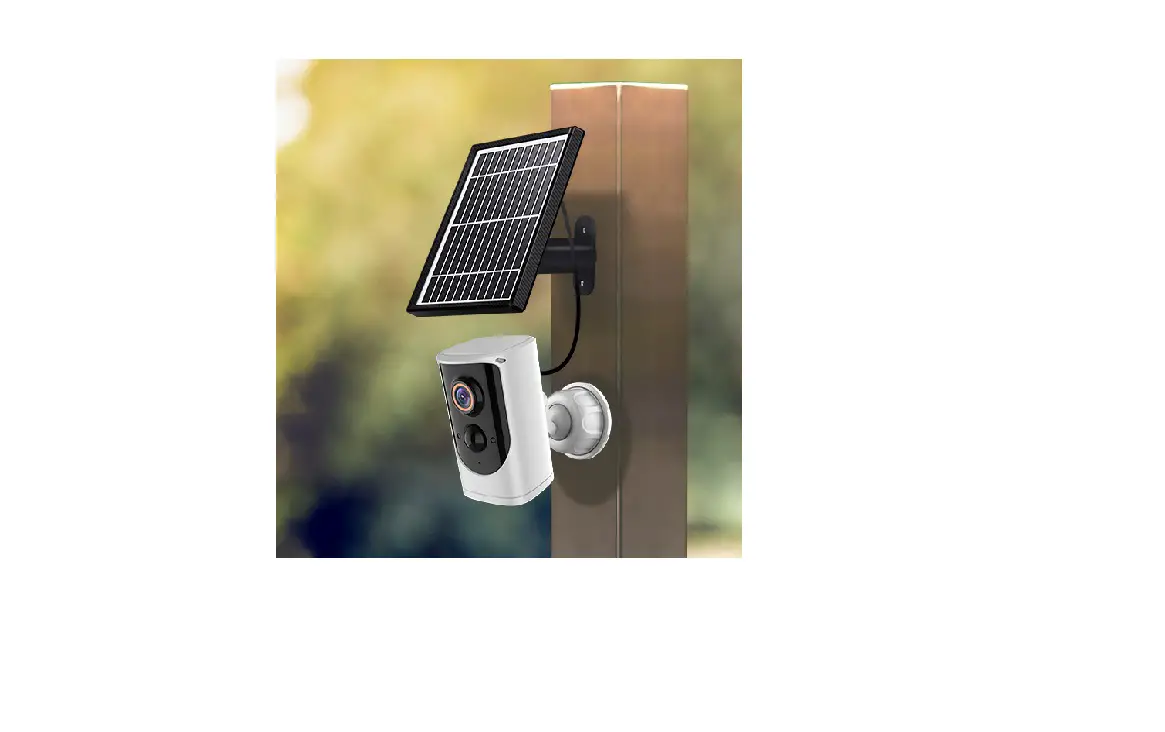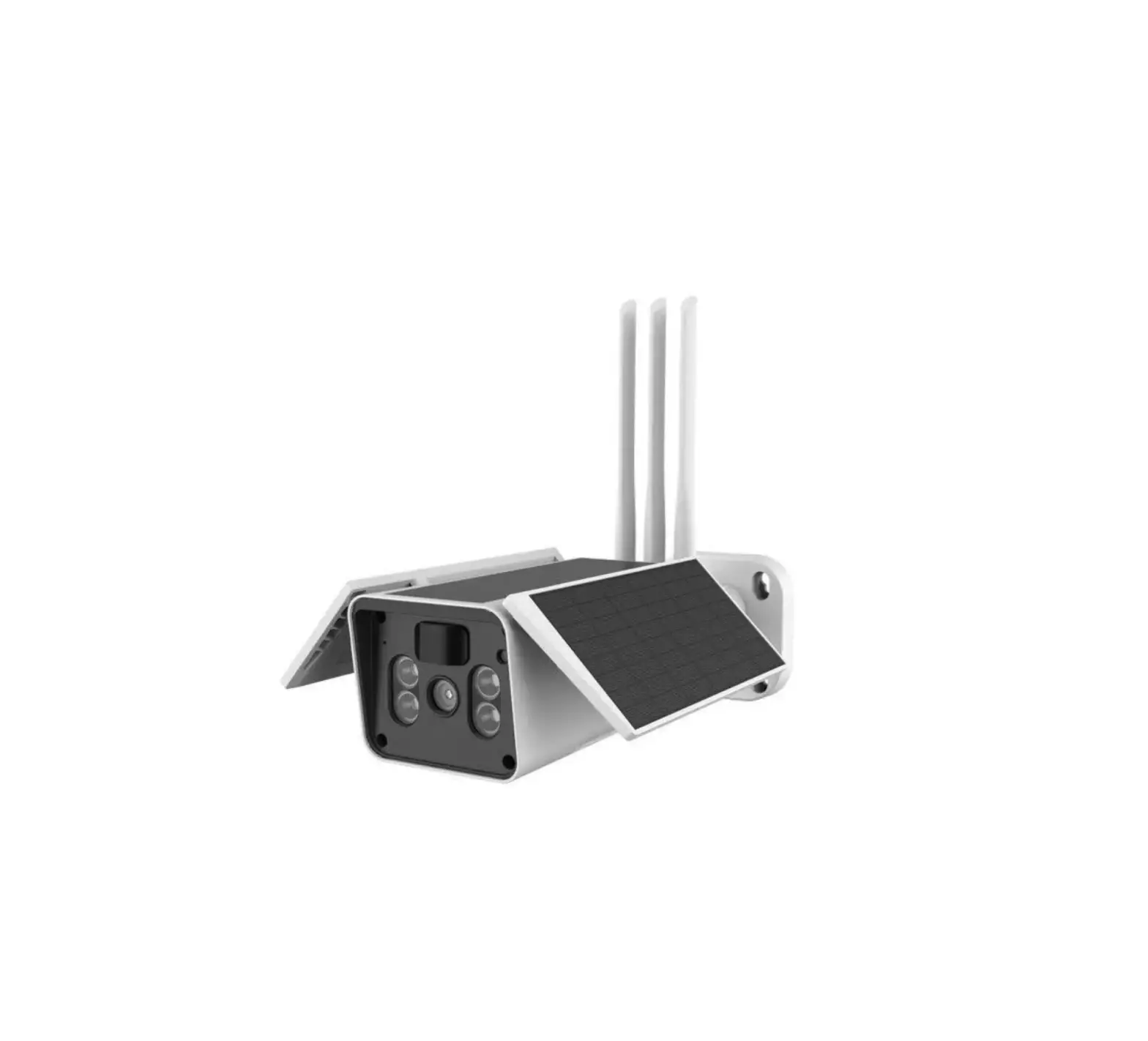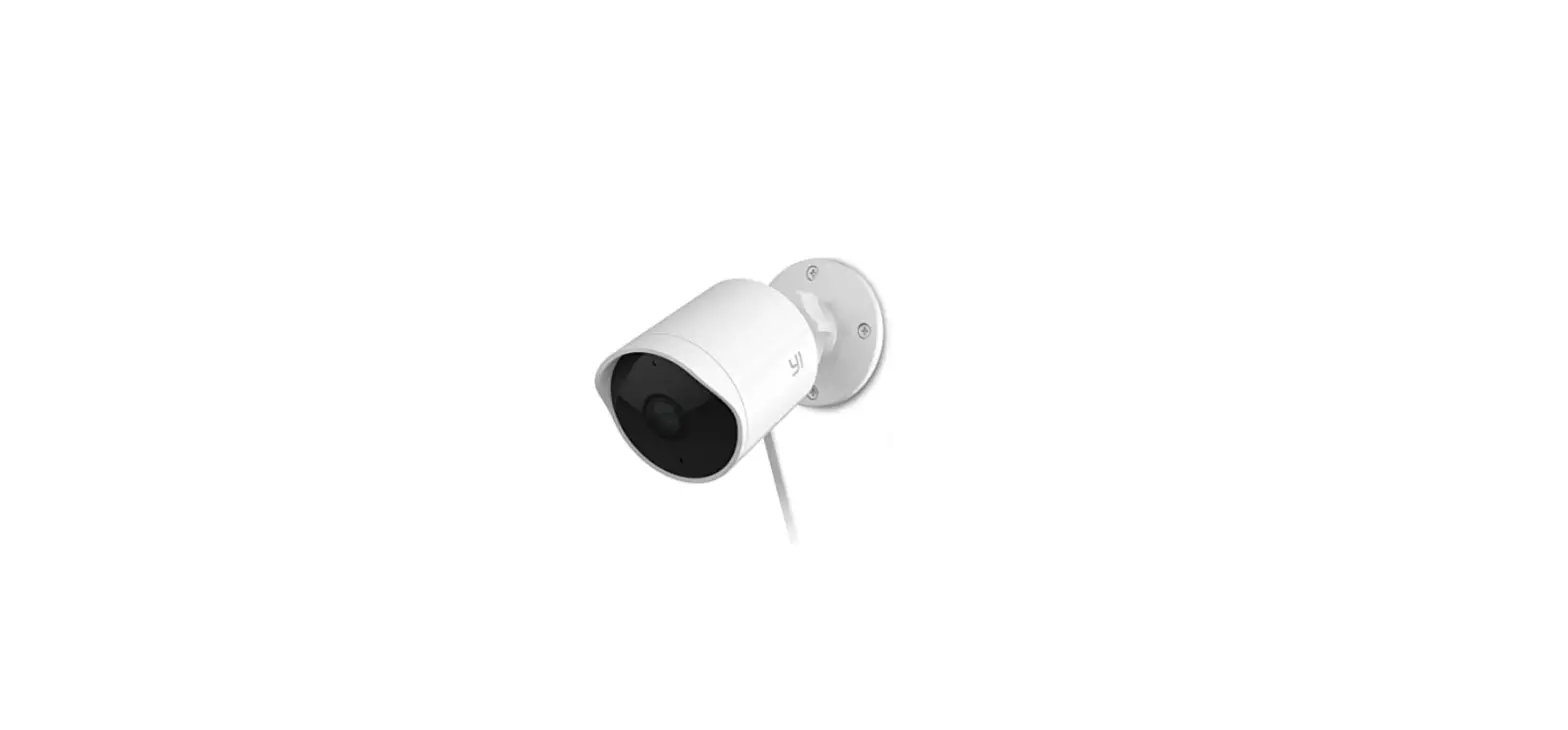

93129831 CYNC Outdoor Camera Rechargeable Battery
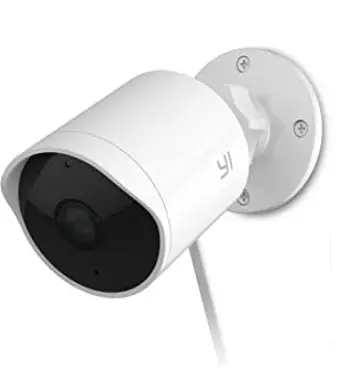
How to Recharge the Battery
STEP 1
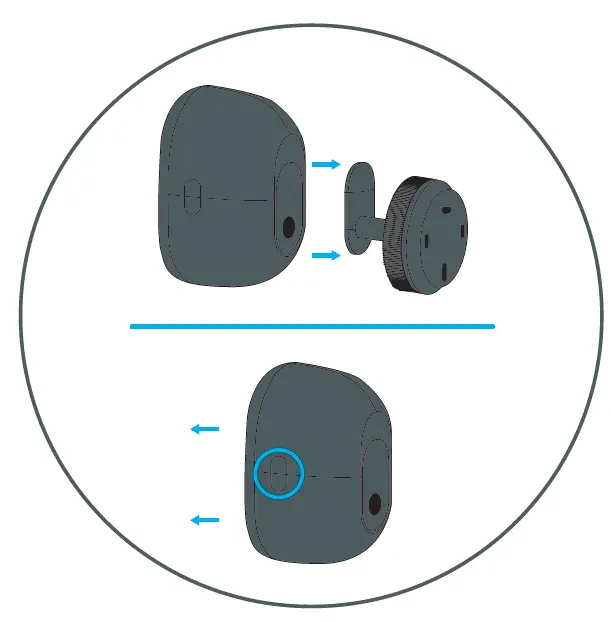
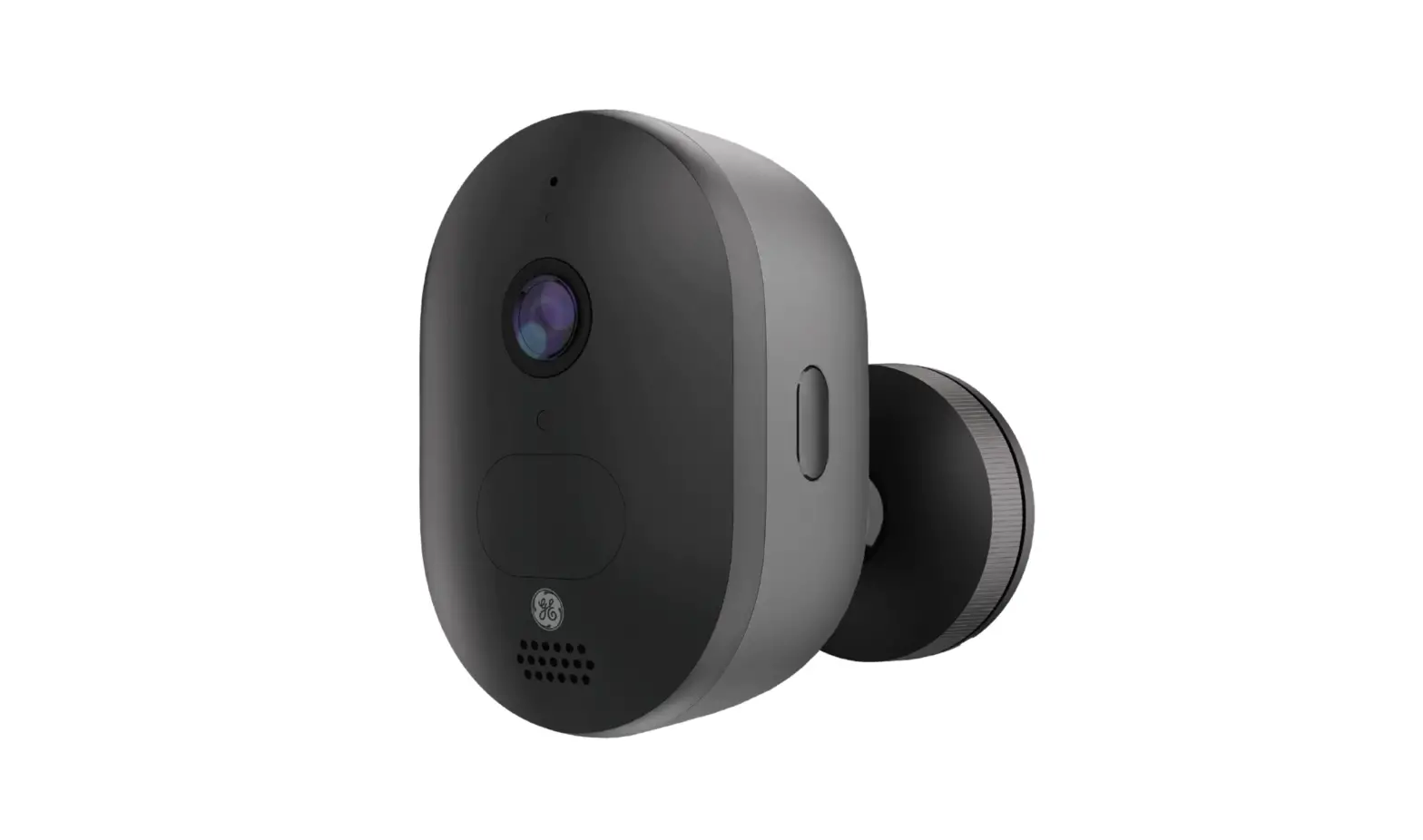
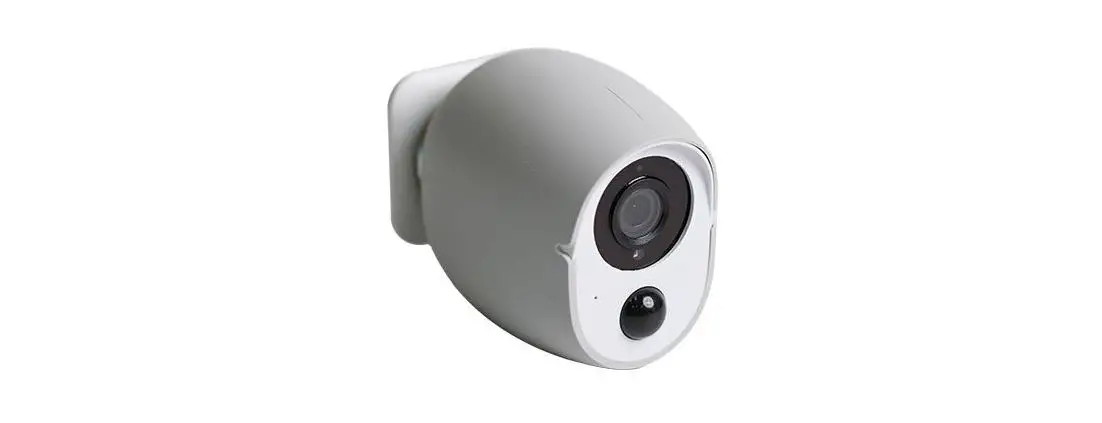
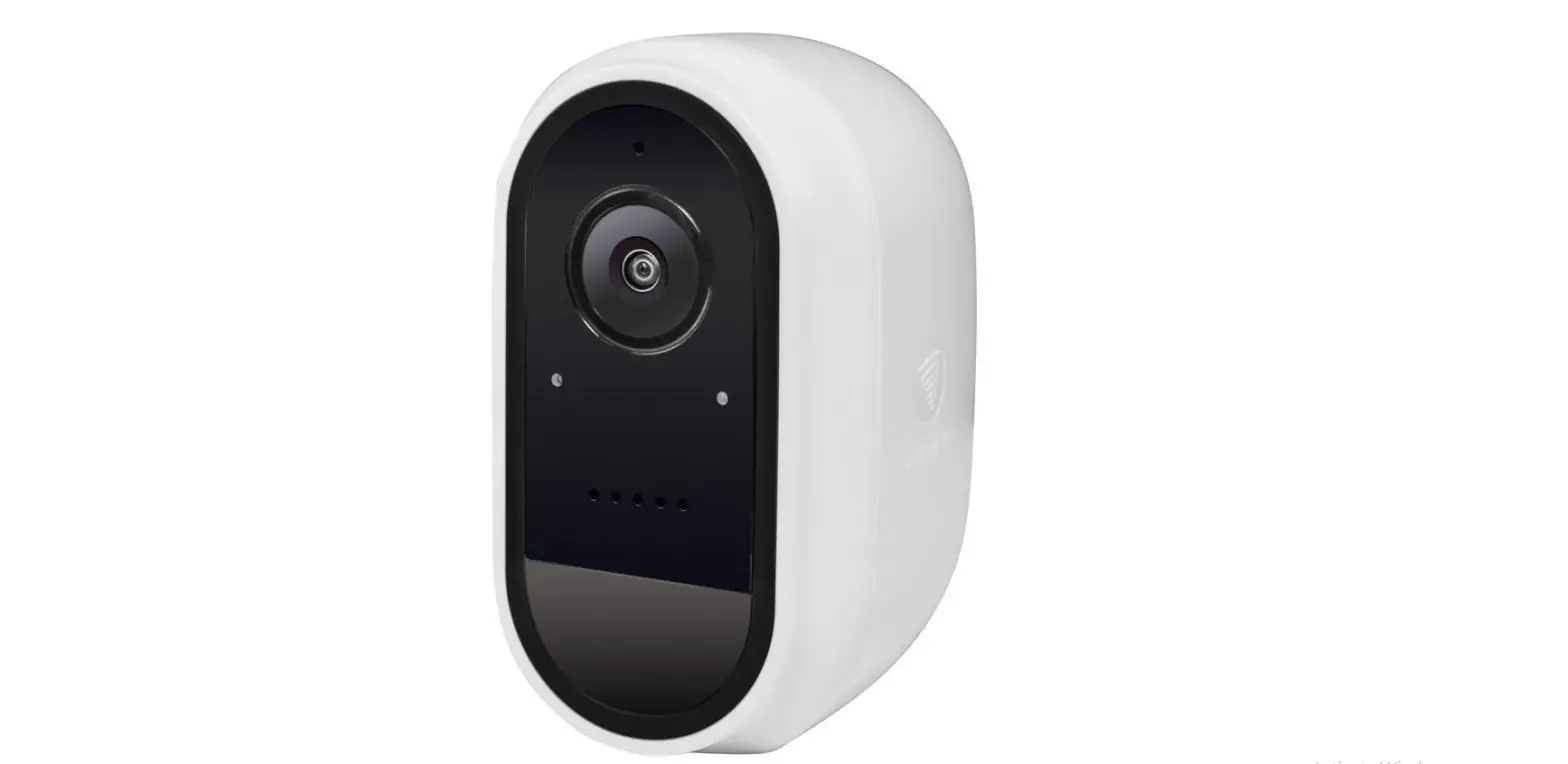
Gently pull on the camera to detach the magnet from the neck of the mount.
STEP 2
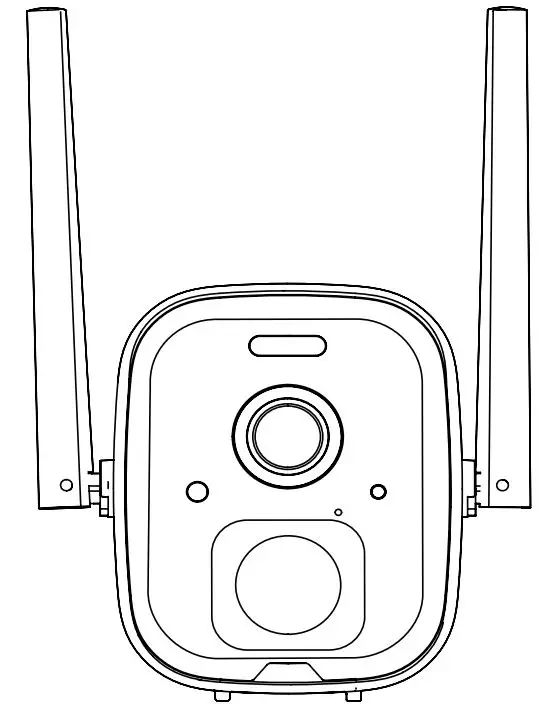
Squeeze the buttons on both sides of the camera to release the Camera face.
STEP 3
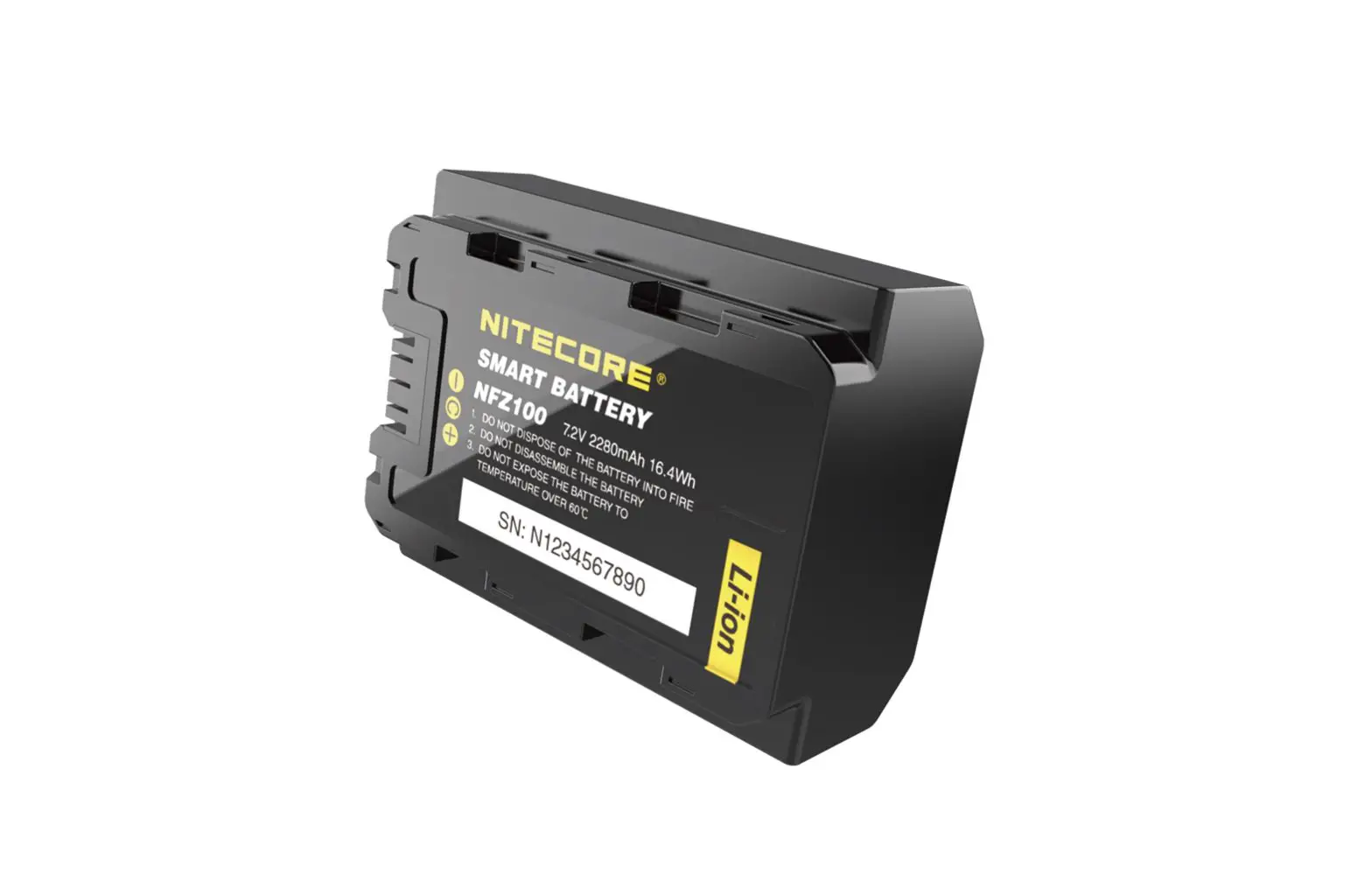
Slide the battery pack up to remove it from the camera.
STEP 4
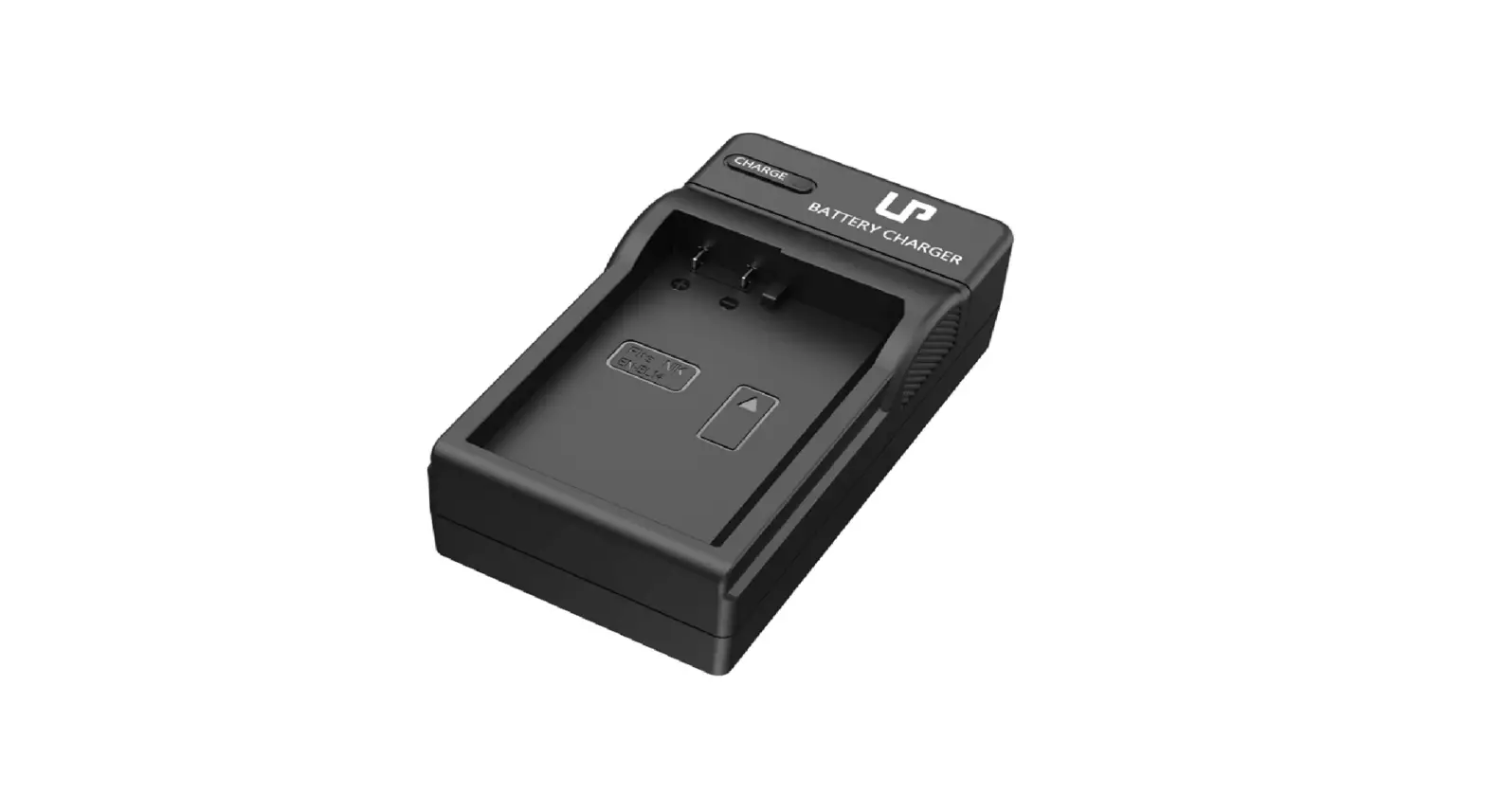
Plug the USB charging cable into the battery pack and plug into a USB port to begin charging. Return battery to camera and reinstall when charging is completed.
Note: only use the Cync Outdoor Battery Camera’s USB port to connect fo the solar panel accessory (sold separately). When recharging the battery remove the battery and connect the USB charging cable directly to the battery for faster recharging.