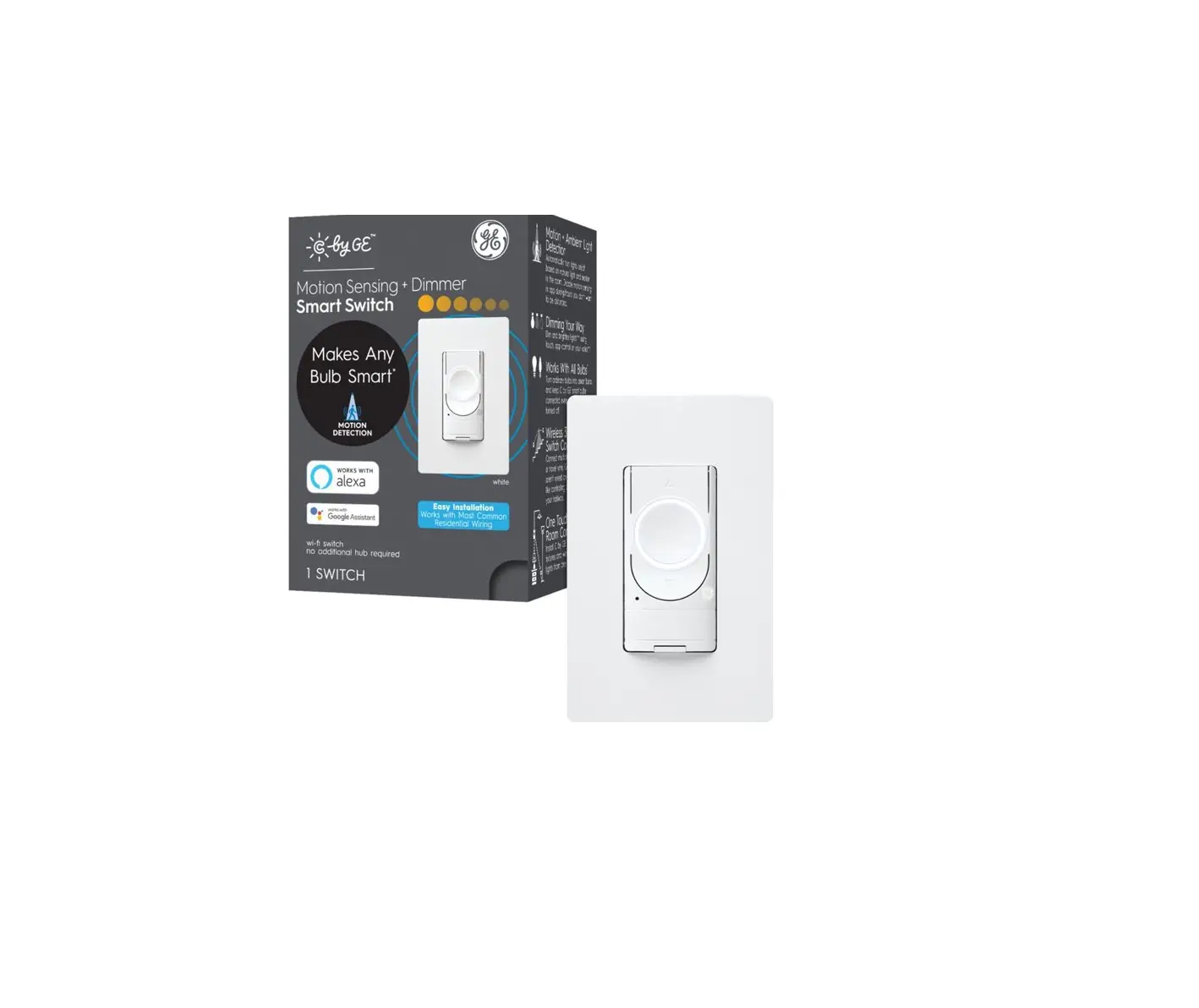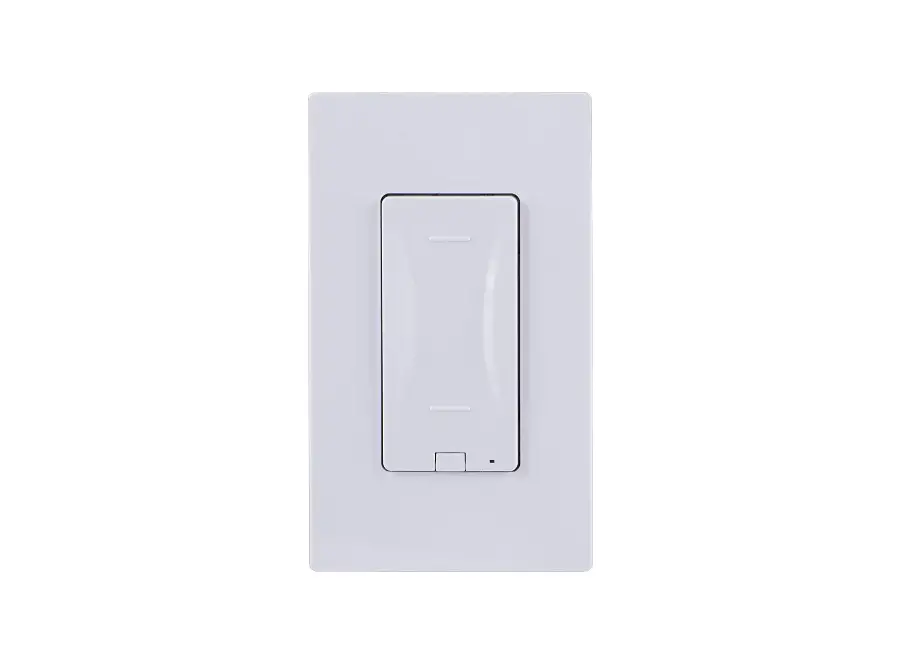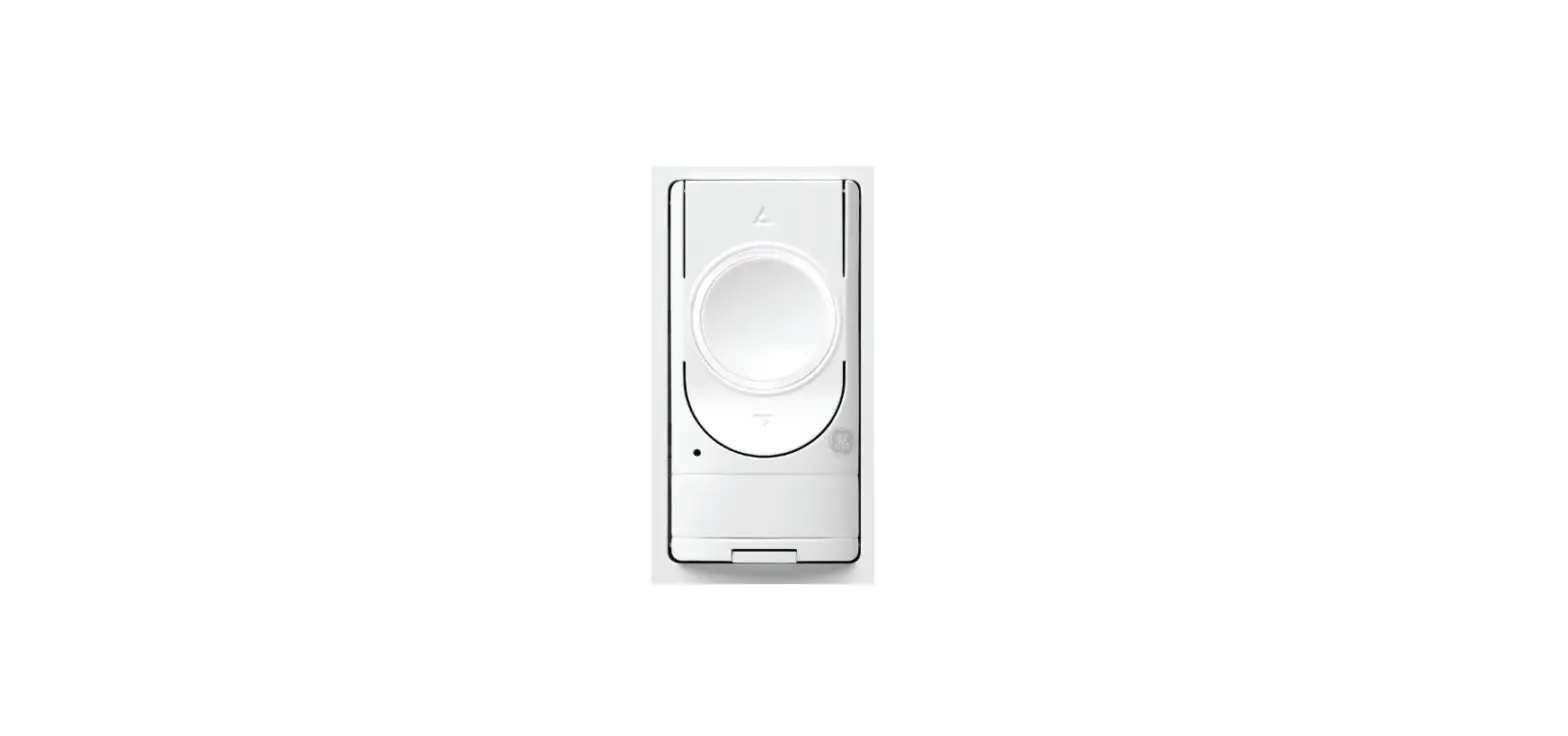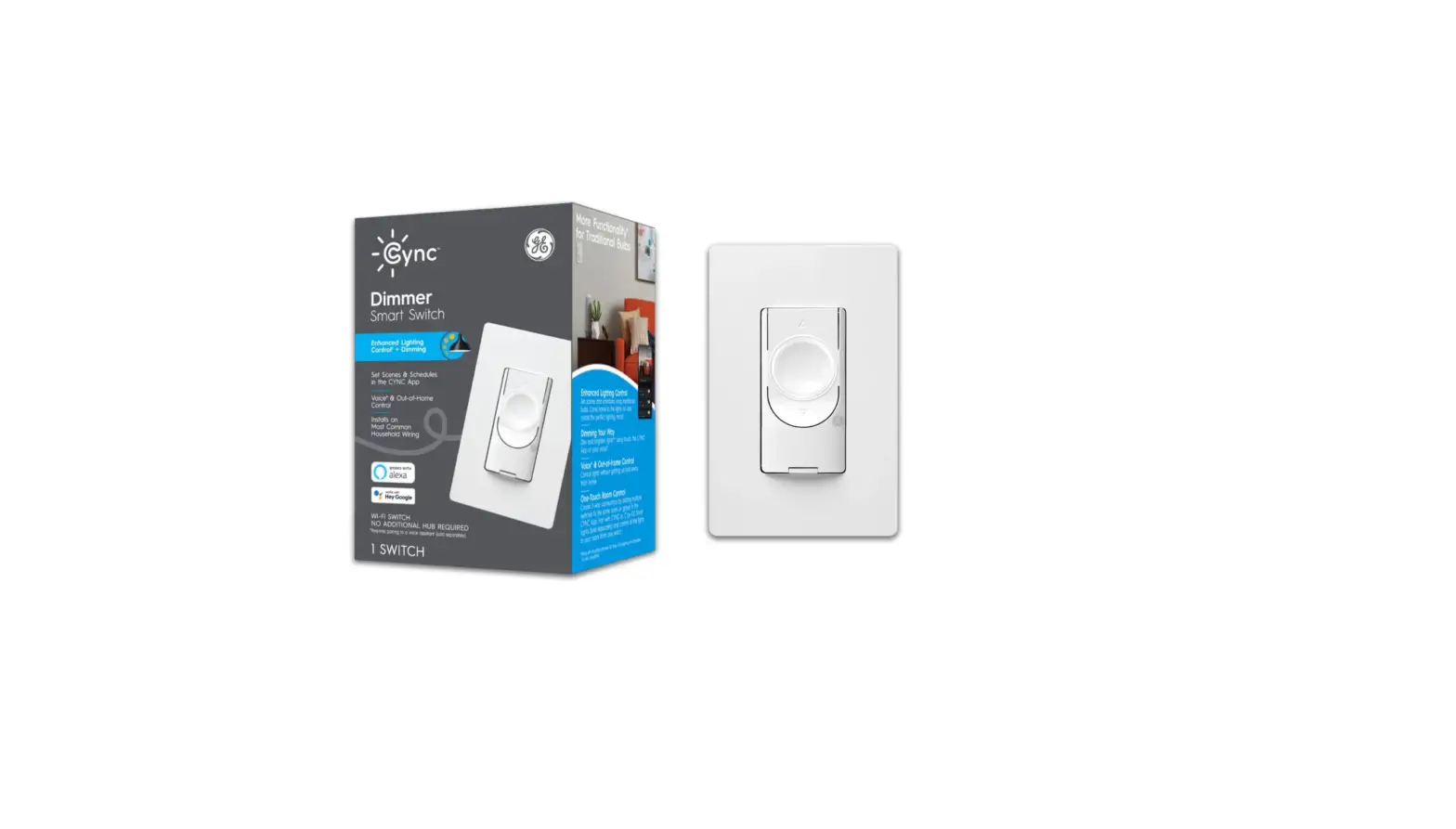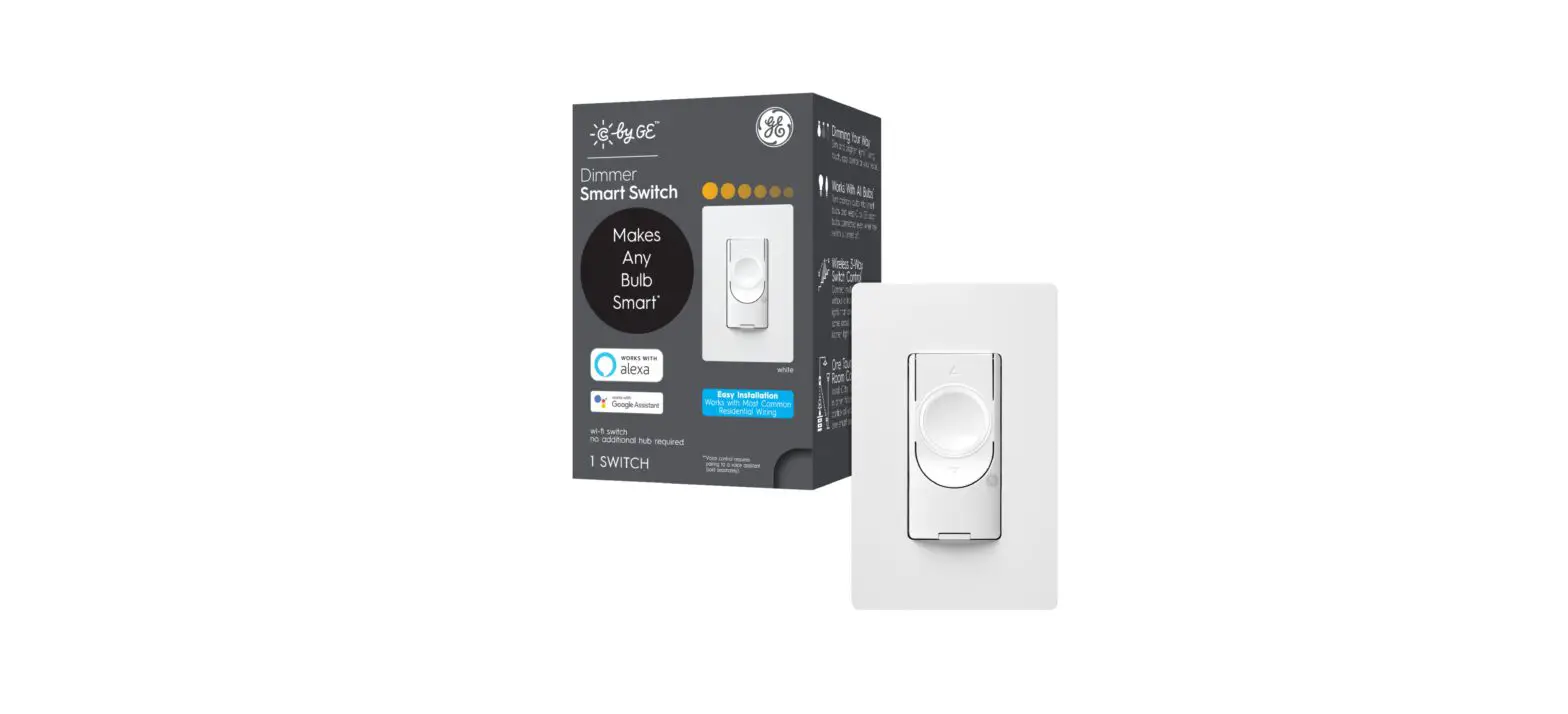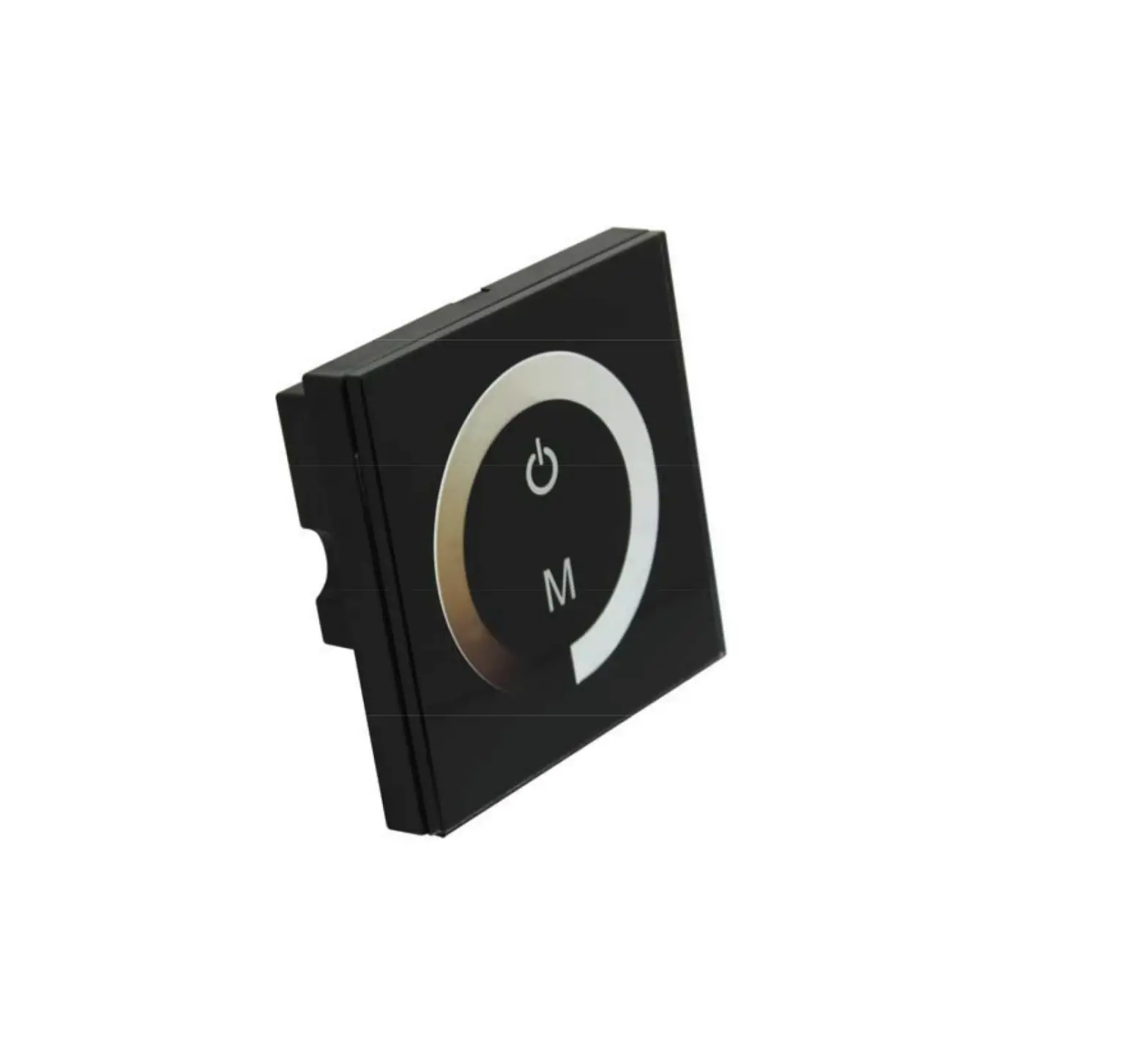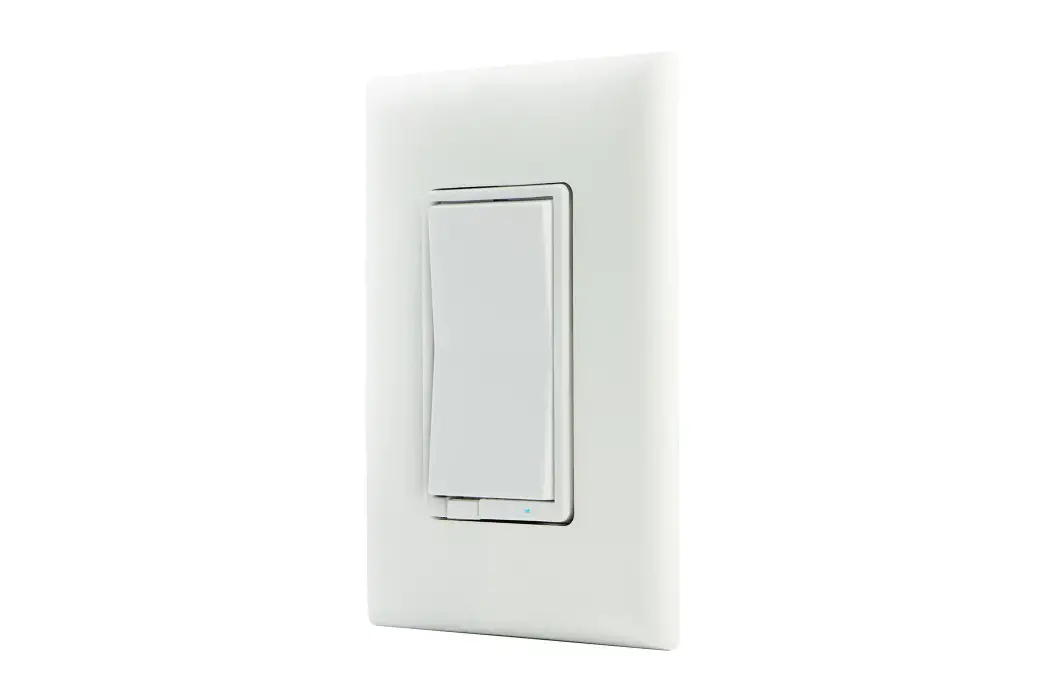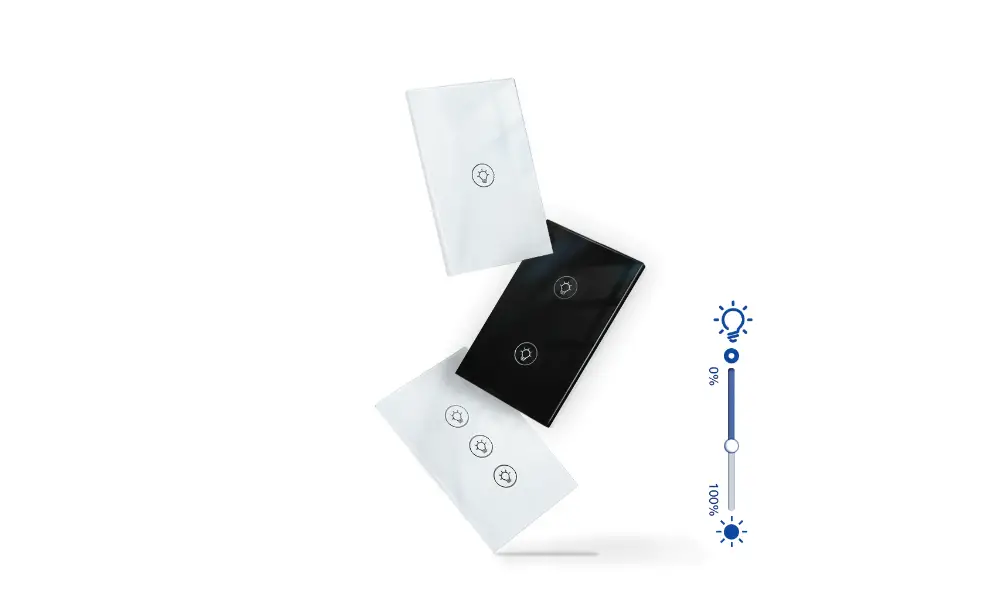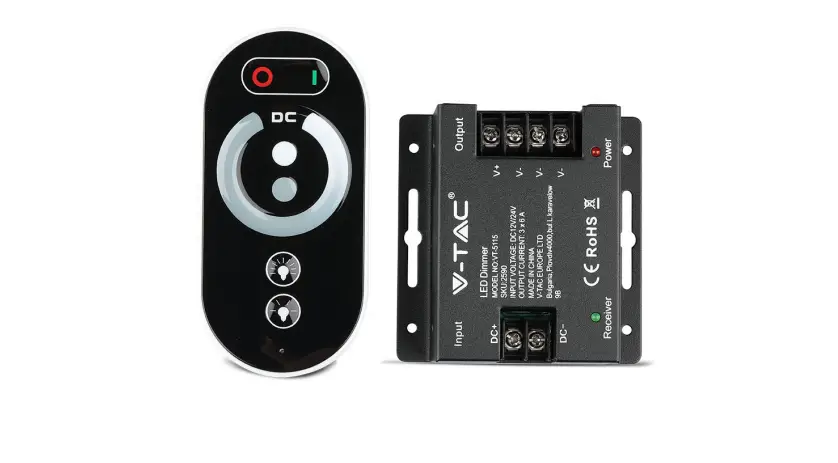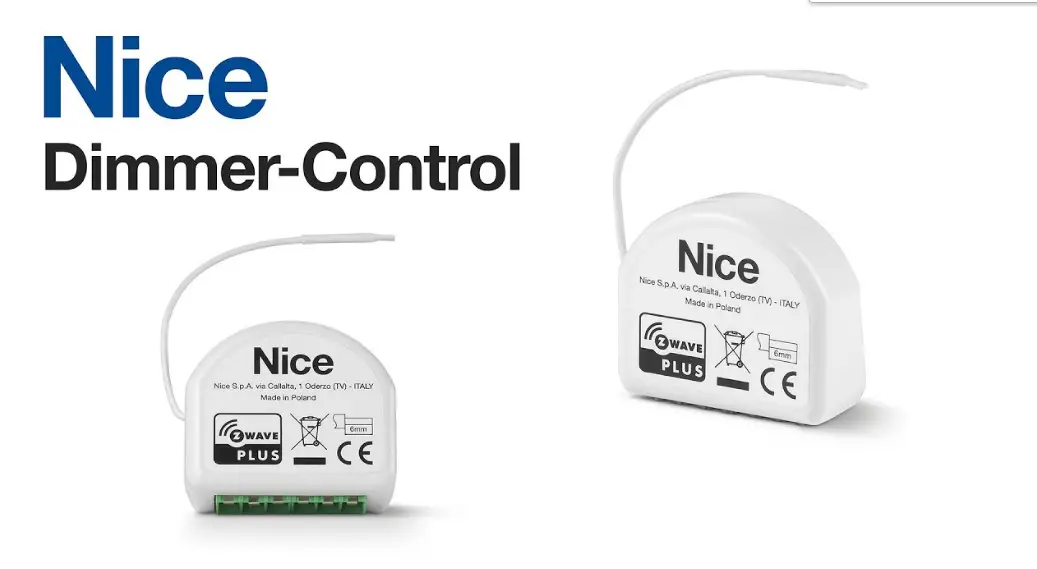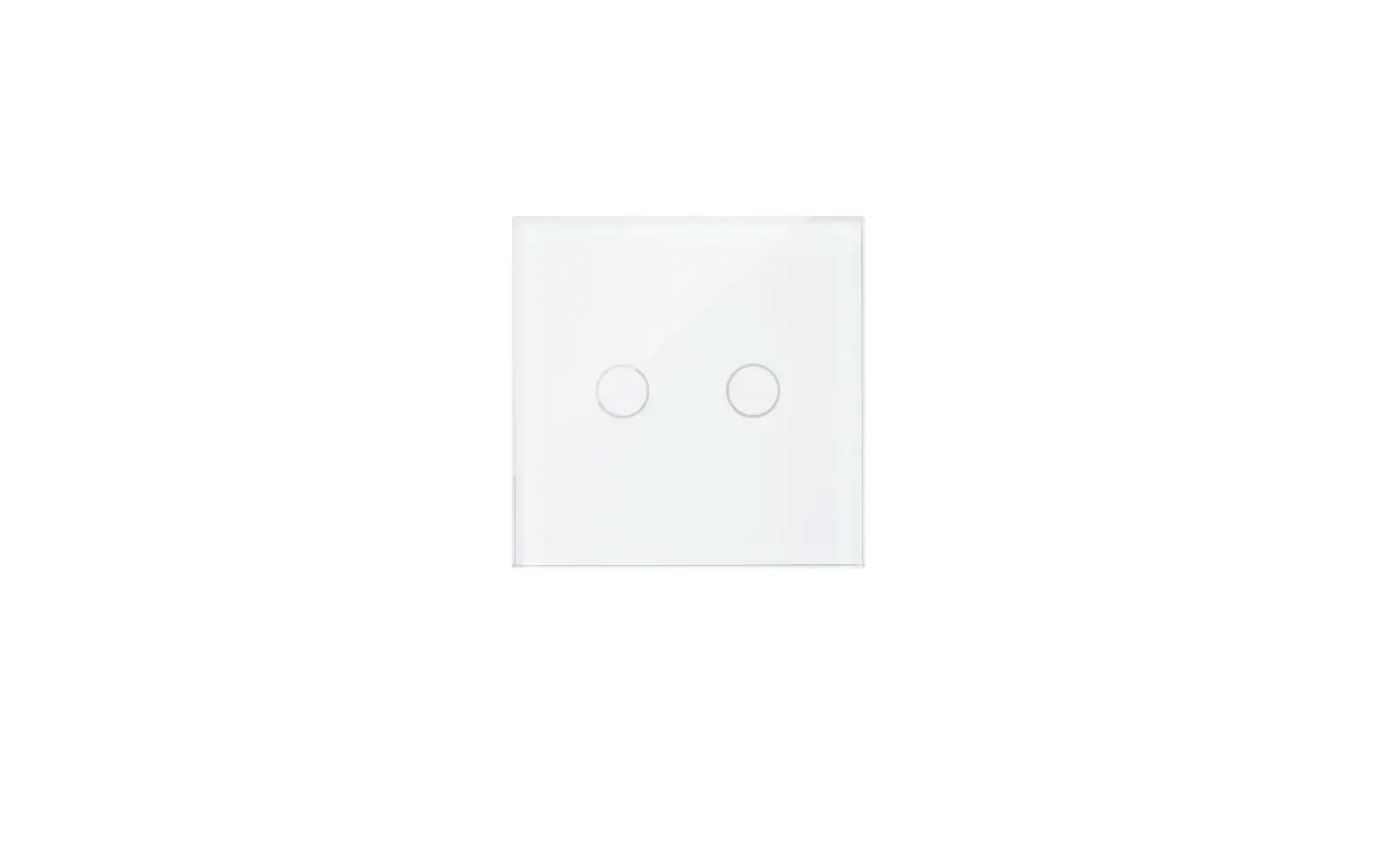

GE 93130503 Dimmer Touch Controls
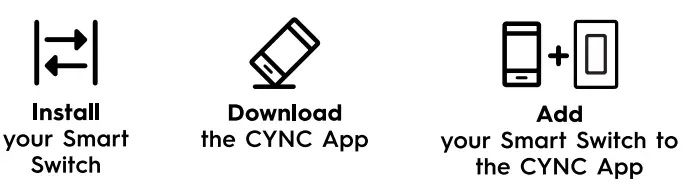
Complete setup in the CYNC App then see what it can do

- Automate your lights to turn on when you come home.
- Go to Sync App and schedule times to turn your lights on and off under routines.
- Use your voice to turn off the lights.
- Connect to Amazon Alexa or Hey Google voice assistants in the Cync App (sold separately), then say Alexa, turn off lights or Hey Google, turn off lights.
- Control other CYNC or C by GE lights in the room with your switch.
- In the CYNC App, add lights to the same room or group as your switch (lights sold separately).
Dimmer Touch Controls
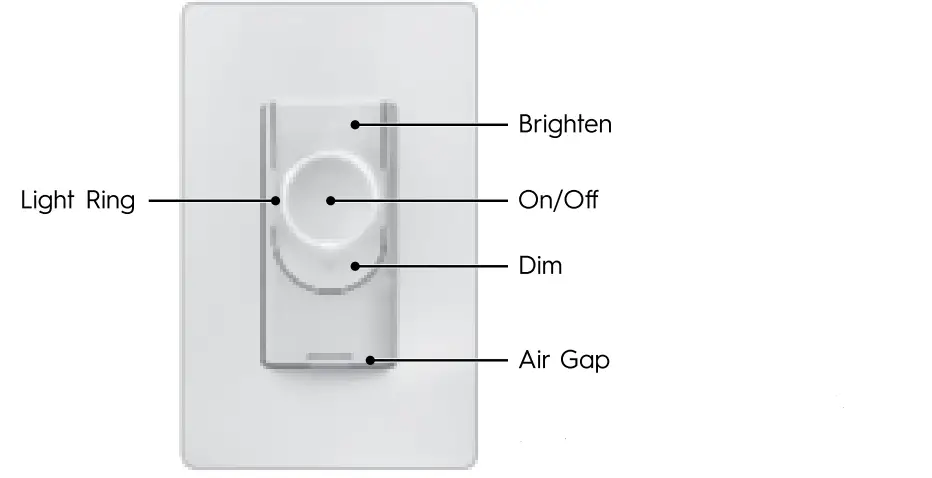
- (When changing light bulbs, pull out to turn off the power of the sockets)
- GE and C by GE are trademarks of General Electric Company.
- Used under trademark license.