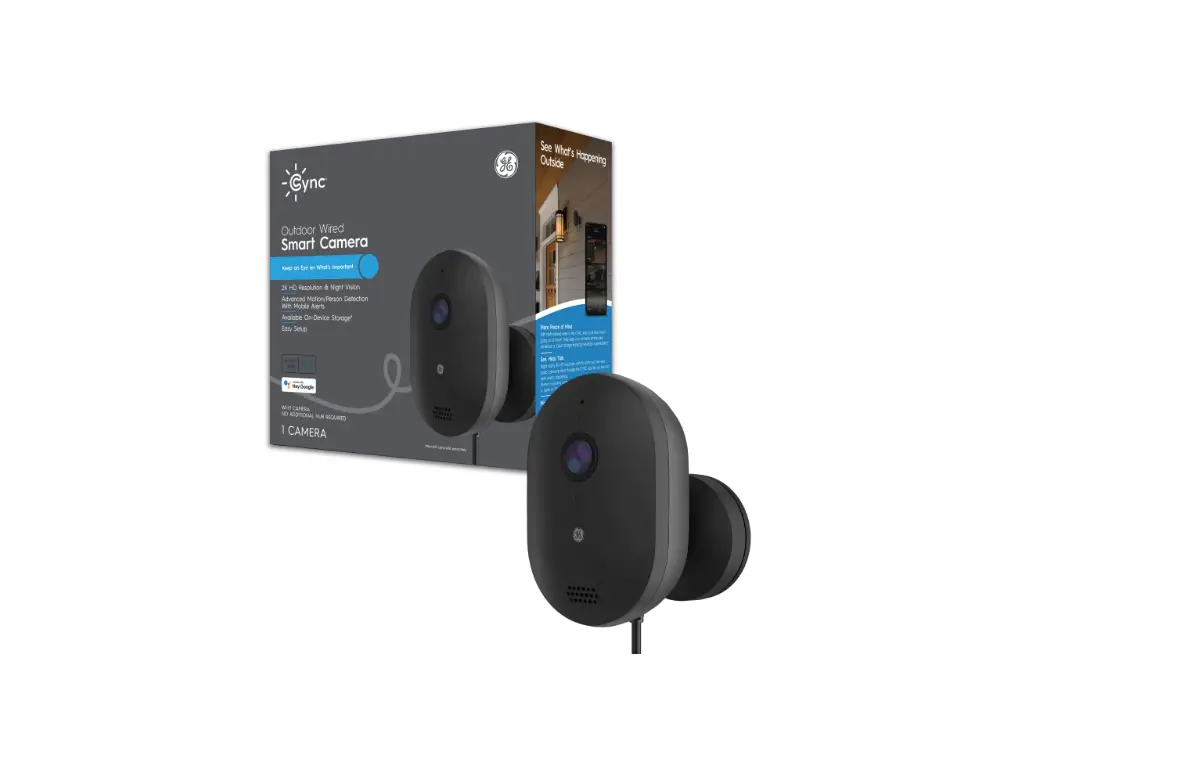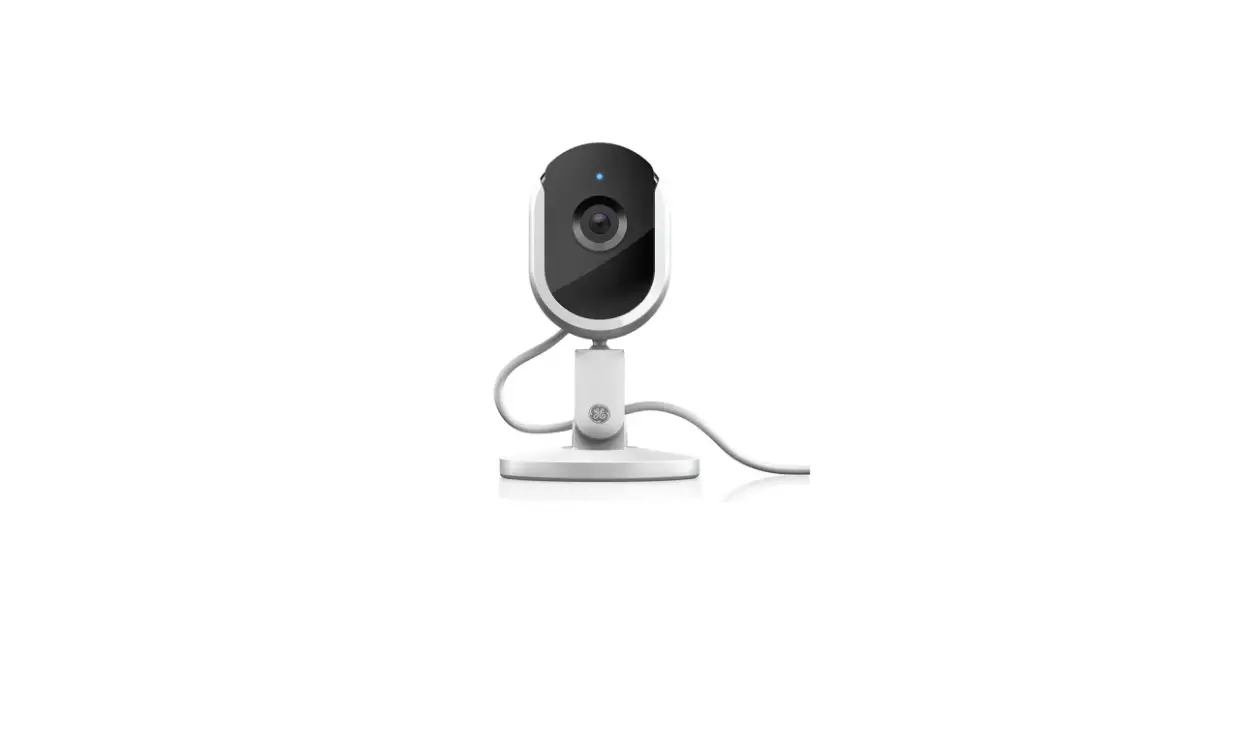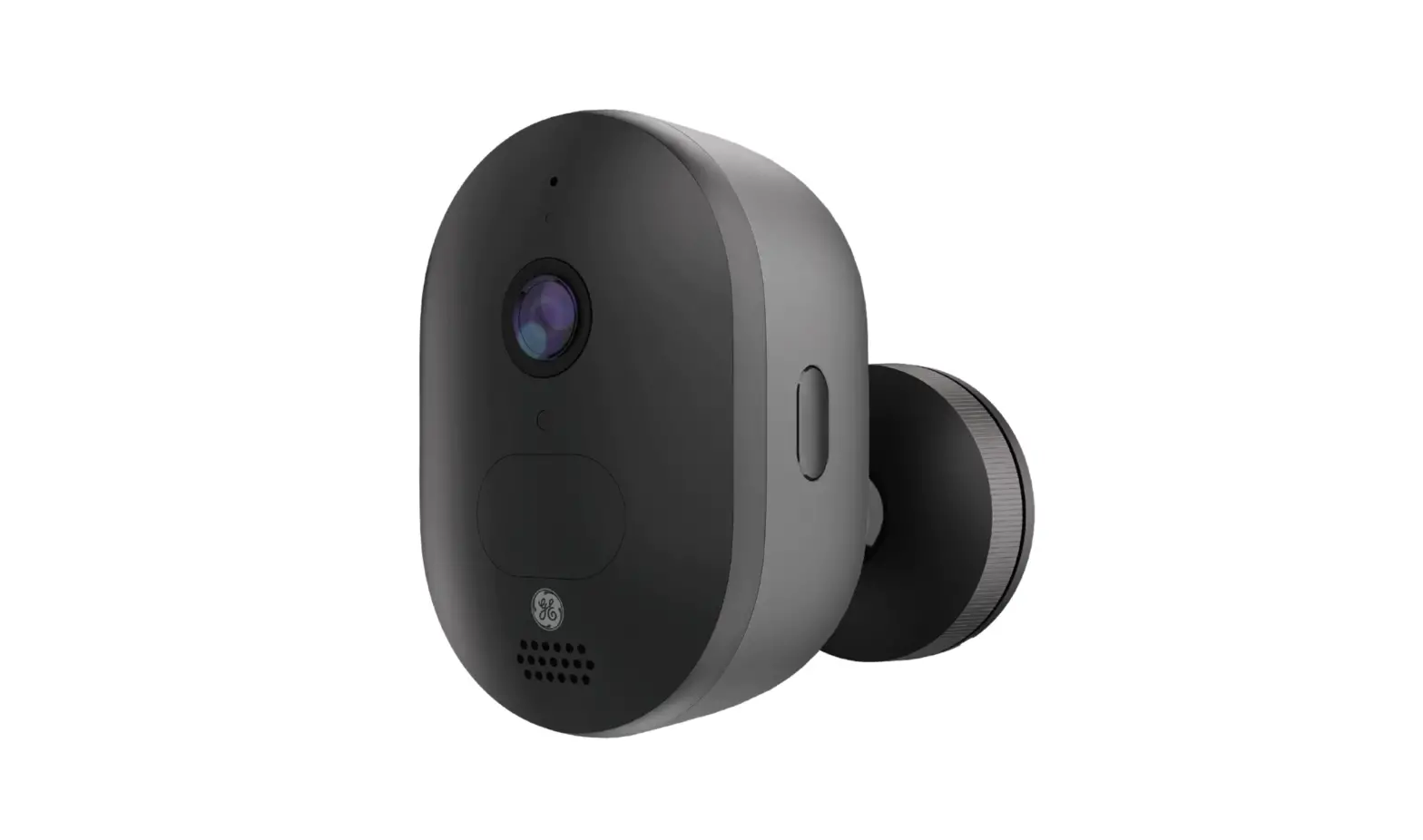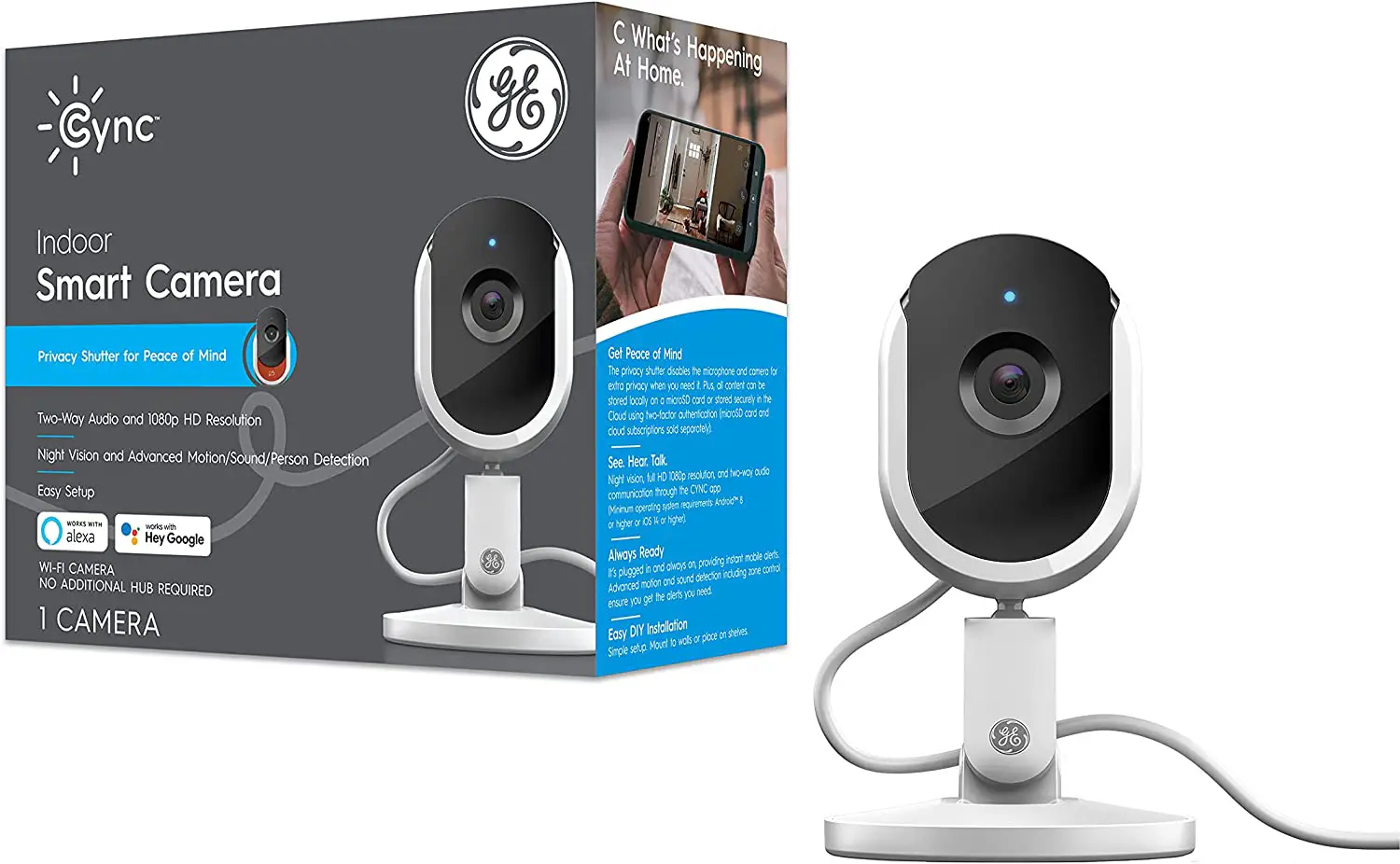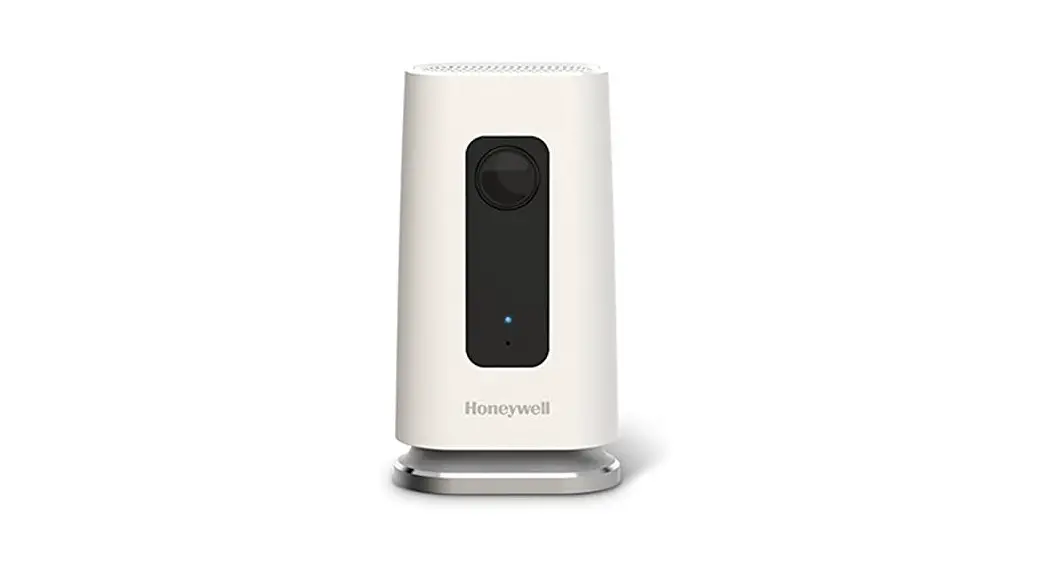

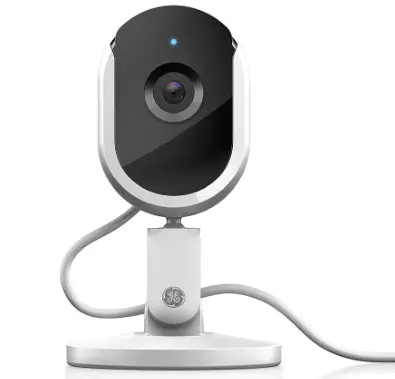
Cync 93128850 Smart Indoor Security Camera
Installation Guide
Like your new CYNC Smart Camera?
Share your experience!
Leave a review where you purchased the product. GE is a trodemark of General Electric Compary Used under trodemark license. Google, Android and Google Play are trademarks of Google LLC. App Store is a service mark of Apple Inc. PK-00105710-
Simple Setup
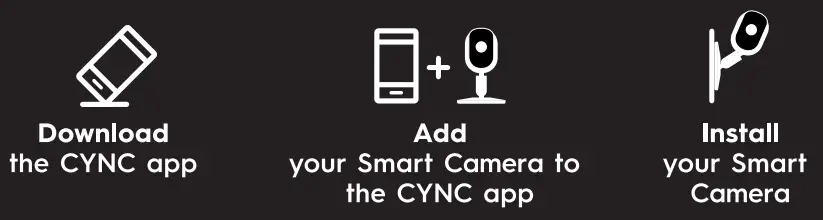
Minimum operating system requirements: AndroidTH 8 or higher or ioS 14 or higher
Tip: If your camera has trouble connecting to Wi-Fi, make sure you are using your router’s 2.4GHz band. Let’s Do lt
INCLUDED
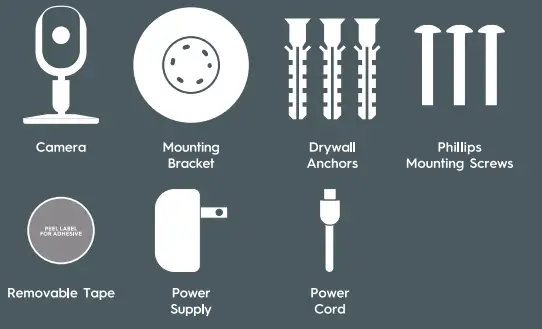
YOU’LL NEED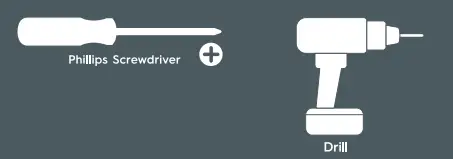 Approximately 30 minutes to install and setup
Mounting
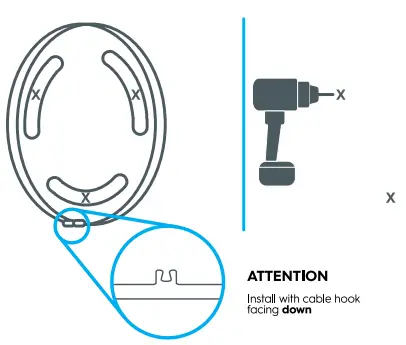
Mounting with Screws
- Remove Bracket from Bottom of the Camera Identify Placement, Drill Holes

Mounting with Removable Adhesive Strips
- Remove Bracket from Bottom of the Camera Identify Placement, Attach Adhesive

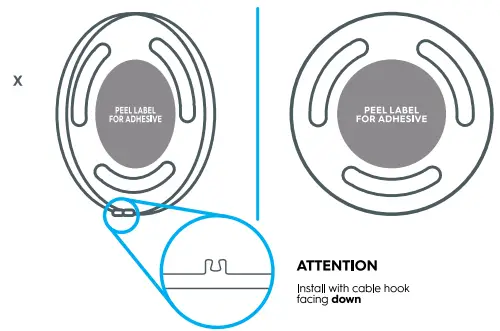
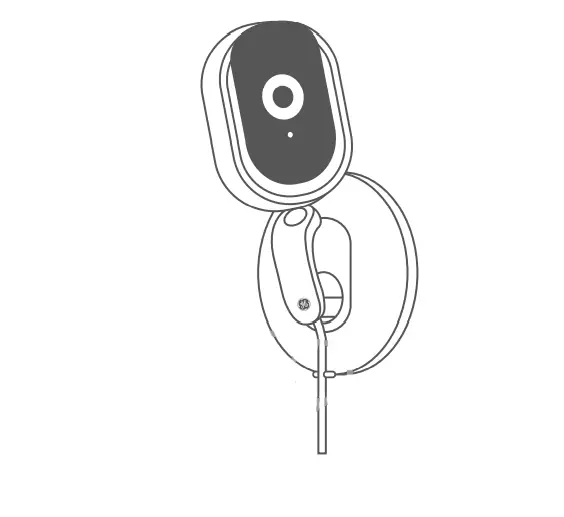
Mount Camera to Wall
- Mount to Flat, Smooth Surface

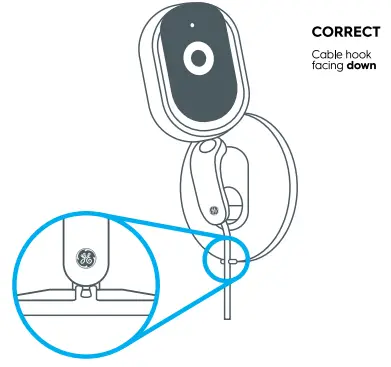
Incorrect Wall Plate Position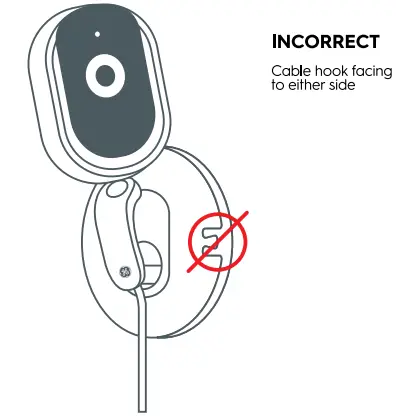
- The Camera can also mount to ceilings or upside down. Easily flip the image 180° in the CYNC app for these installations.
Incorrect Wall Plate Position 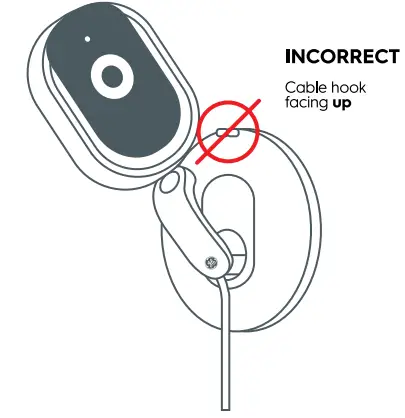 Incorrect Cable and Camera Position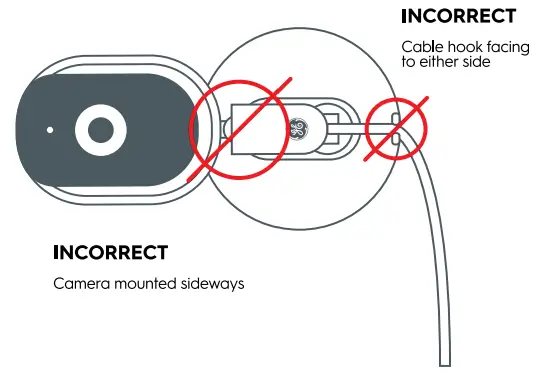
Storing Content on the Camera 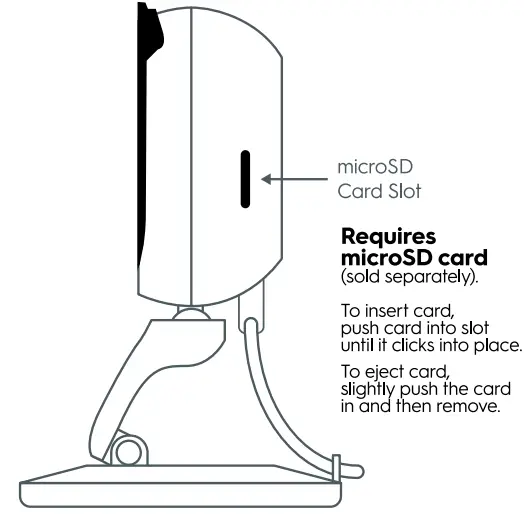
Additional Information and Warnings
FCC Compliance Statement Compliance Notice:
This equipment has been tested and found to comply with the limits for a Class B digital device, pursuant to part 15 of the FCC Rules. These limits are designed to provide reasonable protection against harmful interference in a residential installation. This equipment generates, uses and can radiate radio frequency energy and, if not installed and used in accordance with the instructions, may cause harmful interference to radio communications. However, there is no guarantee that interference will not occur in a particular installation. If this equipment does cause harmful interference to radio or television reception, which can be determined by turning the equipment off and on, the user is encouraged to try to correct the interference by one or more of the following measures:
- Reorient or relocate the receiving antenna.
- Increase the separation between the equipment and receiver.
- Connect the equipment into an outlet on a circuit different from that to which the receiver is connected.
- Consult the dealer or an experienced radio/TV technician for help.
This device complies with port 15 of FCC rules. Operation is subject to the following two conditions:
- This device may not cause harmful interference.
- This device must accept any interference received, including Interference that may cause undesired operation.
Any changes or modifications not expressly approved by the party responsible for compliance could void the user’s authority to operate the equipment.
This device complies with Industry Canadas license-exempt RSSs. Operation is Subject fo the following fwo condifions:
- This device may not cause interference;
- This device must aCcept any interference, including interference that may cause undesired operation of the device
This equipment complies wifh IC RSS-102 radiafion exposure limifs set forth for an uncontrolled environment. This equipment should be installed and operated with a minimum distance of 20cm between the radiator and any part of your body.