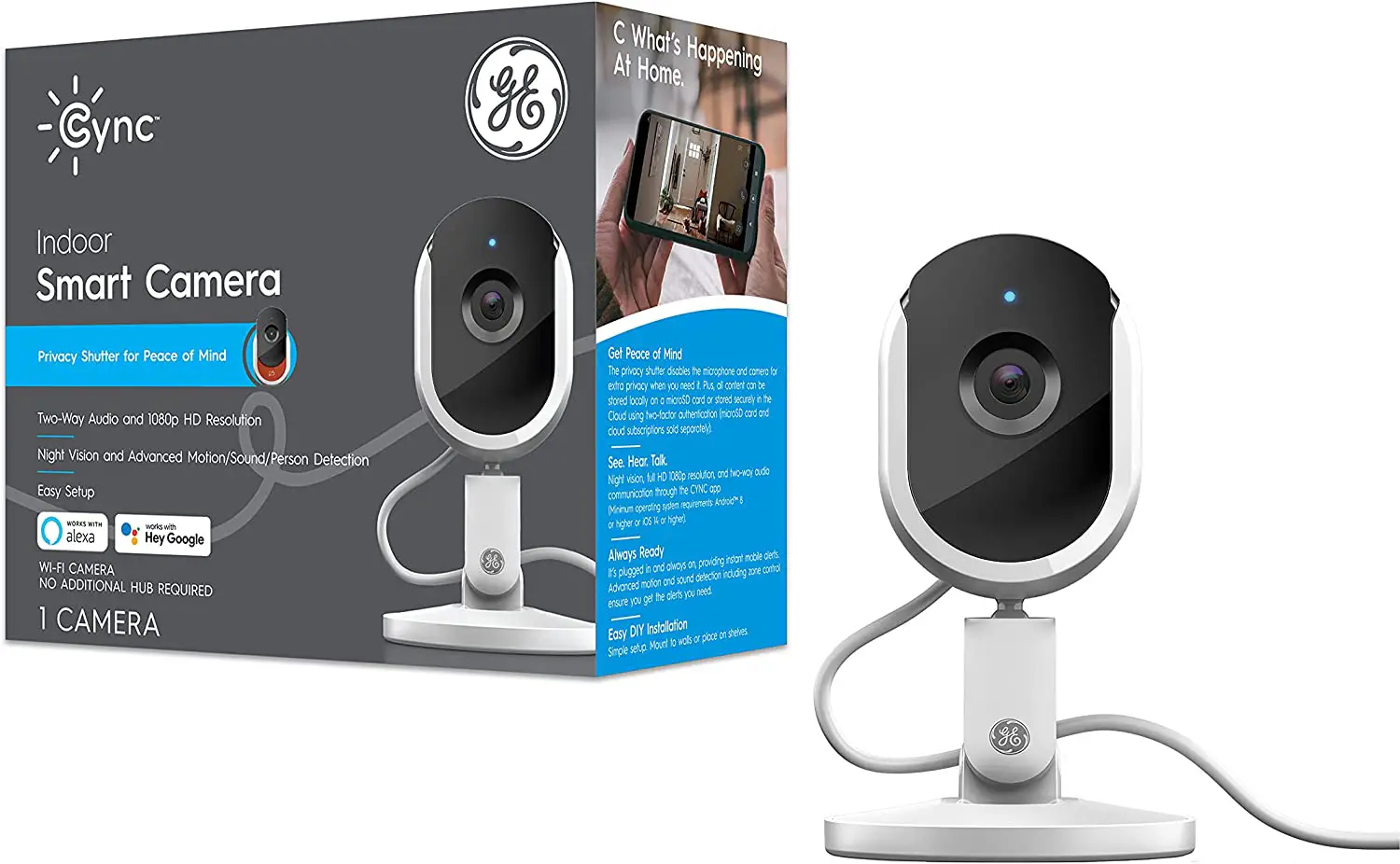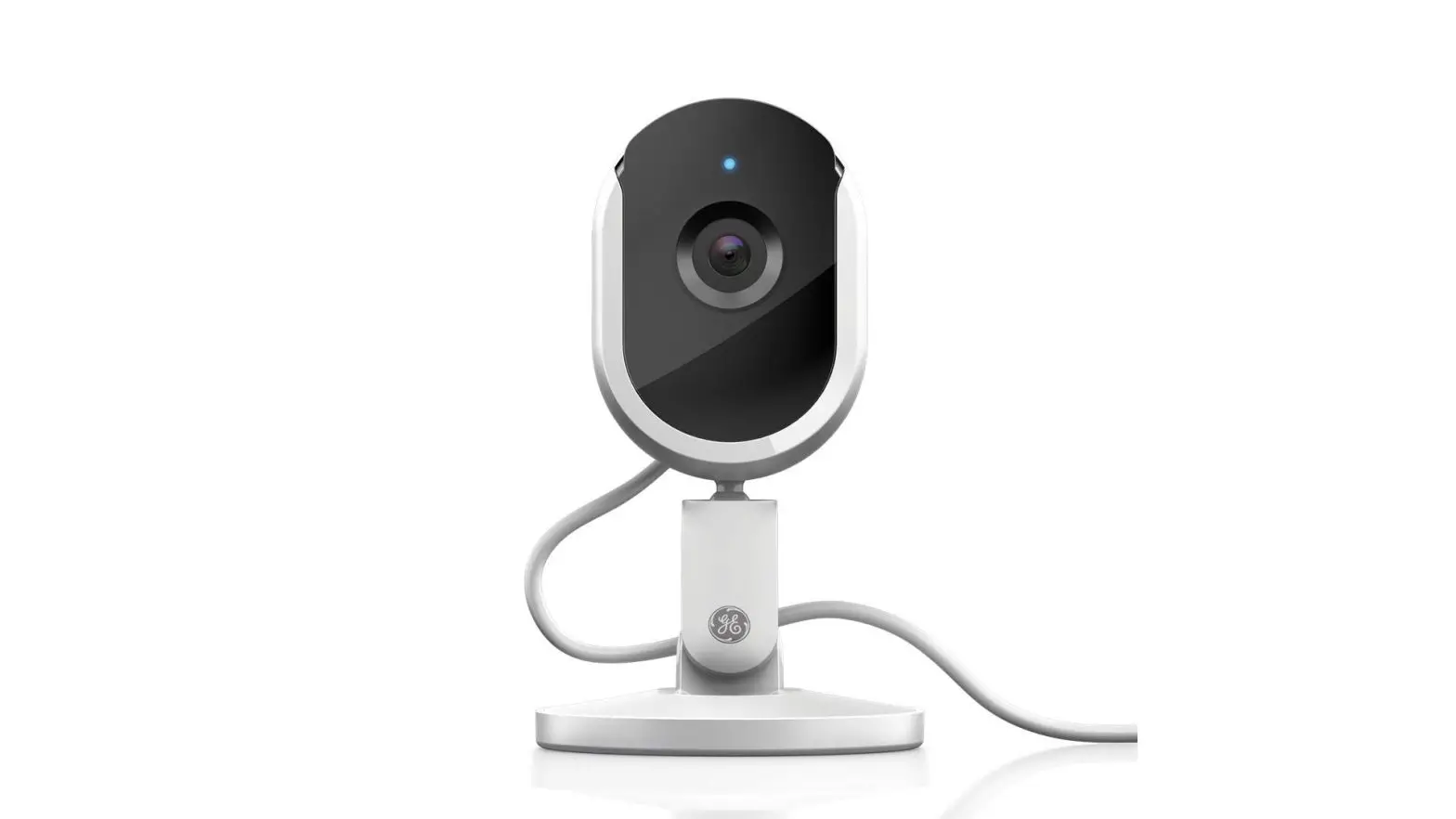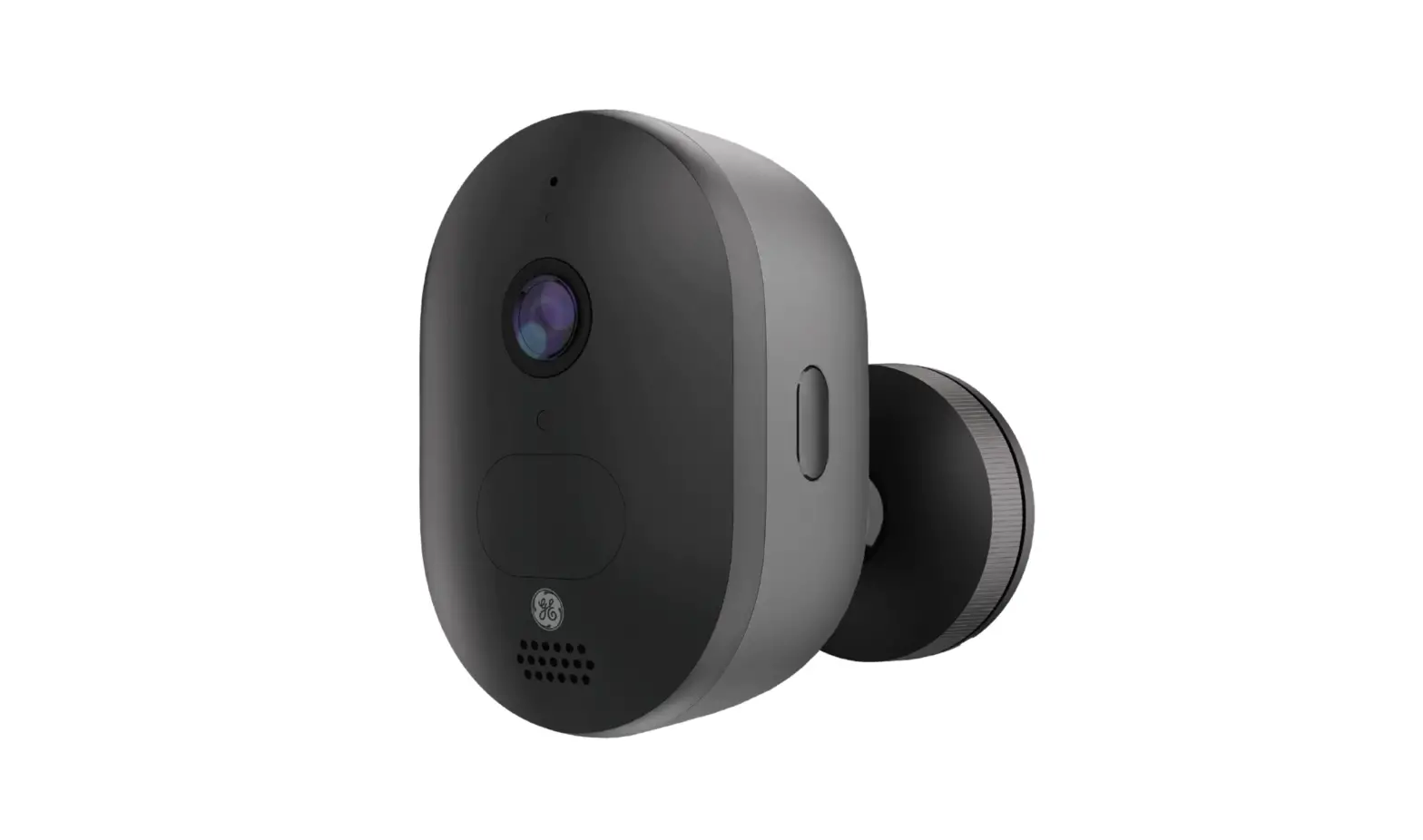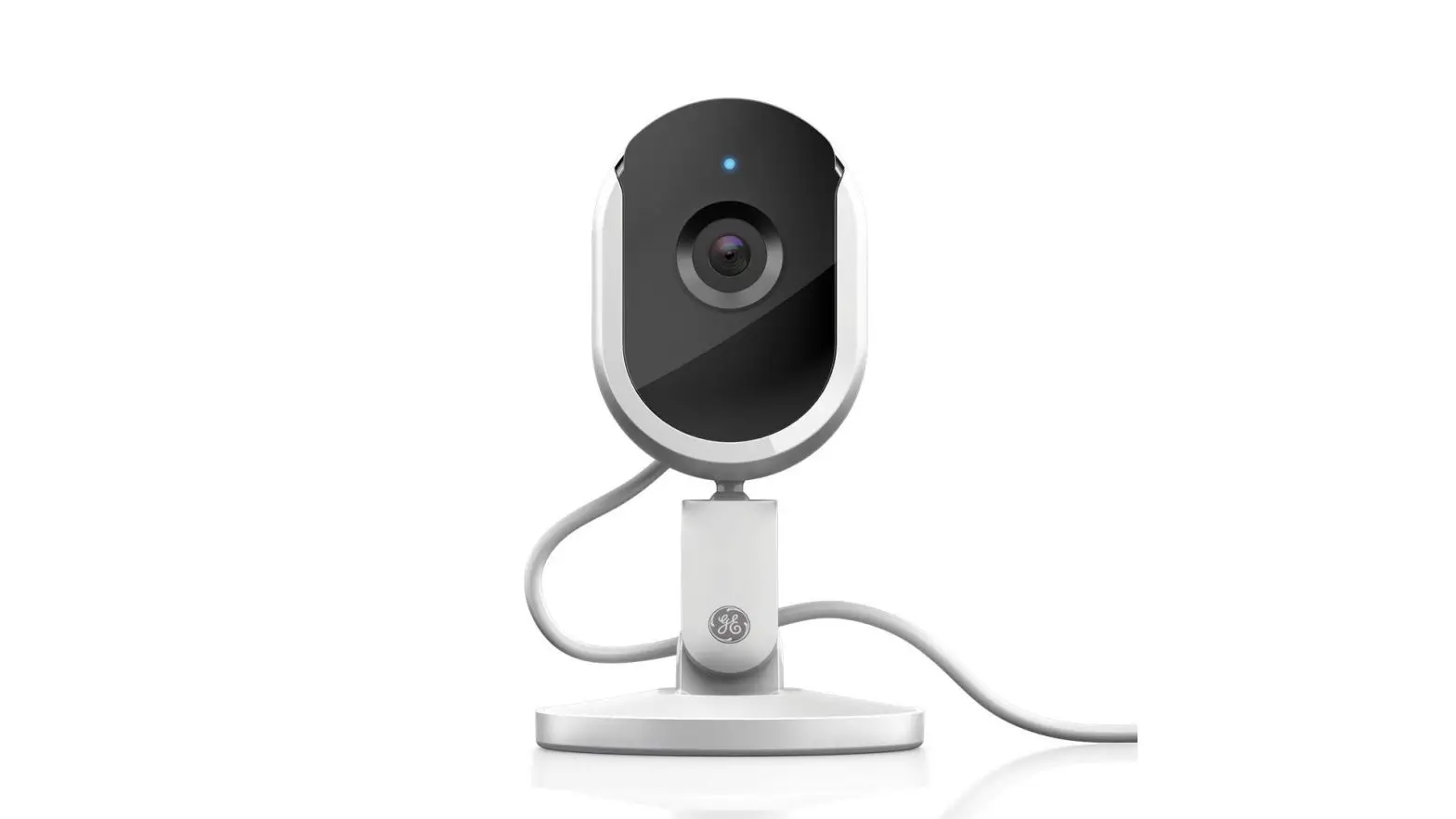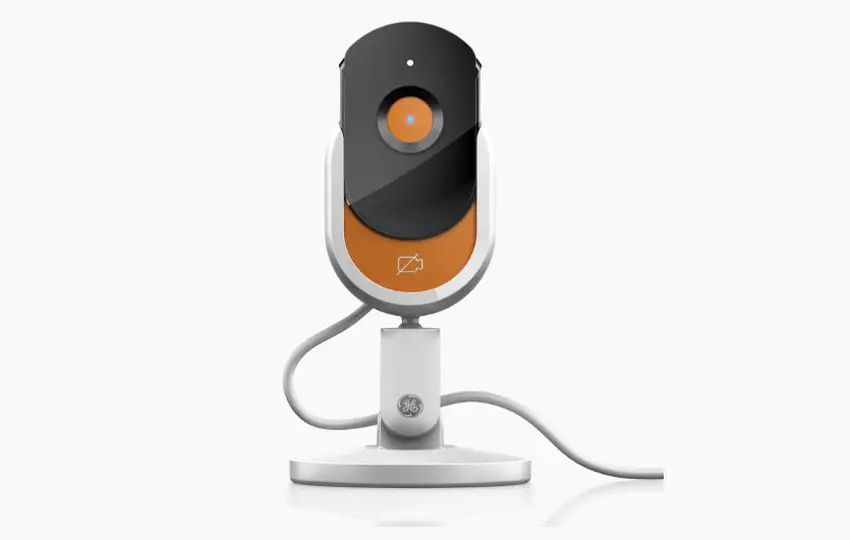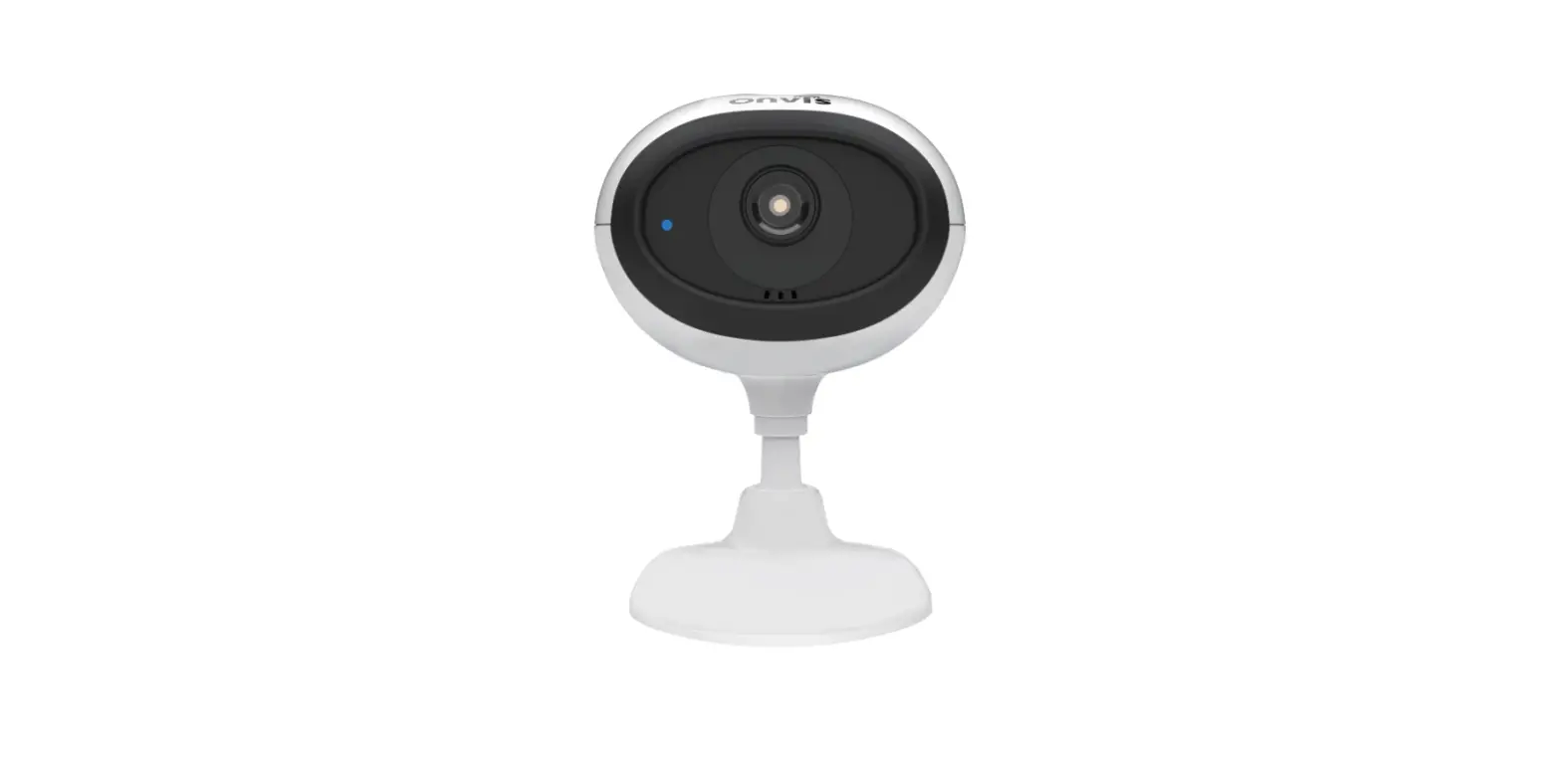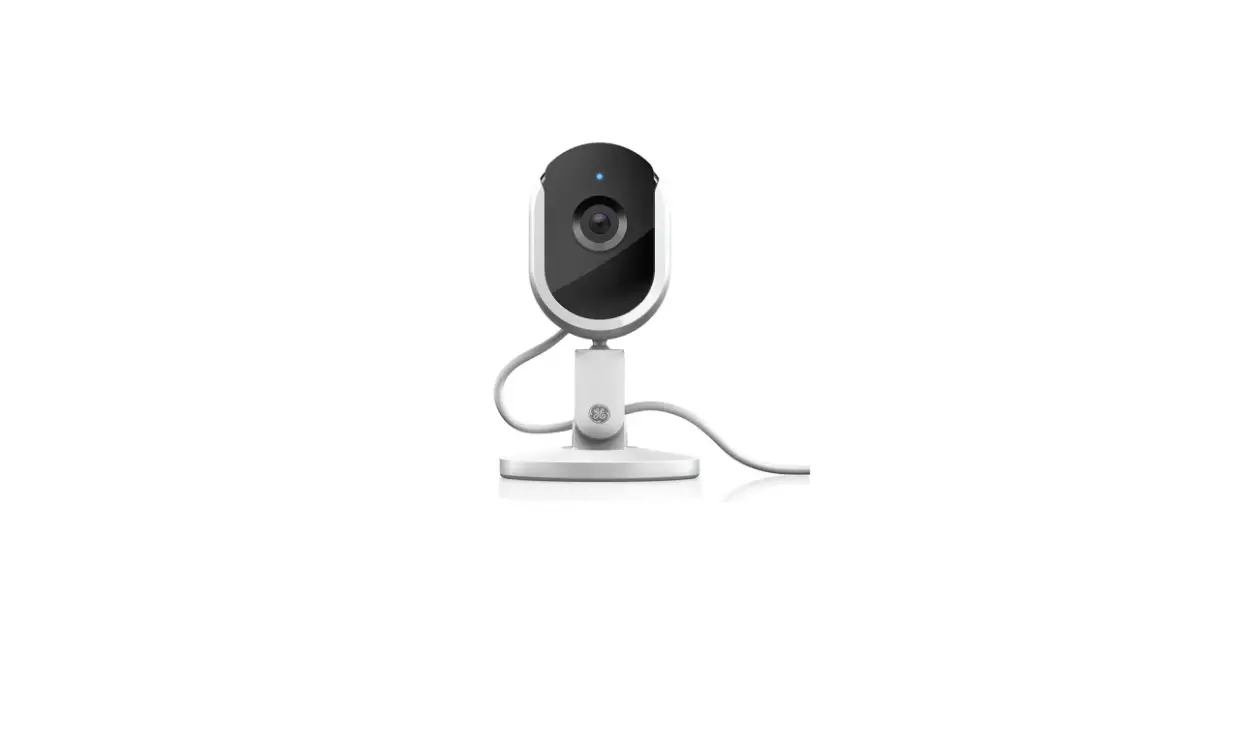

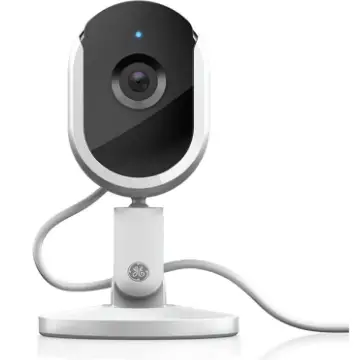
GE Profile Cync Indoor Smart Camera
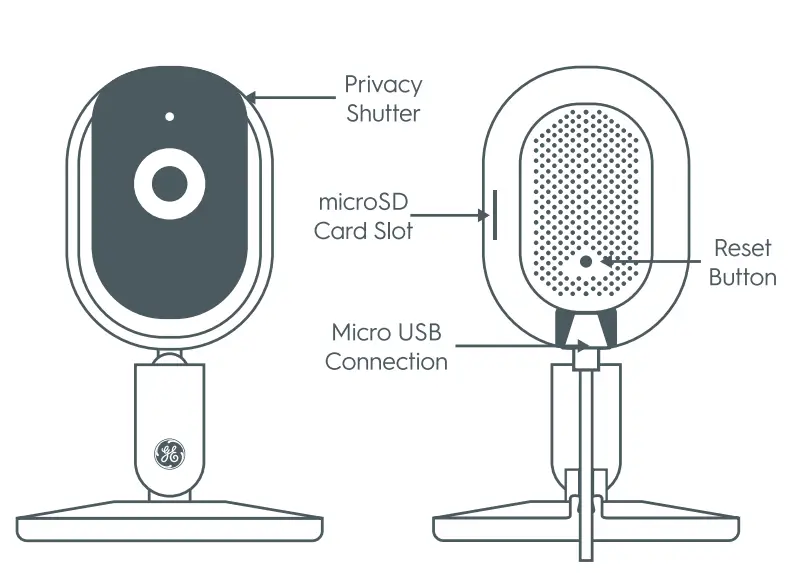
Controls & Connections
Let’s see what your Smart Camera can do:
Enable Privacy Mode.
To enable privacy mode, manually slide privacy shutter up. This disables audio and video functionality.
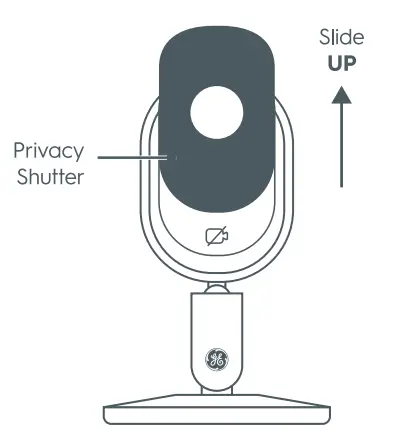
Disable Privacy Mode.
To disable privacy mode, manually slide the privacy shutter down. This restores audio and video functionality.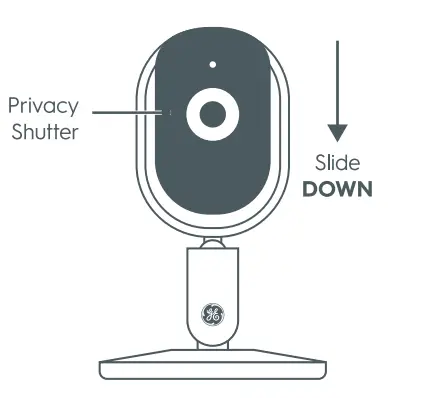
Choose Your Storage Option:
Cloud Storage
Your camera comes with a free trial of our premium Cloud video storage solution. Your video will be stored in our secure Cloud accessed by two-factor authentication.
SD Drive
Store all of your content locally on a microSD card (sold separately) using the camera’s built-in microSD card slot
Video Storage & Resetting
How to Factory Reset Your Camera:
- Locate the pinhole on your camera.
- Press and hold the button for 3 seconds.
- You can let go when the LED light turns red.